

 FS2004 Propeller Aircraft
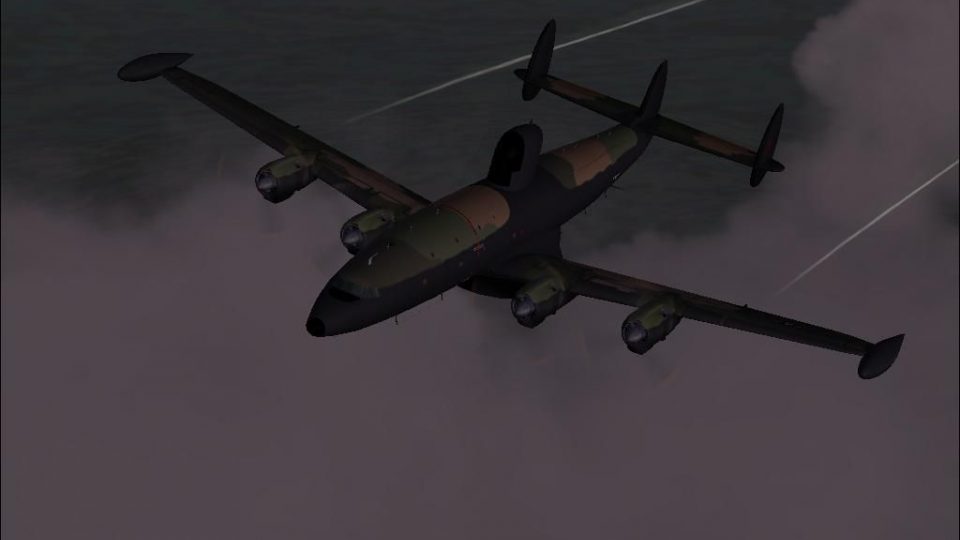
Lockheed L-1049 Super G
First flown in December 1954, the "Super G" was the most successful and prest…
Corrects the fuel-dump contrail origin on Team 1049 Lockheed L-1049 Super Constellation and Warning Star variants for FS2004 by repositioning the smoke effect to the proper wing location and slightly aft, matching real-world vaporization behavior. The tweak applies across shared-wing L1049, WV-2/WV-3, and C-121 family models.
 Rate
Rate
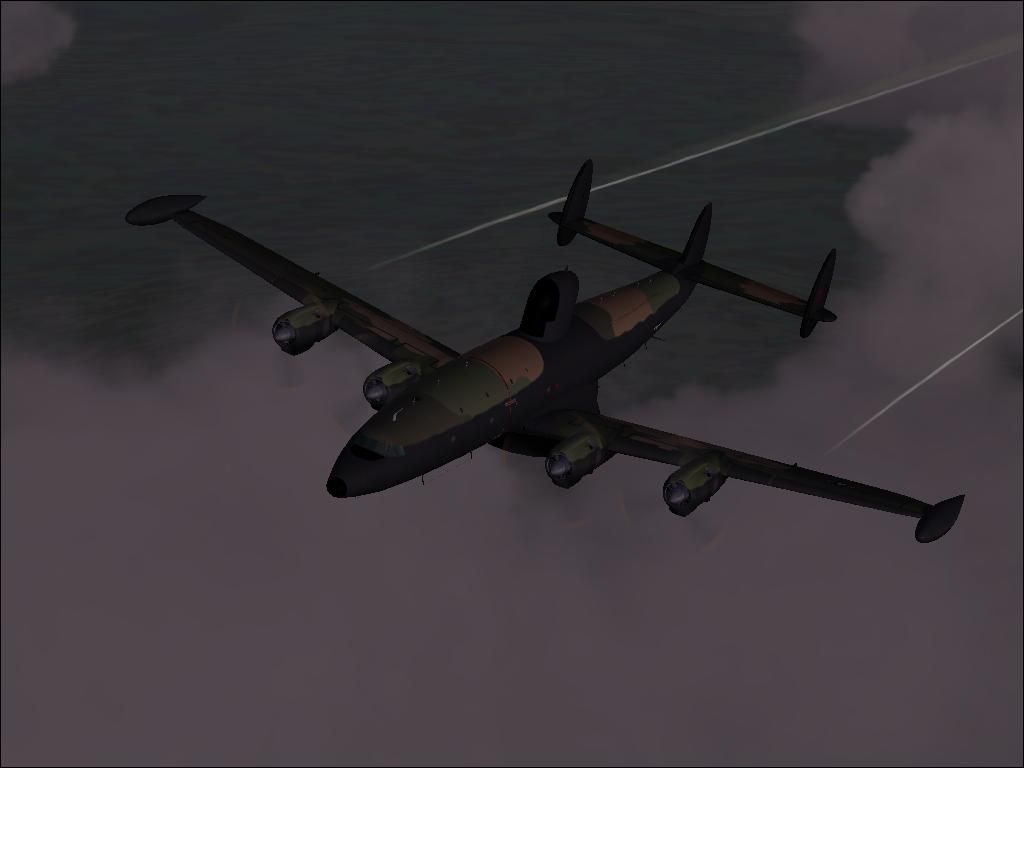
This simple change to the config file fixes the location of the fuel dump contrail on the Team 1049 Super Constellations and Warning Stars. Since all L1049's, WV-2 and 3's and all the C-121 variants had the same wing, this will work for them all. Fix by David Irons. Original aircraft by Team 1049 - Roland Berger, Volker Boehme, Manfred Jahn, Luis Pallas, Bill Tyne, and Stefan Werner.
Lockheed "Team 1049" Super dumping fuel.
As it stands now, the fuel contrail efect is too far outboard and too high (oddly, in the position of a 1649's!). A small detail overlooked by the team on an otherwise outstanding model!
This simple fix starts the fuel dump effect at the correct location, and slightly behind the wing, the correct distance aft for fuel vaporisation to occur. Thumbnail shows the new fuel dump on my SEA "Night Owl" repaint.
Copy and paste the following section into the config. file, after cutting the improper location lines in the [smokesystem] subsection. Save the file, and that's it!
Happy fuel dumping!
[smokesystem]

smoke.0 = 10.00, -25.10, 38.10, fx_1049_fueldump

smoke.1 = 10.00, -25.10, -38.10, fx_1049_fueldump
Free for all simmers · 59.11 KB · Scanned clean Oct 2026
Download speed: Free tier is capped at 0.5 Mbps. PRO members download at full line speed.
FS9\Aircraft\, FS9\Addon Scenery\, FS9\Gauges\, or FS9\Effects\.readme.txt or README file. It tells you exactly where files go, what dependencies are needed, and any quirks specific to this add-on.The archive l1049_fuel_dump.zip has 6 files and directories contained within it.
This list displays the first 500 files in the package. If the package has more, you will need to download it to view them.
| Filename/Directory | File Date | File Size |
|---|---|---|
| file_id.diz | 10.15.09 | 519 B |
| thumbnail.JPG | 10.09.09 | 35.80 kB |
| readme.txt | 10.16.09 | 1.13 kB |
| Night Owl EC-121J.JPG | 10.09.09 | 35.80 kB |
| flyawaysimulation.txt | 10.29.13 | 959 B |
| Go to Fly Away Simulation.url | 01.22.16 | 52 B |
Only PRO members can place votes.
More FS2004 add-ons hand-picked based on this download.
FS2004 Propeller Aircraft
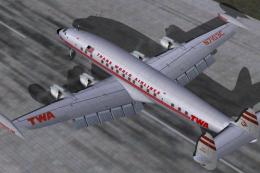
First flown in December 1954, the "Super G" was the most successful and prest…
 FS2004 Propeller Aircraft
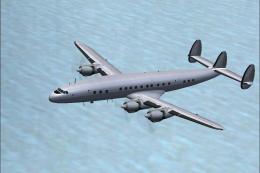
Pre-Release Paint Kit (Flying). This paintkit contains Photoshop (.psd) maste…
 FS2004 Propeller Aircraft
This paintkit is a supplement for the FS2004 Lockheed Super Constellation ser…
 FS2004 Propeller Aircraft
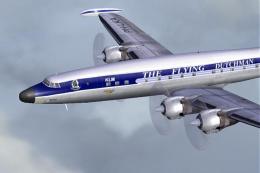
Textures only for Mike Stone's model, depicting KLM Lockheed Super Connie PH-…
 FS2004 Propeller Aircraft
Improved flight dynamics and panel upgrade for the FS2004/FSX Lockheed L-1049…
 FS2004 Propeller Aircraft
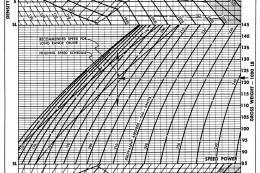
Additional performance charts for the Lockheed L-1049G/H Super Constellation …
 FS2004 Propeller Aircraft
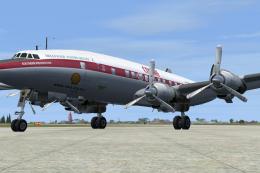
Super G Constellation. Model by Manfred Jahn required (L1049G.ZIP). Repaint b…
 FS2004 Propeller Aircraft
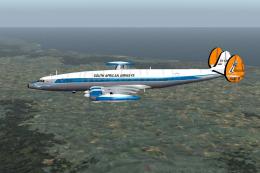
This freeware add-on provides a hypothetical South African Airways (SAA) live…
Be the first to leave a comment on this download.
Be the first to share your thoughts on this download.