

 FSX Misc
Camera - Savoia Marchetti SM 79 (Kazunori Ito)
Cameras for the Italian bomber/torpedo bomber Savoia Marchetti SM79 Sparviero…
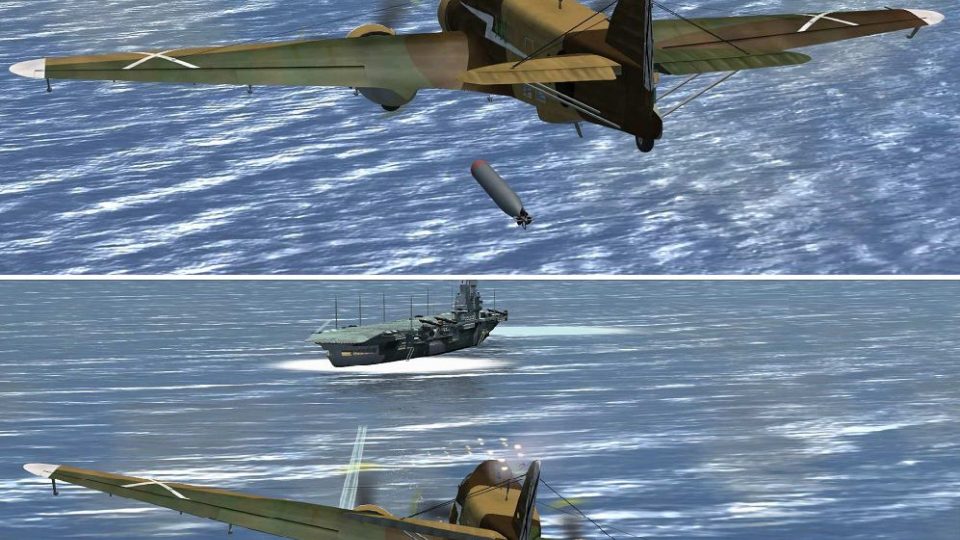
Nine custom camera angles tailor the Savoia-Marchetti SM.79 Sparviero experience in Microsoft Flight Simulator X, covering immersive cockpit viewpoints and cinematic exterior shots. Dedicated stations such as the rear gunner position and animated waist gunners help capture bomber and torpedo-bomber operations with quick access to key perspectives.
 Rate
Rate
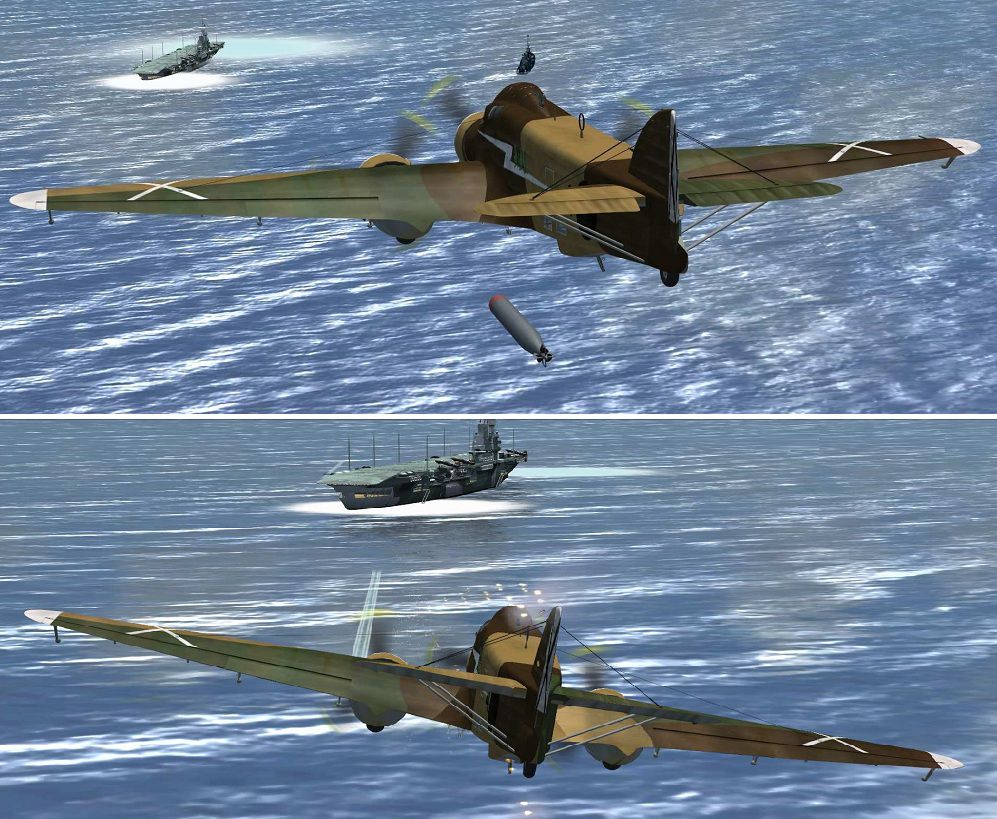
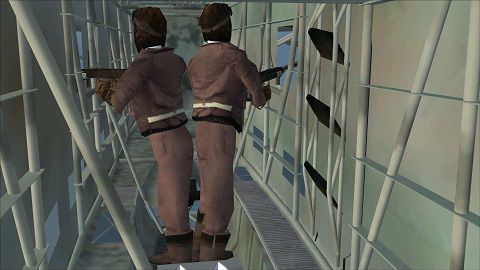

Cameras for the Italian bomber/torpedo bomber Savoia Marchetti SM79 Sparviero from Manuele Villa (sm79_v01.zip). There are nine cameras providing internal and external views, f.i. the rear gunner view or animated waist gunners. Configuration by Erwin Welker.
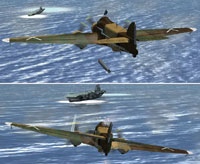
Camera views for the Savoia Marchetti SM 79.
Installation:
How to get the views:
Toggle with the S-key to the aircraft view mode, then toggle with the A-key. There are the most views, including some internal views you will see in.
Other views are in the Panel view mode (F10). Toggle with the A-key.
Free for all simmers · 430.13 KB · Scanned clean Oct 2026
Download speed: Free tier is capped at 0.5 Mbps. PRO members download at full line speed.
This add-on may require the following files to function properly. If this is a repaint, the dependency below is likely the base aircraft package.
SimObjects\Airplanes\, Addon Scenery\, Effects\, or Gauges\.readme.txt or README file. It tells you exactly where files go, what dependencies are needed, and any quirks specific to this add-on.The archive sm79-mv-cameras.zip has 15 files and directories contained within it.
This list displays the first 500 files in the package. If the package has more, you will need to download it to view them.
| Filename/Directory | File Date | File Size |
|---|---|---|
| Cameras-Lights-smoke.cfg | 07.25.11 | 6.90 kB |
| Effects | 07.29.11 | 0 B |
| fx_airexpl_s.fx | 08.31.00 | 5.28 kB |
| fx_bomborion.fx | 08.24.05 | 4.34 kB |
| fx_bomborion1.fx | 08.24.05 | 1.16 kB |
| fx_explosion.fx | 05.12.06 | 10.80 kB |
| fx_ShellHit.fx | 01.14.06 | 4.93 kB |
| FX_Wing_Guns.fx | 12.26.06 | 10.48 kB |
| FILE_ID.DIZ | 07.29.11 | 265 B |
| Readme.txt | 07.29.11 | 2.19 kB |
| SM-79_Torpedo attac (2).jpg | 07.29.11 | 47.26 kB |
| SM-79_Torpedoattac (1).jpg | 07.29.11 | 323.54 kB |
| Waistgunner.jpg | 07.26.11 | 48.58 kB |
| flyawaysimulation.txt | 10.29.13 | 959 B |
| Go to Fly Away Simulation.url | 01.22.16 | 52 B |
Only PRO members can place votes.
More FSX & P3D add-ons hand-picked based on this download.
FSX Misc
Cameras for the Italian bomber/torpedo bomber Savoia Marchetti SM79 Sparviero…
 FSX Misc
Adds external camera views to the payware Scout 2007 package. By Ryan Butterw…
 FSX Misc
An illustrated guide. After landing your favorite FSX aircraft, are you frust…
 FSX Misc
A tutorial in PDF format. By Mike Basford. Thumbnail of Tiger Sky6 in flight.
 FSX Misc
A translation into French. By Gilbert Fouche from original by David Marshall …
 FSX Misc
Weapons effects with Minigun sounds for the FSX 160 SOAR Little Bird by Tim C…
 FSX Misc
Converted for FSX. These files act as HDE sky texture replacements for import…
 FSX Misc
These are the final keyboard commands for FSX. Many are new due to the new fe…
Be the first to leave a comment on this download.
Be the first to share your thoughts on this download.