

 FSX General Aviation Aircraft
Vans RV4 Silver Bullet
Designed to enhance the thrill of piloting a Van’s RV-4 in Microsoft Flight S…
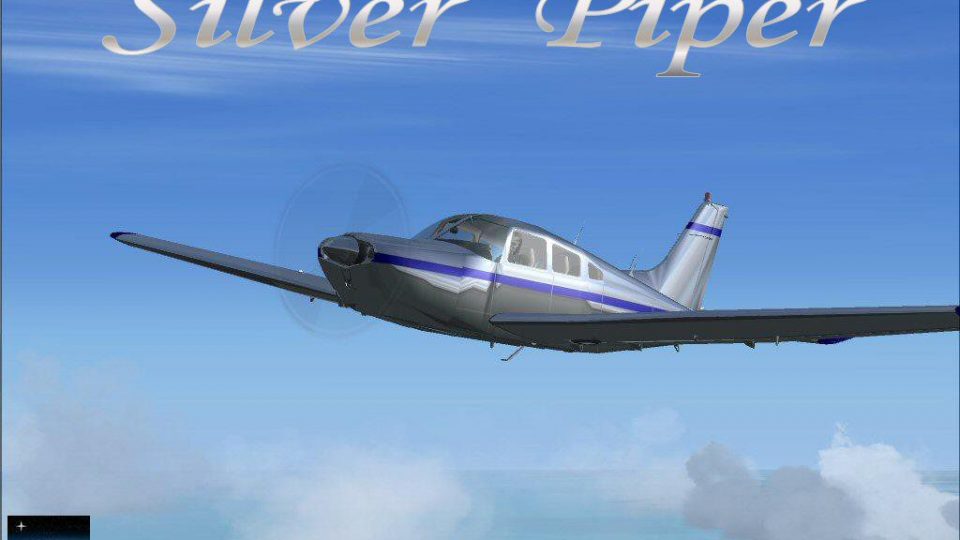
Piper PA28-201 “Silver Piper” delivers a polished-metal look with high-gloss reflections, built from a carefully engineered alpha-channel workflow that reacts convincingly to changing light in Microsoft Flight Simulator X. The package includes the full aircraft model with authentic handling and a believable virtual cockpit, with no extra payware required.
 Rate
Rate
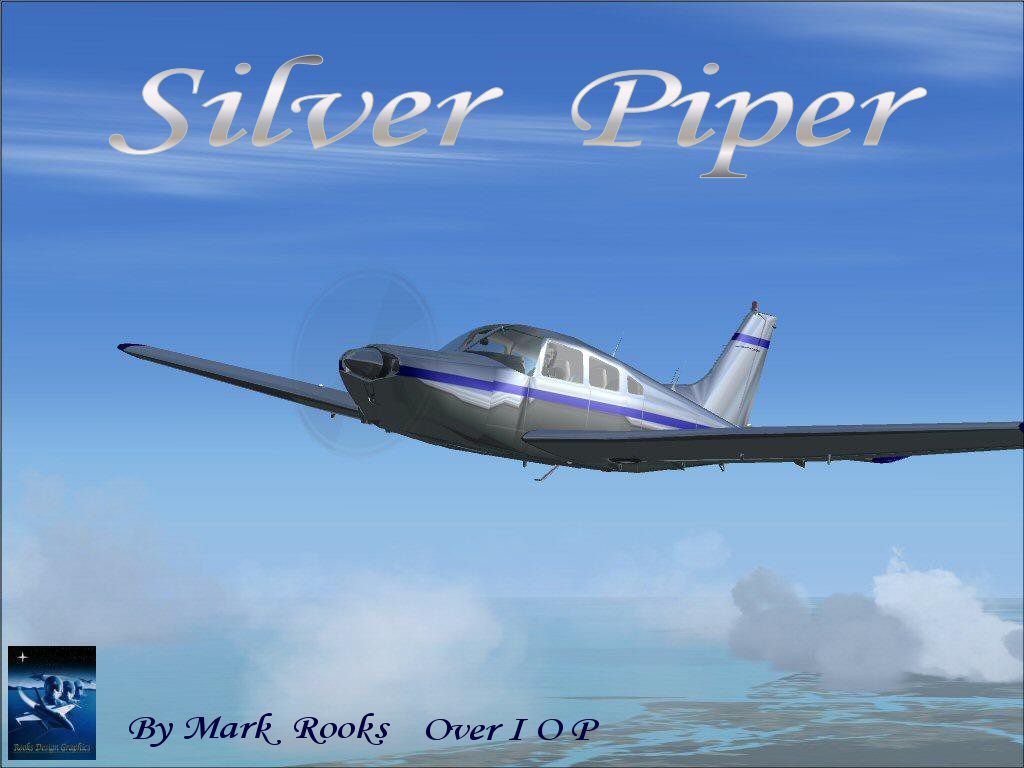
This fully self-contained Piper PA28-201 package offers a striking metallic livery designed specifically for Microsoft Flight Simulator X. Developed by Mark Rooks and Mary Moo of Rooks Design Graphics, it showcases a reflective surface produced through a specialized alpha channel technique. The original aircraft model is by Hauke Keitel, ensuring accurate flight dynamics and a believable cockpit layout.
Highly reflective textures: The uniquely enhanced exterior look is the result of a comprehensive alpha-layer process. These reflective properties provide eye-catching detail, especially under varying lighting conditions in the simulation environment.
Careful alpha channel engineering: The reflective treatment relies on a 14-step workflow created by Rooks Design Graphics (RDG). This meticulous approach ensures the fuselage and wings retain a lustrous shine, closely mimicking real-world polished metal surfaces.
Screenshot of the Silver Piper in flight.
The Piper PA28-201 is recognized as a dependable single-engine trainer with a streamlined airframe and comfortable cabin arrangement. Its low-wing design contributes to stable handling, making it suitable for varied pilot experience levels. This FSX rendition holds true to the real aircraft’s performance while adding a polished metallic effect to its exterior.
Complete freeware package: Everything you need is bundled, with no additional payware dependencies. The model’s cockpit instrumentation, flight characteristics, and on-ground visuals are all integrated in one download.
An alpha channel controls reflectivity, and this package employs a proprietary finishing method. Opening the texture files or altering them with incompatible software can lead to irreversible changes. If mishandled, the entire reflectivity layer may be lost, leaving the aircraft’s surfaces improperly rendered. The authors strongly recommend leaving these files unmodified.
Backup tip: It’s wise to archive any default files before installation. This ensures you can revert quickly if any conflicts arise.
Full credit goes to Hauke Keitel (the original model), as well as Mark Rooks and Mary Moo of Rooks Design Graphics for the inventive texture design process. Their work enables a distinctive, professional aesthetic that stands apart from conventional repaints.
Free for all simmers · 2.61 MB · Scanned clean Oct 2026
Download speed: Free tier is capped at 0.5 Mbps. PRO members download at full line speed.
SimObjects\Airplanes\, Addon Scenery\, Effects\, or Gauges\.readme.txt or README file. It tells you exactly where files go, what dependencies are needed, and any quirks specific to this add-on.The archive xspiper.zip has 6 files and directories contained within it.
This list displays the first 500 files in the package. If the package has more, you will need to download it to view them.
| Filename/Directory | File Date | File Size |
|---|---|---|
| Read Me First.txt | 06.10.07 | 1.13 kB |
| Silver Piper PA28.zip | 06.10.07 | 2.51 MB |
| Silver Screen.jpg | 06.10.07 | 143.49 kB |
| text1.txt | 06.10.07 | 309 B |
| flyawaysimulation.txt | 10.29.13 | 959 B |
| Go to Fly Away Simulation.url | 01.22.16 | 52 B |
Only PRO members can place votes.
More FSX & P3D add-ons hand-picked based on this download.
FSX General Aviation Aircraft
Designed to enhance the thrill of piloting a Van’s RV-4 in Microsoft Flight S…
 FSX General Aviation Aircraft
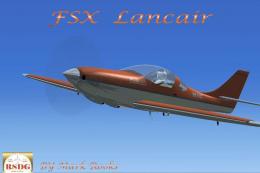
Lancair Silver Mist. A highly modified version of Robert Christopher's Lancai…
 FSX General Aviation Aircraft
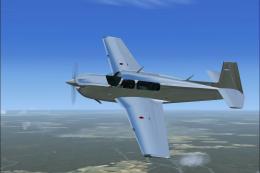
Silver Mooney. A repaint of the stock Mooney in a high luster shine. This eff…
 FSX General Aviation Aircraft
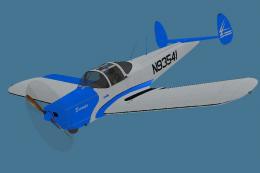
Repaint of the Classic Wings ERCO Ercoupe; a two-tone blue and silver scheme …
 FSX General Aviation Aircraft
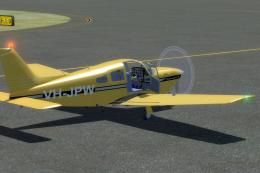
Explore the skies with the meticulously crafted Piper Arrow III Pack, a premi…
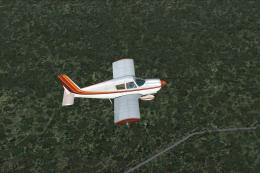 FSX General Aviation Aircraft
Piper PA28-180 Cherokee. This file contains the default FS2004 PA28-180 with …
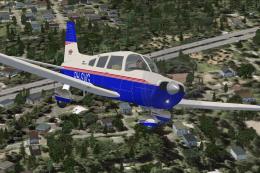 FSX General Aviation Aircraft
Piper Warrior II PA28-161 Version for FSX with SP2. A Gmax model that feature…
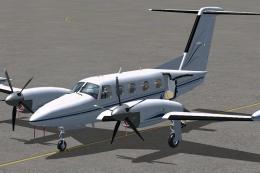 FSX General Aviation Aircraft
FSX PA-42 Piper Cheyenne 400LS The PA-42-1000 Piper Cheyenne 400LS is a high …
Be the first to leave a comment on this download.
Be the first to share your thoughts on this download.