

 FSX General Aviation Aircraft
Cessna 208B For FSX Carrier
After publishing my FSX AI Carrier package, I had several people contact me a…
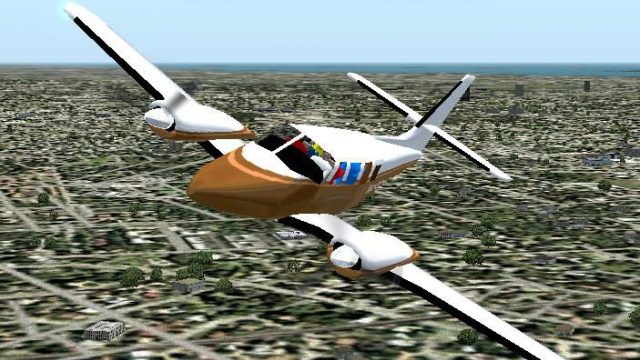
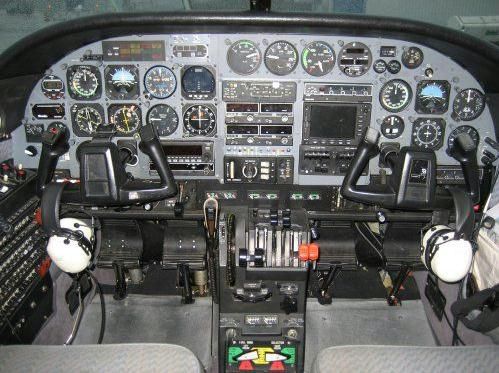
Cessna T303 Crusader brings Cessna’s six-seat light twin to FSX with an updated exterior model and fresh livery, plus a cabin-style virtual cockpit populated with crew and passengers. It uses the default Baron 58 panel and sounds, delivering familiar twin-engine handling and cruise performance for IFR or cross-country flying.
 Rate
Rate
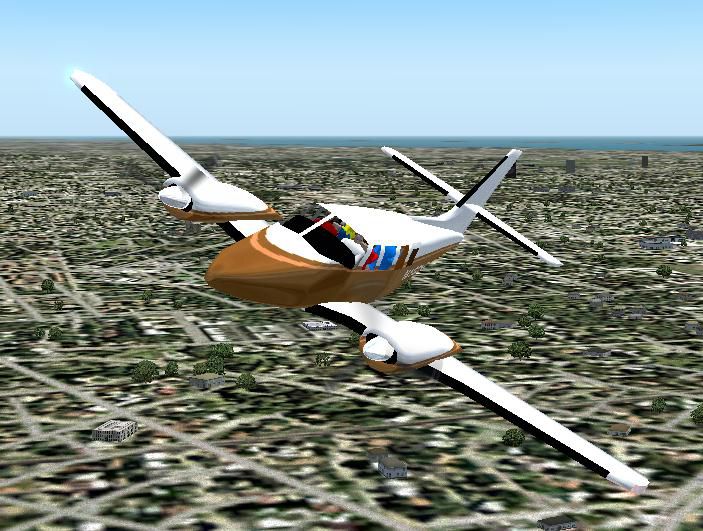
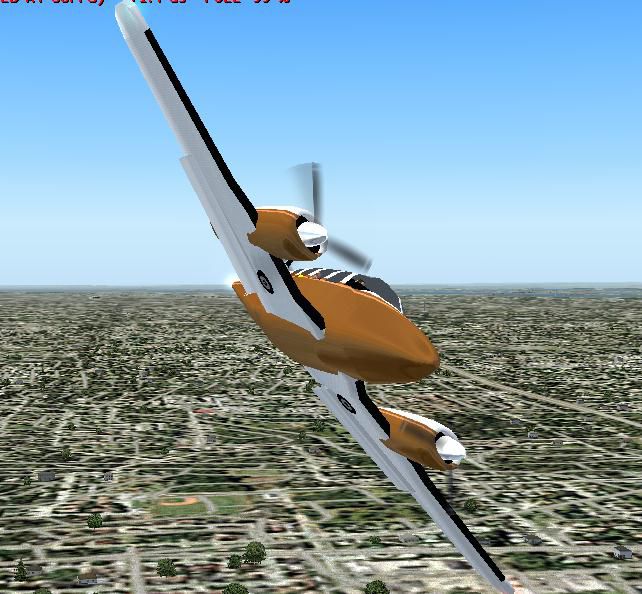
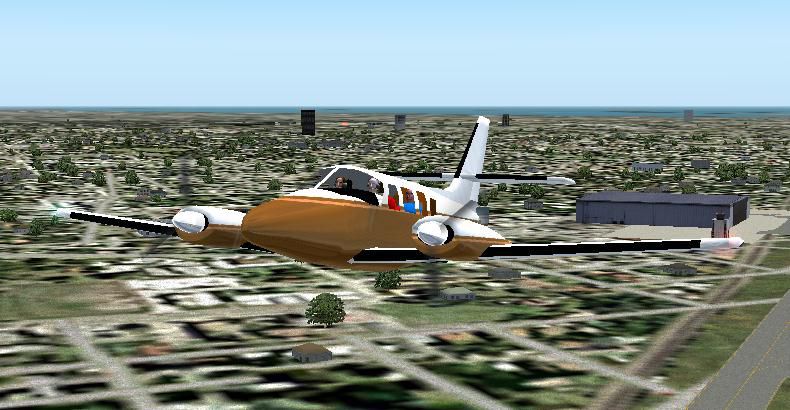
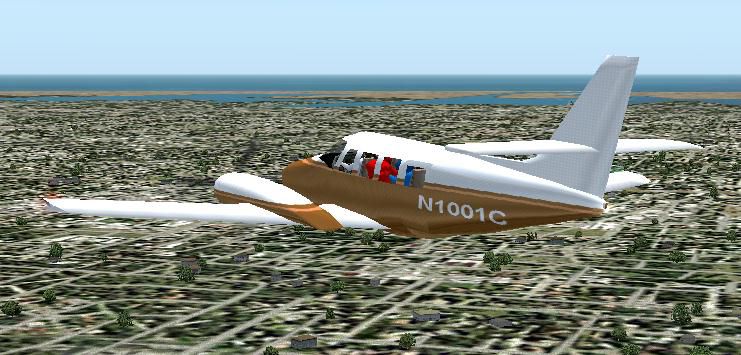
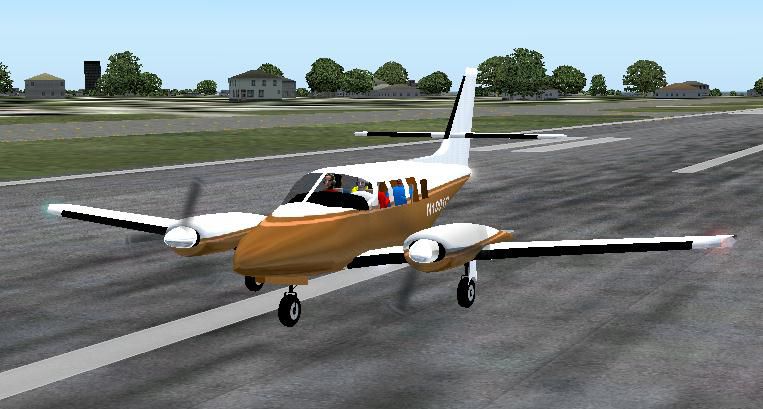
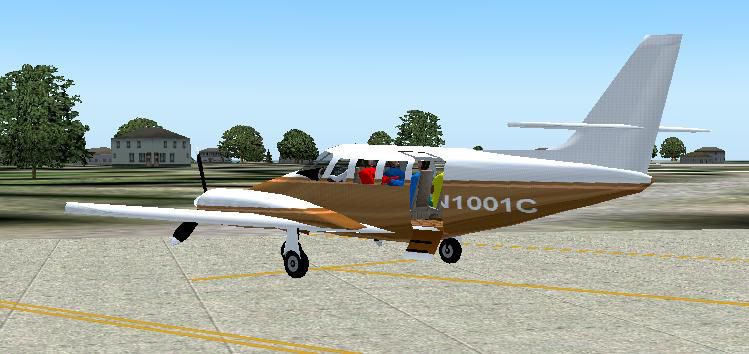
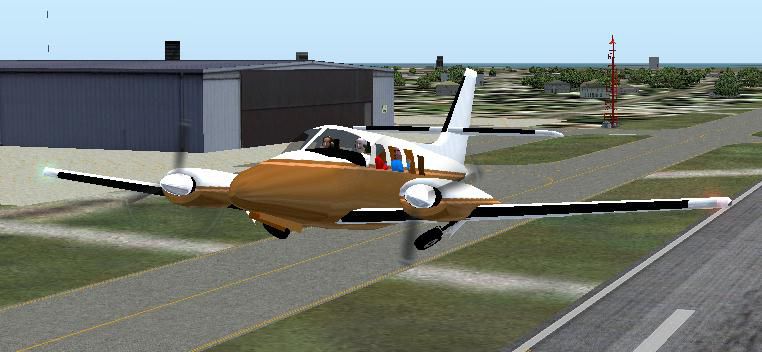
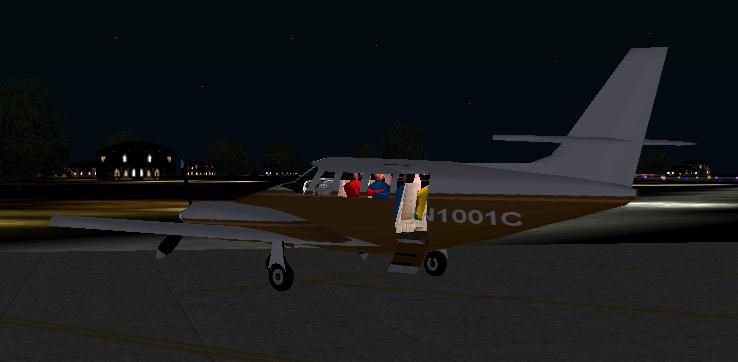
Cessna 303, also called the Crusader, is a six-place light twin aircraft. First flown on February 14, 1978, it was originally designed as a four-seat twin-engined craft. After market demand for 4-place light twins declined, Cessna redesigned the aircraft as a six-place twin. The new model, designated the T303, began rolling off the production line for delivery in October of 1981. At the time it was the first all-new production twin built by Cessna in over a decade. This aircraft is version 3.1 created with FSDS2.10 by John B. Loney, Jr.
Screenshot of Cessna 303 in flight.
General characteristics:
Crew: 1 pilot
Capacity: 5 passengers
Length: 30 ft 6 in (9.27 m)
Wingspan: 39 ft 0.5 in (11.90 m)
Height: 13 ft 4 in (4.06 m)
Wing area: 196.2 ft (17.6 m)
Empty: 3,364 lb (1,526 kg)
Loaded: lb ( kg)
Maximum takeoff: 5,150 lb (2,336 kg)
Powerplant: 1x Continental Motors TSIO-520AE, 1x Continental Motors LTSIO-520AE, 250hp (185 kW) each
Performance:
Maximum Speed: 250 mph (400 km/h)
Range: 1,175 miles (1,890 km)
Service ceiling: 25,000 ft (7,620 m)
Rate of climb: 1,480 ft/min (451 m/min)
Wing loading: lb/ft ( kg/m)
Power/Mass: hp/lb ( kW/kg)
About the design:
I just made a few corrections from my version 2 model for FS9. Having seen the T303 up close and personal now, I corrected the number of passenger doors. From 3 to 1. I gave the T303 a new paint job also. I attempted, but did not succeed in giving the fuselage some "body" thickness. There is a technique to do that, but I haven't mastered it yet. Sorry.
I created my "fake" virtual cockpit/cabin and added a full load of passengers and pilot. The sound is the default baron 58 sound. The panel is the default Baron panel.
Enjoy and Happy landings!
I do not accept any responsibility for any damage to any system as a result of using this aircraft. To the best of my knowledge, there are no copyright infringements with this aircraft.
Free for all simmers · 1.64 MB · Scanned clean Oct 2026
Download speed: Free tier is capped at 0.5 Mbps. PRO members download at full line speed.
FSX\SimObjects\Airplanes\. The folder must contain an aircraft.cfg file. Effects go into FSX\Effects\; gauges go into FSX\Gauges\.readme.txt or README file. It tells you exactly where files go, what dependencies are needed, and any quirks specific to this add-on.The archive t303v31.zip has 14 files and directories contained within it.
This list displays the first 500 files in the package. If the package has more, you will need to download it to view them.
| Filename/Directory | File Date | File Size |
|---|---|---|
| t303fsx.zip | 06.10.07 | 1.09 MB |
| crusader_pnl.jpg | 06.08.07 | 59.30 kB |
| FILE_ID.DIZ | 06.10.07 | 662 B |
| readme.txt | 06.10.07 | 3.74 kB |
| t303_fs1.jpg | 06.06.07 | 77.16 kB |
| t303_fs2.jpg | 06.06.07 | 50.92 kB |
| t303_fs3.jpg | 06.06.07 | 61.68 kB |
| t303_fs4.jpg | 06.06.07 | 99.39 kB |
| t303_fs5.jpg | 06.06.07 | 72.91 kB |
| t303_fs6.jpg | 06.06.07 | 90.38 kB |
| t303_fs7.jpg | 06.06.07 | 54.62 kB |
| t303_fs8.jpg | 06.06.07 | 26.49 kB |
| flyawaysimulation.txt | 10.29.13 | 959 B |
| Go to Fly Away Simulation.url | 01.22.16 | 52 B |
Only PRO members can place votes.
More FSX & P3D add-ons hand-picked based on this download.
FSX General Aviation Aircraft
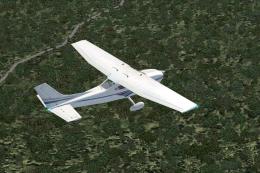
After publishing my FSX AI Carrier package, I had several people contact me a…
 FSX General Aviation Aircraft
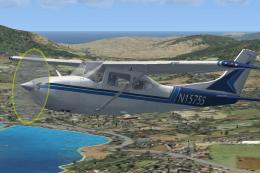
Cessna 182 Skylane. This is the default Flight Simulator 2004 Cessna 182 Skyl…
 FSX General Aviation Aircraft
The Cessna 182 Skylane is an American four-seat, single-engined light airplan…
 FSX General Aviation Aircraft
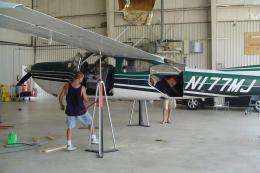
A Gmax FSX/SDK retractable landing gear version of Cessna's 177 Cardinal prop…
 FSX General Aviation Aircraft
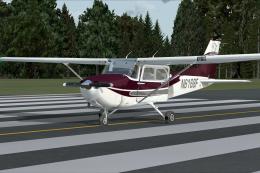
Cessna 172. This repaints the default Cessna to a modern Cessna paint stripe …
 FSX General Aviation Aircraft
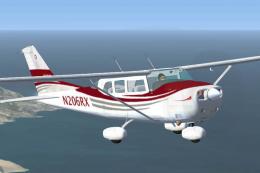
High Flight Simulations is pleased to introduce the Cessna C206T Turbo Statio…
 FSX General Aviation Aircraft
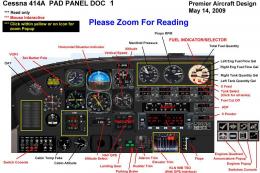
Cessna 414A Chancellor 6/8 place business and touring airplane. With custom p…
 FSX General Aviation Aircraft
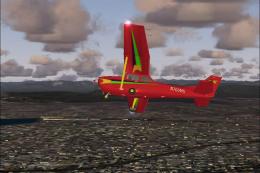
Experience a refined rendition of this popular four-seat light aircraft with …
Be the first to leave a comment on this download.
Be the first to share your thoughts on this download.