

 FS2004 AFCAD Files
AFCAD2 File For Halifax V3
An AFCAD2 file for Halifax Airport (CYHZ), Nova Scotia, Canada, v3. This AFCA…
Providenciales International Airport (MBPV) gets a refreshed AFCAD2 layout for FS2004, expanding ramp space to better match real-world operations and easing AI parking congestion. Airline-coded gates reflect carriers serving Provo, including American, British Airways, and USAirways, with additional stands for regional traffic; requires AFCAD2.
 Rate
Rate
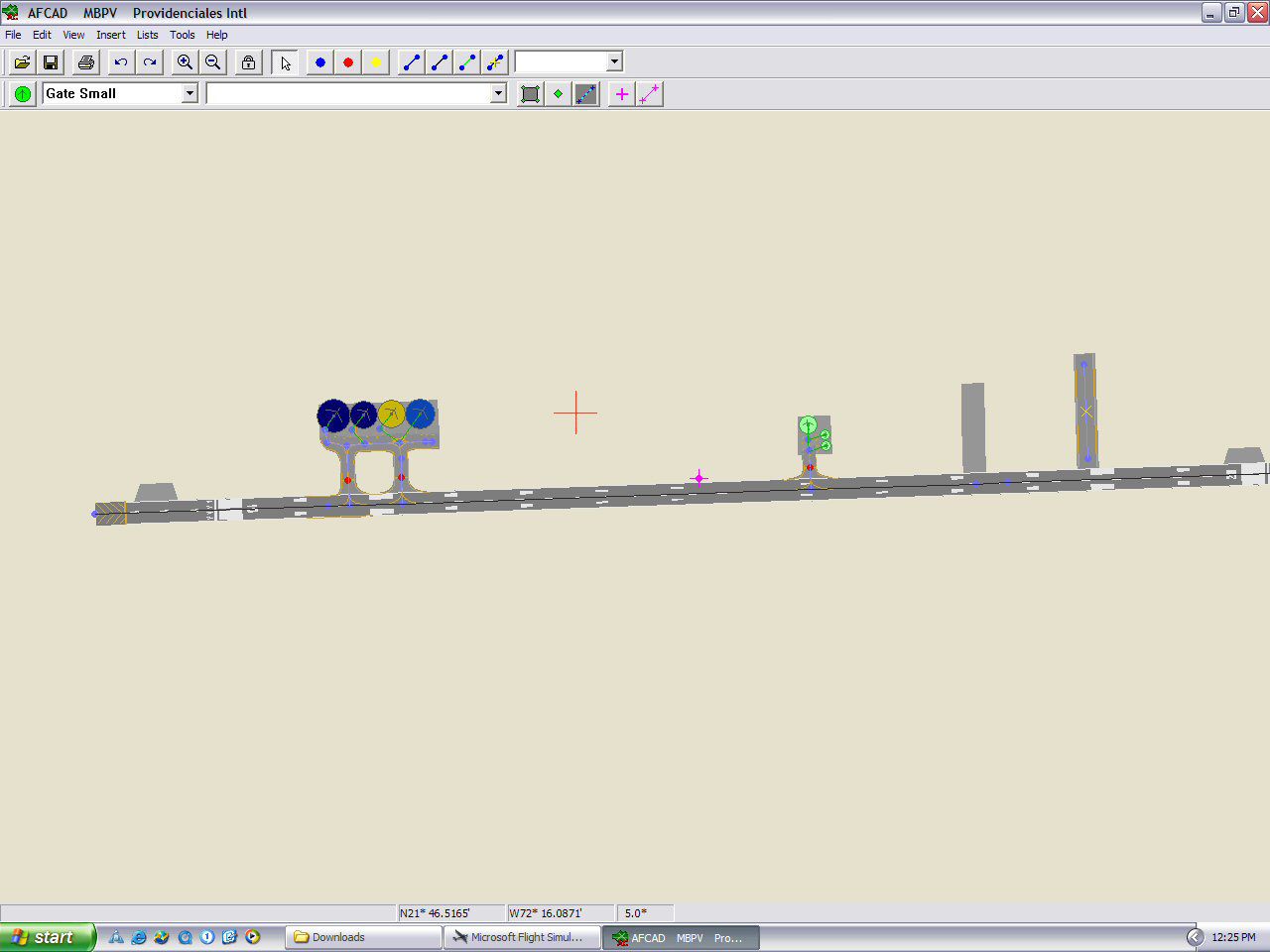
This is my 3rd version of Providenciales. One of the major problems I had in doing this AFCAD originally was the lack of ramp space. The airport in Provo handles flights from USAirways, American, British Airways and a few others and I simply did not have the space needed with what MS provided for the default scenery. The British 767 alone took up most of the original ramp!
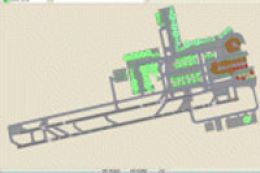
Overview of Providenciales International Airport.
Thanks to the new version of AFCAD that Lee uploaded recently we are now able to expand and add ramp areas to airports. This is a HUGE advancement in his already amazing program. There are a lot of airports in FS that don't have sufficient ramp space around the gate areas to handle AI traffic if you have programs like Ultimate Traffic or Most Real or Project AI. This definitely helps with that!
So I've enhanced the ramp area to approximately how it really is. All gates are coded to airlines that operate in Provo and are relatively accurate. American is the largest carrier to the island with several flights from MIA, JFK and BOS.
British operates a 767 on Sundays and USAirways has a daily flight from Charlotte.
A few other smaller island carriers and Air Jamaica Express also offer service (sometimes seasonally).
I hope you enjoy the improvements! I'll be looking at other AFCADS I've done and see if I can enhance any others.
By Jason Diaz.
Free for all simmers · 52.54 KB · Scanned clean Oct 2026
Download speed: Free tier is capped at 0.5 Mbps. PRO members download at full line speed.
FS9\Aircraft\, FS9\Addon Scenery\, FS9\Gauges\, or FS9\Effects\.readme.txt or README file. It tells you exactly where files go, what dependencies are needed, and any quirks specific to this add-on.The archive provov3.zip has 5 files and directories contained within it.
This list displays the first 500 files in the package. If the package has more, you will need to download it to view them.
| Filename/Directory | File Date | File Size |
|---|---|---|
| Provo ReadMe.txt | 11.28.03 | 1.52 kB |
| AF2_MBPV.bgl | 11.28.03 | 3.05 kB |
| MBPV.jpg | 11.28.03 | 81.78 kB |
| flyawaysimulation.txt | 10.29.13 | 959 B |
| Go to Fly Away Simulation.url | 01.22.16 | 52 B |
Only PRO members can place votes.
More FS2004 add-ons hand-picked based on this download.
FS2004 AFCAD Files
An AFCAD2 file for Halifax Airport (CYHZ), Nova Scotia, Canada, v3. This AFCA…
 FS2004 AFCAD Files
London Gatwick Airport, UK, for use with default scenery. Overview of London …
 FS2004 AFCAD Files
Keflavik Airport, Iceland KEF / BIKF. This file contains updated AFCAD2 file …
FS2004 AFCAD Files
Here is a AFCAD file for using with the excellent EBBR scenery (V3) from Robe…
FS2004 AFCAD Files
Vancouver International Airport v3.1, Canada (FS2002 scenery used in FS2004).…
 FS2004 AFCAD Files
Frankfurt/Main Airport, Germany, for use with AMEDDF11.ZIP. Should solve most…
FS2004 AFCAD Files
FS2004 AFCAD2 File For RCKH and RCSS, Taipei Sungshan Airport and Kaohsiung A…
 FS2004 AFCAD Files
Tokyo Narita Airport (RJAA), Japan (not for the default FS2004 airport; detai…
Be the first to leave a comment on this download.
Be the first to share your thoughts on this download.