

 FSX Civil Aircraft
Air Canada Boeing 777-200LR
Air Canada Boeing 777-200LR. Model by Project Open Sky. Repaint by Yosuke. Ai…
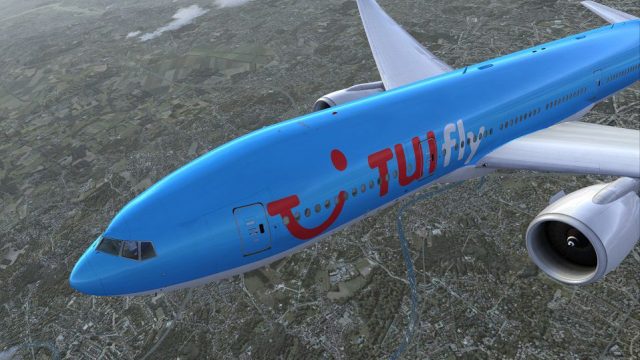
TUIfly-inspired textures dress the PMDG Boeing 777-200LR in a polished fictional long-haul scheme, with crisp logos, balanced colors, and reflections tuned to the jet’s fuselage and wing shapes. Built for Microsoft Flight Simulator X, it requires the PMDG 777-200LR and keeps the aircraft’s advanced systems feel intact.
 Rate
Rate
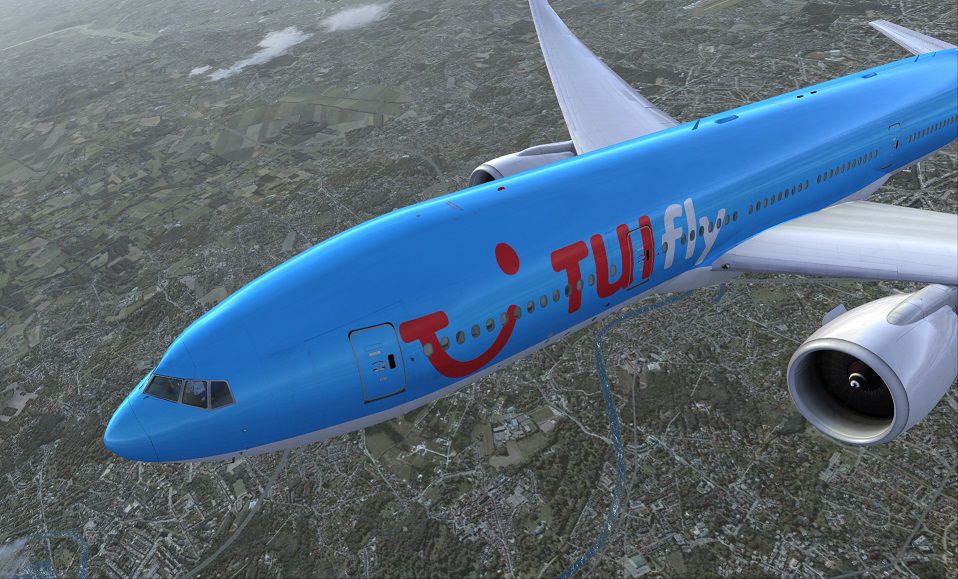
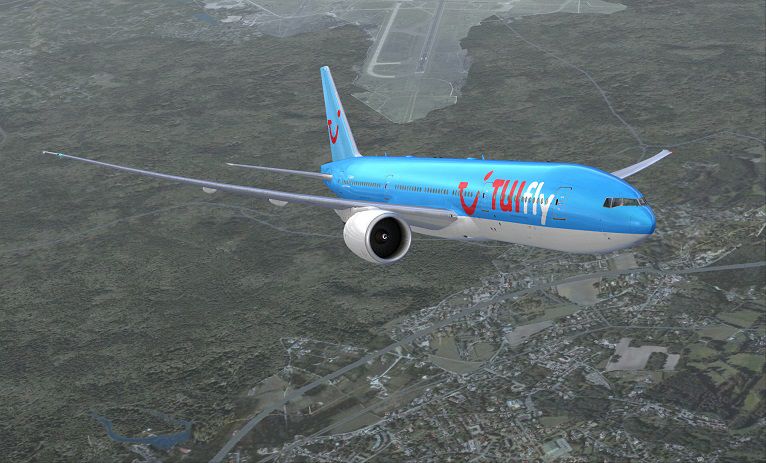

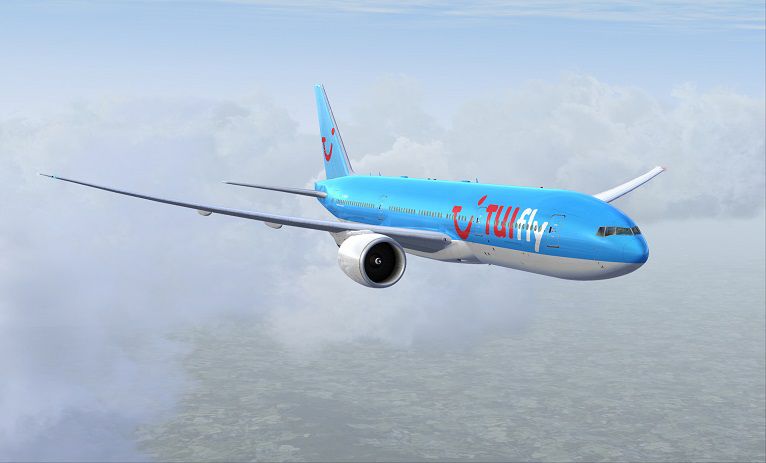
This custom repaint delivers the recognizable TUIfly-inspired livery to the PMDG 777-200LR, designed exclusively for Microsoft Flight Simulator X enthusiasts seeking an eye-catching fictional adaptation. Created by Matt Wynn and Corina Meyer, these textures enhance the payware 777 model while preserving the long-haul jet’s technical authenticity.
This fictional scheme brings the TUIfly brand identity to a Boeing 777-200LR airframe. Although TUIfly primarily operates Boeing 737 series aircraft in real-world conditions, the concept merges the ultra-long-range capabilities of the 777-200LR (often referred to as the “Worldliner” for its extended endurance) with the familiar TUIfly color palette. The included paint scheme aims to maintain faithful branding placement while adapting it to the 777’s fuselage curvature and wing details.
Please note that only the exterior livery textures are provided. The actual PMDG 777-200LR payware package is required for proper operation and must be obtained separately. This ensures maximum compatibility and guarantees users can benefit from the sophisticated flight dynamics, avionics, and systems modeling that the PMDG product offers in Microsoft Flight Simulator X.
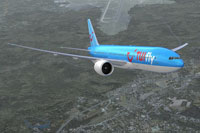
Depiction of the customized TUIfly Boeing 777-200LR scheme in MSFS X skies.
Utilizing the PMDG Livery Manager simplifies the process for integrating these new textures into your existing setup. Below are the recommended steps:
This repaint aims to replicate TUIfly branding as faithfully as possible within a fictional context. Users can expect:
Enjoy a seamless combination of PMDG’s advanced 777 functionality with a unique TUIfly-inspired look. Special thanks go to Matt Wynn and Corina Meyer for making these textures available to the Microsoft Flight Simulator X community.
Free for all simmers · 21.58 MB · Scanned clean Oct 2026
Download speed: Free tier is capped at 0.5 Mbps (this file takes approximately 6 mins at the cap). PRO members download at full line speed.
texture.{airline}) inside FSX\SimObjects\Airplanes\{base-aircraft}\.aircraft.cfg in Notepad. Add a new [fltsim.X] section per the readme.readme.txt or README file. It tells you exactly where files go, what dependencies are needed, and any quirks specific to this add-on.The archive pmdg777-200lr_tuifly_g-cmmw.zip has 9 files and directories contained within it.
This list displays the first 500 files in the package. If the package has more, you will need to download it to view them.
| Filename/Directory | File Date | File Size |
|---|---|---|
| 1.gif | 11.24.13 | 7.45 kB |
| FS-48755.jpg | 11.24.13 | 146.02 kB |
| FS-48756.jpg | 11.24.13 | 147.81 kB |
| FS-48757.jpg | 11.24.13 | 243.19 kB |
| FS-48765.jpg | 11.24.13 | 62.38 kB |
| PMDG777-200LR TUIfly G-CMMW.ptp | 11.24.13 | 20.98 MB |
| ReadMe_Install.txt | 11.24.13 | 1.03 kB |
| flyawaysimulation.txt | 10.29.13 | 959 B |
| Go to Fly Away Simulation.url | 01.22.16 | 52 B |
Only PRO members can place votes.
More FSX & P3D add-ons hand-picked based on this download.
FSX Civil Aircraft
Air Canada Boeing 777-200LR. Model by Project Open Sky. Repaint by Yosuke. Ai…
 FSX Civil Aircraft
This comprehensive package blends Air Canada Boeing 777-200LR liveries with t…
 FSX Civil Aircraft
Air New Zealand Boeing 777-200LR (new livery). B777-200 model by SkySpirit201…
 FSX Civil Aircraft
This freeware package features a fully functional Boeing 777-200LR in EVA Air…
 FSX Civil Aircraft
This specialized repaint brings the aesthetic of Swiss International Air Line…
 FSX Civil Aircraft
This updated freeware package features a complete Boeing 777-200LR in the Air…
 FSX Civil Aircraft
Qantas Boeing 777-200LR with updated readme.txt file. This repaint is for the…
 FSX Civil Aircraft
This fictional repaint package offers a customized Martinair-themed look for …
Read what other simmers think, or add your own.

Many years ago I purchased the PMDG Boeing 777-200 LR. Now I do like to install the repaint for KLM. For this action, I need to download/use the PMDG Operation Center or the PMDG livery manager. Do you have a solution for me? Kind regards, Henk.