

 FSX General Aviation Aircraft
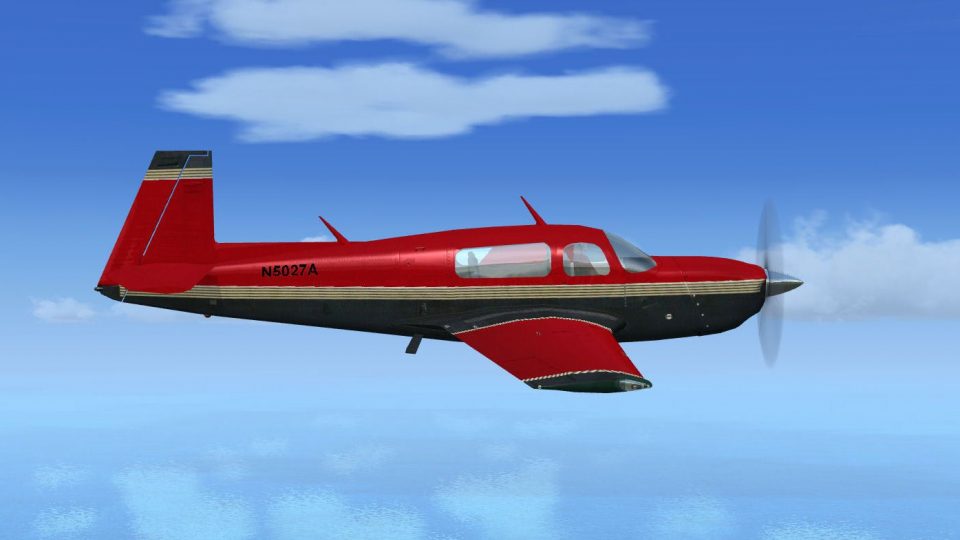
Red And Black Mooney Bravo
Red And Black Mooney Bravo with Garmin G1000. Textures only for the default M…
Red-and-black fictional livery refreshes the default Mooney Bravo with a bold, high-contrast exterior finish that stands out in cruise and on the ramp. Designed for Microsoft Flight Simulator X, it includes matching texture files and aircraft.cfg entries to add a new selectable “Red and Black” variation for the Bravo.
 Rate
Rate
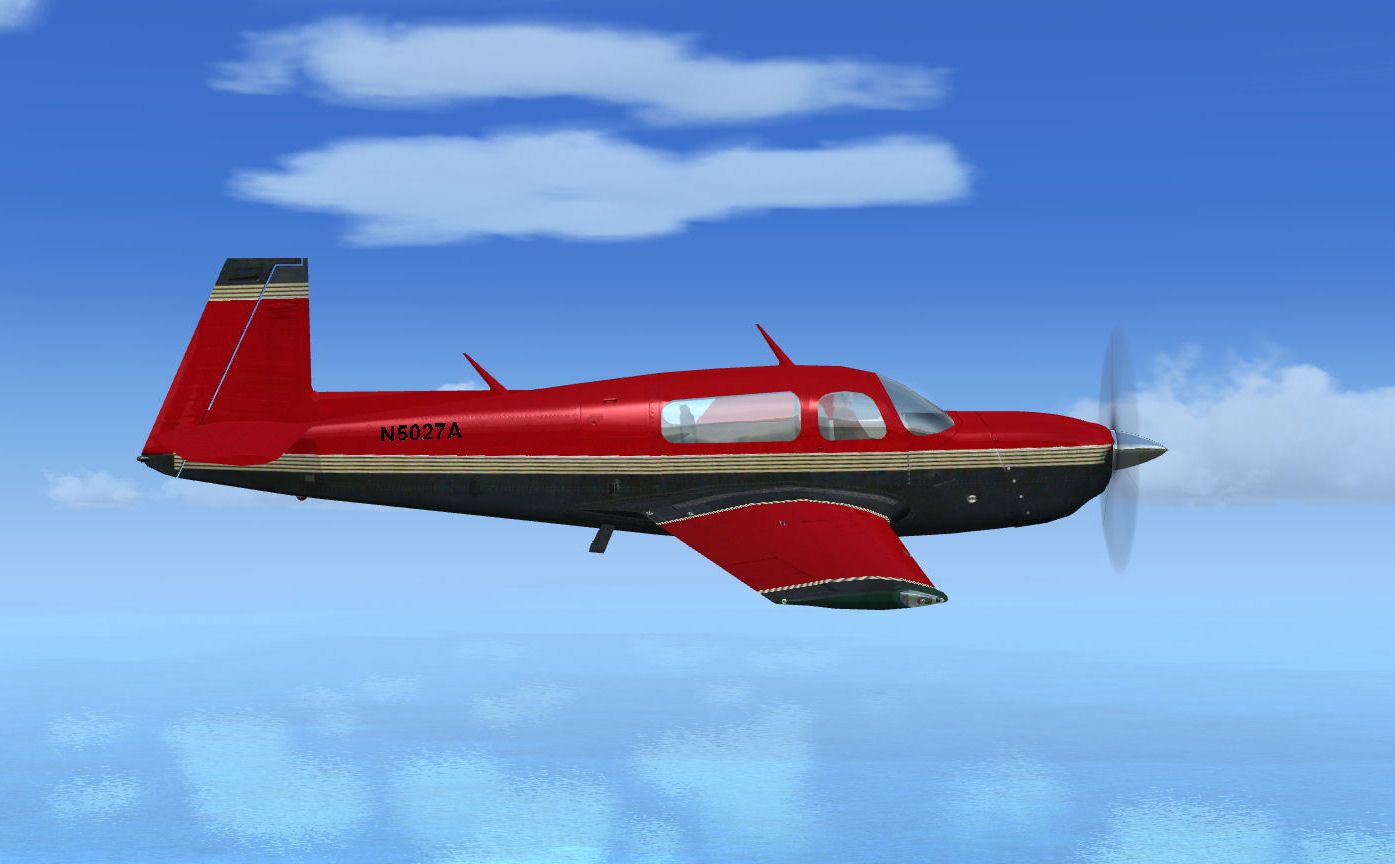
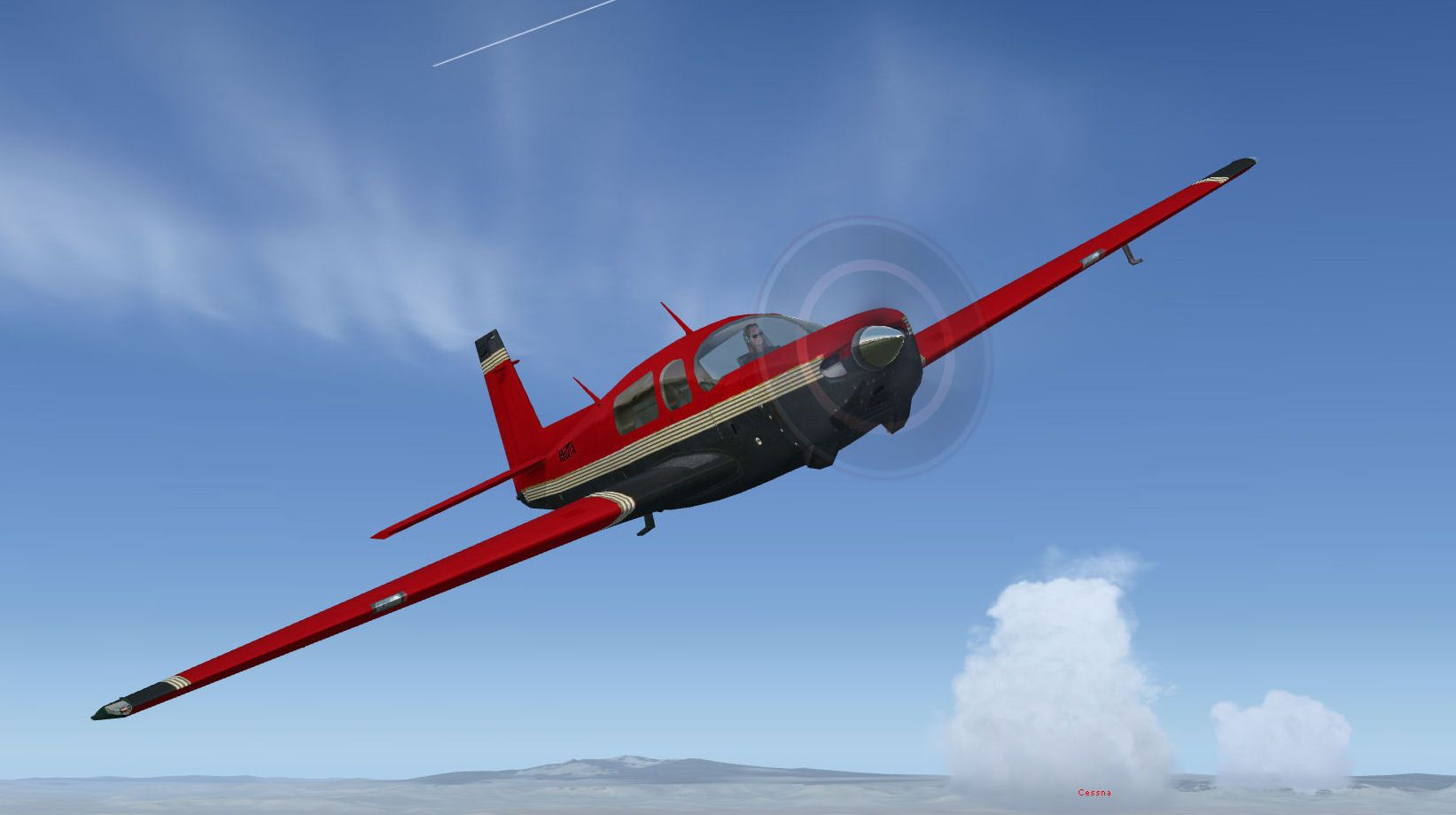
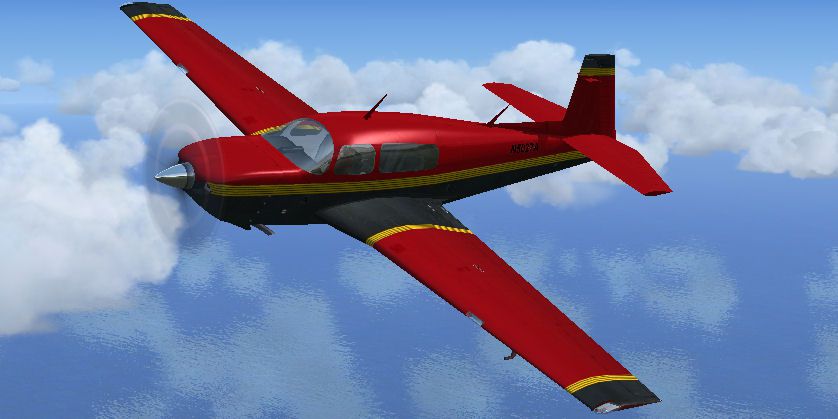
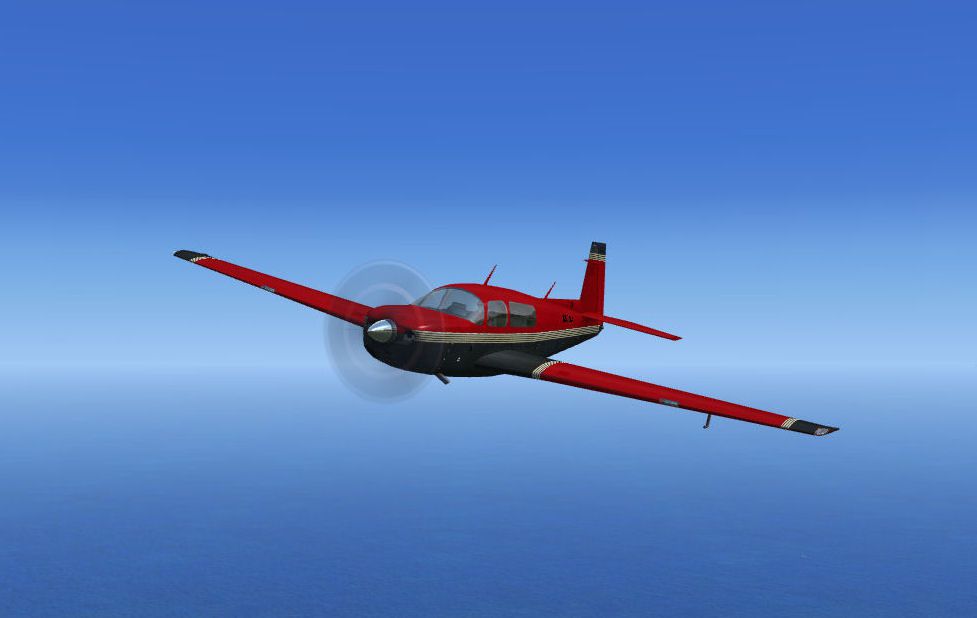
Red and black fictional repaint of default Mooney Bravo. By David Robinson.

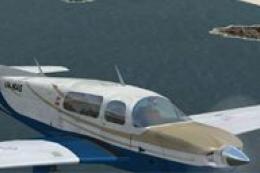
Screenshot of red and black Mooney Bravo in flight.
Installation:
[fltsim.x]

title=Mooney Bravo paintx

sim=Mooney_Bravo

model=

panel=

sound=

texture=rb

kb_checklists=Mooney_Bravo_Check

kb_reference=Mooney_Bravo_ref

atc_id_color=0xd6ae5a

atc_id=N375FX

ui_manufacturer=Mooney

ui_type="Bravo"

ui_variation="Red and Black"

description="Mooneys are built to go fast. A focus on speed seems natural for a company that at one time offered a plane powered by a Porsche engine. Although the partnership with the Germans didn't last, Mooney's commitment to speed certainly has. In keeping with this idea, Mooney has experimented with a number of "big engine" models. The Bravo is Mooney's fastest\s with 270 hp all the way to 25,000 ft, the Bravo can attain speeds up to 220 KTAS, making it the fastest single-engine airplane currently produced."
Free for all simmers · 2.09 MB · Scanned clean Oct 2026
Download speed: Free tier is capped at 0.5 Mbps. PRO members download at full line speed.
texture.{airline}) inside FSX\SimObjects\Airplanes\{base-aircraft}\.aircraft.cfg in Notepad. Add a new [fltsim.X] section per the readme.readme.txt or README file. It tells you exactly where files go, what dependencies are needed, and any quirks specific to this add-on.The archive mb_red_black.zip has 19 files and directories contained within it.
This list displays the first 500 files in the package. If the package has more, you will need to download it to view them.
| Filename/Directory | File Date | File Size |
|---|---|---|
| MB_Red&Black | 12.29.14 | 0 B |
| File_ID.diz | 12.28.14 | 99 B |
| Image1.gif | 12.28.14 | 5.77 kB |
| Mooney_RB_1.jpg | 12.29.14 | 41.86 kB |
| Mooney_RB_2.jpg | 12.29.14 | 106.54 kB |
| Mooney_RB_3.jpg | 12.29.14 | 103.52 kB |
| Read_me.txt | 12.29.14 | 1.23 kB |
| texture.rb | 12.29.14 | 0 B |
| Fresnel_Ramp.dds | 09.04.06 | 640 B |
| Mooney_Bravo_C.dds | 12.05.14 | 512.12 kB |
| Mooney_Bravo_reflection.dds | 09.04.06 | 170.79 kB |
| mooney_bravo_t.dds | 12.26.14 | 1.00 MB |
| mooney_bravo_t_bump.dds | 12.28.14 | 1.00 MB |
| mooney_bravo_t_spec.dds | 12.26.14 | 1.00 MB |
| Prop_Mooney.dds | 09.04.06 | 341.46 kB |
| texture.cfg | 08.14.06 | 137 B |
| thumbnail.jpg | 11.28.14 | 55.57 kB |
| flyawaysimulation.txt | 10.29.13 | 959 B |
| Go to Fly Away Simulation.url | 01.22.16 | 52 B |
Only PRO members can place votes.
More FSX & P3D add-ons hand-picked based on this download.
FSX General Aviation Aircraft
Red And Black Mooney Bravo with Garmin G1000. Textures only for the default M…
 FSX General Aviation Aircraft
Two repaints of the default Mooney Bravo in Freedom Scheme 5. By David Robins…
 FSX General Aviation Aircraft
This detailed black livery for the Mooney M20 Bravo enhances the default airc…
 FSX General Aviation Aircraft
This freeware repaint offers a striking red finish for the stock Mooney M20 B…
 FSX General Aviation Aircraft
This enhanced package offers a newly repainted red-and-black Mooney Acclaim f…
 FSX General Aviation Aircraft
This modified package highlights a red-and-black Mooney Acclaim turbine aircr…
 FSX General Aviation Aircraft
Mooney Bravo. A repaint of the default Mooney Bravo. Mooney Bravo in flight. …
 FSX General Aviation Aircraft
Default Mooney Bravo Blurred Texture Fix. Replacement main texture files for …
Be the first to leave a comment on this download.
Be the first to share your thoughts on this download.