



 France
 MSFS Scenery
Dubai, UAE City Building & Pack
A large freeware scenery add-on pack put together by the developer who goes b…
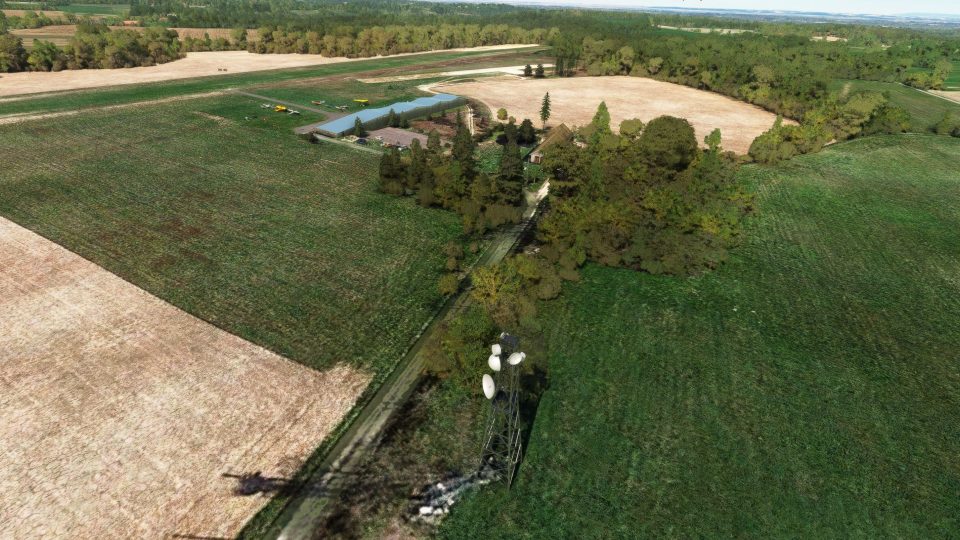
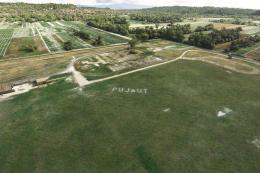
Aérodrome de Sabonnères LF3126 brings a quiet slice of Occitanie to Microsoft Flight Simulator with a faithfully shaped 600 x 30 m grass runway (09/27) at 320 m elevation, plus surrounding vegetation and local-style structures. Detailed ground textures follow the airfield’s natural undulations and include a separate aeromodelling strip.
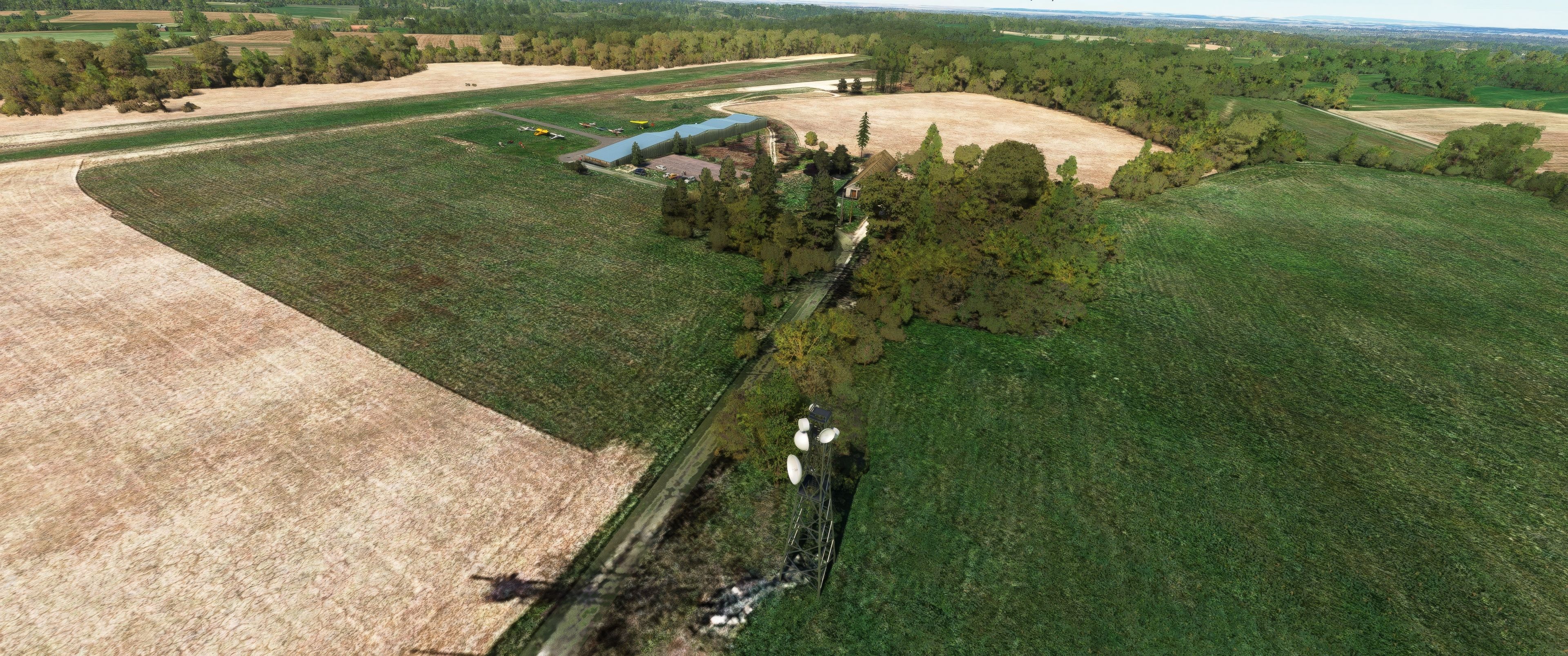
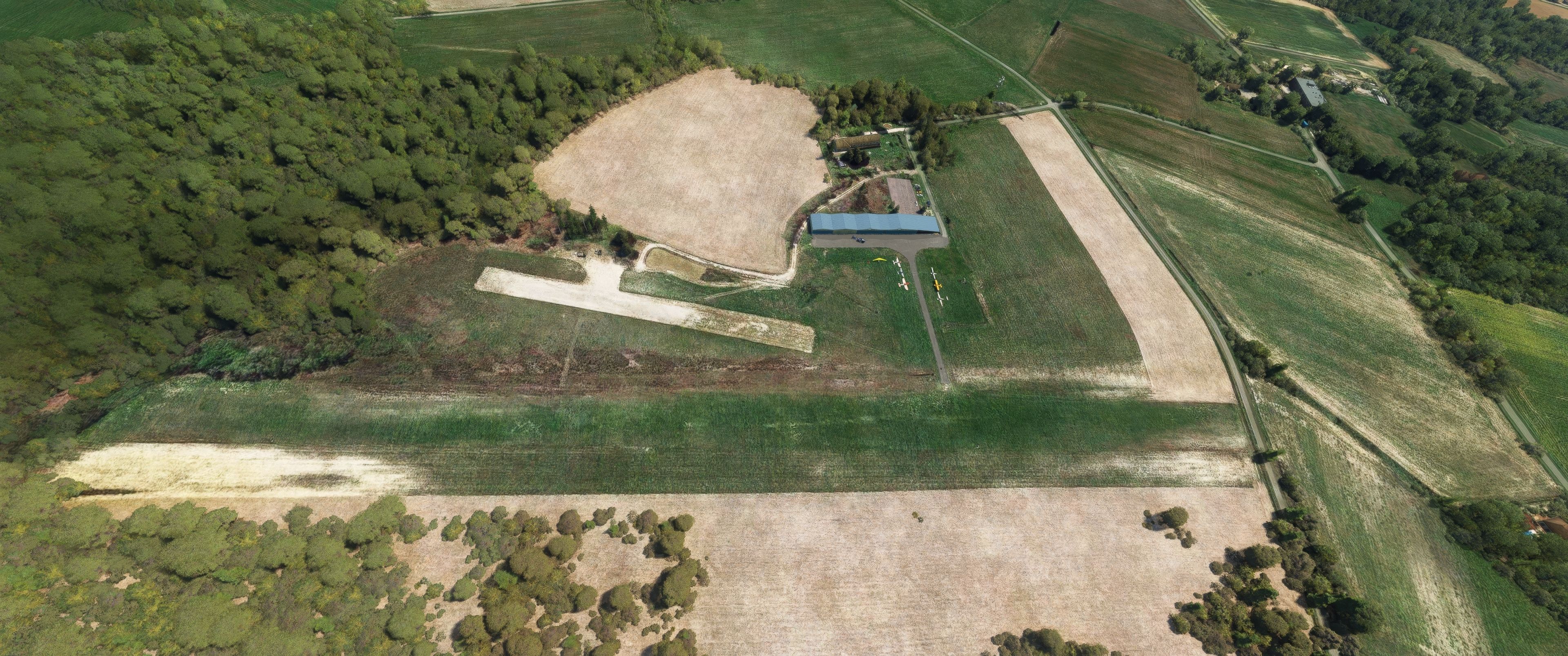
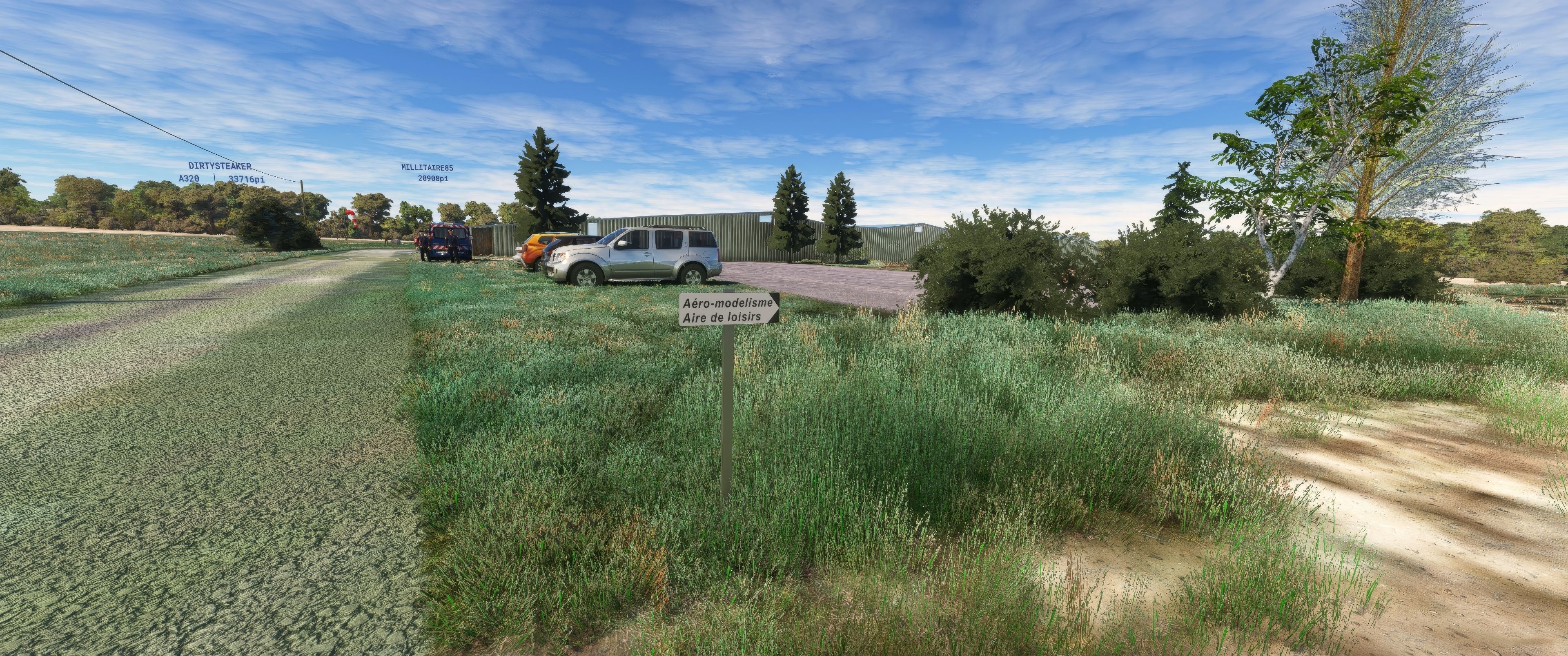
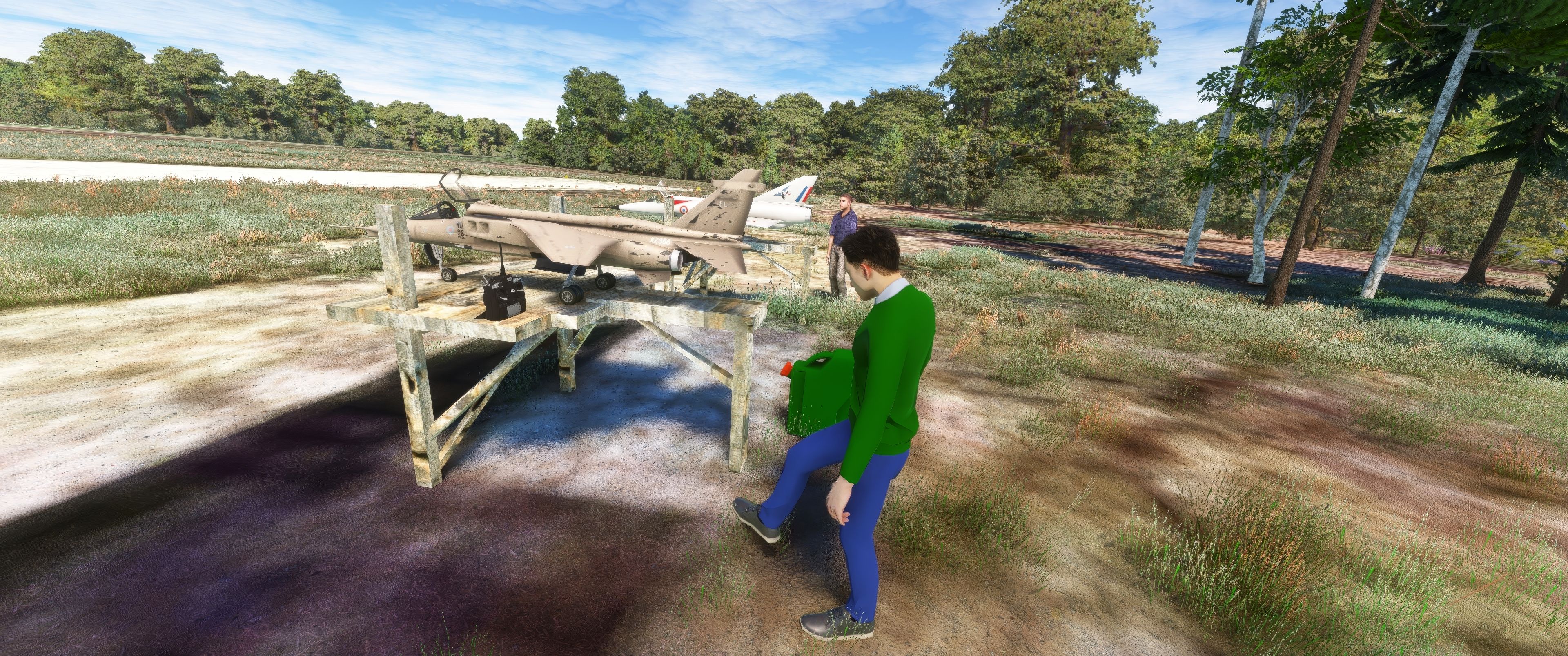
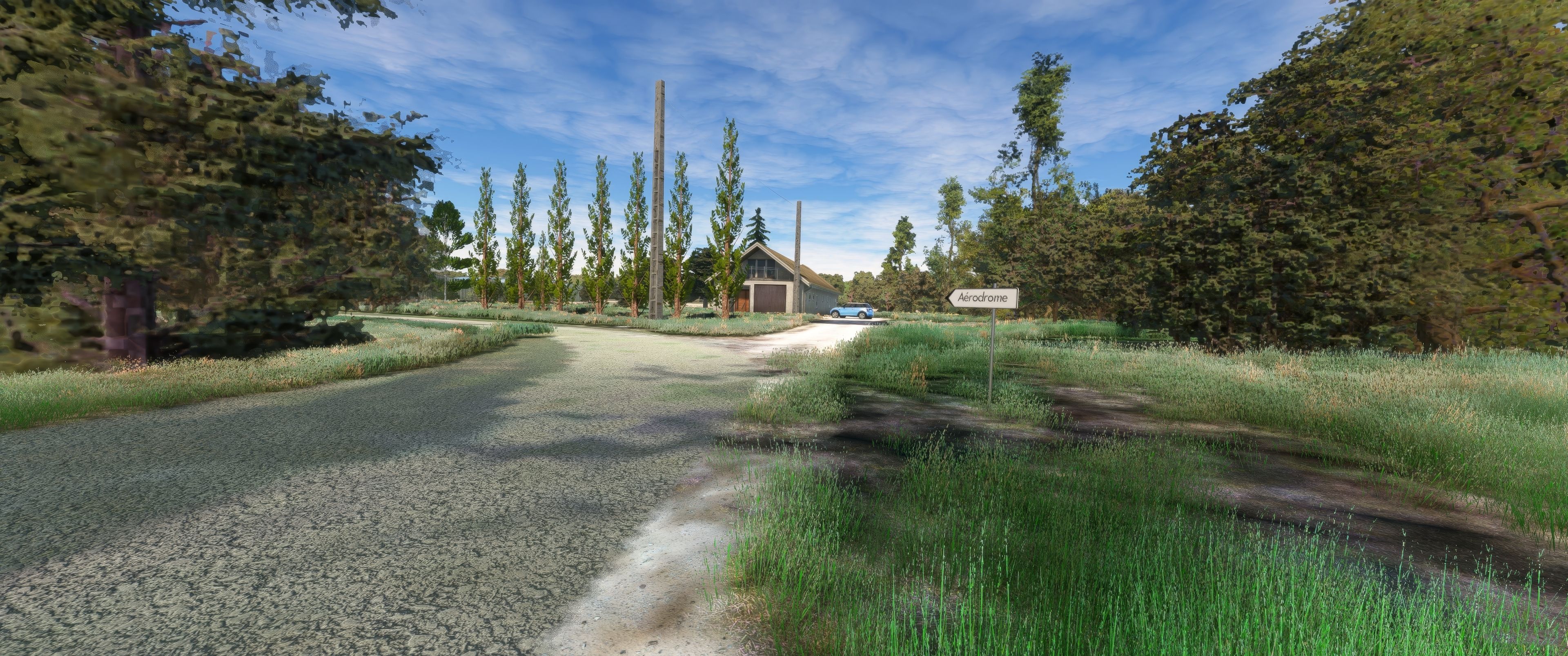
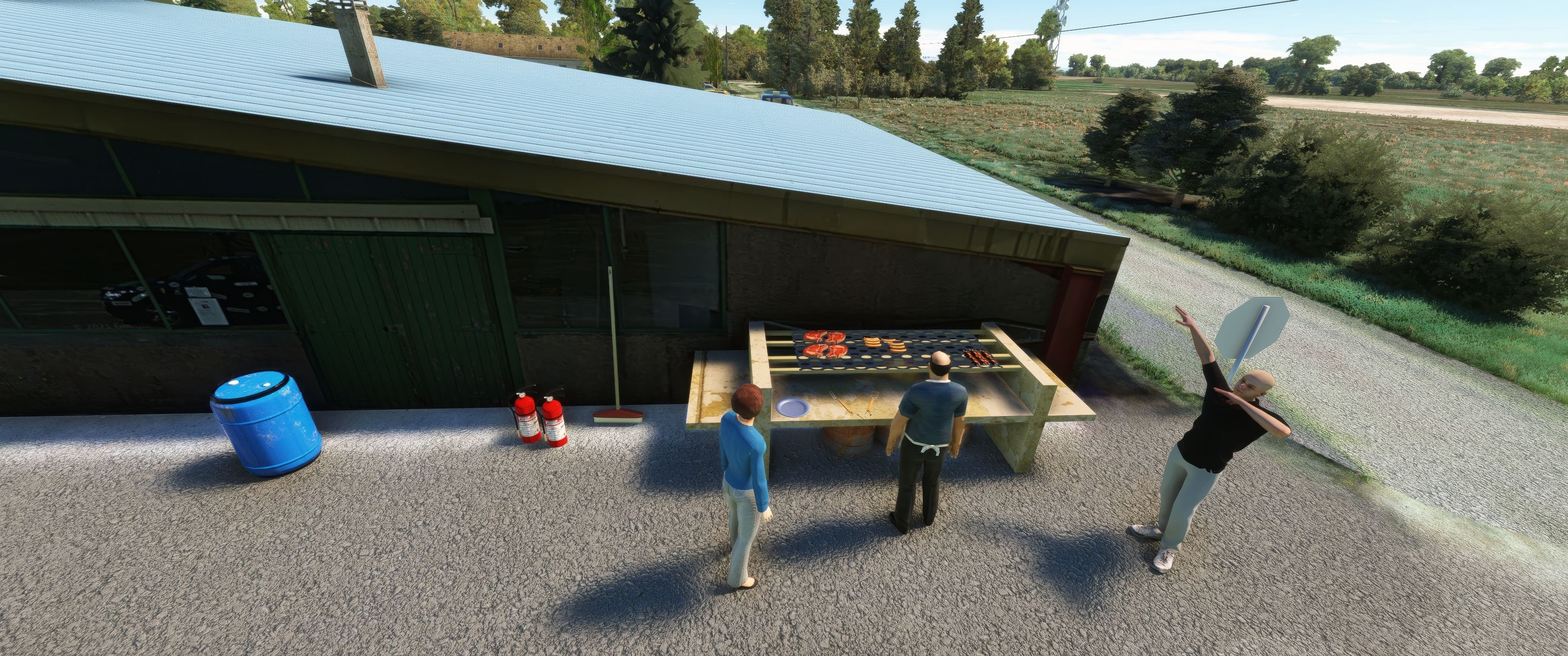
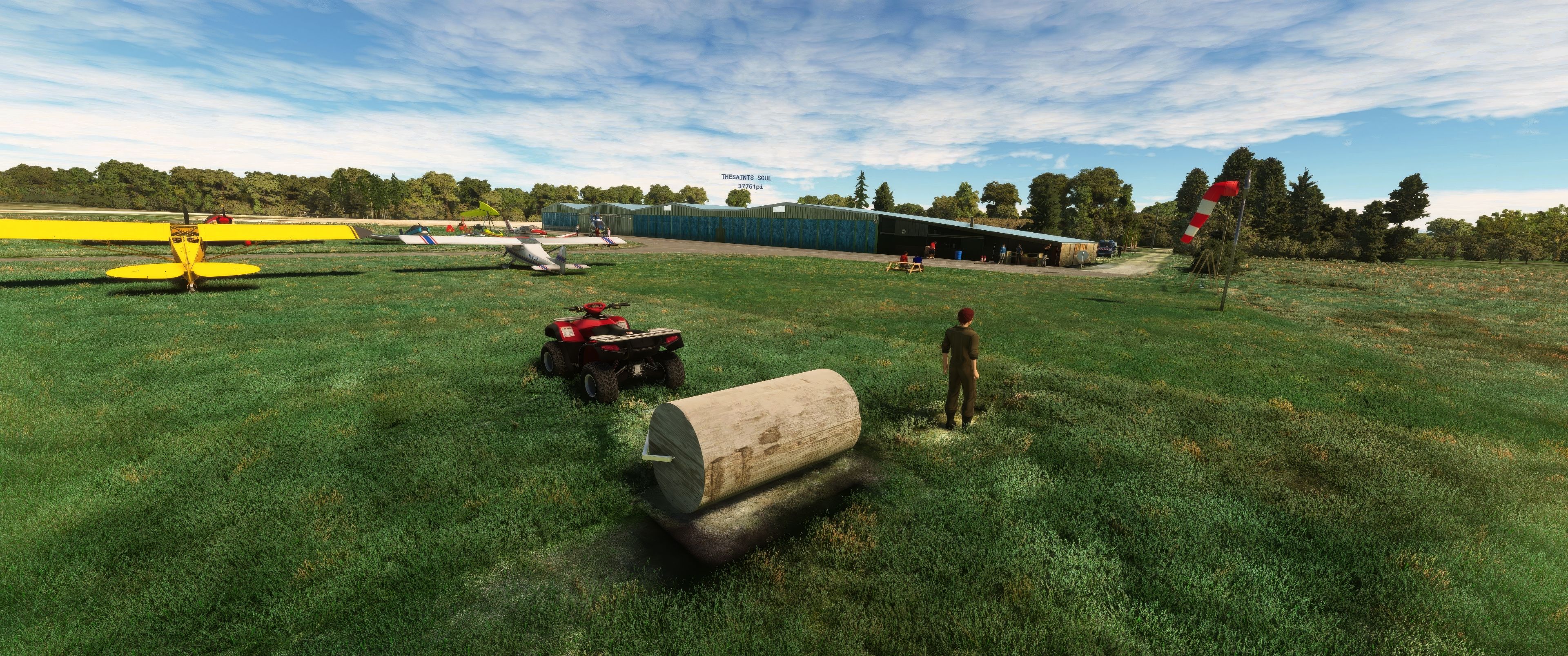
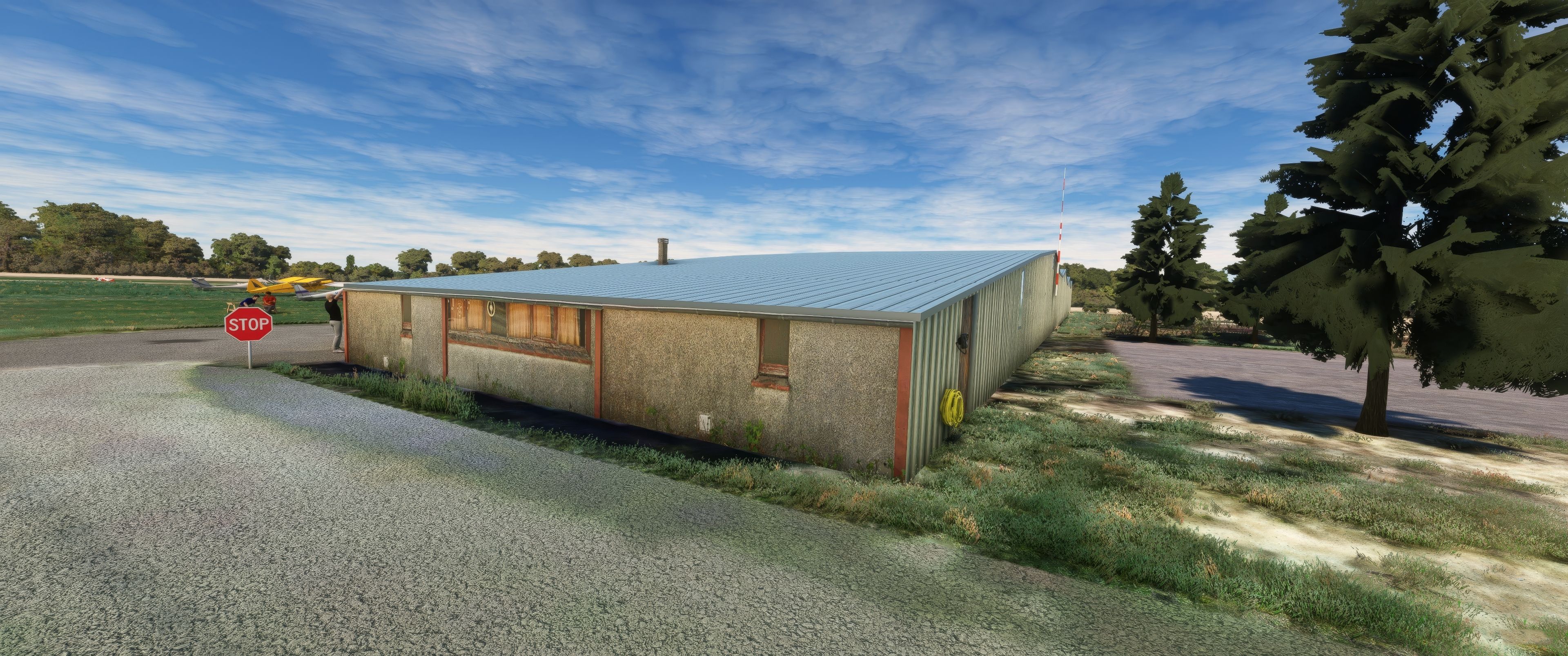
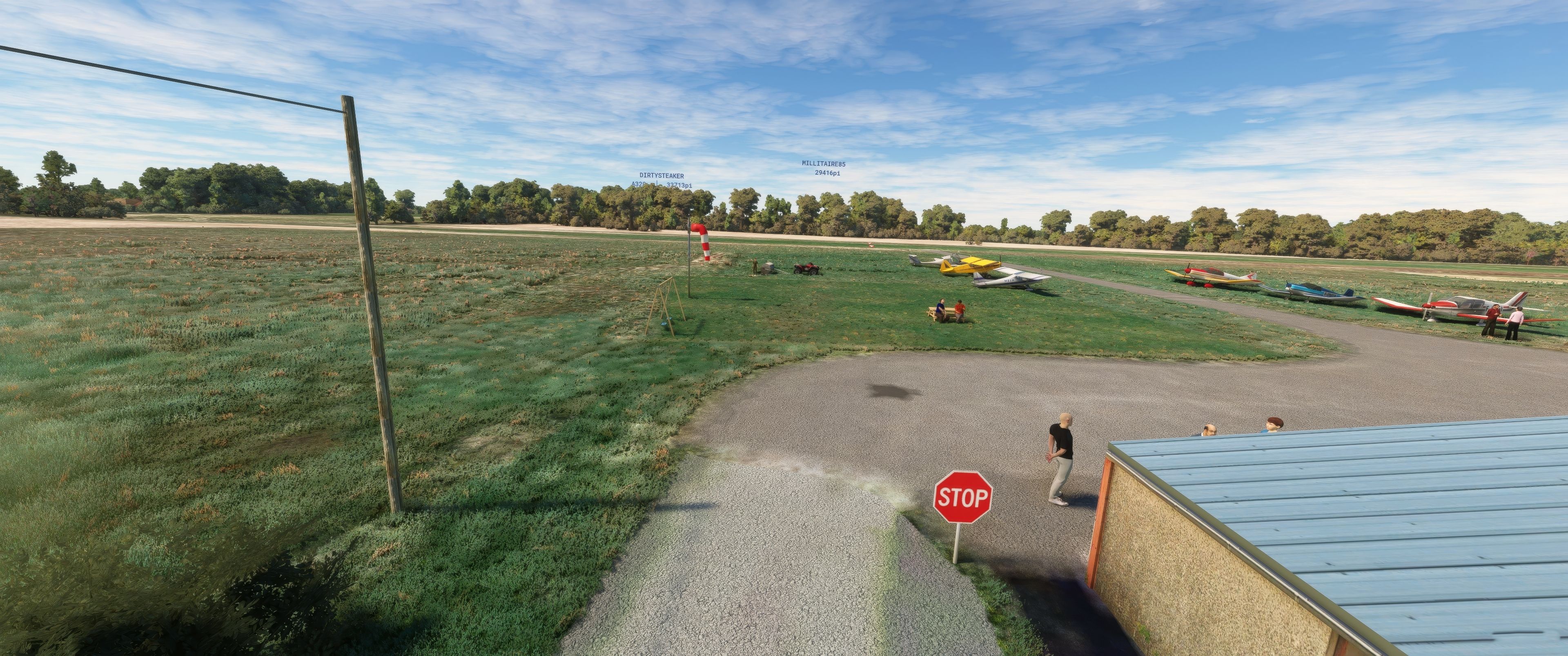
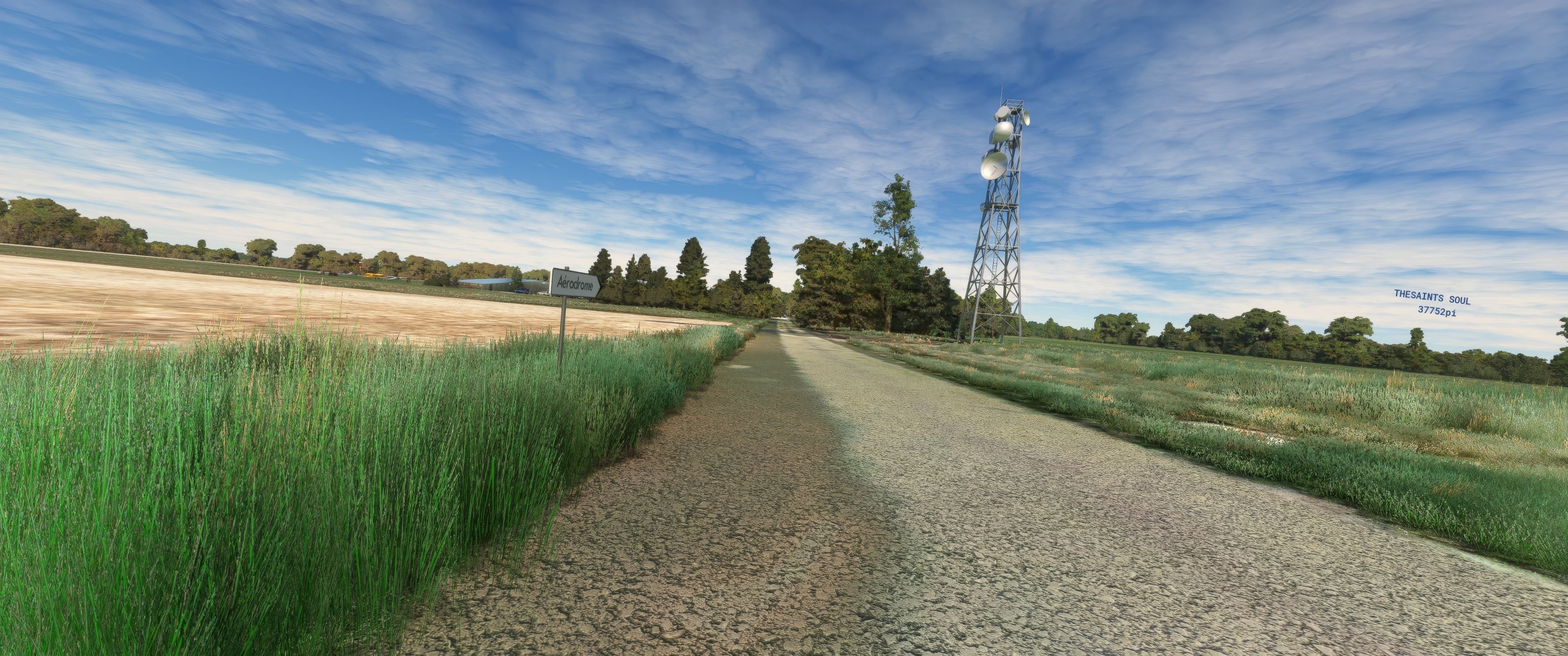
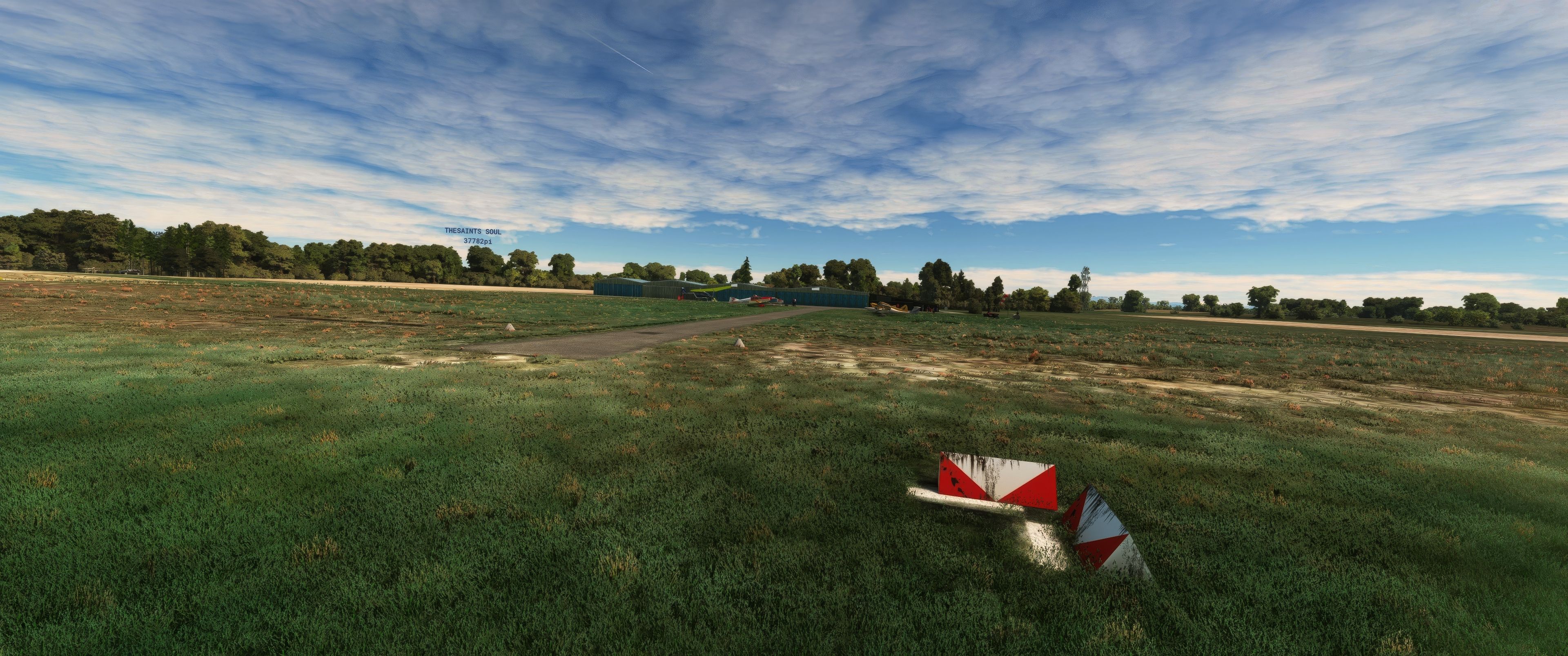
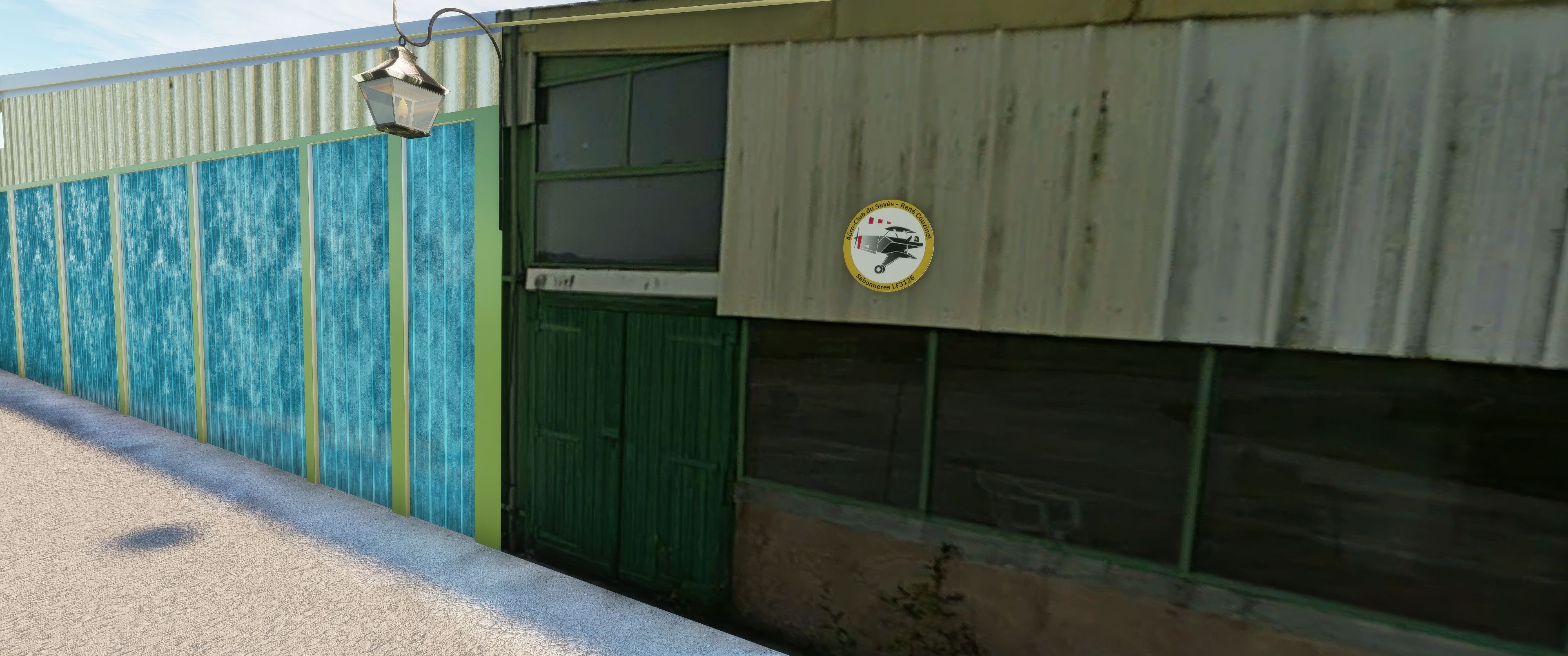
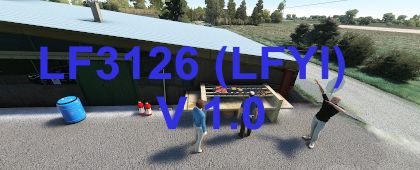

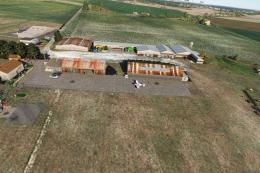
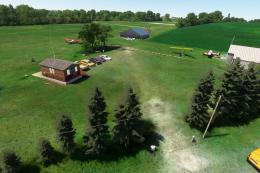
MSFS Aérodrome de Sabonnères (LF3126) Scenery offers a detailed depiction of this rural French airfield, complete with a 600-meter grass runway, local vegetation, and accurately modeled buildings that capture the authentic atmosphere of Haute-Garonne in Occitanie. From its 320-meter elevation to the private airstrip layout, the mod recreates the subtle terrain undulations and unique flight considerations that make this aerodrome stand out.
Having tested it personally, I’ve found the attention to detail impressive, especially the inclusion of a dedicated aeromodelling runway and meticulously rendered textures that enhance realism. The scenery brings to life the spirit of local flying clubs, transforming Sabonnères into an immersive GA destination that perfectly suits pilots seeking a distinctive, small-airfield experience in Microsoft Flight Simulator.
Discover the charm of rural French aviation with the MSFS Aérodrome de Sabonnères (LF3126) Scenery, an authentic depiction of a quaint aerodrome nestled in the picturesque commune of Sabonnères, Haute-Garonne, in the vibrant Occitanie region.
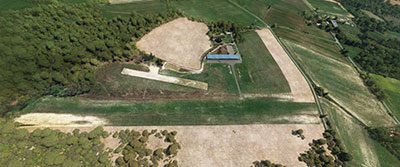 Aerodrome Overview
Featuring a meticulously recreated grass runway measuring 600 meters by 30 meters, this private airstrip captures the essence of local flying clubs. The elevation of the field stands at 320 meters above sea level, offering pilots a unique challenge with its undulating terrain and scenic surroundings.
This add-on provides an immersive experience that brings to life the essence of Sabonnères, complete with a model aircraft runway for aeromodelling enthusiasts. The primary runway is complemented by visual cues and detailed textures to ensure a realistic representation:
As a private land, the aerodrome operations require prior authorization and registration, echoing the real-world practices at Sabonnères. Pilots must contact the local flying club for access and log their visit in the register maintained at the site:
To integrate the Aérodrome de Sabonnères into your MSFS 2020, simply download the scenery file and follow the standard add-on installation procedures. This freeware mod is designed for seamless integration, enhancing your flight simulation experience with its authentic and detailed design.
Simply extract the archive and copy the laserjet-sabonneres-lfyi folder into your MSFS Community folder.
This scenery was inspired by the latest photographs provided by Balmax31, reflecting the current state of the airfield. Special thanks to Balmax31 for their contributions to the aviation community and their support in bringing the Sabonnères experience to Microsoft Flight Simulator.
Free for all simmers · 102.89 MB · Scanned clean Oct 2026
Download speed: Free tier is capped at 2 Mbps (this file takes approximately 7 mins at the cap). PRO members download at full line speed.
%LOCALAPPDATA%\Packages\Microsoft.FlightSimulator_8wekyb3d8bbwe\LocalCache\Packages\Community\. Steam version: %APPDATA%\Microsoft Flight Simulator\Packages\Community\. Tip: enable Developer Mode in MSFS to see your exact Community folder path.readme.txt or README file. It tells you exactly where files go, what dependencies are needed, and any quirks specific to this add-on.Use these coordinates to fly directly to this location once the mod is installed.
43.45448250,1.07385146
Paste these coordinates into the Microsoft Flight Simulator search bar when planning a flight, or into the Developer Mode Teleport window, to fly directly to this location.
Pascal Ricq, known in the MSFS community as laserjet34. At 65 years young, Pascal blends his passion for music and technology into his late-found hobby of modding for Microsoft Flight Simulator 2020.
Are you Pascal Ricq (laserjet34)? Sign in to Fly Away Creators for download stats, comment replies and updates. Make add-ons? Publish them here.
Only PRO members can place votes.
More MSFS add-ons hand-picked based on this download.
MSFS Scenery
A large freeware scenery add-on pack put together by the developer who goes b…
 MSFS Scenery
A quick rework of several Swiss cities and landmarks such as the Matterhorn u…
 MSFS Scenery
This pack by the developer who simply goes by the name of Chris brings the me…
 MSFS Scenery
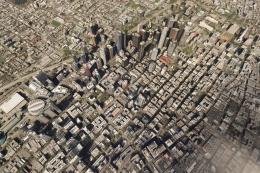
Enhance your Microsoft Flight Simulator experience with the Downtown Los Ange…
 MSFS Scenery
A new, easy-to-install, and accurate replacement of the default Paris photore…
 MSFS Scenery
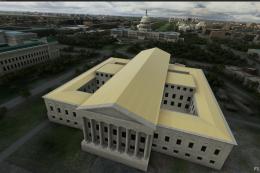
A massive freeware pack created by the developer Srinivasman containing over …
 MSFS Scenery
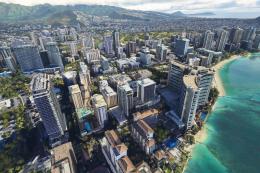
This is a complete replacement scenery pack covering the entire city of Honol…
 MSFS Scenery
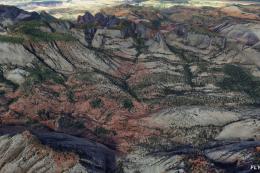
A complete overhaul of Zion Canyon National Park in Utah, the USA for Microso…
Be the first to leave a comment on this download.
Be the first to share your thoughts on this download.