

 FSX Civil Aircraft
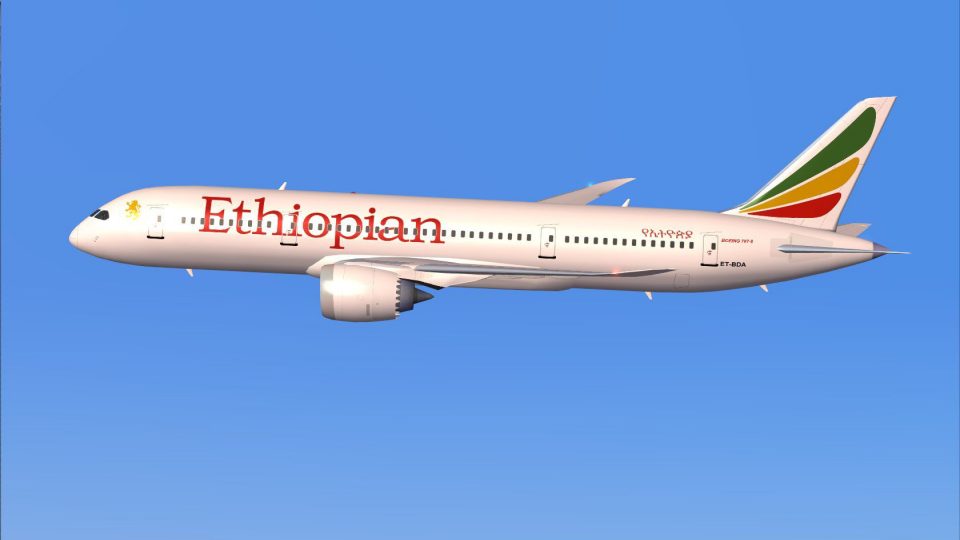
AI Ethiopian Boeing 787-8
This freeware repaint brings the AI Ethiopian Boeing 787-8 to life with vivid…
Ethiopian Airlines’ Boeing 787-8 Dreamliner brings a polished long-haul jet to FSX with updated exterior geometry, crisp airline texturing, tuned night lighting, and cargo-loading plus door animations. Animated Ground Servicing expands ramp realism with interactive boarding and support equipment, bundled as a complete base model from CamSim.
 Rate
Rate
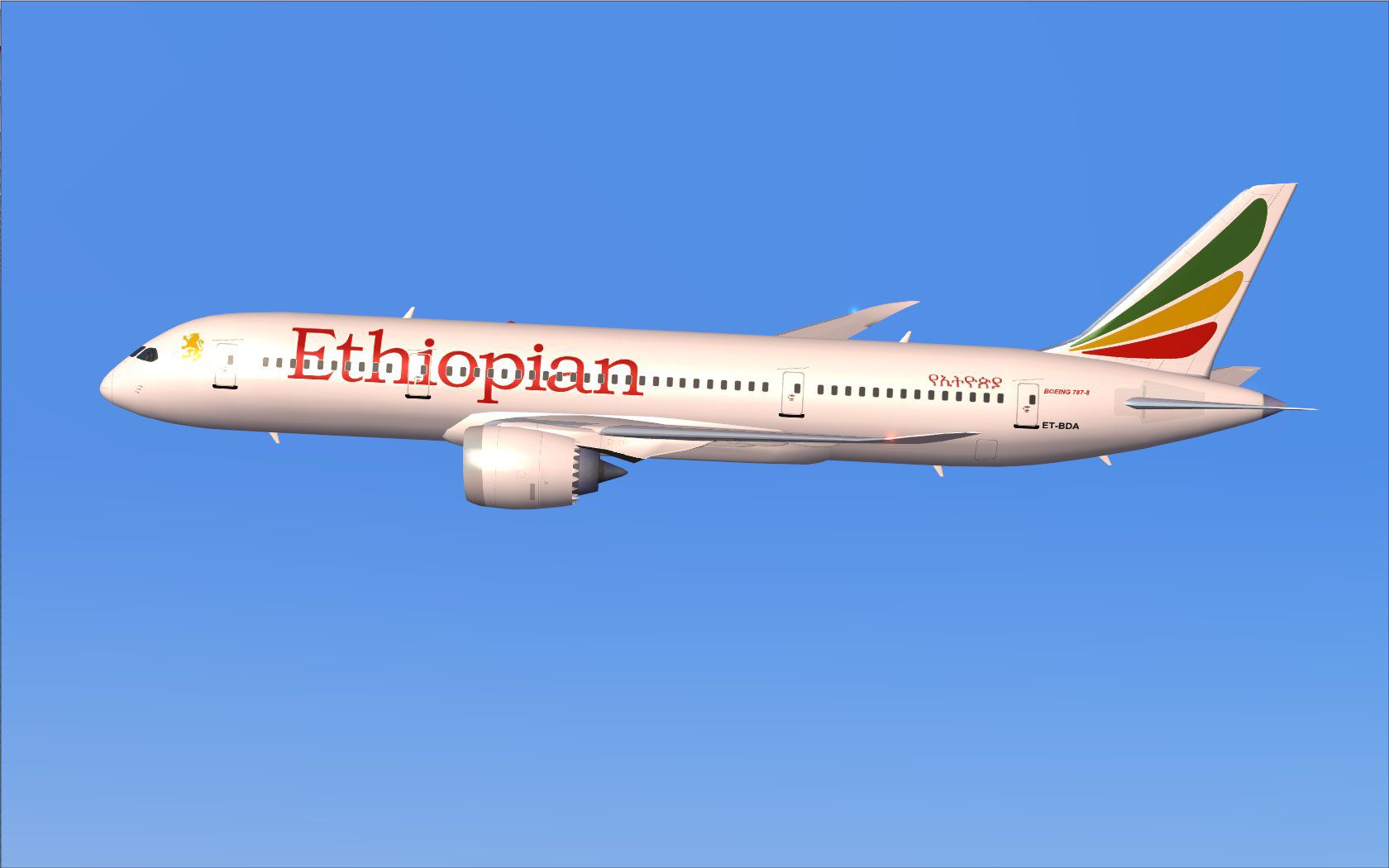
This upgraded release offers a dynamic representation of the Ethiopian Boeing 787-8 (also referred to as the Dreamliner), tailored for FSX enthusiasts seeking a refined freeware aircraft mod with complete base model. It comes with updated exterior geometry, detailed texturing, and enhanced Animated Ground Servicing (AGS) capabilities to improve on-ground immersion. In addition, it features night-effect adjustments and cargo-loading animations. Model design and paintwork are provided by Camil Valiquette, ensuring faithful replication of this long-haul aircraft.
In this v2 edition by CamSim, the fuselage contours are optimized for smooth transitions during flight maneuvers, and the liveries stay true to Ethiopian Airlines’ distinctive design. (Livery refers to the airline’s official paint scheme.) The AGS system (Animated Ground Servicing) gives an authentic look to passenger boarding, cargo loading, and more. Once the aircraft is parked, you can engage various animations that simulate real-world service vehicles and equipment.
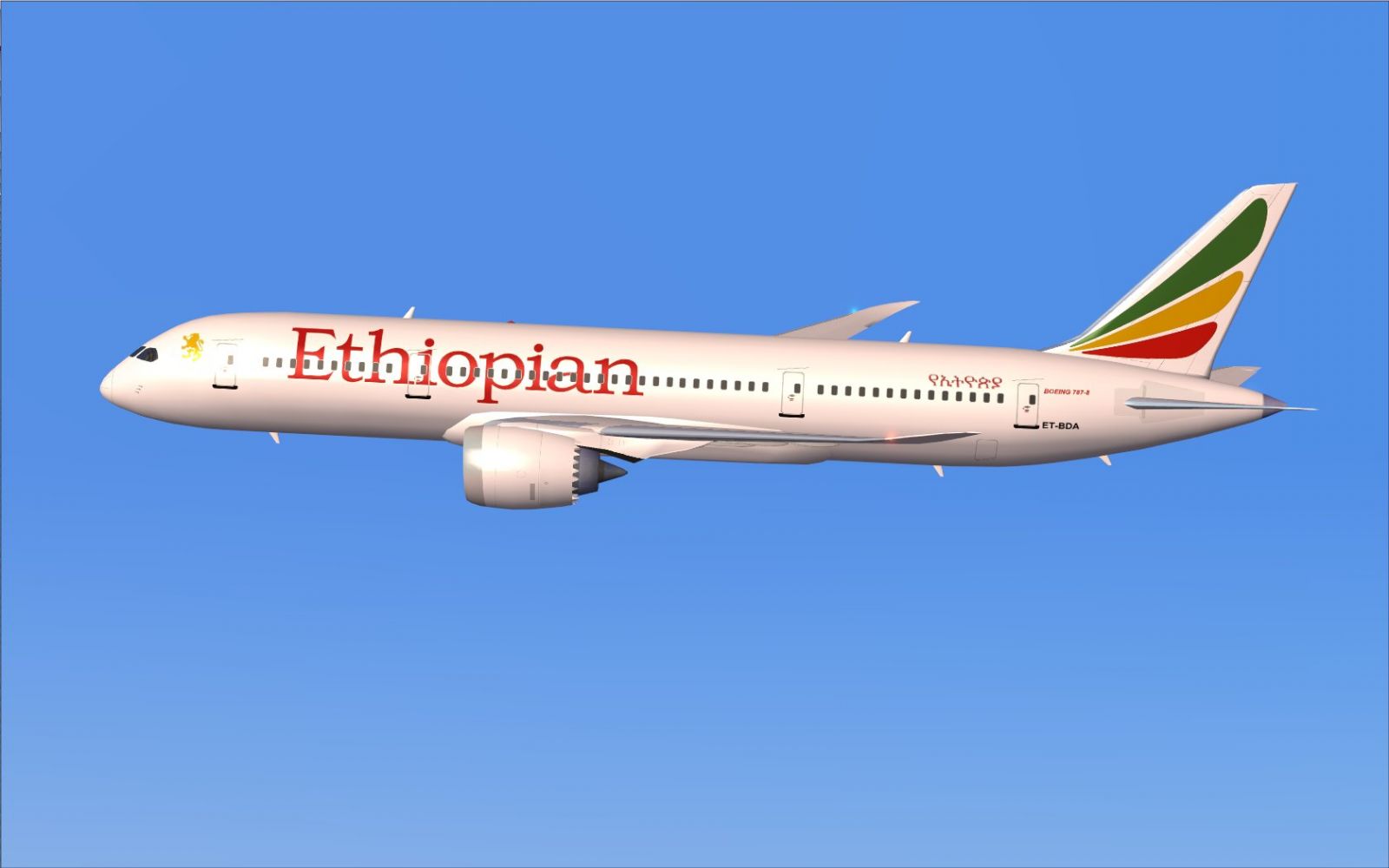
Ethiopian Boeing 787-8 in flight.
Make sure you place the effects files into the FSX “Effects” folder. This step activates the night effects and other visual enhancements needed for the model.
To use the animated doors and servicing equipment:
Before activating these functions, verify your control assignments under the “Options” menu in Flight Simulator. Ensure that Wing fold/unfold is bound to Shift+C and Tail hook up/down is bound to Shift+D, which will enable seamless transitions between internal and external animations.
All model design, texturing, and animations for this Ethiopian Boeing 787-8 freeware add-on are crafted by Camil Valiquette (CamSim). The complete package offered here includes everything you need for immediate installation into FSX. This release delivers realistic long-haul operations and helps simulate Ethiopian Airlines’ modern fleet environment without any additional payware requirements.
Free for all simmers · 2.06 MB · Scanned clean Oct 2026
Download speed: Free tier is capped at 0.5 Mbps. PRO members download at full line speed.
This add-on may require the following files to function properly. If this is a repaint, the dependency below is likely the base aircraft package.
FSX\SimObjects\Airplanes\. The folder must contain an aircraft.cfg file. Effects go into FSX\Effects\; gauges go into FSX\Gauges\.readme.txt or README file. It tells you exactly where files go, what dependencies are needed, and any quirks specific to this add-on.The archive 788v2etx.zip has 30 files and directories contained within it.
This list displays the first 500 files in the package. If the package has more, you will need to download it to view them.
| Filename/Directory | File Date | File Size |
|---|---|---|
| CamSim Boeing 787-8 V2 Ethiopian | 01.04.10 | 0 B |
| 787-8.air | 02.22.06 | 12.76 kB |
| 787et1.jpg | 11.18.09 | 79.76 kB |
| aircraft.cfg | 01.04.10 | 15.41 kB |
| Effects.zip | 03.25.06 | 1.80 kB |
| file_id.diz | 01.04.10 | 189 B |
| model.787-8 ags | 01.04.10 | 0 B |
| 787-8 ags.mdl | 12.21.09 | 2.67 MB |
| Model.cfg | 03.16.06 | 28 B |
| Panel | 01.04.10 | 0 B |
| panel.cfg | 05.27.09 | 33 B |
| Read Me_FSX.txt | 01.04.10 | 2.45 kB |
| sound | 01.04.10 | 0 B |
| Sound.cfg | 05.27.09 | 30 B |
| texture.et | 01.04.10 | 0 B |
| 787eng_t.bmp | 12.21.09 | 1.00 MB |
| 787ext_L.bmp | 01.04.10 | 4.00 MB |
| 787ext_t.bmp | 01.04.10 | 1.00 MB |
| 787int_L.bmp | 01.04.10 | 4.00 MB |
| 787int_t.bmp | 01.04.10 | 1.00 MB |
| 787tail_t.bmp | 11.17.09 | 1.00 MB |
| 788fuse_t.bmp | 12.10.09 | 1.00 MB |
| 789wings_t.bmp | 11.24.09 | 1.00 MB |
| gris_t.bmp | 12.09.09 | 16.07 kB |
| pilot1.bmp | 09.10.09 | 257.05 kB |
| pilot1_L.bmp | 12.06.06 | 1.00 MB |
| thumbnail.jpg | 01.04.10 | 4.18 kB |
| w_t.bmp | 12.06.08 | 16.07 kB |
| flyawaysimulation.txt | 10.29.13 | 959 B |
| Go to Fly Away Simulation.url | 01.22.16 | 52 B |
Only PRO members can place votes.
More FSX & P3D add-ons hand-picked based on this download.
FSX Civil Aircraft
This freeware repaint brings the AI Ethiopian Boeing 787-8 to life with vivid…
 FSX Civil Aircraft
Texture only, you will need the TDS B737-800 base pack (TDS_B737-800_BASE_PAC…
 FSX Civil Aircraft
This compact freeware package showcases an updated twin-engine widebody that …
 FSX Civil Aircraft
A repaint of the payware Captain Sim L1011. Textures only. Painted by Corina …
 FSX Civil Aircraft
FSX Boeing House Colors Boeing 787 Super 11, including a different new Animat…
 FSX Civil Aircraft
A fully-featured Boeing 787 freeware package for Microsoft Flight Simulator X…
 FSX Civil Aircraft
Tenkuu Developers Studio - Boeing 787-9 Dreamliner Air France Boeing 787-9 "F…
 FSX Civil Aircraft
FS2004/FSX/P3D Aeromexico Boeing 787-9, registration XA-ADL. 32 bit Aeromexic…
Be the first to leave a comment on this download.
Be the first to share your thoughts on this download.