
 FSX Civil Aircraft
Philippines Airlines Airbus A320-231 PH-C3221
Model by iFDG. Repaint by Chris Bajrak. Copy and paste the aircraft into the …
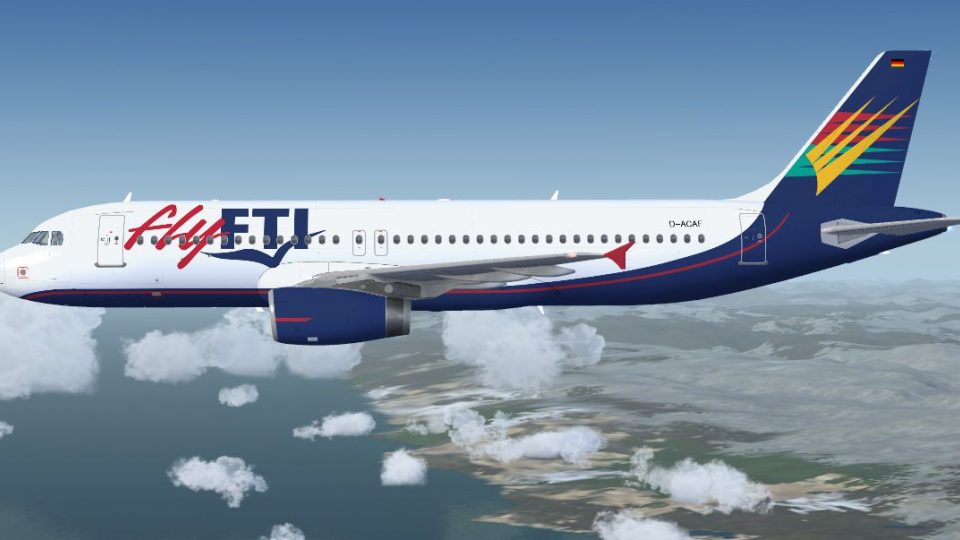
flyFTI Airbus A320-231 repaint D-ACAF brings a short-lived German charter carrier to life on the Project Airbus model for Microsoft Flight Simulator X, with dynamic shine, wing views, custom lighting and effects, accurate gear animation, and interactive passenger and cargo doors. The XML-driven systems add ground spoilers, pressurization behavior, jetwash, and realistic control-surface droop.
 Rate
Rate
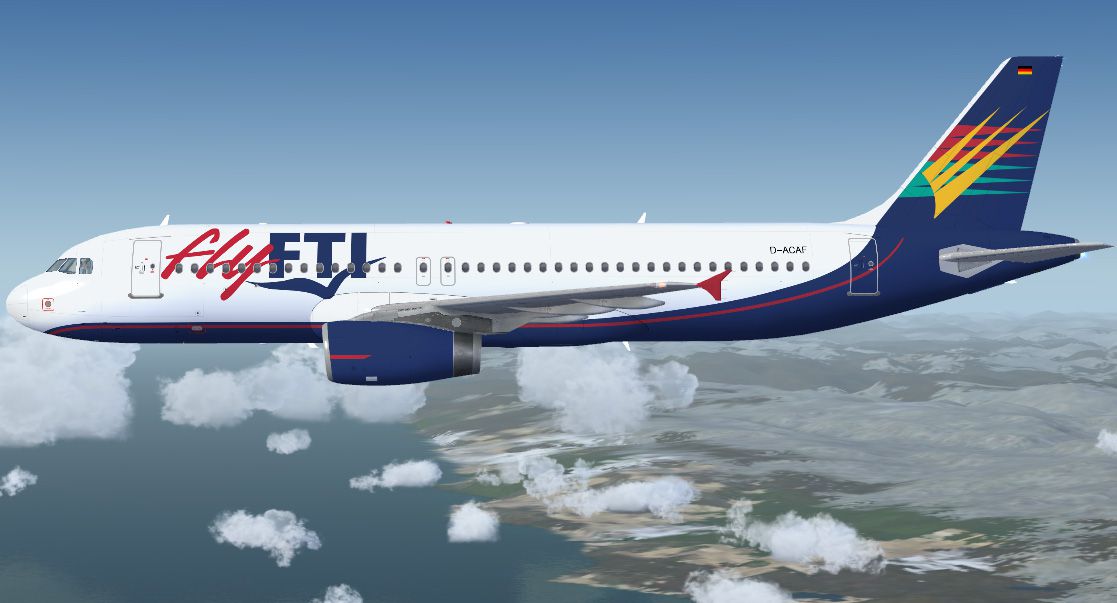
flyFTI Airbus A320-231, registration D-ACAF. Here we got another former German airline, flyFTI. In 2001 all airline operations were closed down and the entire fleet was given back to Airtours PLC, today known as My Travel Airways. By Marco Fischbach.
flyFTI Airbus A320-231 in flight.
===================================
PROJECT AIRBUS A320 flyFTI (D-ACAF)
===================================
*testet with SP2
Repaint and Remarks
===================
Here we got another former german airline flyFTI, like Aero Lloyd this
has been a great airline. But in 2001 all airline operations were closed
down and the entire fleet was given back to Airtours PLC today known as
My Travel Airways.
Like the rest of my repaints there seems to be no FSX version of
this aircraft too. So once again here you got my FSX version.
by Marco Fischbach
==================
Installation Instructions
=========================
Simply extract the ZIP file in your Flight Simulator X/SimObjects/Airplanes directory and move the contents of the Effects folder to your root Flight Simulator X/Effects directory.
Features
========
The Project Airbus A320 offers a wide range of features, many of which are XML-controlled such as:
• Pressurisation outflow valve – controls air pressure by letting it out, opens below 30 knots on ground
• Ground spoilers
• Pack outlets – open different amounts due to temperature
• Idle reversers – reversers stay open for a couple of seconds after they have been shut off, open full when only idle reverse thrust is selected
• Parallel bogies – in the double-bogey model (used by Indian Airlines)
• Dynamic jetwash – visible only when engines running
• Dropping surfaces – elevators and ailerons drop when engines are shut off
Also:
• Opening passenger and cargo doors
• Custom effects – double strobes, navigation and beacon lights, as well as touchdown effects
• Dynamic shine
• Wingviews
• Accurate landing gear extension and retraction
Doors Operation
===============
L1 – Select exit (Shift + E)
L2 + cargo doors – Tail hook up/down (not assigned to a key binding by default)
R1 + R2 – Wing fold/unfold (not assigned to a key binding by default)
Credits
=======
The Project Airbus Team, now and then:
Andy Warden – external model design
Thomas Ruth – virtual cockpit design and texturing; XML coding
Peter Binamira – flight dynamics and sounds
Demetris Themistocleous – base textures and liveries
Alessandro Savarese – base textures
John Tavendale – liveries
Derek Mayer – liveries
Matthew Murray – corporate design and organization
Gianmarco Bettiol – imagery and feedback
Nick Wu – feedback
Trevor Slack – feedback
Alexander Kvitta – feedback
David Bromwich – feedback
Special thanks to our guest painters and all who helped in the completion of this project…
Ben Jones
Dickson Chan
Jaco du Preez
Sheldon Fernandes
Terence Pereira
Flight Dynamics Testing and Feedback:
Capt. Manny Osias
F/O Spike Acenas
Mark Bolatete
Kester Masias
Free for all simmers · 18.61 MB · Scanned clean Oct 2026
Download speed: Free tier is capped at 0.5 Mbps (this file takes approximately 5 mins at the cap). PRO members download at full line speed.
FSX\SimObjects\Airplanes\. The folder must contain an aircraft.cfg file. Effects go into FSX\Effects\; gauges go into FSX\Gauges\.readme.txt or README file. It tells you exactly where files go, what dependencies are needed, and any quirks specific to this add-on.The archive fsx_pa320_flyfti.zip has 60 files and directories contained within it.
This list displays the first 500 files in the package. If the package has more, you will need to download it to view them.
| Filename/Directory | File Date | File Size |
|---|---|---|
| PA320 flyFTI | 01.01.10 | 0 B |
| Aircraft.cfg | 01.05.10 | 16.44 kB |
| effects.zip | 08.30.07 | 6.25 kB |
| intelliscene.cfg | 08.03.08 | 142 B |
| model.200_IAE | 01.01.10 | 0 B |
| A320_200_IAE_NoVC.mdl | 10.10.09 | 2.09 MB |
| Airbus_A321_interior.mdl | 06.18.07 | 1.06 MB |
| Model.cfg | 01.01.10 | 67 B |
| pa320-v2527.air | 08.30.07 | 8.80 kB |
| panel | 01.01.10 | 0 B |
| Airbus_A321.cab | 09.04.06 | 2.72 MB |
| airbus_a321_panel_background.bmp | 05.12.06 | 769.05 kB |
| airbus_a321_panel_background_night.bmp | 05.12.06 | 769.05 kB |
| panel.cfg | 08.01.06 | 5.49 kB |
| Readme.txt | 01.05.10 | 5.12 kB |
| sound | 01.01.10 | 0 B |
| texture.flyfti | 01.03.10 | 0 B |
| A320_1_IAE_l.bmp | 10.21.09 | 4.00 MB |
| A320_1_IAE_t.bmp | 01.03.10 | 4.00 MB |
| A320_2_IAE_l.bmp | 08.30.07 | 256.07 kB |
| A320_2_IAE_t.bmp | 01.03.10 | 4.00 MB |
| A320_2_t.bmp | 08.30.07 | 4.00 MB |
| A320_fuse_1_l.bmp | 12.02.09 | 4.00 MB |
| A320_fuse_1_t.bmp | 01.03.10 | 4.00 MB |
| A320_fuse_2_l.bmp | 12.02.09 | 4.00 MB |
| A320_fuse_2_t.bmp | 01.03.10 | 4.00 MB |
| A320_fuse_3_l.bmp | 12.02.09 | 4.00 MB |
| A320_fuse_3_t.bmp | 01.03.10 | 4.00 MB |
| A320_misc_1.bmp | 01.03.10 | 1.00 MB |
| A320_misc_2.bmp | 08.30.07 | 4.00 MB |
| A320_wing_1_l.bmp | 08.30.07 | 1.00 MB |
| A320_wing_1_t.bmp | 01.03.10 | 4.00 MB |
| A320_wing_2_l.bmp | 08.30.07 | 1.00 MB |
| A320_wing_2_t.bmp | 01.03.10 | 4.00 MB |
| A321_1_T.dds | 06.18.07 | 1.33 MB |
| A321_1_T_Bump.dds | 06.18.07 | 1.00 MB |
| A321_1_T_LM.dds | 06.18.07 | 170.79 kB |
| A321_1_T_spec.dds | 06.18.07 | 1.33 MB |
| A321_2_T.dds | 06.18.07 | 1.33 MB |
| A321_2_T_Bump.dds | 06.18.07 | 1.00 MB |
| A321_2_T_LM.dds | 06.18.07 | 170.79 kB |
| A321_2_T_spec.dds | 06.18.07 | 1.33 MB |
| A321_Interior_T.dds | 06.18.07 | 341.45 kB |
| A321_reflection.dds | 06.18.07 | 170.79 kB |
| Airbus_A321_1_C.dds | 06.18.07 | 682.79 kB |
| Airbus_A321_1_night_C.dds | 06.18.07 | 682.79 kB |
| Airbus_A321_2_C.dds | 06.18.07 | 682.79 kB |
| Airbus_A321_2_night_C.dds | 06.18.07 | 682.79 kB |
| Airbus_A321_3_C.dds | 06.18.07 | 682.79 kB |
| Airbus_A321_3_night_C.dds | 06.18.07 | 682.79 kB |
| Airbus_A321_4_C.dds | 06.18.07 | 682.79 kB |
| Airbus_A321_4_night_C.dds | 06.18.07 | 682.79 kB |
| Airbus_Pilots.dds | 06.18.07 | 42.79 kB |
| Fresnel_Ramp.dds | 06.18.07 | 640 B |
| Jetheat_t.bmp | 11.30.07 | 16.07 kB |
| thumbnail.jpg | 01.03.10 | 29.85 kB |
| screenshot.jpg | 01.03.10 | 161.03 kB |
| Sound.cfg | 08.08.07 | 33 B |
| flyawaysimulation.txt | 10.29.13 | 959 B |
| Go to Fly Away Simulation.url | 01.22.16 | 52 B |
Only PRO members can place votes.
More FSX & P3D add-ons hand-picked based on this download.
FSX Civil Aircraft
Model by iFDG. Repaint by Chris Bajrak. Copy and paste the aircraft into the …
 FSX Civil Aircraft
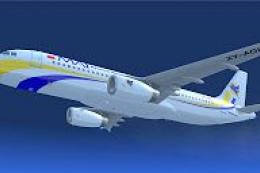
This freeware release brings flight simulation enthusiasts a carefully modele…
 FSX Civil Aircraft
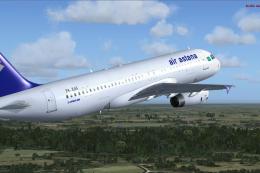
Textures only for the Project Airbus A320 (PA32X_FSX_MODELS.ZIP). By Matias G…
 FSX Civil Aircraft
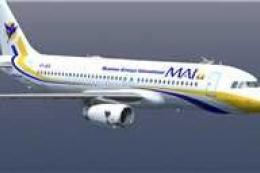
Myanmar Airways Airbus A320-231 flag and fleet update. For FSX with DX9 only.…
 FSX Civil Aircraft
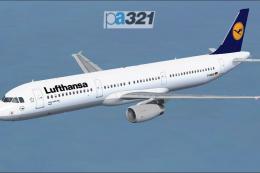
Discover a detailed Lufthansa Airbus A321-231 rendition for Microsoft Flight …
 FSX Civil Aircraft
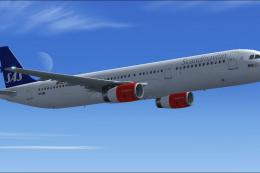
This freeware release brings a detailed Scandinavian Airlines (SAS) Airbus A3…
 FSX Civil Aircraft
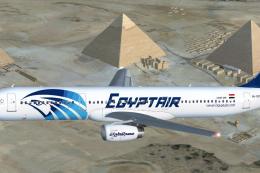
EgyptAir Airbus A321-231. EgyptAir is the flag carrier airline of Egypt and a…
 FSX Civil Aircraft
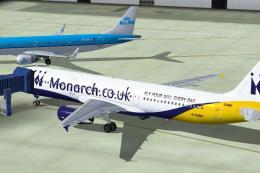
Repaint of the Project Airbus A321 IAE powered aircraft in Monarch Airlines n…
Read what other simmers think, or add your own.
