

 FSX Civil Aircraft
KLM Royal Dutch Airlines Boeing 737-800 PH-BXM
This highly detailed repaint showcases KLM Royal Dutch Airlines’ recently int…
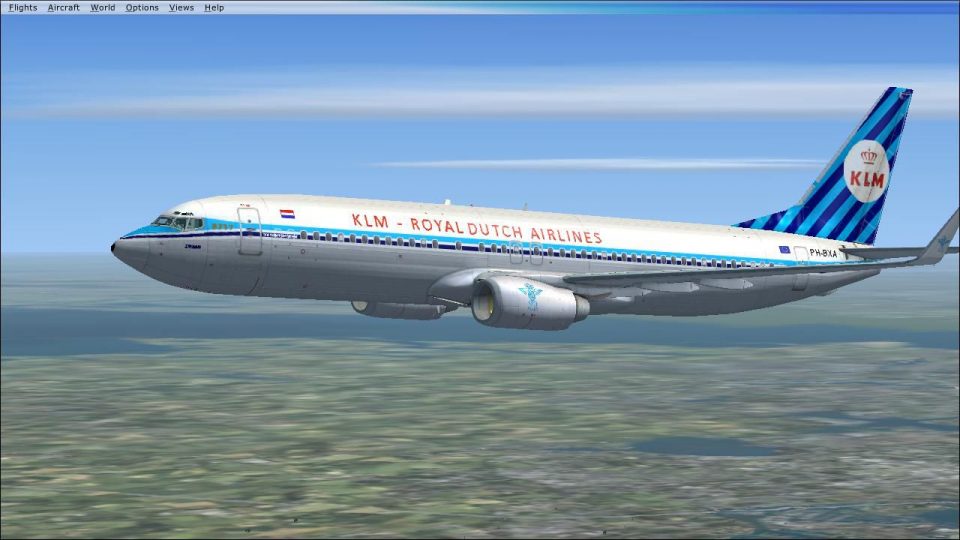
KLM’s Boeing 737-800 PH-BXA livery recreates the airline’s 2009 90th-anniversary tribute with a classic 1960s-inspired scheme for the default 737-800 in Microsoft Flight Simulator X. Crisp markings and period-correct colors give the virtual cockpit experience an authentic fleet throwback while keeping the base aircraft’s handling and systems intact.
 Rate
Rate
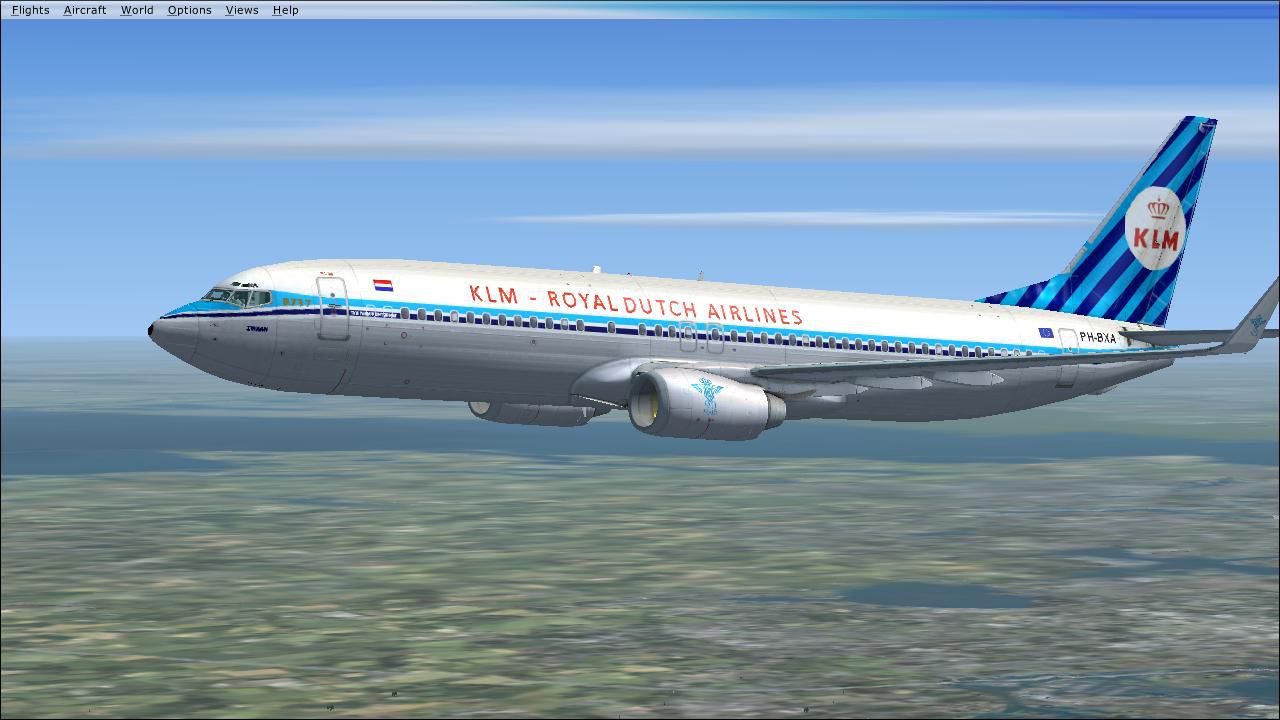
KLM Boeing 737-800, registration PH-BXA. In 2009 KLM celebrated their 90th birthday, making them the oldest airline still in existance. They painted one of their planes in a special 1960's scheme. This is the paint scheme for the default B737-800. The paint kit used was FSX737PK.ZIP.
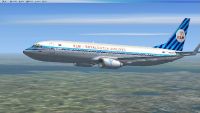
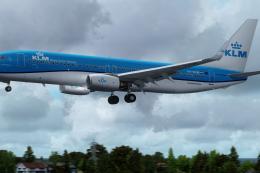
KLM Boeing 737-800 in flight.
For installation, just copy the unzipped texture file to your x:/Program Files/Microsoft Games/Microsoft Flight Simulator X/SimObjects/Airplanes/B737_800 folder. Copy the next text into your the aircraft.cfg file and change the x for the next available number.
[fltsim.x]

title=Boeing 737-800 BXA

sim=Boeing737-800

model=

panel=

sound=

texture=BXA

kb_checklists=Boeing737-800_check

kb_reference=Boeing737-800_ref

atc_id=PH-BXA

atc_airline="KLM"

atc_flight_number=0635

ui_manufacturer="Boeing"

ui_type="737-800"

ui_variation="KLM"

ui_typerole="Commercial Airliner"

ui_createdby="Microsoft Corporation"

description="KLM Boeing 737 in a special paint scheme to celebrate their 90th anniversery in 2009, making it the oldest airliner in the world still excisting."
Now start flightsim and fly.
Have fun.
Richard
Free for all simmers · 922.09 KB · Scanned clean Oct 2026
Download speed: Free tier is capped at 0.5 Mbps. PRO members download at full line speed.
This file is a repaint — the package below is the base model it paints onto. Install it first, or the textures will have nothing to load onto.
texture.{airline}) inside FSX\SimObjects\Airplanes\{base-aircraft}\.aircraft.cfg in Notepad. Add a new [fltsim.X] section per the readme.readme.txt or README file. It tells you exactly where files go, what dependencies are needed, and any quirks specific to this add-on.The archive klmretro.zip has 13 files and directories contained within it.
This list displays the first 500 files in the package. If the package has more, you will need to download it to view them.
| Filename/Directory | File Date | File Size |
|---|---|---|
| FILE_ID.DIZ | 08.15.10 | 258 B |
| Read me.txt | 08.15.10 | 835 B |
| Screenshot.jpg | 08.13.10 | 103.64 kB |
| texture.BXA | 08.15.10 | 0 B |
| b737_800_1_T.dds | 08.13.10 | 512.12 kB |
| b737_800_1_T_Specular.dds | 08.13.10 | 512.12 kB |
| b737_800_2_T.dds | 08.12.10 | 512.12 kB |
| b737_800_2_T_Specular.dds | 08.12.10 | 512.12 kB |
| Fresnel_Ramp.dds | 06.02.10 | 640 B |
| texture.cfg | 06.02.10 | 137 B |
| thumbnail.jpg | 08.13.10 | 15.69 kB |
| flyawaysimulation.txt | 10.29.13 | 959 B |
| Go to Fly Away Simulation.url | 01.22.16 | 52 B |
Only PRO members can place votes.
More FSX & P3D add-ons hand-picked based on this download.
FSX Civil Aircraft
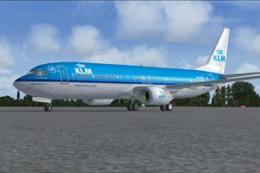
This highly detailed repaint showcases KLM Royal Dutch Airlines’ recently int…
 FSX Civil Aircraft
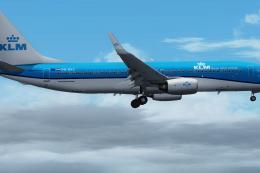
This freeware package provides a carefully rendered texture set portraying a …
 FSX Civil Aircraft
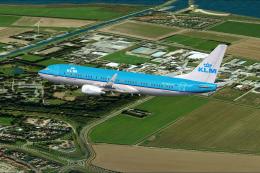
KLM Royal Dutch Airlines, the national carrier of the Netherlands, operates a…
 FSX Civil Aircraft
Experience a high-fidelity KLM Royal Dutch Airlines Boeing 737-800 (registrat…
 FSX Civil Aircraft
KLM Royal Dutch Airlines introduces its updated Boeing 737-800 (registration …
 FSX Civil Aircraft
A repaint of the default B737-800. By C. Reuleaux. Screenshot of KLM Airlines…
 FSX Civil Aircraft
Experience the fresh KLM Royal Dutch Airlines livery on a Boeing 737-800, com…
 FSX Civil Aircraft
KLM Royal Dutch Airlines has a long tradition of updating its fleet’s appeara…
Be the first to leave a comment on this download.
Be the first to share your thoughts on this download.