

 FSX Military Aircraft
US Air Force Beechcraft 58 Baron
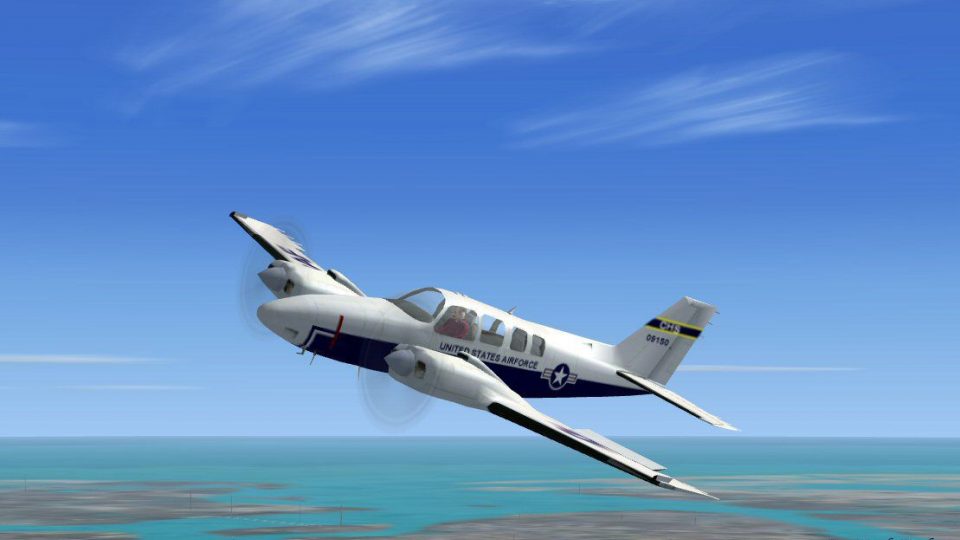
Textures only for the default B58 Baron. Screenshot of US Air Force Beechcraf…
US Air Force Beechcraft T-42 brings military instrument training and light transport flavor to the default Beech Baron in Microsoft Flight Simulator X, with a crisp, accurate repaint by Mark Rooks of RDG Aircraft. It preserves the Baron’s familiar twin-engine handling and virtual cockpit workflow while adding authentic USAF markings for immersive training sorties.
 Rate
Rate
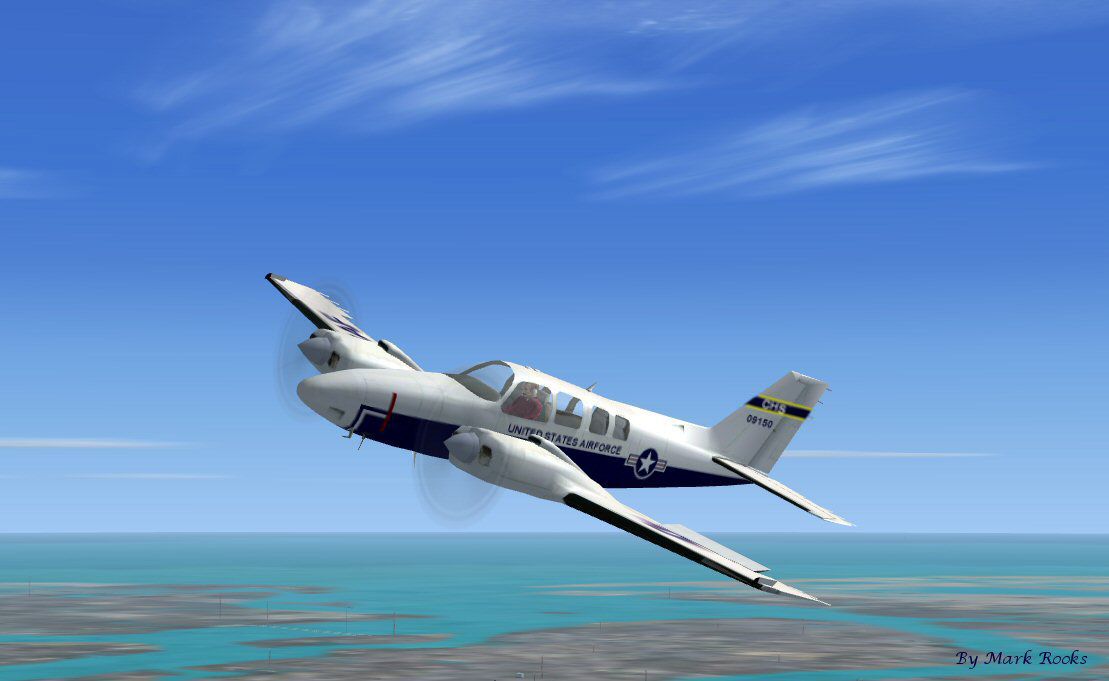
This comprehensive freeware package presents a US Air Force T-42 variant of the default Beech Baron featured in Microsoft Flight Simulator X. It recreates the military trainer and transport role used for developing instrument proficiency and handling executive travel. The repaint, created by Mark Rooks of RDG Aircraft, provides an accurate and visually enhanced depiction of the T-42 in US Air Force service, ensuring an immersive military flight training experience.
The Beechcraft T-42 is derived from the twin-engine Beech Baron platform, adapted by Beechcraft for various military tasks. Officially introduced for instrument training, it incorporates robust avionics and reliable handling characteristics, making it well suited for high-level instruction. In US Air Force contexts, the T-42 also functioned as a compact executive transport, leveraging the Beech Baron’s proven performance for swift and efficient travel.
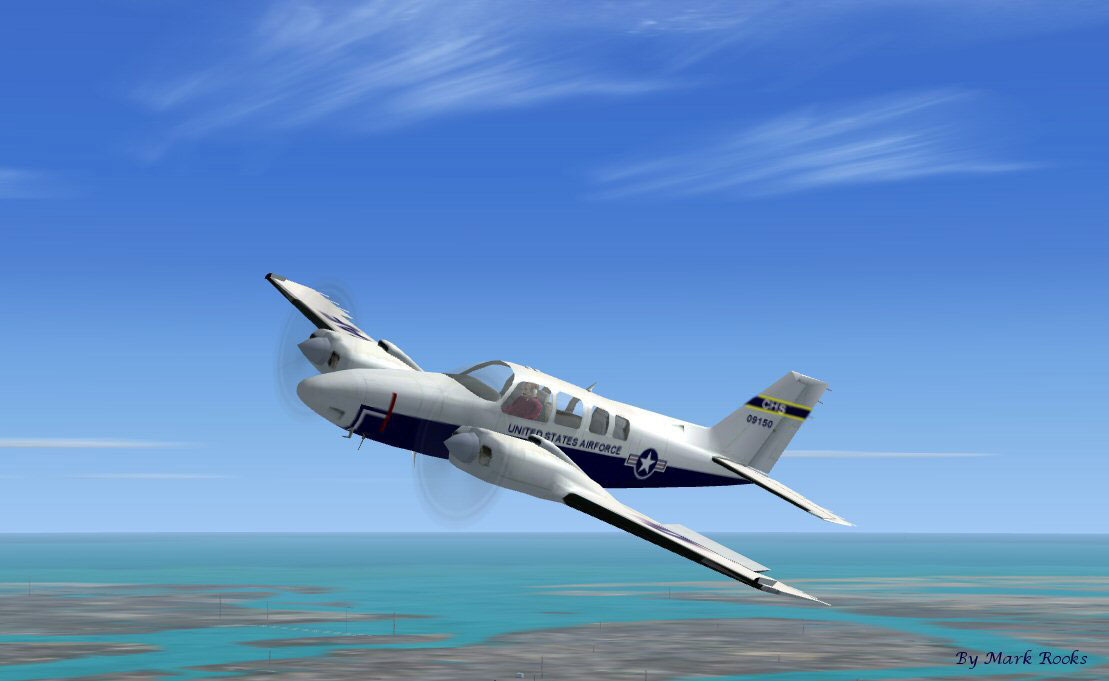
US Air Force Beechcraft T-42 in military configuration.
Beech Baron T42 USAF... Support a Mercy Flight near you.
C:\Program Files\Microsoft Games\Microsoft Flight Simulator X\SimObjects\Airplanes\All files are virus-free when uploaded. Use them strictly at your own risk, as no responsibility is accepted for any potential issues or damage to your system.
These T-42 textures are designed by Mark Rooks (RDG Aircraft). Please acknowledge his work and the original creators. If you wish to reach out to David C. Copley regarding any related aircraft projects, remember to do so without using any provided external link here.
Enjoy your new repaint and explore the capabilities of the Beechcraft T-42 in Microsoft Flight Simulator X!
Free for all simmers · 2.18 MB · Scanned clean Oct 2026
Download speed: Free tier is capped at 0.5 Mbps. PRO members download at full line speed.
SimObjects\Airplanes\, Addon Scenery\, Effects\, or Gauges\.readme.txt or README file. It tells you exactly where files go, what dependencies are needed, and any quirks specific to this add-on.The archive mattdr-t42.zip has 6 files and directories contained within it.
This list displays the first 500 files in the package. If the package has more, you will need to download it to view them.
| Filename/Directory | File Date | File Size |
|---|---|---|
| Beech Baron T-42 USAF.zip | 11.21.10 | 2.12 MB |
| Read Me First.txt | 11.21.10 | 2.76 kB |
| Reg. Text.txt | 11.21.10 | 235 B |
| screenT42 USAF.jpg | 11.21.10 | 66.93 kB |
| flyawaysimulation.txt | 10.29.13 | 959 B |
| Go to Fly Away Simulation.url | 01.22.16 | 52 B |
Only PRO members can place votes.
More FSX & P3D add-ons hand-picked based on this download.
FSX Military Aircraft
Textures only for the default B58 Baron. Screenshot of US Air Force Beechcraf…
 FSX Military Aircraft
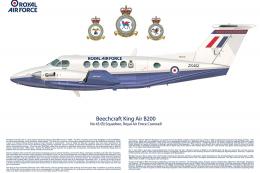
Royal Air Force Beechcraft King Air. A RAF texture for the default King Air. …
 FSX Military Aircraft
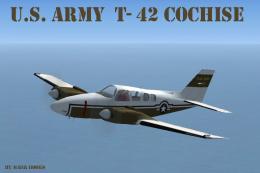
Beech T-42 Cochise. This is the default Beechcraft Baron in its military vari…
 FSX Military Aircraft
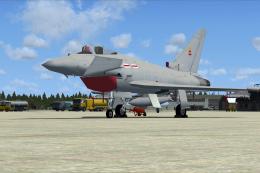
These replacement textures fix the opaque Eurofighter Typhoon cockpit in FSX …
 FSX Military Aircraft
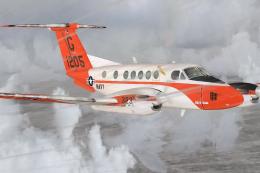
Repaint of the payware Flight 1 King Air B200 in the livery of US Navy. Repai…
 FSX Military Aircraft
This is a repaint of Carenado's Beech C-90B King Air. These textures represen…
 FSX Military Aircraft
These textures represent a T44A Pegasus of the United States Navy as it appea…
 FSX Military Aircraft
This freeware high-fidelity texture set brings a US Navy Beechcraft T-34B Men…
Be the first to leave a comment on this download.
Be the first to share your thoughts on this download.