


 Hungary
  FSX Scenery
Princess Juliana International Airport
Princess Juliana International Airport (TNCM) in Saint Marteen, Netherlands A…
Tokol Airport (LHTL) near Budapest gets a faithful freeware scenery rebuild for Microsoft Flight Simulator X, blending active general aviation operations with its former military character. Expect realistic fighter-capable ramps, hardened aircraft shelters, improved parking, and refined surrounding landclass and terrain for a more immersive Hungarian airfield environment.
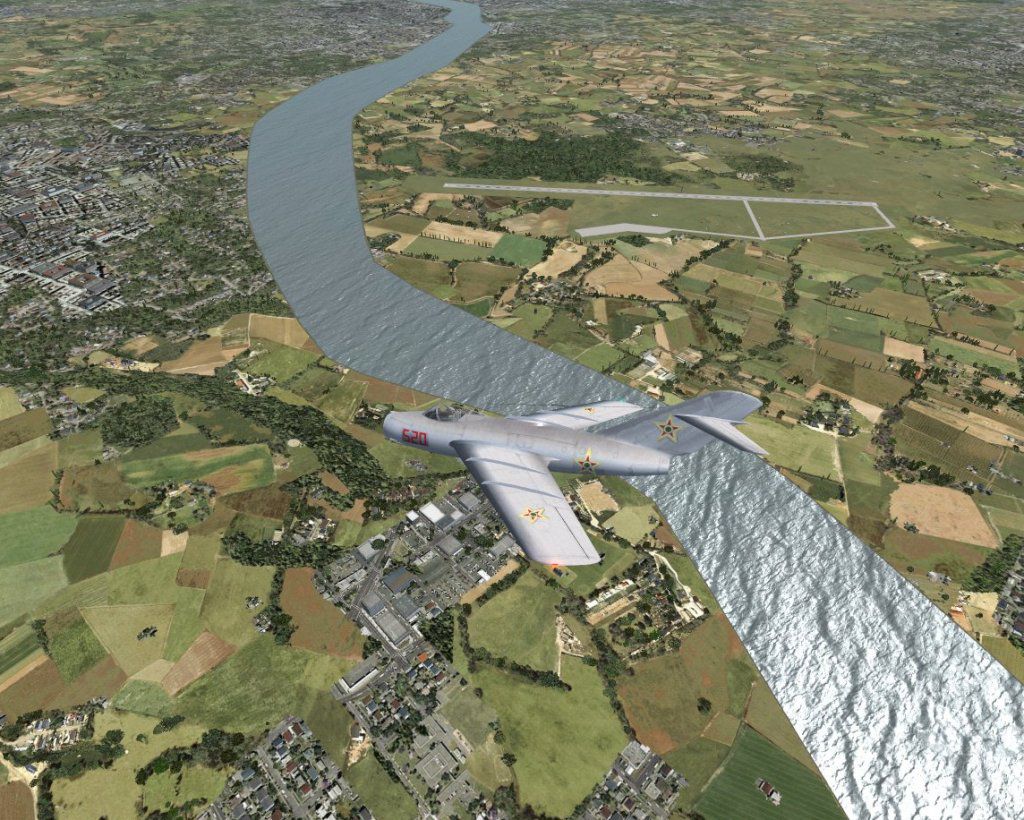
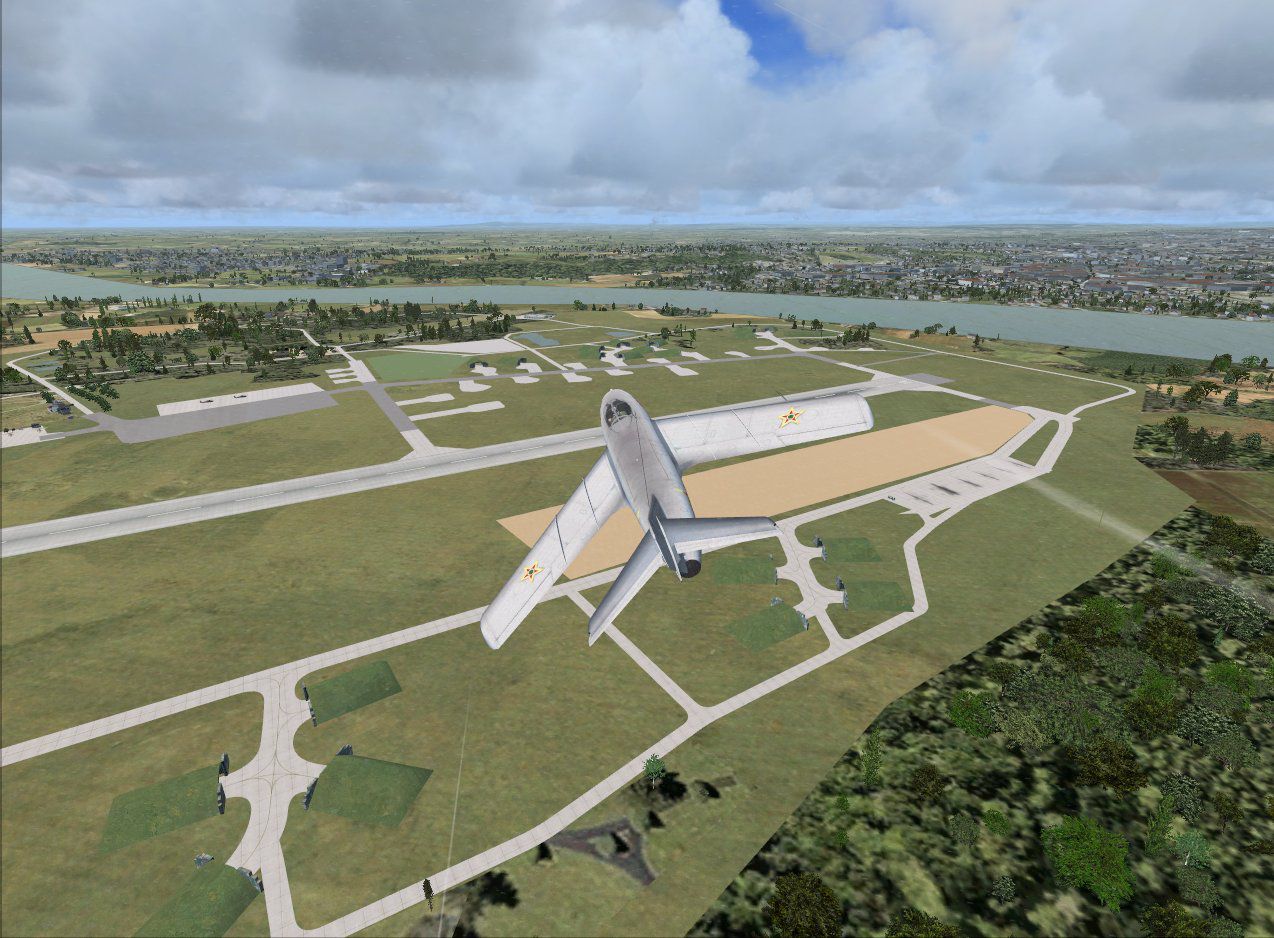
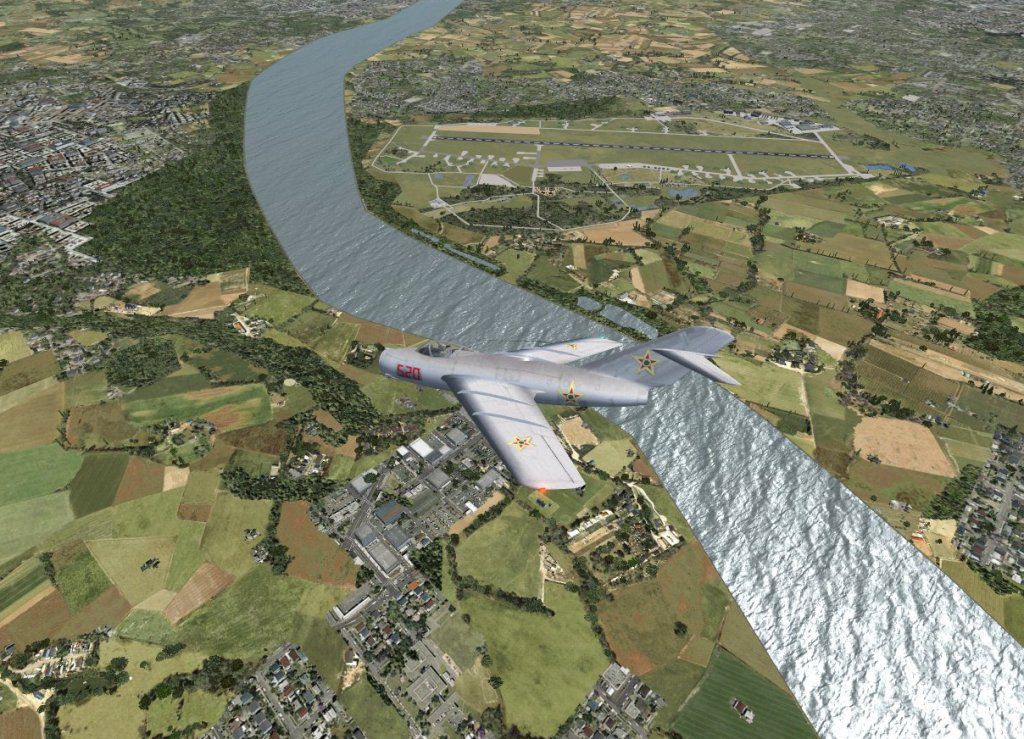

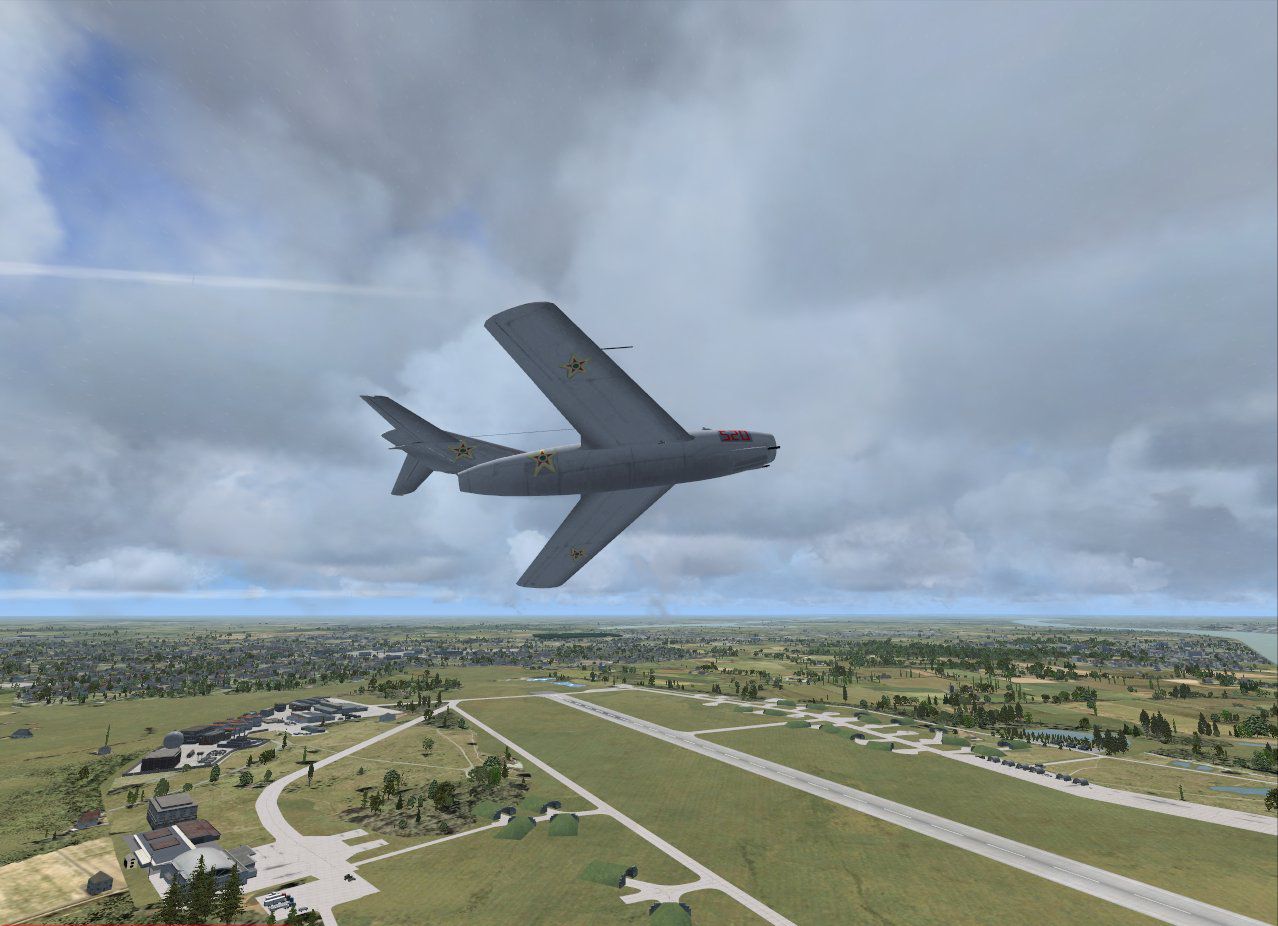
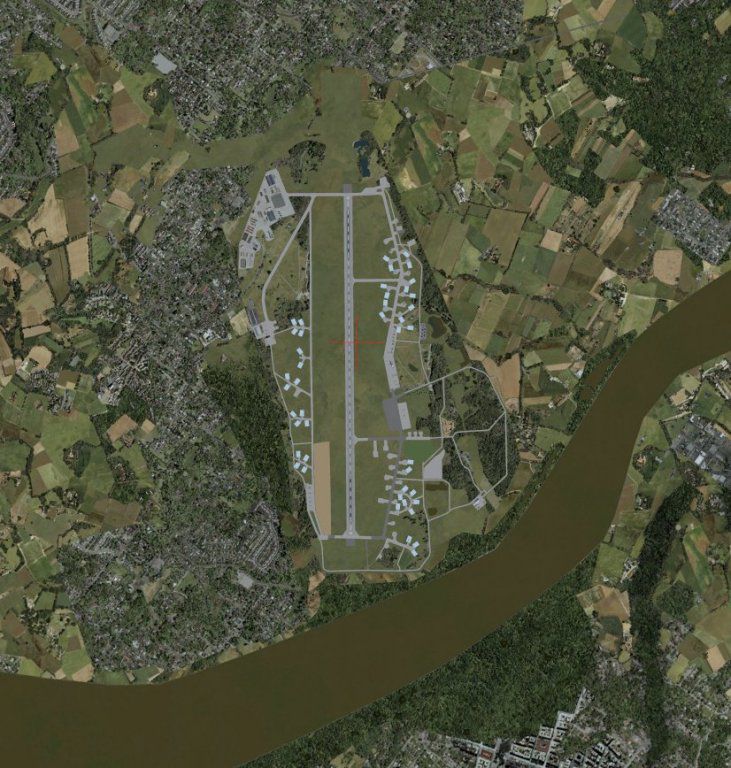
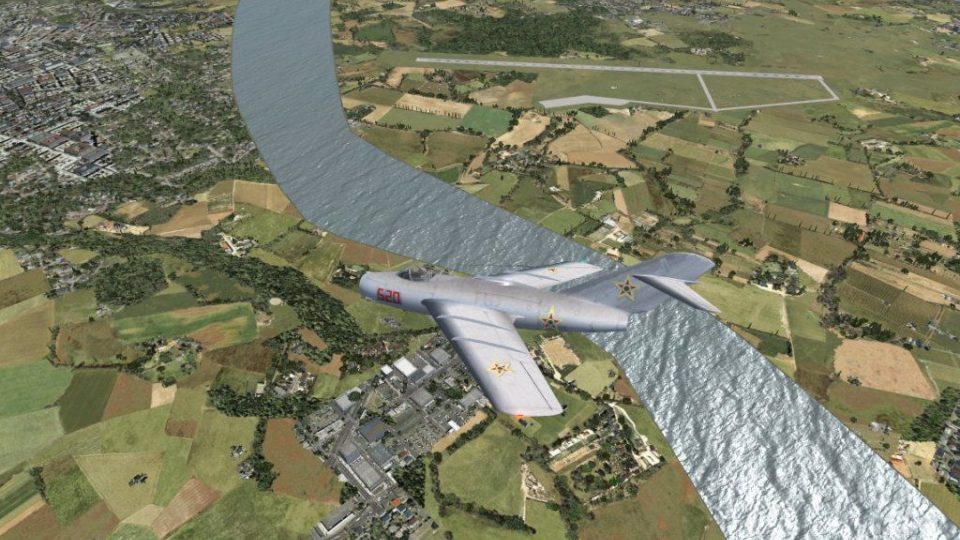
Tokol Airport (LHTL) lies just south of Budapest in Hungary, boasting a significant background as a former military airfield and now operating as a hub for general aviation activity. This freeware scenery package, crafted by creator Paul Strogen (also known as Gypsy Baron), revitalizes Tokol’s military heritage within Microsoft Flight Simulator X by introducing accurate ramps for fighter aircraft, hardened protective enclosures, plus detailed landclass improvements in the surrounding region. It has been tested on FSX-Acceleration/SP2 under Windows XP Pro.
Tokol Airport Scenery.
Originally recognized for its military role, Tokol Airport is now a functional field that caters to smaller civilian aircraft while preserving a glimpse of its historic defense operations. In order to highlight that aspect, this scenery refresh positions military-oriented ramps, hardened shelters (designed to withstand potential attacks), and added positions for general aviation parking. The configuration allows aviation traffic such as MiG-15, MiG-17, MiG-19, and MiG-21 models to operate in a realistic environment.
Custom Structures and Objects: The included objects rely on default FSX libraries, various RWY12 elements, as well as special hardened shelters contributed by Jiri Masnik. These shelters replicate military-grade facilities often seen on legacy Eastern Bloc air bases.
Surrounding Landclass Upgrades: The developer employed Cloud9 XCLEU and a 38M European mesh (by Raimondo Taburet and J. De Ferranti). Even though these terrain additions significantly change the local topography, the scenery remains compatible with the default FSX environment.
Integration Tools: A combination of Airport Design Editor (ADE), SBuilderX, FSXPlanner, and Whisplacer was used to build and refine the airport area. Each tool contributes to the layout, object placement, and overall immersion in this Hungarian locale.
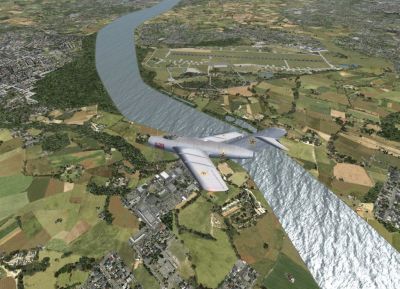
Tokol Airport Scenery.
This airport scenery is entirely freeware and must not be sold or redistributed for profit. While installing these modifications should not cause any operational difficulties, the developer cannot be held liable for issues that might arise on individual systems.
Created by Paul Strogen (Gypsy Baron).
Free for all simmers · 1.97 MB · Scanned clean Oct 2026
Download speed: Free tier is capped at 0.5 Mbps. PRO members download at full line speed.
FSX\Addon Scenery\ containing scenery and texture sub-folders.readme.txt or README file. It tells you exactly where files go, what dependencies are needed, and any quirks specific to this add-on.Use these coordinates to fly directly to this location once the mod is installed.
47.33861100,18.98638900
Launch FSX or Prepar3D and use Flights → Load to open the downloaded .pln file. Your aircraft will be positioned at this location.
The archive tokol_lh.zip has 10 files and directories contained within it.
This list displays the first 500 files in the package. If the package has more, you will need to download it to view them.
| Filename/Directory | File Date | File Size |
|---|---|---|
| LHTL_Enhanced.jpg | 01.28.08 | 216.94 kB |
| LHTL_overhead.jpg | 01.28.08 | 139.07 kB |
| LHTL_Stock.jpg | 01.28.08 | 232.32 kB |
| Tokol_3.jpg | 01.24.08 | 198.13 kB |
| Tokol_4.jpg | 01.24.08 | 149.09 kB |
| Tokol_5.jpg | 01.24.08 | 227.49 kB |
| LHTL_Tokol.zip | 02.02.08 | 857.70 kB |
| Readme.txt | 02.02.08 | 2.32 kB |
| flyawaysimulation.txt | 10.29.13 | 959 B |
| Go to Fly Away Simulation.url | 01.22.16 | 52 B |
Only PRO members can place votes.
More FSX & P3D add-ons hand-picked based on this download.
FSX Scenery
Princess Juliana International Airport (TNCM) in Saint Marteen, Netherlands A…
 FSX Scenery
Los Angeles Airport Scenery v3, California (CA). This photoreal scenery is a …
 FSX Scenery
Barbados International Airport (TBPB). Grantley Adams International Airport f…
 FSX Scenery
Paris Charles de Gaulle Airport (CDG, LFPG), France. The entire airport has b…
 FSX Scenery
John F. Kennedy Airport (KJFK), New York, NYU. This is a photoreal scenery re…
 FSX Scenery
Dubai International Airport (OMDB), Dubai. Includes a new passenger terminal …
 FSX Scenery
Soekarno-Hatta International Airport (WIII), Jakarta, Indonesia. An update to…
 FSX Scenery
San Diego International Airport, California (CA), USA. This photoreal scenery…
Be the first to leave a comment on this download.
Be the first to share your thoughts on this download.