

 FSX Scenery
Kunkuru Game Lodge Airstrip
Located north of Gauteng in the Waterberg mountains, South Africa. It is a po…
West Fork Lodge brings a rustic dirt airstrip in western Montana to life in FSX, ideal for backcountry hops for coffee or a classic $100 burger. Photoreal terrain with seasonal variation, a lodge that picks up winter snow, and layered ground polygons blend the runway into the surrounding landscape with a distinctive, natural texture.
 Rate
Rate
 United States of America
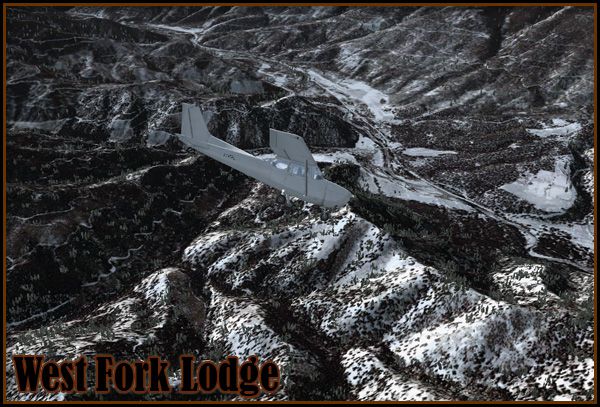
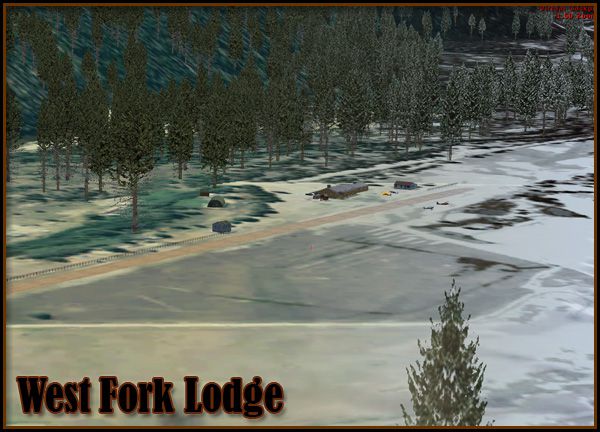
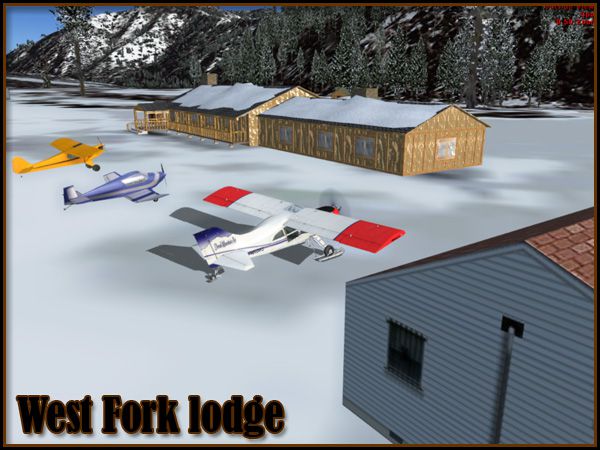
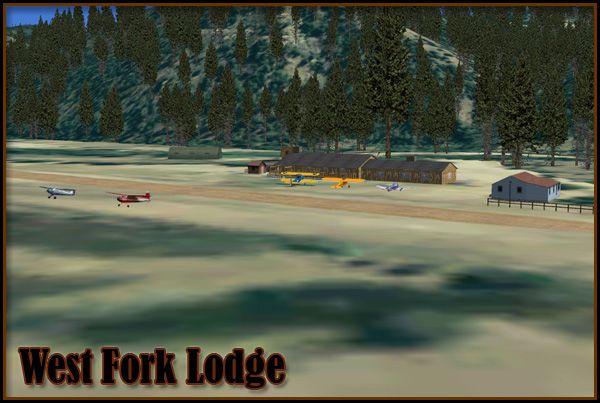
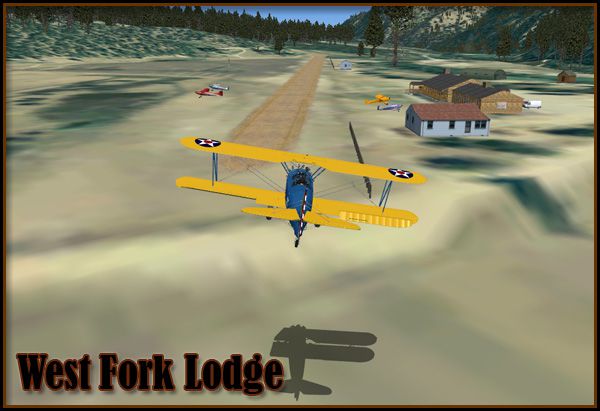
West Fork Lodge Scenery. A small, dirt airstrip in western Montana (MT). West Fork Lodge is a nice getaway for a $100 burger or cup of coffee. The scenery was more of an experiment with object conditions and ground polygon layering. It includes photoreal terrain with seasonal variations, a detailed "lodge" which gains some snow in the winter, and a runway comprised of three ground polygons blended together to create a unique texture. By Kobbe Farwick.
West Fork Lodge Scenery.
Installation:
1) Run the West Fork Lodge installer.
2) Open Flight Simulator X...
3) Navigate to the Settings menu...
4) On the far right, click Scenery Library...
5) Now click Add Area...
6) Navigate to the Addon Scenery folder, then click on the West Fork folder, then click OK.
7) Restart Flight Simulator X and you are ready to go!
Kobbe Farwick (Real Scenes)
Credits:
Many thanks to Arno and others at FS Developer for help on issues such as seasonal texturing.
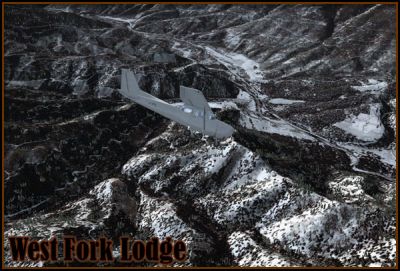
West Fork Lodge Scenery.
Free for all simmers · 76.64 MB · Scanned clean Oct 2026
Download speed: Free tier is capped at 0.5 Mbps (this file takes approximately 21 mins at the cap). PRO members download at full line speed.
FSX\Addon Scenery\ containing scenery and texture sub-folders.readme.txt or README file. It tells you exactly where files go, what dependencies are needed, and any quirks specific to this add-on.Use these coordinates to fly directly to this location once the mod is installed.
45.91000000,-114.22000000
Launch FSX or Prepar3D and use Flights → Load to open the downloaded .pln file. Your aircraft will be positioned at this location.
The archive westfork_install.zip has 10 files and directories contained within it.
This list displays the first 500 files in the package. If the package has more, you will need to download it to view them.
| Filename/Directory | File Date | File Size |
|---|---|---|
| 1.jpg | 10.26.09 | 107.00 kB |
| 2.jpg | 10.26.09 | 189.70 kB |
| 3.jpg | 10.26.09 | 142.90 kB |
| 4.jpg | 10.26.09 | 123.55 kB |
| 5.jpg | 10.26.09 | 136.19 kB |
| WestFork_Readme.txt | 10.28.09 | 683 B |
| wfork_inst.exe | 10.28.09 | 76.37 MB |
| file_id.diz | 10.28.09 | 508 B |
| flyawaysimulation.txt | 10.29.13 | 959 B |
| Go to Fly Away Simulation.url | 01.22.16 | 52 B |
Only PRO members can place votes.
More FSX & P3D add-ons hand-picked based on this download.
FSX Scenery
Located north of Gauteng in the Waterberg mountains, South Africa. It is a po…
 FSX Scenery
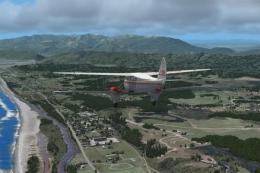
ABOUT THIS SCENERY West Coast is photo scenery that covers a large area from …
 FSX Scenery
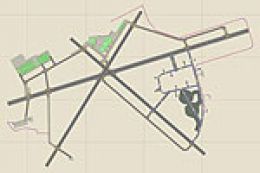
NAS Key West (KNQX), Key West, Florida (FL). Features removed and replaced st…
 FSX Scenery
Mesh In LOD 10 (30m) Of West Indies Arc, Caribbean. By Valladier Jean-Louis. …
 FSX Scenery
Land's End SeaPlanes "West Coast Travel" Part III. Includes sea plane bases a…
 FSX Scenery
West Virginia (WV). Includes LWM and VTP files for the entire state. By Richa…
 FSX Scenery
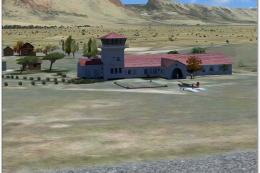
Beaufort West Airfield (FABW), South Africa. Because of its strategically geo…
 FSX Scenery
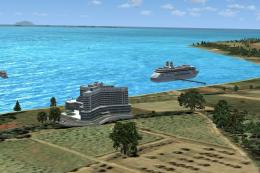
Anguilla British West Indies. This scenery adds static aircraft, vehicles and…
Be the first to leave a comment on this download.
Be the first to share your thoughts on this download.