

 FSX Scenery
Juneau Alaska Fix
Juneau Alaska Scenery Fix (AK), for use with JUNEAU_JD.ZIP. This file fixes t…
Juneau International Airport (Alaska) receives a polished, fictional refresh for FSX, enhancing the default field with added terminals, expanded parking, and a newly authored ILS for runway 08. Scenic touches boost immersion on approach and departure, including a prominent bridge positioned on the upwind side of runway 08.
 Rate
Rate
 United States of America
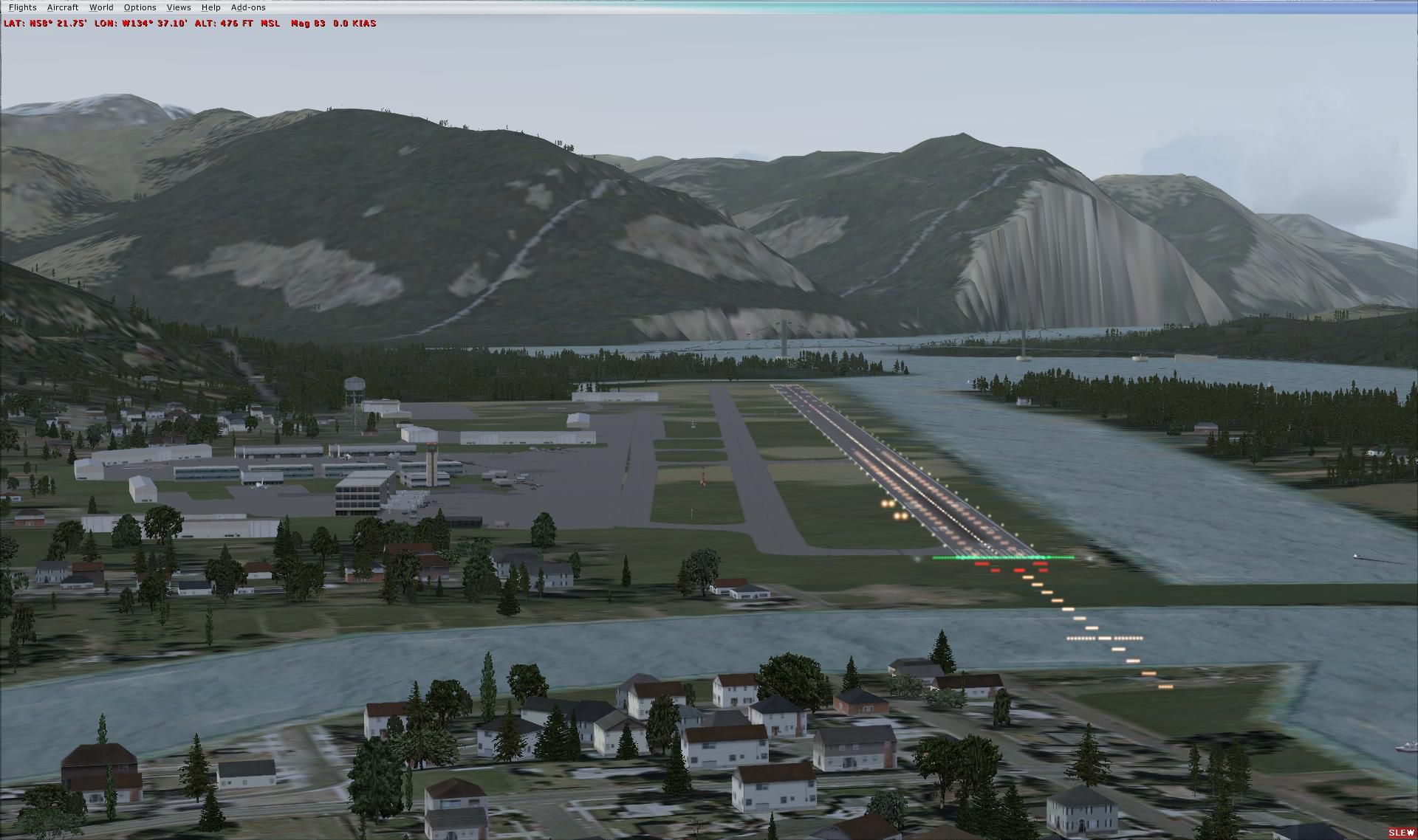
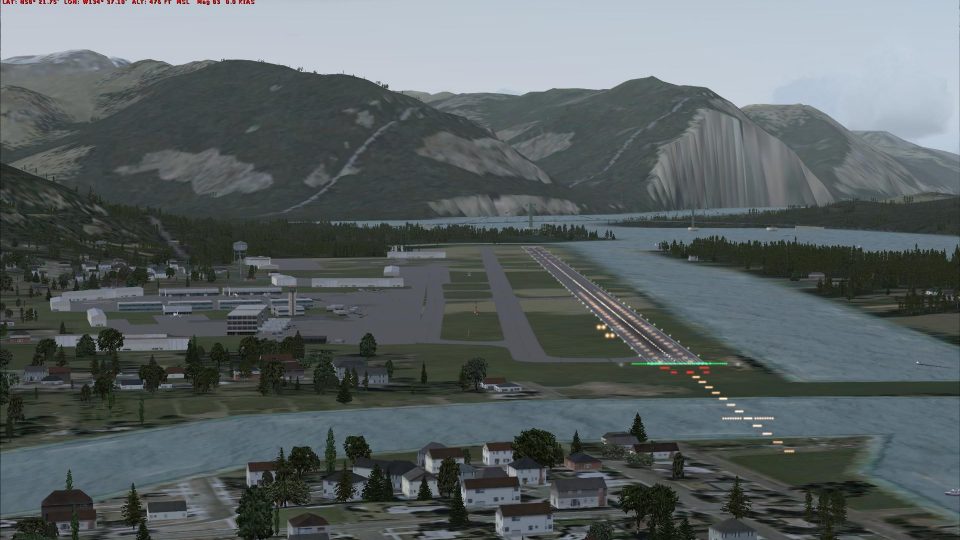
Juneau International Airport, Alaska (AK). Adds a new ILS for runway 08, some new parking and terminals for the airport. Stock scenery was not complete. Though it is fictional it has a lot more eye candy, like a new bridge on the upwind of runway 08. Created by J.D. Starseed. (See also JUNEAUFIX_JD.ZIP).
Screenshot of Juneau International Airport Scenery.
STARSEED PRODUCTIONS LLC.
Distributed for: Red Eye Guys inc.
All files created by: JD Starseed
1. Un- zip file to your desk top.
2. Copy all indiviual BGL. files to your FSX Addon Scenery/ Scenery folder. [ NOT textures folder ] For example= C:\Program Files (x86)\Microsoft Games\Microsoft Flight Simulator X\Addon Scenery\scenery.
3.Over write any files if you have previous version. Restart Flight Sim thats it !!
Come and fly with us on Flight Simulator X multiplayer and join our sessions. Look for the {SS} on the description.
See you there!
Free for all simmers · 239.67 KB · Scanned clean Oct 2026
Download speed: Free tier is capped at 0.5 Mbps. PRO members download at full line speed.
This add-on may require the following files to function properly. If this is a repaint, the dependency below is likely the base aircraft package.
FSX\Addon Scenery\ containing scenery and texture sub-folders.readme.txt or README file. It tells you exactly where files go, what dependencies are needed, and any quirks specific to this add-on.Use these coordinates to fly directly to this location once the mod is installed.
58.35461100,-134.57611100
Launch FSX or Prepar3D and use Flights → Load to open the downloaded .pln file. Your aircraft will be positioned at this location.
The archive juneau_jd.zip has 6 files and directories contained within it.
This list displays the first 500 files in the package. If the package has more, you will need to download it to view them.
| Filename/Directory | File Date | File Size |
|---|---|---|
| Juneau, AK | 08.22.11 | 0 B |
| Juneau,AK.jpg | 08.22.11 | 232.79 kB |
| PAJN_ADEX_JD.BGL | 08.22.11 | 26.15 kB |
| Read Me !.txt | 08.22.11 | 1.35 kB |
| flyawaysimulation.txt | 10.29.13 | 959 B |
| Go to Fly Away Simulation.url | 01.22.16 | 52 B |
Only PRO members can place votes.
More FSX & P3D add-ons hand-picked based on this download.
FSX Scenery
Juneau Alaska Scenery Fix (AK), for use with JUNEAU_JD.ZIP. This file fixes t…
 FSX Scenery
Princess Juliana International Airport (TNCM) in Saint Marteen, Netherlands A…
 FSX Scenery
Barbados International Airport (TBPB). Grantley Adams International Airport f…
 FSX Scenery
Dubai International Airport (OMDB), Dubai. Includes a new passenger terminal …
 FSX Scenery
Soekarno-Hatta International Airport (WIII), Jakarta, Indonesia. An update to…
 FSX Scenery
San Diego International Airport, California (CA), USA. This photoreal scenery…
 FSX Scenery
Suvarnabhumi International Airport (VTBS), Bangkok, Thailand, v1.1. Includes …
 FSX Scenery
Scenery Miami International Airport (KMIA), Florida (FL). Includes updated ta…
Be the first to leave a comment on this download.
Be the first to share your thoughts on this download.