

 FSX Historic & Vintage Aircraft
Spitfire Mark 22
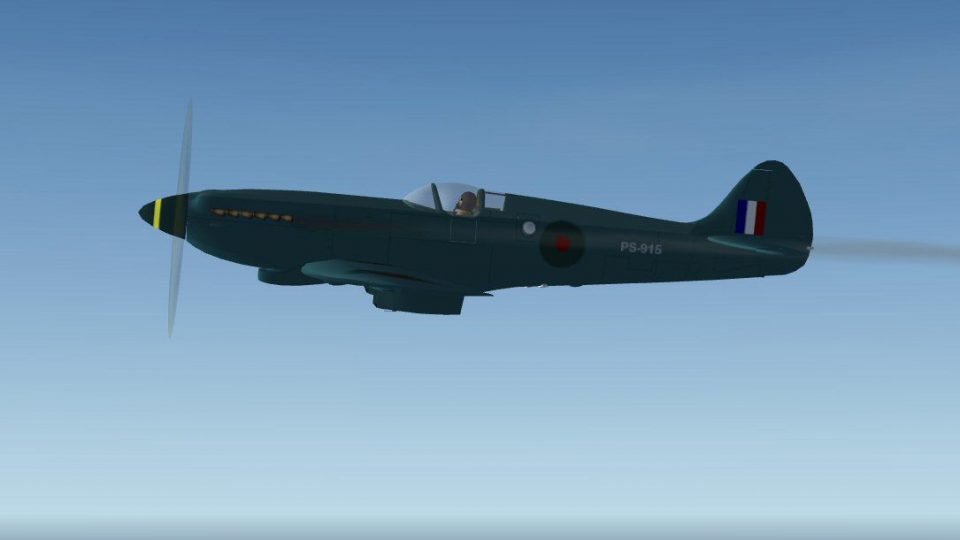
This is A.F. Scrub's Submarine MK-22 Spitfire Updated For Flight Simulator X.…
Spitfire PR Mk XIX in low-visibility sea green brings the Griffon-powered photo-recon icon to life in FSX with crisp new textures and refined flight dynamics. Built on the late-war Mk XIV lineage, it captures the type’s operational finale with a fast 452 mph profile, Rotol five-blade propeller, and an authentic virtual cockpit feel.
 Rate
Rate
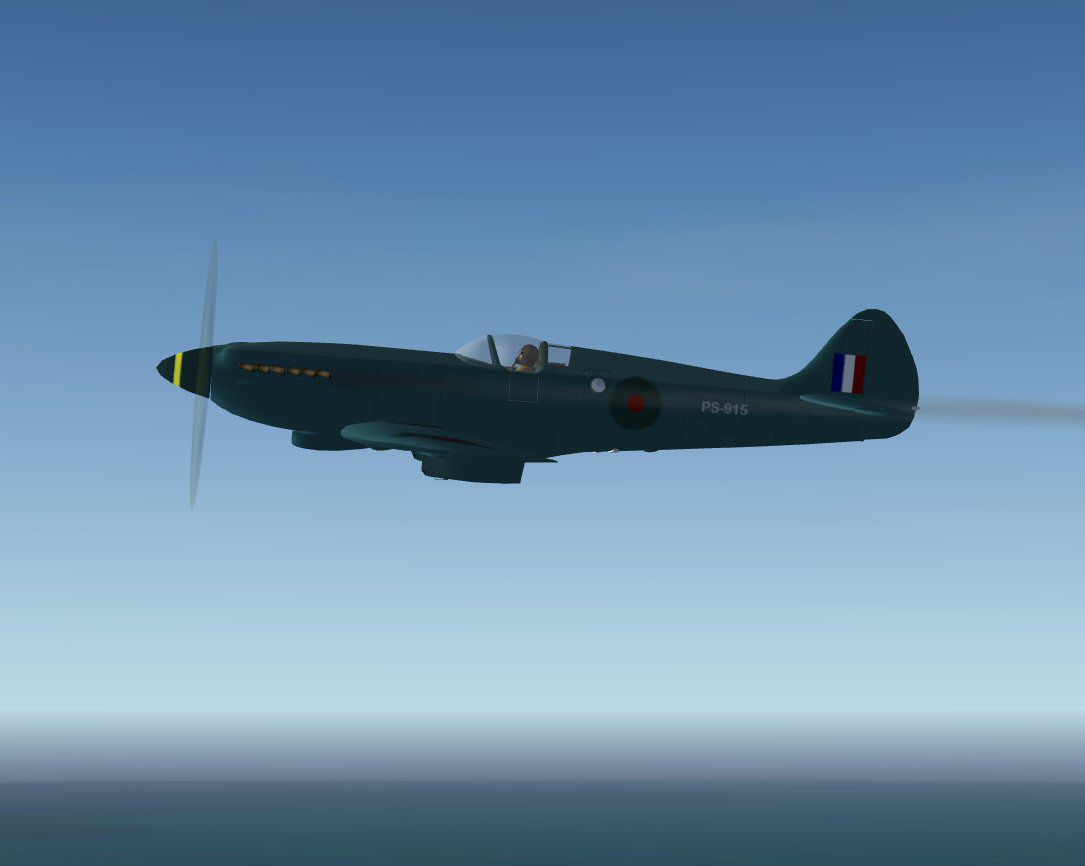
This is A.F. Scrub's FSX Spitfire Pr XIX repainted in a sea green. The Spitfire Pr XIX was the last Spitfire to be used in operational service. It was the first of the Griffon-engined photo recco versions to enter large scale production. Based on the Mk XIV airframe and the 2375 hp Rolls Royce Griffon 65 or 66 engine with a Rotol five bladed propeller giving it a maximum speed of 452 mph. Painted in a low vis sea green, with new flight dynamics and textures by Mark Rooks.
Screenshot of Spitfire MK19 Seagreen in flight.
To install this aircraft:
As always back up any original files.
1. Unzip downloaded folders to your desktop or temporary directory of your choice.
2. Copy the " Spitfire MK 19.zip " and paste it in the main aircraft folder. By default the main aircraft folder is located at: "C:Program FilesMicrosoft GamesFSXSIM Objects /Aircraft".
3. Be sure to completely unzip all files the aircraft file when complete will Cotain 6 files the Following 6 files goes in the aircraft folder CFG Airfile Model Sound Panel Textures.
4. Unzip the gauges folder and put the gauges in the FSX gauges folder located at "C:Program FilesMicrosoft GamesFSXGauges".
Made Simpler:
Make sure all files are unzipped the New Plane folder should contain 6 files unzipped they are CFG Airfile Sound Model Texture Panel the New Plane folder with the 6 files goes in the game aircraft folder found at C:Program FilesMicrosoft GamesMicrosoft Flight Simulator XSimObjectsAirplanes follow the path ie open the c drive then open program files then open Microsoft Games then open Microsoft Flight Simulator X then open SimObjects then open Airplanes folder the New Plane goes in that folder.
Textures and FSX updates created by Mark "Fire Ball" Rooks.
Enjoy your new repaint.
Thanks for downloading.
"Fire Ball"
Free for all simmers · 18.55 MB · Scanned clean Oct 2026
Download speed: Free tier is capped at 0.5 Mbps (this file takes approximately 5 mins at the cap). PRO members download at full line speed.
SimObjects\Airplanes\, Addon Scenery\, Effects\, or Gauges\.readme.txt or README file. It tells you exactly where files go, what dependencies are needed, and any quirks specific to this add-on.The archive spitfiremk19sg.zip has 9 files and directories contained within it.
This list displays the first 500 files in the package. If the package has more, you will need to download it to view them.
| Filename/Directory | File Date | File Size |
|---|---|---|
| Effects.zip | 11.14.10 | 6.15 kB |
| gauges.zip | 11.14.10 | 2.08 MB |
| Pictures and History.zip | 11.14.10 | 2.27 MB |
| Read Me First.txt | 11.14.10 | 3.18 kB |
| Screenshot spitfire19.jpg | 11.14.10 | 44.79 kB |
| Spitfire MK 19.zip | 11.14.10 | 14.17 MB |
| Text.doc | 11.14.10 | 19.00 kB |
| flyawaysimulation.txt | 10.29.13 | 959 B |
| Go to Fly Away Simulation.url | 01.22.16 | 52 B |
Only PRO members can place votes.
More FSX & P3D add-ons hand-picked based on this download.
FSX Historic & Vintage Aircraft
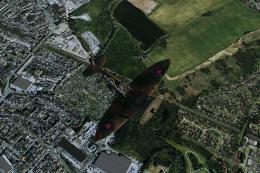
This is A.F. Scrub's Submarine MK-22 Spitfire Updated For Flight Simulator X.…
 FSX Historic & Vintage Aircraft
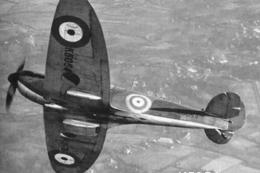
The first production Spitfire, the mark I was powered by a Merlin III giving …
 FSX Historic & Vintage Aircraft
Supermarine Spitfire MK IA Prototype K5054 - Farnborough, September 1939. Rep…
 FSX Historic & Vintage Aircraft
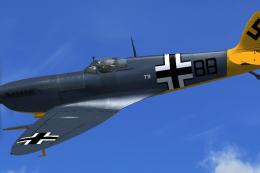
Textures only. The captured Spitfire PR MkXI of the 2./Versuchsverband OKL - …
 FSX Historic & Vintage Aircraft
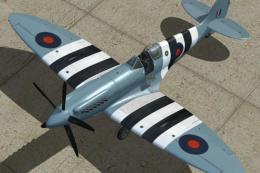
A repaint of the RealAir Spitfire 2008 MkXIV as a PRXIX Spitfire of 541 Squad…
 FSX Historic & Vintage Aircraft
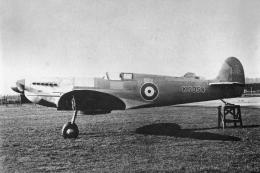
Supermarine Spitfire MK IA Prototype K5054 - Eastleigh, March 1936. At 16.30 …
 FSX Historic & Vintage Aircraft
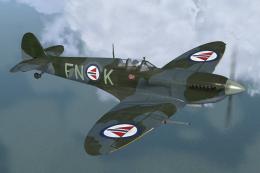
Supermarine Spitfire IX "FN-L" And "FN-K" (textures only). Included are three…
 FSX Historic & Vintage Aircraft
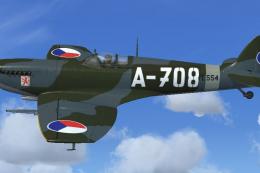
RAS2008 Spitfire Mk IX Aircraft.cfg File with late (larger) rudder. A Superma…
Read what other simmers think, or add your own.

Very disappointing for anyone looking to collect all variations of this legacy aircraft. There are a lot of typos in the panel config file resulting in instruments not showing up. As well, the aircraft config file is missing some very important sections - such as the electrical configuration. Very hard to make things work without the required power to them. I compared this aircraft config file and all it appears to be is a copy less several sections the authors forgot to copy and paste into this one.
If you happen to understand how to fix the errors and replace the missing sections, you can make it all work in harmony though. If you don't - well, that's why I gave it a 1 just for you.