

 FSX Turboprops
Buffalo Airways Lockheed Electra C-GLBA
Buffalo Airways Lockheed Electra, registration C-GLBA. Includes 32 bit textur…
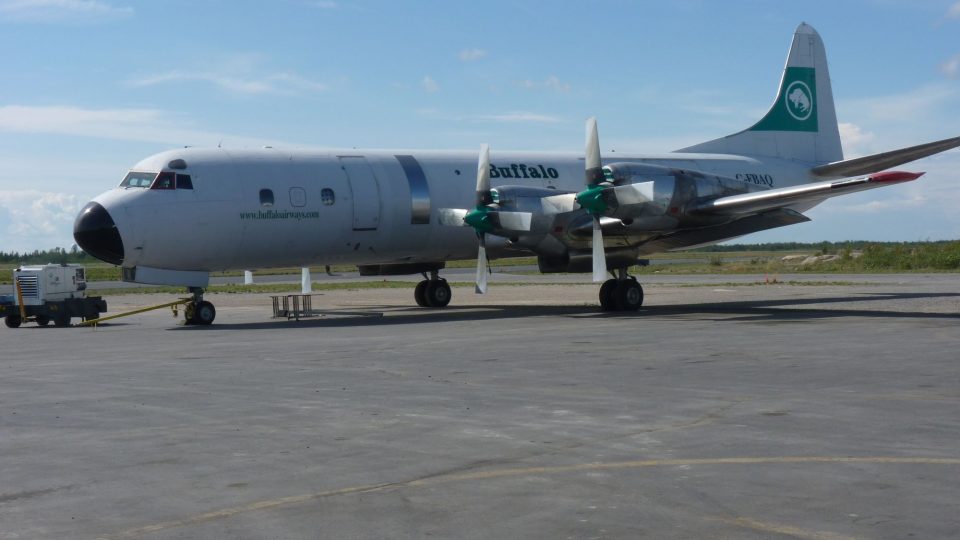
Buffalo Airways’ Lockheed Electra C-FBAQ brings a crisp, characterful repaint to Microsoft Flight Simulator X, with extra-bright navigation and tell-tail lights, realistic engine exhaust smoke, and polished cowlings, propellers, and rims that catch the light nicely. Includes added camera angles and requires DF-WLC.ZIP.
 Rate
Rate
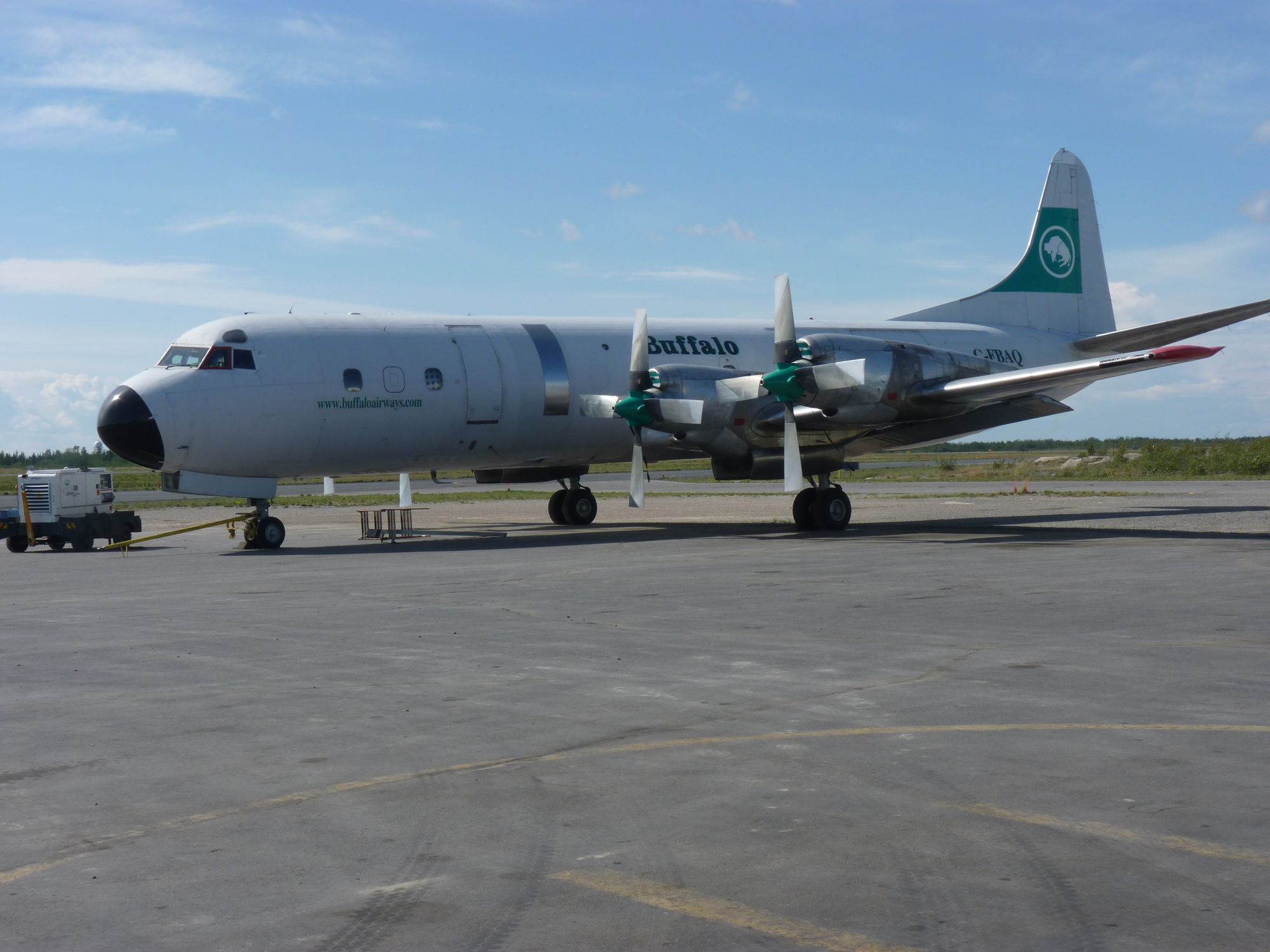
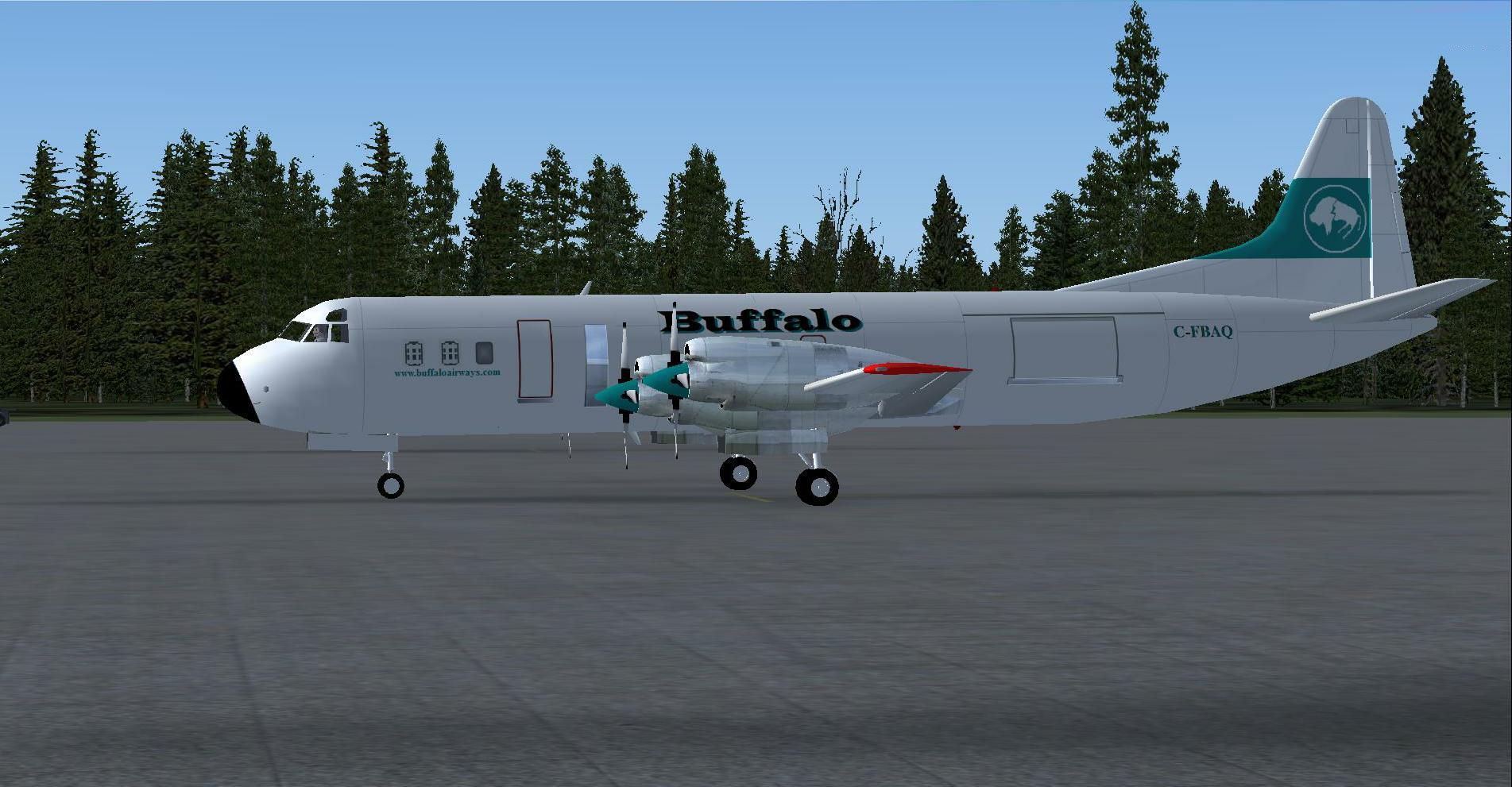

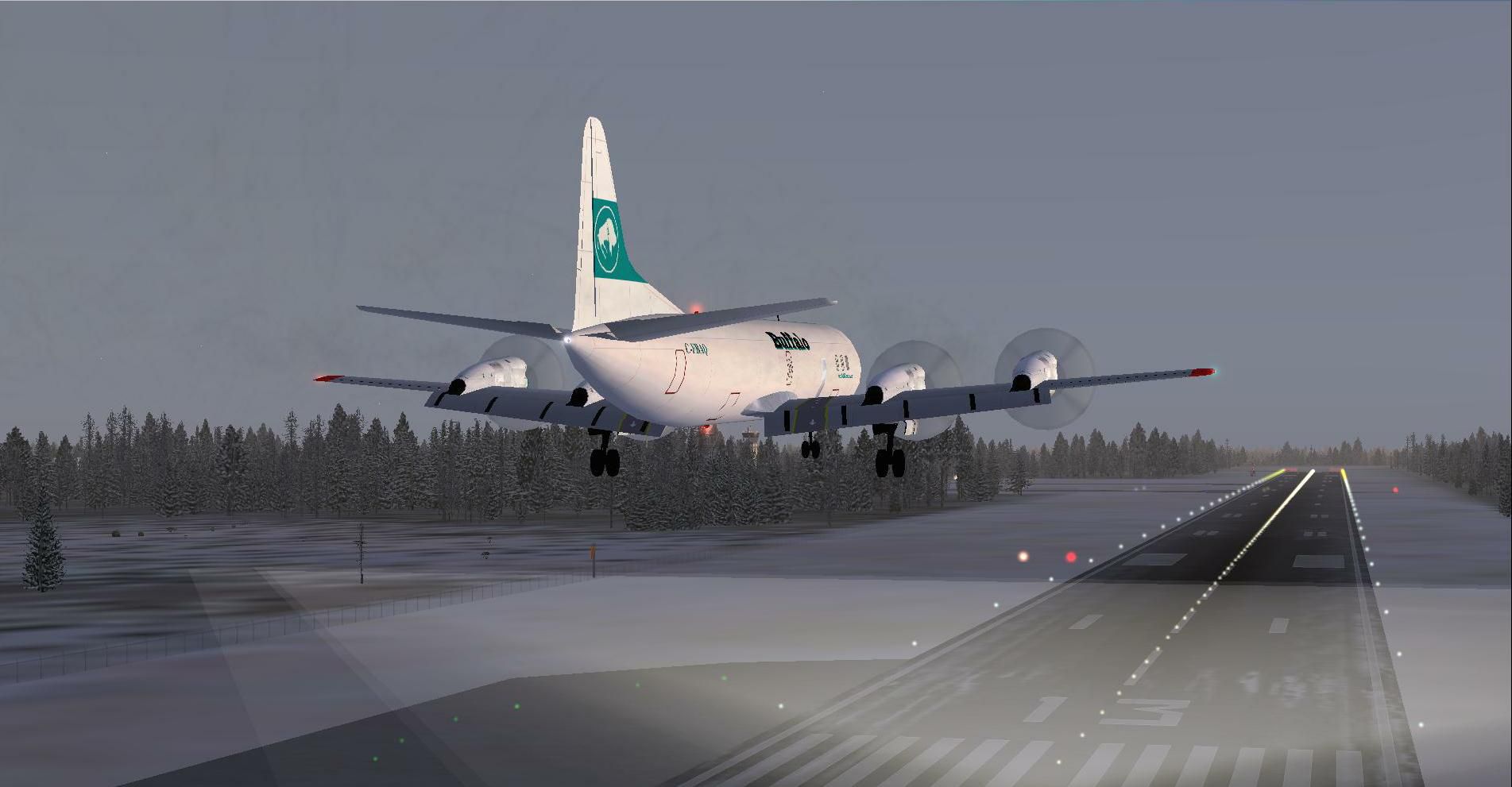
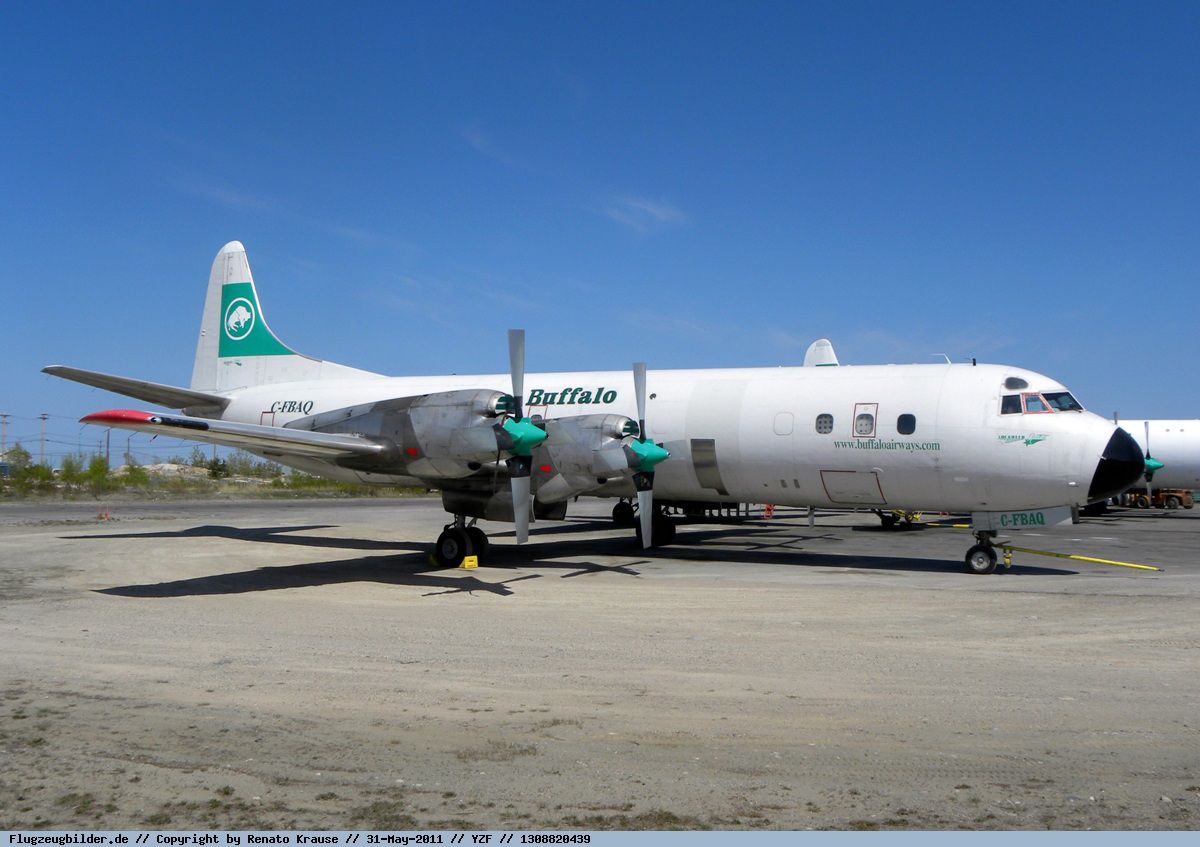
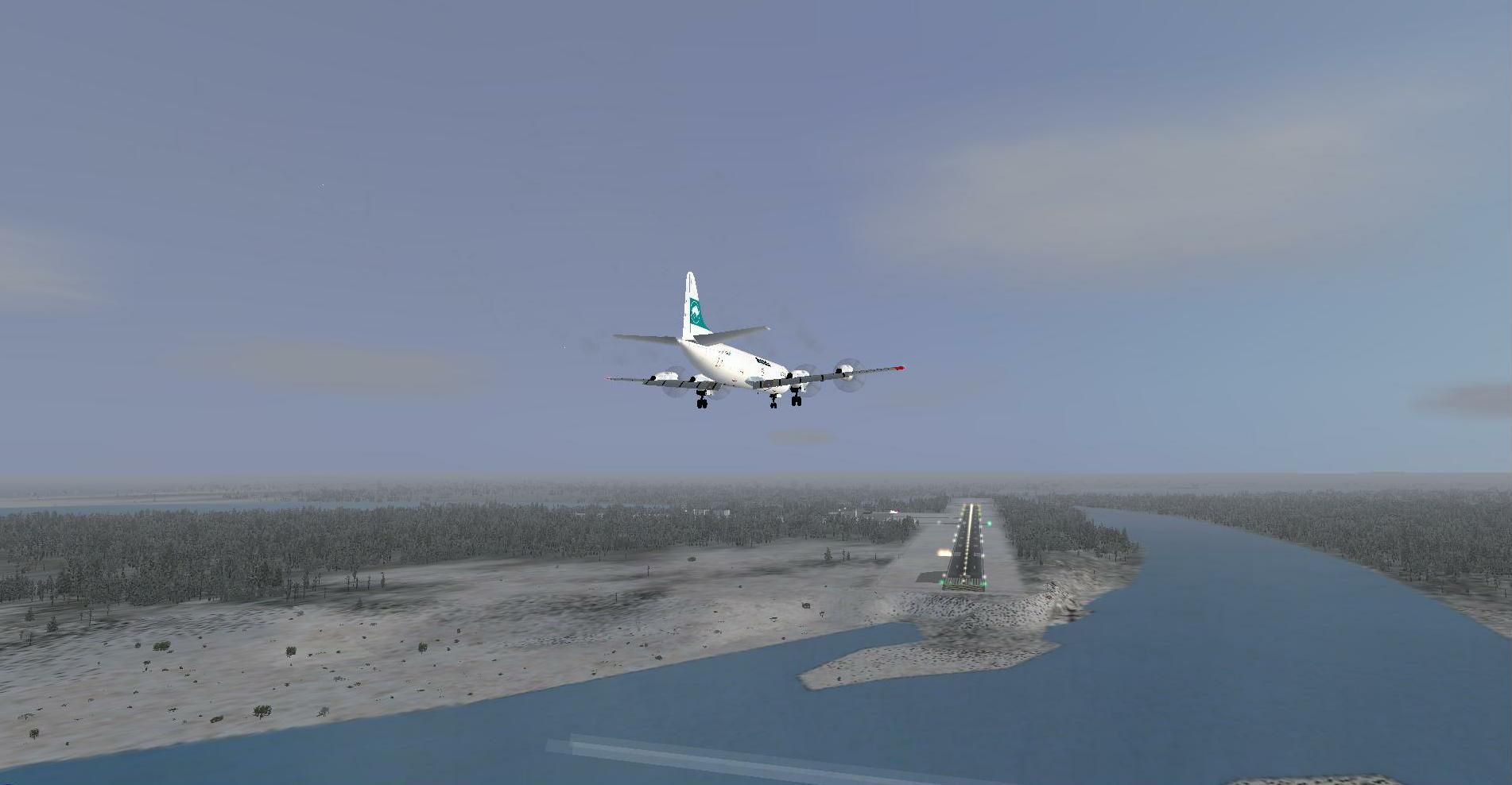
Buffalo Airways Lockheed Electra, registration C-FBAQ. Includes 32 bit textures only; requires DF-WLC.ZIP. This Lockheed Electra features extra bright navigation lights and realistic engine exhaust smoke. The "tell-tail" lights illuminate from the horizontal stabilizer. Also includes bright shiny polished engine cowl, propellers and rims. Various camera views have been added also. By Mike Stone / The DFW group / DFW Stellweg.
Screenshot of Buffalo Airways Lockheed Electra on the ground.
Installation:
Suggest to make use of your Windows explorer ( Start , All Programs , Desktop Accessories , Windows explorer ) to unzip this downloaded file: "Lockheed Electra C-FBAQ . ZIP" into, let's say C:\Temp and drag ( or copy ) the yellow folder called " texture.c-fbaq " into C:\Program Files\Microsoft Games\Microsoft Flight Simulator X\Simobjects\Airplanes\Lockheed Electra DF-WLC and copy / paste from the enclosed aircraft.cfg - file, the [fltsim.x] lines, to the aircraft.cfg - file of the mprior installed existing Lockheed Electra DF-WLC and copy / paste the 2 extra camera views. Also, suggest to put those two views at the bottom of that aircraft.cfg - file to automatically be the next numbers in line. When finished unpacking and/or dragging , start-up the Flightsimulator X and find this aircraft under manufacturer "Lockheed", were the aircraft's thumbnail is shown.
Happy landings!
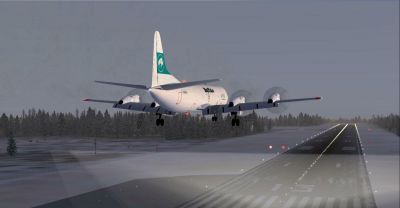
Screenshot of Buffalo Airways Lockheed Electra on landing approach.
Free for all simmers · 3.67 MB · Scanned clean Aug 2026
Download speed: Free tier is capped at 0.5 Mbps (this file takes approximately 1 min at the cap). PRO members download at full line speed.
SimObjects\Airplanes\, Addon Scenery\, Effects\, or Gauges\.readme.txt or README file. It tells you exactly where files go, what dependencies are needed, and any quirks specific to this add-on.The archive lockheed_electra_c-fbaq.zip has 29 files and directories contained within it.
This list displays the first 500 files in the package. If the package has more, you will need to download it to view them.
| Filename/Directory | File Date | File Size |
|---|---|---|
| C-FBAQ at Hay River CYHY.JPG | 02.21.12 | 1.64 MB |
| C-FBAQ at Yellowknife CYZF .jpg | 01.28.12 | 249.33 kB |
| Please read me first.txt | 02.24.12 | 2.86 kB |
| Thumbnail.JPG | 02.08.12 | 205.31 kB |
| cowl_l.bmp | 02.03.12 | 256.07 kB |
| cowl_t.bmp | 02.02.12 | 256.07 kB |
| fuslg_l.bmp | 02.24.12 | 4.00 MB |
| fuslg_t.bmp | 02.24.12 | 4.00 MB |
| lwing_l.bmp | 02.12.12 | 1.00 MB |
| lwing_t.bmp | 02.15.12 | 4.00 MB |
| prop_l.bmp | 02.02.12 | 65.05 kB |
| prop_t.bmp | 02.14.12 | 256.07 kB |
| propdisk_l.bmp | 11.20.11 | 17.05 kB |
| propdisk_t.bmp | 11.20.11 | 256.07 kB |
| rwing_l.bmp | 02.12.12 | 1.00 MB |
| rwing_t.bmp | 02.15.12 | 4.00 MB |
| spinner_l.bmp | 02.02.12 | 17.05 kB |
| spinner_t.bmp | 02.02.12 | 64.07 kB |
| stab_l.bmp | 02.12.12 | 257.05 kB |
| stab_t.bmp | 02.12.12 | 256.07 kB |
| tail_l.bmp | 02.03.12 | 256.07 kB |
| tail_t.bmp | 02.04.12 | 1.00 MB |
| Thumbnail.JPG | 02.08.12 | 205.31 kB |
| 1. C-FBAQ Long final CYHY RWY13.JPG | 02.10.12 | 97.67 kB |
| 2. C-FBAQ Short final CYHY RWY13.JPG | 02.09.12 | 144.69 kB |
| 3. C-FBAQ Final CYHY RWY13.JPG | 02.09.12 | 122.20 kB |
| aircraft.cfg | 02.24.12 | 1.87 kB |
| flyawaysimulation.txt | 10.29.13 | 959 B |
| Go to Fly Away Simulation.url | 01.22.16 | 52 B |
Only PRO members can place votes.
More FSX & P3D add-ons hand-picked based on this download.
FSX Turboprops
Buffalo Airways Lockheed Electra, registration C-GLBA. Includes 32 bit textur…
 FSX Turboprops
Buffalo Lockheed L-188 Electra, registration C-FBAQ. Model by Team FS KBT. Te…
 FSX Turboprops
This freeware release features a meticulously crafted repaint of the Lockheed…
 FSX Turboprops
This package provides a high-resolution exterior repaint of Buffalo Airways’ …
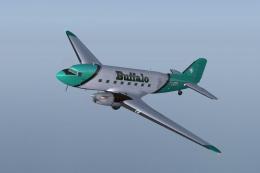 FSX Turboprops
Repaint based on the work of Manfred Jahn and his team. Buffalo Airways looki…
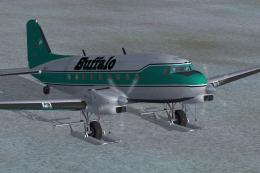 FSX Turboprops
Buffalo Airways is a family tradition airline based in Hay River, Northwest T…
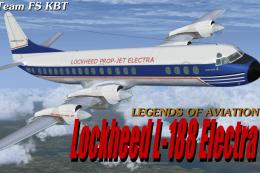 FSX Turboprops
Lockheed L-188 Electra passenger version and cargo version. A Gmax model that…
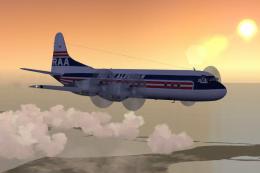 FSX Turboprops
Lockheed L-188 Electra with new start sounds and sound system. This is the Re…
Be the first to leave a comment on this download.
Be the first to share your thoughts on this download.