


 India
India  FSX Scenery
V1.5 Lambert St. Louis International
Lambert St. Louis International (KSTL), Missouri (MO). This is version 1.5 of…
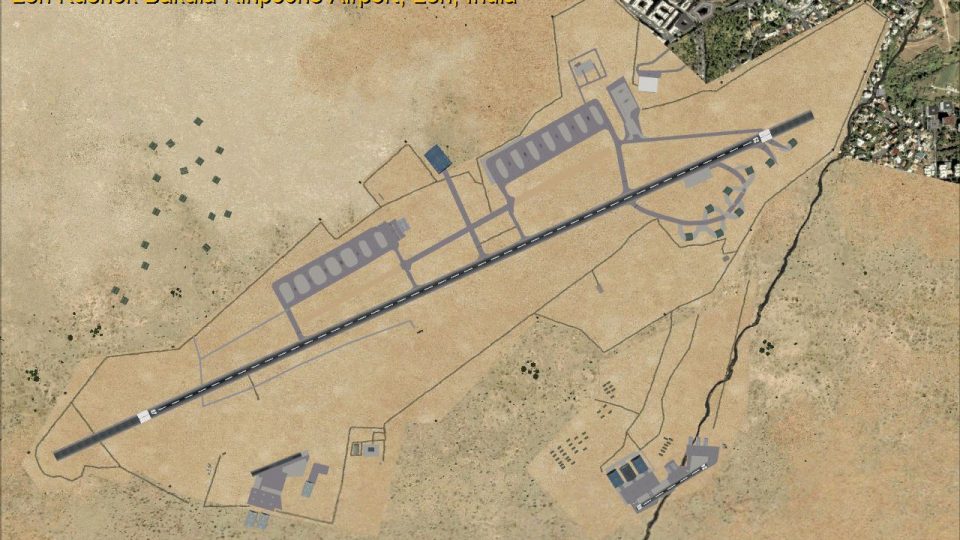
Leh Kushok Bakula Rinpoche Airport (VILH) scenery brings high-altitude operations to FSX with an extended runway, refined parking, taxiways, aprons, and custom buildings, roadways, and nearby city detail. It also adds two helicopter bases with short runways, clears vegetation from movement areas, and includes a GPS approach for runway 7.
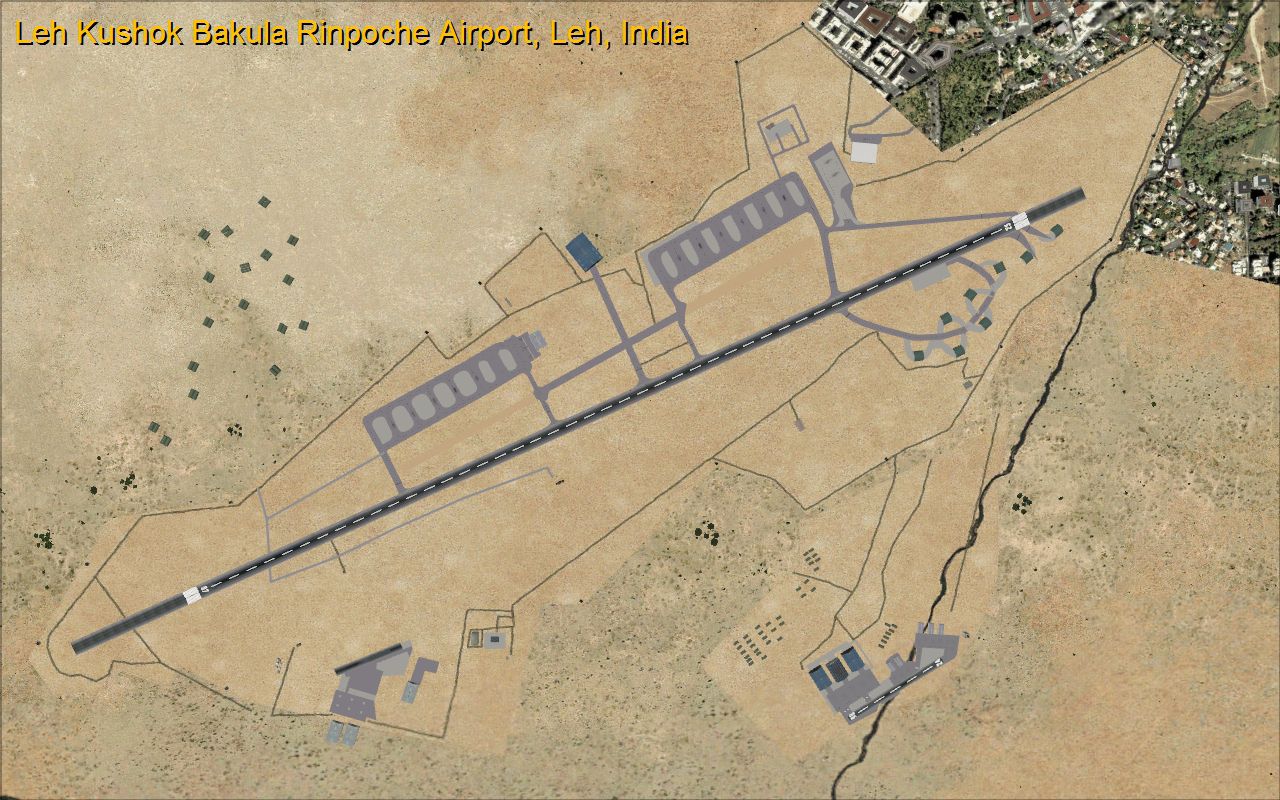
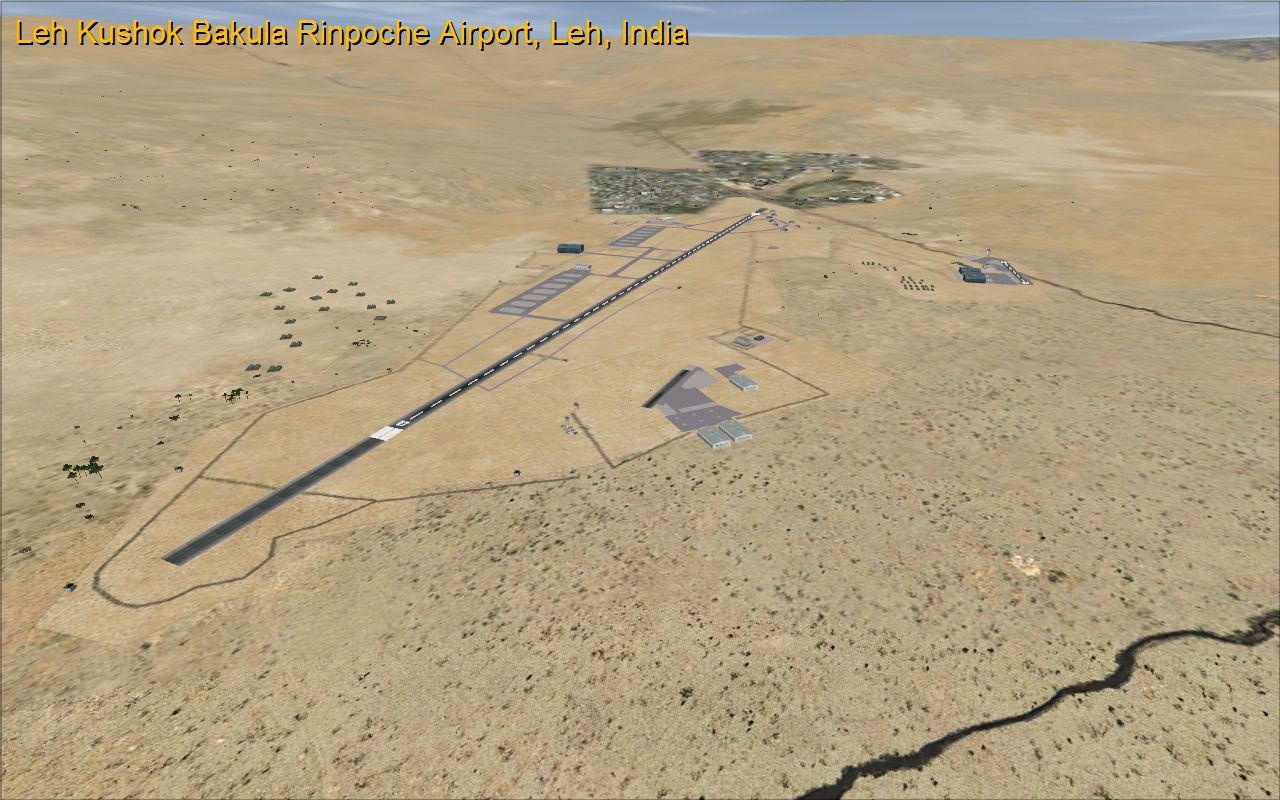
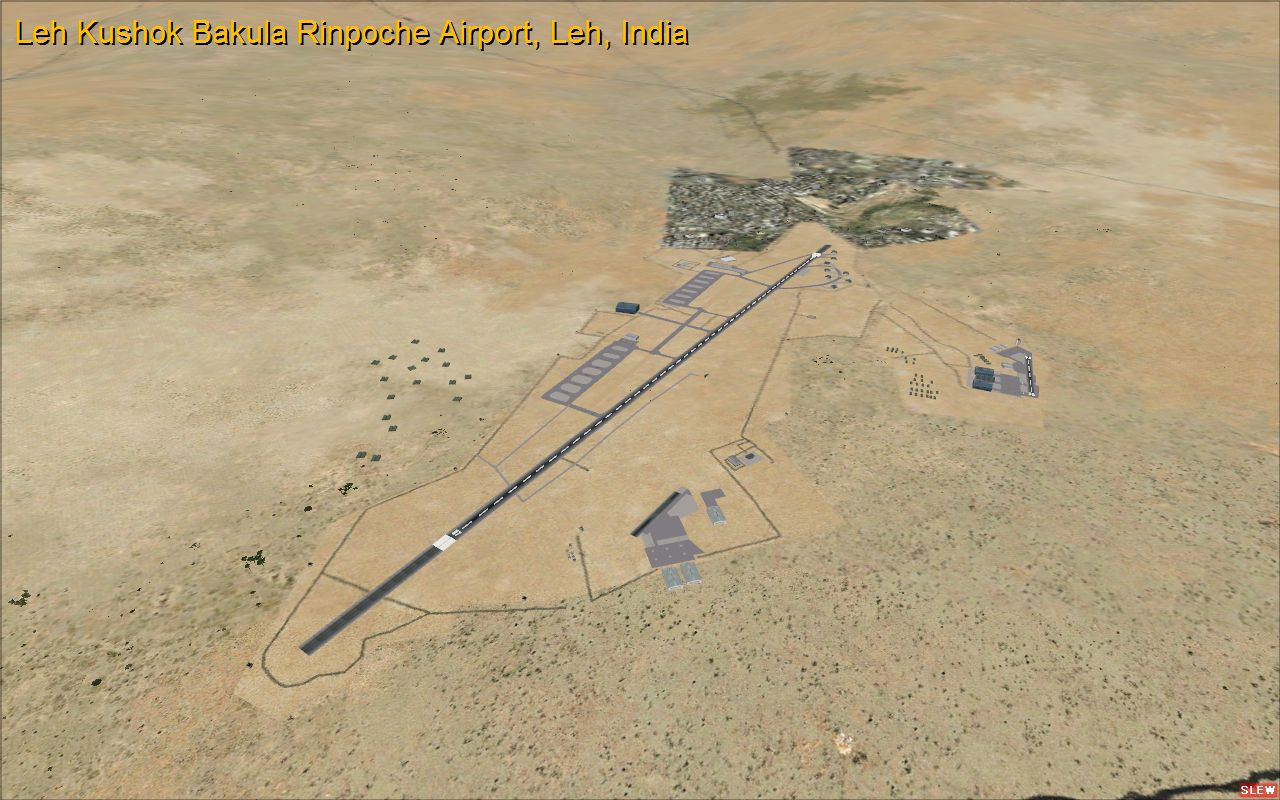
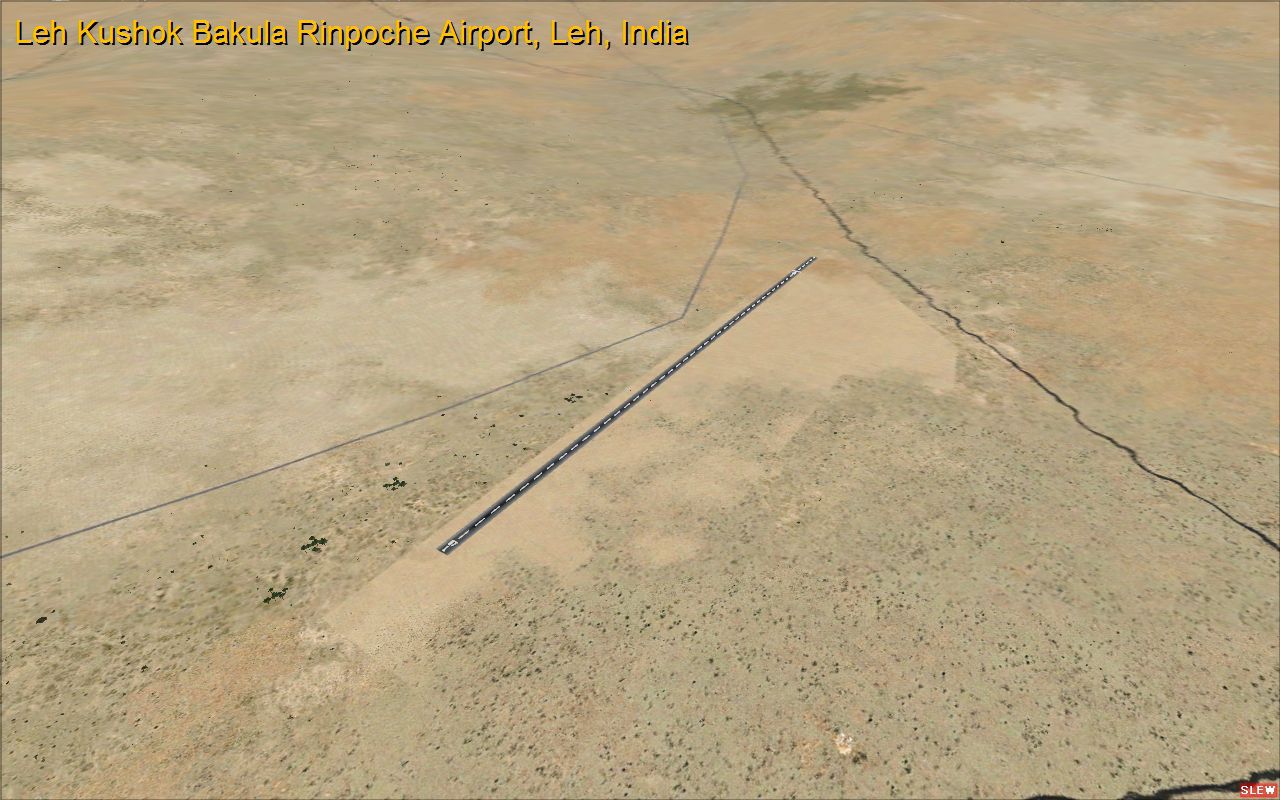
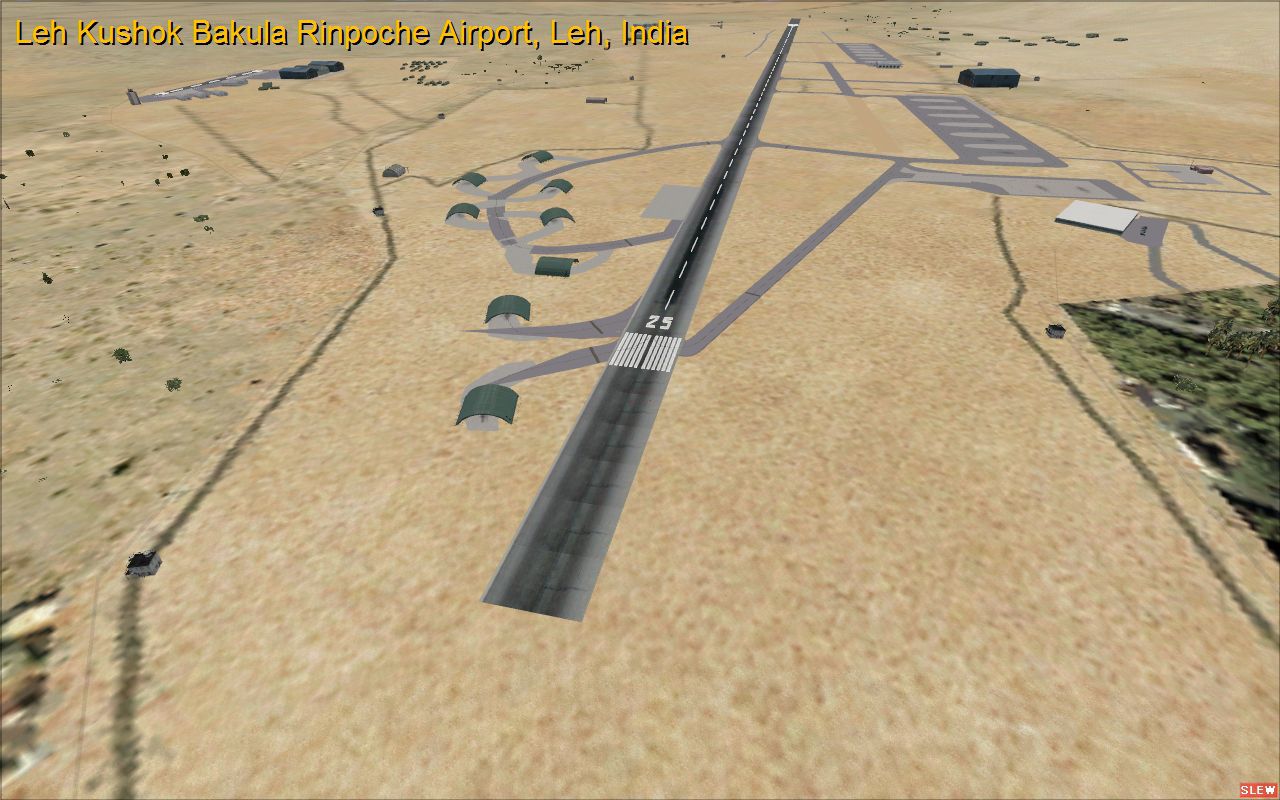
Leh Kushok Bakula Rinpoche Airport Leh, Jammu & Kashmir, India. A GPS approach has been added plus some minor fixes. An airbase and aerodrome, it is one of the highest airports in the world at 3,256 m (10,682 feet) above sea level. Due to the presence of mountain winds in the afternoon, all flights in Leh take off and land in the morning. By Tony Vienonen.
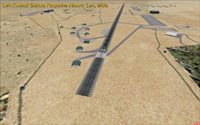
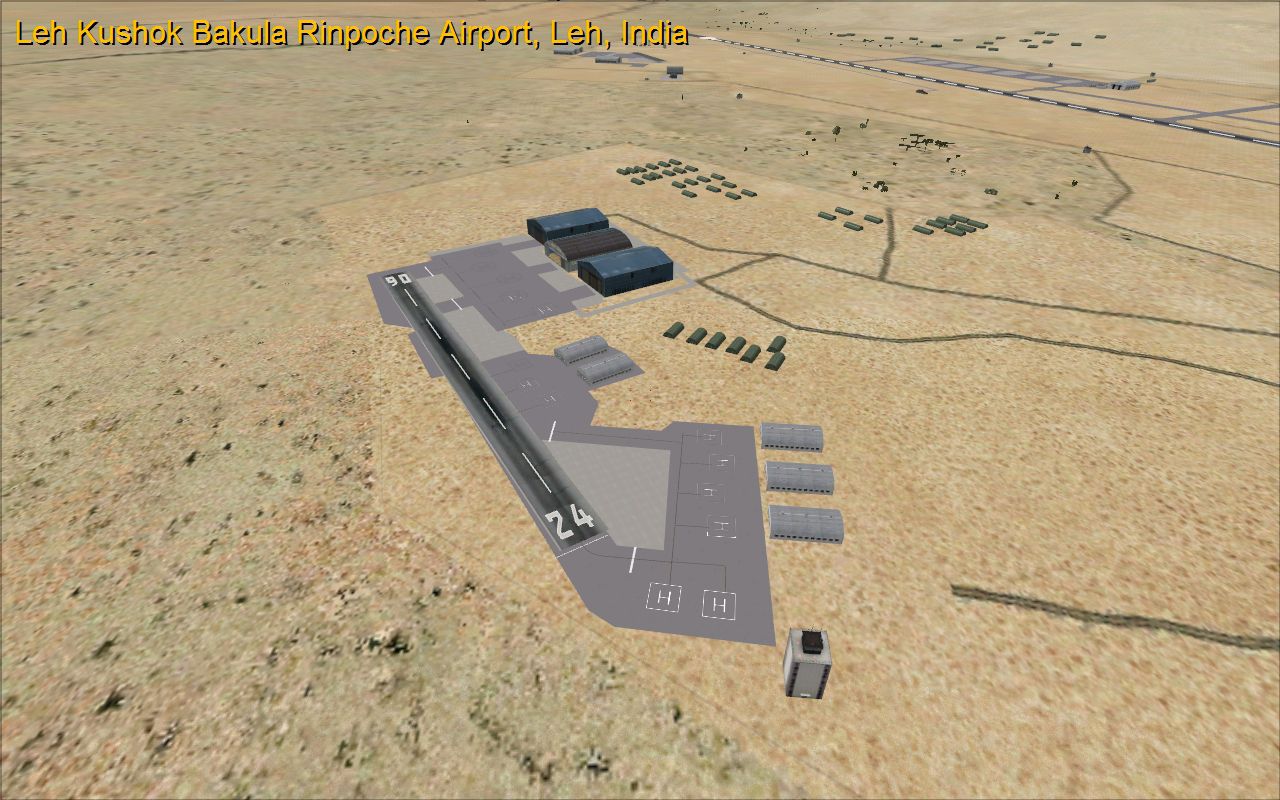
Aerial view, looking up runway 25.
There is no rotating beacon and nighttime lights are at a minimum. The mishmash of taxi strips is no error; I based the lines off Google Images. If they make no sense, that is why. There are two small helicopter bases on grounds of VILH. Each of the bases has a short 500 ft (152 m) runway.
Changes include:
V1.3
Free for all simmers · 5.24 MB · Scanned clean Oct 2026
Download speed: Free tier is capped at 0.5 Mbps (this file takes approximately 1 min at the cap). PRO members download at full line speed.
FSX\Addon Scenery\ containing scenery and texture sub-folders.readme.txt or README file. It tells you exactly where files go, what dependencies are needed, and any quirks specific to this add-on.Use these coordinates to fly directly to this location once the mod is installed.
34.14055600,77.54611100
Launch FSX or Prepar3D and use Flights → Load to open the downloaded .pln file. Your aircraft will be positioned at this location.
The archive vilh_fsx_tav_v13.zip has 15 files and directories contained within it.
This list displays the first 500 files in the package. If the package has more, you will need to download it to view them.
| Filename/Directory | File Date | File Size |
|---|---|---|
| looking up rwy25.jpg | 04.17.12 | 758.42 kB |
| readme.txt | 10.03.12 | 3.96 kB |
| thumbnail.jpg | 04.17.12 | 799.10 kB |
| topdown.jpg | 04.17.12 | 1.00 MB |
| India | 04.17.12 | 0 B |
| Scenery | 04.17.12 | 0 B |
| VILH_ADEX_TAV.BGL | 10.03.12 | 32.02 kB |
| VILH_ADEX_TAV_CVX.bgl | 10.03.12 | 2.93 kB |
| Add-on Scenery Installation and Activation Instructions.pdf | 02.14.12 | 481.48 kB |
| file_id.diz | 10.03.12 | 435 B |
| FSX VILH after.jpg | 04.17.12 | 791.43 kB |
| FSX VILH before.jpg | 04.17.12 | 769.71 kB |
| helicopter base.jpg | 04.17.12 | 824.08 kB |
| flyawaysimulation.txt | 10.29.13 | 959 B |
| Go to Fly Away Simulation.url | 01.22.16 | 52 B |
Only PRO members can place votes.
More FSX & P3D add-ons hand-picked based on this download.
FSX Scenery
Lambert St. Louis International (KSTL), Missouri (MO). This is version 1.5 of…
 FSX Scenery
NAS North Island (KNZY), v1.01. After a hard day of trapping it's nice to hav…
 FSX Scenery
Frankfurt Airport (EDDF), Germany. ILS updated, gates have gate numbers and p…
 FSX Scenery
Schleswig-Jagel. v1. Schleswig-Jagel AB (ETNS) is located in northern Germany…
 FSX Scenery
Gloucestershire Airport (EGJB), UK, v1.2. Includes AI traffic, fixed approach…
 FSX Scenery
Aeroworx Enhanced Version 1. The scenery consists of default and Gmax objects…
 FSX Scenery
NAS Jacksonville (KNIP), Florida (FL). This is the third rendition of NAS Jac…
 FSX Scenery
Scenery Branson Airport (KBBG), Branson, Missouri (MO). This project adds a n…
Be the first to leave a comment on this download.
Be the first to share your thoughts on this download.