

 FS2004 Propeller Aircraft
Sabena Douglas DC-7C OO-SFA
Seven Seas Sabena (OO-SFA). In 1957, the Sabena's DC-7C was introduced for lo…
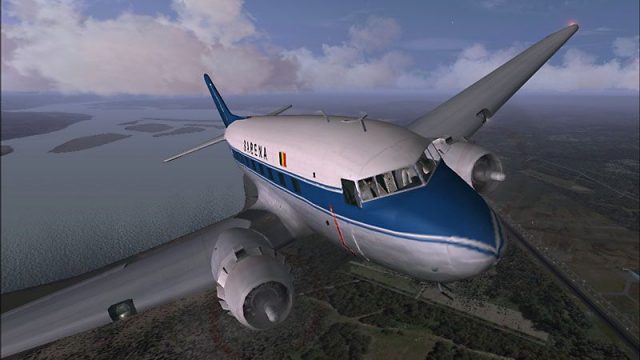
Sabena Douglas DC-3 S-TAIL livery recreates the postwar Belgian World Airlines look for the default aircraft, reflecting the carrier’s 1946 DC-3 fleet and classic civil markings. Designed for FS2004, it includes detailed external textures and matching identifiers, and requires the stock Douglas DC-3 model.
 Rate
Rate
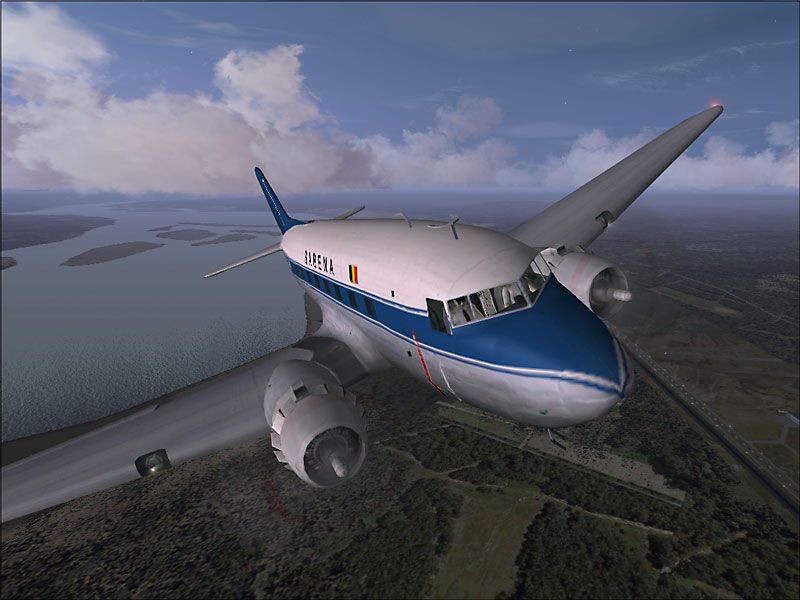
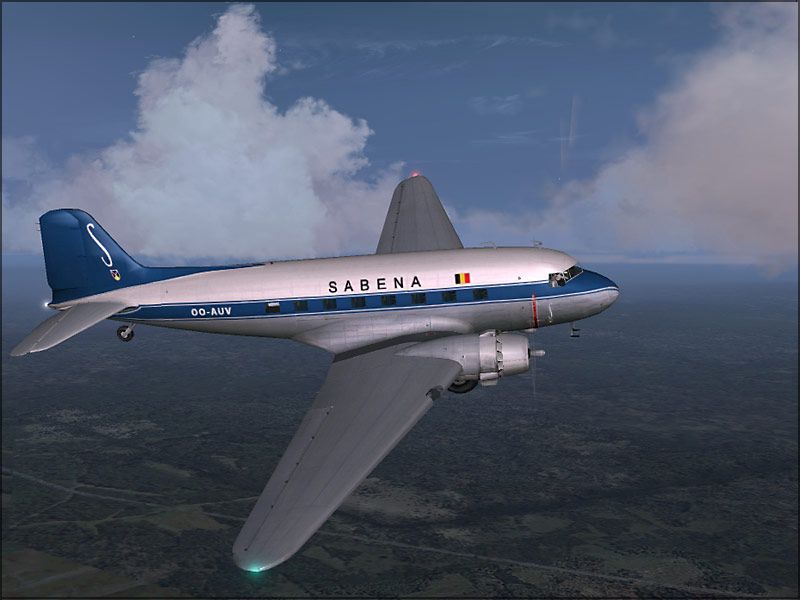
Textures only for the default DC3. During World War Two, Sabena stopped all European services. In 1946, Sabena's fleet consisted of Douglas DC-3s. The airline now flew under the name SABENA - Belgian World Airlines. Repaint Jeroen De Keyzer.
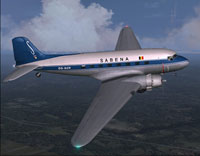
Screenshot of Sabena Douglas DC-3 in flight.
Installation:
(Be sure to replace the "X" in [fltsim.X] with the progress number after the current one.)
[fltsim.X]

	title=Douglas DC-3 SABENA

	sim=Douglas_DC3

	model=

	panel=

	sound=

	texture=sab

	kb_checklists=Douglas_DC3_check

	kb_reference=Douglas_DC3_ref

	atc_id=S-TAIL

	ui_manufacturer=Douglas

	ui_type=DC3

	ui_variation=SABENA

	description=During World War Two, SABENA stopped all European services. After the second world war in 1946, SABENA's fleet consisted of Douglas DC-3s. (There were tens of thousands of C-47 Dakotas available to help airlines restart operations after the war). The airline now flew under the name SABENA - Belgian World Airlines.

	visual_damage=1
Enjoy the repaint.
Free for all simmers · 1.99 MB · Scanned clean Oct 2026
Download speed: Free tier is capped at 0.5 Mbps. PRO members download at full line speed.
FS9\Aircraft\, FS9\Addon Scenery\, FS9\Gauges\, or FS9\Effects\.readme.txt or README file. It tells you exactly where files go, what dependencies are needed, and any quirks specific to this add-on.The archive kubusdc3.zip has 14 files and directories contained within it.
This list displays the first 500 files in the package. If the package has more, you will need to download it to view them.
| Filename/Directory | File Date | File Size |
|---|---|---|
| kibuDC3sabV02.jpg | 05.09.06 | 71.90 kB |
| kibuDC3sabV03.jpg | 05.09.06 | 78.48 kB |
| File_ID.txt | 05.09.06 | 559 B |
| Readme.txt | 05.09.06 | 1.51 kB |
| Douglas_DC3_1_C.bmp | 04.29.03 | 682.74 kB |
| Douglas_DC3_1_D.bmp | 05.09.06 | 1.33 MB |
| Douglas_DC3_1_T.bmp | 05.09.06 | 1.33 MB |
| Douglas_DC3_2_C.bmp | 04.29.03 | 170.74 kB |
| Douglas_DC3_2_T.bmp | 04.28.03 | 341.40 kB |
| Douglas_DC3_3_C.bmp | 04.29.03 | 42.74 kB |
| Prop_DC3.bmp | 03.10.03 | 341.40 kB |
| DC3sabScreenshot.jpg | 05.09.06 | 6.07 kB |
| flyawaysimulation.txt | 10.29.13 | 959 B |
| Go to Fly Away Simulation.url | 01.22.16 | 52 B |
Only PRO members can place votes.
More FS2004 add-ons hand-picked based on this download.
FS2004 Propeller Aircraft
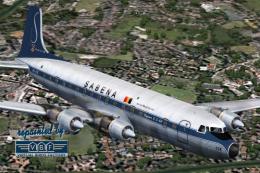
Seven Seas Sabena (OO-SFA). In 1957, the Sabena's DC-7C was introduced for lo…
 FS2004 Propeller Aircraft
Douglas DC-6B, registration OO-CTK, cn 43831/363, delivered to Sabena on May …
 FS2004 Propeller Aircraft
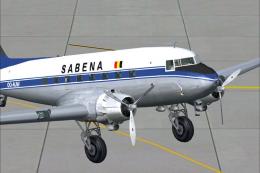
Updated textures, registration OO-AUW, in 1940's colors. A repaint for the de…
 FS2004 Propeller Aircraft
Textures only. Aircraft by Tom Gibson and Greg Pepper. Repaint by Juan Velill…
 FS2004 Propeller Aircraft
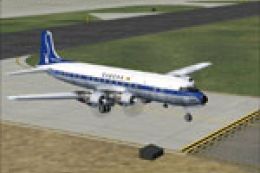
This is a repaint of the California Classic DC-6B aircraft by Tom Gibson and …
 FS2004 Propeller Aircraft
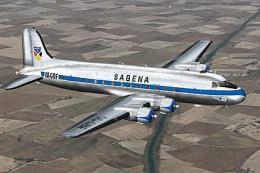
Textures only. The Belgian airline Sabena had 14 DC-4's/C-54's in use. This i…
 FS2004 Propeller Aircraft
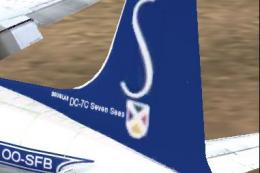
Texture Patch, for use wtih DC7SABB.ZIP, registration OO-SFB. A texture patch…
 FS2004 Propeller Aircraft
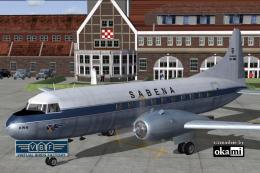
This freeware repaint showcases a Convair CV-240-12 (construction number 156)…
Be the first to leave a comment on this download.
Be the first to share your thoughts on this download.