

 FS2004 Propeller Aircraft
Western Airlines Convair CV-240 VBF CB-16 N8410H
This freeware add-on offers a historically accurate Western Airlines repaint …
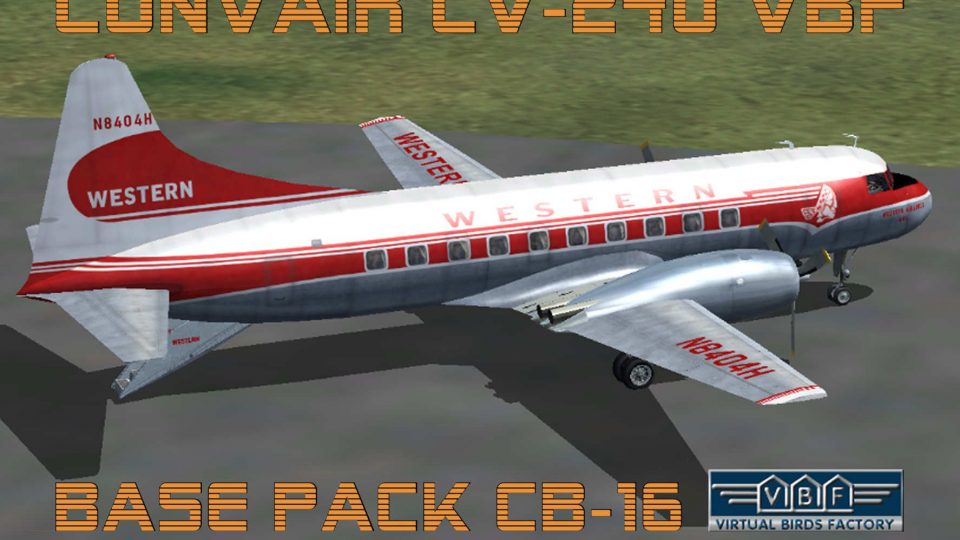
Convair CV-240 VBF CB-16 brings a classic 1950s twin-prop airliner to Microsoft Flight Simulator 2004 with an optimized Gmax model, refined aerodynamics, and FSAviator-tuned handling. It includes an authentic Western Airlines N8404H livery with ventral staircase and requires separate panel and sound for a complete vintage cockpit experience.
 Rate
Rate
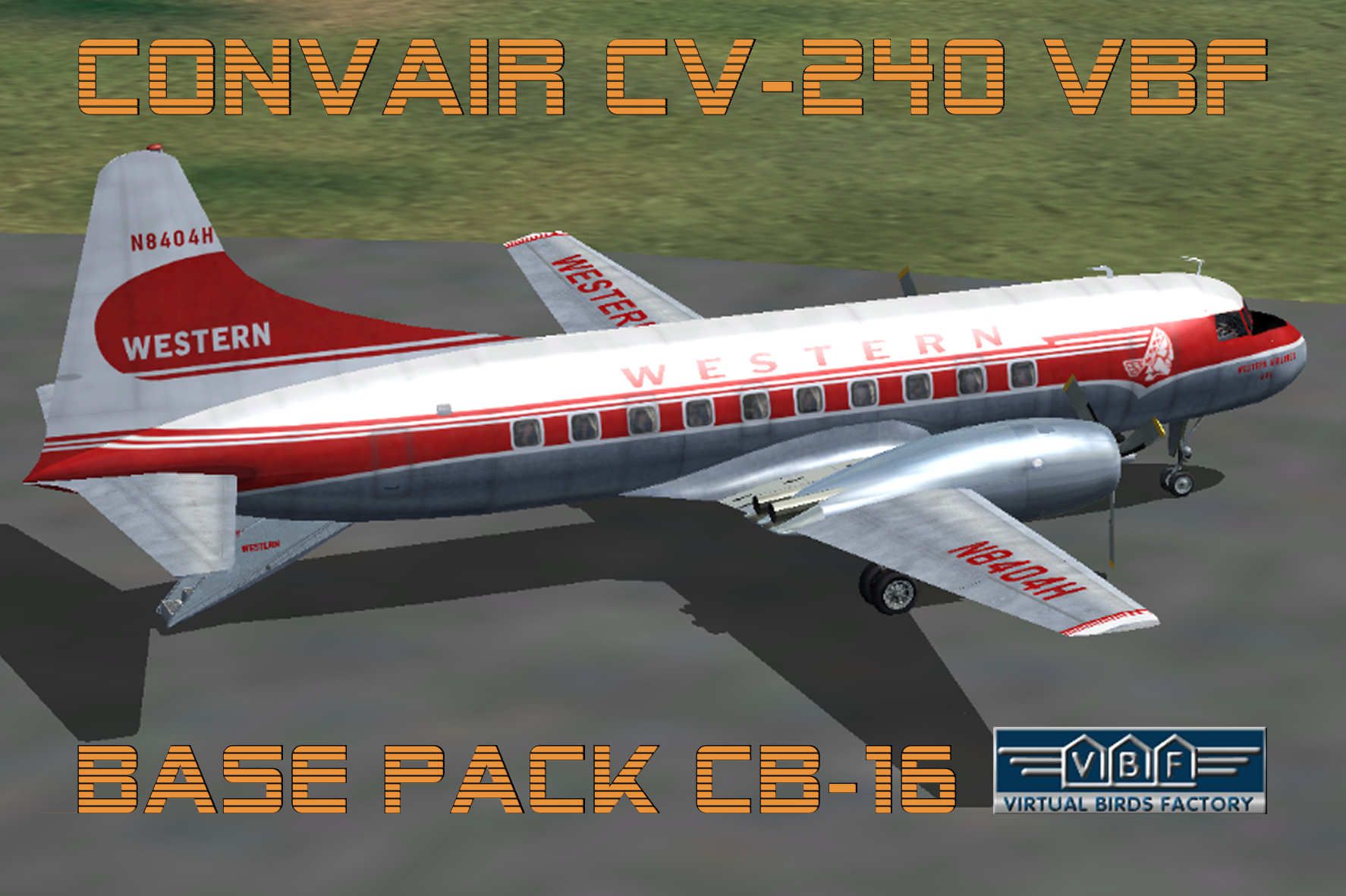
Immerse yourself in the realm of classic aviation with this freeware package of the Convair CV-240 VBF CB-16, meticulously designed by Virtual Birds Factory (Hans Hermann and Georg Hauzenberger) for Microsoft Flight Simulator 2004. Equipped with a dedicated base model derived from the notable Calclassic effort of Greg Pepper and Tom Gibson, this re-envisioned release is now self-contained and no longer compatible with the earlier configuration. The package showcases an authentic Western Airlines livery (N8404H) featuring the characteristic ventral staircase. Flight dynamics are refined by FSAviator, and panel plus sound must be sourced separately according to the included documentation.
Convair CV-240 Engine Layout: This twin-prop aircraft was originally created to service short-haul routes in the United States during the 1950s. The CB-16 iteration features enhanced aerodynamics, refined structural elements, and an upgraded exterior design. Western Airlines, known for pioneering various transcontinental services, employed the CV-240 series for efficient passenger transport.
Error-Free Gmax Model: The Virtual Birds Factory version has undergone revisions to optimize performance and visual fidelity within Microsoft Flight Simulator 2004. This reloaded release reflects a modern approach to modeling while preserving historical authenticity.
Screenshot showing the Convair CV-240 VBF CB-16 positioned on the apron.
The included base pack does not contain panel or sound configurations. To complete your experience, consult the original Virtual Birds Factory notes to acquire and install the necessary audio and gauges. These elements will ensure you derive maximum realism and recreate the distinctive hum of the Convair’s piston engines.
This advanced package is fully realized by Virtual Birds Factory, comprising Hans Hermann and Georg Hauzenberger. Their dedicated approach has breathed new life into the already beloved Convair series, making it a prime choice for enthusiasts seeking a historically relevant commuter with modern flight-sim compatibility.
Free for all simmers · 4.12 MB · Scanned clean Oct 2026
Download speed: Free tier is capped at 0.5 Mbps (this file takes approximately 1 min at the cap). PRO members download at full line speed.
FS9\Aircraft\, FS9\Addon Scenery\, FS9\Gauges\, or FS9\Effects\.readme.txt or README file. It tells you exactly where files go, what dependencies are needed, and any quirks specific to this add-on.The archive cv240vbfcb16_basepack_010.zip has 9 files and directories contained within it.
This list displays the first 500 files in the package. If the package has more, you will need to download it to view them.
| Filename/Directory | File Date | File Size |
|---|---|---|
| cv240VBFcb16_basepack | 09.04.10 | 0 B |
| cv240VBFcb16_basepack_readme.txt | 09.07.10 | 3.17 kB |
| cv240VBFcb16_basepack_setup.exe | 09.07.10 | 3.82 MB |
| cv240VBFcb16_wal_N8404H_01.jpg | 09.07.10 | 186.52 kB |
| cv240VBFcb16_wal_N8404H_01150.gif | 09.07.10 | 9.07 kB |
| cv240VBFreloaded_User Manual_010.pdf | 09.07.10 | 234.01 kB |
| file_id.diz | 09.07.10 | 673 B |
| flyawaysimulation.txt | 10.29.13 | 959 B |
| Go to Fly Away Simulation.url | 01.22.16 | 52 B |
Only PRO members can place votes.
More FS2004 add-ons hand-picked based on this download.
FS2004 Propeller Aircraft
This freeware add-on offers a historically accurate Western Airlines repaint …
 FS2004 Propeller Aircraft
This repaint showcases a classic Convair CV-240 that originally joined Pan Am…
 FS2004 Propeller Aircraft
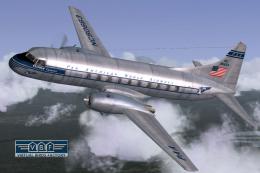
Convair CV-240-2, cn 55, delivered to Pan American World Airways on May 21, 1…
 FS2004 Propeller Aircraft
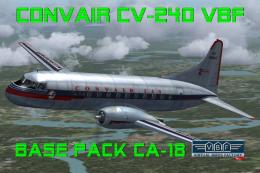
This freeware repaint showcases the Central Airlines Convair CV-240 (VBF CA-1…
 FS2004 Propeller Aircraft
This free package features a meticulously re-created early twin-prop airliner…
 FS2004 Propeller Aircraft
This repaint package offers a historically significant VARIG Convair CV-240 f…
 FS2004 Propeller Aircraft
This repaint showcases Swiss Air Lines’ Convair CV-240-11, originally bearing…
 FS2004 Propeller Aircraft
This repaint showcases the Convair CV-240 VBF (registration N51331) sporting …
Be the first to leave a comment on this download.
Be the first to share your thoughts on this download.