

 FSX Historic & Vintage Aircraft
Ford Tri-Motor
Ford Tri-Motor converted from the FS2004 default TriMotor. Includes many new …
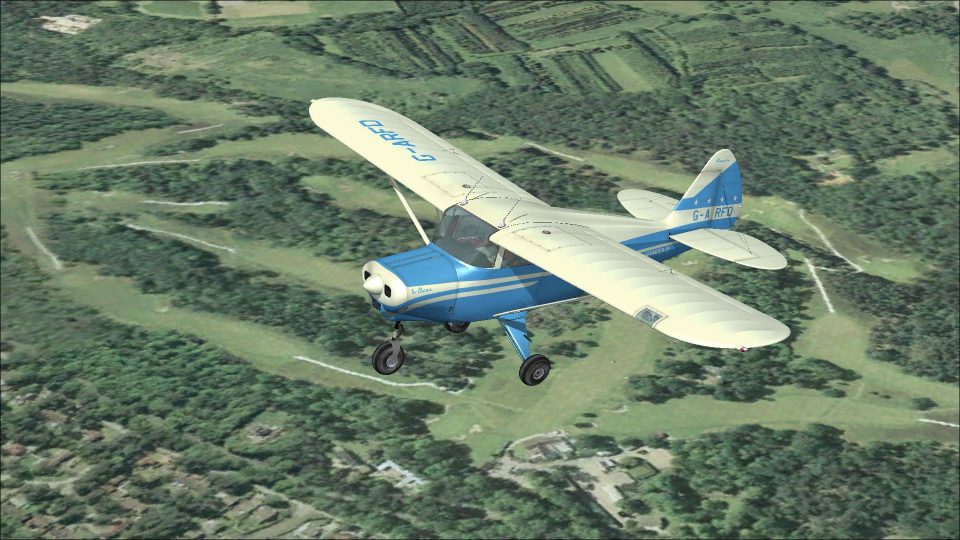
Tri-Pacer G-ARFD brings a 1963 British look to the Lionheart Creations Piper TriPacer, matching the Universal Flying Services aircraft seen at Fairoaks with period-correct registration and blue scheme details. Designed for FSX, the repaint reflects the airframe’s real-world history while keeping the virtual cockpit and exterior presentation cohesive; requires the payware Tri-Pacer.
 Rate
Rate
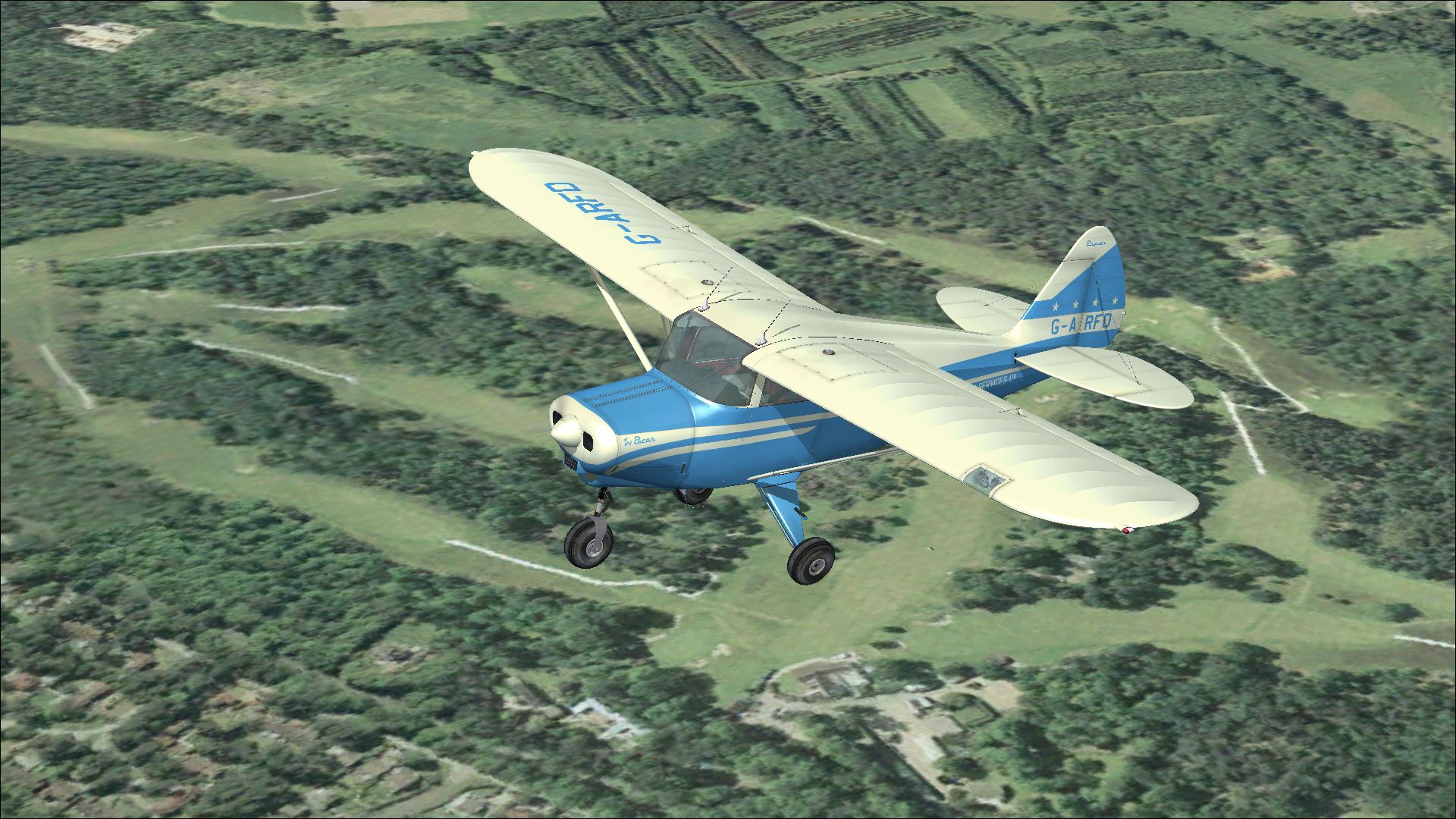
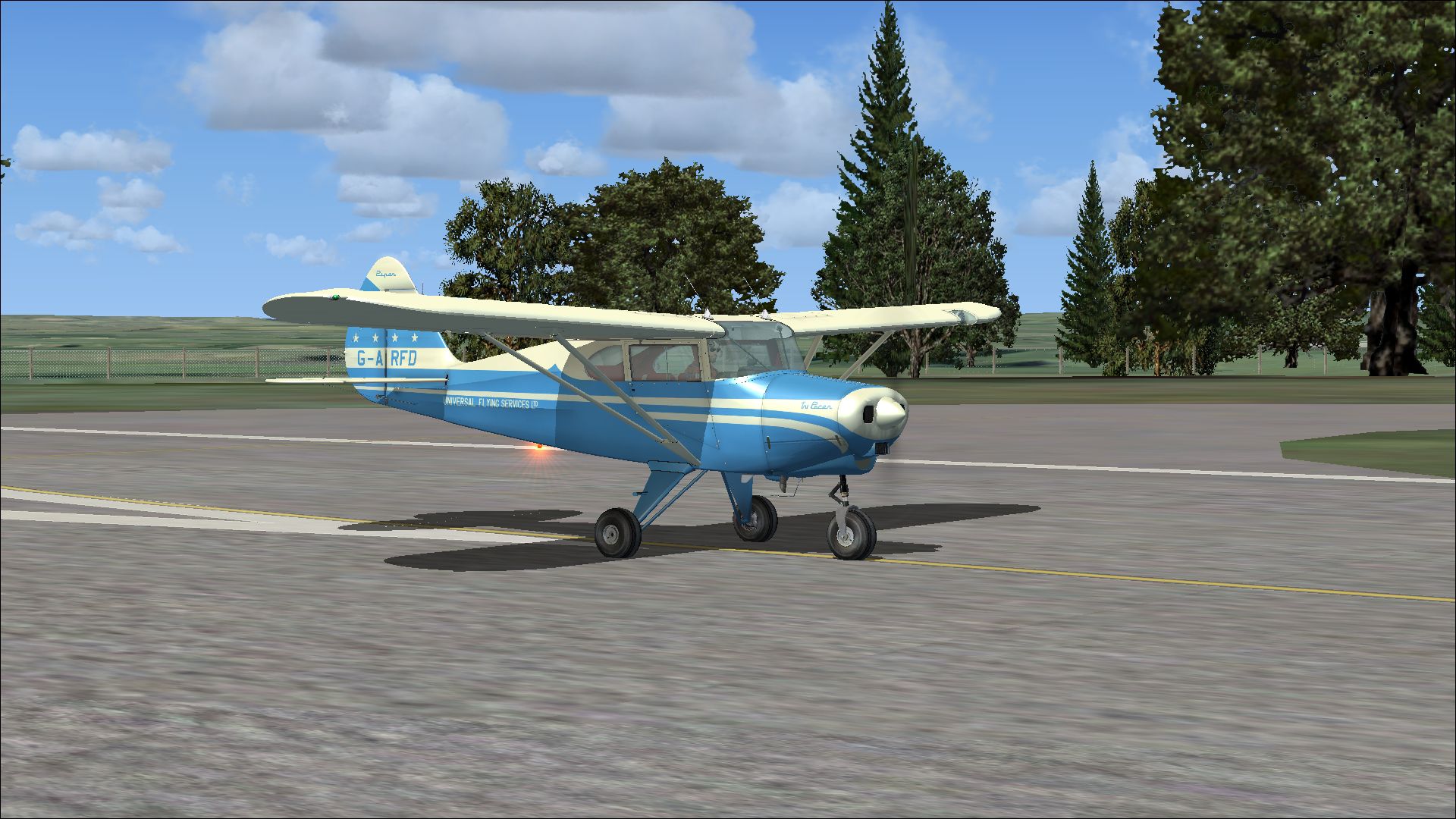
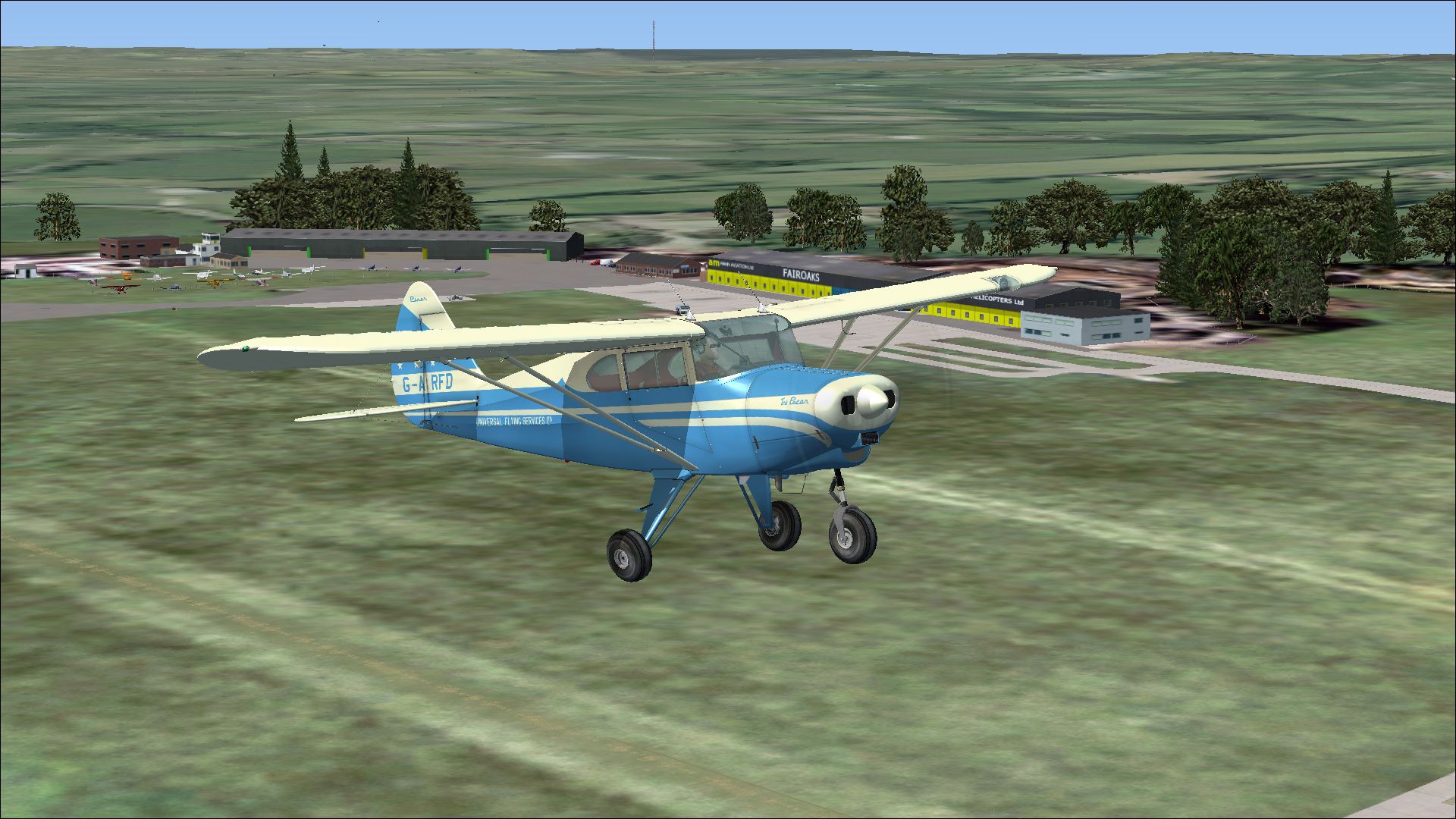
A British repaint for the payware Lionheart Creations Piper TriPacer. G-ARFD c/n 22-7565 was ex-N3667Z. She is painted as seen at Fairoaks in 1963 when owned by Universal Flying Services Ltd. Crashed at Fairoaks in 1964, she was rebuilt and is currently airworthy still sporting a blue paint scheme. Repaint by Peter Watkins.
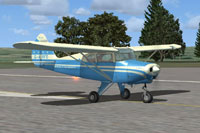
Screenshot of Tri-Pacer G-ARFD on runway.
Installation:
Copy the texture folder into the 'Piper_Tri_Pacer_LHC' folder in the SimObjects 'Airplanes' folder and copy the text below into the aircaft cfg file, replacing the 'xx' with your next number in sequence.
[fltsim.xx]

title=Piper Tri Pacer PA-20-180 G-ARFD

sim=PA-22-150

model=Tri Pacer

panel=New

sound=

texture=G-ARFD

kb_checklists=

kb_reference=Piper PA-22-150_ref

atc_id=G-ARFD

atc_id_color=

ui_manufacturer="Piper"

ui_type="Tri Pacer"

ui_variation=G-ARFD

ui_typerole="Single Engine Prop"

ui_createdby="Lionheart Creations"

description=
Free for all simmers · 10.6 MB · Scanned clean Oct 2026
Download speed: Free tier is capped at 0.5 Mbps (this file takes approximately 3 mins at the cap). PRO members download at full line speed.
texture.{airline}) inside FSX\SimObjects\Airplanes\{base-aircraft}\.aircraft.cfg in Notepad. Add a new [fltsim.X] section per the readme.readme.txt or README file. It tells you exactly where files go, what dependencies are needed, and any quirks specific to this add-on.The archive lionheart_tri-pacer_g-arfd.zip has 25 files and directories contained within it.
This list displays the first 500 files in the package. If the package has more, you will need to download it to view them.
| Filename/Directory | File Date | File Size |
|---|---|---|
| 7724483.jpg | 12.03.12 | 1.20 MB |
| 7771127.jpg | 12.03.12 | 1.19 MB |
| 7873666.jpg | 12.03.12 | 1.38 MB |
| Installation readme.txt | 12.03.12 | 2.16 kB |
| texture.G-ARFD | 12.03.12 | 0 B |
| Pacer_Cabin1.dds | 11.13.12 | 1.00 MB |
| Pacer_Cabin2.dds | 11.13.12 | 1.00 MB |
| Pacer_Cabin3.dds | 11.13.12 | 1.00 MB |
| Pacer_Cabin4.dds | 09.28.12 | 1.00 MB |
| Pacer_Cabin5.dds | 11.03.12 | 1.00 MB |
| Pacer_Fuse.dds | 12.03.12 | 4.00 MB |
| Pacer_Interior1.dds | 09.21.12 | 1.00 MB |
| Pacer_Misc3.dds | 12.03.12 | 4.00 MB |
| Pacer_Panel1.dds | 11.13.12 | 1.00 MB |
| Pacer_Panel2.dds | 10.31.12 | 1.00 MB |
| Pacer_Panel3.dds | 11.01.12 | 1.00 MB |
| Pacer_PanelFace_Old.dds | 10.31.12 | 1.00 MB |
| Pacer_PanelFace_Old_Three.dds | 10.31.12 | 1.00 MB |
| Pacer_WingsLH.dds | 12.03.12 | 4.00 MB |
| Pacer_WingsRH.dds | 12.03.12 | 4.00 MB |
| texture.cfg | 08.27.10 | 197 B |
| thumbnail.jpg | 12.03.12 | 1.19 MB |
| Victory_Pilot.dds | 11.20.12 | 1.00 MB |
| flyawaysimulation.txt | 10.29.13 | 959 B |
| Go to Fly Away Simulation.url | 01.22.16 | 52 B |
Only PRO members can place votes.
More FSX & P3D add-ons hand-picked based on this download.
FSX Historic & Vintage Aircraft
Ford Tri-Motor converted from the FS2004 default TriMotor. Includes many new …
 FSX Historic & Vintage Aircraft
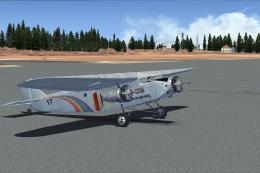
The paint represents a Ford TriMotor used by Grand Canyon Airlines. The repai…
 FSX Historic & Vintage Aircraft
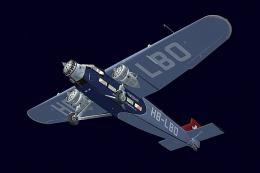
Swissair Ford Tri-Motor. This is a repaint of Cr1-Software Ford Tri-Motor (fi…
 FSX Historic & Vintage Aircraft
Now version 3.14 (V3.1406). This package includes the latest Douglas C-47 Sky…
 FSX Historic & Vintage Aircraft
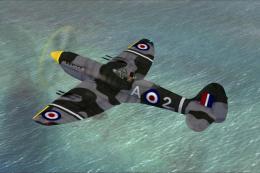
This is A.F. Scrub's Submarine MK-22 Spitfire Updated For Flight Simulator X.…
 FSX Historic & Vintage Aircraft
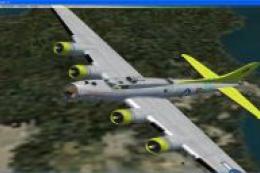
Note this aircraft originally was made by Gary Herbert due to the fact that h…
 FSX Historic & Vintage Aircraft
An FSX-native Boeing-Stearman Model 75 freeware aircraft add-on with a range …
 FSX Historic & Vintage Aircraft
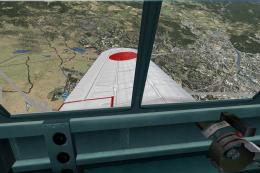
Delve into the realm of historic aviation with the Mitsubishi A6M Zero Comple…
Be the first to leave a comment on this download.
Be the first to share your thoughts on this download.