


 FSX Civil Aircraft
"Demonstrator" Boeing 777-F
This fictional repaint presents the Boeing 777-F in a unique “Demonstrator” r…
Boeing “Demonstrator” 777-200LR repaint adds a fictional N772LR scheme with crisp markings, subtle metallic sheen, and lighting-friendly shading that suits long-haul screenshots and flights in Microsoft Flight Simulator X. Detailed exterior textures complement the aircraft’s modeled virtual cockpit and systems, and it requires the PMDG 777-200LR base package.
 Rate
Rate
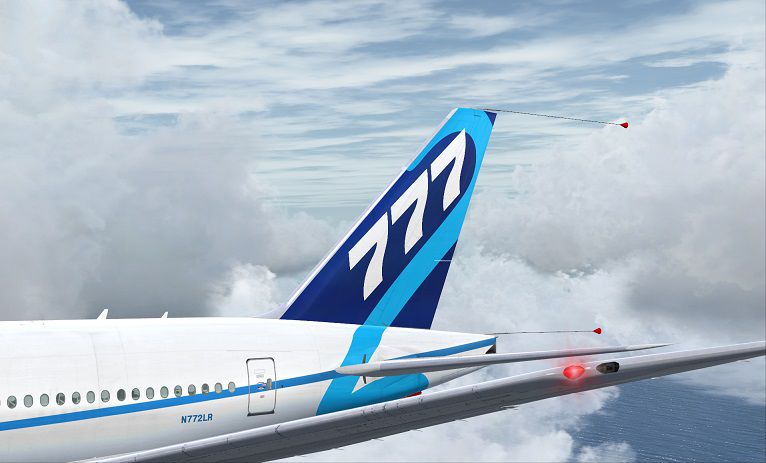
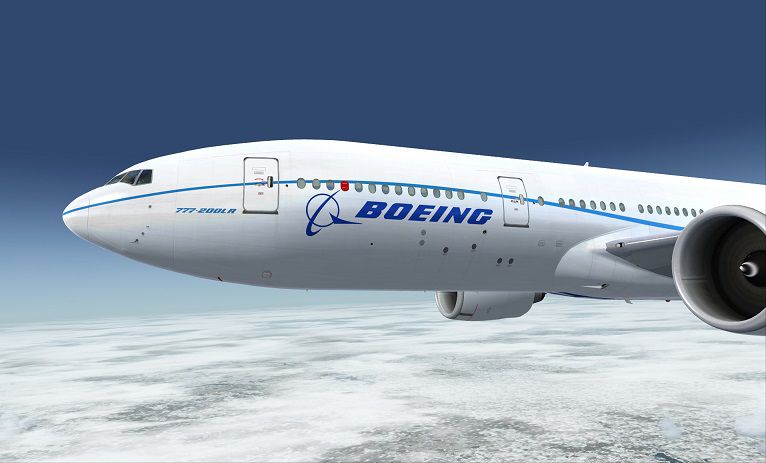
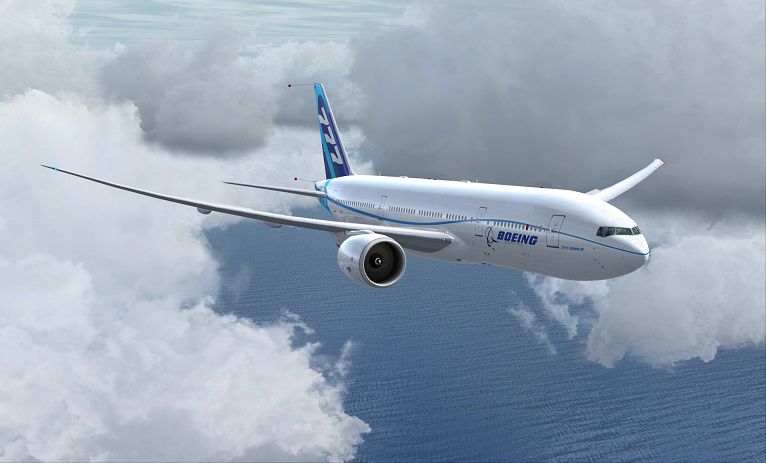
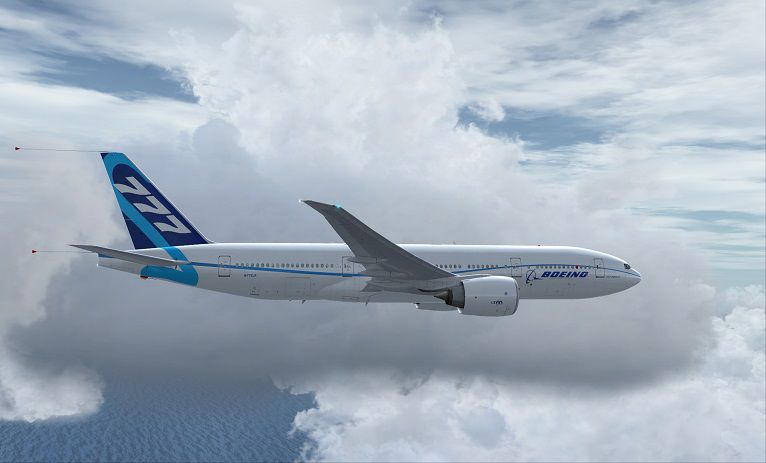
This freeware repaint brings a fictional Boeing Demonstrator (registration N772LR) livery to the PMDG 777-200LR payware package. It is designed specifically for Microsoft Flight Simulator X enthusiasts who want to add a unique variation to their long-haul fleet. Created by Corina Meyer, it delivers carefully detailed textures that pay homage to Boeing's signature style, while retaining the practical flight deck and systems modeled by PMDG. Please note that this package includes repaint files only and requires the separately purchased PMDG 777 base product.
This fictional scheme replicates the “Demonstrator” branding, showcasing custom color gradients and subtle metallic effects. The real-world Boeing 777-200LR offers impressive long-range capability, and this paint aims to capture the manufacturer’s demonstration spirit with expressive tail markings and dynamic fuselage lettering. Subtle shading and reflective surfaces highlight rivet lines and maintain an immersive look from all viewing angles.
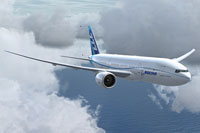
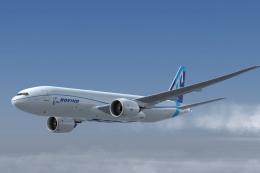
Screenshot of Boeing "Demonstrator" 777-200LR in flight.
Every texture layer is tailored to maintain a balanced mix of realism and visual clarity. This includes finely drawn fuselage lines, crisp airline logos, and an airline demonstration-style white-and-blue layout. In-flight, the fuselage reacts convincingly to varied lighting conditions and environmental elements, which adds depth and authenticity to your airliner operations.
This repaint does not include the actual PMDG 777-200LR payware model; you will need to obtain the PMDG base package separately from a suitable source such as a payware store (e.g., SimShack). Once installed, you can look forward to piloting a Boeing-inspired demonstrator model on endurance flights, shorter runs, or anywhere else in your virtual airline operations.
Free for all simmers · 17.54 MB · Scanned clean Oct 2026
Download speed: Free tier is capped at 0.5 Mbps (this file takes approximately 5 mins at the cap). PRO members download at full line speed.
texture.{airline}) inside FSX\SimObjects\Airplanes\{base-aircraft}\.aircraft.cfg in Notepad. Add a new [fltsim.X] section per the readme.readme.txt or README file. It tells you exactly where files go, what dependencies are needed, and any quirks specific to this add-on.The archive pmdg777-200lr_boeing_company_n772lr.zip has 9 files and directories contained within it.
This list displays the first 500 files in the package. If the package has more, you will need to download it to view them.
| Filename/Directory | File Date | File Size |
|---|---|---|
| PMDG777-200LR Boeing Company N772LR (4).jpg | 02.27.14 | 68.41 kB |
| PMDG777-200LR Boeing Company N772LR .gif | 02.27.14 | 6.43 kB |
| ReadMe_Install.txt | 02.27.14 | 1.04 kB |
| PMDG777-200LR Boeing Company N772LR.ptp | 02.27.14 | 17.23 MB |
| PMDG777-200LR Boeing Company N772LR (1).jpg | 02.27.14 | 76.32 kB |
| PMDG777-200LR Boeing Company N772LR (2).jpg | 02.27.14 | 81.27 kB |
| PMDG777-200LR Boeing Company N772LR (3).jpg | 02.27.14 | 86.76 kB |
| flyawaysimulation.txt | 10.29.13 | 959 B |
| Go to Fly Away Simulation.url | 01.22.16 | 52 B |
Only PRO members can place votes.
More FSX & P3D add-ons hand-picked based on this download.
FSX Civil Aircraft
This fictional repaint presents the Boeing 777-F in a unique “Demonstrator” r…
 FSX Civil Aircraft
The Il-96M was to be a westernized export version. Due to political issues, n…
 FSX Civil Aircraft
Air Canada Boeing 777-200LR. Model by Project Open Sky. Repaint by Yosuke. Ai…
 FSX Civil Aircraft
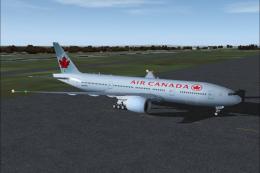
This comprehensive package blends Air Canada Boeing 777-200LR liveries with t…
 FSX Civil Aircraft
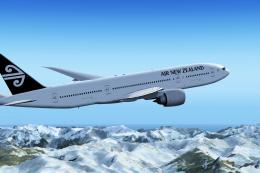
Air New Zealand Boeing 777-200LR (new livery). B777-200 model by SkySpirit201…
 FSX Civil Aircraft
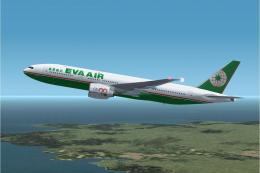
This freeware package features a fully functional Boeing 777-200LR in EVA Air…
 FSX Civil Aircraft
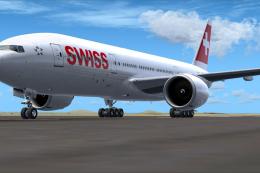
This specialized repaint brings the aesthetic of Swiss International Air Line…
 FSX Civil Aircraft
This updated freeware package features a complete Boeing 777-200LR in the Air…
Be the first to leave a comment on this download.
Be the first to share your thoughts on this download.