
 FSX Civil Aircraft
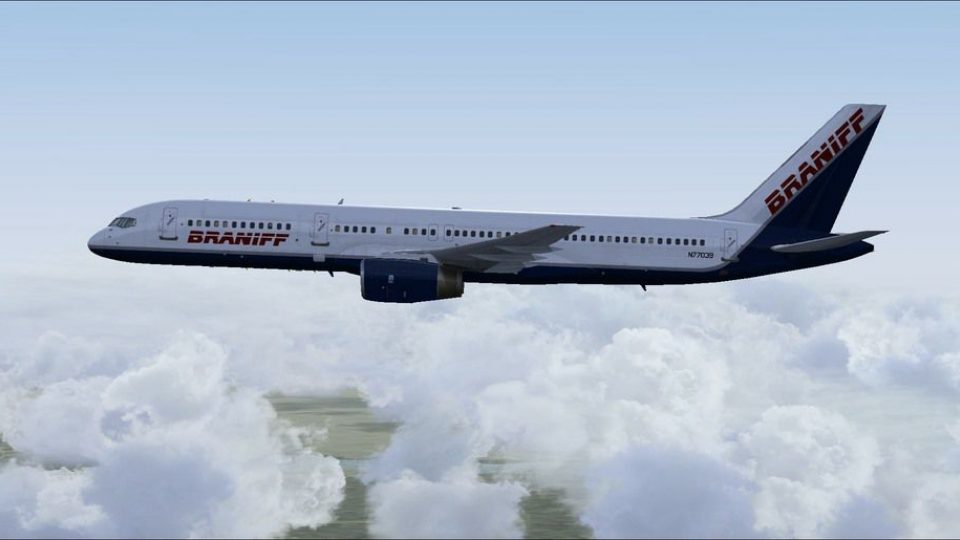
Braniff Boeing 757 N1752B
Includes 32 bit textures only in a fictional Braniff II livery for the paywar…
Braniff II Boeing 757-200 livery brings a fictional evolution of the airline’s 1985 scheme to the QualityWings Ultimate 757 Collection, with crisp period-inspired colors and detailing across the airframe and virtual cockpit. Delivered as a .QWL repaint, it requires the QualityWings Livery Manager and supports FSX for quick fleet customization.
 Rate
Rate
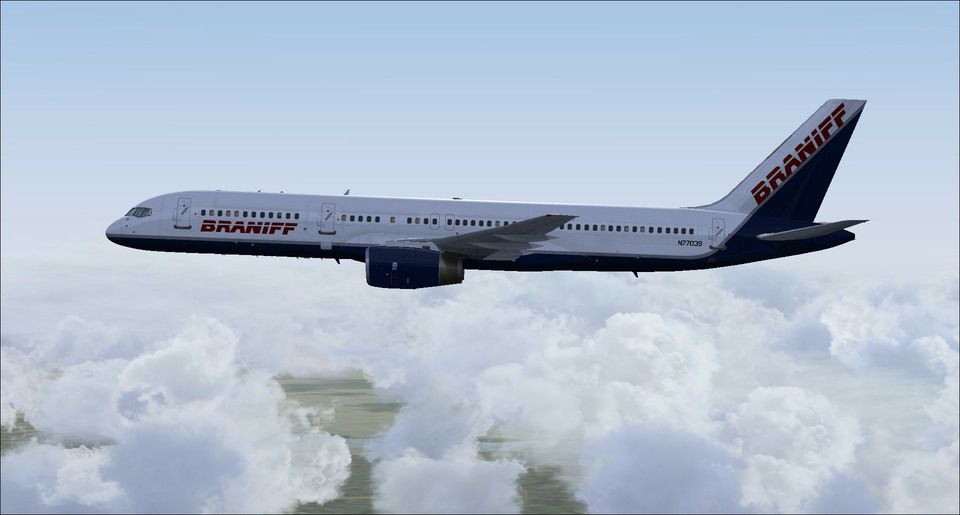

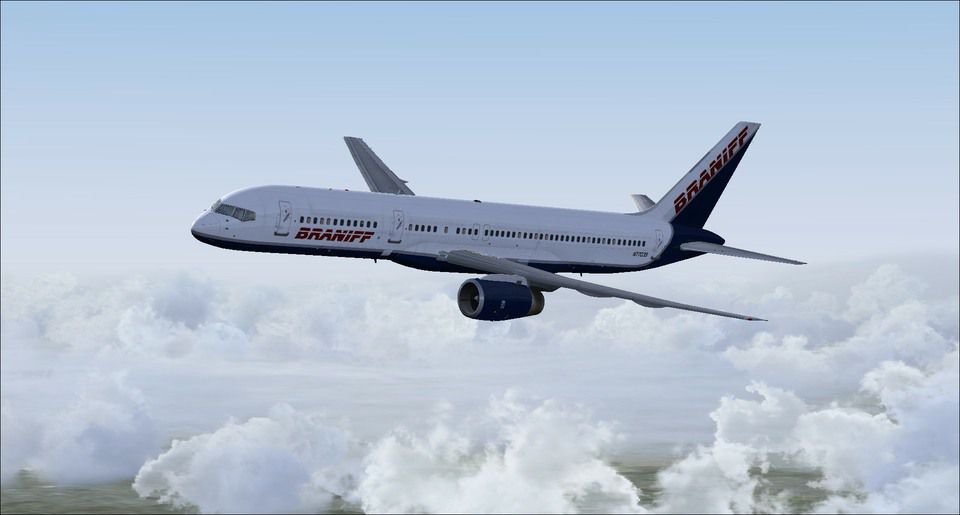
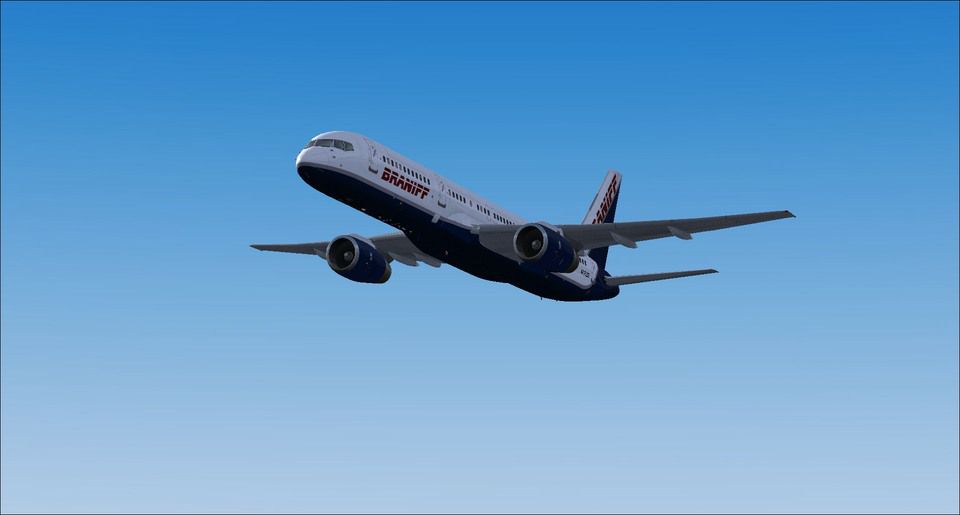
Fictional Braniff II textures only for the payware QualityWings Ultimate 757 Collection. If Braniff was still around they would've evolved their livery, but if things stayed the same this is what it would look like. This livery is modeled after the Braniff 1985 livery they were flying on their 737-200s. This repaint is a .QWL file and is tested to work with the Quality Wings Livery Manager in FSX. By Marcus Brown.
Screenshot of Braniff II Boeing 757-200 in flight.
Installation:
The paintkit used for this repaint was supplied by Quality wings.
Free for all simmers · 9.18 MB · Scanned clean Oct 2026
Download speed: Free tier is capped at 0.5 Mbps (this file takes approximately 3 mins at the cap). PRO members download at full line speed.
texture.{airline}) inside FSX\SimObjects\Airplanes\{base-aircraft}\.aircraft.cfg in Notepad. Add a new [fltsim.X] section per the readme.readme.txt or README file. It tells you exactly where files go, what dependencies are needed, and any quirks specific to this add-on.The archive qw_braniff_757-200.zip has 8 files and directories contained within it.
This list displays the first 500 files in the package. If the package has more, you will need to download it to view them.
| Filename/Directory | File Date | File Size |
|---|---|---|
| Braniff.qwl | 08.16.14 | 9.09 MB |
| 3.jpg | 08.16.14 | 65.46 kB |
| ReadMe.txt | 08.16.14 | 1.57 kB |
| 4.jpg | 08.16.14 | 44.52 kB |
| 1.jpg | 08.16.14 | 65.86 kB |
| 2.jpg | 08.16.14 | 64.22 kB |
| flyawaysimulation.txt | 10.29.13 | 959 B |
| Go to Fly Away Simulation.url | 01.22.16 | 52 B |
Only PRO members can place votes.
More FSX & P3D add-ons hand-picked based on this download.
FSX Civil Aircraft
Includes 32 bit textures only in a fictional Braniff II livery for the paywar…
 FSX Civil Aircraft
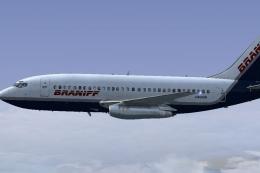
Textures only for the payware Captain Sim B737-200 in Braniff II circa 1985. …
 FSX Civil Aircraft
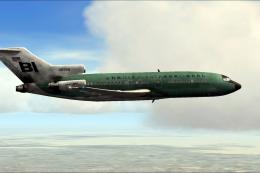
This vivid repaint captures Braniff’s iconic Boeing 727-100 in a distinctive …
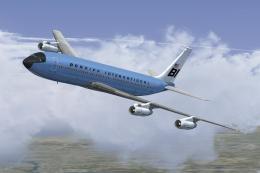 FSX Civil Aircraft
This classic repaint captures Braniff International’s Medium Blue Jellybean l…
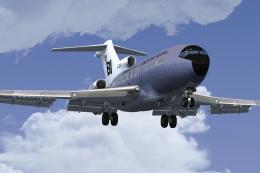 FSX Civil Aircraft
This freeware repaint brings a classic Braniff International Airways lavender…
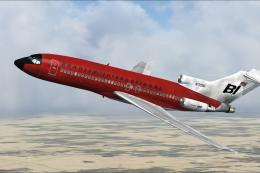 FSX Civil Aircraft
This repaint offers a faithful rendition of Braniff’s bold “Jellybean Red” sc…
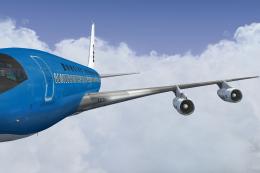 FSX Civil Aircraft
This freeware repaint offers a meticulously recreated Braniff International D…
 FSX Civil Aircraft
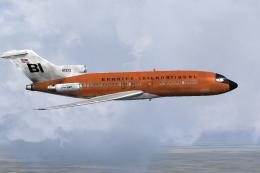
This repaint celebrates Braniff International’s distinctive “Jellybean Orange…
Be the first to leave a comment on this download.
Be the first to share your thoughts on this download.