




 MSFS Vintage & Historic
Fokker Dr.I Triplane
A complete rendition of the iconic German WW1 fighter aircraft - the Fokker D…
Dornier Do 335 Pfeil and two-seat Ameisenbär bring the Luftwaffe’s distinctive push-pull heavy fighter to Microsoft Flight Simulator with tuned performance up to 260 knots, a speed-limit alarm, improved flaps behavior on the single-seater, and corrected in-sim titles. The result pairs historical character with sharper handling and cockpit immersion.
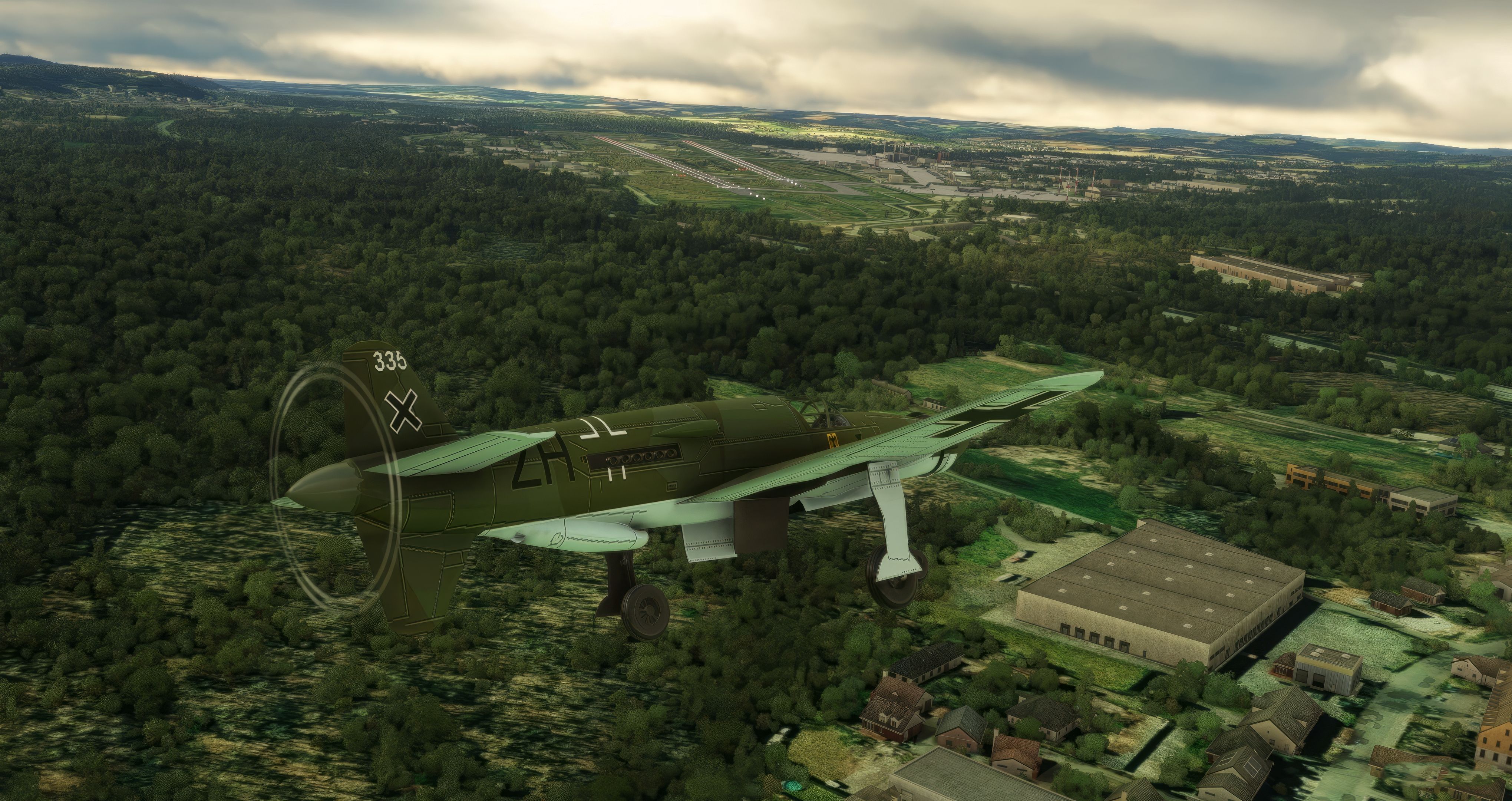
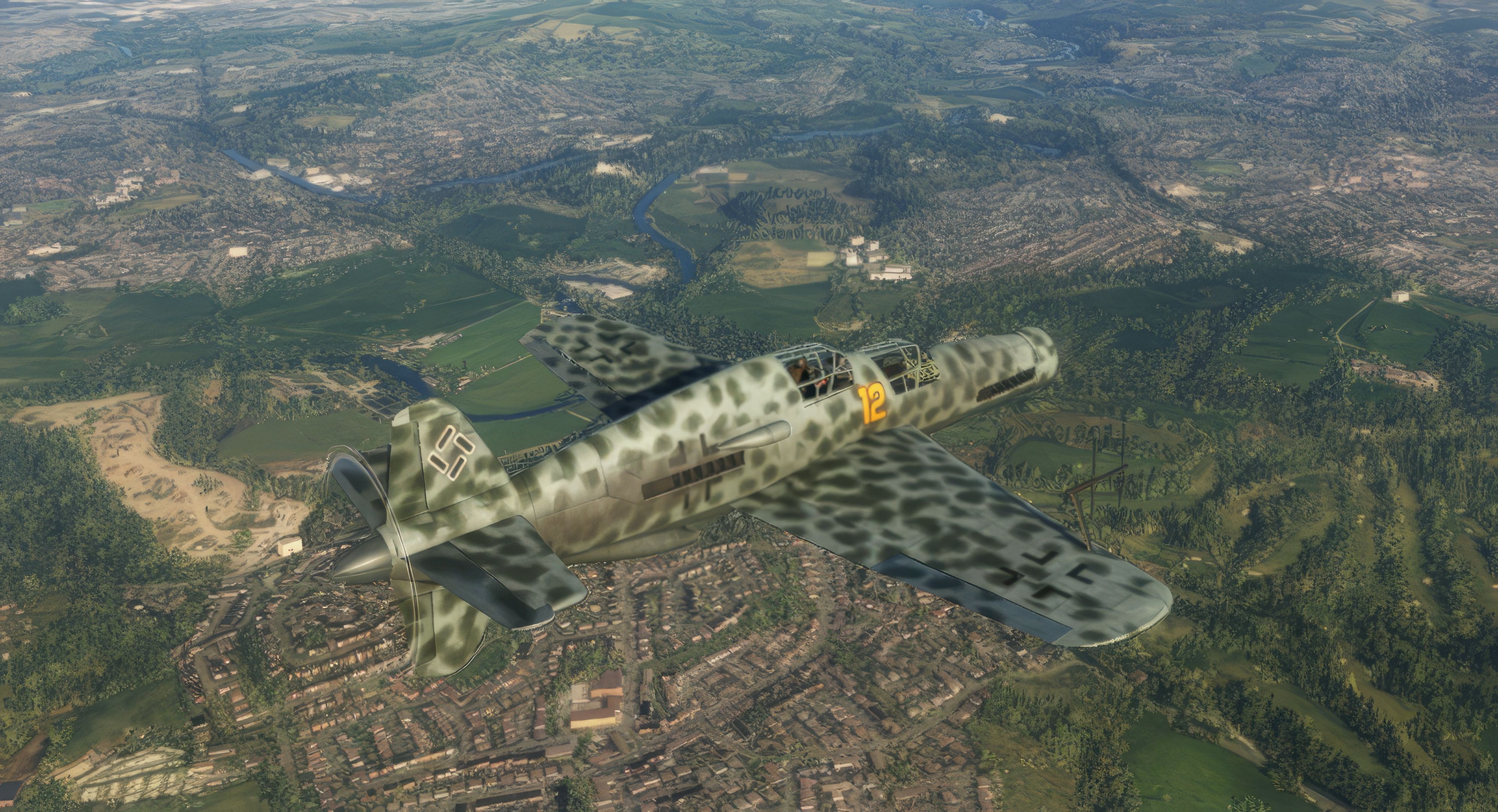
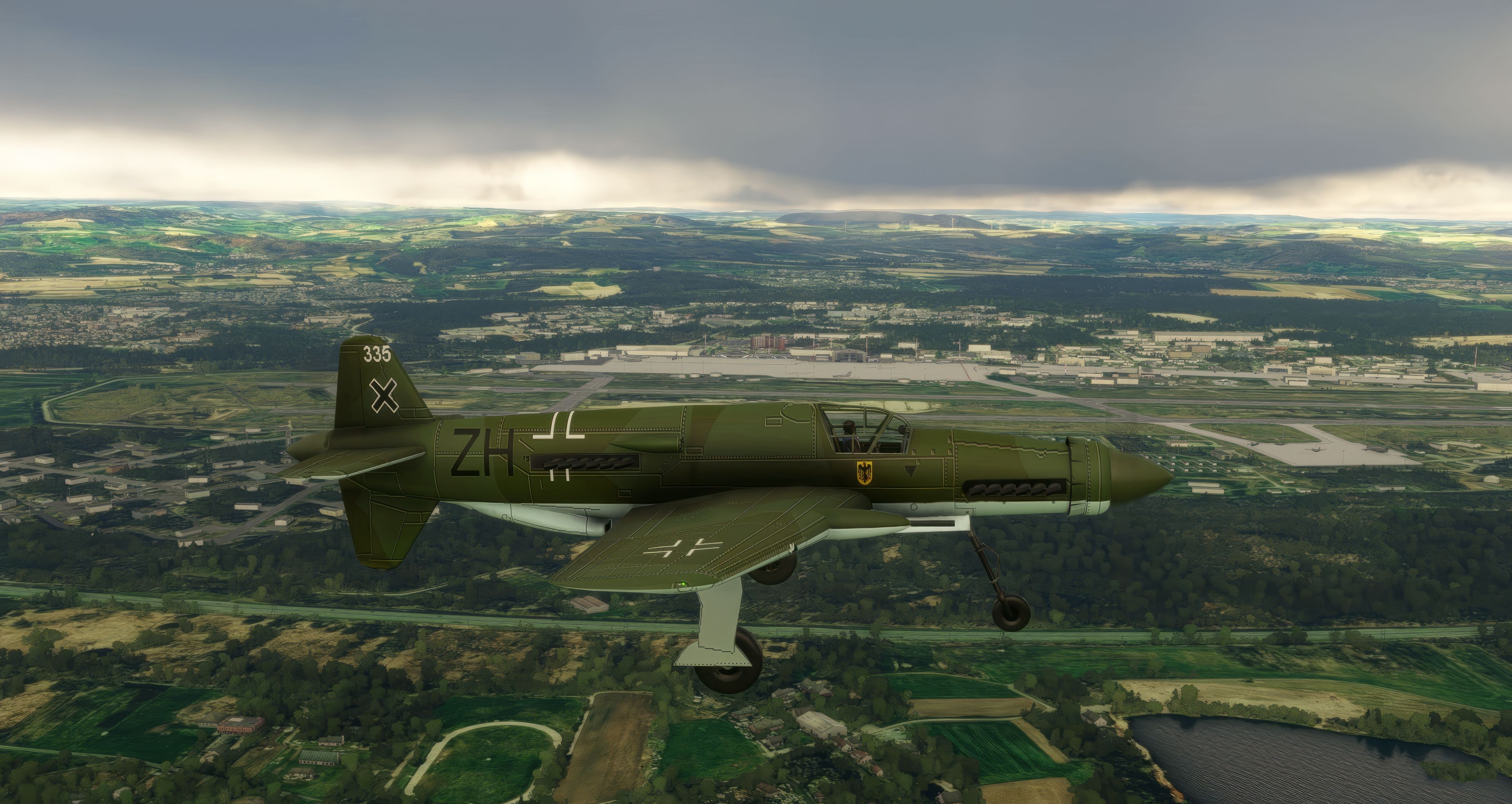
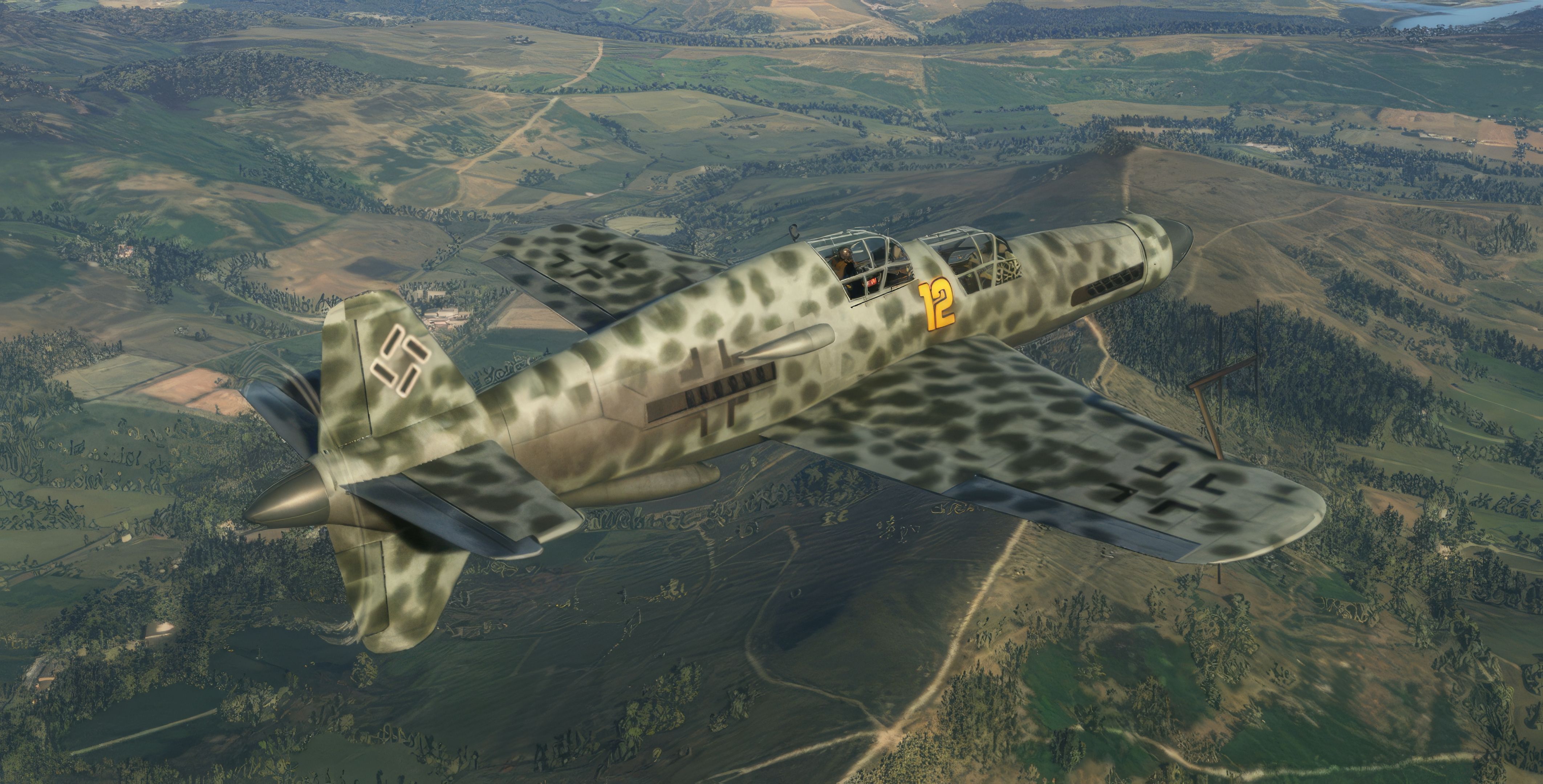
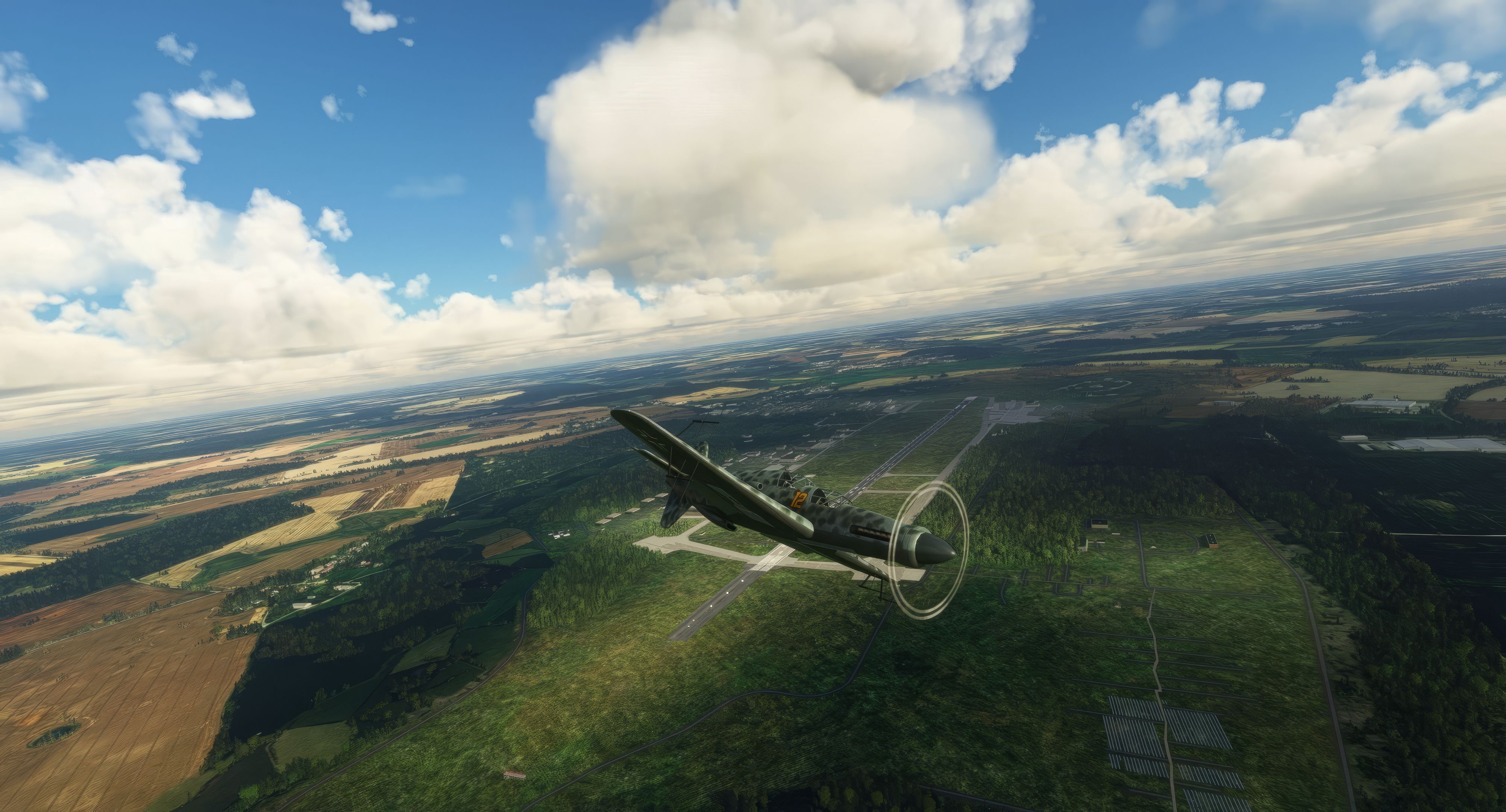
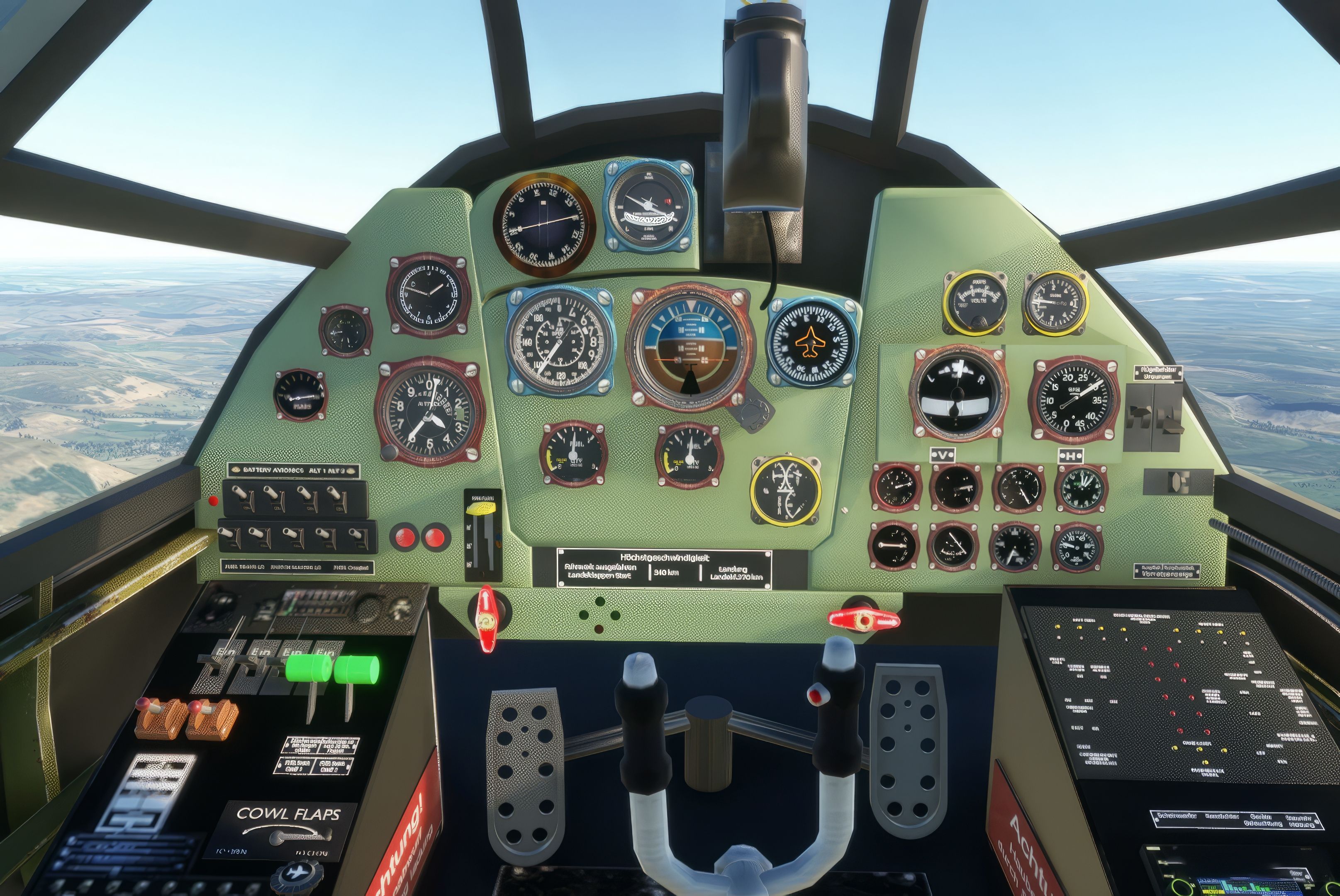
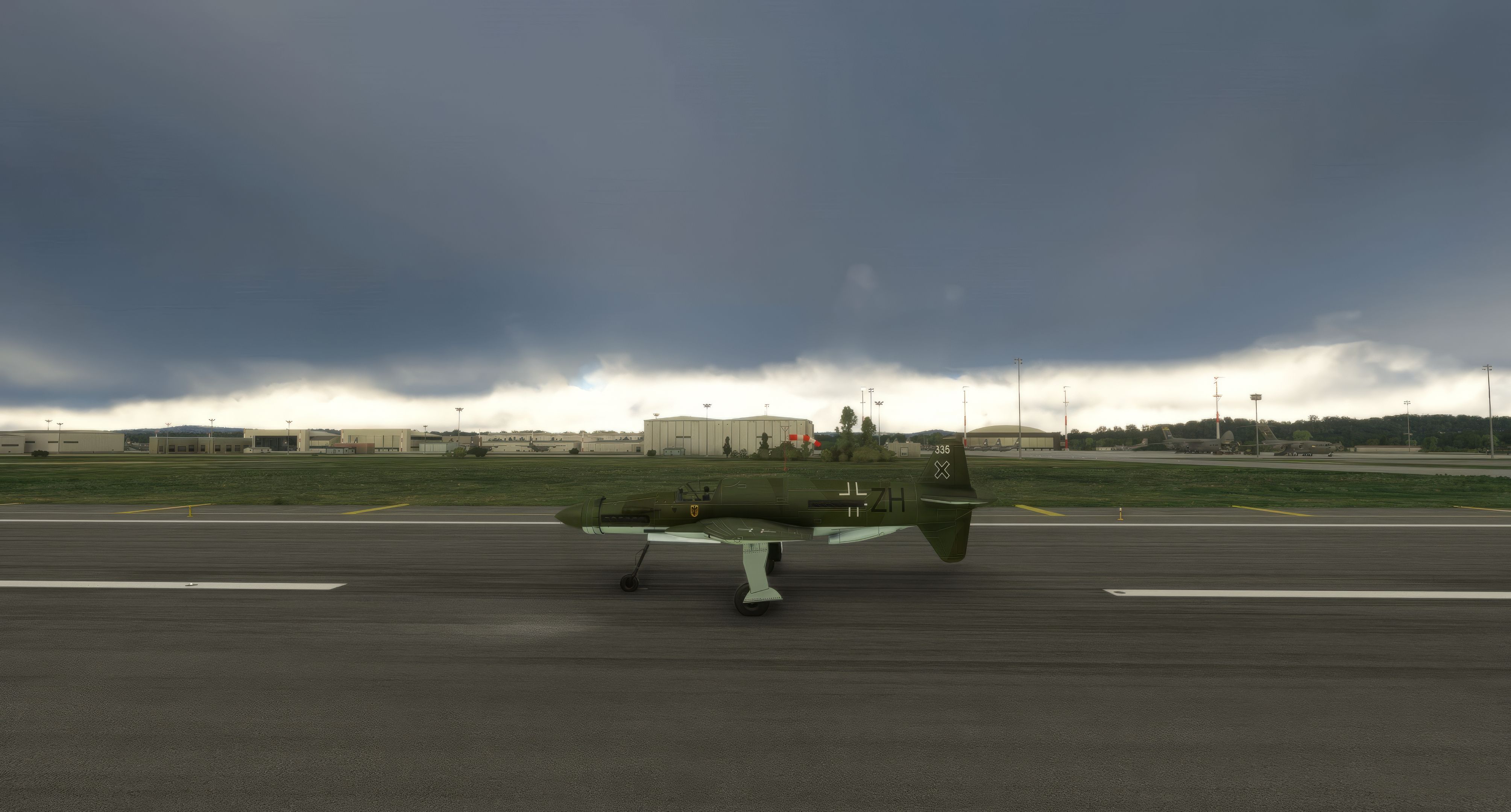
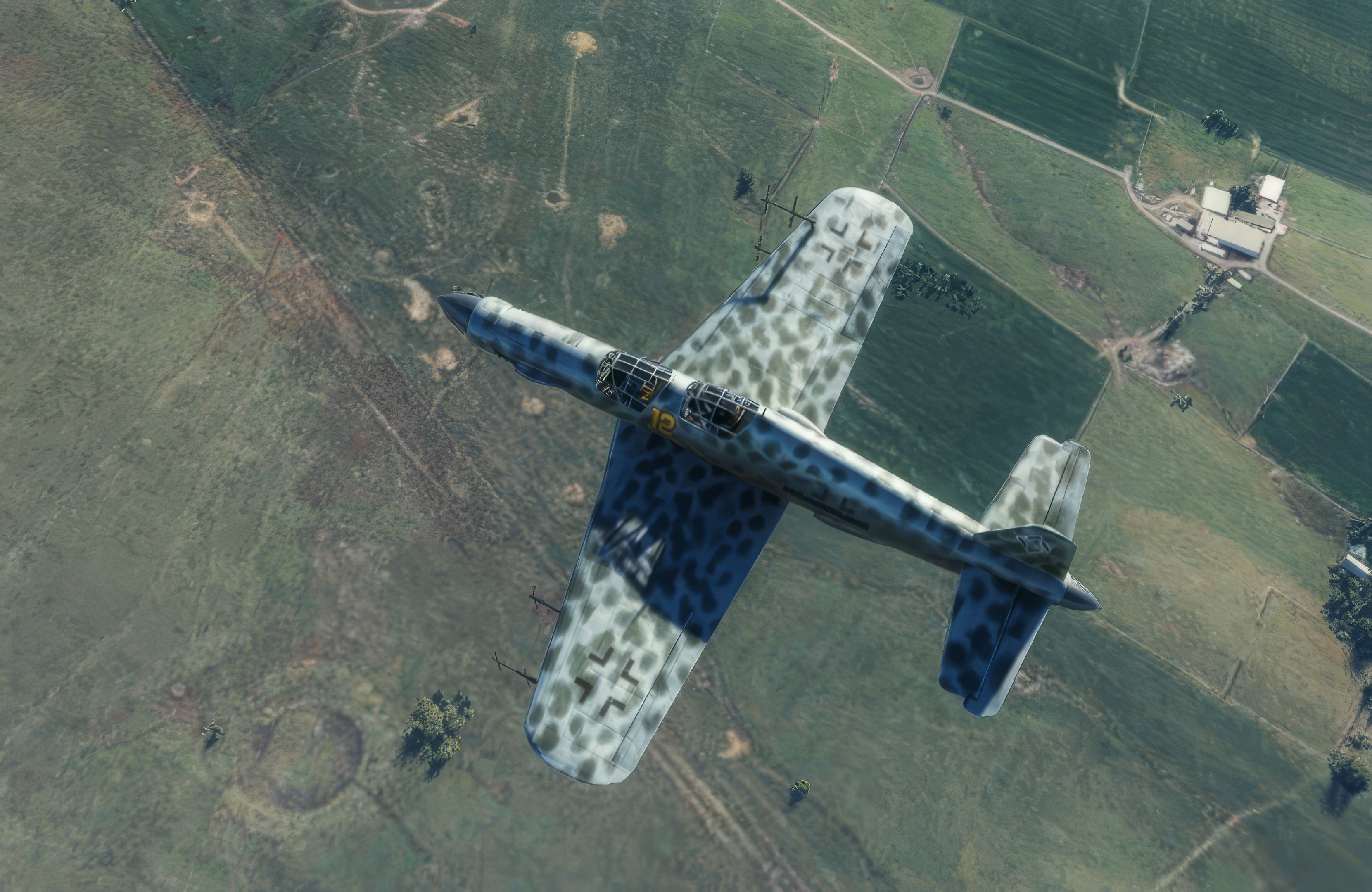
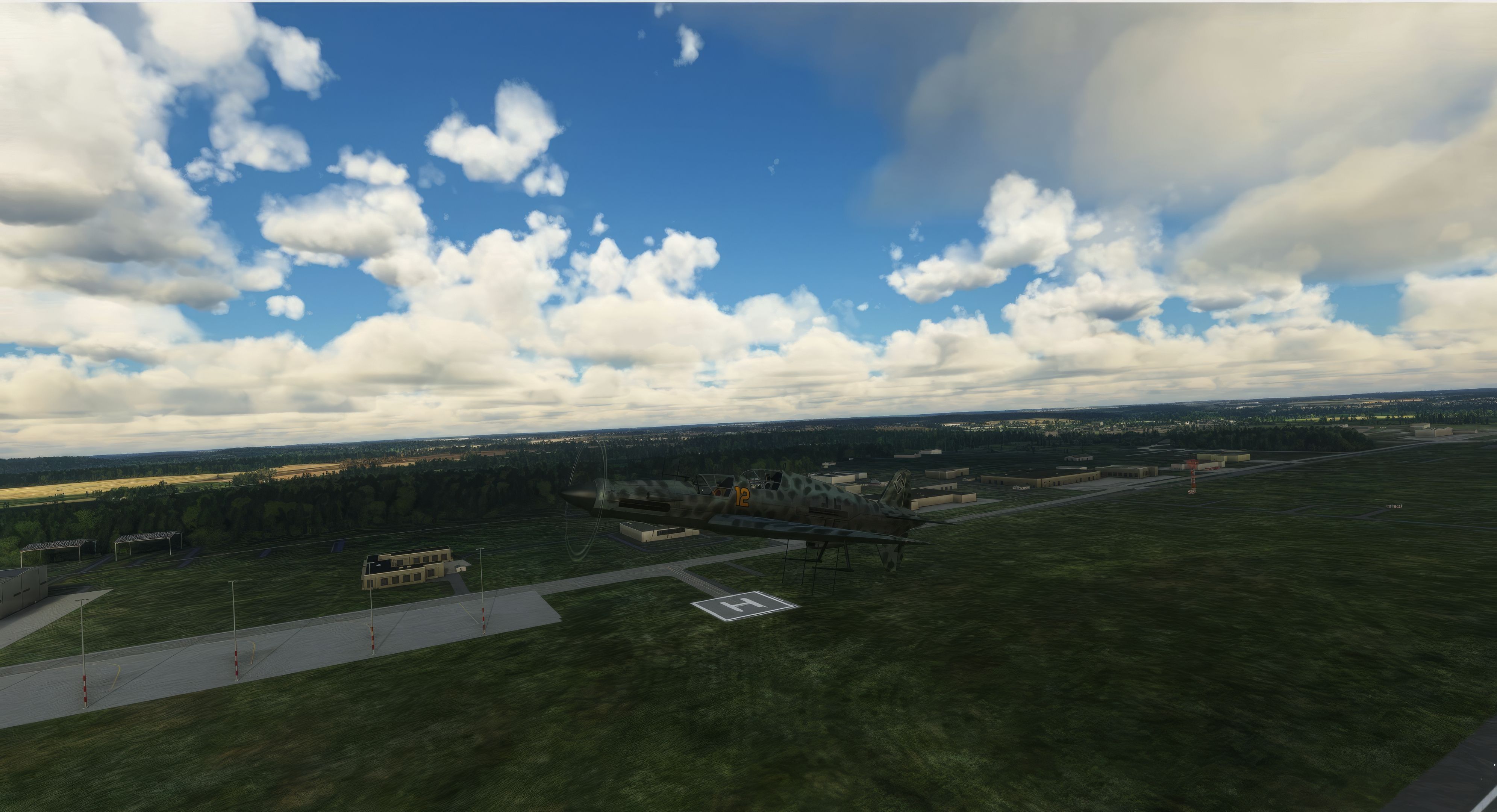
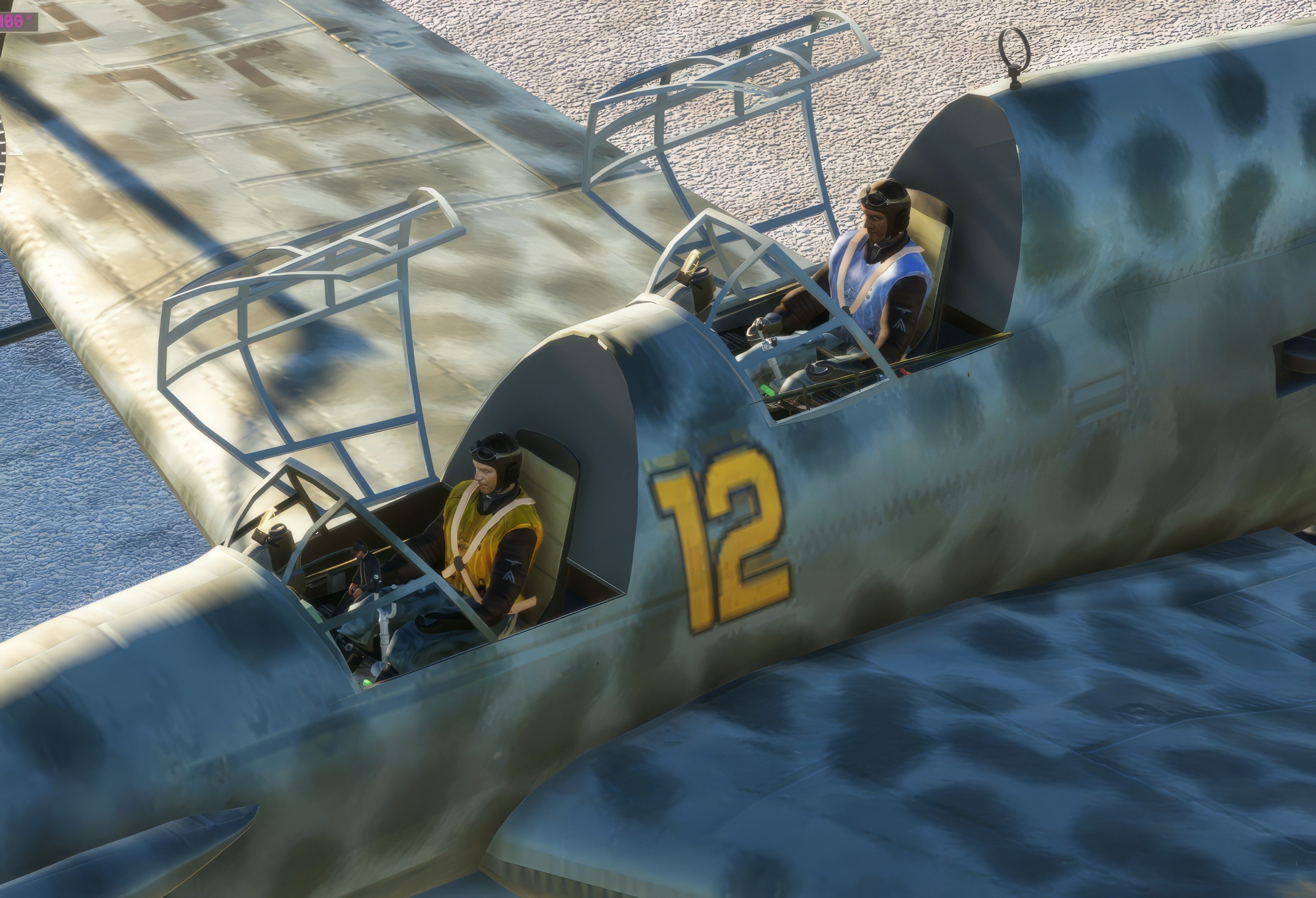
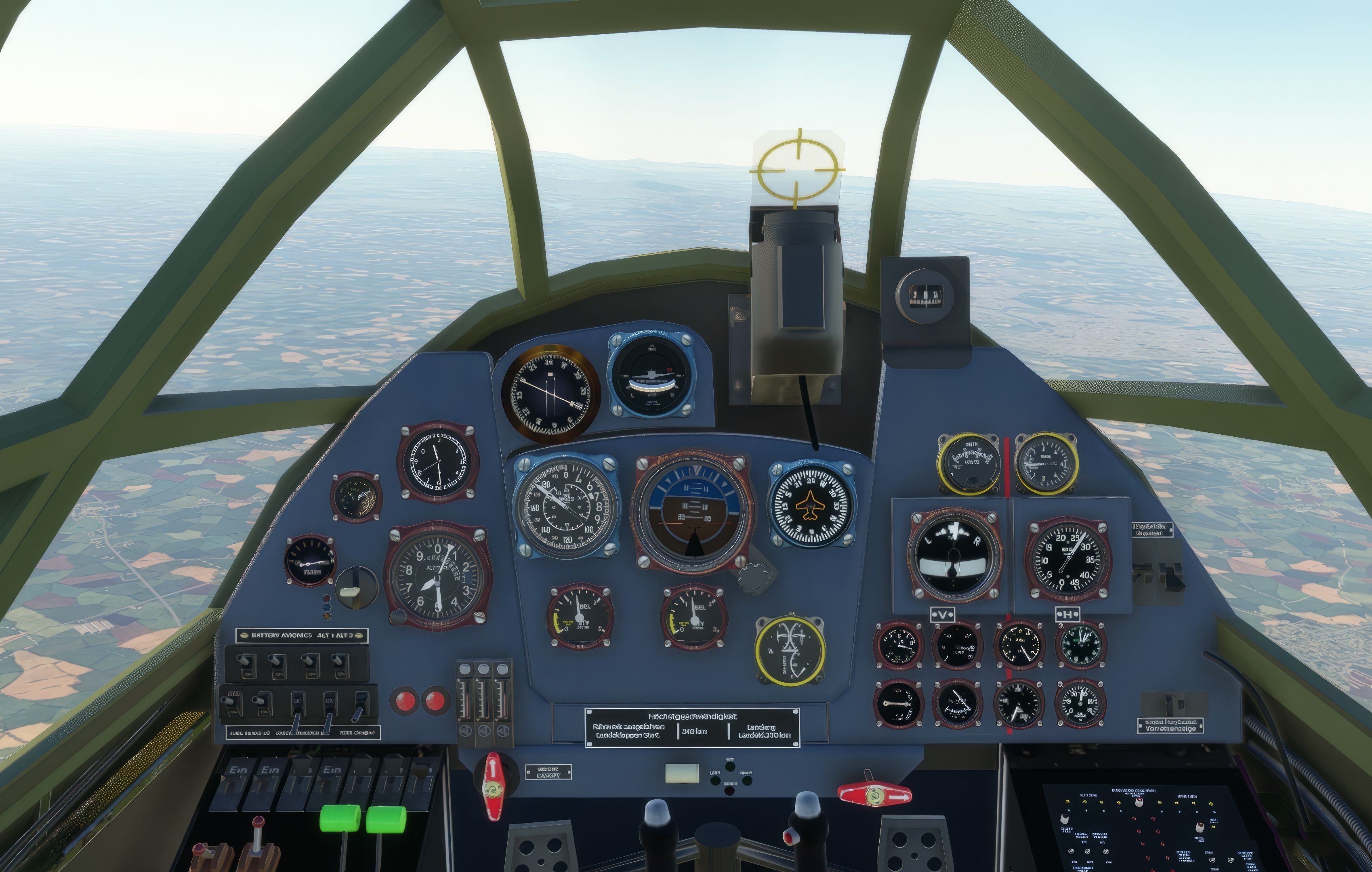
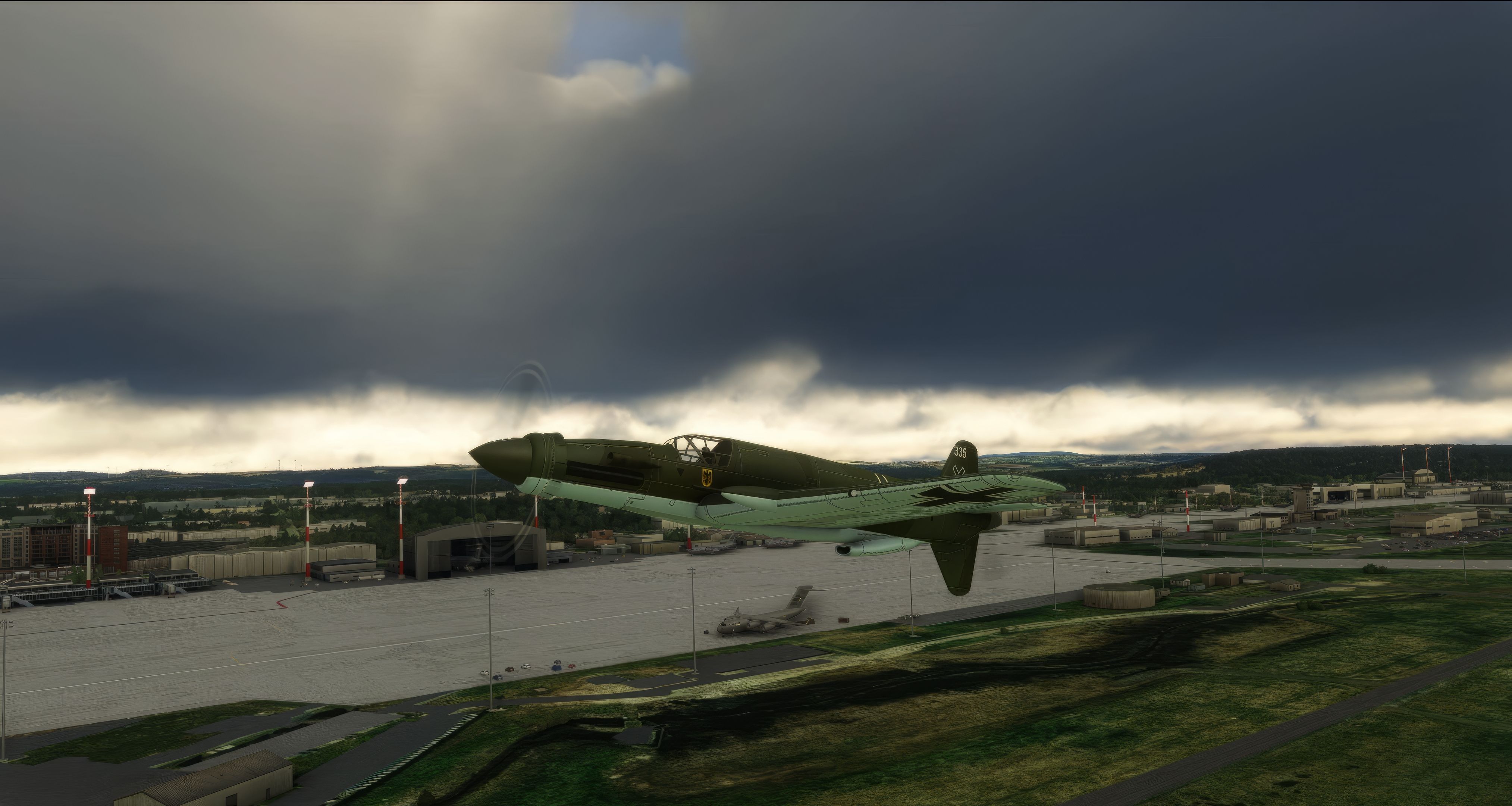
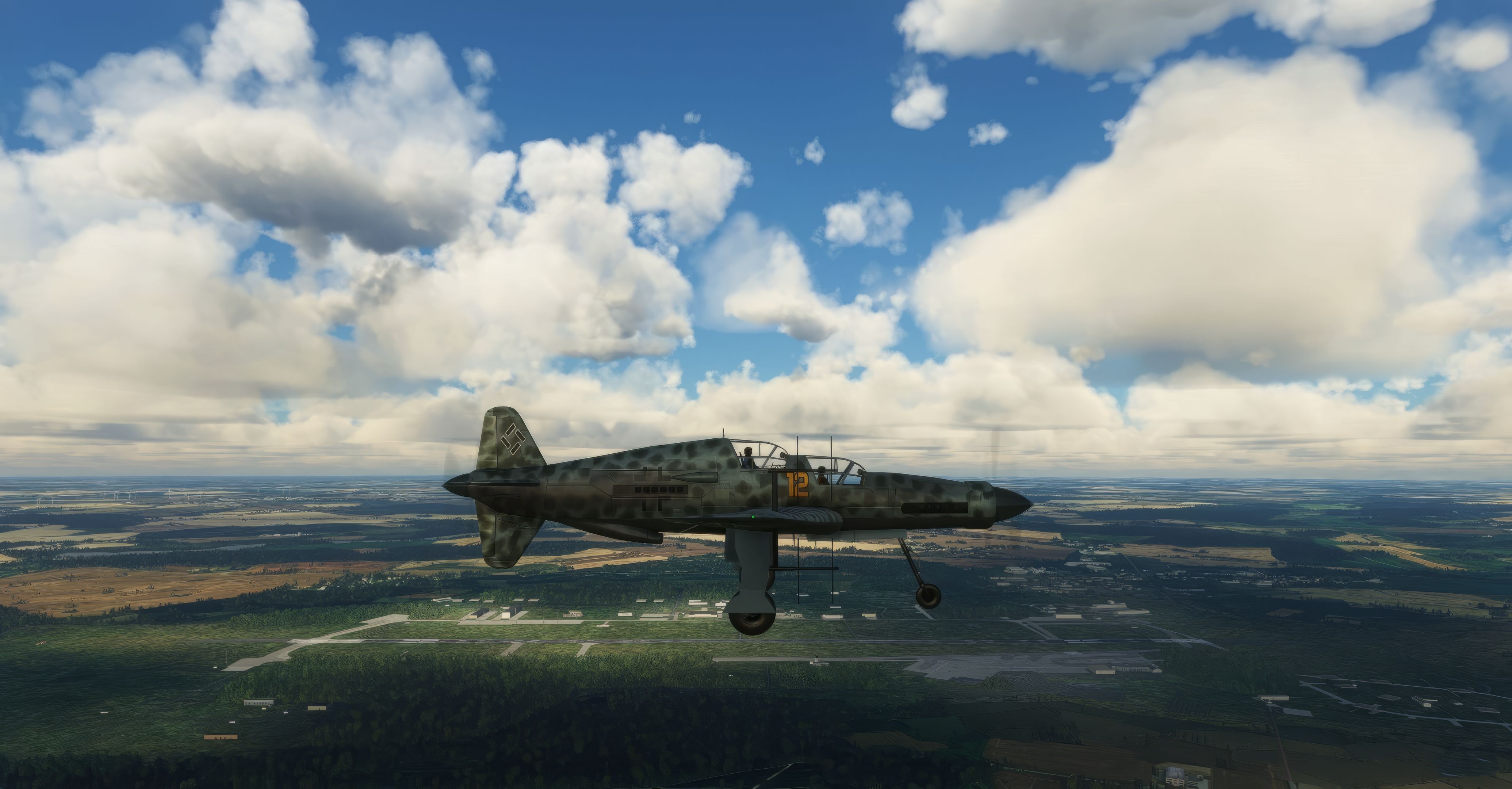
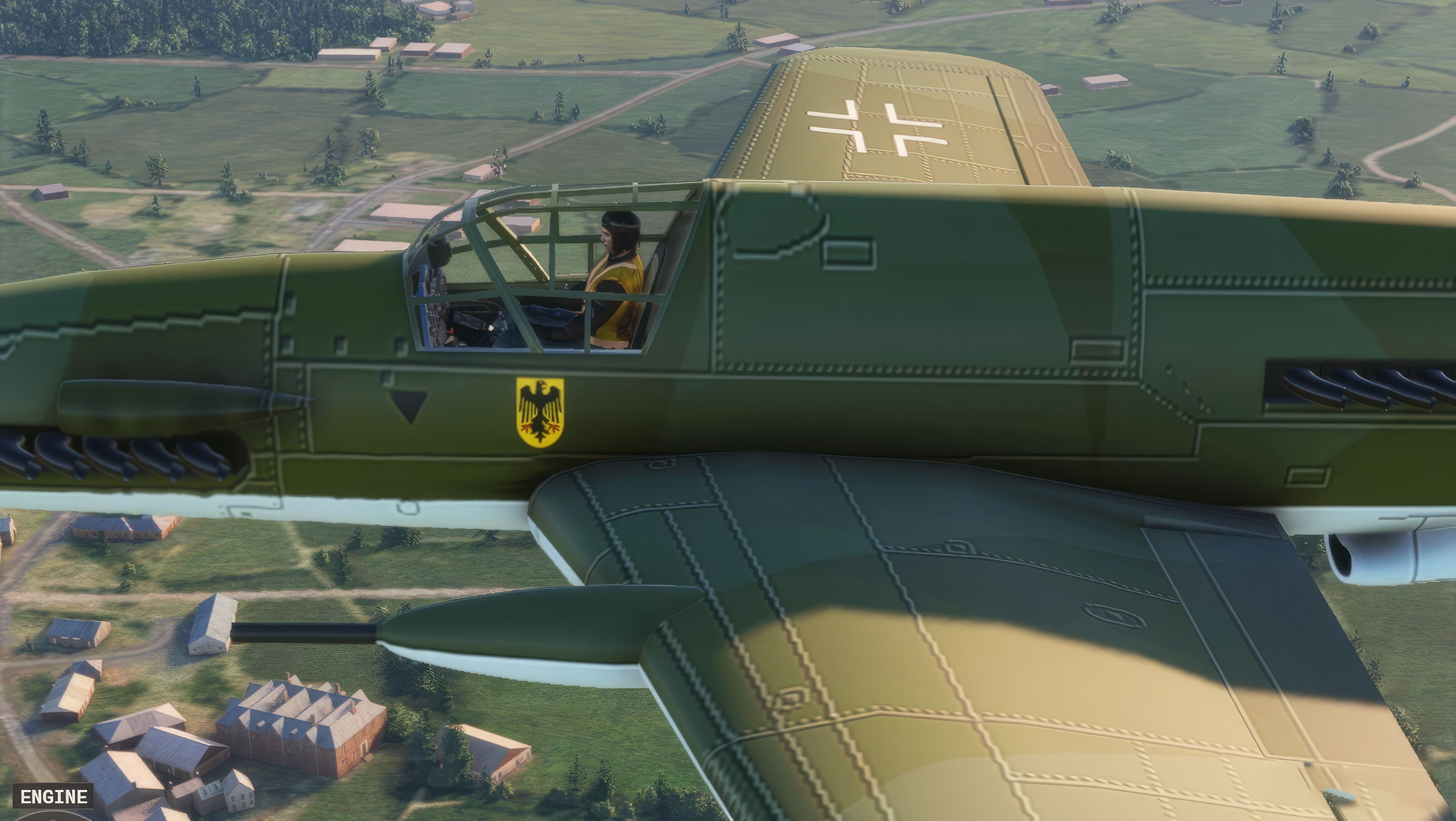
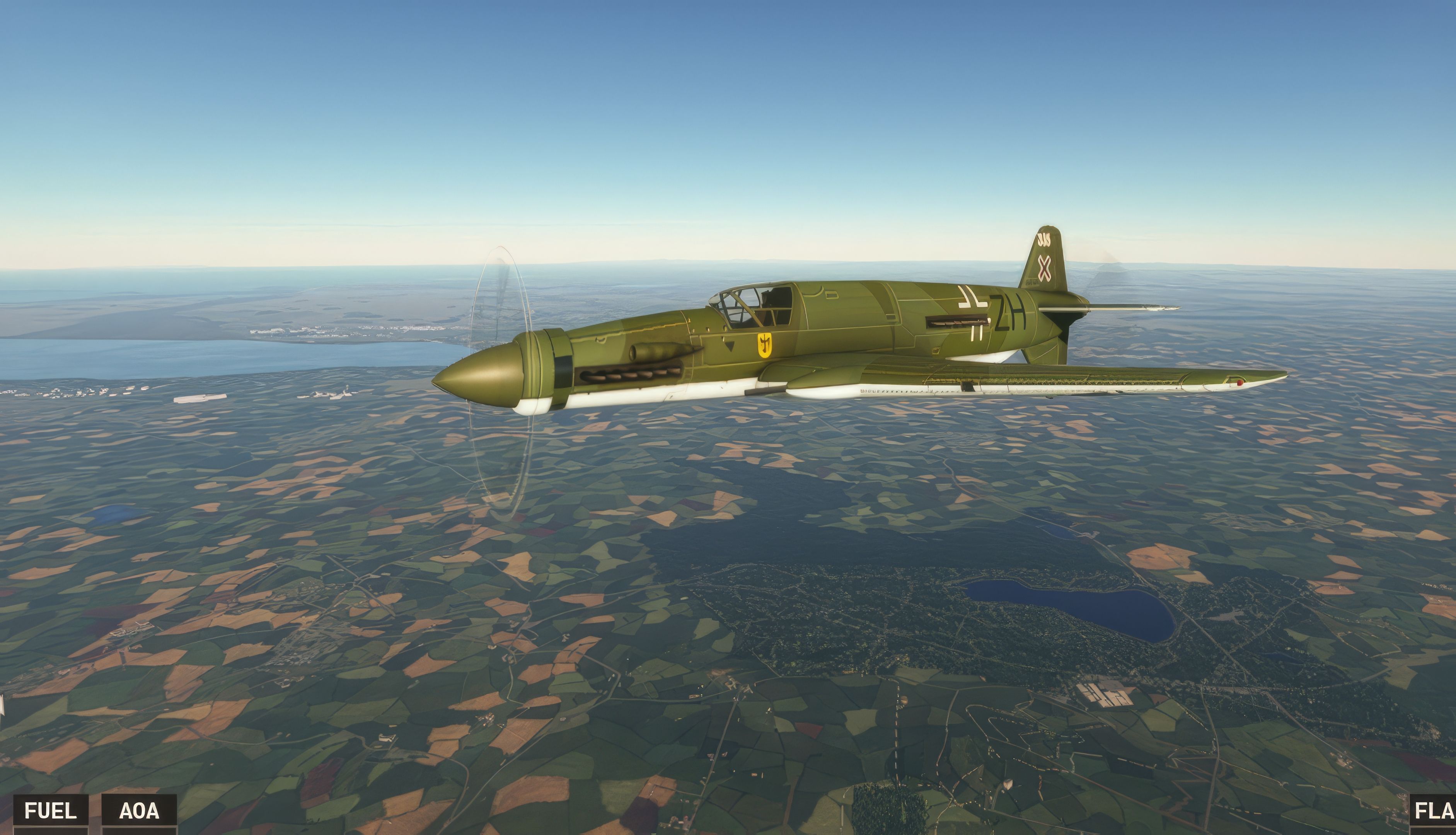
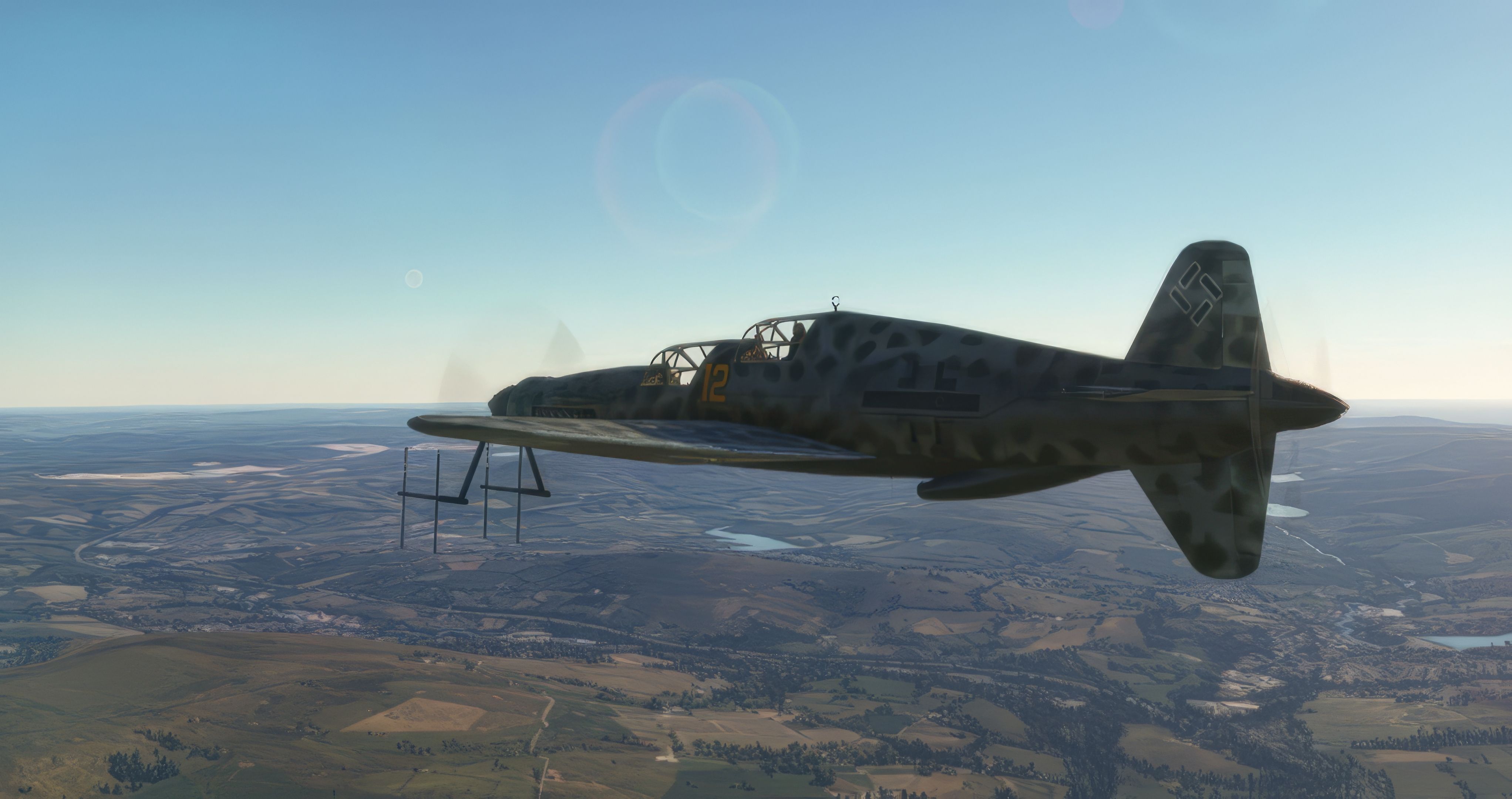
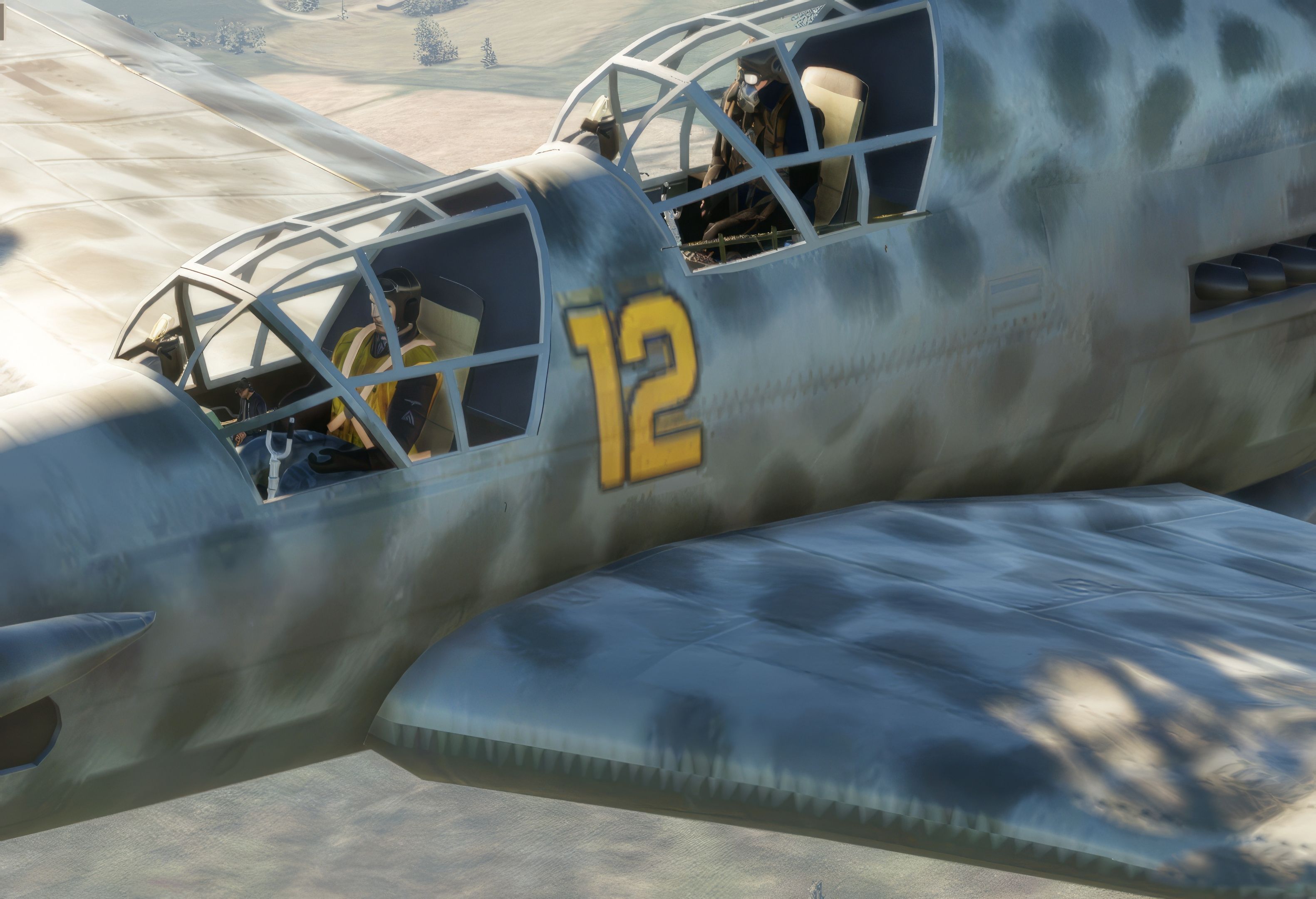
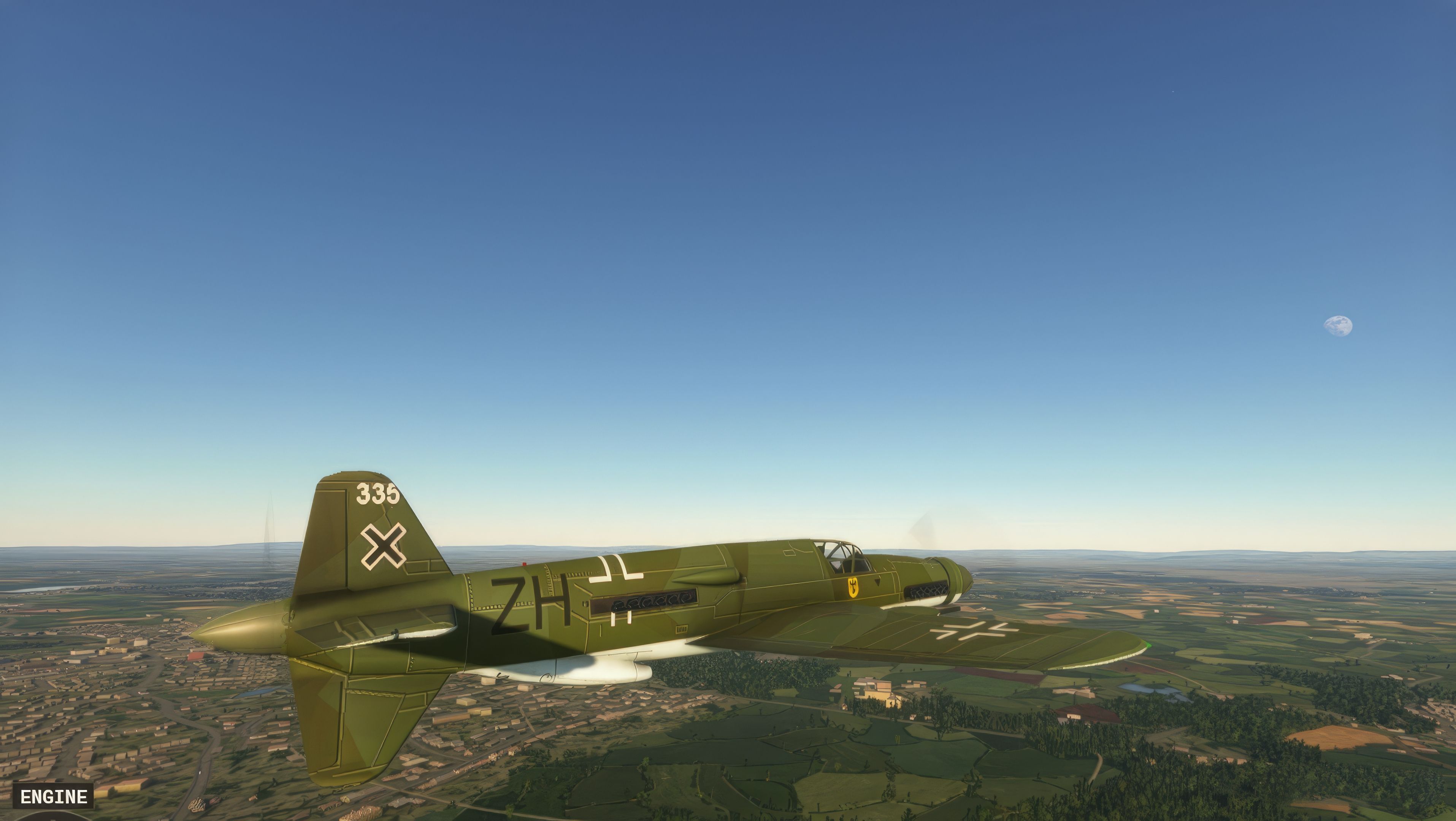
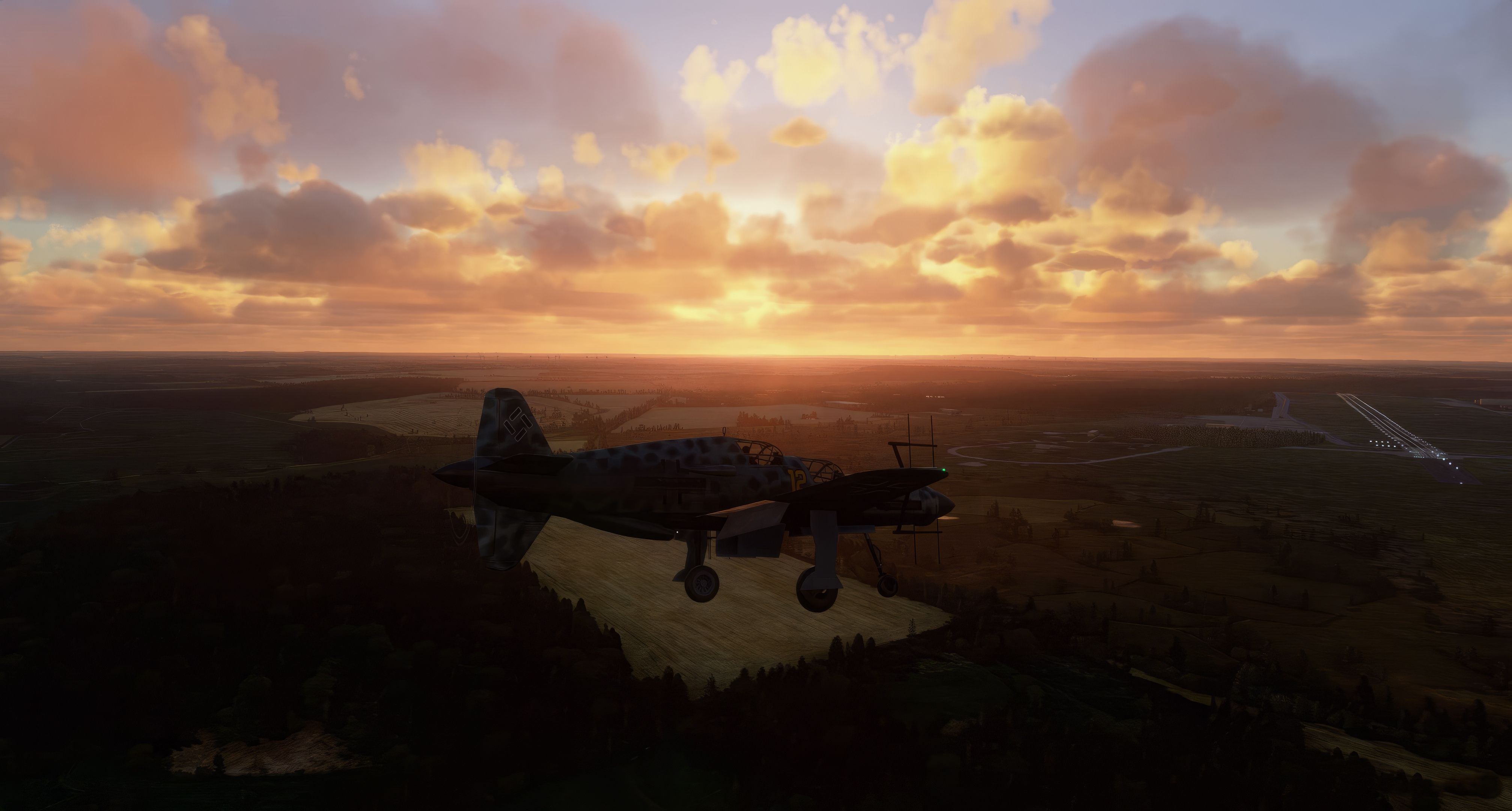
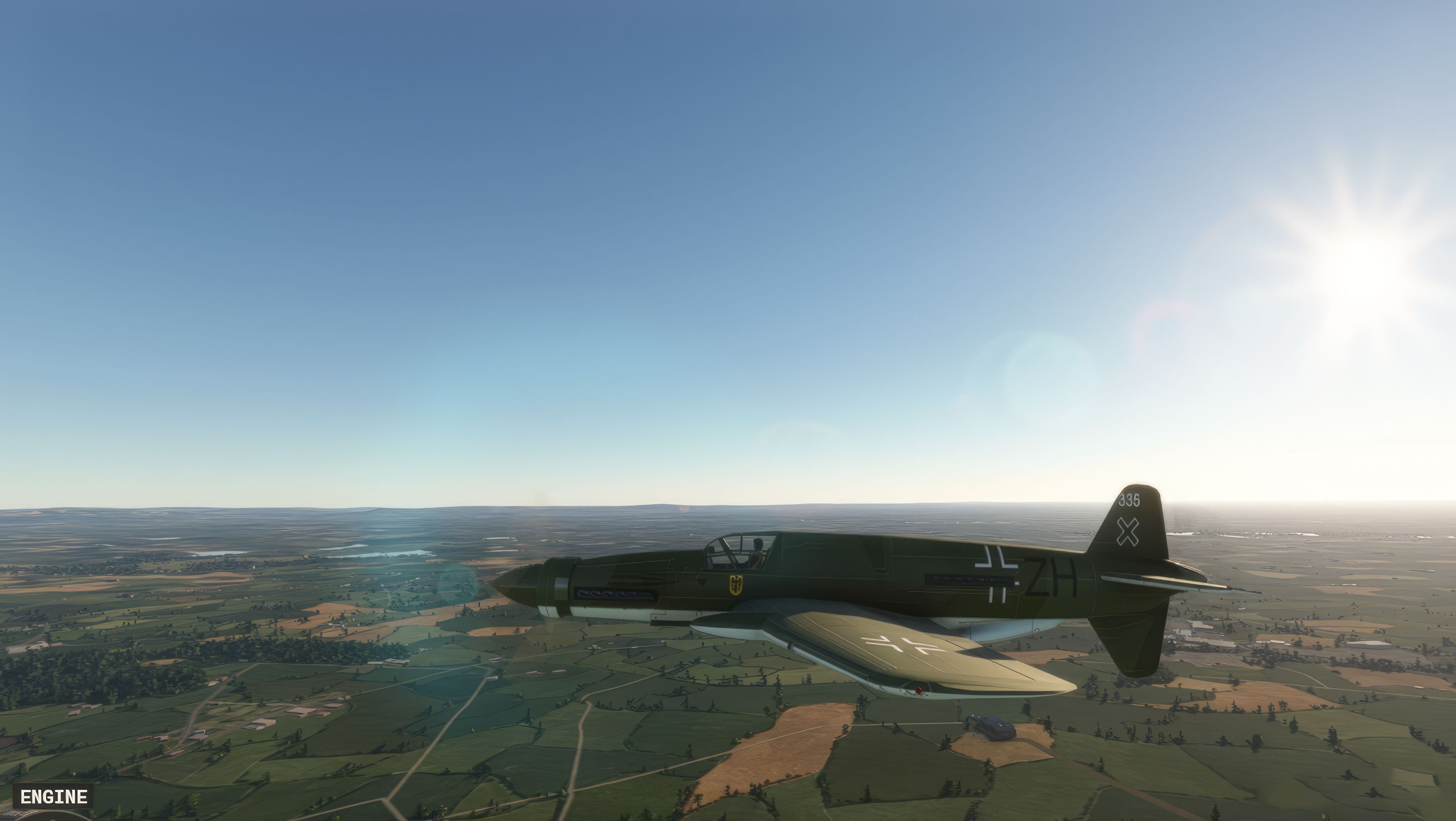
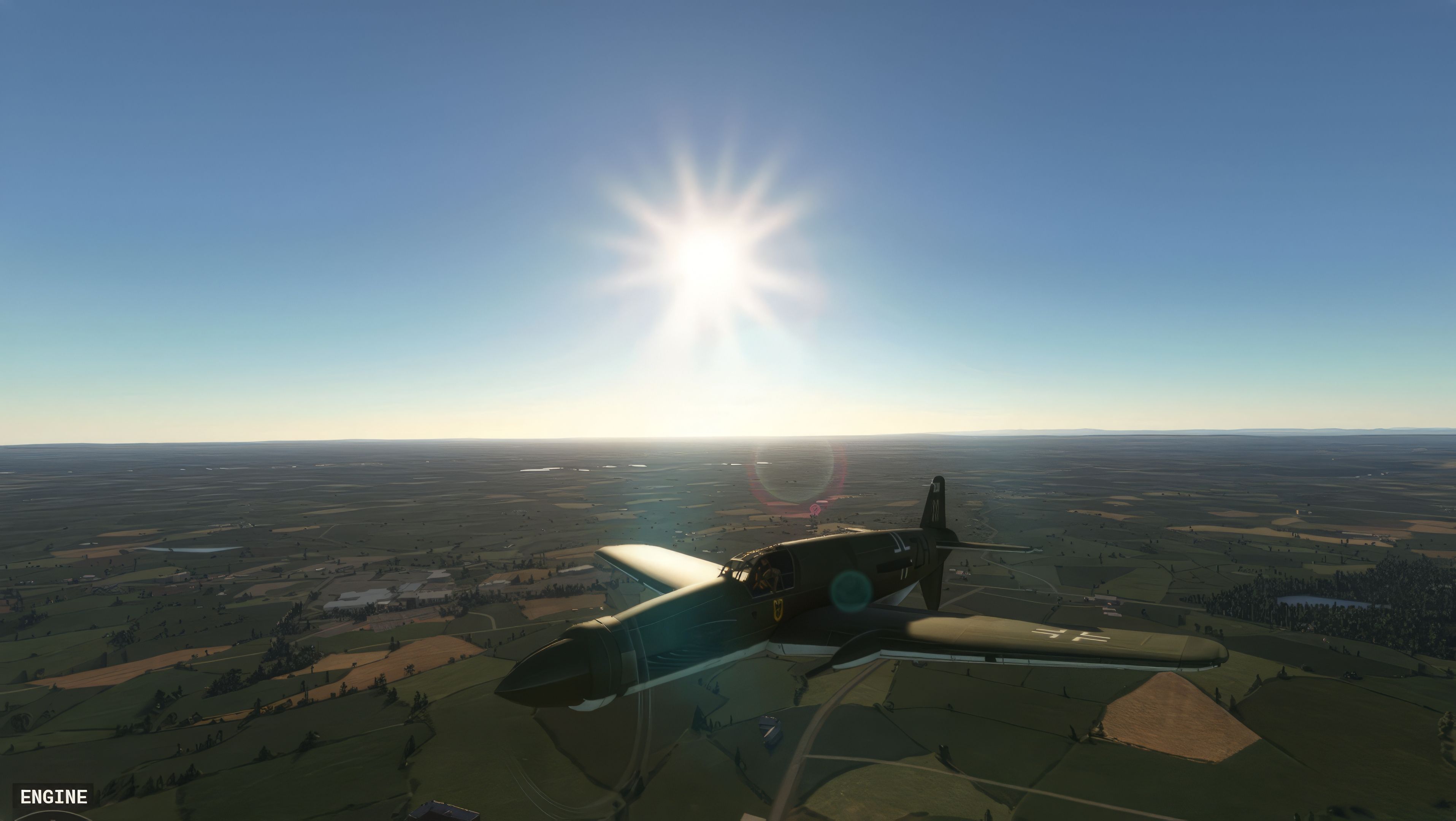
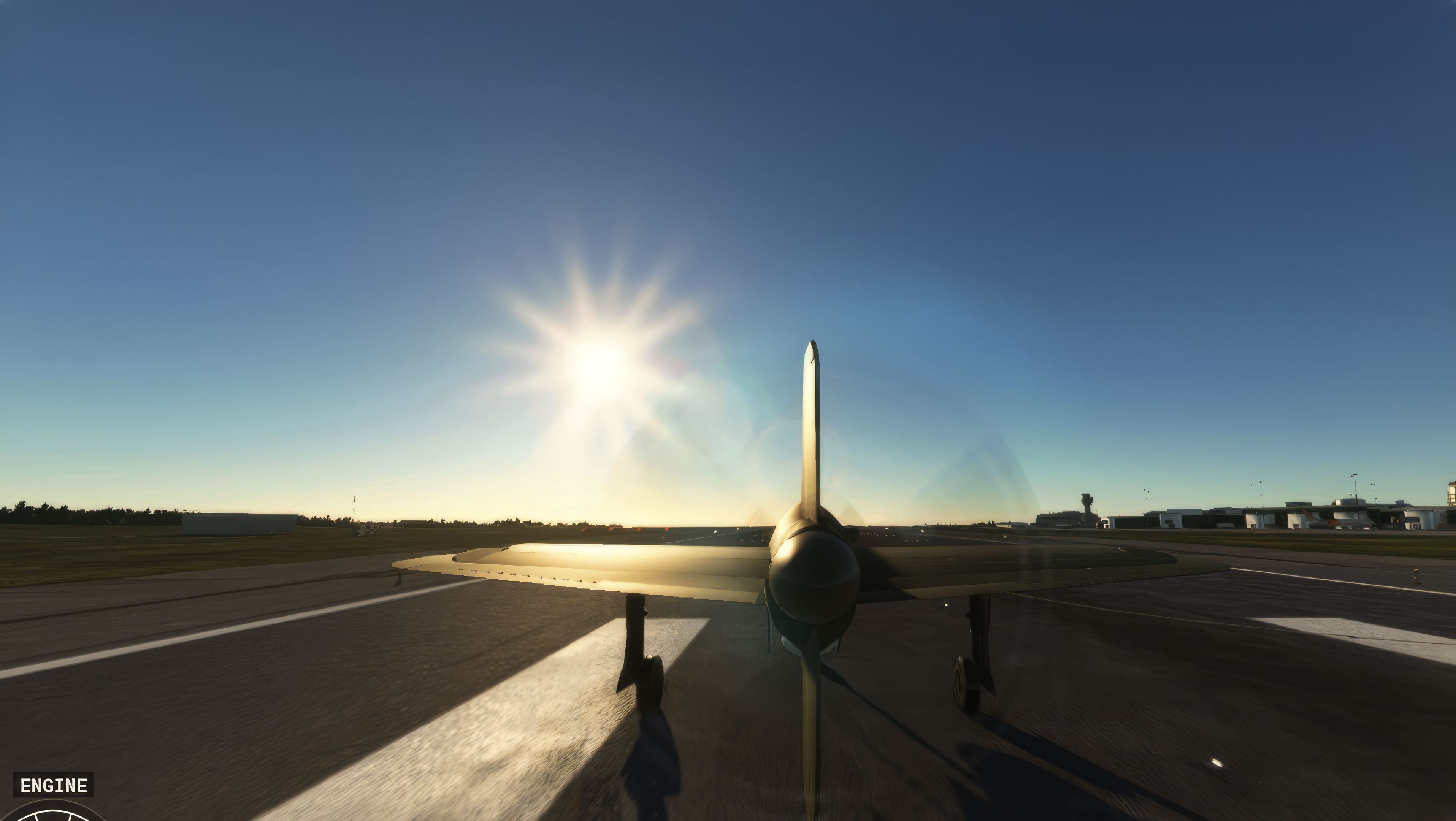
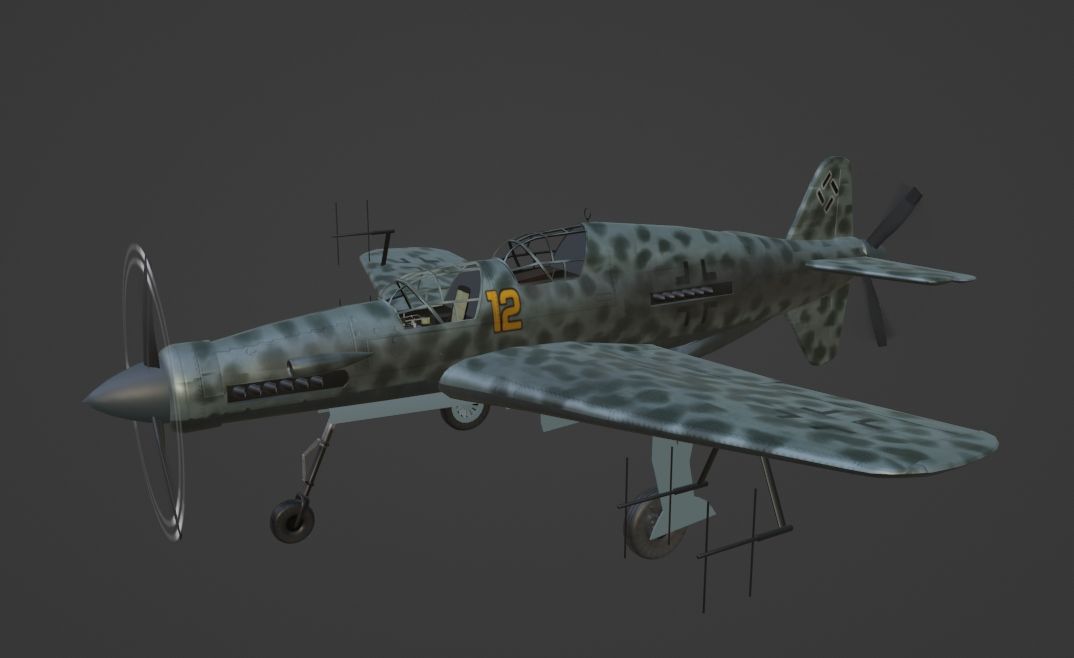

This add-on seamlessly recreates the Dornier Do 335’s signature push-pull engine configuration within Microsoft Flight Simulator, delivering an exhilarating high-speed flight experience. By boosting its top speed from 180 to 260 knots and incorporating an authentic alarm system that warns against overspeed, the mod faithfully captures the fighter’s WWII-era performance. Both the Pfeil single-seater and the two-seat Ameisenbär trainer include refined flaps functionality and accurate naming, ensuring a polished look and feel in-game.
Pilots will appreciate how the mod balances historical fidelity with modern simulation standards, all while hinting at future updates such as improved camera angles and lighting enhancements. Having tested it extensively, I find it offers an immersive, technically rich journey into aviation history, perfect for flight sim enthusiasts seeking a distinctive piston-driven challenge in their virtual hangar.
Unveiling a comprehensive addition to the Microsoft Flight Simulator (MSFS) 2020, the Dornier Do 335, in both its iconic Pfeil and trainer Ameisenbär variants, offers a unique blend of historical aviation and modern flight simulation experience. Let's delve into the technicalities and enhancements this freeware mod brings to your virtual skies.
 Technical Overview
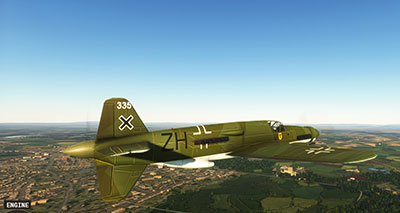
The Dornier Do 335 stands out with its push-pull configuration, a distinctive feature that sets it apart from other twin-engine designs. This layout, with one engine at the front and another at the rear, drastically reduces aerodynamic drag, lending to the aircraft's high-speed capabilities.
As a heavy fighter developed by Dornier for WWII, the Do 335 was remarkable for its era. Its speed, attributed to its innovative engine layout, was unmatched by other piston-engined aircraft of the time. The two-seater trainer version, the Ameisenbär, mirrors this performance while offering a dual-pilot experience.
The developer hints at forthcoming enhancements, including potential improvements in camera functionality and lighting. These updates are poised to augment the realism and immersion for virtual pilots.
For enthusiasts of historical aircraft and fans of high-speed flight, the MSFS Dornier Do 335 mod offers an engaging and technically rich experience. Its unique design and enhanced features promise to bring a new level of authenticity and challenge to the Microsoft Flight Simulator 2020 platform.
Simply extract the archive and copy the Dornier Do 335 Ameisenbär and Dornier DO335 Pfeil into your MSFS community folder.
Free for all simmers · 588.18 MB · Scanned clean Oct 2026
Download speed: Free tier is capped at 2 Mbps (this file takes approximately 41 mins at the cap). PRO members download at full line speed.
%LOCALAPPDATA%\Packages\Microsoft.FlightSimulator_8wekyb3d8bbwe\LocalCache\Packages\Community\. Steam version: %APPDATA%\Microsoft Flight Simulator\Packages\Community\. Tip: enable Developer Mode in MSFS to see your exact Community folder path.readme.txt or README file. It tells you exactly where files go, what dependencies are needed, and any quirks specific to this add-on.Based in the heart of the UK, Fsadni stands as a pivotal figure in the MSFS 2020 modding community. With a keen eye for detail and a deep passion for aviation history, Fsadni specializes in crafting meticulously accurate mods of historic and vintage aircraft, particularly those from the wartime era. These creations not only enhance the realism in Microsoft Flight Simulator but also serve as a digital preservation of aviation heritage.
Are you Fsadni? Sign in to Fly Away Creators for download stats, comment replies and updates. Make add-ons? Publish them here.
Only PRO members can place votes.
More MSFS add-ons hand-picked based on this download.
MSFS Vintage & Historic
A complete rendition of the iconic German WW1 fighter aircraft - the Fokker D…
 MSFS Vintage & Historic
A somewhat complete (minus a new VC) Lockheed Harpoon PV-2 for Microsoft Flig…
 MSFS Vintage & Historic
The MSFS North American B-25 Mitchell mod is a remarkable addition to the Mic…
 MSFS Vintage & Historic
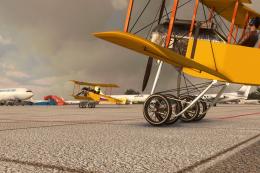
A fantastic recreation of the iconic and historic Sikorsky S-16 (RBVZ S-XVI) …
 MSFS Vintage & Historic
The Messerschmitt Me 262 A-1a Schwalbe, a pivotal aircraft in aviation histor…
 MSFS Vintage & Historic
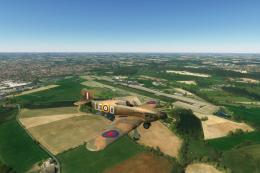
The Hawker Hurricane MK I mod for Microsoft Flight Simulator (MSFS) 2020 rele…
 MSFS Vintage & Historic
MSFS enthusiasts, get ready to elevate your flight experience with the meticu…
 MSFS Vintage & Historic
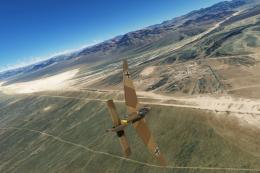
The Junkers Ju 87 "Stuka", a formidable dive bomber of its era, now takes to …
Read what other simmers think, or add your own.
