

 FSX Civil Aircraft
United Airlines Boeing 787-8 N20904
Experience a meticulously repainted Boeing 787-8 Dreamliner representing Unit…
United Airlines’ post-merger Boeing 787-9 arrives as a complete freeware aircraft for FSX, pairing a refined wide-body exterior model with crisp modern textures and convincing night lighting. Animated Ground Servicing brings passenger doors, cargo holds, and ramp activity to life for a more immersive long-haul gate-to-cruise experience.
 Rate
Rate
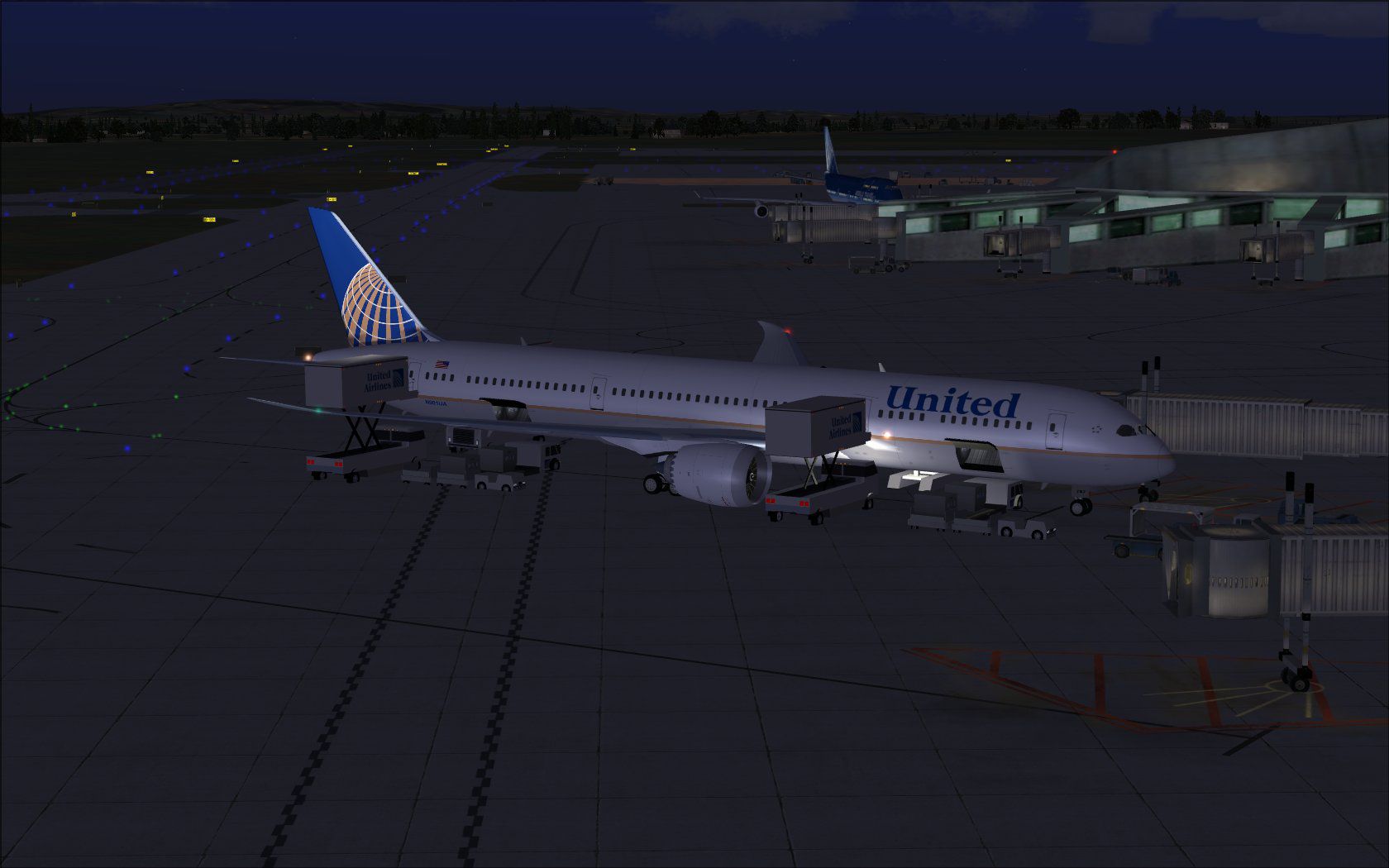
This complete freeware package offers a highly detailed rendition of the Boeing 787-9 in the updated United Airlines (post-Continental merger) livery. It integrates a refined visual model, realistic textures, and fully functional Animated Ground Servicing ([AGS] refers to on-ground animations that emulate real-world servicing). Developed by Camil Valiquette under the CamSim banner, this release ensures a reliable wide-body jet simulation for dedicated enthusiasts.
Featuring an efficient twin-engine configuration, the Boeing 787-9 is a mid-size, long-haul airliner known for its advanced aerodynamics. The version included in this add-on aligns with the significant interior and exterior improvements introduced by CamSim, such as:
Installing this model in FSX is straightforward. First, extract all files into the “Airplanes” directory under your FSX main folder. This process makes the aircraft accessible through the simulator’s selection menu. Moreover, if you have never used a CamSim AGS-equipped aircraft, you should also unzip the Effects folder contents into the primary FSX folder, ensuring accurate night effects and service animations.
The Animated Ground Servicing adds extra immersion by simulating real ground operations. Here is a concise overview of the key controls:
Additionally, for complete functionality, assign the following within the simulator’s control options:

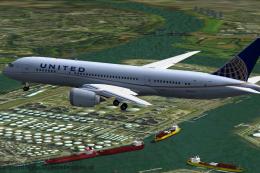
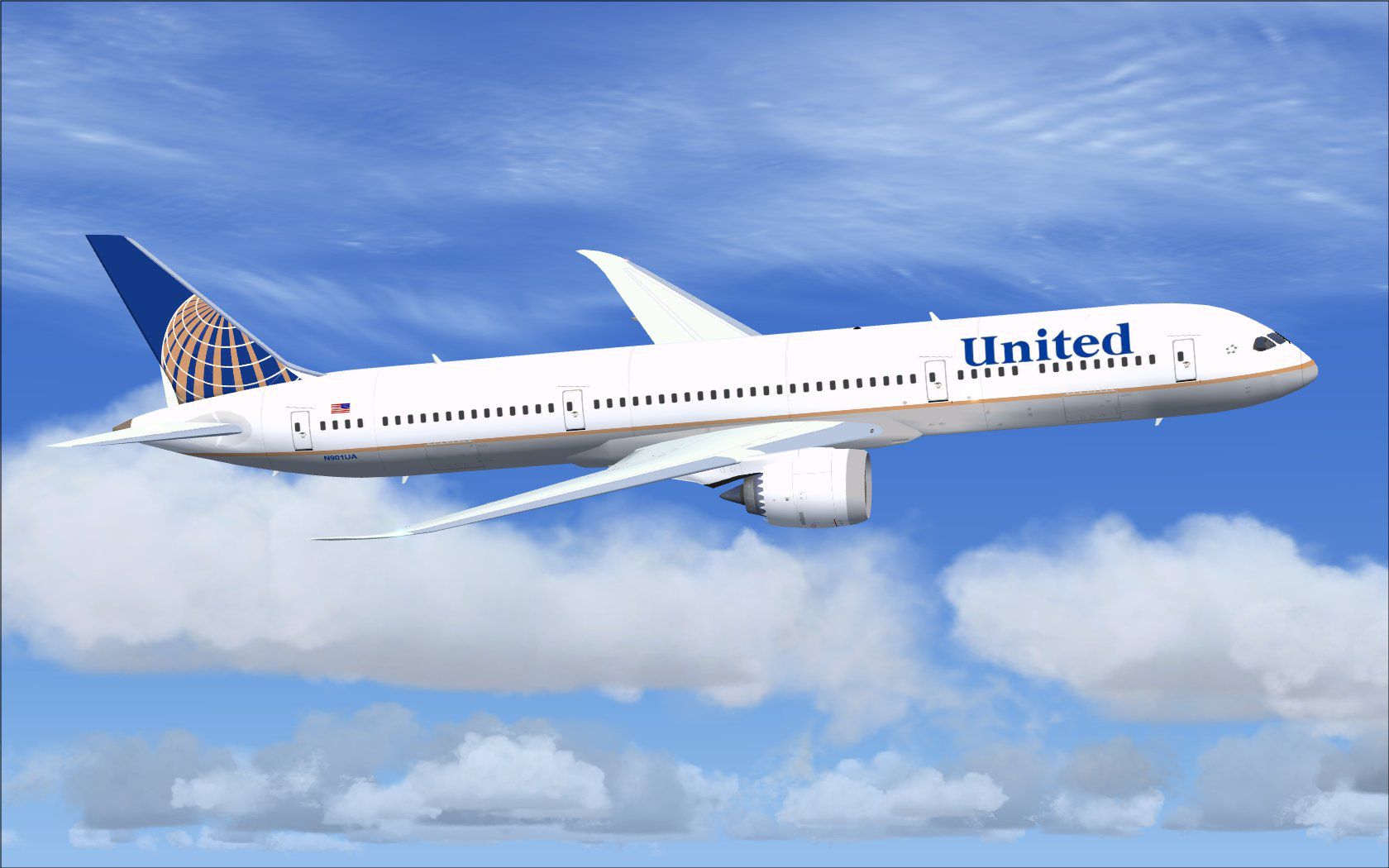
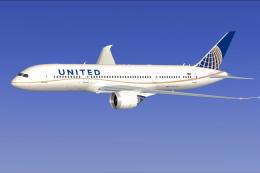
United Airlines Boeing 787-9 in flight.
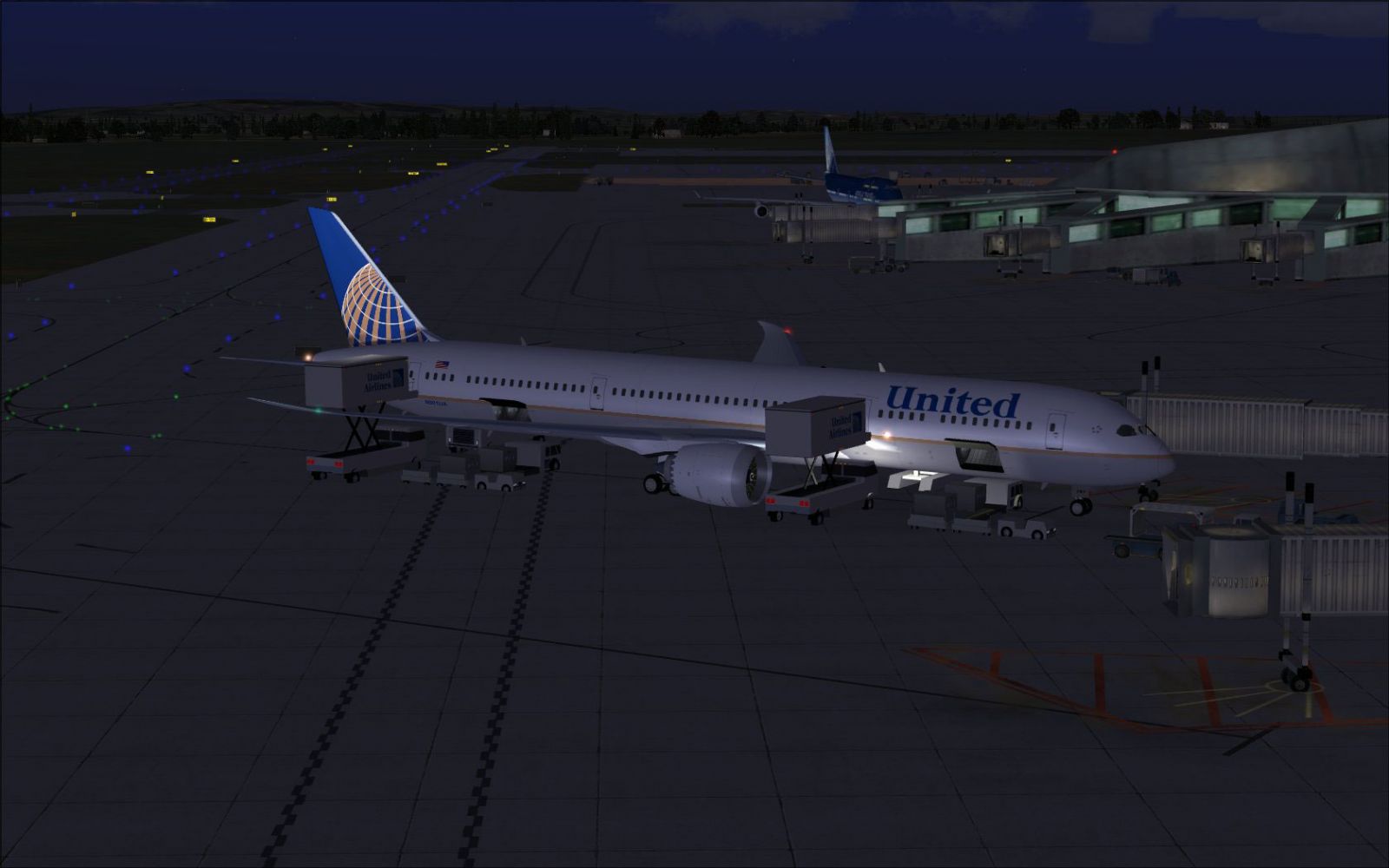
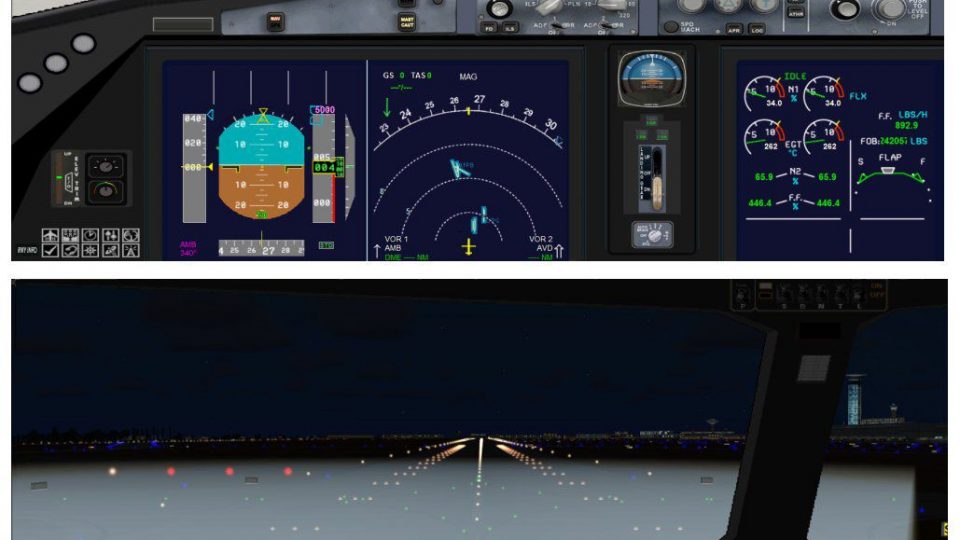
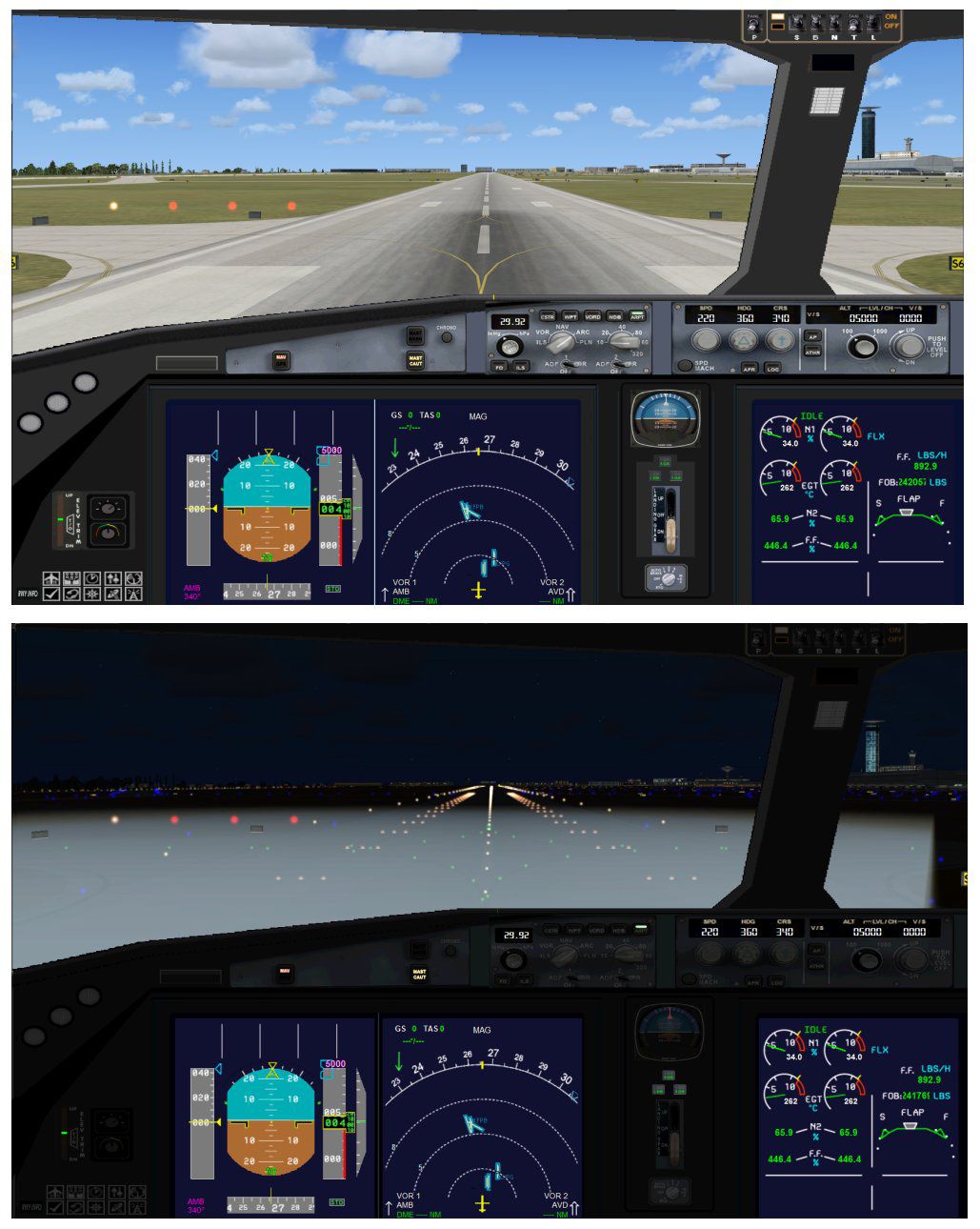
United Airlines Boeing 787-9 at the gate.
This freeware project stems from the meticulous efforts of Camil Valiquette and the CamSim team. Their commitment to accurately capturing the Boeing 787-9’s design and United Airlines’ transitional livery (introduced during the United/Continental merger) enriches the overall simulation experience. This package stands as a testament to precise modeling and dedication to flight simulation enthusiasts worldwide.
Free for all simmers · 5.23 MB · Scanned clean Oct 2026
Download speed: Free tier is capped at 0.5 Mbps (this file takes approximately 1 min at the cap). PRO members download at full line speed.
This add-on may require the following files to function properly. If this is a repaint, the dependency below is likely the base aircraft package.
FSX\SimObjects\Airplanes\. The folder must contain an aircraft.cfg file. Effects go into FSX\Effects\; gauges go into FSX\Gauges\.readme.txt or README file. It tells you exactly where files go, what dependencies are needed, and any quirks specific to this add-on.The archive 79uaco_x.zip has 35 files and directories contained within it.
This list displays the first 500 files in the package. If the package has more, you will need to download it to view them.
| Filename/Directory | File Date | File Size |
|---|---|---|
| CamSim Boeing 787-9 V2 United NC | 05.06.10 | 0 B |
| 787-9.air | 02.25.10 | 12.76 kB |
| 789v2uaco_fsx ags.jpg | 05.06.10 | 125.97 kB |
| 789v2uaco_fsx.jpg | 05.06.10 | 137.89 kB |
| aircraft.cfg | 05.06.10 | 15.45 kB |
| Effects.zip | 09.09.08 | 1.81 kB |
| file_id.diz | 05.05.10 | 225 B |
| model.787-9 ags | 05.06.10 | 0 B |
| 787-9 ags 1 pax stair 3 services.mdl | 02.12.10 | 2.67 MB |
| Model.cfg | 02.04.10 | 51 B |
| Panel | 05.06.10 | 0 B |
| 787_350_panel_background.bmp | 02.25.10 | 2.25 MB |
| 787_350_panel_background_night.bmp | 02.25.10 | 2.25 MB |
| Airbus_A321.cab | 09.04.06 | 2.72 MB |
| panel.cfg | 02.25.10 | 5.48 kB |
| panel camsim 787-350 afx_2.jpg | 04.09.10 | 182.86 kB |
| Read Me_FSX.txt | 05.05.10 | 2.49 kB |
| sound | 05.06.10 | 0 B |
| Sound.cfg | 08.30.09 | 35 B |
| texture.uaco | 05.06.10 | 0 B |
| 787eng_t.bmp | 05.05.10 | 1.00 MB |
| 787ext_L.bmp | 05.05.10 | 4.00 MB |
| 787ext_t.bmp | 05.06.10 | 1.00 MB |
| 787int_L.bmp | 05.05.10 | 4.00 MB |
| 787int_t.bmp | 05.06.10 | 1.00 MB |
| 787tail_t.bmp | 02.22.10 | 1.00 MB |
| 789fuse_t.bmp | 05.05.10 | 1.00 MB |
| 789wings_t.bmp | 11.24.09 | 1.00 MB |
| gris_t.bmp | 12.09.09 | 16.07 kB |
| pilot1.bmp | 09.11.09 | 257.05 kB |
| pilot1_L.bmp | 12.06.06 | 1.00 MB |
| thumbnail.jpg | 05.06.10 | 6.04 kB |
| w_t.bmp | 12.06.08 | 16.07 kB |
| flyawaysimulation.txt | 10.29.13 | 959 B |
| Go to Fly Away Simulation.url | 01.22.16 | 52 B |
Only PRO members can place votes.
More FSX & P3D add-ons hand-picked based on this download.
FSX Civil Aircraft
Experience a meticulously repainted Boeing 787-8 Dreamliner representing Unit…
 FSX Civil Aircraft
This updated package showcases a United Airlines Boeing 787-8 in the post-mer…
 FSX Civil Aircraft
Experience an enhanced rendition of United Airlines’ Boeing 787-10, developed…
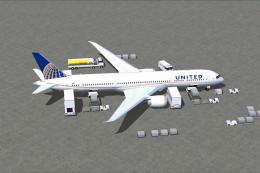 FSX Civil Aircraft
This full-featured Boeing 787-9 package, wearing the United Airlines livery, …
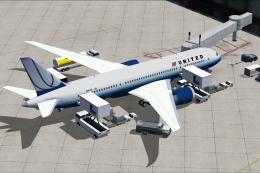 FSX Civil Aircraft
Explore a finely rendered rendition of a Boeing 787-8 in the classic United A…
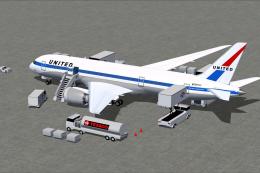 FSX Civil Aircraft
This updated freeware release depicts the classic United Airlines Retro Jet l…
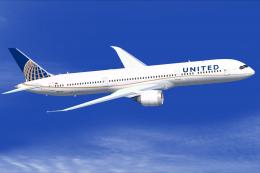 FSX Civil Aircraft
Experience a meticulously crafted repaint of the Boeing 787-9 in the distinct…
 FSX Civil Aircraft
This release features a dedicated repaint of the United Airlines livery for B…
Be the first to leave a comment on this download.
Be the first to share your thoughts on this download.