

 FSX Military Aircraft
F-86 Sabre FU-201
FSX F-86 Sabre FU-201 (NX86FR), USAF Skyblazers. This repaint requires the Al…
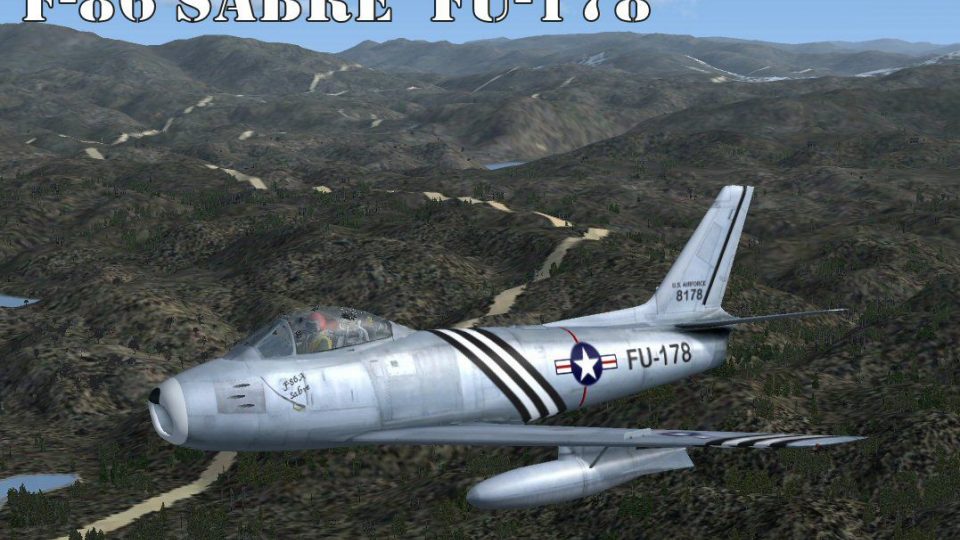
North American F-86A Sabre FU-178 brings a historic ex-USAF jet to Microsoft Flight Simulator X with crisp RDG textures, plus Bob Chicilo’s custom 2D and 3D panels for an authentic virtual cockpit experience. Included background notes and photos trace the aircraft from 1948 build to UK civil operation, adding context for every flight.
 Rate
Rate
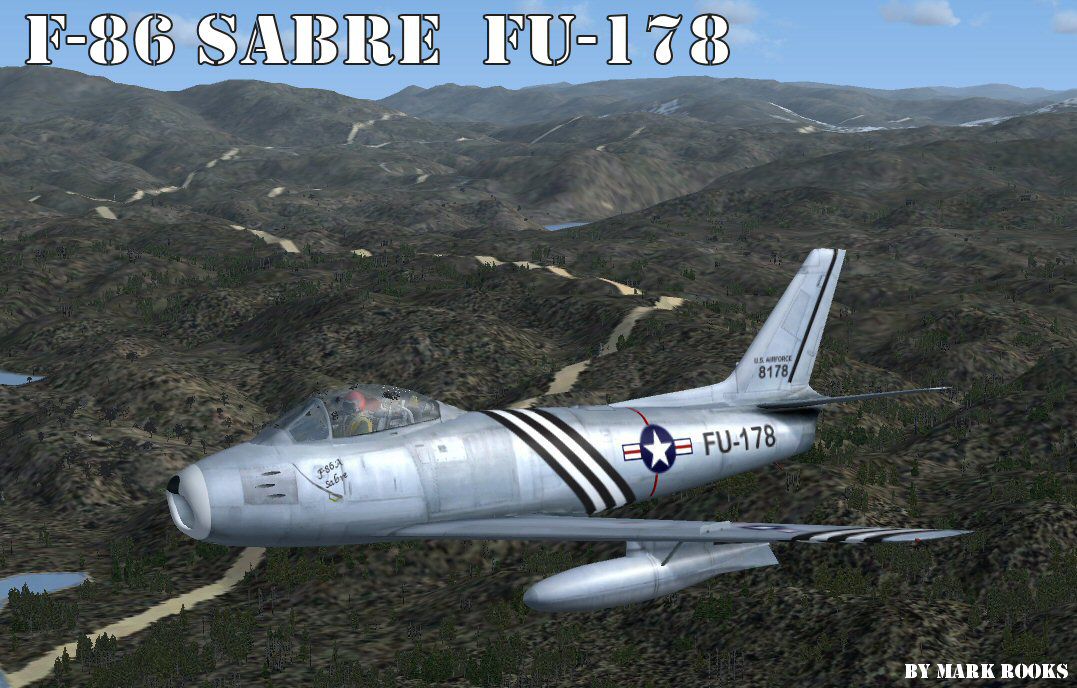
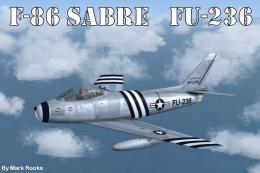
F-86 Sabre FU-178. This is Kirk Olsson's F86 Sabre Jet for Microsoft Flight Simulator X. This is the former USAF North American F-86A Sabre (code FU-178/ 48-8178. Assembled in Los Angeles in 1948, delivered to the USAF in 1949. Retired from military service 1958 and sent to a Fresno scrap yard. Rescued in 1958 and flew again in 1974. Now resident in England and on the UK civil register. This aircraft includes a 2D and 3D F-86 panel by Bob Chicilo. Also includes history and pictures of the actual aircraft. Textures by Mark Rooks of RDG Aircraft.
F-86 Sabre FU-178 in flight.
F-86 Sabre FU-178..... Support a Mercy Flight near you.
This aircraft has a 2D and 3D Panel By Bob Chicilo Do not profit from this Aircraft Pkg.
To install this aircraft:
As always back up any original files.
1.Unzip downloaded folders to your desktop or temporary directory of your choice.
2.Copy the " F-86 Sabre FU-178 " and paste it in the main aircraft folder.
By default the main aircraft folder is located at:
"C:\Program Files\Microsoft Games\FSX\SIM Objects /Aircraft .
3. Be sure to completely unzip all files the aircraft file when complete will Cotain 6 files the Following 6 files goes in the aircraft folder CFG Airfile Model Sound Panel Textures
4. Unzip the gauges folder and put the gauges in the FSX gauges folder located at "C:\Program Files\Microsoft Games\FSX\Gauges " Bob Chicilo Read me is included please read his instructions .
Made Simpler
Make sure all files are unzipped the New Plane folder should contain 6 files unzipped they are CFG Airfile Sound Model Texture Panel the New Plane folder with the 6 files goes in the game aircraft folder found at C:\Program Files\Microsoft Games\Microsoft Flight Simulator X\SimObjects\Airplanes follow the path ie open the c drive then open program files then open Microsoft Games then open Microsoft Flight Simulator X then open SimObjects then open Airplanes folder the New Plane goes in that folder.
Mark Rooks
However, please defend the following conditions.
Never profit from this work .. I do this for fun and for others to FREELY enjoy.
And I include a little History about the actual aircraft
Thanks
DISCLAIMER:
I CONNOT BE CHARGED FOR ANY DAMAGES/PROBLEMS/ERRORS CAUSED TO YOUR EQUIPMENT THROUGH USE OF RDG FILES!
USE ALL FILES AT YOUR OWN RISK!
BY INSTALLING OUR FILES ON YOUR EQUIPMENT YOU ARE AGREEING TO THIS DISCLAIMER.
ALL FILES VIRUS FREE AT TIME OF UPLOAD.
Enjoy your new repaint.
Thanks for downloading.
"Fire Ball"
Free for all simmers · 11.86 MB · Scanned clean Oct 2026
Download speed: Free tier is capped at 0.5 Mbps (this file takes approximately 3 mins at the cap). PRO members download at full line speed.
SimObjects\Airplanes\, Addon Scenery\, Effects\, or Gauges\.readme.txt or README file. It tells you exactly where files go, what dependencies are needed, and any quirks specific to this add-on.The archive f-86sabrefu-178.zip has 11 files and directories contained within it.
This list displays the first 500 files in the package. If the package has more, you will need to download it to view them.
| Filename/Directory | File Date | File Size |
|---|---|---|
| Bob Chicilo read me.txt | 07.28.09 | 1.33 kB |
| Bob Chicilo 's panel.zip | 01.04.10 | 1.73 MB |
| F-86 Sabre FU-178.zip | 01.04.10 | 5.64 MB |
| F-86 Sabre Jet History and Pictures.zip | 01.04.10 | 4.31 MB |
| Kirk Olsson Org_Read First!!!.txt | 07.26.09 | 4.98 kB |
| Read Me First.txt | 01.04.10 | 2.25 kB |
| Reg. Text.txt | 01.04.10 | 562 B |
| Sabre FU-178 Screen .jpg | 01.04.10 | 167.62 kB |
| Thumbs.db | 01.04.10 | 8.00 kB |
| flyawaysimulation.txt | 10.29.13 | 959 B |
| Go to Fly Away Simulation.url | 01.22.16 | 52 B |
Only PRO members can place votes.
More FSX & P3D add-ons hand-picked based on this download.
FSX Military Aircraft
FSX F-86 Sabre FU-201 (NX86FR), USAF Skyblazers. This repaint requires the Al…
 FSX Military Aircraft
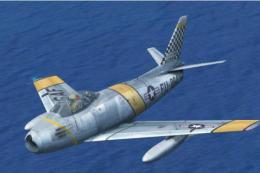
This package offers a highly detailed North American F-86 Sabre modeled for M…
 FSX Military Aircraft
Experience a historic jet fighter within Microsoft Flight Simulator X through…
 FSX Military Aircraft
This is an update for FSX acceleration of the F-86 hard wing (full vr) by Kir…
 FSX Military Aircraft
USAF North American F-86 Sabre, "Sweetheart in the Clouds", updated for FSX. …
 FSX Military Aircraft
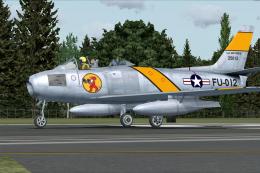
Capture a piece of aviation history with this meticulously updated freeware F…
 FSX Military Aircraft
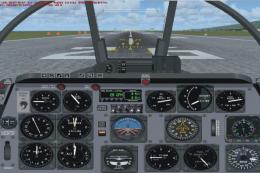
This is the Kirk Olsson F86 Sabre Jet for Microsoft Flight Simulator X. This …
 FSX Military Aircraft
Version 2; now corrected so side slip works. This is an update for FSX of the…
Be the first to leave a comment on this download.
Be the first to share your thoughts on this download.