

 FSX Helicopters
German Luftrettung Bell UH-1D
This highly detailed repaint recreates the iconic German air ambulance varian…
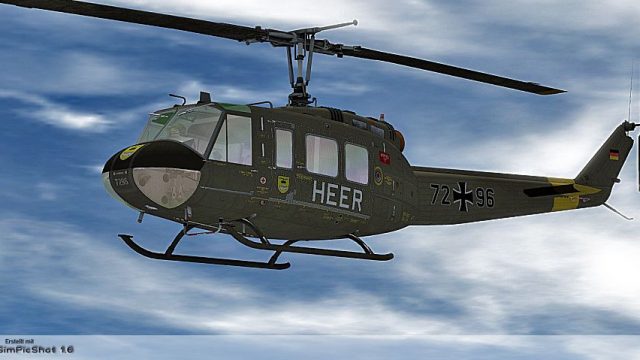
German Army (HEER) Bell UH-1D repaint brings authentic Bundeswehr-style markings, period-correct color tones, and subtle surface shading to the classic Huey for Microsoft Flight Simulator X. Designed for the Nemeth Designs Bell UH-1H model, it requires that payware helicopter and adds a convincing European military look for rotorcraft operations.
 Rate
Rate

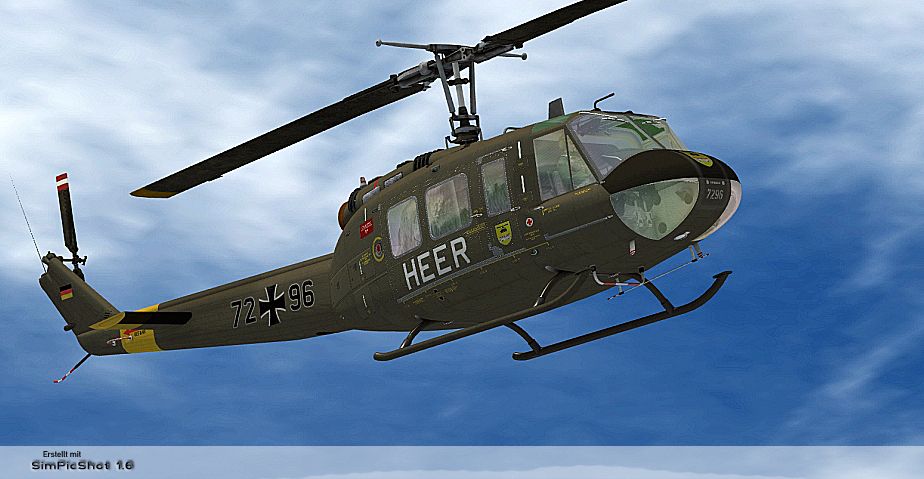
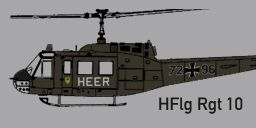
This repaint package adds a German Army (HEER) Bell UH-1D livery intended for Microsoft Flight Simulator X rotorcraft enthusiasts seeking an authentic touch for their virtual hangar. Originally created by B. Lechner for use on the Nemeth Designs payware Bell UH-1H model, this texture set reproduces the look of a UH-1D in German military service, reflecting the operational details and markings used across the HEER. Note that you must already own the Nemeth Designs Bell UH-1H (available separately) to take advantage of this repaint.
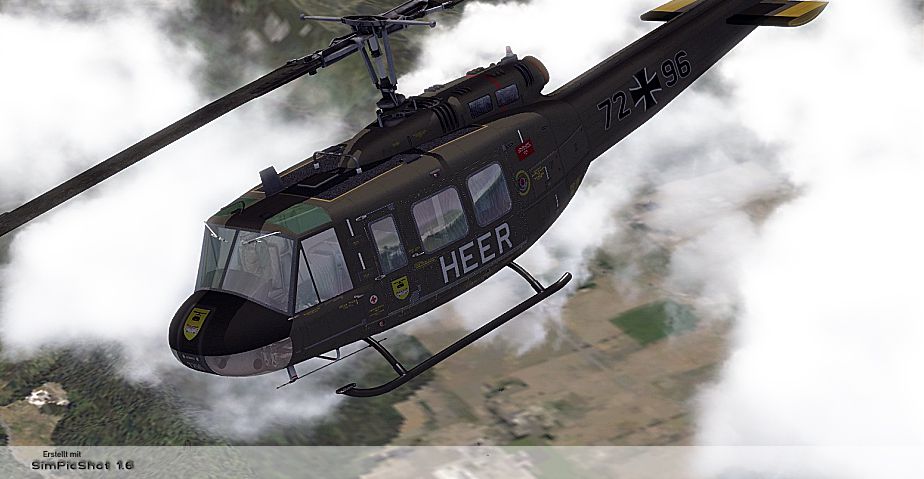
The German Army/HEER livery presented here emphasizes the functionality and classic styling of the Bell UH-1 family. (Bell UH-1 is commonly termed “Huey” and is known for its broad deployment in both military and search-and-rescue roles.) In German Army service, the UH-1D inherits unique insignia and tactical markings, which this repaint accurately replicates. Basic rotor system details, fuselage insignias, and color configurations make this repaint immersive for users seeking operations in a European military context.
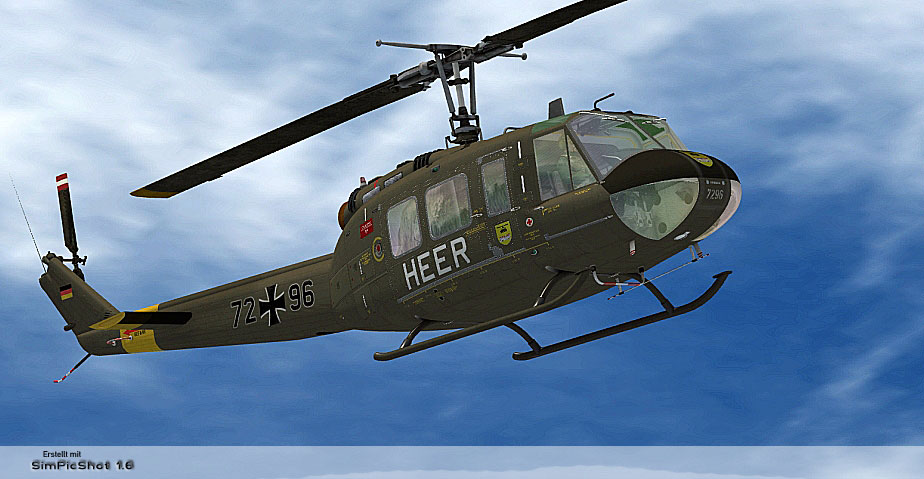
German Army/HEER Bell UH-1D in flight.
These textures are designed for pilots who already have the required payware rotorcraft from Nemeth Designs. Ensure you have the original Bell UH-1H installed in Microsoft Flight Simulator X (with Acceleration) before proceeding.
texture.HEER.texture.HEER to the following directory:SIMOBJECTS/ROTORCRAFT/ND_UH1Haircraft.cfg file in that same folder. Open it with a text editor and paste the entry below after all existing [fltsim.X] sections. Change “XX” to the next sequential number:[fltsim.XX]
title=BELL UH-1H HUEY HFlg Rgt 10
sim=bell_uh1
model=
panel=
sound=
texture=HEER
kb_checklists=
kb_reference=
atc_id=
ui_manufacturer=BELL
ui_type=UH-1D
ui_variation=HEER
ui_typerole="Rotorcraft"
ui_createdby="Nemeth Designs & MILVIZ"
description=""texture=HEER entry matches the folder name exactly, then save your changes.Upon completion, you can engage in virtual missions replicating German Army (HEER) operations. This repaint, crafted by B. Lechner, highlights the Bell UH-1’s enduring utility in military service. Whether simulating training flights or military maneuvers, this texture set delivers an immersive experience when combined with the advanced modeling of Nemeth Designs.
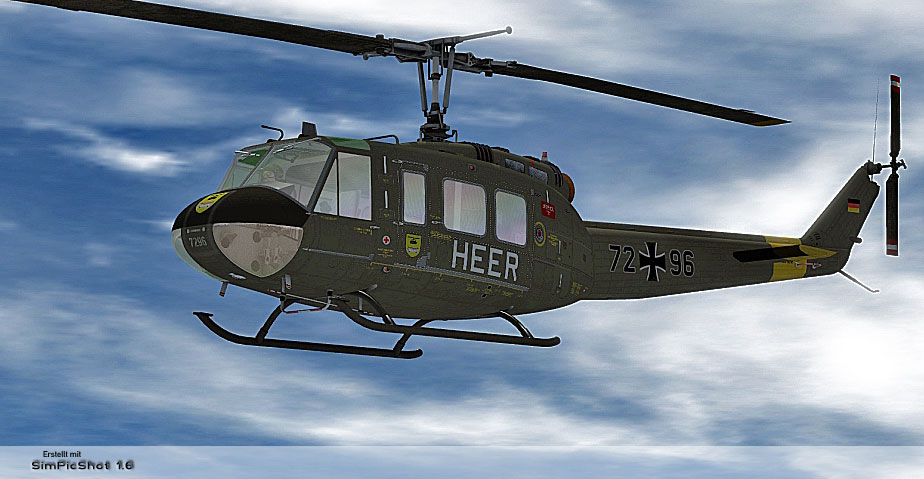
German Army/HEER Bell UH-1D in flight.
Free for all simmers · 3.67 MB · Scanned clean Oct 2026
Download speed: Free tier is capped at 0.5 Mbps (this file takes approximately 1 min at the cap). PRO members download at full line speed.
texture.{airline}) inside FSX\SimObjects\Airplanes\{base-aircraft}\.aircraft.cfg in Notepad. Add a new [fltsim.X] section per the readme.readme.txt or README file. It tells you exactly where files go, what dependencies are needed, and any quirks specific to this add-on.The archive bell_uh-1d_german_army.zip has 15 files and directories contained within it.
This list displays the first 500 files in the package. If the package has more, you will need to download it to view them.
| Filename/Directory | File Date | File Size |
|---|---|---|
| readme_uh-1d_german_army.txt | 09.16.10 | 1.07 kB |
| Screens | 11.14.10 | 0 B |
| UH1D - HEER - 06001.jpg | 11.14.10 | 437.23 kB |
| UH1D - HEER - 06002.jpg | 11.14.10 | 345.78 kB |
| UH1D - HEER - 06003.jpg | 11.14.10 | 432.02 kB |
| Texture.HEER | 09.16.10 | 0 B |
| texture.cfg | 08.15.09 | 140 B |
| THUMBNAIL.jpg | 09.15.10 | 32.33 kB |
| UH1C_3_T.dds | 05.23.10 | 1.00 MB |
| UH1H_1_T.dds | 09.15.10 | 4.00 MB |
| UH1H_2_T.dds | 09.15.10 | 1.00 MB |
| UH1H_3_T.dds | 09.15.10 | 1.00 MB |
| UH1H_4_T.dds | 09.15.10 | 1.00 MB |
| flyawaysimulation.txt | 10.29.13 | 959 B |
| Go to Fly Away Simulation.url | 01.22.16 | 52 B |
Only PRO members can place votes.
More FSX & P3D add-ons hand-picked based on this download.
FSX Helicopters
This highly detailed repaint recreates the iconic German air ambulance varian…
 FSX Helicopters
German Airforce EOD Bell UH-1D. Repaint for a Huey in colors of the German Ai…
 FSX Helicopters
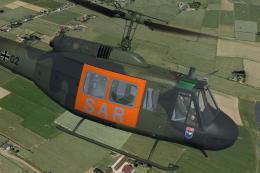
Bell UH-1D Bundeswehr 'SAR 71'. This repaint dispicts a search and rescue hel…
 FSX Helicopters
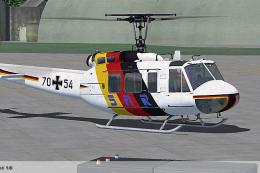
HTG 64 SAR Bell UH-1D. Repaint for a Bell UH-1D in service from Hubschrauber-…
 FSX Helicopters
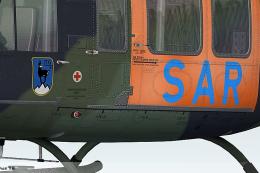
This freeware repaint showcases the iconic Bell UH-1 Huey in a special “SAR L…
 FSX Helicopters
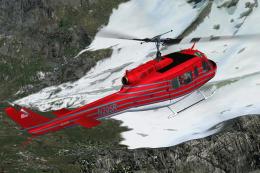
This specialized repaint showcases the Bell UH-1D Huey, registered as “N205R,…
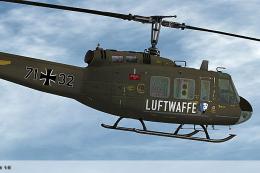 FSX Helicopters
Elevate your rotary-wing collection with this repaint showcasing the “HTG 64 …
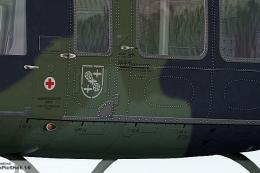 FSX Helicopters
This custom repaint showcases the iconic Bell UH-1D, known widely as the “Hue…
Be the first to leave a comment on this download.
Be the first to share your thoughts on this download.