


 Portugal
  FSX Scenery
Locher/Sarentino Airfield
A complete package covering the Locher/Sarentino Airfield for Microsoft Fligh…
Coimbra Airfield (LPCO) gets a complete scenery refresh with photoreal ground coverage across a 20×20 km slice of central Portugal, refined mesh, and terrain colors tuned to the local landscape. For Microsoft Flight Simulator X SP2, it adds accurate runway and taxiway layout, crisp markings, and custom buildings that closely match the real field.
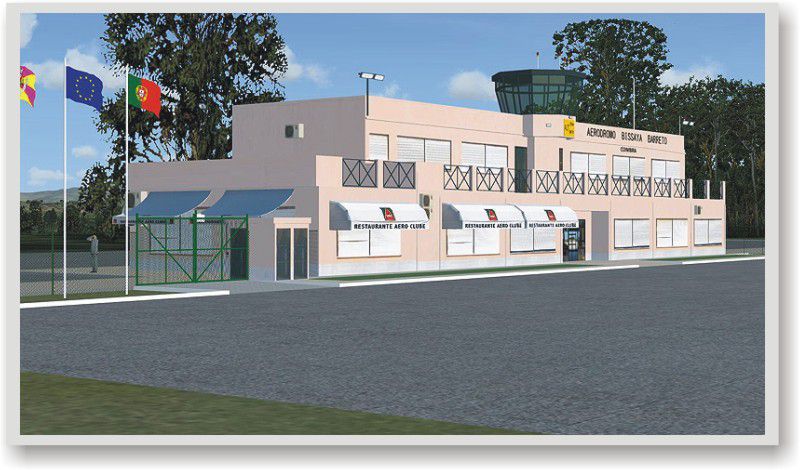
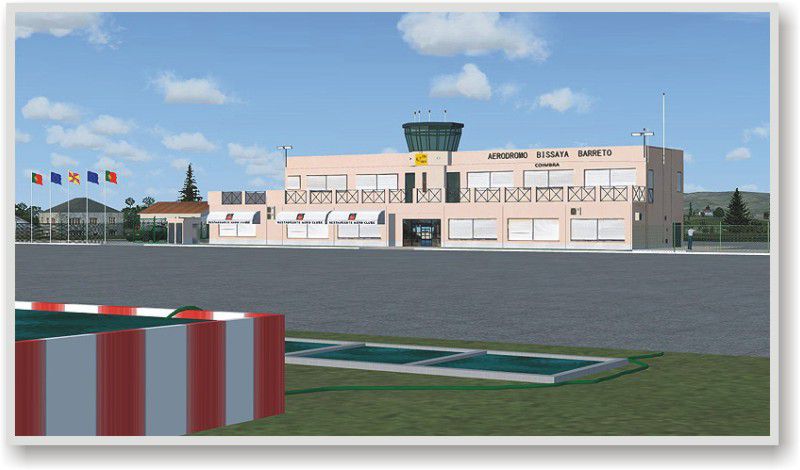
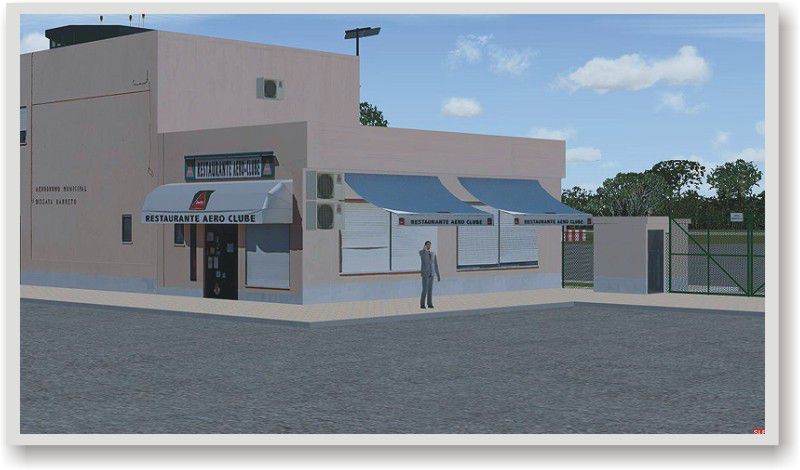
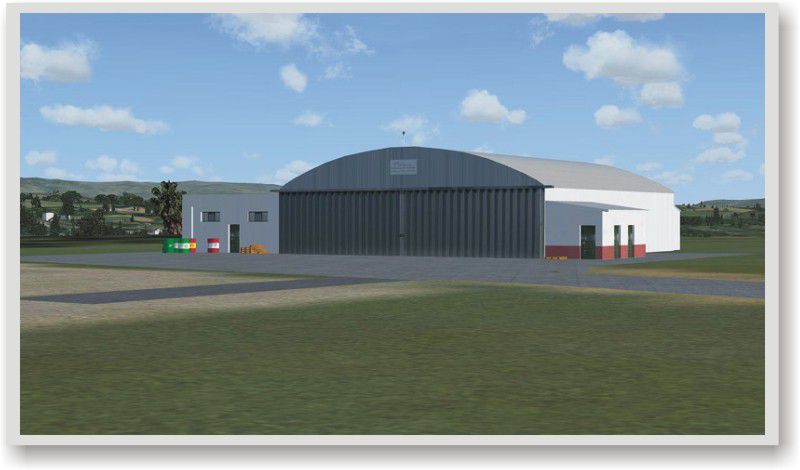
Immerse yourself in a thoroughly redesigned setting around the LPCO Coimbra Airfield, also known locally as Aeródromo Bissaya Barreto, situated in the heart of Portugal. This freeware package by José Maia covers a 20×20 km segment of the surrounding terrain for Microsoft Flight Simulator X (SP2), ensuring you receive a highly refined and photorealistic environment that showcases Coimbra’s unique landscape.
This add-on incorporates ground textures carefully adjusted to reflect the characteristic Portuguese terrain. You will notice enhanced runway markings, accurate taxiway placements, and custom structures around the airfield, which collectively capture the airfield’s operational scale. The overall layout aligns with real-world geographic data, and every texture has been reconstructed from the ground up to ensure distinctive visual fidelity.
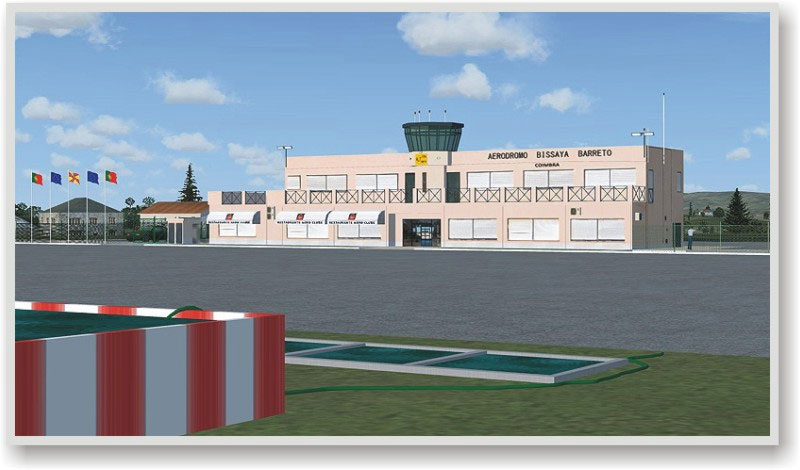
Coimbra Airfield Scenery.
The airfield is located near the historic city of Coimbra, recognized for its centuries-old university and vibrant culture. By integrating new mesh data and photoreal ground imagery, the add-on gives you an authentic representation of this region. Pilots who appreciate precision and realistic approaches will value how the carefully mapped facilities and immediate environment blend seamlessly with the adjacent countryside.
This release is not compatible with any prior versions of similar Coimbra sceneries and has been tailored specifically for the SP2 variant of Microsoft Flight Simulator X. Earlier simulators (e.g., Microsoft Flight Simulator 2004) are not supported by this package, and conflicts may arise if installed alongside other third-party modifications for the same airfield region.
Because it is freeware, you may not use any part of this scenery for commercial purposes, nor can it be repurposed or modified for profit. Should you wish to incorporate its elements in another project, please secure explicit written permission from the creator, José Maia. Although the files have been tested, the author is not liable for any unintentional damage that might occur to your system once installed.
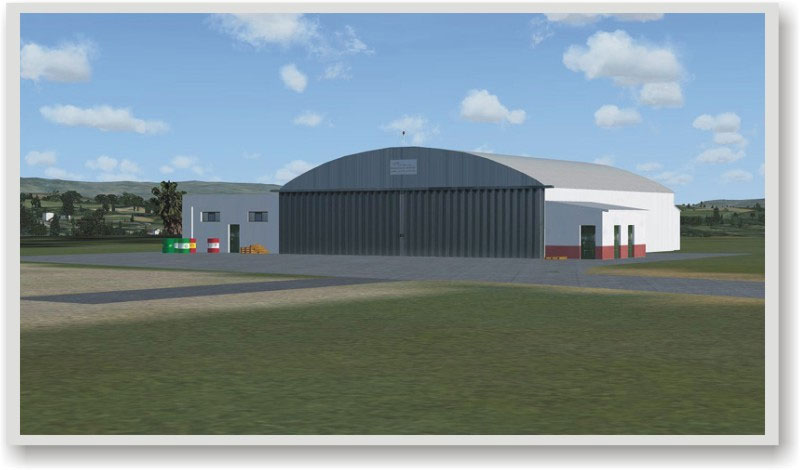
Coimbra Airfield Scenery.
Thanks to the meticulous work by developer José Maia, sim pilots can explore low-altitude circuits, practice short field operations, or simply admire the blend of custom 3D objects and photoreal surfaces. Whether you are local to the Portuguese skies or just interested in expanding your flight simulation horizons, this enhancement delivers an accurate glimpse into Coimbra’s aviation environment.
Free for all simmers · 4.39 MB · Scanned clean Oct 2026
Download speed: Free tier is capped at 0.5 Mbps (this file takes approximately 1 min at the cap). PRO members download at full line speed.
FSX\Addon Scenery\ containing scenery and texture sub-folders.readme.txt or README file. It tells you exactly where files go, what dependencies are needed, and any quirks specific to this add-on.Use these coordinates to fly directly to this location once the mod is installed.
40.16360000,-8.46920000
Launch FSX or Prepar3D and use Flights → Load to open the downloaded .pln file. Your aircraft will be positioned at this location.
The archive smcoimbr.zip has 94 files and directories contained within it.
This list displays the first 500 files in the package. If the package has more, you will need to download it to view them.
| Filename/Directory | File Date | File Size |
|---|---|---|
| img_01.jpg | 09.27.08 | 75.57 kB |
| img_02.jpg | 09.27.08 | 59.06 kB |
| img_03.jpg | 09.27.08 | 75.02 kB |
| img_04.jpg | 09.27.08 | 106.45 kB |
| Read Me.txt | 09.27.08 | 1.55 kB |
| Scenery | 09.27.08 | 0 B |
| 000_DPX_Coimbra_A1.BGL | 08.29.08 | 192 B |
| 4517.bgl | 01.20.07 | 1.28 kB |
| AF2_LPCO.bgl | 08.30.08 | 3.43 kB |
| CVX_DPX_Coimbra_A1.BGL | 08.29.08 | 31.04 kB |
| DPX_Coimbra_A1_OBX.BGL | 08.29.08 | 604 B |
| LC_4517_Coimbra.bgl | 08.10.08 | 645 B |
| lpco_3d.bgl | 08.30.08 | 1.89 MB |
| LPCO_3dx.BGL | 08.29.08 | 46.15 kB |
| WC_4517_Coimbra.bgl | 07.28.08 | 366 B |
| Texture | 09.27.08 | 0 B |
| agua.bmp | 09.25.08 | 42.74 kB |
| amarelo_21.bmp | 09.25.08 | 2.74 kB |
| antrac.bmp | 09.25.08 | 2.74 kB |
| areia01.bmp | 09.25.08 | 42.74 kB |
| bandeira_coimbra.bmp | 09.25.08 | 85.40 kB |
| bandeira_europa.bmp | 09.25.08 | 85.40 kB |
| bandeira_portugal.bmp | 09.25.08 | 85.40 kB |
| Barril_BP.bmp | 08.05.08 | 85.40 kB |
| Barril_BP1.bmp | 08.11.08 | 85.40 kB |
| Barril_Shell.bmp | 08.11.08 | 85.40 kB |
| Barril_Total.bmp | 08.11.08 | 85.40 kB |
| braga20.bmp | 09.25.08 | 2.74 kB |
| branco10.bmp | 09.25.08 | 2.74 kB |
| Concrete.bmp | 09.25.08 | 42.74 kB |
| Concrete_tiles.bmp | 09.25.08 | 42.74 kB |
| cone.bmp | 09.25.08 | 42.74 kB |
| Deposito1.bmp | 09.25.08 | 42.74 kB |
| Deposito2.bmp | 09.25.08 | 21.40 kB |
| Deposito3.bmp | 09.25.08 | 21.40 kB |
| Deposito4.bmp | 09.25.08 | 85.40 kB |
| Deposito5.bmp | 09.25.08 | 85.40 kB |
| Deposito6.bmp | 09.25.08 | 21.40 kB |
| Deposito7.bmp | 09.25.08 | 21.40 kB |
| escuro_vidro.bmp | 12.15.07 | 4.07 kB |
| fence_green.bmp | 11.22.07 | 64.07 kB |
| fence1.bmp | 06.08.05 | 129.05 kB |
| janela3.bmp | 09.25.08 | 42.74 kB |
| lamp_vermelho.bmp | 09.25.08 | 5.38 kB |
| LPCO_01.bmp | 09.25.08 | 341.40 kB |
| lpco_010.bmp | 09.25.08 | 170.73 kB |
| lpco_011.bmp | 09.25.08 | 42.73 kB |
| lpco_012.bmp | 09.25.08 | 42.74 kB |
| lpco_013.bmp | 09.25.08 | 85.40 kB |
| lpco_014.bmp | 09.25.08 | 170.74 kB |
| lpco_015.bmp | 09.25.08 | 170.74 kB |
| lpco_016.bmp | 09.25.08 | 341.40 kB |
| lpco_017.bmp | 09.25.08 | 10.74 kB |
| lpco_018.bmp | 09.25.08 | 85.40 kB |
| lpco_019.bmp | 09.25.08 | 42.74 kB |
| LPCO_02.bmp | 09.25.08 | 341.40 kB |
| lpco_020.bmp | 09.25.08 | 10.74 kB |
| lpco_021.bmp | 09.25.08 | 170.74 kB |
| lpco_022.bmp | 09.25.08 | 21.40 kB |
| lpco_023.bmp | 09.25.08 | 85.40 kB |
| lpco_024.bmp | 09.25.08 | 21.40 kB |
| lpco_025.bmp | 09.25.08 | 341.40 kB |
| lpco_026.bmp | 09.25.08 | 170.74 kB |
| lpco_027.bmp | 09.25.08 | 21.38 kB |
| lpco_028.bmp | 09.25.08 | 21.32 kB |
| lpco_029.bmp | 09.25.08 | 5.40 kB |
| LPCO_03.bmp | 09.25.08 | 341.40 kB |
| lpco_030.bmp | 09.25.08 | 341.40 kB |
| lpco_031.bmp | 09.25.08 | 2.74 kB |
| LPCO_04.bmp | 09.25.08 | 5.32 kB |
| LPCO_05.bmp | 09.25.08 | 42.74 kB |
| LPCO_06.bmp | 09.25.08 | 341.40 kB |
| lpco_07.bmp | 09.25.08 | 341.40 kB |
| lpco_08.bmp | 09.25.08 | 10.74 kB |
| lpco_09.bmp | 09.25.08 | 170.73 kB |
| lpco_32.bmp | 09.25.08 | 42.73 kB |
| lpco_33.bmp | 09.25.08 | 21.40 kB |
| Metal1.bmp | 09.25.08 | 42.74 kB |
| pavimento01.bmp | 09.25.08 | 170.74 kB |
| pavimento100.bmp | 08.11.08 | 10.74 kB |
| portim21.bmp | 09.25.08 | 170.73 kB |
| portim44.bmp | 09.25.08 | 21.40 kB |
| porto7.bmp | 09.25.08 | 5.40 kB |
| porto7_lm.bmp | 09.25.08 | 5.40 kB |
| porto8.bmp | 09.25.08 | 5.40 kB |
| relva01.bmp | 09.25.08 | 42.74 kB |
| tabua1.bmp | 08.11.08 | 42.73 kB |
| telhado1.bmp | 09.25.08 | 170.74 kB |
| terra01.bmp | 08.11.08 | 10.74 kB |
| verde01.bmp | 09.25.08 | 10.74 kB |
| verde02.bmp | 09.25.08 | 10.74 kB |
| thumb_coimbra.gif | 09.27.08 | 12.71 kB |
| flyawaysimulation.txt | 10.29.13 | 959 B |
| Go to Fly Away Simulation.url | 01.22.16 | 52 B |
Only PRO members can place votes.
More FSX & P3D add-ons hand-picked based on this download.
FSX Scenery
A complete package covering the Locher/Sarentino Airfield for Microsoft Fligh…
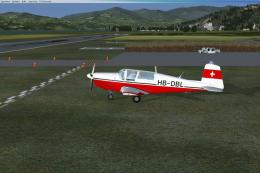 FSX Scenery
ADEX Wangen-Lachen Airfield (LSPV), Switzerland. Wangen-Lachen is a small air…
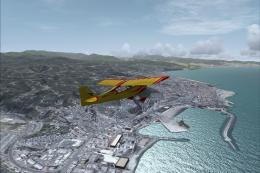 FSX Scenery
Trabzon Airfield. VFR scenery of Turkey Trabzon (LTCG) Airfield and the surro…
 FSX Scenery
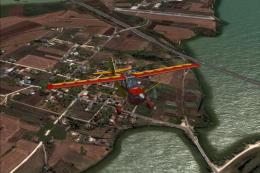
Istanbul Hezarfen Airfield Scenery. A detailed re-creation of the Istanbul He…
 FSX Scenery
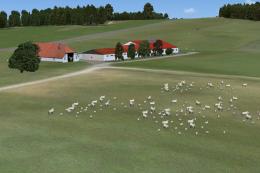
Rossfeld Glider Airfield, south of Stuttgart, Germany, on a hilltop. You will…
 FSX Scenery
Center And Southern Italy Airfield. A list of 146 airstrips, covering the Ita…
 FSX Scenery
FSX/SP2 Newtownards Airfield (EGAD), UK, for use with default scenery. Built …
 FSX Scenery
Duxford Airfield for FSX SP2/Acceleration. Some scenery for Duxford Airfield,…
Be the first to leave a comment on this download.
Be the first to share your thoughts on this download.