

 FSX Scenery
Movie Maker Studio & Tour
Movie Maker Studio & Tour, scenery set II, WWII Pacific Theater. Includes fic…
Movie Maker Studio and Tour Scenery brings a fictional film lot and WWI setpieces to life across three California airports: KWHP Whiteman with studio grounds, KTLR Mefford Field as the support base, and 1Q1 Eckert Field with sector-based war scenery. Includes matching aircraft repaints and optional AI traffic; requires Microsoft Flight Simulator X.
 Rate
Rate
 United States of America
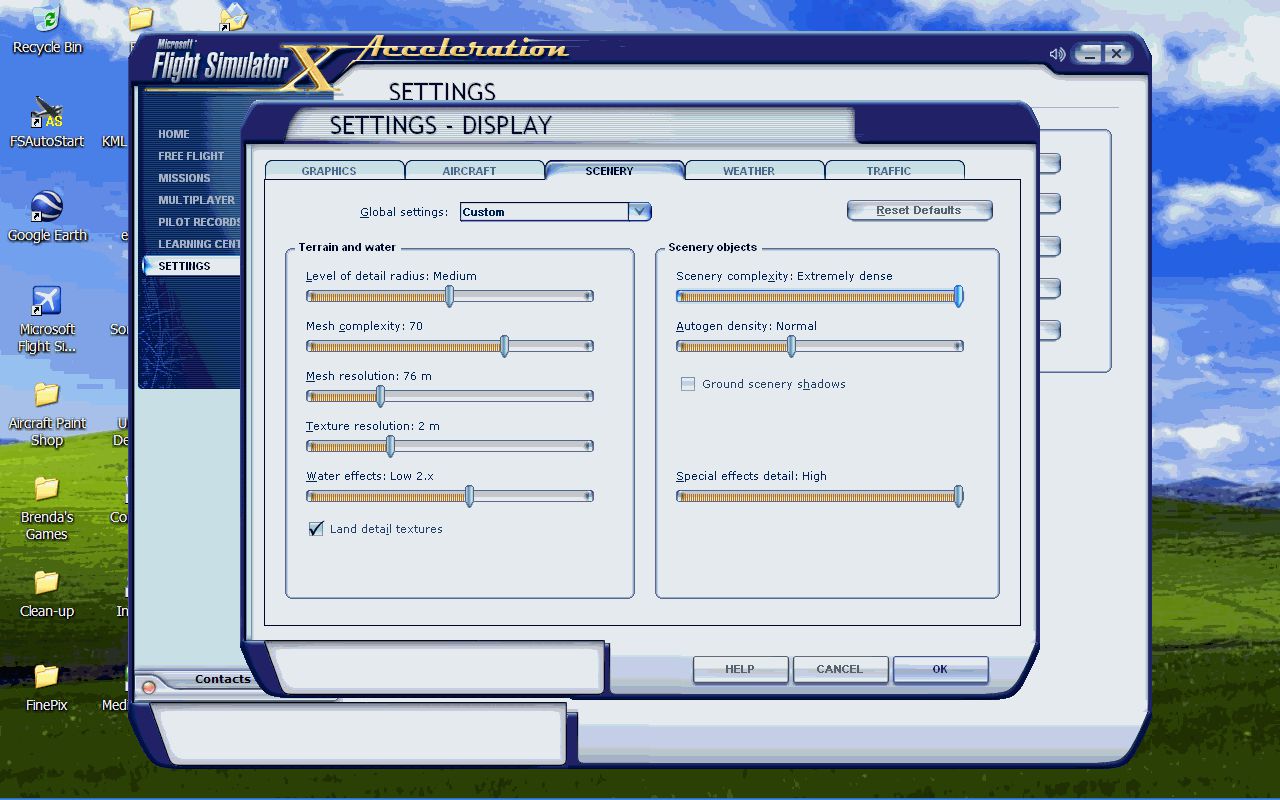
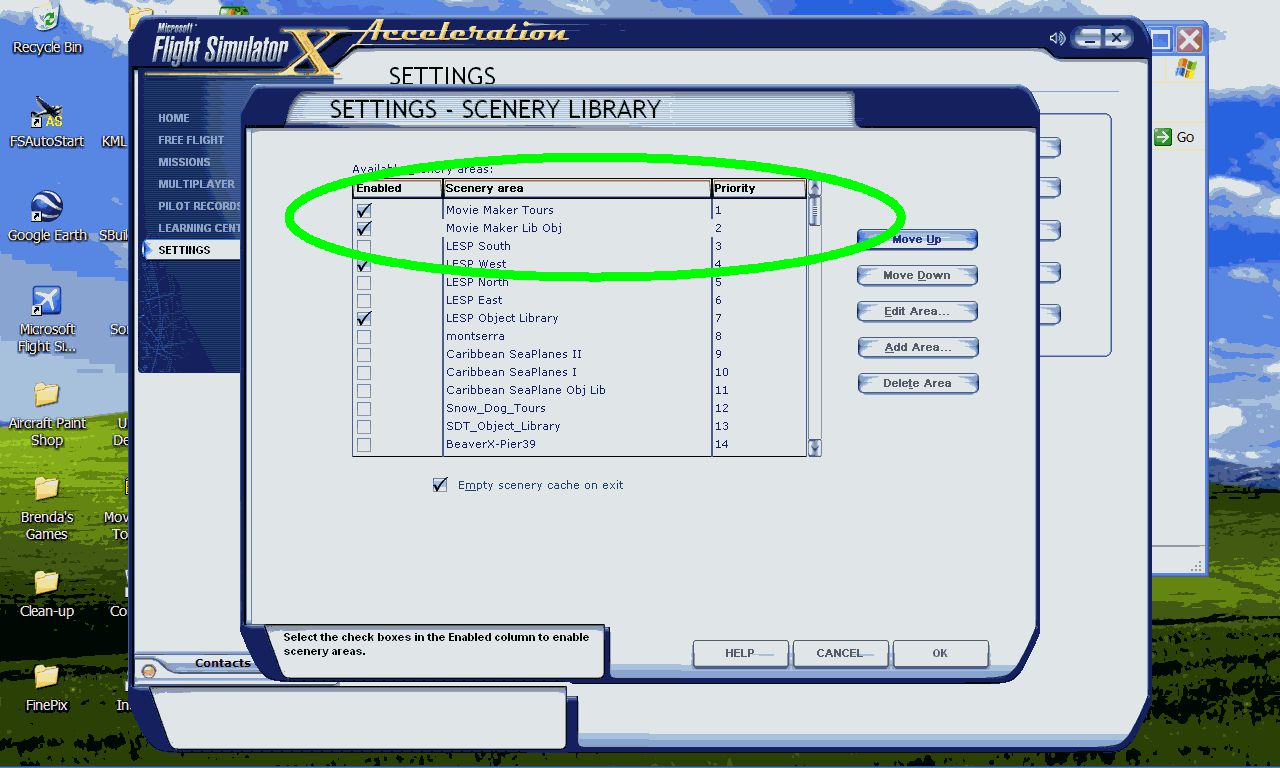

Movie Maker Studio And Tour. A fictional movie studio and sets. Includes three airports, Whiteman Airport (KWHP), Los Angeles, California (CA) (airport and studio); Mefford Field Airport (KTLR), Tulare (WWI movie set); Eckert Field Airport (1Q1), Strathmore (WWI scenery). Also includes matching aircraft repaints. By Chris Carel.

Movie Maker Studio And Tour Scenery.
Introduction: First, I would like to thank you for downloading this freeware project. It is a fictional airlines based on “Real World” places. Where possible, I’ve tried to stay as true to the photographs I had available. The “Thank You”(s) for this project are numerous.
REQUIRED:
1. Microsoft FSX
SPECIAL NOTE:
Manual Installation:
1. Unzip the downloaded zip file MMS1.zip
2. You will find:
A. Self Installer.
B. Re-paints.zip
C. AI_Aircraft.zip
D. HTML Read-Me Folder.
3. Run the “Self Installer and when it says “Browse to your main FSX Installation” Don’t. Browse to a temporary folder.
4. Once installed you’ll find the folder, “Addon Scenery”
5. Copy the Addon Scenery Folder to your Main FSX installation.
The Sceneries:
There are three airports in this package….
KWHP - Whiteman Airport, Los Angeles, CA. This is Movie Maker Studios main base of operation. It includes the airport and Studio Scenery.
KTLR - Mefford Field Airport, Tulare, CA. This is the main support base for the WWI movie Set.
1Q1 - Eckert Field Airport, Strathmore, CA. This is the WWI Scenery. It’s broken down into 5 areas, the airstrip, the British sector, French sector, US Sector, and Crew Area.
Re-Paints.
There are four re-paints included in this package. These aircraft fly the Movie Maker colors. Copy the texture folder to the appropriate aircraft and make the changes to the A/C configure file. In addition, I’ve included a BMP of the logo. If you’d like to do additional repaints feel free.
Installation instructions for re-paints are included in each re-paint file.
AI_Aircraft:
There are 8 aircraft used in the AI. Two are the default Lear and C172. The others are from great freeware authors Dave Eckert, Frank Elton, and Stuart Green. Most of the aircraft can be found at the major flightsim sites.
1. Albatross by Stuart Green
2. Caudron G4 by Stuart Green
3. Foker Dr.1 by Frank Elton
4. Snipe by Stuart Green
5. Spad by Stuart Green
With special repaint of the Rickenbacker by Brian Hill
6. Sopcamel2004 by Dave Eckert.
The directions for installation of AI Aircraft is included in the AI aircraft folder.
FLIGHTS - Didn’t do them this time….needed the space. You should be able to find each of the sceneries with the information provided above!
I hope you enjoy this scenery as much, as I enjoyed creating it.
Enjoy and happy flying.
Chris “MoCat” Carel
Free for all simmers · 26.14 MB · Scanned clean Oct 2026
Download speed: Free tier is capped at 0.5 Mbps (this file takes approximately 7 mins at the cap). PRO members download at full line speed.
FSX\Addon Scenery\ containing scenery and texture sub-folders.readme.txt or README file. It tells you exactly where files go, what dependencies are needed, and any quirks specific to this add-on.Use these coordinates to fly directly to this location once the mod is installed.
34.25940000,-118.41410000
Launch FSX or Prepar3D and use Flights → Load to open the downloaded .pln file. Your aircraft will be positioned at this location.
The archive mms1.zip has 20 files and directories contained within it.
This list displays the first 500 files in the package. If the package has more, you will need to download it to view them.
| Filename/Directory | File Date | File Size |
|---|---|---|
| AI_Aircraft.zip | 12.21.08 | 3.02 MB |
| HTML_MovieMaker Read-Me | 12.21.08 | 0 B |
| Image300.gif | 12.21.08 | 60.81 kB |
| Image301.gif | 12.21.08 | 100.98 kB |
| Image302.gif | 12.21.08 | 95.37 kB |
| Image303.gif | 12.21.08 | 67.72 kB |
| Image304.gif | 12.21.08 | 110.71 kB |
| Image305.gif | 12.21.08 | 60.81 kB |
| Image306.gif | 12.21.08 | 100.98 kB |
| Image307.gif | 12.21.08 | 95.37 kB |
| Image308.gif | 12.21.08 | 67.72 kB |
| Image309.gif | 12.21.08 | 110.71 kB |
| Read-Me_Movie Maker Studio.htm | 12.21.08 | 10.60 kB |
| Thumbs.db | 12.21.08 | 66.00 kB |
| MMS1Install.exe | 12.21.08 | 19.45 MB |
| Re-Paints.zip | 12.21.08 | 2.86 MB |
| Read-Me_Movie Maker Studio.txt | 12.21.08 | 5.84 kB |
| MMS1 | 12.21.08 | 0 B |
| flyawaysimulation.txt | 10.29.13 | 959 B |
| Go to Fly Away Simulation.url | 01.22.16 | 52 B |
Only PRO members can place votes.
More FSX & P3D add-ons hand-picked based on this download.
FSX Scenery
Movie Maker Studio & Tour, scenery set II, WWII Pacific Theater. Includes fic…
 FSX Scenery
Works with the Caribbean meshs in LOD 10 (MESHANTILLES.ZIP). Features redesig…
 FSX Scenery
Kadena AB And Okinawa Islands airstrips, southern Japan. This package contain…
 FSX Scenery
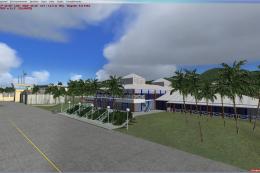
St Kitts And Nevis Scenery. A redesign of all coasts and landclass. Includes …
 FSX Scenery
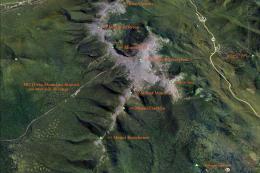
Mt Washington And The Presidential Range, NH. Welcome to the Presidential Ran…
 FSX Scenery
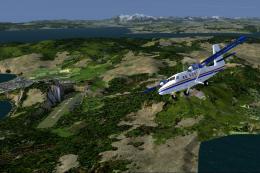
Bolivia Flights And Scenery. Bolivia is no stranger to aviation. Military avi…
 FSX Scenery
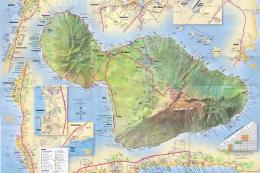
Scenery And Landclass For Maui, Hawaii (HI). This is a detailed landclass and…
 FSX Scenery
Irish Airports And Aerodromes. Some improvements to existing FSX airports plu…
Read what other simmers think, or add your own.

Could you make a scenery .bgl file that is just for Whiteman Field? I don’t care about all the Movie Maker stuff; I just need an improved airport layout .bgl for Whiteman Field.
Is the .bgl for Whiteman in this package you are offering just that—an improved Whiteman Field—or does it include a bunch of the Movie Maker stuff as well?
Please advise ASAP. Thank you!!!