


 Germany
  FSX Scenery
Princess Juliana International Airport
Princess Juliana International Airport (TNCM) in Saint Marteen, Netherlands A…
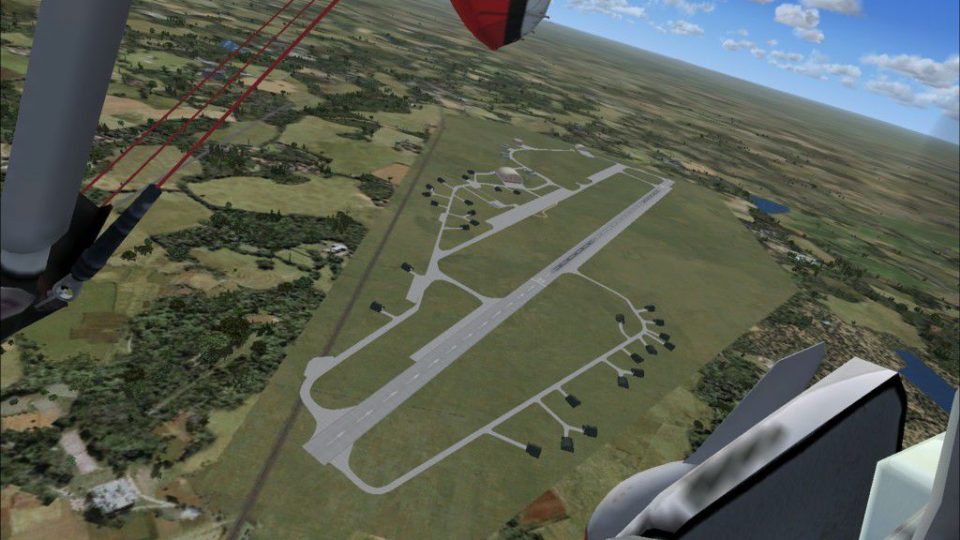
Grossenhain Airport (EDAK) in Saxony, Germany brings the former Luftwaffe and postwar Soviet airbase to life as a welcoming civilian field for FSX, enhancing the airfield layout and local atmosphere for VFR hops and regional operations. Ideal for exploring eastern Germany with a small-airport feel and historic character.
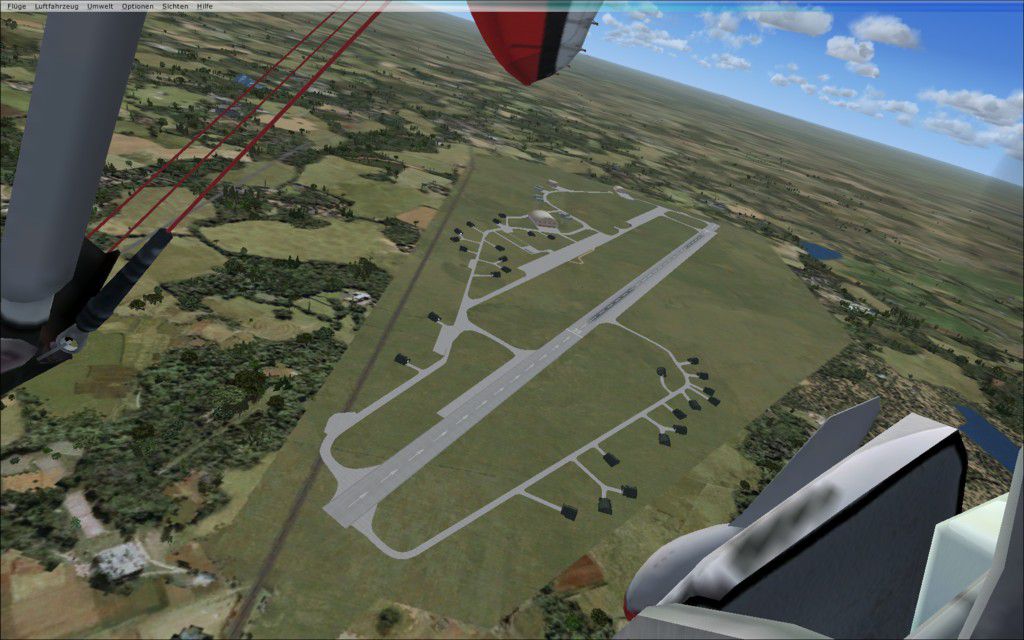
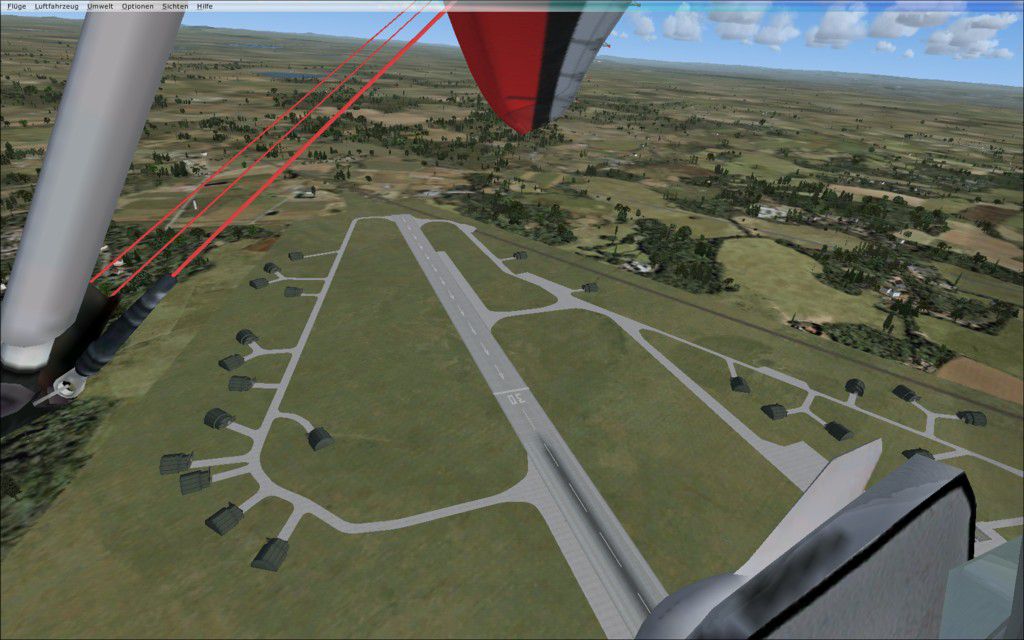
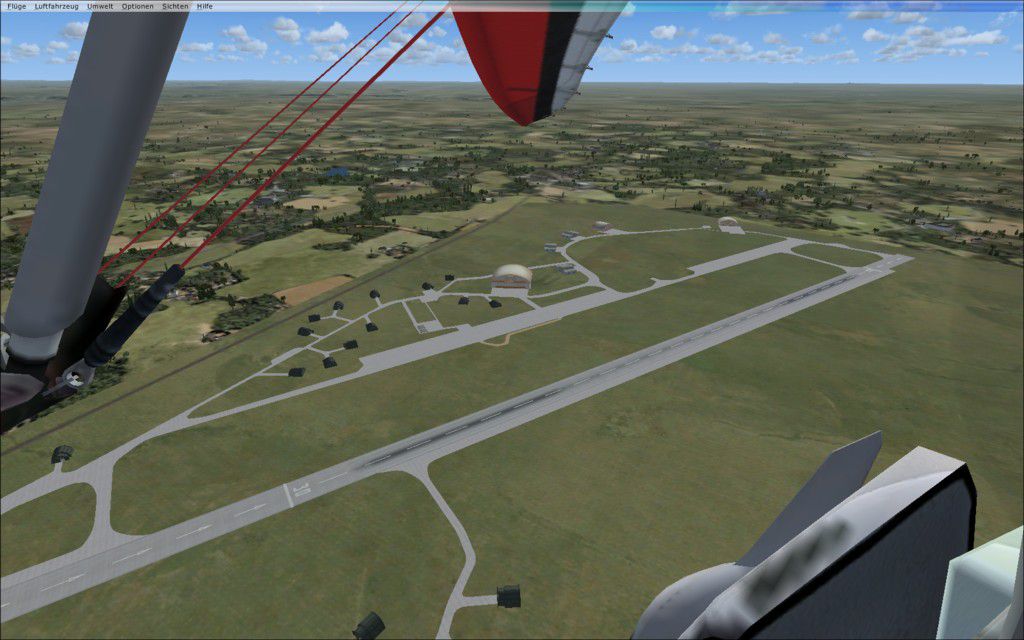
Grossenhain Airport (EDAK), Sachsen, Germany. By Guido Weis.
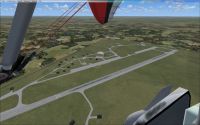
Grossenhain Airport Scenery.
Installation:
Put all the files in Addon Scenery >scenery folder.
Ready to fly!
Description:
This is my second Scenery for FSX. The Airport "Grossenhain" fist were used by the German "Luftwaffe". After the WW2 the Russian Airforce become home there. After 1994 it becomes a free airport ready to use from everybody. If you love my work you can Donate.
This archive file is provided as FREEWARE and can be used in any non-profit making package. The archive can be freely distributed but must remain complete and unaltered. Use all files at your own risk.The author of this package is not liable for any problems caused by these files.
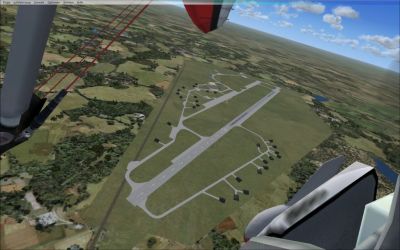
Grossenhain Airport Scenery.
Free for all simmers · 439.45 KB · Scanned clean Oct 2026
Download speed: Free tier is capped at 0.5 Mbps. PRO members download at full line speed.
FSX\Addon Scenery\ containing scenery and texture sub-folders.readme.txt or README file. It tells you exactly where files go, what dependencies are needed, and any quirks specific to this add-on.Use these coordinates to fly directly to this location once the mod is installed.
51.30600000,13.55500000
Launch FSX or Prepar3D and use Flights → Load to open the downloaded .pln file. Your aircraft will be positioned at this location.
The archive edak_v1.zip has 8 files and directories contained within it.
This list displays the first 500 files in the package. If the package has more, you will need to download it to view them.
| Filename/Directory | File Date | File Size |
|---|---|---|
| fsx 2009-04-13 17-36-14-75.jpg | 04.13.09 | 134.19 kB |
| fsx 2009-04-13 17-36-56-37.jpg | 04.13.09 | 153.98 kB |
| EDAK_Grossenhain.BGL | 04.13.09 | 12.88 kB |
| EDAK_Grossenhain_CVX.bgl | 04.13.09 | 348 B |
| readme_EDAK.txt | 04.13.09 | 812 B |
| fsx 2009-04-13 17-35-51-45.jpg | 04.13.09 | 145.57 kB |
| flyawaysimulation.txt | 10.29.13 | 959 B |
| Go to Fly Away Simulation.url | 01.22.16 | 52 B |
Only PRO members can place votes.
More FSX & P3D add-ons hand-picked based on this download.
FSX Scenery
Princess Juliana International Airport (TNCM) in Saint Marteen, Netherlands A…
 FSX Scenery
Los Angeles Airport Scenery v3, California (CA). This photoreal scenery is a …
 FSX Scenery
Barbados International Airport (TBPB). Grantley Adams International Airport f…
 FSX Scenery
Paris Charles de Gaulle Airport (CDG, LFPG), France. The entire airport has b…
 FSX Scenery
John F. Kennedy Airport (KJFK), New York, NYU. This is a photoreal scenery re…
 FSX Scenery
Dubai International Airport (OMDB), Dubai. Includes a new passenger terminal …
 FSX Scenery
Soekarno-Hatta International Airport (WIII), Jakarta, Indonesia. An update to…
 FSX Scenery
San Diego International Airport, California (CA), USA. This photoreal scenery…
Be the first to leave a comment on this download.
Be the first to share your thoughts on this download.