


 United States of America
  FSX Scenery
Custer County Airport (SD)
Scenery Custer County Airport (KCUT), South Dakota (SD). Adds more people, re…
Custer County Airport (KCUT) scenery brings Custer, South Dakota to life in FSX with refined airport layout and native library objects, plus a playful wildlife touch near the Black Hills and Mt. Rushmore. Designed in Airport Design Editor, it requires the default FSX object library and pairs well with detailed terrain mesh and weather engines.
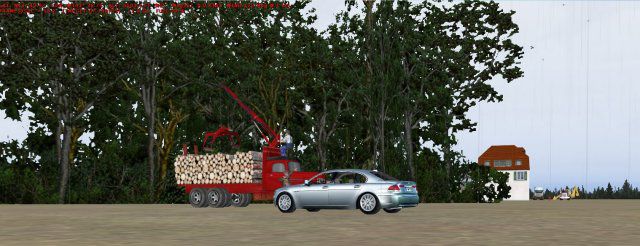
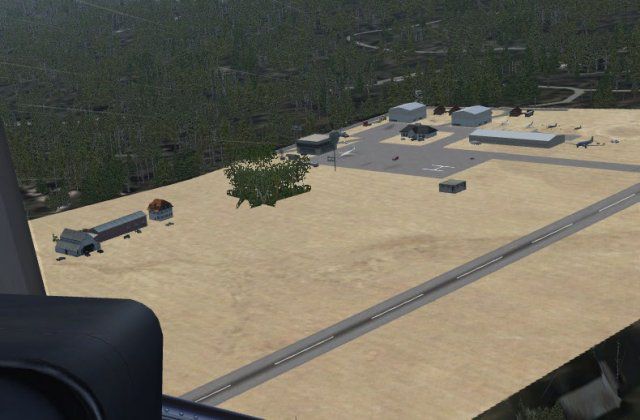
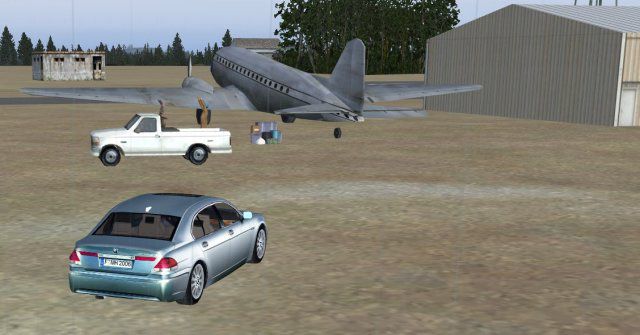
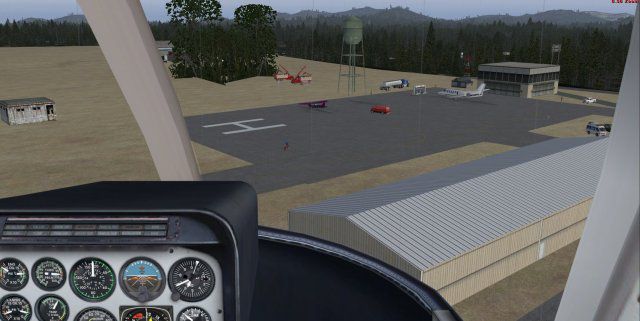
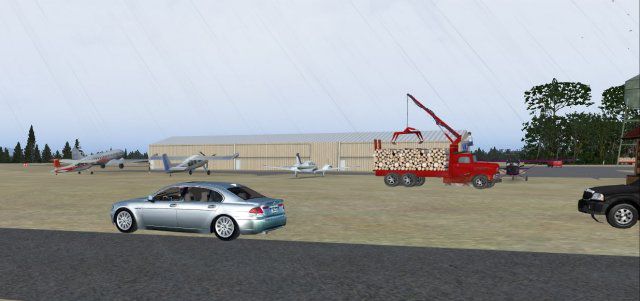
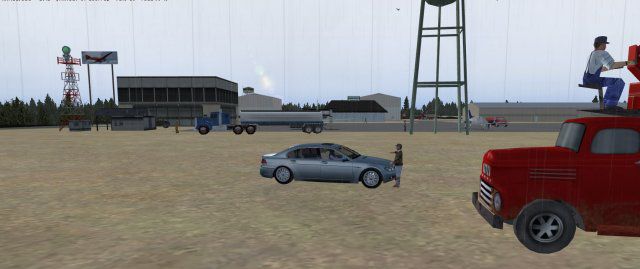
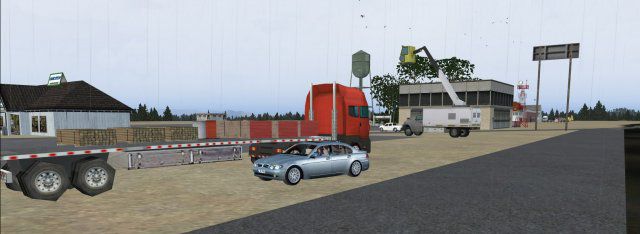

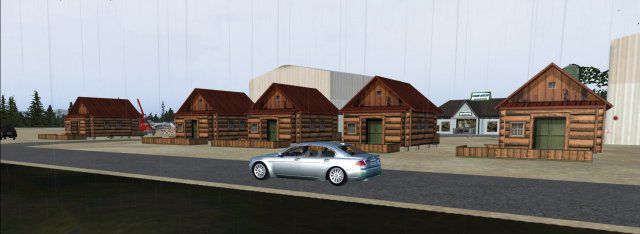
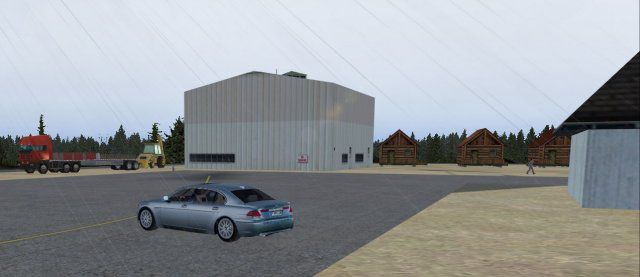
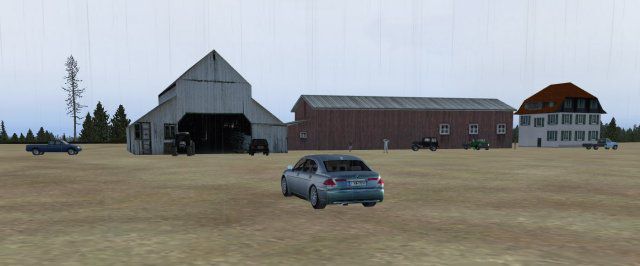
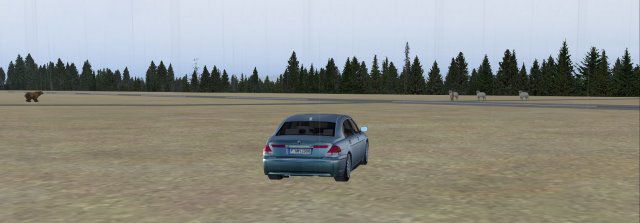
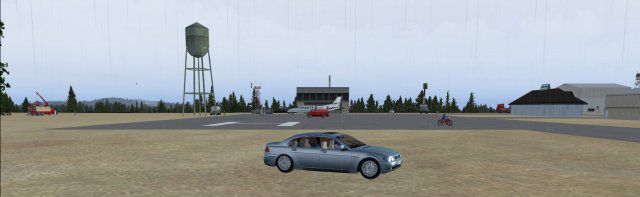
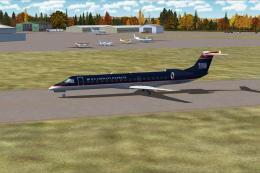
Custer County Airport (KCUT), Custer, South Dakota (SD). Just a short helo hop to Mt. Rushmore National Monument. Watch out for the grizzley bear stalking the sheep! By Jimmy R. Martin.
Custer County Airport Scenery.
Custer County Airport.
Custer, South Dakota, USA.
Simply put the files into your "addon scenery/scenery" folder.
Created with Airport Design Editor by Scruffy Duck.
-----------------------------------
All objects from MSFSX library.
FS Genesis terrain mesh.
Active Sky Advanced.
Ultimate Terrain X.
Print Screen Delux.
Windows 7 Ultimate* 64 bit (*a must for smooth flight simming).
GeForce 275 video card.
Gigabite EP45-UD3R with 8gb DDR2 RAM.
All scenery sliders set to maximum.
PS=Watch out for the Grizley Bear stalking the sheep.
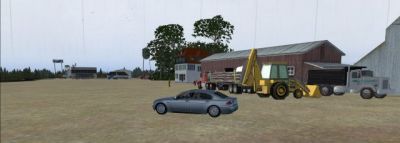
Custer County Airport Scenery.
Free for all simmers · 835.98 KB · Scanned clean Oct 2026
Download speed: Free tier is capped at 0.5 Mbps. PRO members download at full line speed.
FSX\Addon Scenery\ containing scenery and texture sub-folders.readme.txt or README file. It tells you exactly where files go, what dependencies are needed, and any quirks specific to this add-on.Use these coordinates to fly directly to this location once the mod is installed.
43.74000000,-103.61000000
Launch FSX or Prepar3D and use Flights → Load to open the downloaded .pln file. Your aircraft will be positioned at this location.
The archive kcutcustersd.zip has 28 files and directories contained within it.
This list displays the first 500 files in the package. If the package has more, you will need to download it to view them.
| Filename/Directory | File Date | File Size |
|---|---|---|
| AirNav.jpg | 10.12.09 | 16.28 kB |
| file_id.diz | 10.12.09 | 153 B |
| pspbrwse.jbf | 10.12.09 | 19.41 kB |
| readme.txt | 10.12.09 | 649 B |
| scenery | 10.12.09 | 0 B |
| KCUT_ADEX_JRM.ade | 10.12.09 | 923.67 kB |
| KCUT_ADEX_JRM.BGL | 10.12.09 | 9.64 kB |
| Thumbs.db | 05.27.08 | 280.50 kB |
| screenshots | 10.12.09 | 0 B |
| PS0030.jpg | 10.12.09 | 25.65 kB |
| PS0031.jpg | 10.12.09 | 27.81 kB |
| PS0032.jpg | 10.12.09 | 48.92 kB |
| PS0033.jpg | 10.12.09 | 29.88 kB |
| PS0035.jpg | 10.12.09 | 20.34 kB |
| PS0037.jpg | 10.12.09 | 26.27 kB |
| PS0038.jpg | 10.12.09 | 29.18 kB |
| PS0039.jpg | 10.12.09 | 27.30 kB |
| PS0040.jpg | 10.12.09 | 31.90 kB |
| PS0041.jpg | 10.12.09 | 25.03 kB |
| PS0042.jpg | 10.12.09 | 41.99 kB |
| PS0043.jpg | 10.12.09 | 40.40 kB |
| PS0047.jpg | 10.12.09 | 47.03 kB |
| Thumbs.db | 05.27.08 | 5.00 kB |
| Thumbs.db | 05.27.08 | 6.00 kB |
| web.gif | 10.12.09 | 10.65 kB |
| KCUT_jRm | 10.12.09 | 0 B |
| flyawaysimulation.txt | 10.29.13 | 959 B |
| Go to Fly Away Simulation.url | 01.22.16 | 52 B |
Only PRO members can place votes.
More FSX & P3D add-ons hand-picked based on this download.
FSX Scenery
Scenery Custer County Airport (KCUT), South Dakota (SD). Adds more people, re…
 FSX Scenery
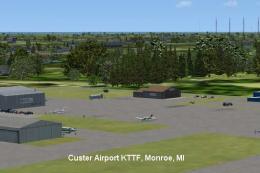
Scenery Custer Airport (ICAO: KTTF, FAA LID: TTF), sometimes referred to as M…
 FSX Scenery
Saratoga County Airport, New York (5B2) v2.0 for FSX Acceleration. Located in…
 FSX Scenery
Aspen-Pitkin County Airport Scenery (KASE), Colorado (CO). This scenery adds …
 FSX Scenery
Westchester County Airport (KPHN), White Plains, New York (NY). An improved v…
 FSX Scenery
Essex County Airport NJ (IATA: CDW, ICAO: KCDW, FAA LID: CDW) is a public air…
 FSX Scenery
Charles M. Schulz - Sonoma County Airport (KSTS), Santa Rosa, California (CA)…
 FSX Scenery
Ithaca-Tomkins County Airport (KITH), New York (NY). Here is an improved vers…
Be the first to leave a comment on this download.
Be the first to share your thoughts on this download.