


 Turkey
  FSX Scenery
Samsun Carsamba ILS Fix
Samsun Carsamba ILS Fix, Turkey. A fix file to correct the ILS beam heading, …
Samsun Çarşamba Airport (LTFH) brings Turkey’s Black Sea gateway to life in FSX/SP2 with an accurate terminal, tower, updated apron and warehouse, plus AFD data and custom airside objects. A 9 km photoreal area adds day and night textures, corrected coastlines and stream detail, landclass, and optional highway and AI traffic.
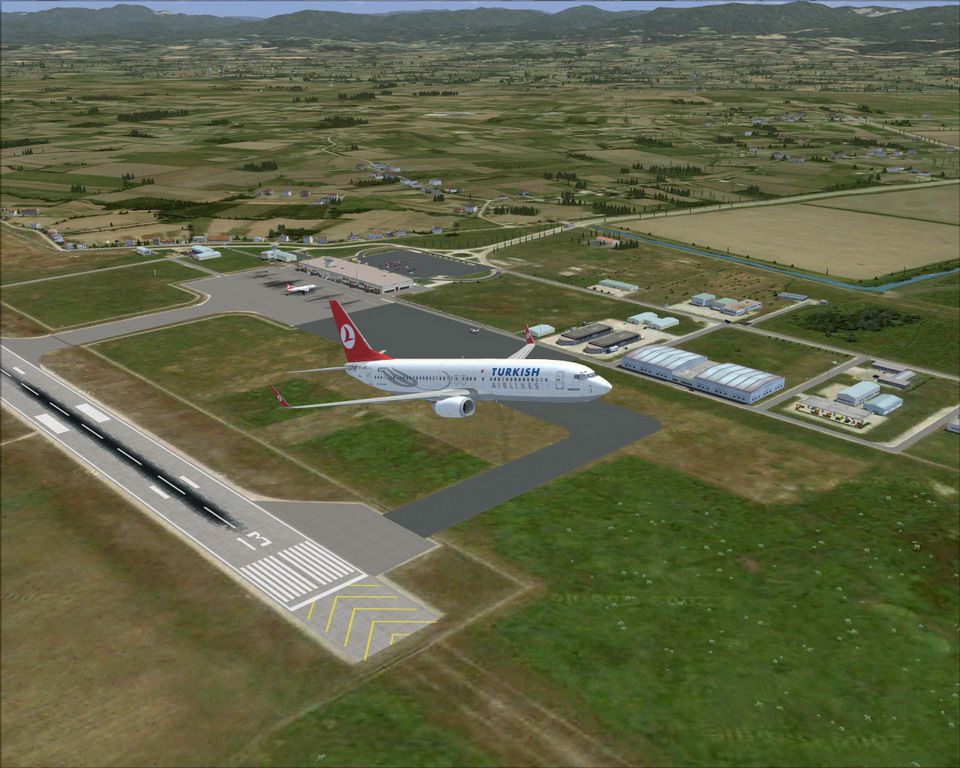
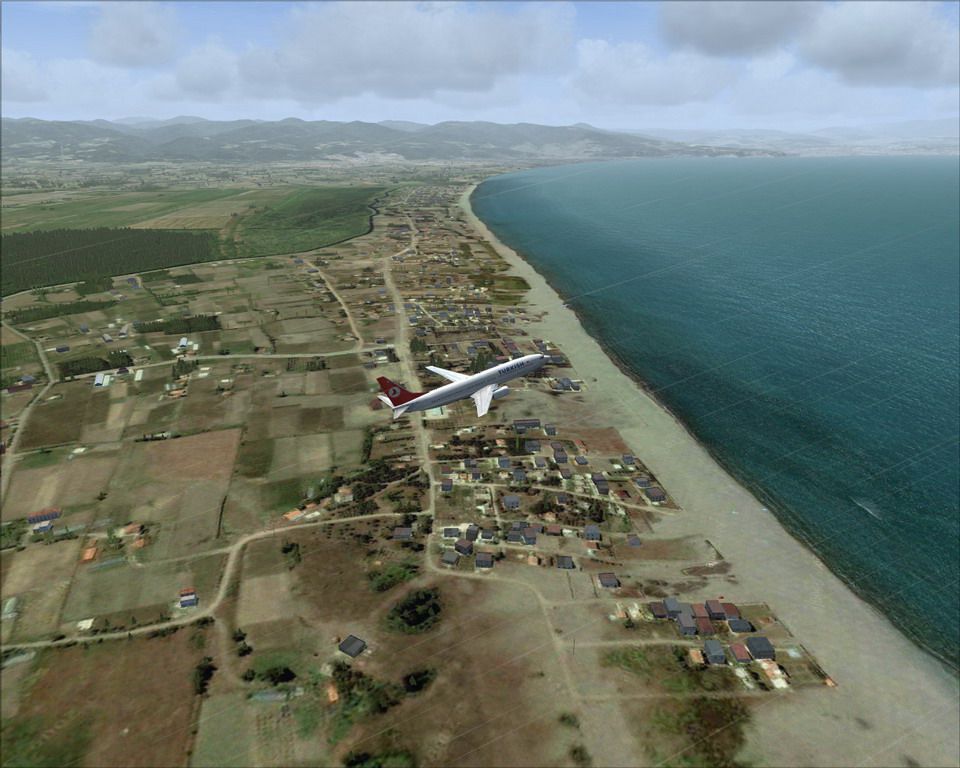
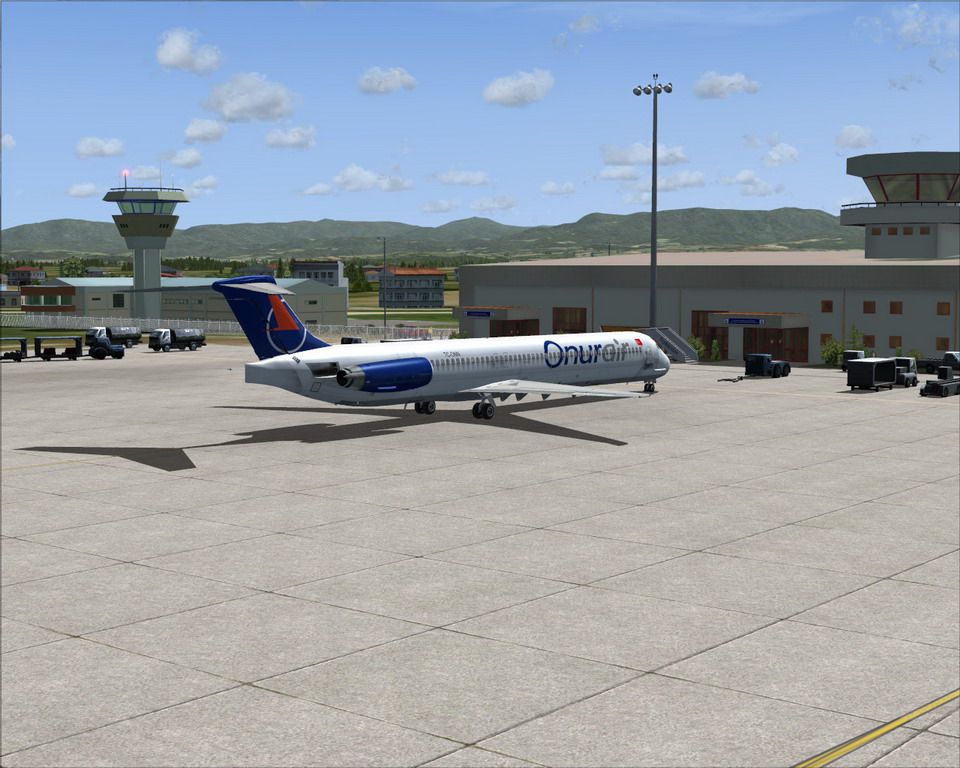
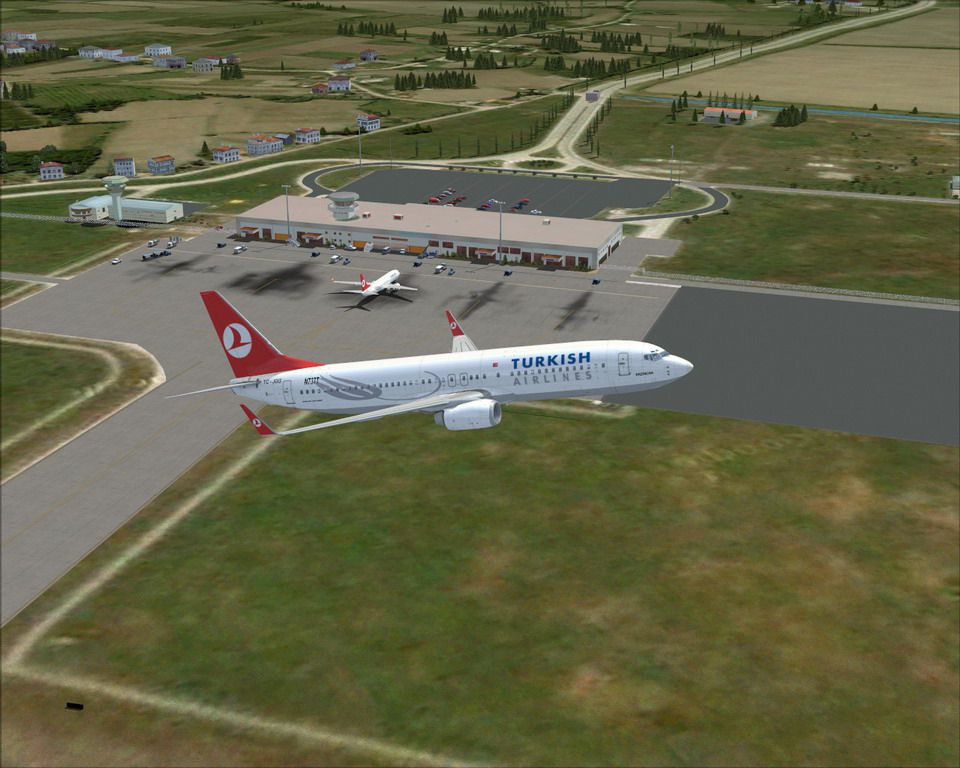
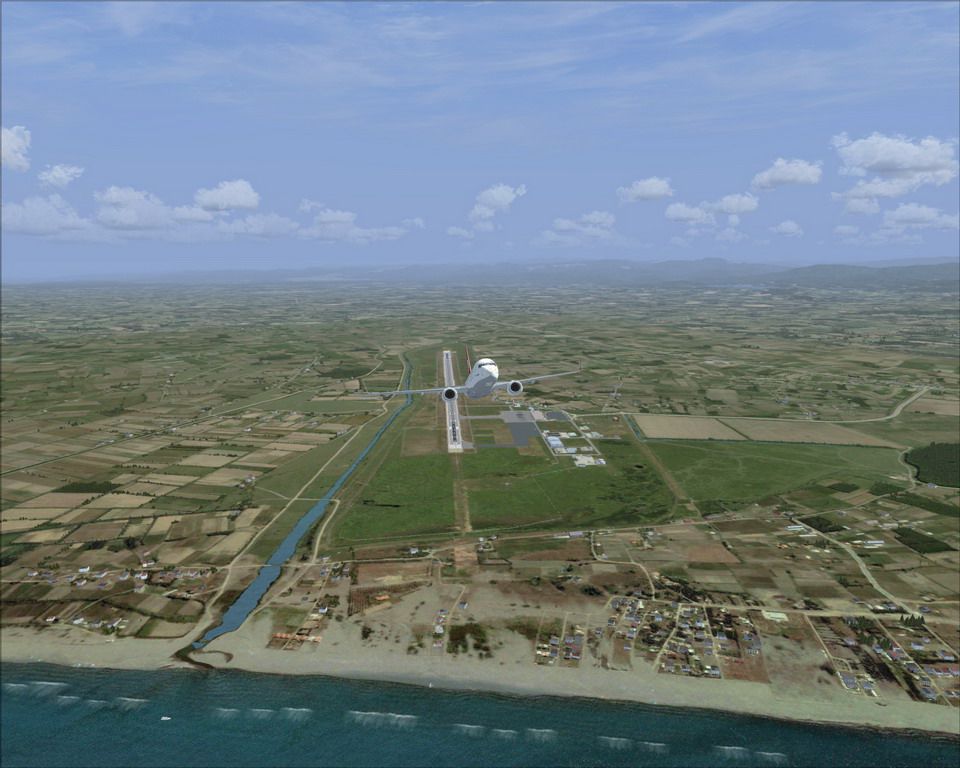
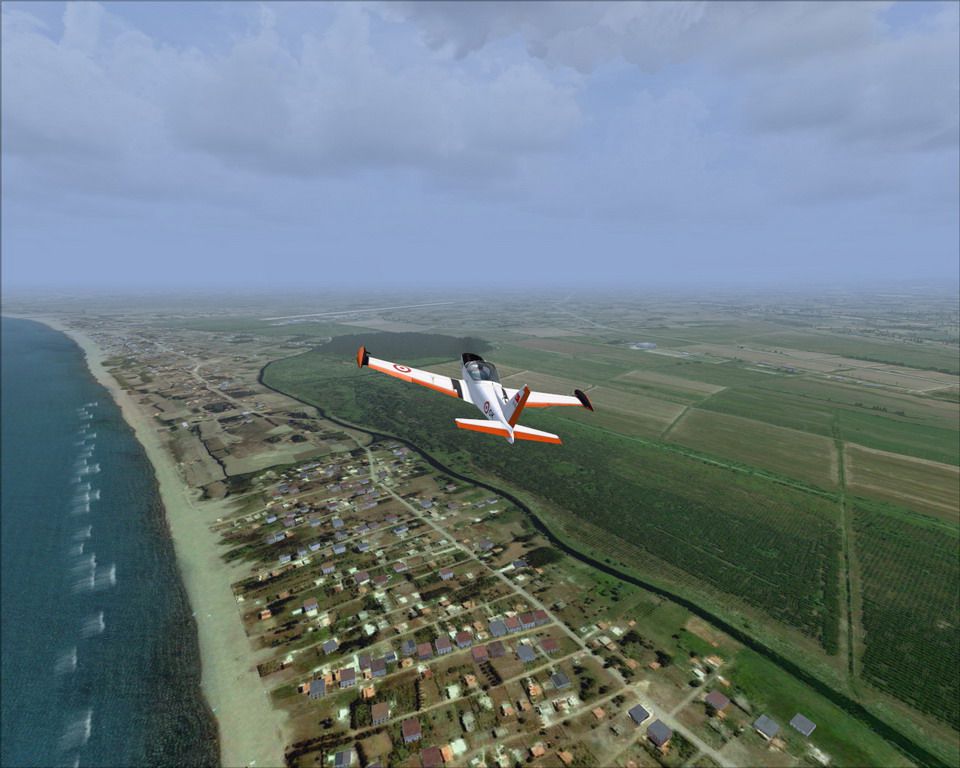
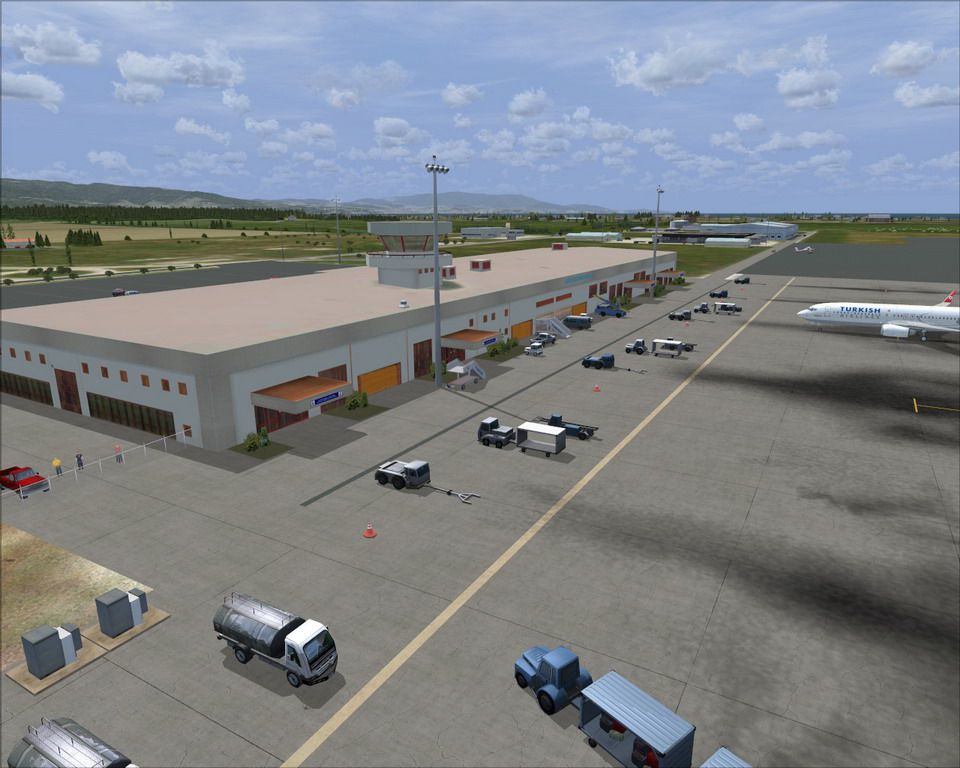
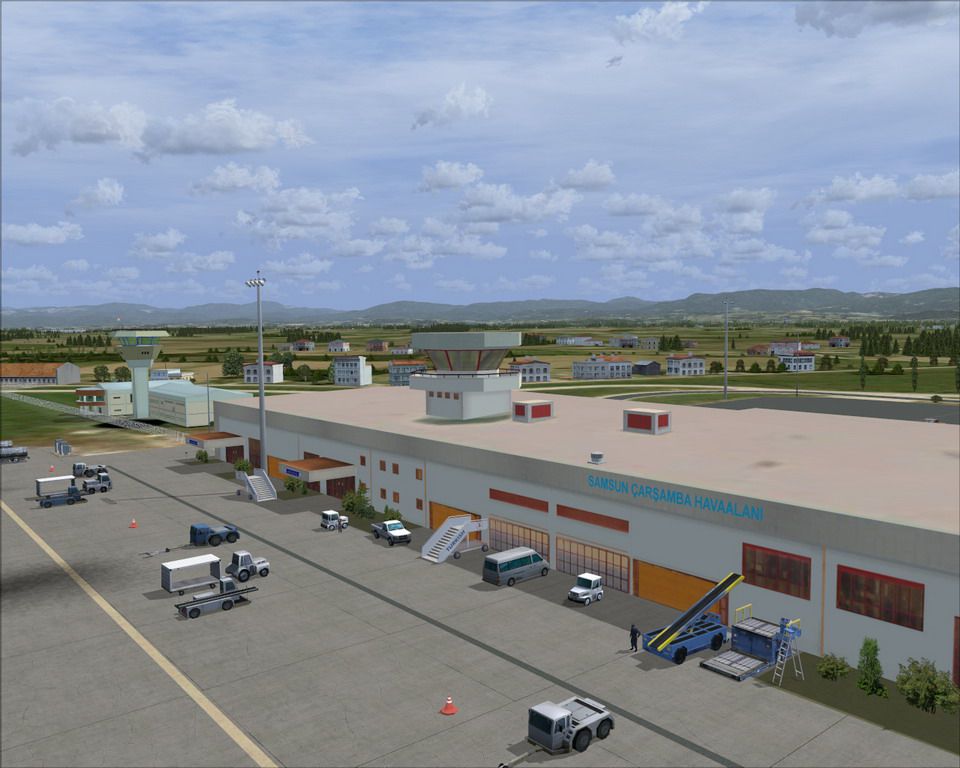

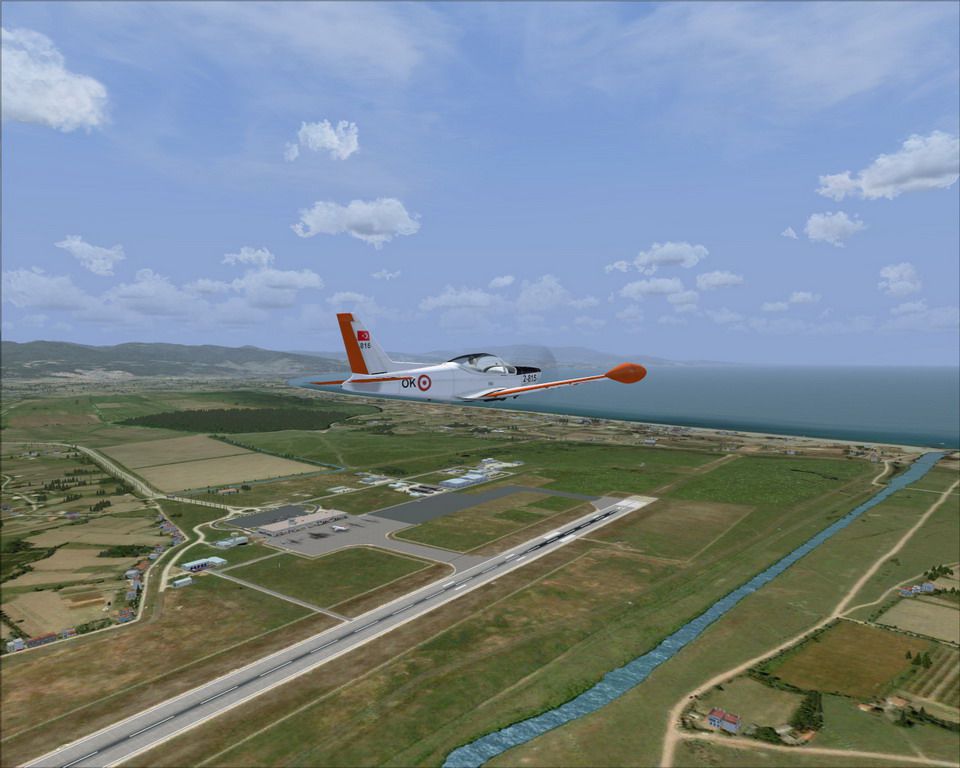
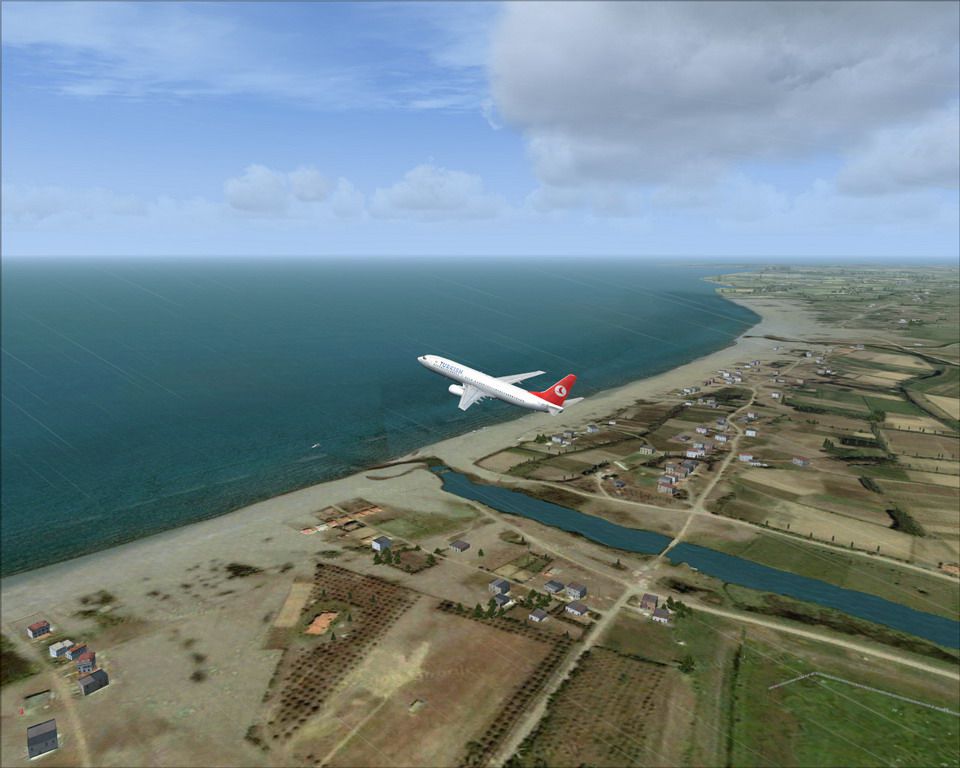
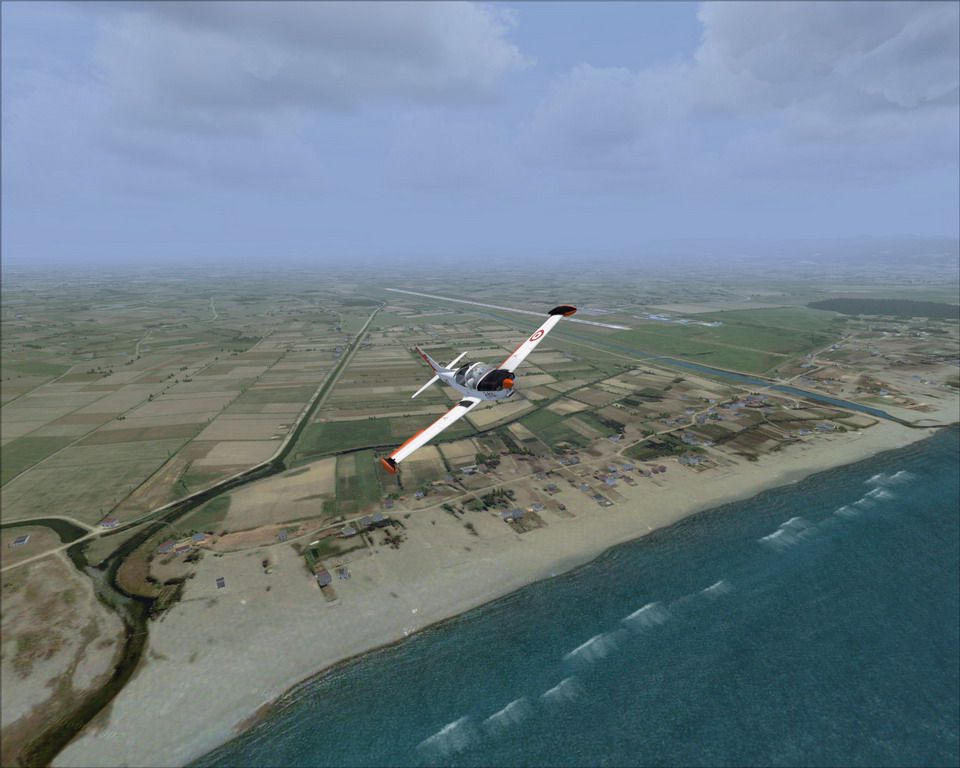
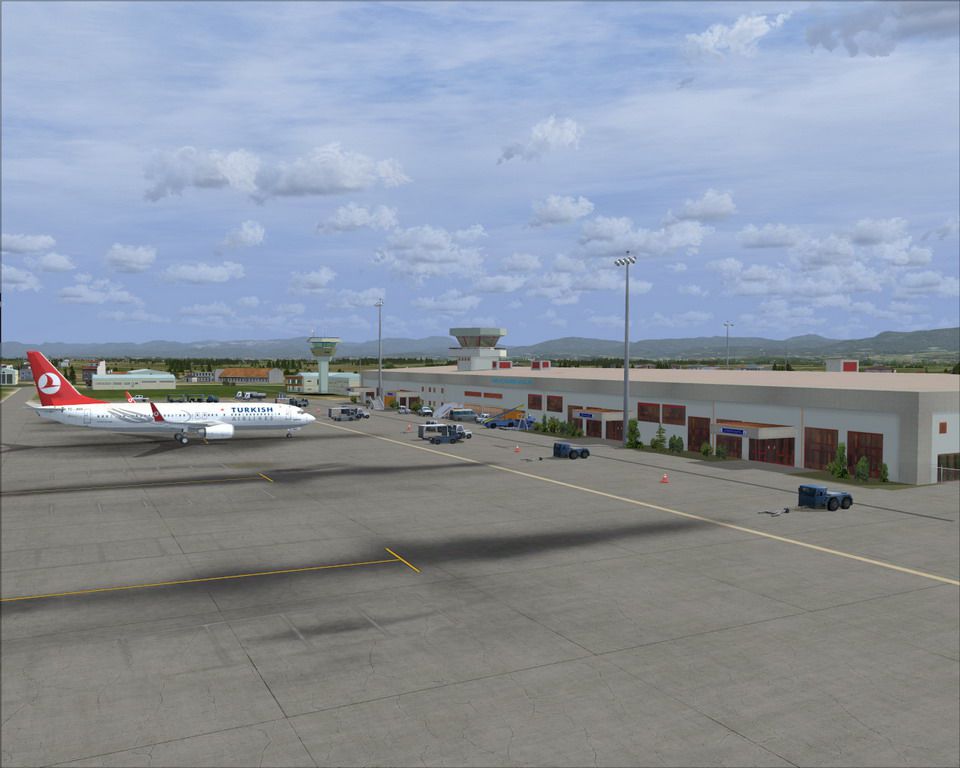
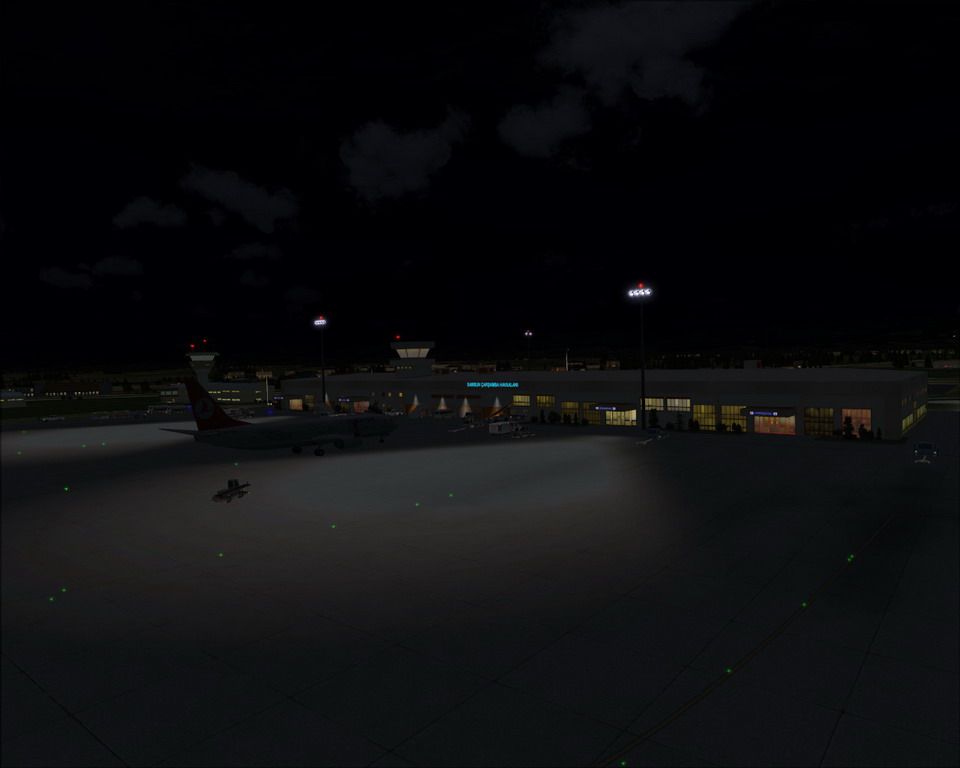
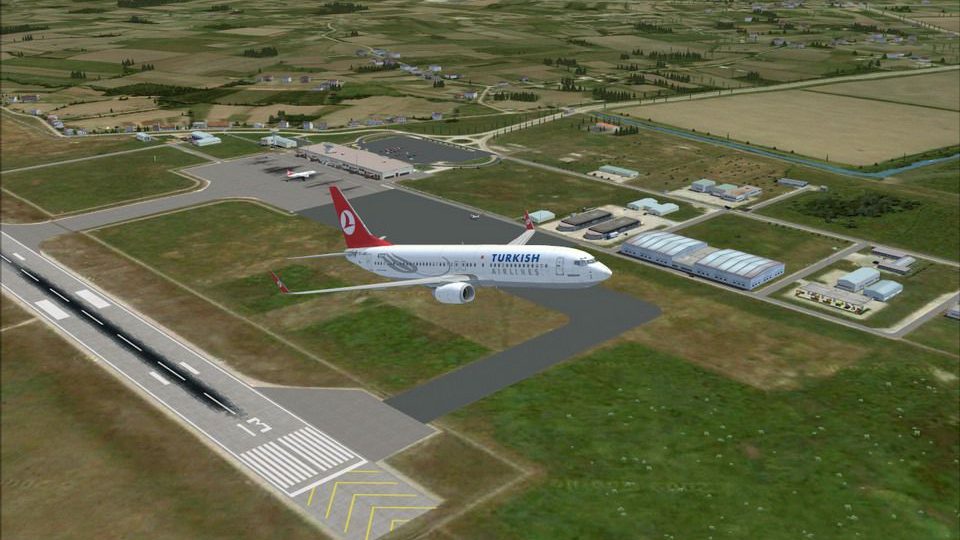
Samsun Carsamba Airport (LTFH), Turkey. Moderately detailed and realistically depicted scenery of Samsun Carsamba Airport and the surrounding area, for FSX/SP2. Created mainly by FSDS 3.5.1, the scenery includes accurate main terminal, tower and other airport buildings, afd file, various objects and some photoreal terrain textures. By Sunay Kilic. (See also LTFH9XF.ZIP)
Samsun Carsamba Airport Scenery.
INFORMATION
Moderately detailed and realistically depicted scenery of Turkey Samsun Carsamba (LTFH) Airport and the surrounding area, for FSX (SP2).
Created mainly by FSDS 3.5.1, the scenery includes accurate main terminal, tower and other airport buildings, afd file, various objects and some photo real terrain textures.
INSTALLATION:
a) Let the auto-installer (ltfh09x.exe) do the installation and indicate the folder where you want the scenery folder to be installed,
(i.e., C:/ Program Files / Microsoft Games / Microsoft Flight Simulator X / Addon Scenery or whereever your other add-on scenery folders are present)
b) Activate the scenery within FSX.
(i.e.,FSX main screen select SETTINGS, SCENERY LIBRARY, ADD AREA and add the LTFH Carsamba folder)
d) Adjust your FSX scenery options.
The scenery is done by both scenery objects and autogen, so to see the details both your "Scenery complexity" and "Autogen density" settings must be at least DENSE. To see the photoreal textures you must have your "Texture resolution" setting to 60cm max.
To see the highway traffic and the ai aircraft traffic you must activate the traffic sliders.
SCENERY DETAILS:
- The new sceney objects are created with FSDS 3.5.1 and FSDSXTweak 2.4,
- Other objects used are default FSX objects, except that the apron lights are from Jim Dhaenens.
- Has highway traffic (on E70 Samsun-Ordu highway).
- Has AI traffic, representing B737 and MD83 flights between LTFH and LTBA, LTFJ (can be eliminated by deleting the Traffic_b737md83_LTFH.bgl file).
- Has a static PZL 104 Wilga model (can be eliminated deleting the static_PZL104.bgl file).
- The new extended apron and the new warehouse building (that are added in 2009) are also represented.
- Has photoreal textures (with kind permission of Google) covering a 9km x 9km area, containing summer day and also night textures, of 1m resolution.
- Has corrected coast lines and also depicts the stream adjacent to the runway.
- Has landclass of the surrounding Samsun and Carsamba area.
TO UNINSTALL:
Delete the LTFH Carsamba folder.
Nice flights,
Sunay KILIC
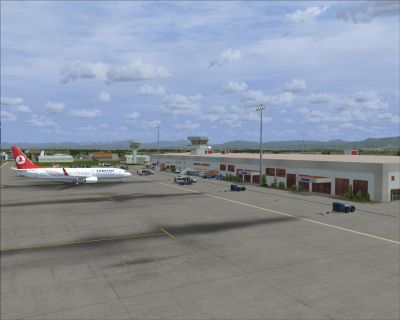
Samsun Carsamba Airport Scenery.
Free for all simmers · 80.27 MB · Scanned clean Oct 2026
Download speed: Free tier is capped at 0.5 Mbps (this file takes approximately 22 mins at the cap). PRO members download at full line speed.
This add-on may require the following files to function properly. If this is a repaint, the dependency below is likely the base aircraft package.
FSX\Addon Scenery\ containing scenery and texture sub-folders.readme.txt or README file. It tells you exactly where files go, what dependencies are needed, and any quirks specific to this add-on.Use these coordinates to fly directly to this location once the mod is installed.
41.25450000,36.56710000
Launch FSX or Prepar3D and use Flights → Load to open the downloaded .pln file. Your aircraft will be positioned at this location.
The archive ltfh09x.zip has 19 files and directories contained within it.
This list displays the first 500 files in the package. If the package has more, you will need to download it to view them.
| Filename/Directory | File Date | File Size |
|---|---|---|
| sshot14.jpg | 10.16.09 | 54.34 kB |
| Readme.txt | 10.16.09 | 2.59 kB |
| Readme_TR.txt | 10.15.09 | 4.76 kB |
| sshot01.jpg | 10.16.09 | 182.44 kB |
| sshot02.jpg | 10.16.09 | 134.66 kB |
| sshot03.jpg | 10.16.09 | 164.13 kB |
| sshot04.jpg | 10.16.09 | 156.01 kB |
| sshot05.jpg | 10.16.09 | 179.78 kB |
| sshot06.jpg | 10.16.09 | 209.06 kB |
| sshot07.jpg | 10.16.09 | 153.56 kB |
| sshot08.jpg | 10.16.09 | 174.23 kB |
| sshot09.jpg | 10.16.09 | 152.37 kB |
| sshot10.jpg | 10.16.09 | 187.64 kB |
| sshot11.jpg | 10.16.09 | 153.10 kB |
| sshot12.jpg | 10.16.09 | 146.97 kB |
| sshot13.jpg | 10.16.09 | 168.34 kB |
| ltfh09x.exe | 10.19.09 | 78.18 MB |
| flyawaysimulation.txt | 10.29.13 | 959 B |
| Go to Fly Away Simulation.url | 01.22.16 | 52 B |
Only PRO members can place votes.
More FSX & P3D add-ons hand-picked based on this download.
FSX Scenery
Samsun Carsamba ILS Fix, Turkey. A fix file to correct the ILS beam heading, …
 FSX Scenery
Princess Juliana International Airport (TNCM) in Saint Marteen, Netherlands A…
 FSX Scenery
Los Angeles Airport Scenery v3, California (CA). This photoreal scenery is a …
 FSX Scenery
Barbados International Airport (TBPB). Grantley Adams International Airport f…
 FSX Scenery
Paris Charles de Gaulle Airport (CDG, LFPG), France. The entire airport has b…
 FSX Scenery
John F. Kennedy Airport (KJFK), New York, NYU. This is a photoreal scenery re…
 FSX Scenery
Dubai International Airport (OMDB), Dubai. Includes a new passenger terminal …
 FSX Scenery
Soekarno-Hatta International Airport (WIII), Jakarta, Indonesia. An update to…
Be the first to leave a comment on this download.
Be the first to share your thoughts on this download.