


 Japan
Japan  FSX Scenery
Princess Juliana International Airport
Princess Juliana International Airport (TNCM) in Saint Marteen, Netherlands A…
Hiroshima Airport (RJOA) gets a sharper, more true-to-life layout with revised taxiways, apron markings, signage, and added terminal-area structures, aligned to satellite-referenced positioning and even reflecting partially developed sections. Built from default libraries for Microsoft Flight Simulator X, it also requires FSX Acceleration for select extra objects.
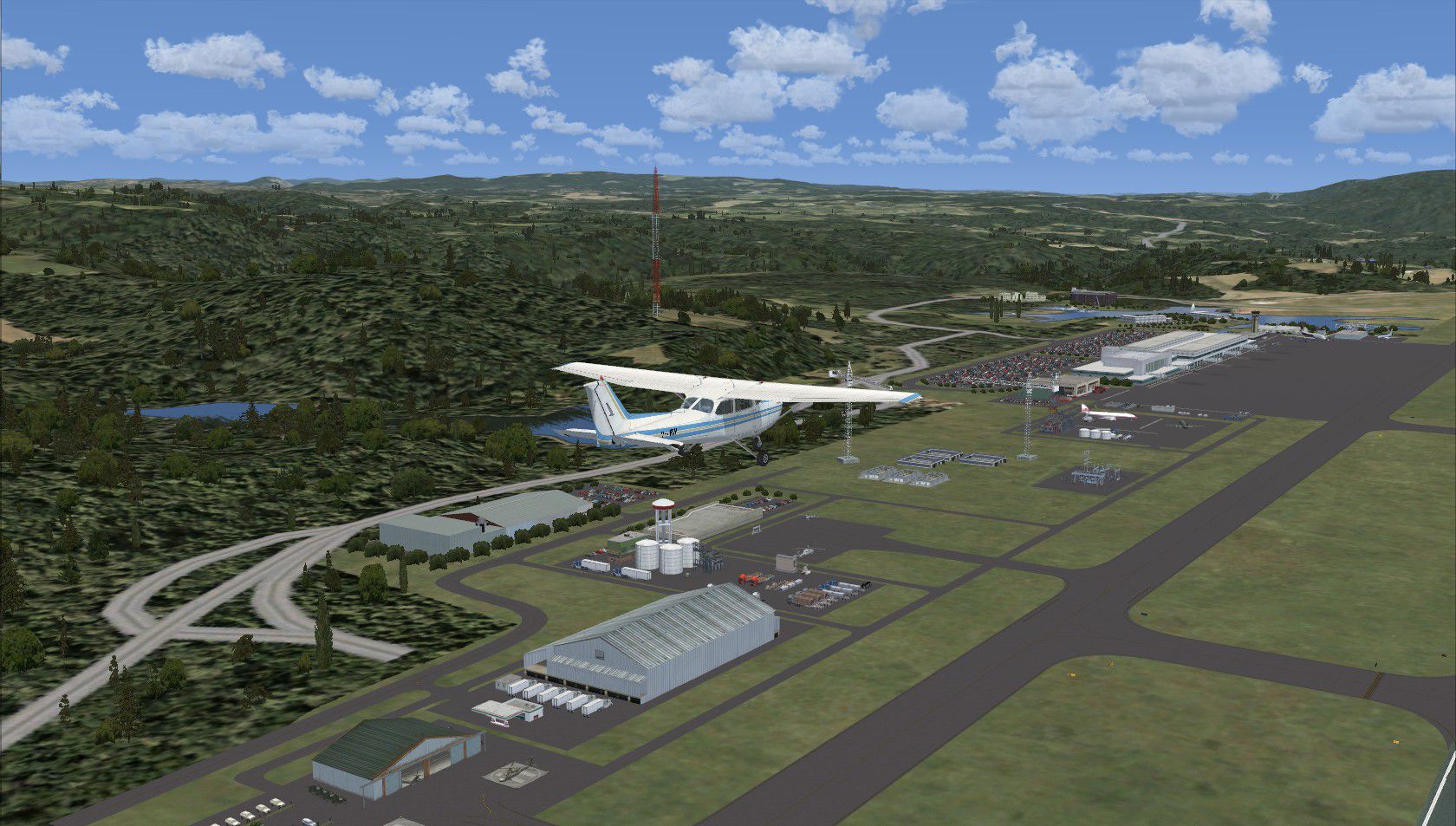
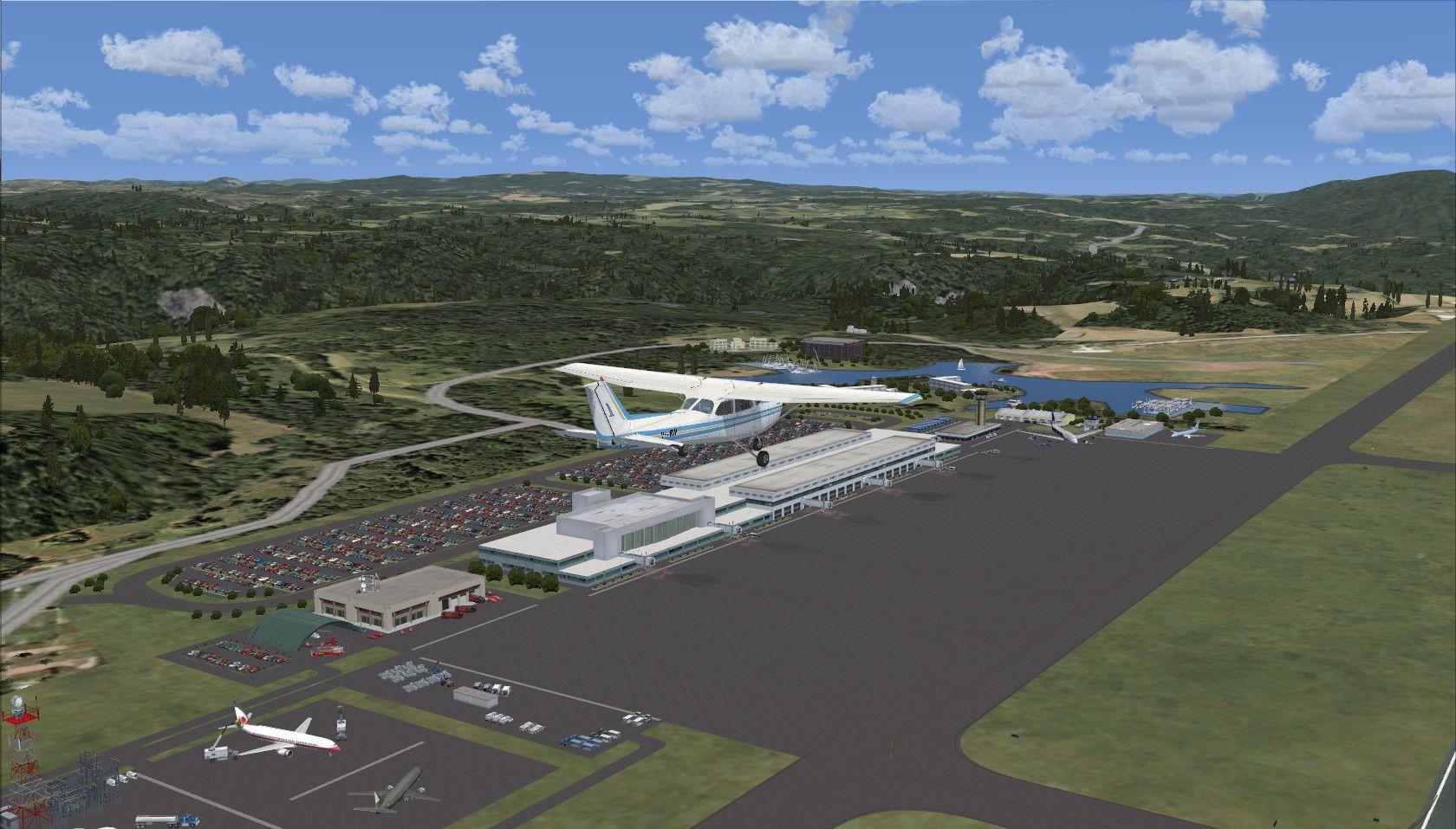
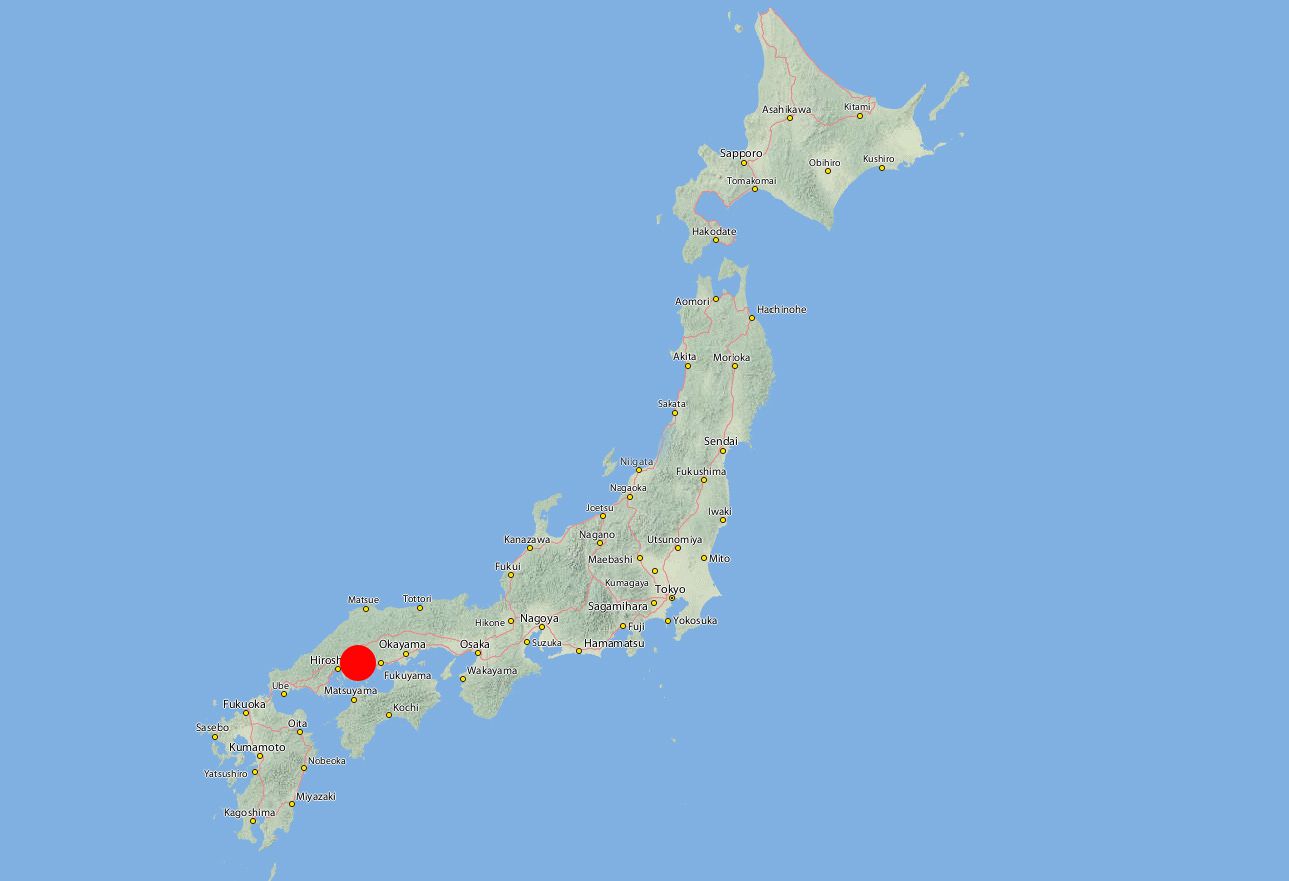
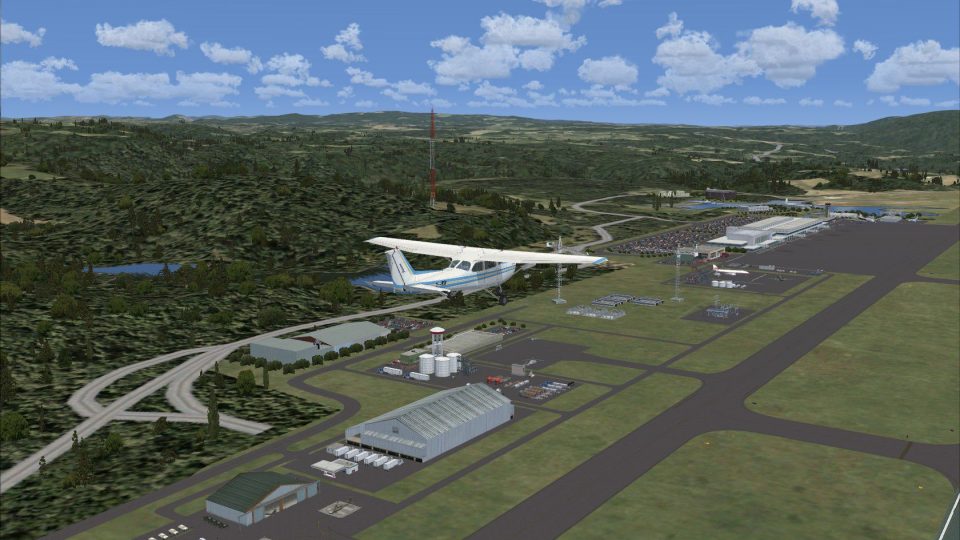
Positioned around 50 kilometers east of Hiroshima itself and located within the city of Mihara, Hiroshima Airport (RJOA) benefits from this freeware enhancement crafted meticulously by Ian W. Using default assets from Microsoft Flight Simulator X and select elements from FSX Acceleration, this add-on brings forward a more realistic airport environment that closely aligns with actual satellite data, capturing both operational and partially built segments observed at the time.
Hiroshima Airport, recognized as a prominent air transportation facility in Japan’s Chugoku region, features a modern runway arrangement that supports busy domestic operations. Its placement atop a plateau necessitates accurate topographical representation, and the included scenery aids in reflecting these nuances. The new layout also ensures the main terminal zone, apron network, and peripheral structures display higher detail than the base simulator model.
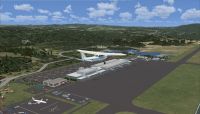
Screenshot highlighting airport grounds.
Developed with Airport Design Editor, this improvement introduces a range of expanded elements, including finer apron detailing, expanded ground signage, and additional building clusters. Designers leveraged official geographic information to accurately position hangars, taxiways, and gate assignments. Some areas still under construction in the real-world imagery have been faithfully represented in this package, adding a dynamic sense of authenticity.
An optional but valuable component of the package requires FSX Acceleration. With it, user immersion increases significantly through enhanced object libraries, such as more detailed parking areas or auxiliary vehicles. Those without the Acceleration expansion can still enjoy the core airport improvements, though a few smaller details may not appear.
The default version of Hiroshima Airport in Microsoft Flight Simulator X can seem sparse, so these additional elements bring the overall experience closer to real life. Vegetation placement, ground markings, and object density are all carefully modulated to maintain performance while keeping the environment engaging.
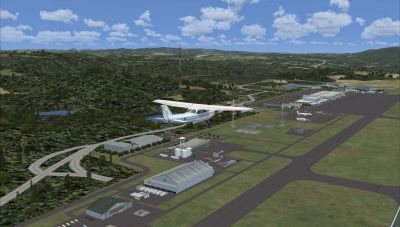
View showcasing terminal structures and ramp details.
This scenery underwent real-world testing during a route organized by the Coffs Flight Simmers group. For further realism, Ian W. has also authored upgrades for other Japanese airports, which encompass RJBB (Kansai International), RJBK (Kohnan), and RJOS (Tokushima). These optional enhancements deliver additional regional immersion, complementing this Hiroshima package in multi-stop journeys across the area.
All components developed under this project remain freeware, offering a detailed rendition of RJOA without additional cost. Enthusiasts seeking refined airports in Microsoft Flight Simulator X can safely add this scenery to their collection for an in-depth exploration of Hiroshima’s aviation hub.
Creator: Ian W.
Free for all simmers · 863.56 KB · Scanned clean Oct 2026
Download speed: Free tier is capped at 0.5 Mbps. PRO members download at full line speed.
FSX\Addon Scenery\ containing scenery and texture sub-folders.readme.txt or README file. It tells you exactly where files go, what dependencies are needed, and any quirks specific to this add-on.Use these coordinates to fly directly to this location once the mod is installed.
34.43611100,132.92055600
Launch FSX or Prepar3D and use Flights → Load to open the downloaded .pln file. Your aircraft will be positioned at this location.
The archive rjoa_ianw.zip has 13 files and directories contained within it.
This list displays the first 500 files in the package. If the package has more, you will need to download it to view them.
| Filename/Directory | File Date | File Size |
|---|---|---|
| scenery | 08.27.11 | 0 B |
| RJOA_ADEX_IRW.BGL | 03.01.11 | 56.22 kB |
| RJOA_ADEX_IRW_CVX.bgl | 03.01.11 | 431 B |
| texture | 08.27.11 | 0 B |
| RJOA_IanW | 08.27.11 | 0 B |
| FILE_ID.DIZ | 08.27.11 | 315 B |
| Passenger Terminal at RJOA.jpg | 08.21.11 | 345.77 kB |
| readme.txt | 08.27.11 | 1.59 kB |
| RJOA_IanW.gif | 08.27.11 | 9.87 kB |
| RJOA_Location.jpg | 08.16.11 | 192.71 kB |
| View of RJOA Airport.jpg | 08.21.11 | 366.03 kB |
| flyawaysimulation.txt | 10.29.13 | 959 B |
| Go to Fly Away Simulation.url | 01.22.16 | 52 B |
Only PRO members can place votes.
More FSX & P3D add-ons hand-picked based on this download.
FSX Scenery
Princess Juliana International Airport (TNCM) in Saint Marteen, Netherlands A…
 FSX Scenery
Los Angeles Airport Scenery v3, California (CA). This photoreal scenery is a …
 FSX Scenery
Barbados International Airport (TBPB). Grantley Adams International Airport f…
 FSX Scenery
Paris Charles de Gaulle Airport (CDG, LFPG), France. The entire airport has b…
 FSX Scenery
John F. Kennedy Airport (KJFK), New York, NYU. This is a photoreal scenery re…
 FSX Scenery
Dubai International Airport (OMDB), Dubai. Includes a new passenger terminal …
 FSX Scenery
Soekarno-Hatta International Airport (WIII), Jakarta, Indonesia. An update to…
 FSX Scenery
San Diego International Airport, California (CA), USA. This photoreal scenery…
Be the first to leave a comment on this download.
Be the first to share your thoughts on this download.