

 FSX Civil Aircraft
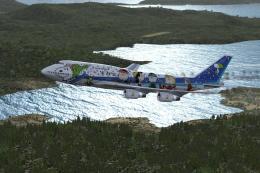
ANA Pokemon Jet '98 Domestic Version
A repaint of the Project Open Sky Boeing 747-400D GE model into the colors of…
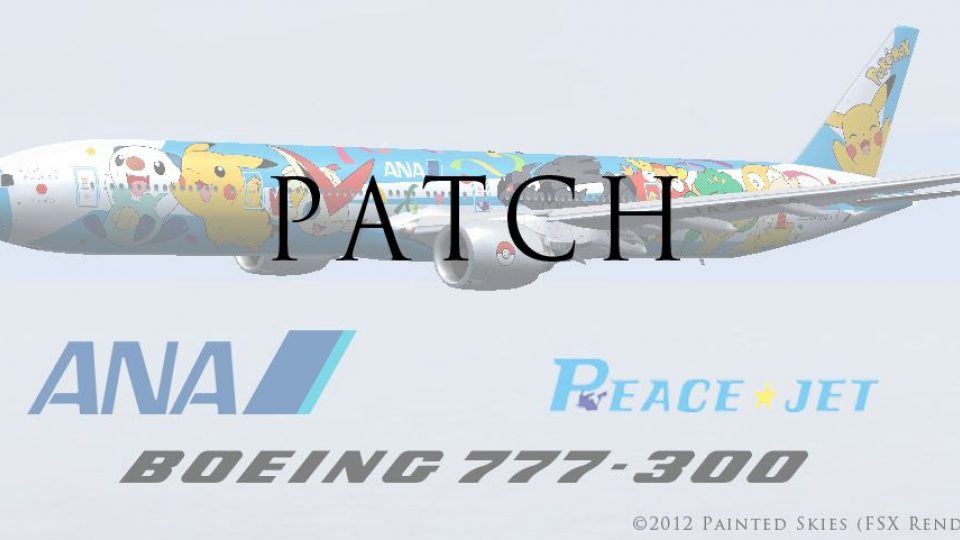
ANA Pokémon “Peace Jet” Boeing 777-300 patch restores the missing special effects and required POSKY documentation for the JA754A livery, ensuring the model renders and behaves as intended in FSX. It requires FSX_POSKY773_JA754A.ZIP and supplies the effect files the original release omitted.
 Rate
Rate

ANA Pokemon "Peace Jet" Boeing 777-300 Patch, for use with FSX_POSKY773_JA754A.ZIP. Patch for the initial ANA Pokemon "Peace Jet" Boeing 777-300 (JA754A) release. These are the effects files that the model requires in order to work properly. By Diego Roxas.

Profile view of ANA Pokemon "Peace Jet" Boeing 777-300.
I failed to include the special effect files that the model requires in the first release, and also the POSKY readme (as they require). This upload includes the files mentioned.
Installation:
Afterwhich you're done!
Free for all simmers · 157.76 KB · Scanned clean Oct 2026
Download speed: Free tier is capped at 0.5 Mbps. PRO members download at full line speed.
This add-on may require the following files to function properly. If this is a repaint, the dependency below is likely the base aircraft package.
FSX\SimObjects\Airplanes\. The folder must contain an aircraft.cfg file. Effects go into FSX\Effects\; gauges go into FSX\Gauges\.readme.txt or README file. It tells you exactly where files go, what dependencies are needed, and any quirks specific to this add-on.The archive fsx_posky773_ja754a_patch.zip has 18 files and directories contained within it.
This list displays the first 500 files in the package. If the package has more, you will need to download it to view them.
| Filename/Directory | File Date | File Size |
|---|---|---|
| fsx_posky773_ja754a_patch | 05.22.12 | 0 B |
| Effects | 05.22.12 | 0 B |
| Opensky_747_vclight.fx | 10.02.02 | 1.31 kB |
| Opensky_beacon.fx | 02.12.02 | 3.04 kB |
| Opensky_conden.fx | 10.03.02 | 3.15 kB |
| Opensky_condens.fx | 09.08.02 | 2.71 kB |
| Opensky_logo_light.fx | 10.03.02 | 1.31 kB |
| Opensky_nacelle_refl.fx | 09.29.02 | 1.29 kB |
| Opensky_nav_yellow.fx | 03.24.04 | 3.07 kB |
| Opensky_sparks.fx | 09.08.02 | 7.05 kB |
| Opensky_vortex.fx | 10.08.03 | 1.23 kB |
| Opensky_wing_light.fx | 09.29.02 | 1.31 kB |
| Readme.txt | 05.22.12 | 527 B |
| Readme_POSKY.txt | 05.22.12 | 7.82 kB |
| thumbnail.jpg | 05.22.12 | 159.72 kB |
| Thumbs.db | 05.22.12 | 5.00 kB |
| flyawaysimulation.txt | 10.29.13 | 959 B |
| Go to Fly Away Simulation.url | 01.22.16 | 52 B |
Only PRO members can place votes.
More FSX & P3D add-ons hand-picked based on this download.
FSX Civil Aircraft
A repaint of the Project Open Sky Boeing 747-400D GE model into the colors of…
 FSX Civil Aircraft
ANA Pokemon "Peace Jet" Boeing 777-300. A repaint of the Project Open Sky B77…
 FSX Civil Aircraft
This is only a repaint for the Project Open Sky 777-300ER. By Justin Zimmerma…
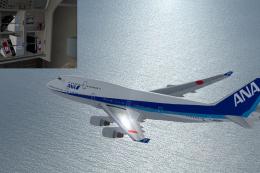 FSX Civil Aircraft
This repaint offers a carefully crafted All Nippon Airways livery for the def…
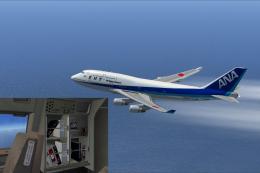 FSX Civil Aircraft
ANA Boeing 747-400 (Triton Blue first color). Textures only for the default B…
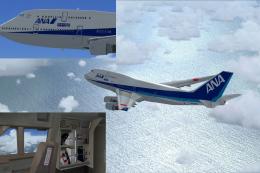 FSX Civil Aircraft
Experience a vibrant new look on the iconic Boeing 747-400 with this freshwat…
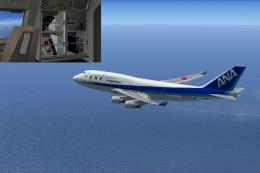 FSX Civil Aircraft
This repaint set offers an authentic old-color rendition of All Nippon Airway…
 FSX Civil Aircraft
All Nippon Airways jumbo jet with a picture of Snoopy for the payware PMDG B7…
Be the first to leave a comment on this download.
Be the first to share your thoughts on this download.