

 FSX Civil Aircraft
United Airlines Retro Jet Series Boeing 787-8 V5
This updated freeware release depicts the classic United Airlines Retro Jet l…
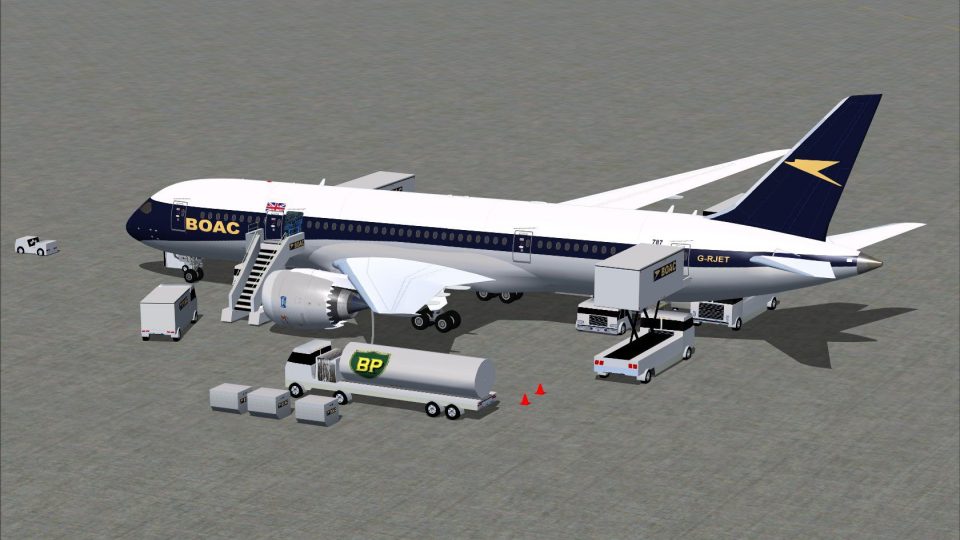
BOAC Retro Jet Series Boeing 787-8 V5 brings a classic BOAC heritage look to a refined widebody with sharper exterior modeling, upgraded textures, improved static details, and an immersive virtual cockpit. In FSX, integrated Animated Ground Servicing adds door, cargo, and ramp interactions for realistic gate-to-taxi operations.
 Rate
Rate
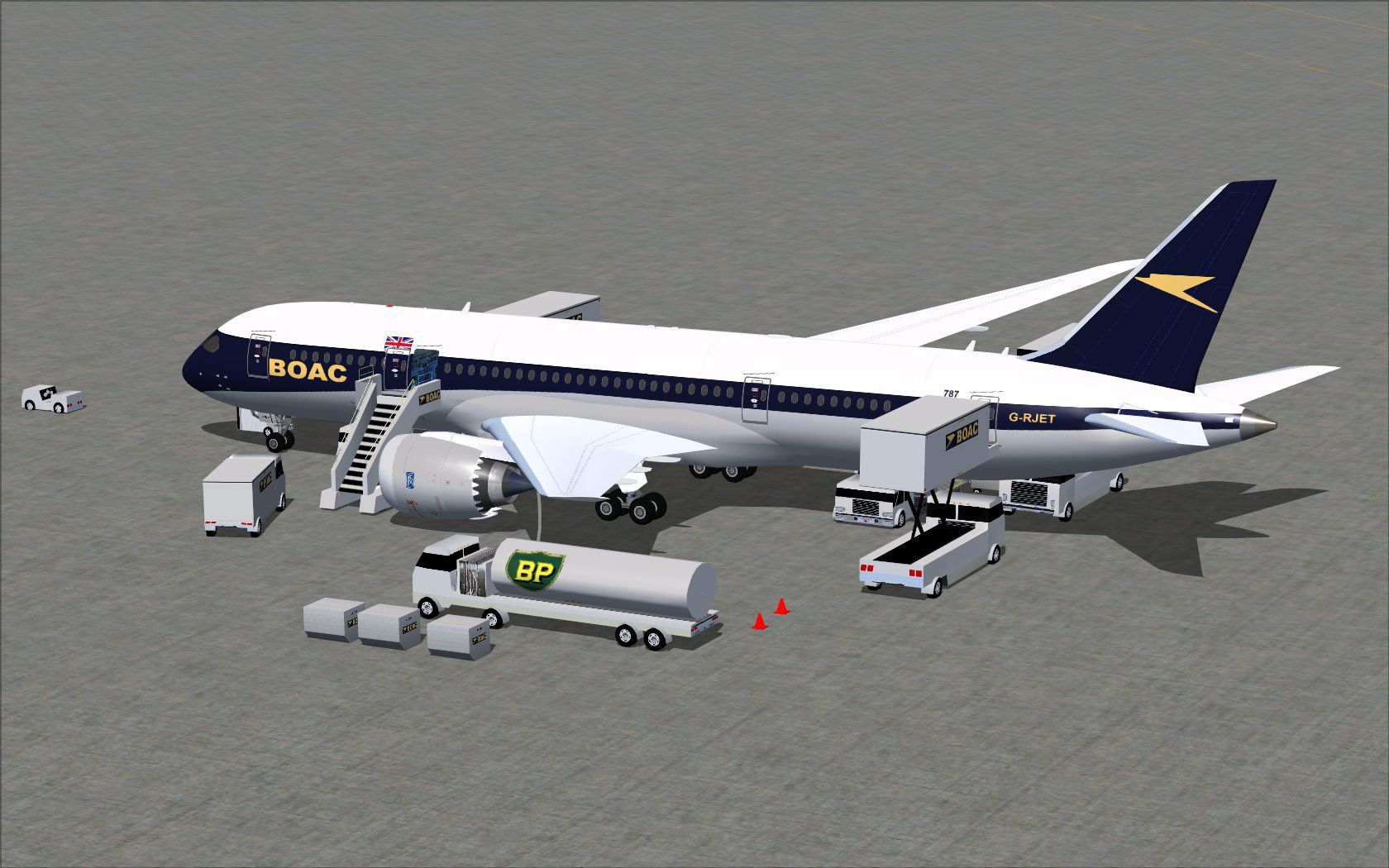
Experience a refined Boeing 787-8 in a classic BOAC Retro Jet Series finish. This free offering, brought to the community by Camil Valiquette (CamSim), showcases updated visuals, enhanced texturing, and integrated ground-servicing animations that highlight the aircraft’s modern features while paying homage to a historic airline identity.
Developed to capture both technical accuracy and aesthetic detail, this version demonstrates CamSim’s proprietary design additions. Expect sharper external lines, improved static displays, and a meticulously rendered BOAC paint scheme reminiscent of a bygone era. The 787-8 itself, constructed with a primarily carbon-fiber composite airframe, benefits from aerodynamic refinements for greater range and efficiency—now presented with retro-inspired visuals that merge legacy airline branding with contemporary aircraft engineering.
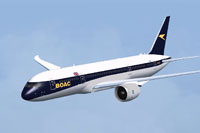
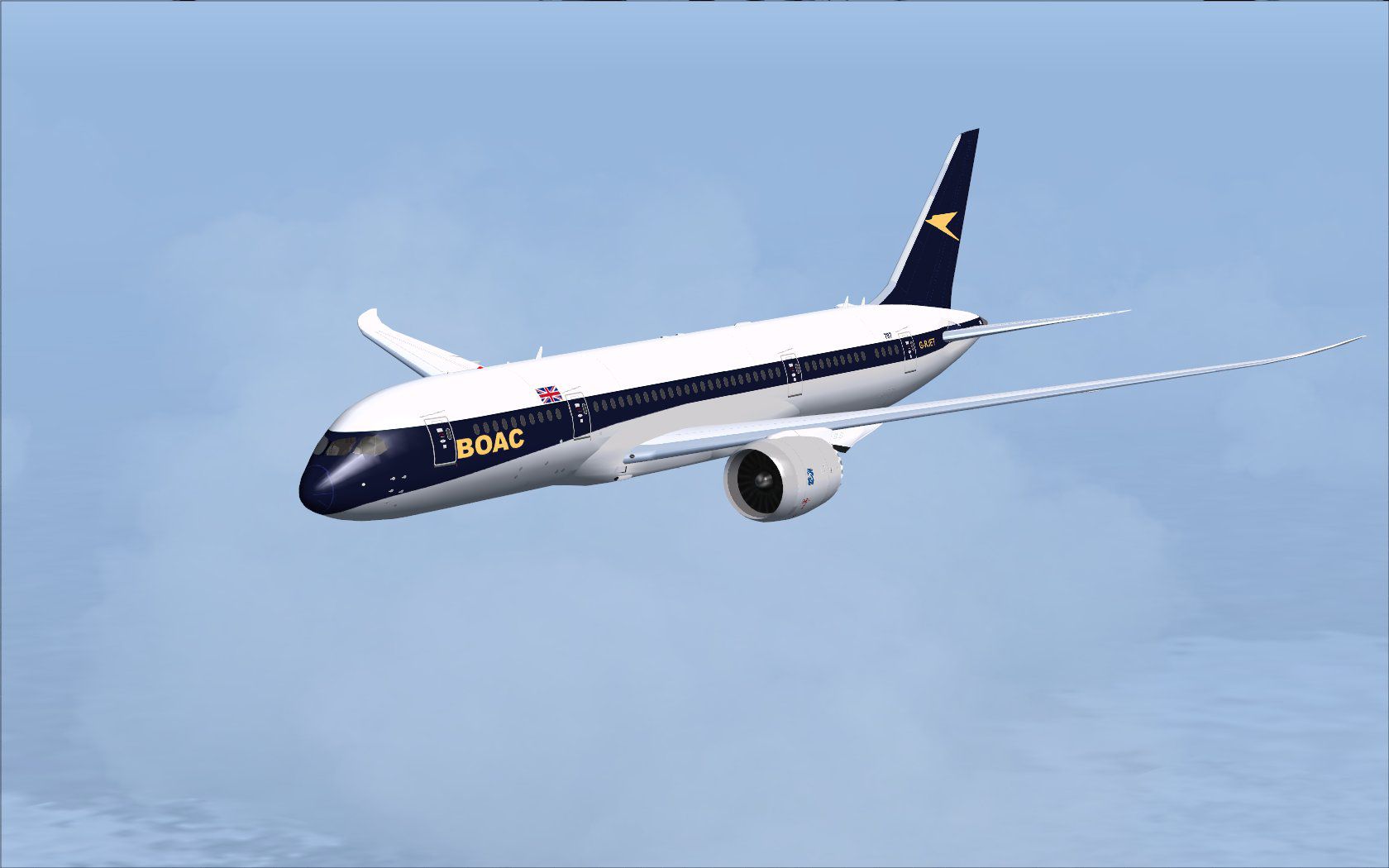
View of the BOAC Retro Jet Series Boeing 787-8 soaring in FSX.
This release includes Animated Ground Servicing (AGS) for realistic gate operations. By using these mapped controls, you can load passengers, open cargo hatches, and simulate vehicle interactions around the aircraft. The following key commands control multiple functions:
For users wishing to leverage the full range of AGS options, confirm that the correct assignments are set within the FSX controls menu:
On certain Windows 7 setups, specific dawn and dusk elements may not render completely if the “Preview DirectX 10” feature is active. Disabling that setting within the “Options > Settings > Display > Global” menu in FSX typically resolves any visual artifacts.
Free for all simmers · 5 MB · Scanned clean Oct 2026
Download speed: Free tier is capped at 0.5 Mbps (this file takes approximately 1 min at the cap). PRO members download at full line speed.
This add-on may require the following files to function properly. If this is a repaint, the dependency below is likely the base aircraft package.
FSX\SimObjects\Airplanes\. The folder must contain an aircraft.cfg file. Effects go into FSX\Effects\; gauges go into FSX\Gauges\.readme.txt or README file. It tells you exactly where files go, what dependencies are needed, and any quirks specific to this add-on.The archive 788v5bcx.zip has 34 files and directories contained within it.
This list displays the first 500 files in the package. If the package has more, you will need to download it to view them.
| Filename/Directory | File Date | File Size |
|---|---|---|
| CamSim Retro Jet Boeing 787-8 V5 BOAC | 09.09.14 | 0 B |
| 787-8.air | 03.24.09 | 12.76 kB |
| aircraft.cfg | 09.09.14 | 15.57 kB |
| Effects.zip | 03.25.06 | 1.80 kB |
| file_id.diz | 09.09.14 | 255 B |
| model.787-8 ags v5 | 09.09.14 | 0 B |
| 787-8 ags v5.mdl | 10.17.13 | 2.92 MB |
| Model.cfg | 09.04.13 | 31 B |
| Panel | 09.09.14 | 0 B |
| 787_350_panel_background.bmp | 02.25.10 | 2.25 MB |
| 787_350_panel_background_night.bmp | 02.25.10 | 2.25 MB |
| Airbus_A321.cab | 09.04.06 | 2.72 MB |
| panel.cfg | 02.25.10 | 5.48 kB |
| Read Me How to setup Animations (AGS).txt | 10.30.13 | 875 B |
| Read Me_FSX.txt | 09.06.14 | 2.36 kB |
| retro jet 787 ags boac.jpg | 09.02.14 | 240.14 kB |
| retro jet 787 boac2.jpg | 09.02.14 | 77.58 kB |
| sound | 09.09.14 | 0 B |
| Sound.cfg | 11.04.09 | 35 B |
| texture.boac | 09.09.14 | 0 B |
| 787eng_t.bmp | 09.02.14 | 1.00 MB |
| 787ext_L.bmp | 09.05.14 | 4.00 MB |
| 787ext_t.bmp | 09.06.14 | 1.00 MB |
| 787int_L.bmp | 09.05.14 | 4.00 MB |
| 787int_t.bmp | 09.06.14 | 1.00 MB |
| 787tail_t.bmp | 09.01.14 | 1.00 MB |
| 788fuse_t.bmp | 09.09.14 | 1.00 MB |
| 789wings_t.bmp | 08.21.13 | 1.00 MB |
| gris_t.bmp | 12.09.09 | 16.07 kB |
| tail.bmp | 12.02.12 | 1.00 MB |
| thumbnail.jpg | 09.06.14 | 4.26 kB |
| w_t.bmp | 10.22.13 | 16.07 kB |
| flyawaysimulation.txt | 10.29.13 | 959 B |
| Go to Fly Away Simulation.url | 01.22.16 | 52 B |
Only PRO members can place votes.
More FSX & P3D add-ons hand-picked based on this download.
FSX Civil Aircraft
This updated freeware release depicts the classic United Airlines Retro Jet l…
 FSX Civil Aircraft
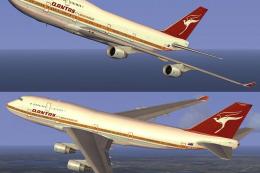
This freeware add-on introduces a striking throwback skin depicting the iconi…
 FSX Civil Aircraft
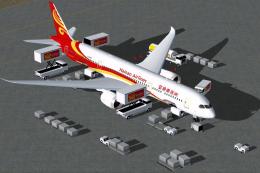
The latest release of this freeware Boeing 787-9 package features a more refi…
 FSX Civil Aircraft
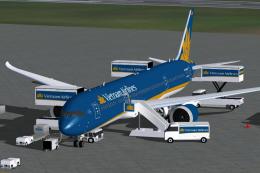
The latest Vietnam Airlines Boeing 787-9 update offers a refined wide-body Dr…
 FSX Civil Aircraft
This updated freeware release of the Thai Boeing 787-8 V5 by Camil Valiquette…
 FSX Civil Aircraft
This freeware aircraft add-on offers a retro-inspired Trans Canada Air Lines …
 FSX Civil Aircraft
Immerse yourself in the refined details of the Iberia Boeing 787-9 Version 5 …
 FSX Civil Aircraft
The latest release of this freeware Japan Airlines Boeing 787-9 includes a re…
Be the first to leave a comment on this download.
Be the first to share your thoughts on this download.