



 Italy
Italy 



 MSFS Scenery
Dubai, UAE City Building & Pack
A large freeware scenery add-on pack put together by the developer who goes b…
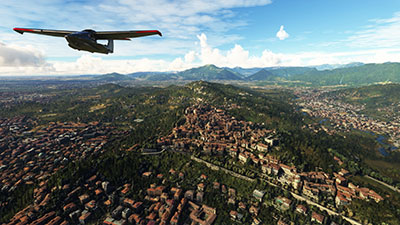
Bergamo City scenery brings Lombardy’s hilltop Città Alta and the modern lower town into sharp focus with photogrammetry-based architecture, clean terrain blending, and accurate placement for convincing VFR sightseeing around the Bergamo Alps and nearby lakes in Microsoft Flight Simulator. It recreates the walled Venetian defenses and landmark-rich skyline with lifelike textures and depth.
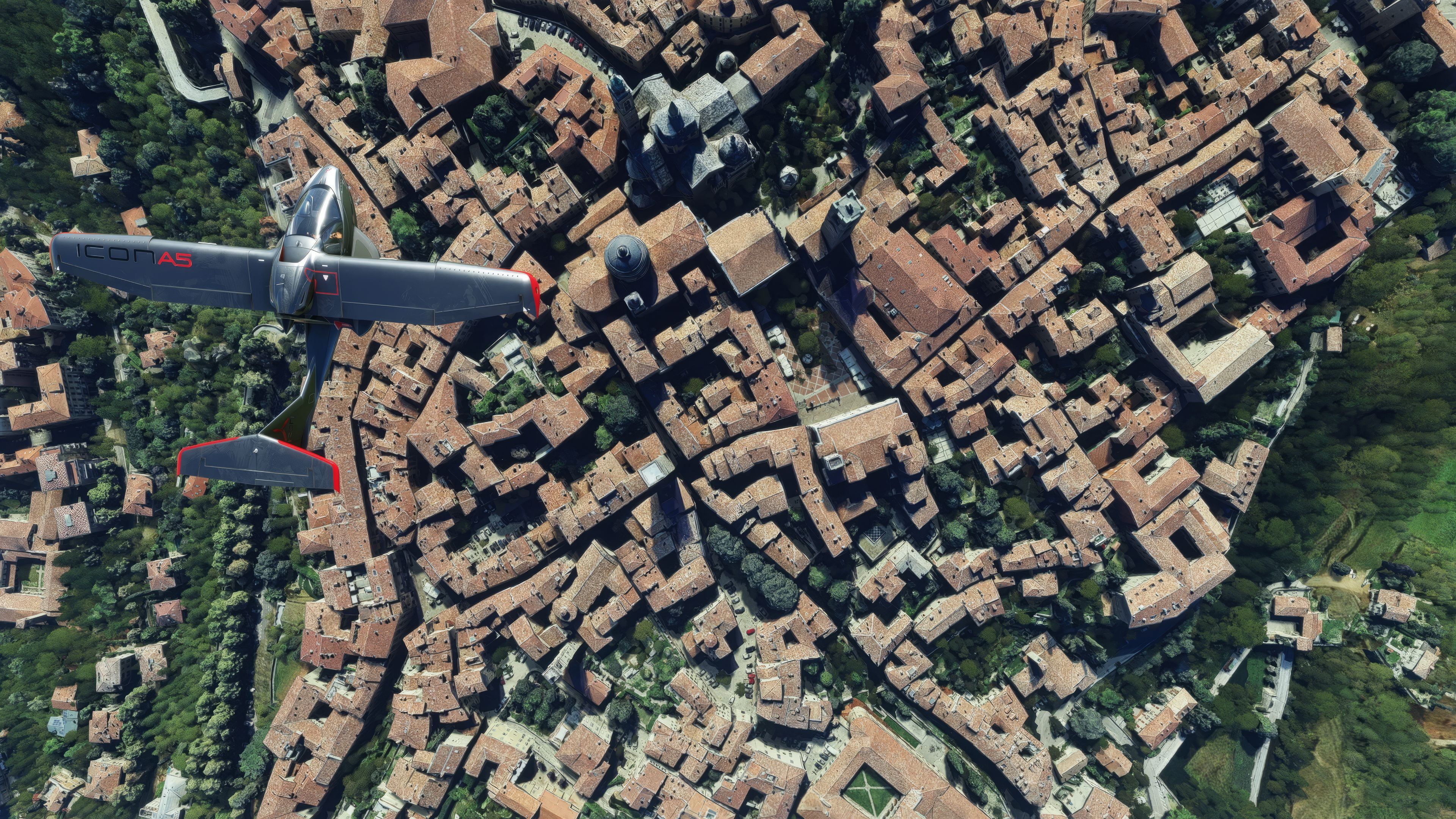
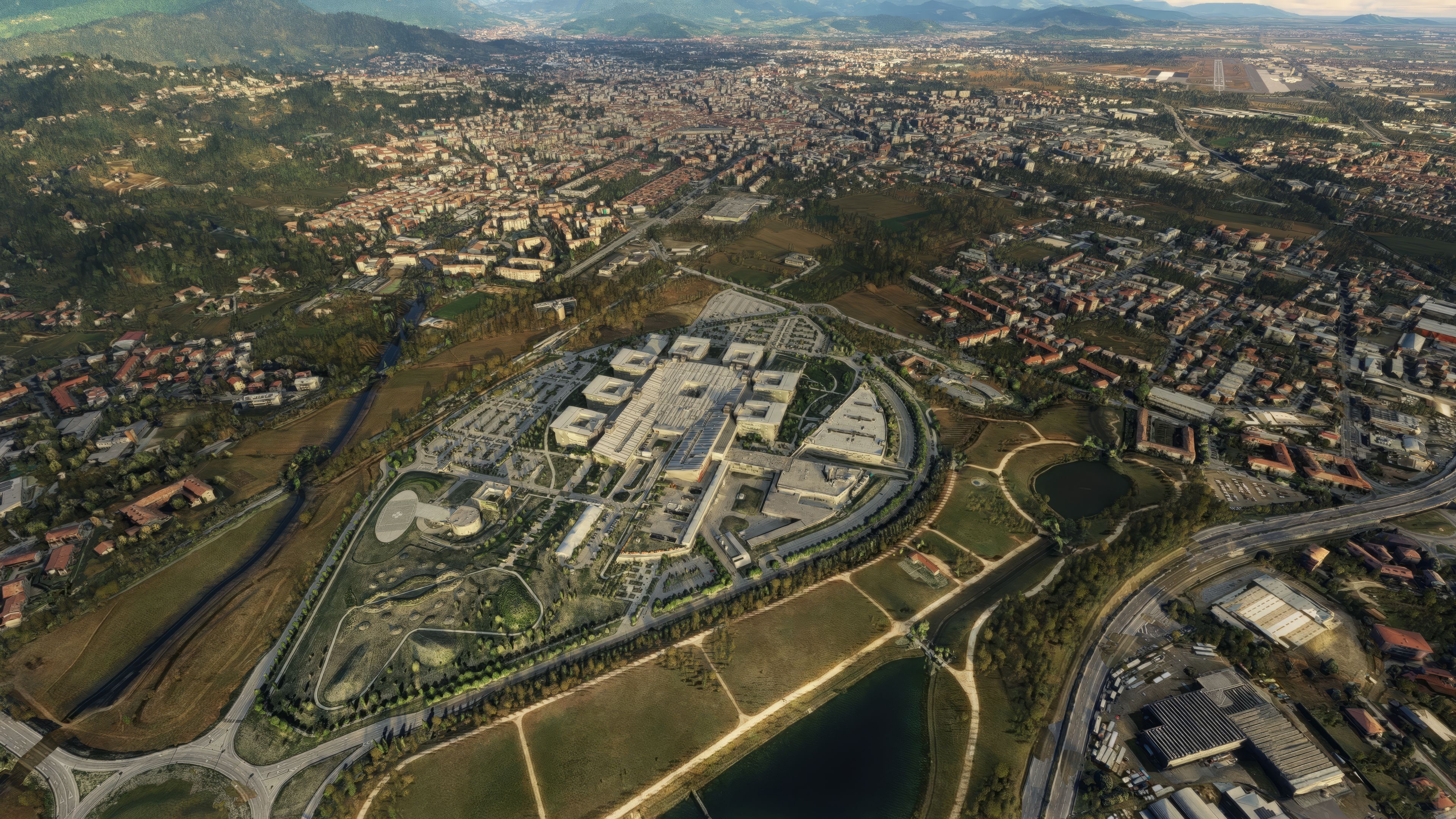
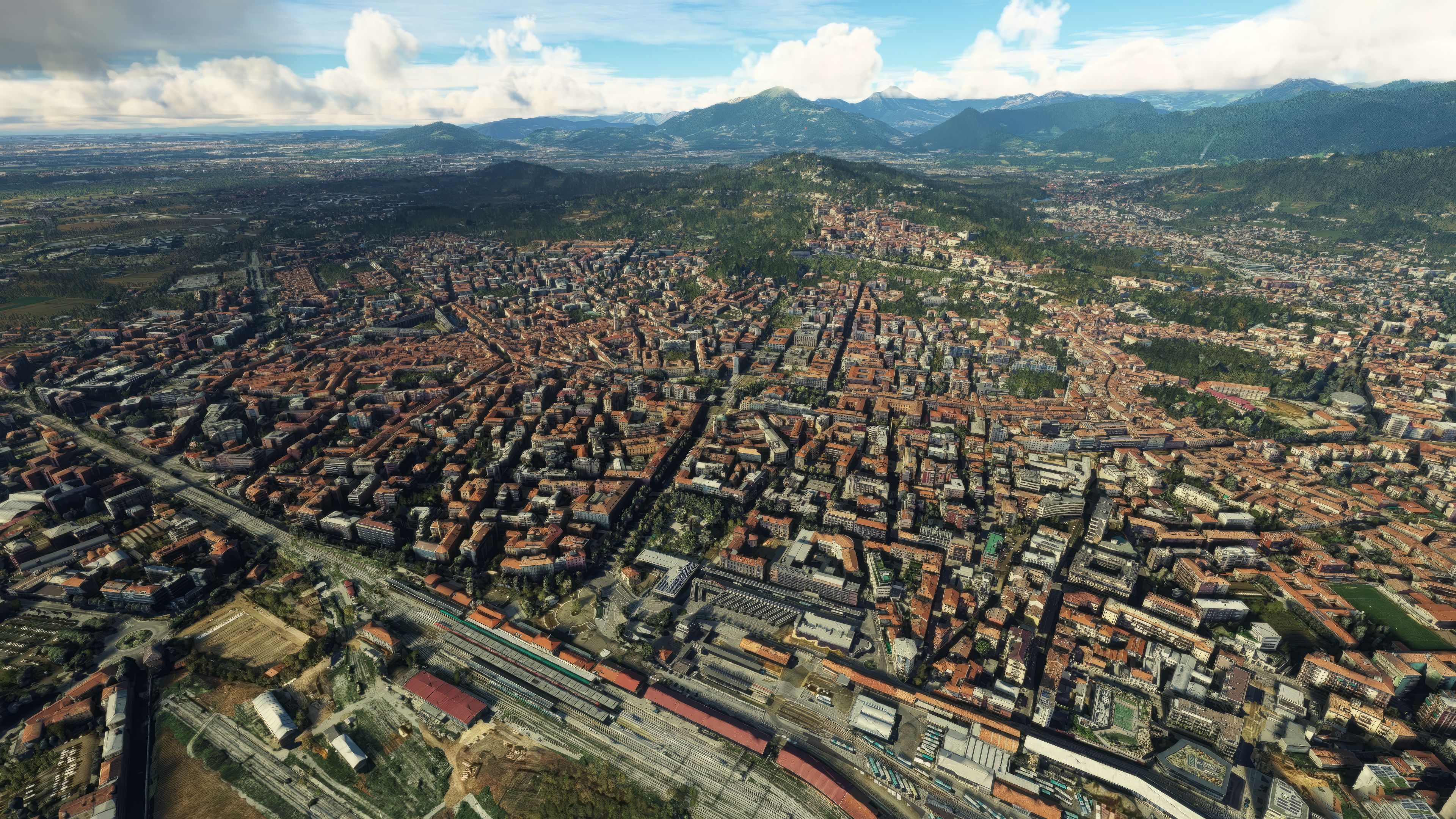
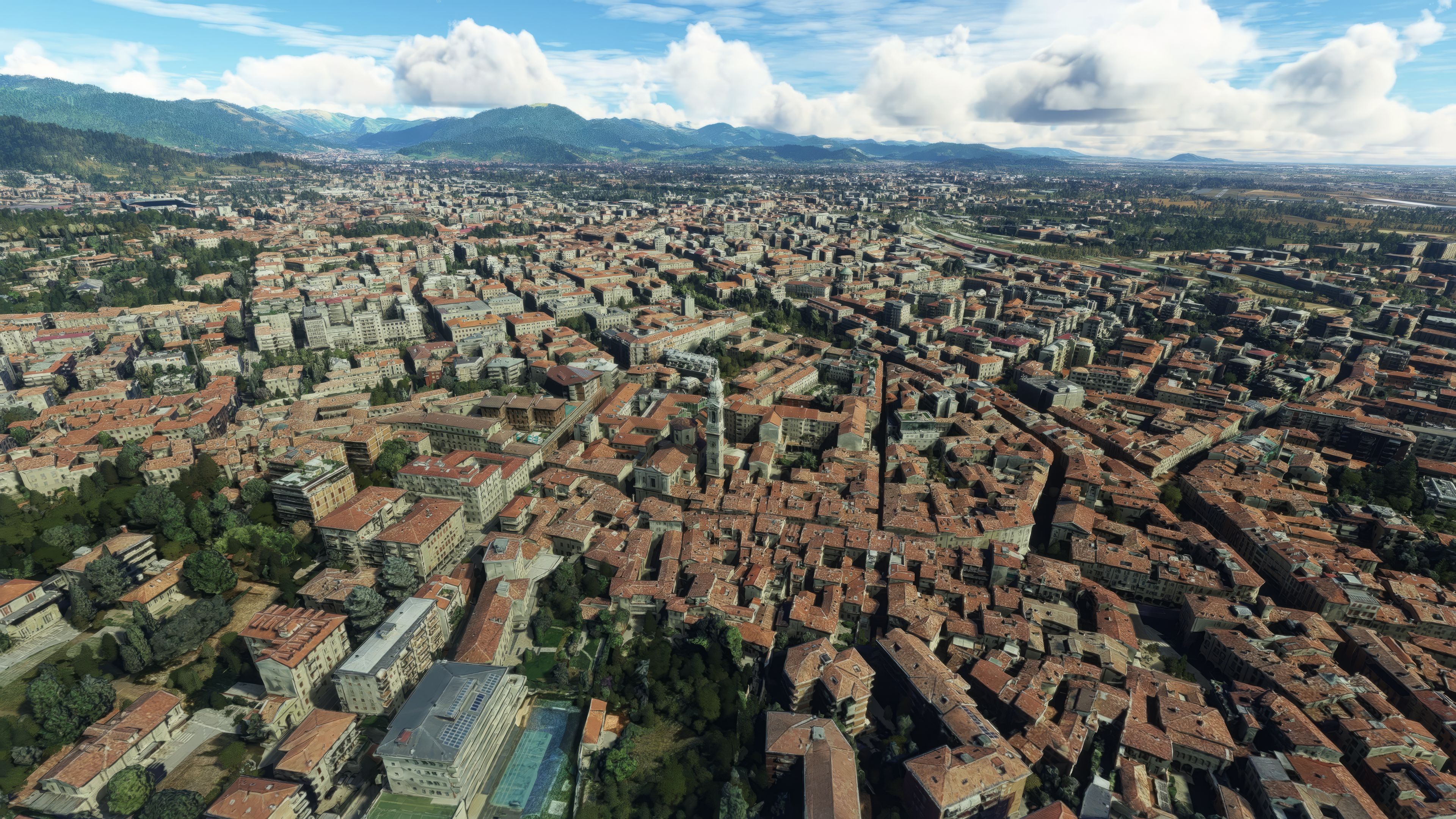
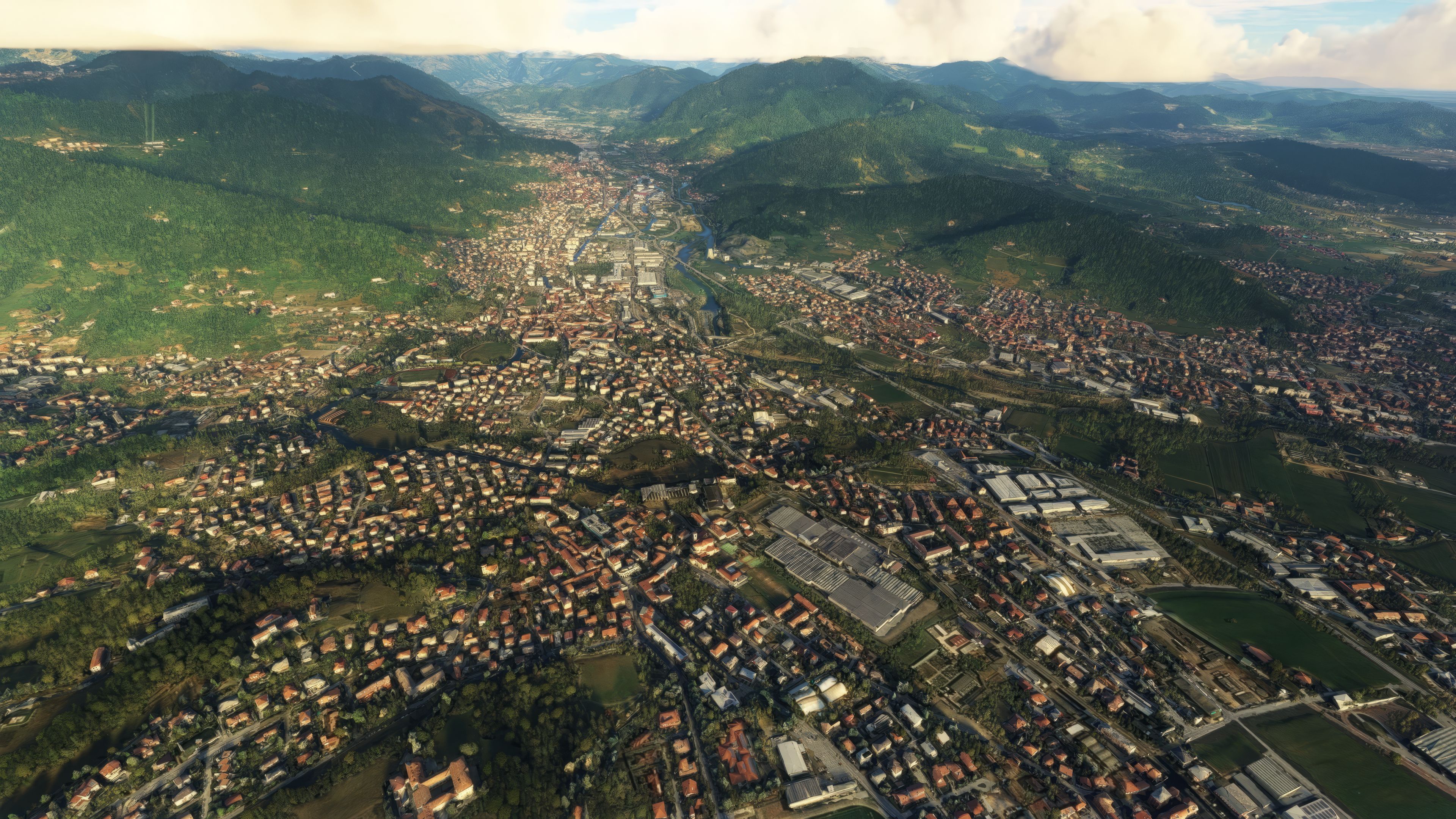
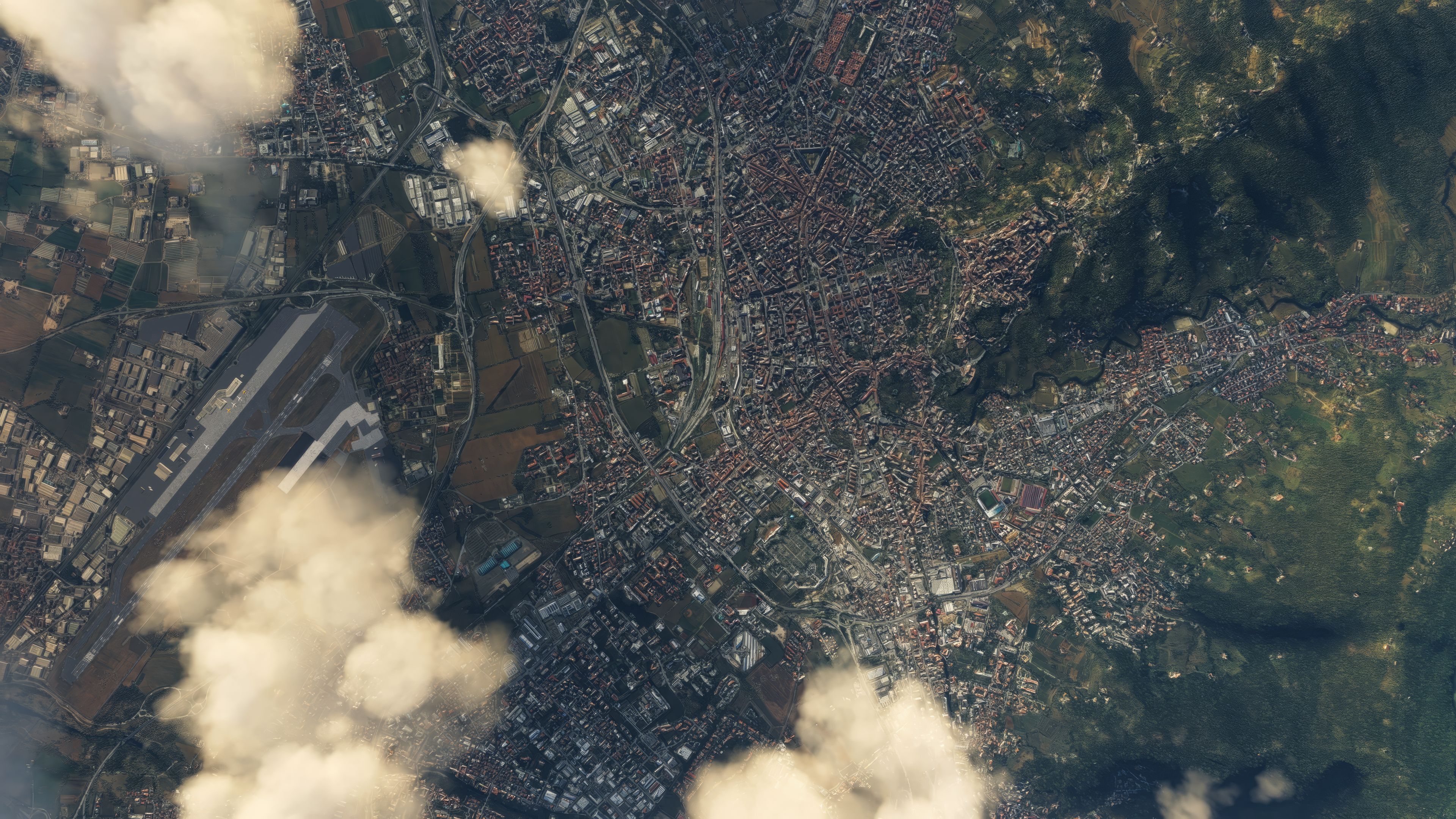
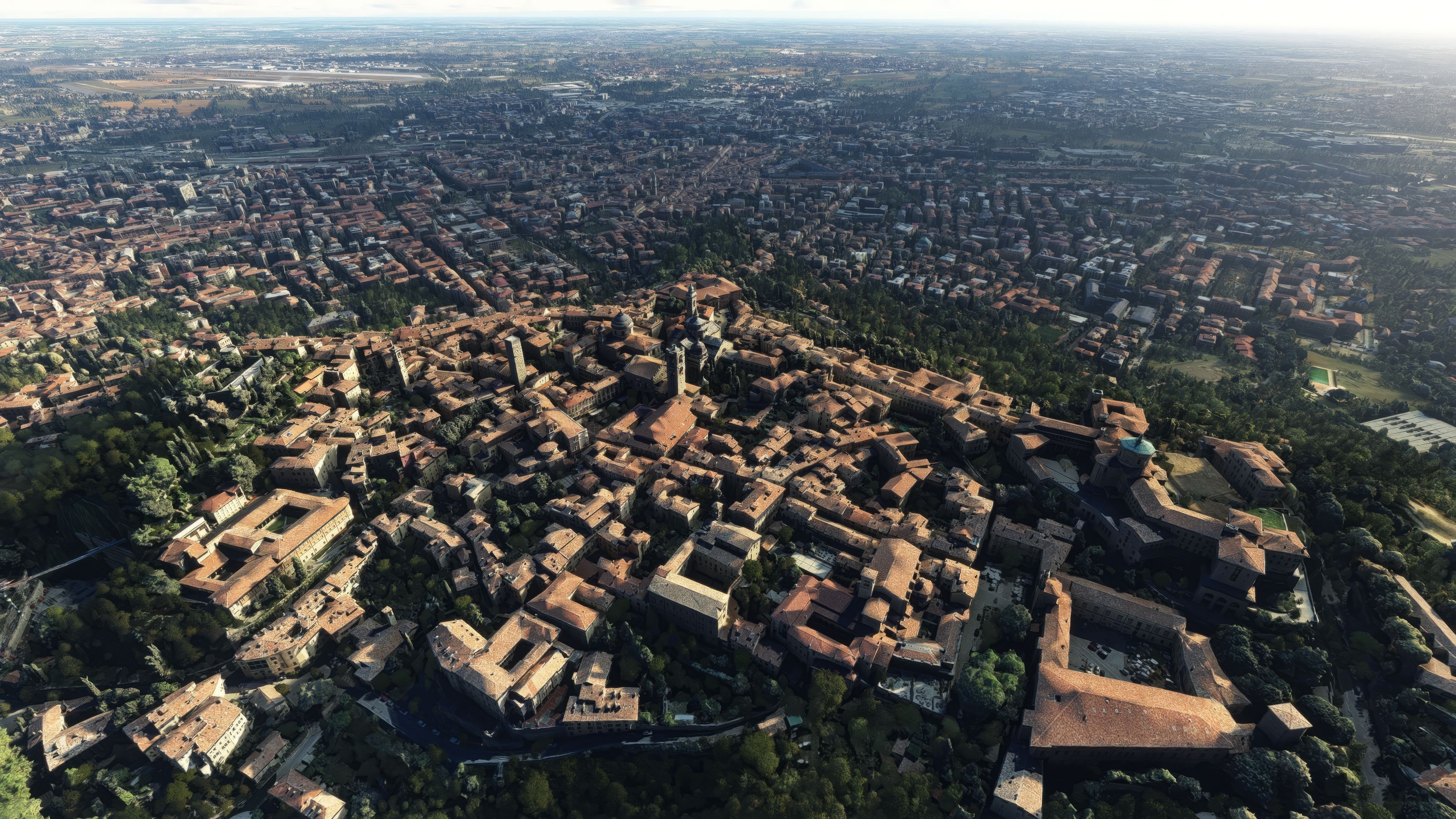
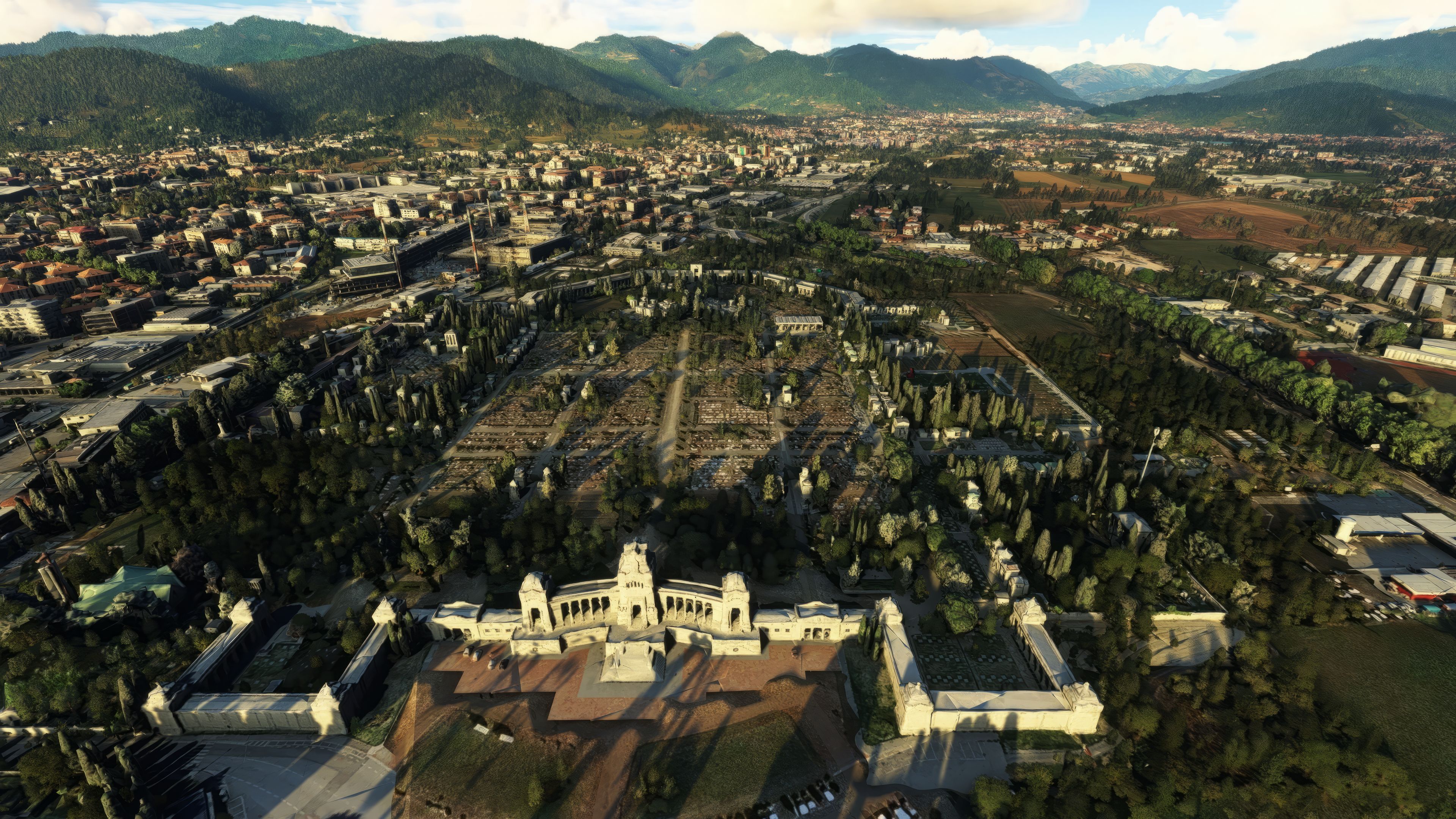
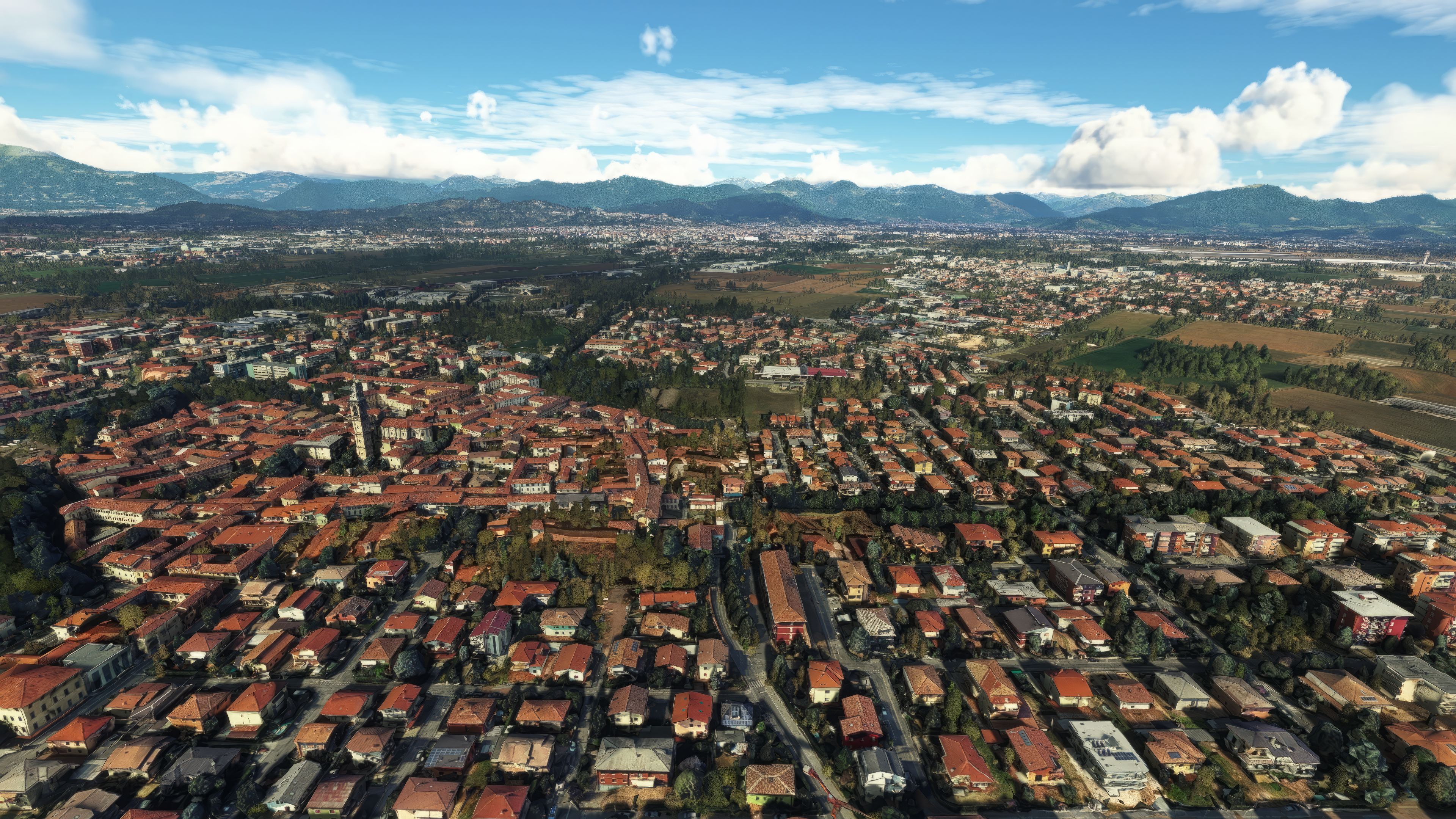
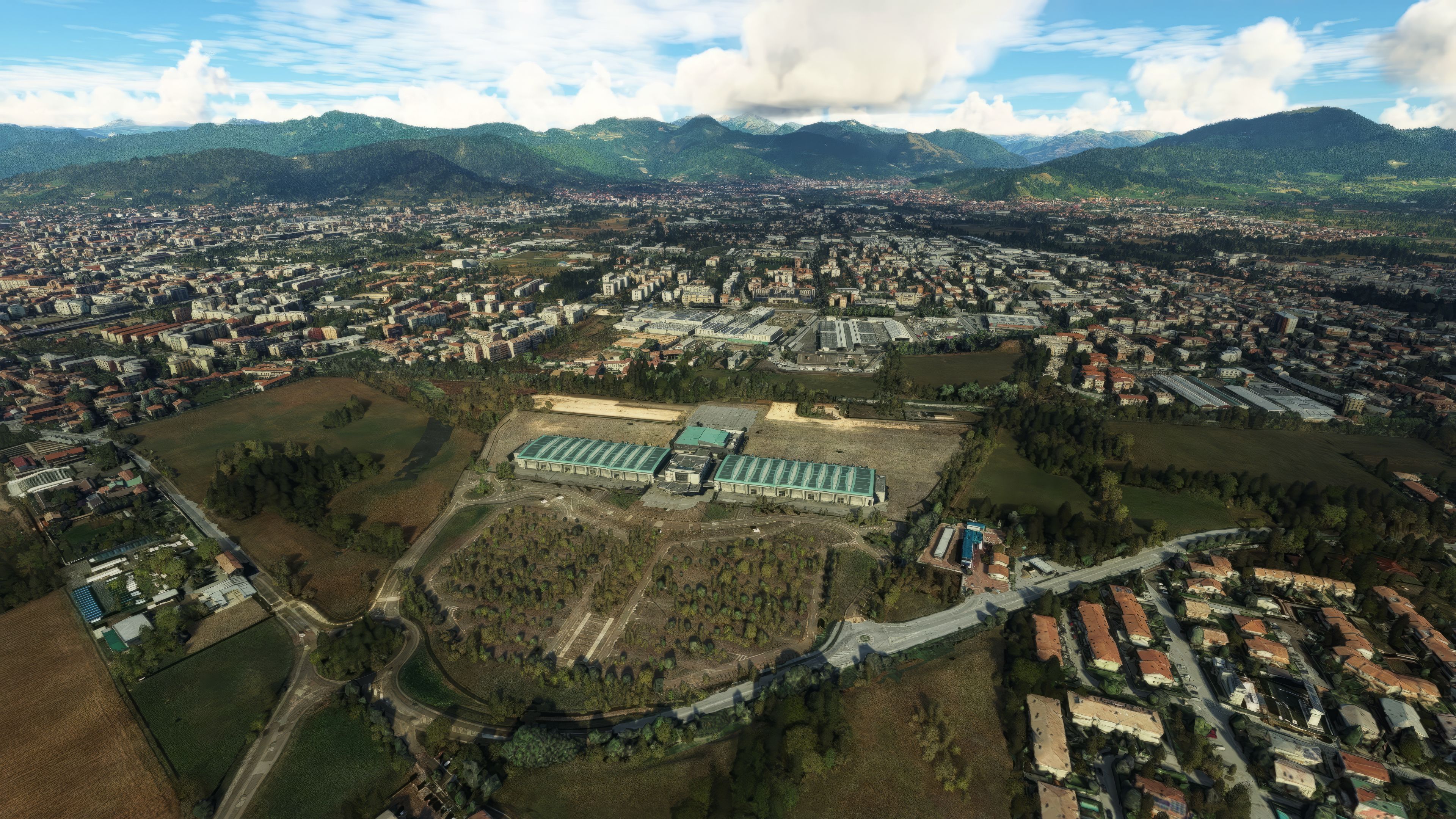
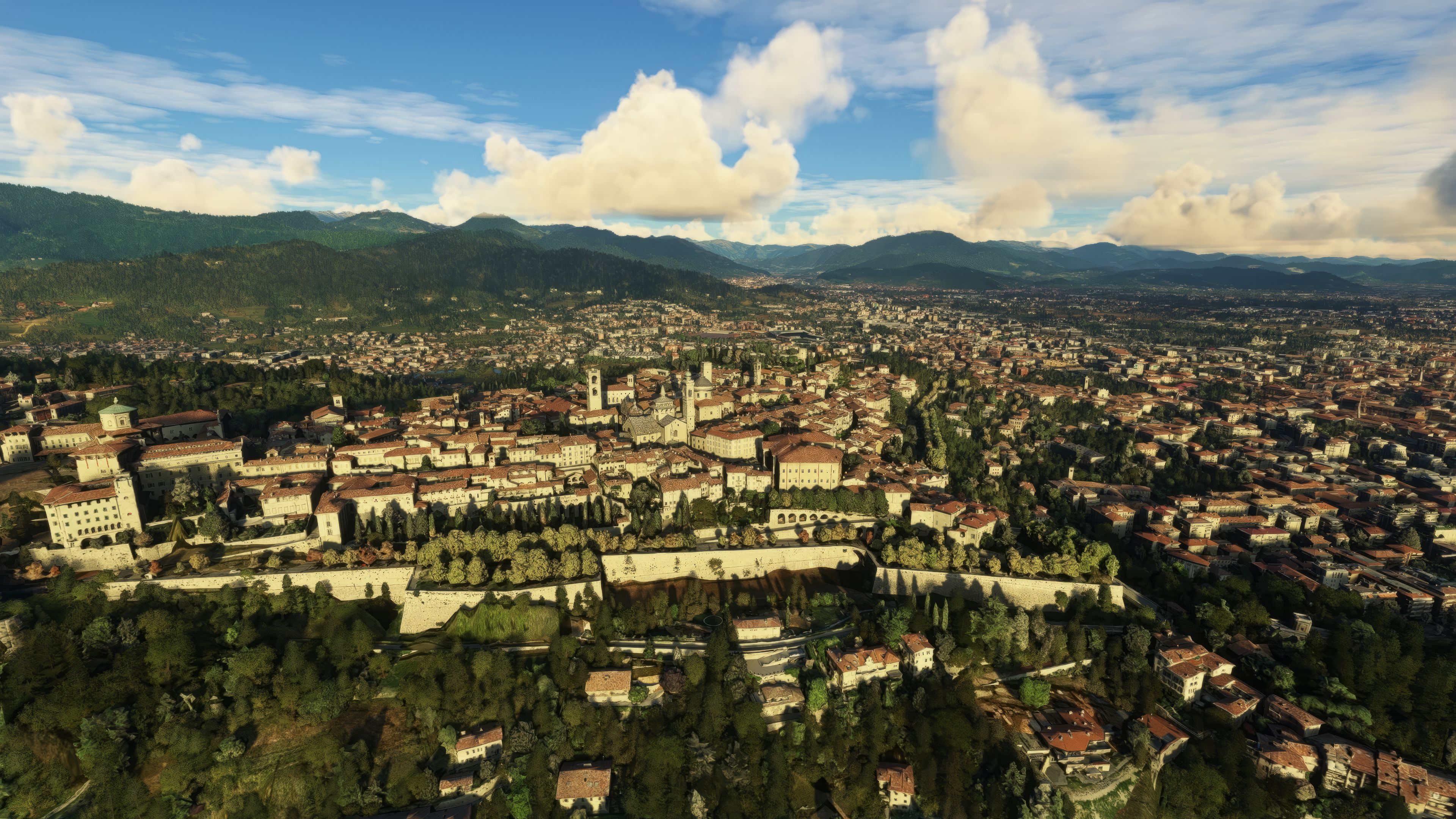
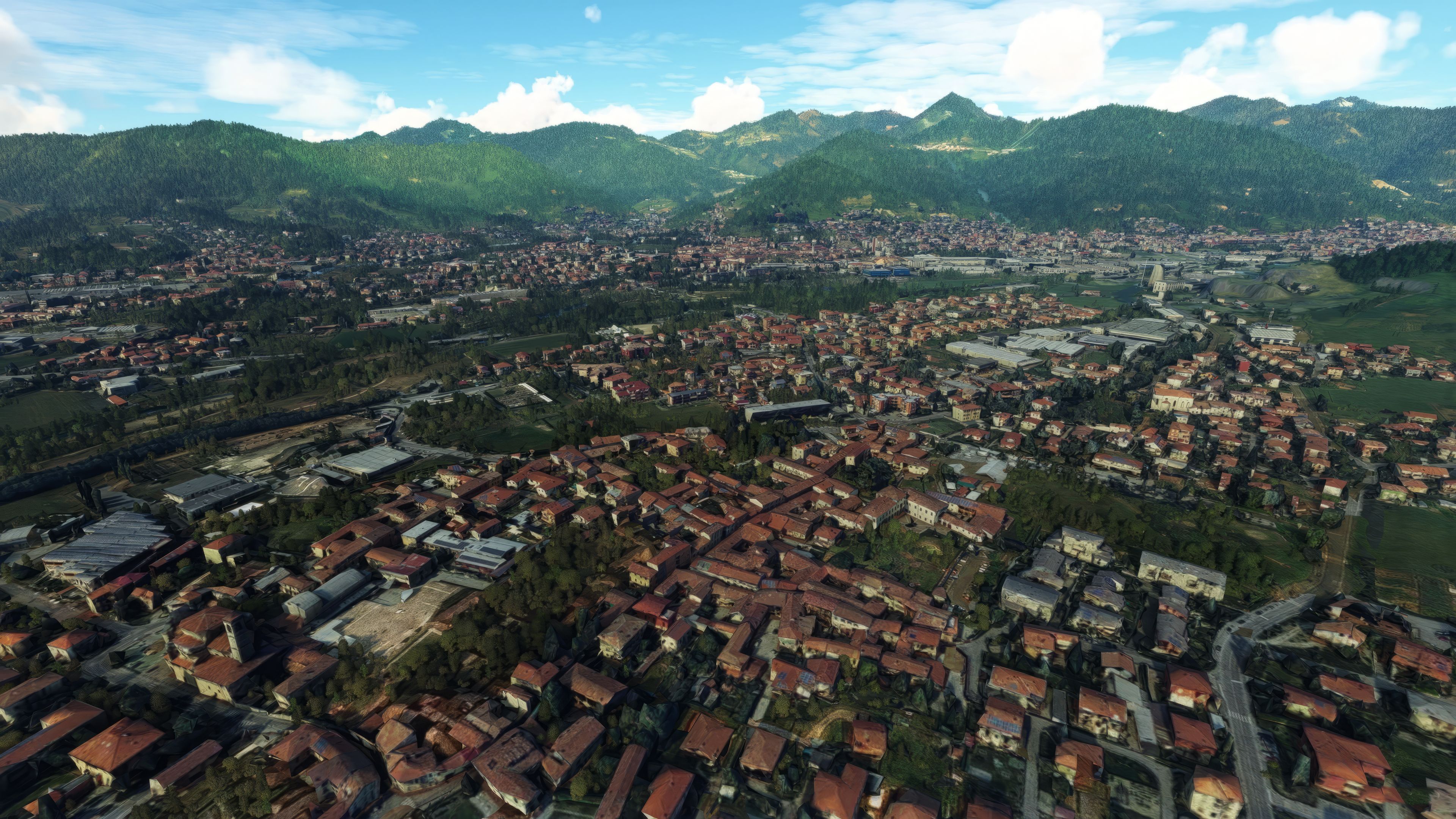
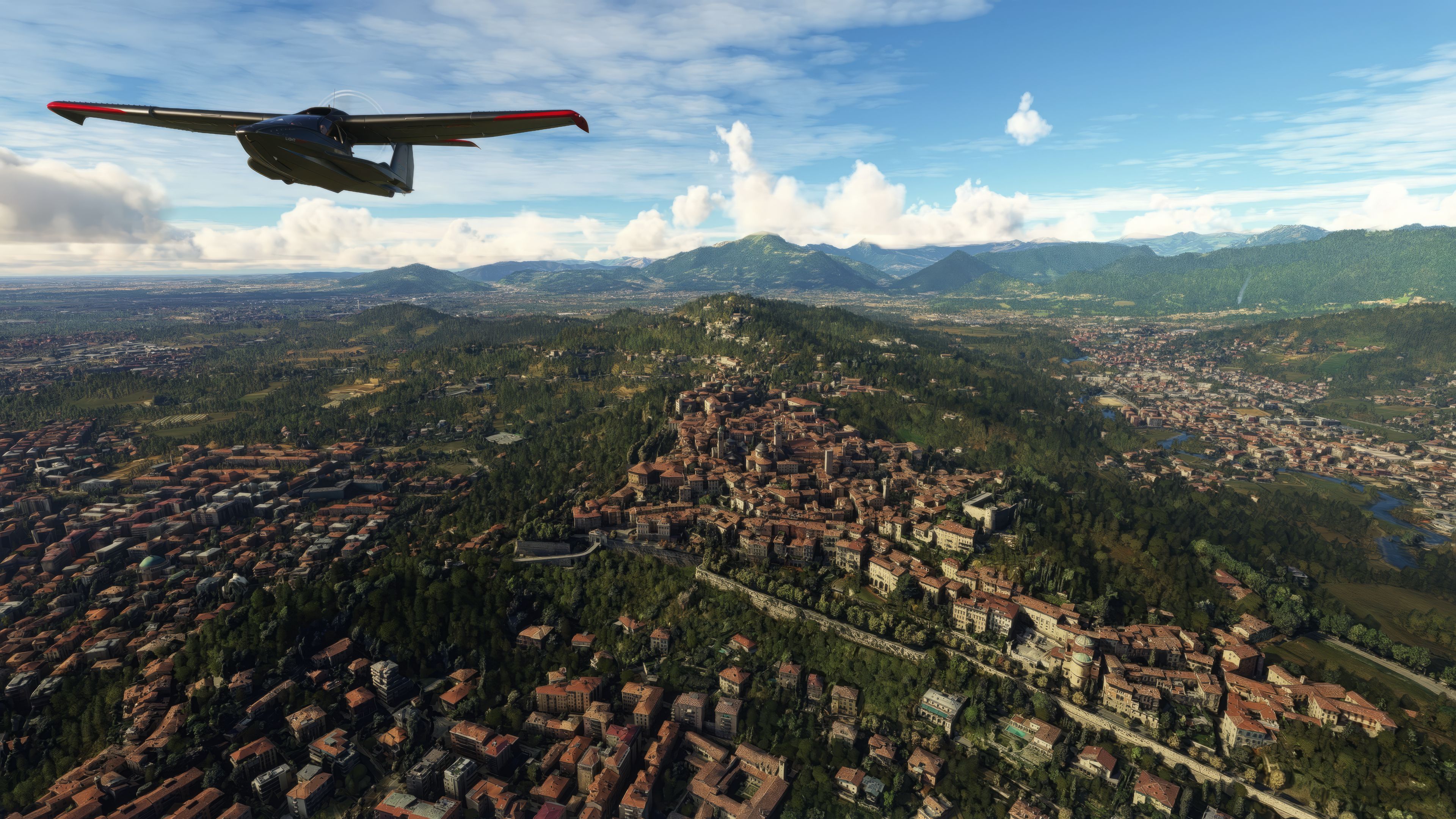
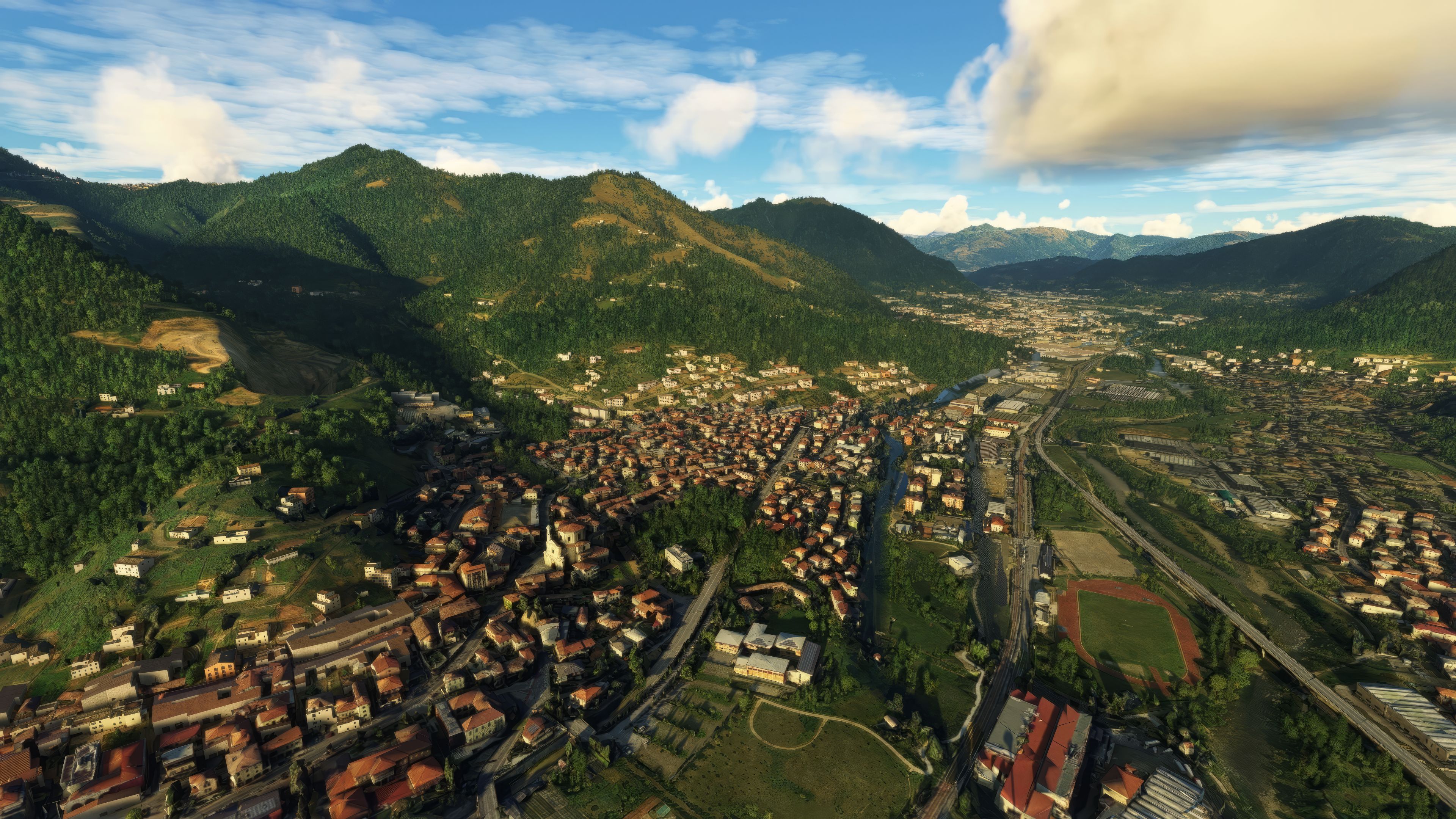
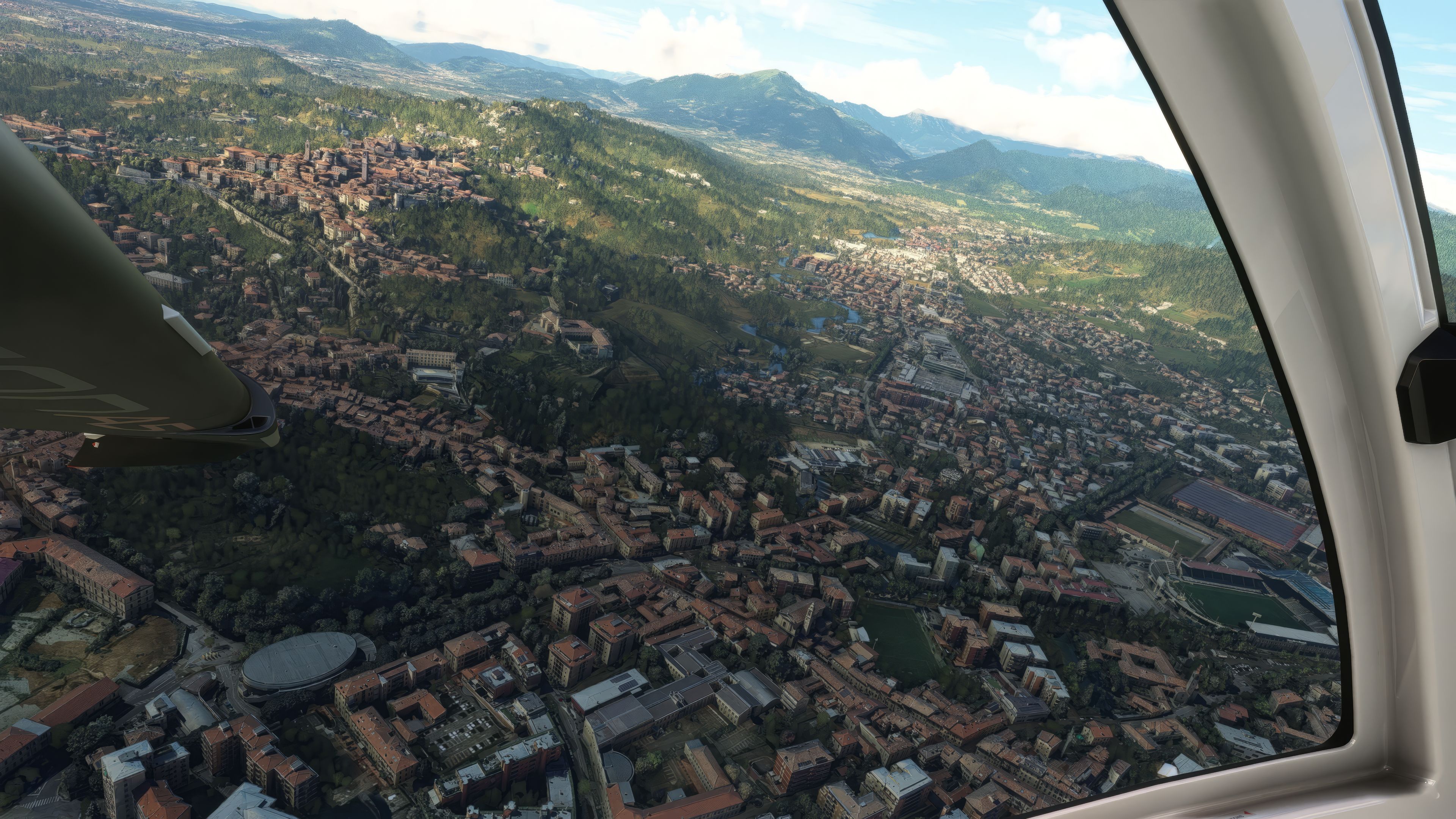
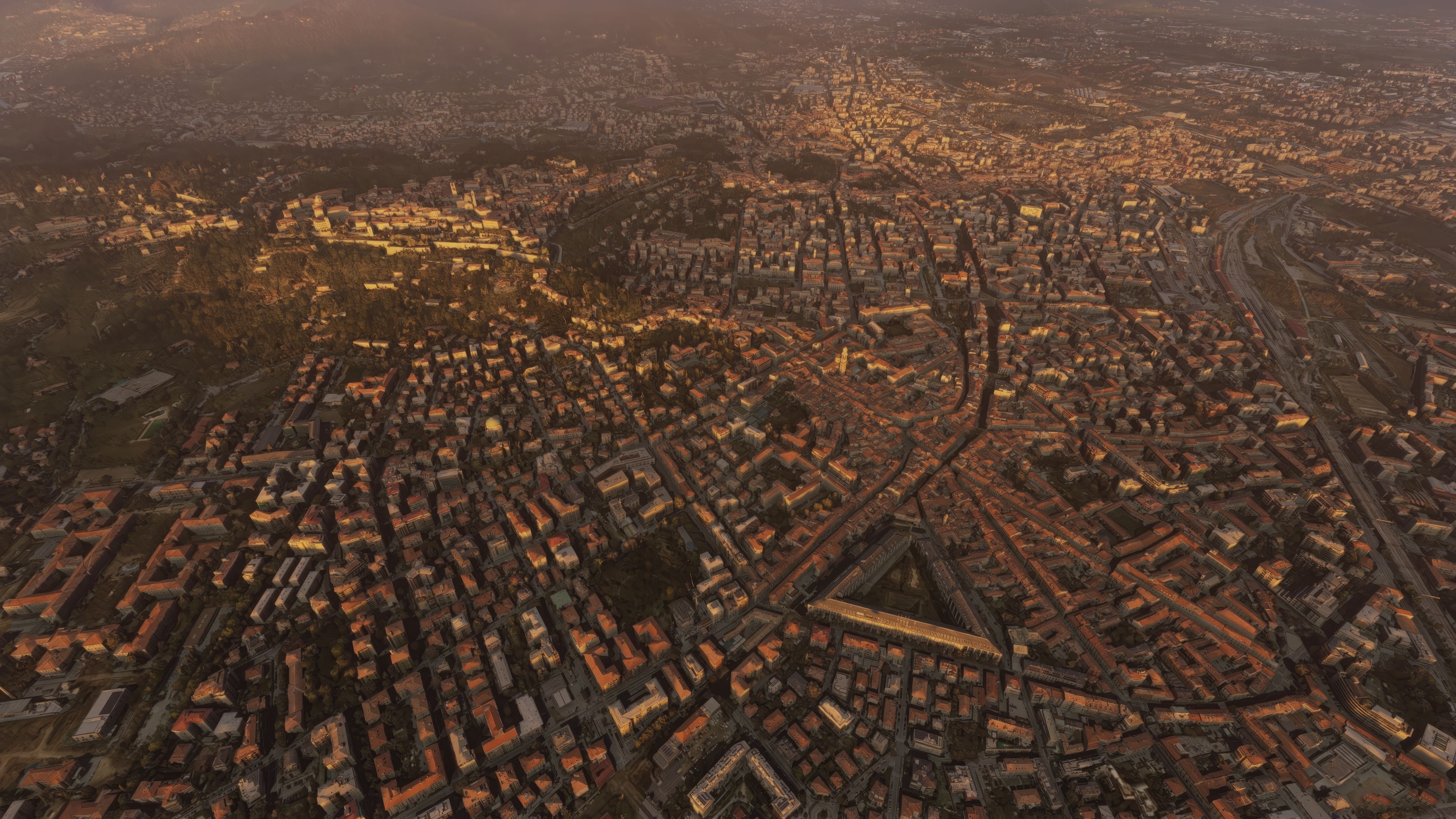
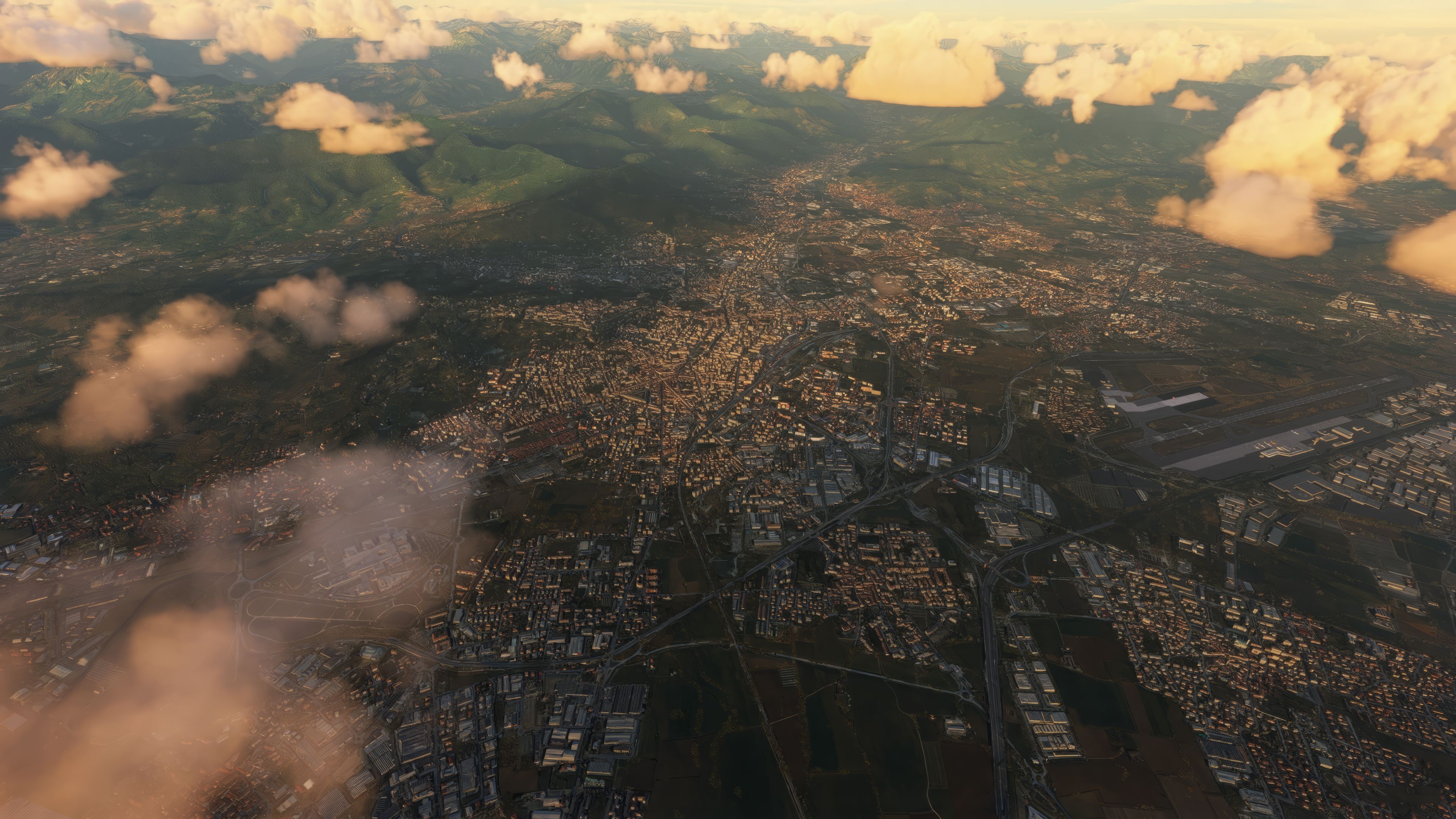
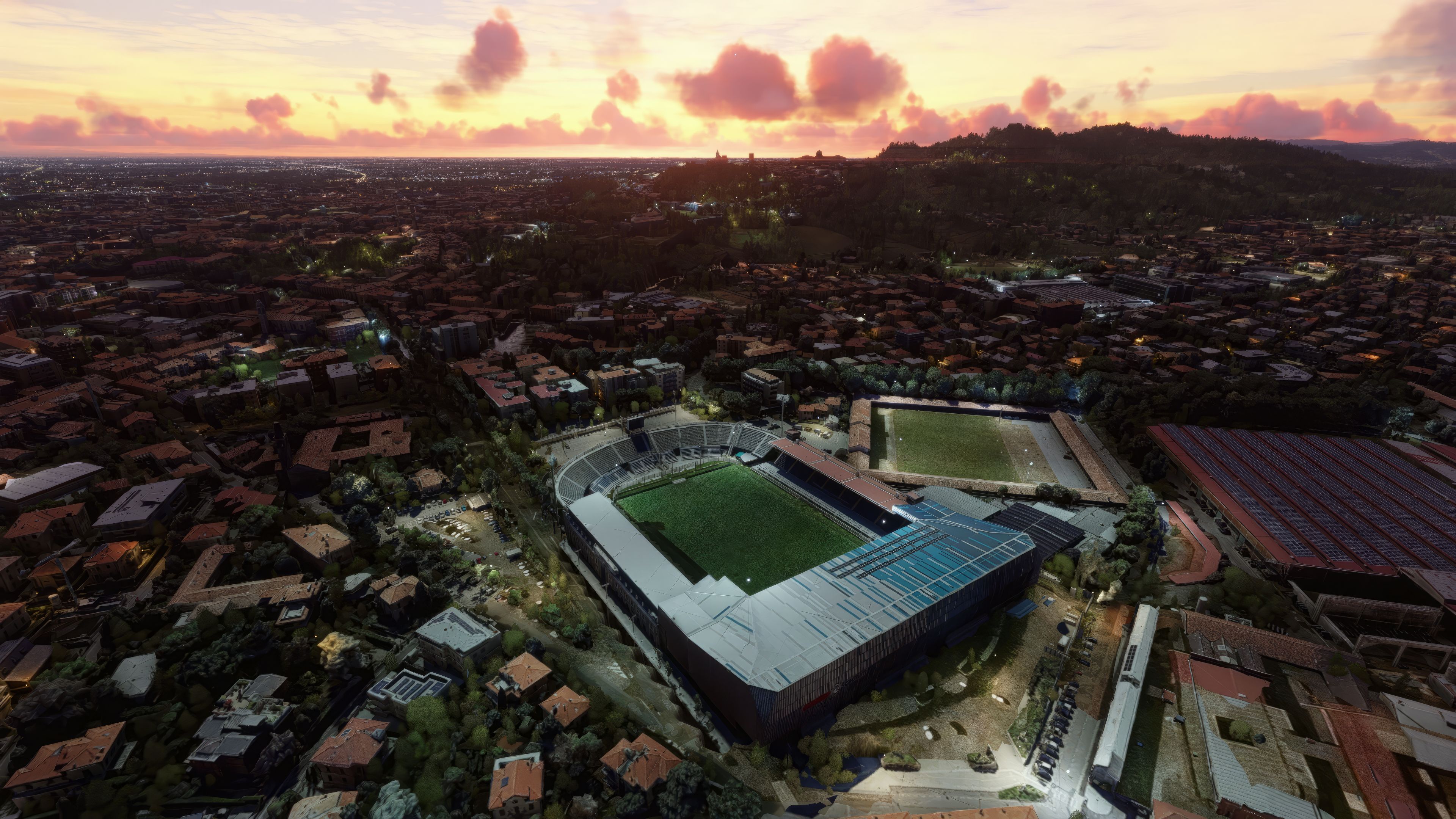

Having tested MSFS Bergamo City Scenery firsthand, I can confirm its remarkable photogrammetry-based detail, seamlessly integrating Northern Italy’s landscapes into your virtual cockpit. From the UNESCO-listed Venetian walls surrounding the historic Città Alta to the bustling modern city below, this add-on transforms Bergamo into an immersive environment where architectural nuances and stunning Alpine views truly shine.
Created with the Google Earth Decoder tool and meticulously aligned with MSFS 2020’s engine, it accurately portrays the region’s geographical contours while preserving authentic Italian architectural highlights. In my experience, it elevates the flying adventure for enthusiasts who crave both cultural and visual realism, and is a welcome enhancement for capturing Lombardy’s distinctive allure.
Embark on a virtual journey to the heart of Lombardy with the MSFS Bergamo City, Italy Scenery add-on. This meticulously crafted scenery mod enhances your Microsoft Flight Simulator (MSFS) 2020 release experience by bringing the enchanting city of Bergamo to life.
 Key Features
Bergamo, the fourth-largest city in Lombardy, boasts a rich tapestry of history and culture. The old walled core, Città Alta, is encircled by Venetian defensive systems, acknowledged as a UNESCO World Heritage Site. Its proximity to Milan and natural boundaries like the Bergamo Alps, and nearby alpine lakes, add to its scenic beauty. This add-on captures the essence of Bergamo's dual character - the historical splendor of the Upper Town and the modern vibrancy of the lower city.
Photogrammetry, a pivotal feature in modern flight simulation, involves creating 3D models from 2D photographs. In MSFS, this technology is leveraged to deliver hyper-realistic, detailed urban landscapes. By processing vast arrays of aerial images, the simulator constructs accurate, lifelike representations of geographical locations. This add-on exploits the full potential of photogrammetry, as seen in its detailed textures and structures, providing an immersive flying experience.
This scenery has been developed using the Google Earth Decoder tool, a testament to the community's innovative spirit in enhancing simulation realism. It integrates seamlessly with MSFS, offering an uninterrupted and cohesive experience. Furthermore, the scenery respects the geographical and architectural integrity of Bergamo, ensuring a true-to-life representation.
A special thanks to Microsoft and Asobo for their groundbreaking MSFS platform. Acknowledgment also goes to the creators of the Google Earth Decoder tool for their invaluable contribution. Lastly, gratitude is extended to Google for the 3D data used in crafting this scenery.
The MSFS Bergamo City, Italy Scenery add-on is more than just a visual enhancement; it's a tribute to the beauty and heritage of Bergamo. For flight simulation enthusiasts seeking a blend of historical charm and modernity, this freeware mod is a must-have in your MSFS collection.
Simply extract the archive and copy the two folders, thalixte-bergamo1 and thalixte-bergamo2 into your MSFS community folder.
Free for all simmers · 3.43 GB · Scanned clean Oct 2026
Download speed: Free tier is capped at 2 Mbps (this file takes approximately 4h 5m at the cap). PRO members download at full line speed.
%LOCALAPPDATA%\Packages\Microsoft.FlightSimulator_8wekyb3d8bbwe\LocalCache\Packages\Community\. Steam version: %APPDATA%\Microsoft Flight Simulator\Packages\Community\. Tip: enable Developer Mode in MSFS to see your exact Community folder path.readme.txt or README file. It tells you exactly where files go, what dependencies are needed, and any quirks specific to this add-on.Thalixte is a developer that has focused on creating photogrammetry and scenery packs for the latest Microsoft Flight Simulator (MSFS) 2020 release. All of this developer's releases have received fantastic feedback from many users on various flight sim websites including Fly Away Simulation.
Based in France, the developer tends to focus on creation of European packs however some "further afield" packs have also been created.
Are you Thalixte? Sign in to Fly Away Creators for download stats, comment replies and updates. Make add-ons? Publish them here.
Only PRO members can place votes.
More MSFS add-ons hand-picked based on this download.
MSFS Scenery
A large freeware scenery add-on pack put together by the developer who goes b…
 MSFS Scenery
A complete replacement using newer (and more detailed) photogrammetric data c…
 MSFS Scenery
A brand new, version 2 (enhanced) scenery pack covering the entire area of th…
 MSFS Scenery
Discover the MSFS Rio de Janeiro City Scenery add-on, a photogrammetry master…
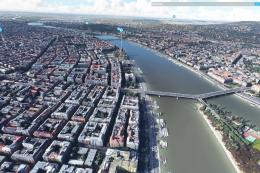 MSFS Scenery
A complete rework and replacement freeware scenery mod for the city of Budape…
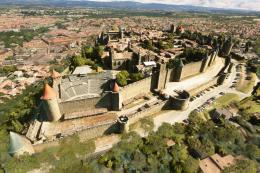 MSFS Scenery
Step into a world of historical authenticity and stunning detail with the Car…
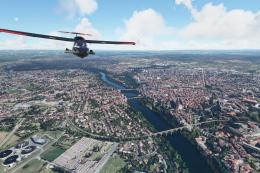 MSFS Scenery
A complete pack for Microsoft Flight Simulator (MSFS) 2020 release bringing A…
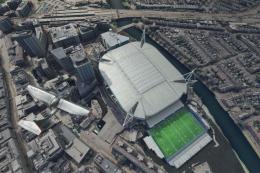 MSFS Scenery
Explore Cardiff like never before with the MSFS Cardiff City Scenery add-on f…
Be the first to leave a comment on this download.
Be the first to share your thoughts on this download.