


 United States of America

 MSFS Scenery
Princess Margaret Bridge Fredericton
NonSmallJohn’s Princess Margaret Bridge scenery adds the two-lane highway bri…
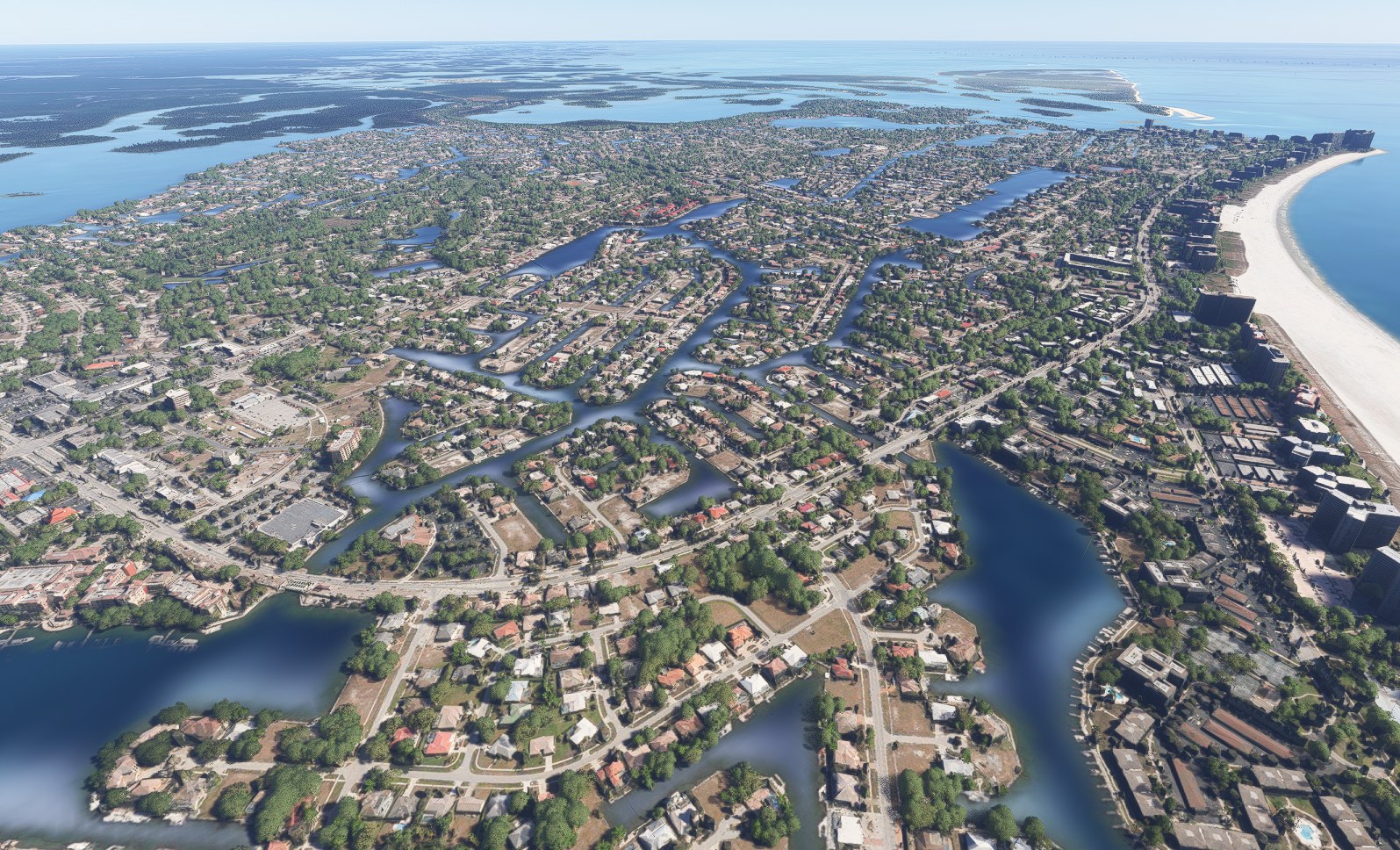
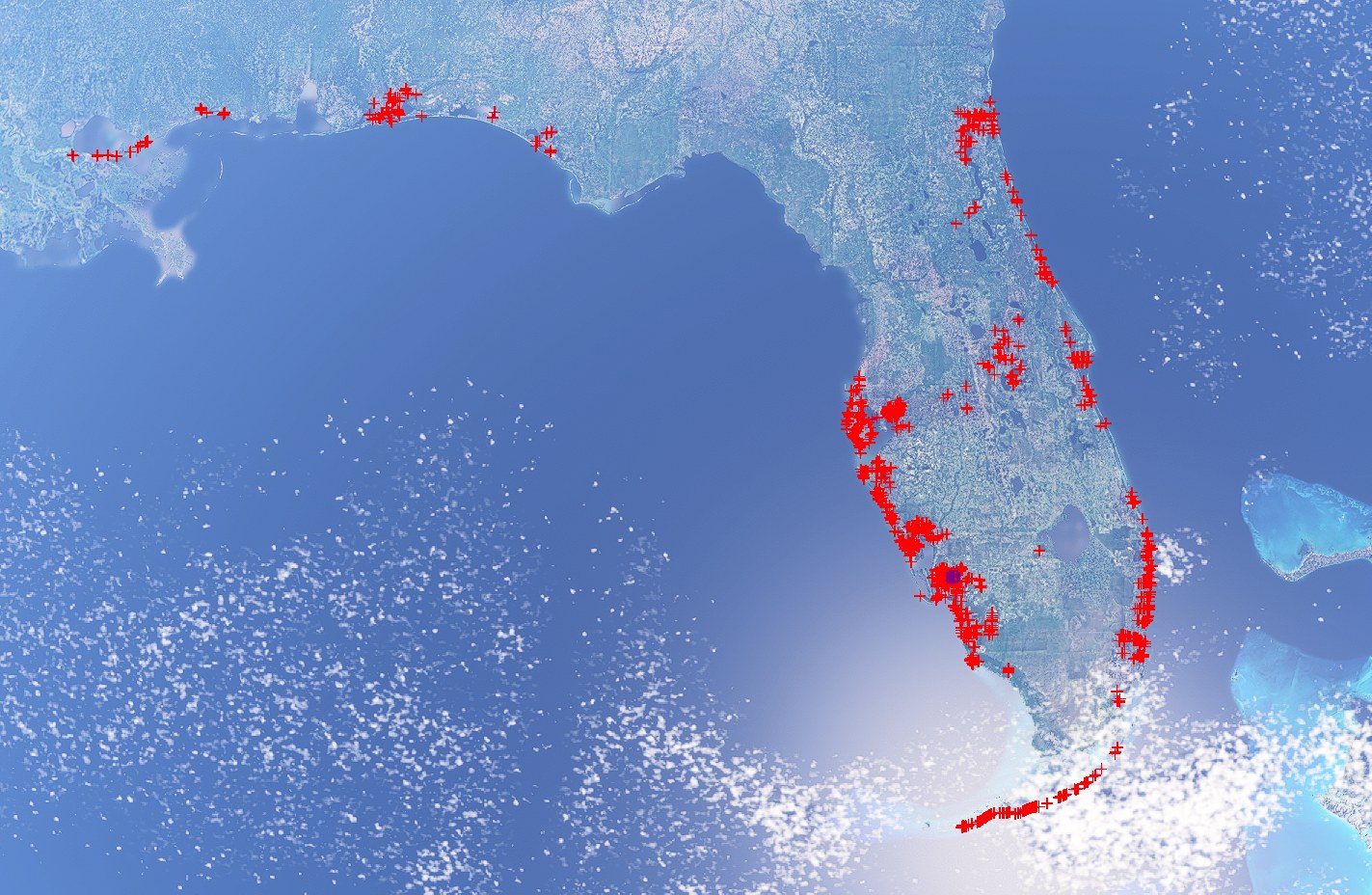
Florida bridge scenery repairs or rebuilds more than 1,500 default crossings in Microsoft Flight Simulator 2024, covering Orlando, Jacksonville, Miami, Fort Myers, Tampa, Sarasota, the Everglades and the Keys. It refines bridge geometry for low-level flights across coastal waterways and island road links while maintaining compatibility with RKBridger’s Florida West Coast and Jacksonville bridge packages.
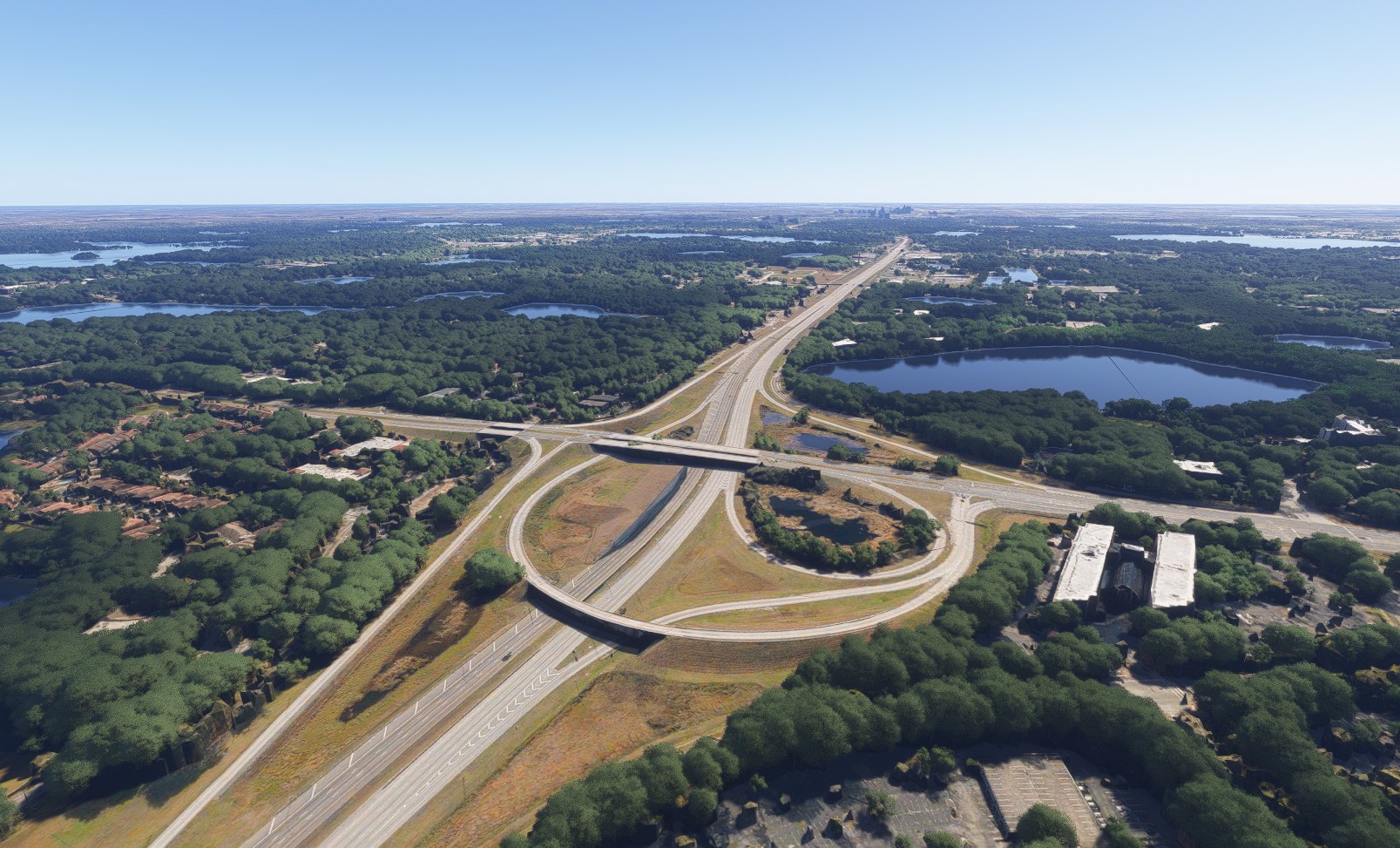
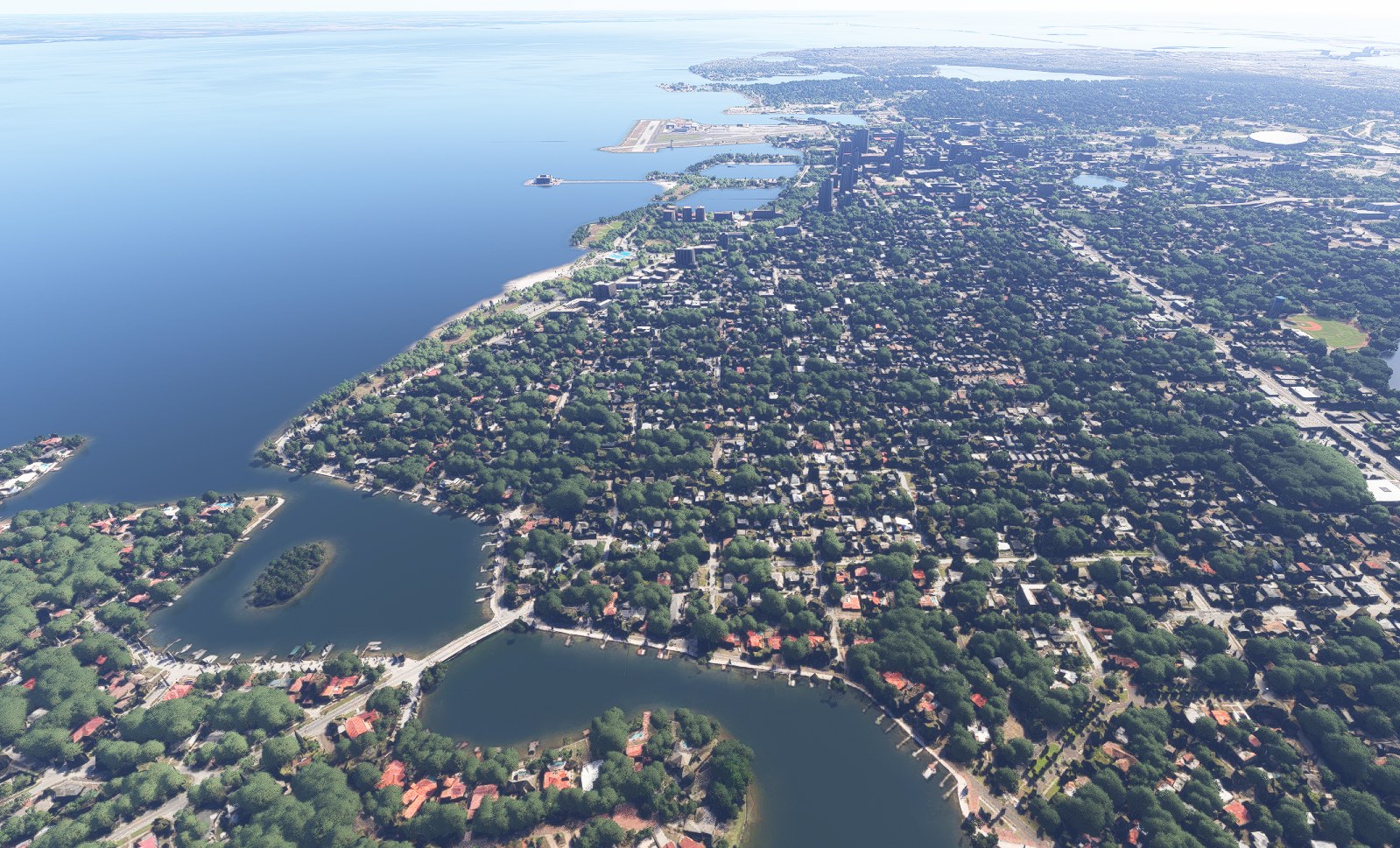
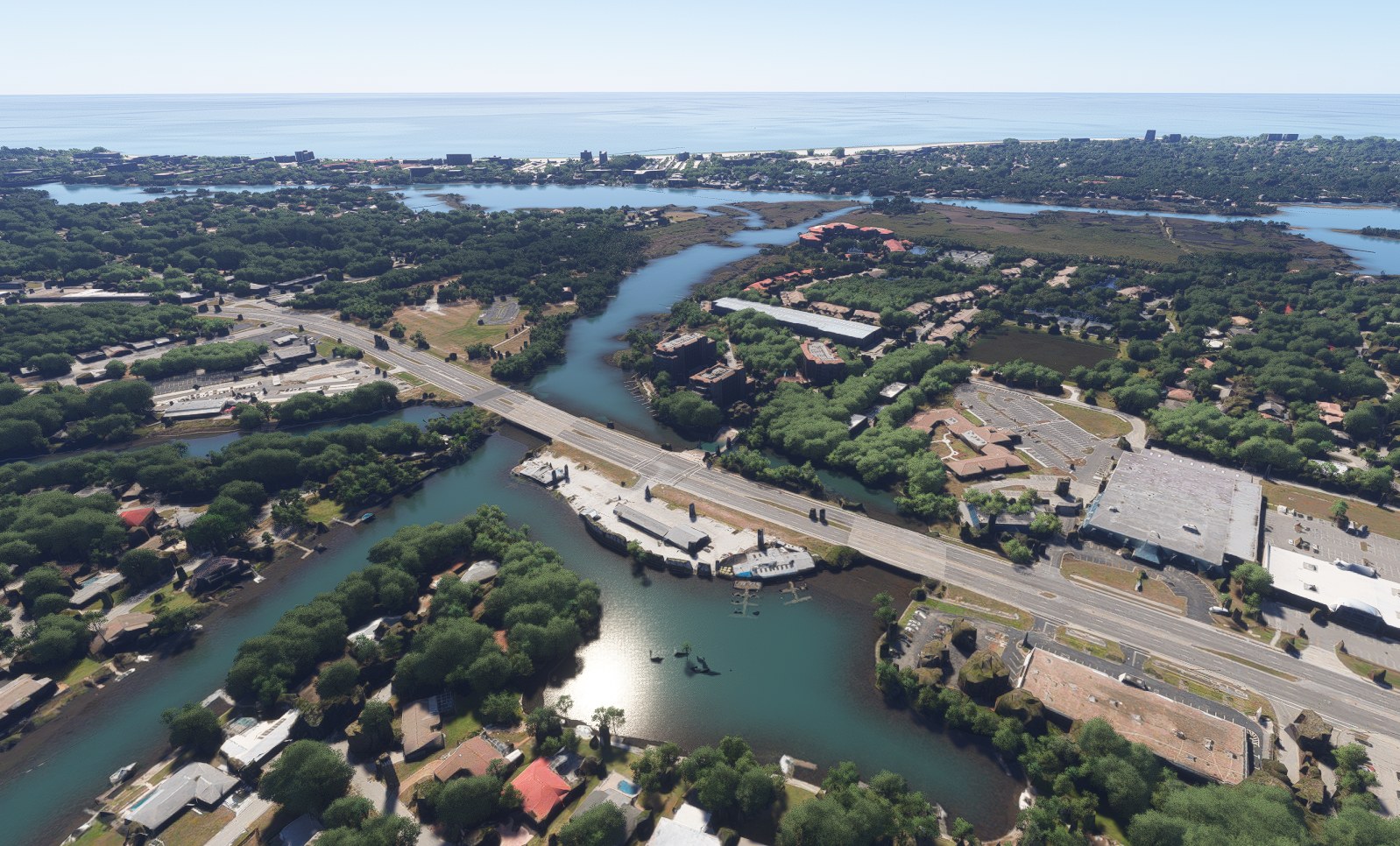
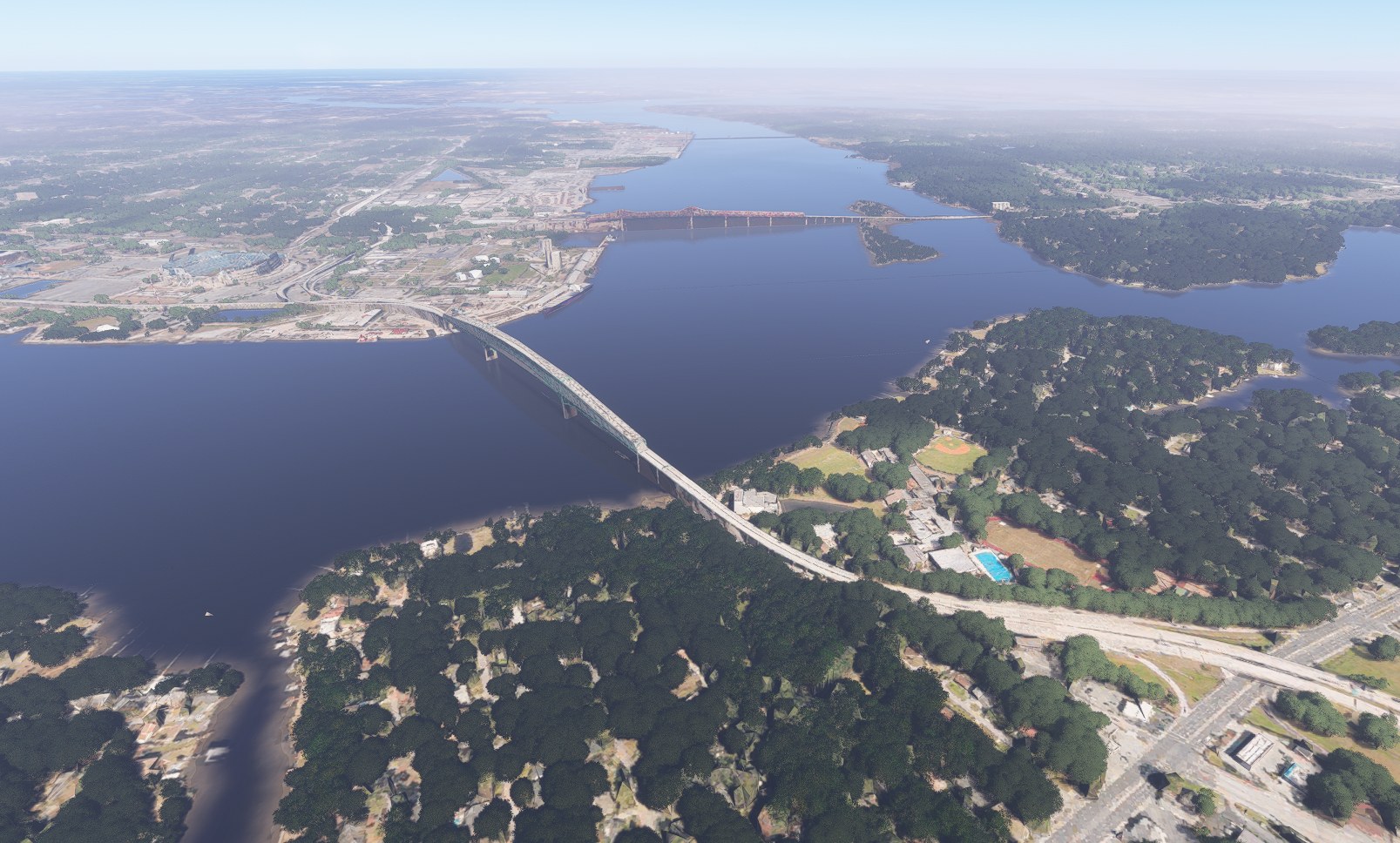
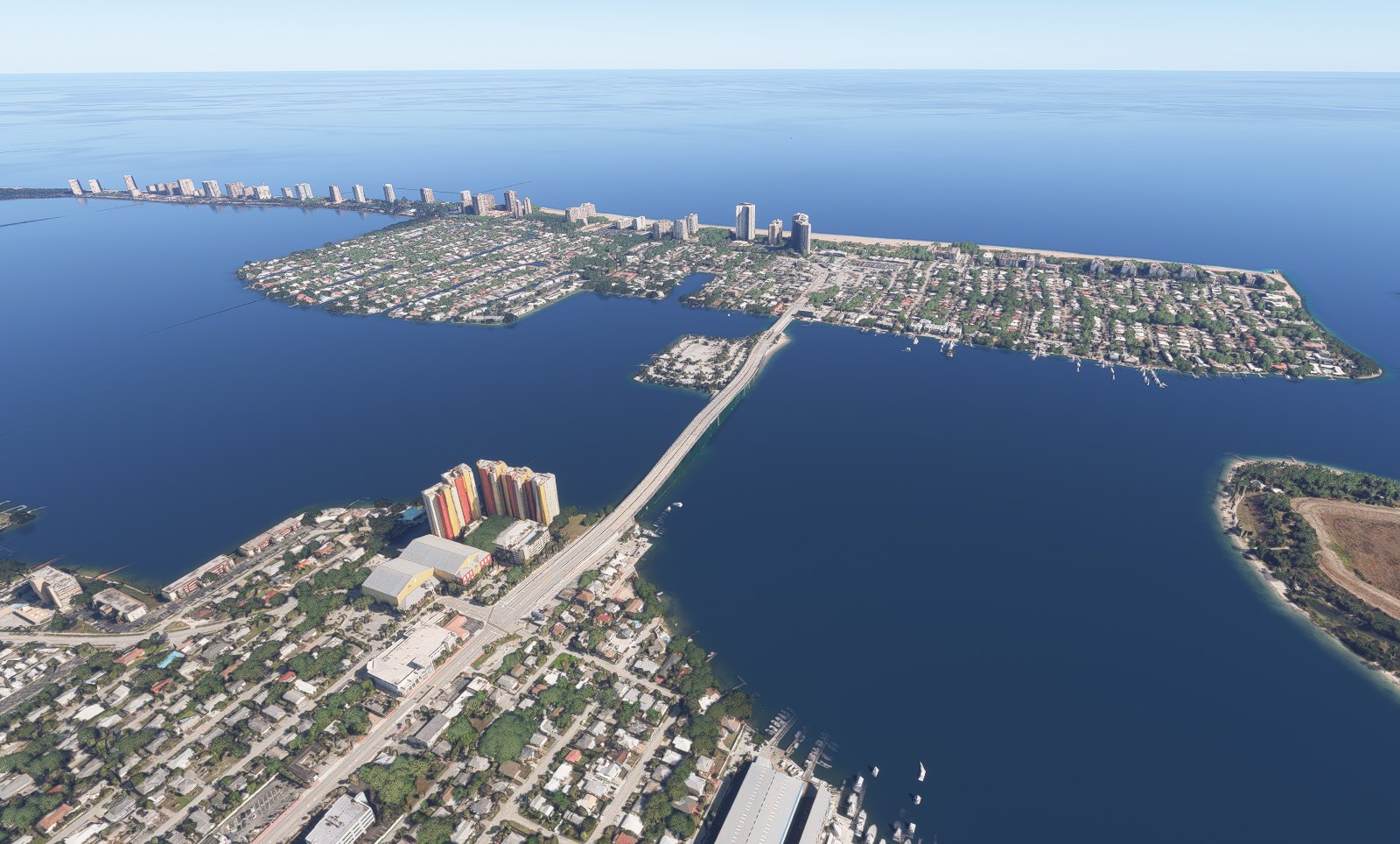
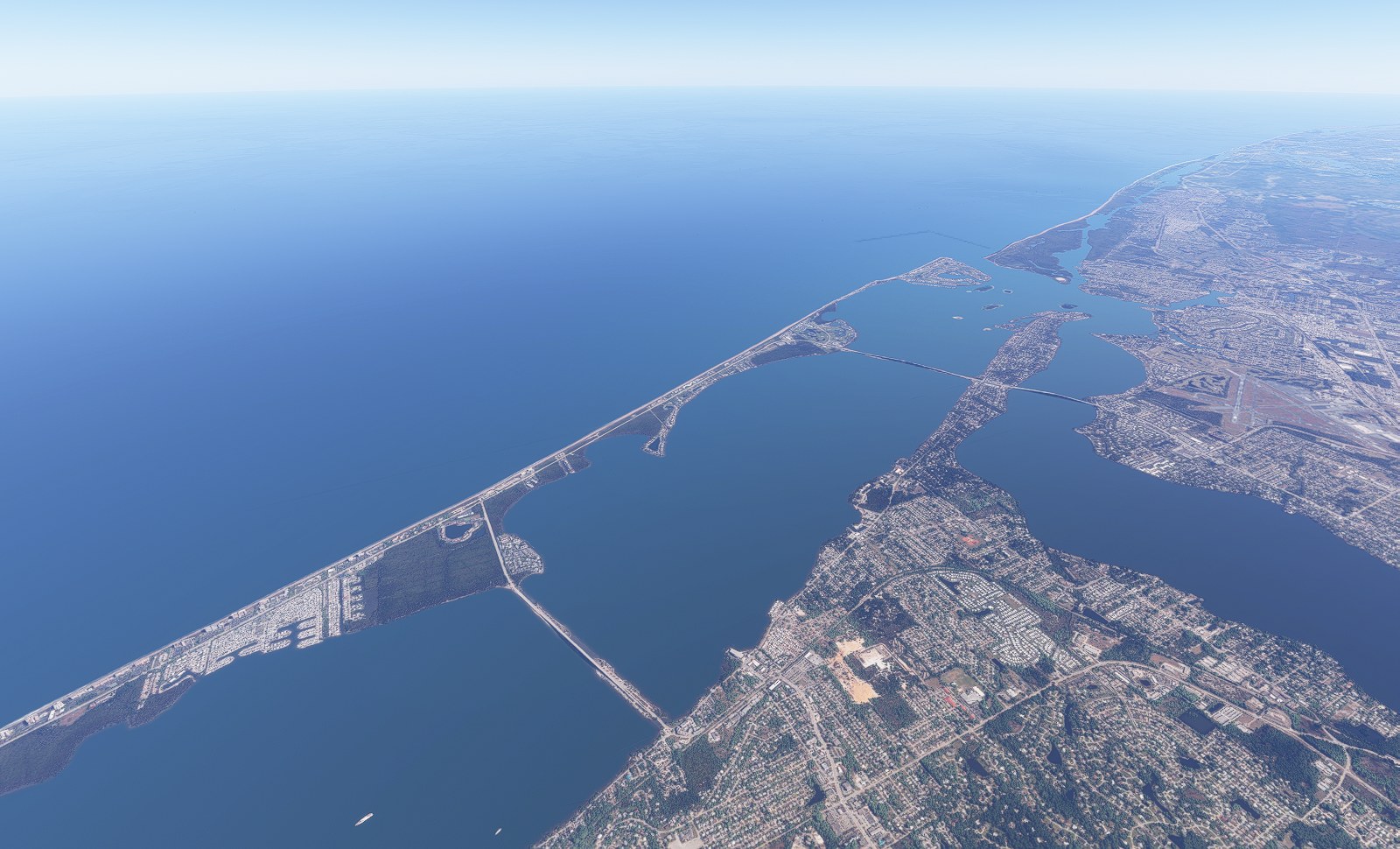
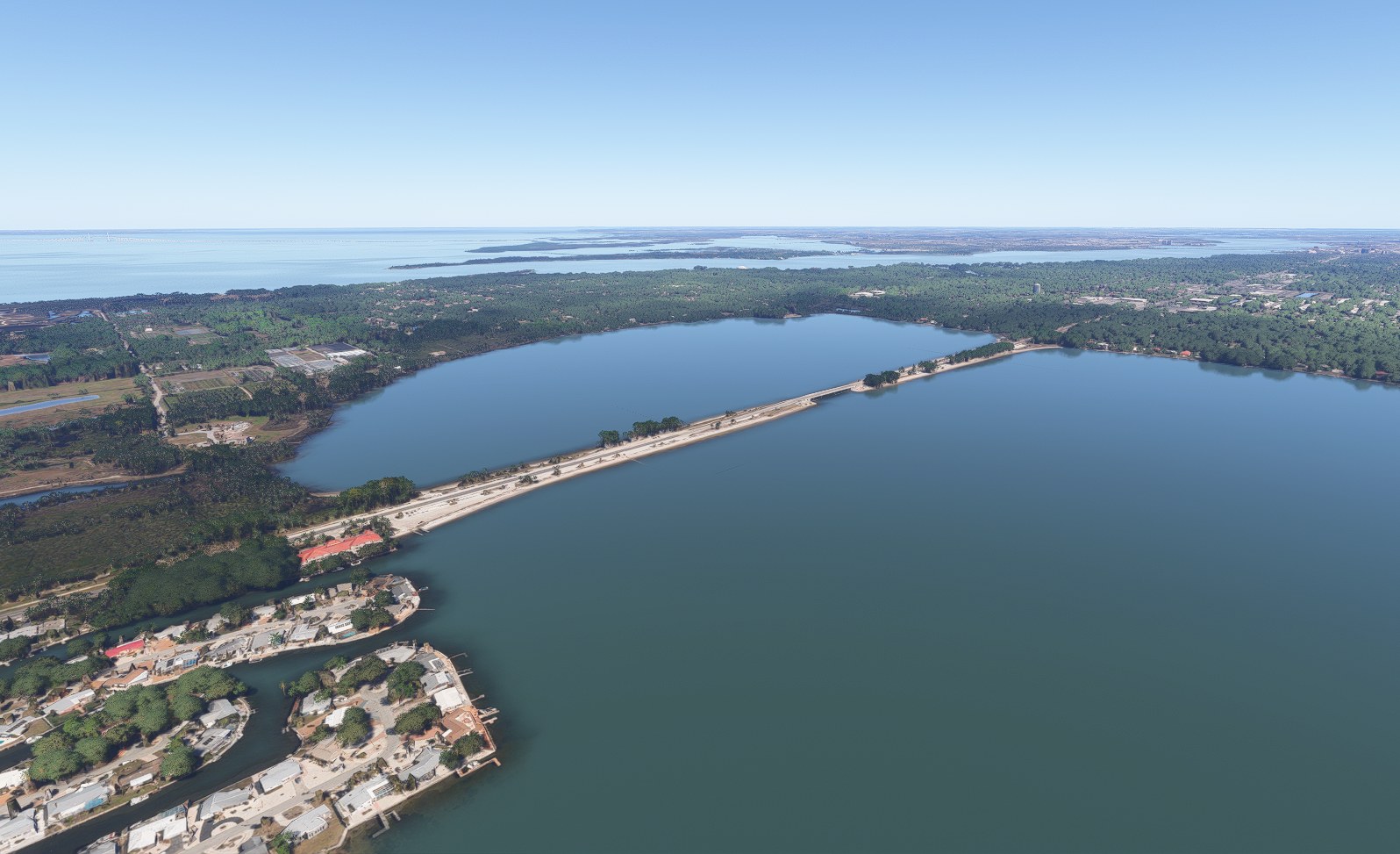
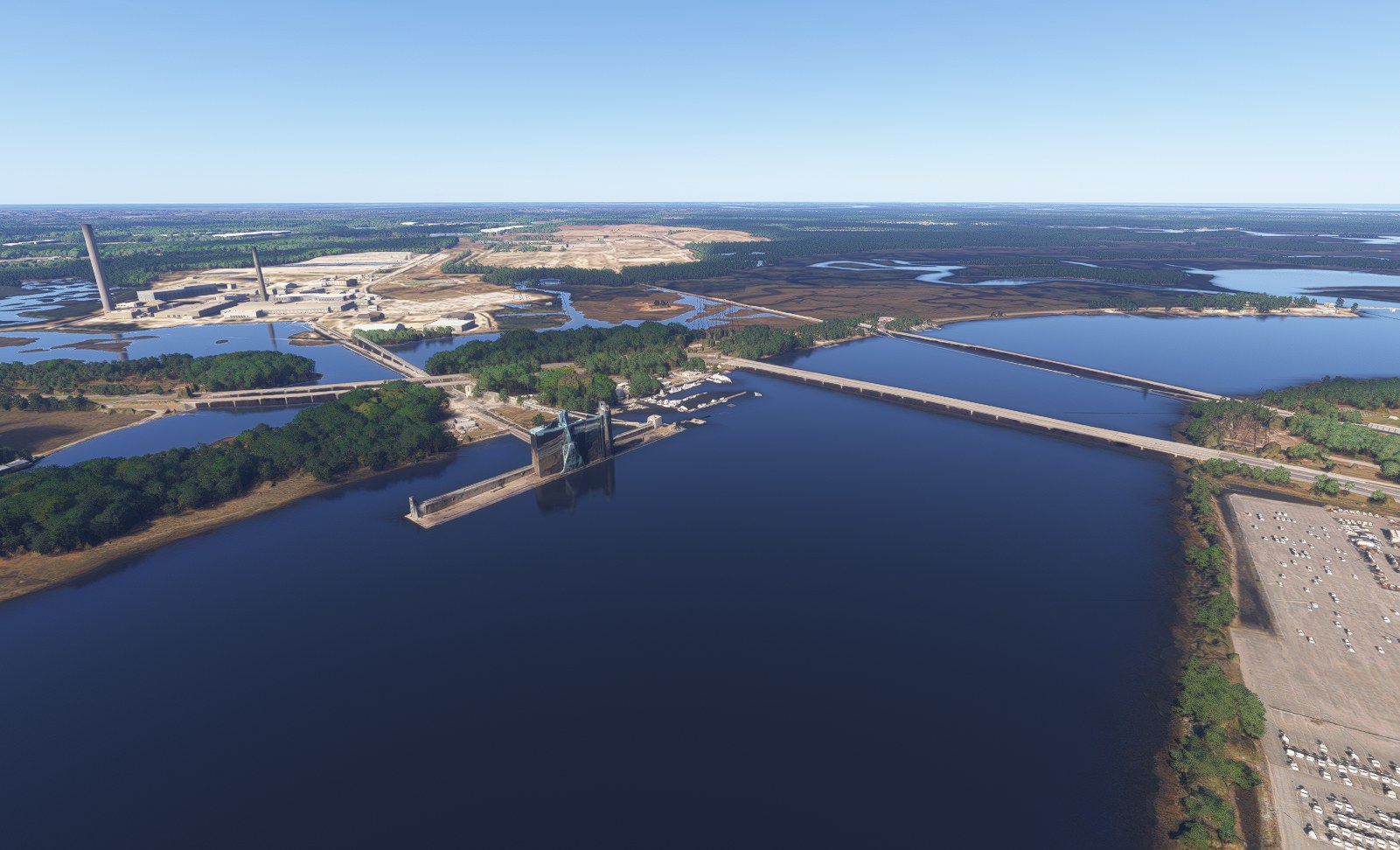
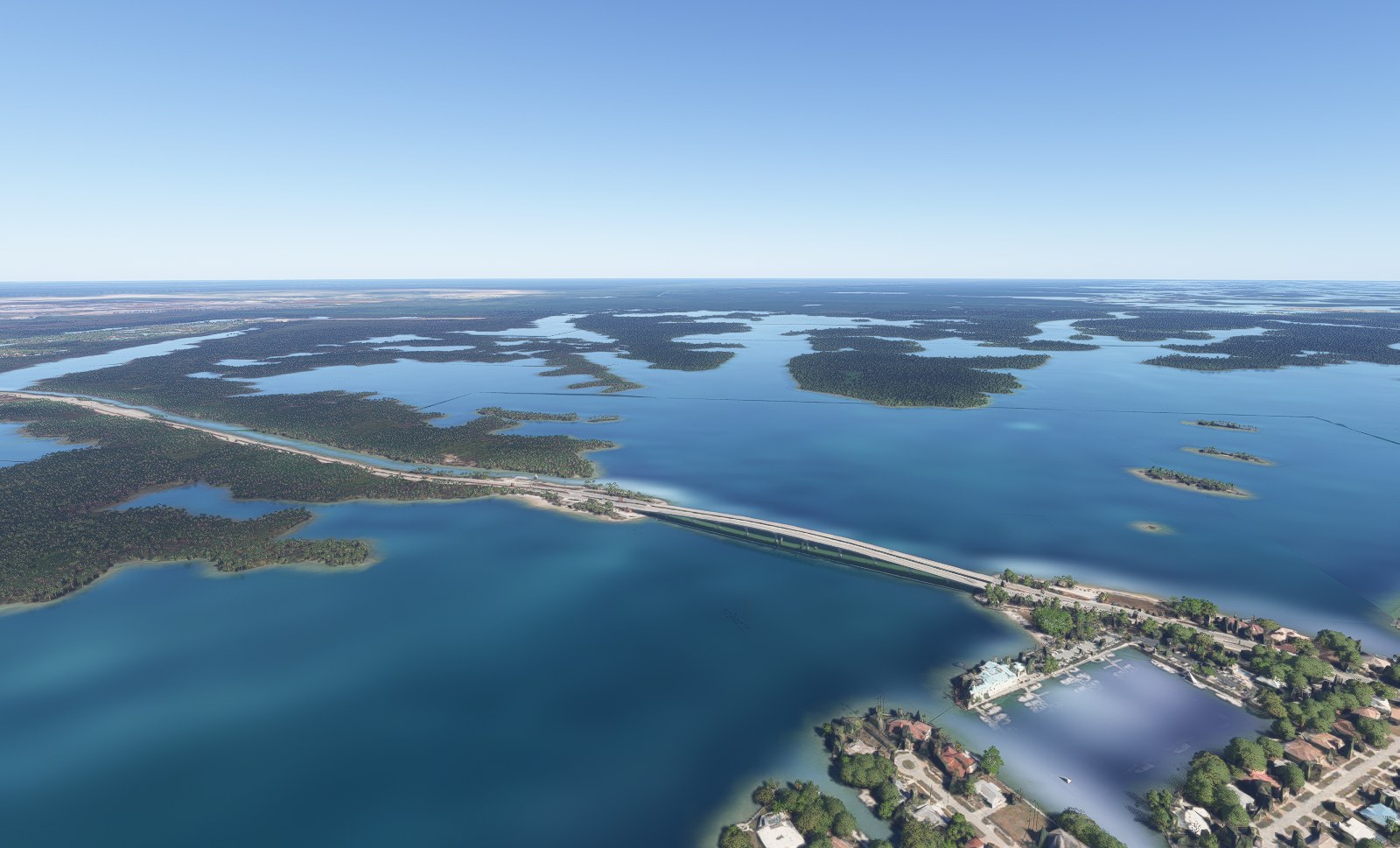

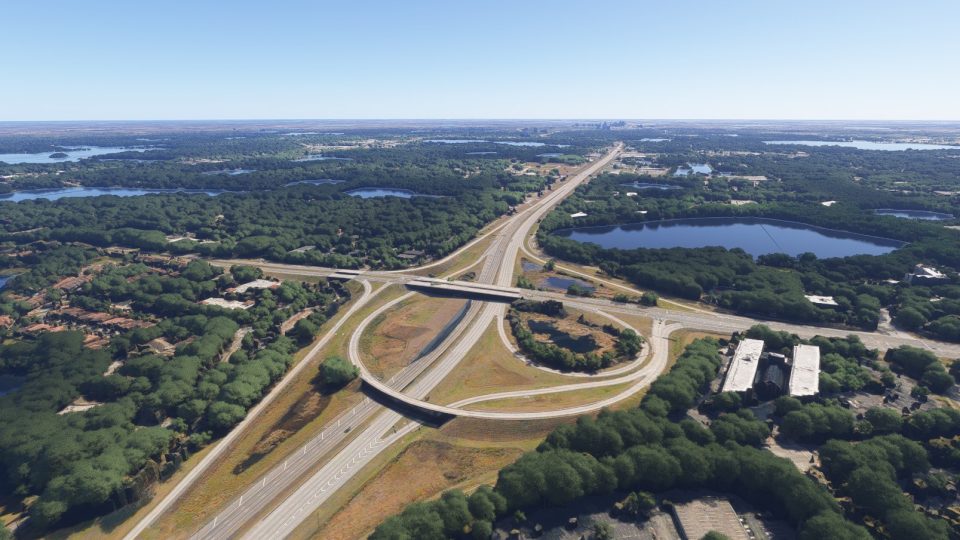
The attention to ordinary road crossings makes this a worthwhile Florida scenery fix. I like seeing that effort spent on infrastructure I'd pass over without knowing its name. Flying over a highway interchange, I followed the curved ramp with my eyes; its elevated deck and the straight overpass made the road layout easy to read. That's the payoff for me. A bridge doesn't need to be a landmark to deserve proper geometry, especially when I'm following roads from the cockpit.
I'd use this for casual sightseeing rather than plan a flight around an individual span. The developer's invitation to report crossings that still need work is welcome; I'd send a location if I found one, rather than assume every bridge had been addressed. St Augustine is still marked as coming soon, so don't download expecting that area's repairs yet.
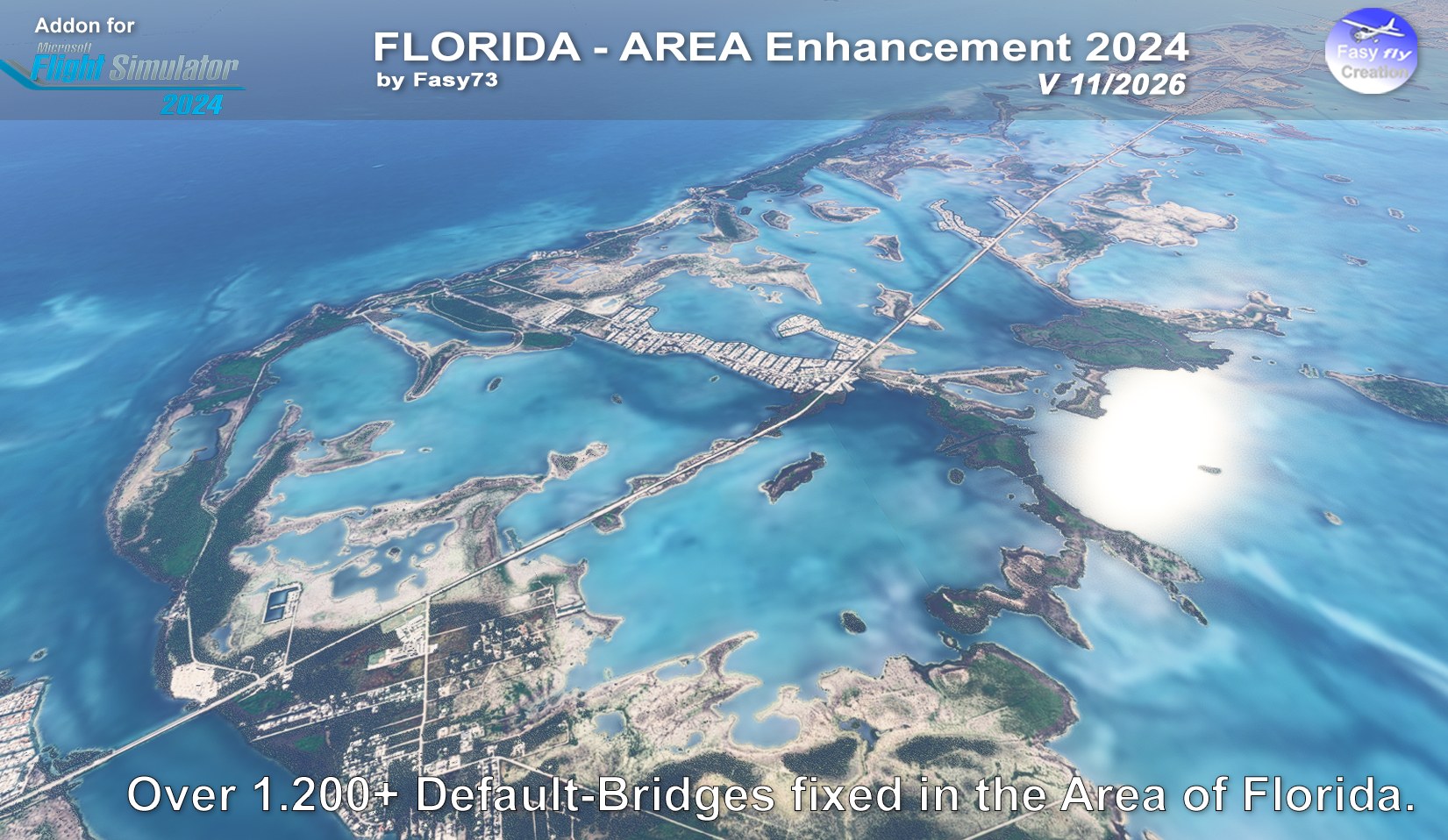
Fasy Fly Creation (Fasy73) fixes or rebuilds more than 1,500 default bridges across Florida in Microsoft Flight Simulator 2024. Florida Area Enhancement Bridge Fix Scenery covers several major cities as well as the Everglades and Keys, with St Augustine marked as coming soon.
The work targets the simulator’s default bridges across a broad area, rather than a single airport or city. Florida’s coastal waterways and island road links make bridge geometry particularly noticeable on low-level flights.
Fasy73 welcomes reports of other bridges that need fixing or reworking. Contact the developer if you spot one.
Unzip the download, then drag and drop the packages folder into your Community folder. This release is for Microsoft Flight Simulator 2024 only.
The developer lists compatibility with two payware packages by RKBridger:
Fasy73 invites optional support for future updates and the coffee consumed during modeling and texturing.
Copyright / Disclaimer
The author of this package are not liable for any damage caused by the use of this package. This package is free to use. It is however forbidden to distribute and / or use it (in its entirety or its parts) for commercial purposes without an agreement of the author. Furthermore, it is not allowed to alter or use the objects in other sceneries without an agreement of the author of the original objects.
Free for all simmers · 217.79 KB · Scanned clean Nov 2026
Download speed: Free tier is capped at 2 Mbps. PRO members download at full line speed.
Initial release.
%LOCALAPPDATA%\Packages\Microsoft.FlightSimulator_8wekyb3d8bbwe\LocalCache\Packages\Community\. Steam version: %APPDATA%\Microsoft Flight Simulator\Packages\Community\. Tip: enable Developer Mode in MSFS to see your exact Community folder path.readme.txt or README file. It tells you exactly where files go, what dependencies are needed, and any quirks specific to this add-on.Use these coordinates to fly directly to this location once the mod is installed.
27.80000000,-81.70000000
Paste these coordinates into the Microsoft Flight Simulator search bar when planning a flight, or into the Developer Mode Teleport window, to fly directly to this location.
Hello, my name is Frank and I am a passionate virtual hobby pilot and 3D modeler over 10 years. My intention is to beautify and expand the MS Flight Simulator 20/24 with my work.Have good flights!
Are you Fasy Fly Creation (Fasy73)? Sign in to Fly Away Creators for download stats, comment replies and updates. Make add-ons? Publish them here.
Only PRO members can place votes.
More MSFS add-ons hand-picked based on this download.
MSFS Scenery
NonSmallJohn’s Princess Margaret Bridge scenery adds the two-lane highway bri…
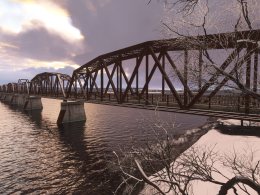 MSFS Scenery
NonSmallJohn models Fredericton’s Bill Thorpe Walking Bridge for Microsoft Fl…
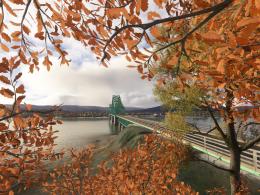 MSFS Scenery
NonSmallJohn models the J. C. Van Horne Bridge over the Restigouche River bet…
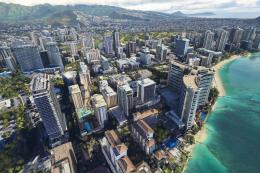 MSFS Scenery
This is a complete replacement scenery pack covering the entire city of Honol…
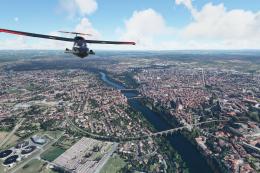 MSFS Scenery
A complete pack for Microsoft Flight Simulator (MSFS) 2020 release bringing A…
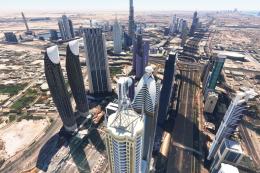 MSFS Scenery
A large freeware scenery add-on pack put together by the developer who goes b…
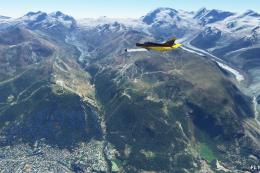 MSFS Scenery
A quick rework of several Swiss cities and landmarks such as the Matterhorn u…
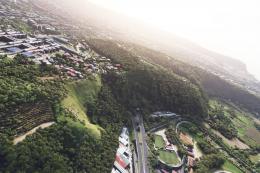 MSFS Scenery
This pack by the developer who simply goes by the name of Chris brings the me…
Be the first to leave a comment on this download.
Be the first to share your thoughts on this download.