


 Canada
  FSX Scenery
Cranbrook Airport Update
Cranbrook Airport (CYXC). Update to the FSX Patch (CYXC_FSX.ZIP) for Vern Opp…
Cranbrook Airport (CYXC) in British Columbia comes to life with a conversion patch that adapts Vern Opperman’s classic FS2004 scenery for smooth use in FSX, repairing ground polygons and updating the airport layout. Expect convincing terminal and hangar detail in a dramatic mountain setting; requires the original CYXC04.ZIP package.
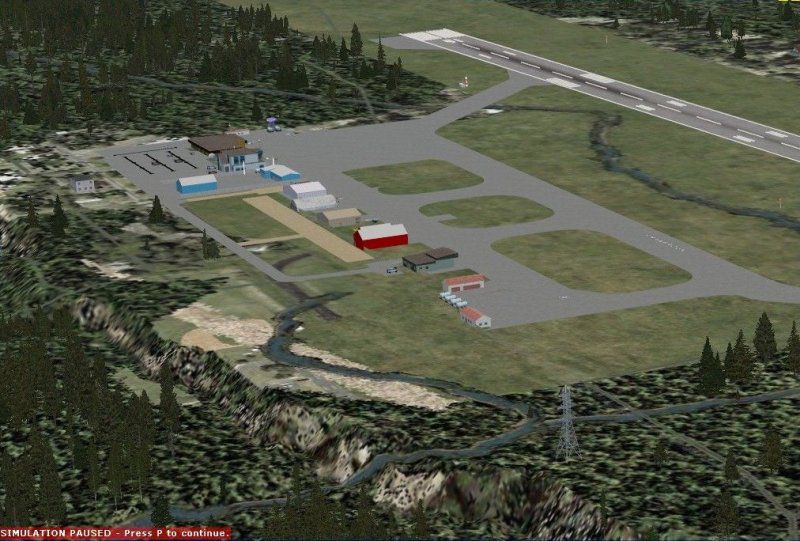
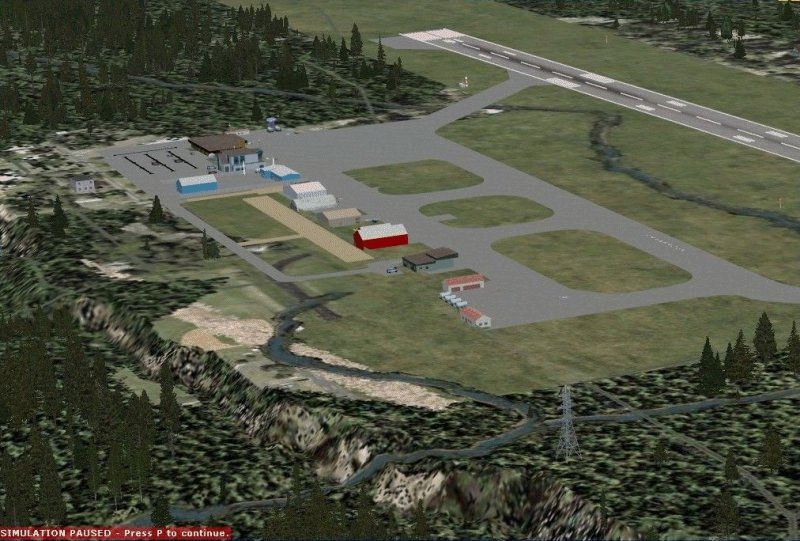


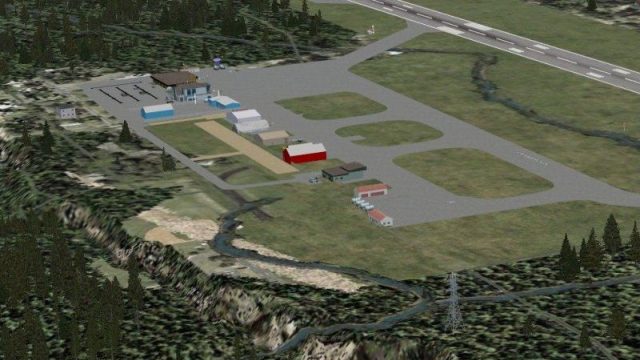
Cranbrook Airport (CYXC), British Columbia, Canada. A patch for Vern Opperman's FS2004 Cranbrook Airport scenery (CYXC04.ZIP) to make it work in FSX. By P. Nigel Grant/Vern Opperman.
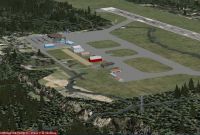
Cranbrook Airport Scenery.
Converting Vern Opperman’s FS2004 Cranbrook Airport (CYXC) to FSX.
Living in Vancouver, I am very prejudiced towards flying in British Columbia and in FS2004 we had many magnificent sceneries in the province. Vern Opperman’s scenery for Cranbrook Airport (CYXC) in the East Kootenays, shadowed by the Rocky Mountains on the east and the Purcell Mountains on the west, is a beautiful flight from Vancouver or Castlegar, particularly in a Dash8.
Imagine my disappointment when this scenery would not work properly in FSX – most of the buildings reproduced okay but some ground polygons were messed up.
For my own use, I have had a try at modifying CYXC to make it work in FSX, quite a lot of work to do this, using SBuilderX to resolve the ground issues, and converting an AFCAD file to FSX using ADE, a very intuitive program from “Scruffy Duck”.
Without going round the scenery inch by inch, most of the buildings seem to transfer without trouble, and look good.
The zip file “cyxc_FSX”, of which this text is a part, provides the files and instructions to modify Vern Opperman’s FS2004 scenery of Cranbrook Airport (cyxc04.zip) to allow it to function in FSX. Vern Opperman has kindly given consent for my uploading of this patch.
To use this scenery in FSX you need to do the following two steps:
1. Remove the 2 bgl files from your CYXC scenery folder, as listed in the attached text file – “remove”. I suggest you create a folder called “removals” in this scenery folder and just move the two files into there.
2. Move the three bgl files in the attached “add_to_sceneryfolder” folder, into the CYXC scenery folder.
Problems:
Sorry but you are on your own with this modification. Please do not contact me for problems in FSX, this was produced for my own use and it does the job for me (I have Ultimate TerrainX and FSGenesis mesh) – however I would like to share my efforts with you and if it works, that’s just great!
Please do not seek help from Vern Opperman for problems in FSX, this patch is not his work, and I appreciate his approval for allowing me to upload this conversion patch.
Credits:
Vern Opperman for the original magnificent scenery.
Scruffy Duck for his Airport Design Editor program.
Luis Sa for his SBuilderX program.
By the way, I have created Vancouver International Airport for FSX, including a version compatible with the payware Vancouver+ created by Jon Patch and Holger Sandmann – if you want some very dramatic flying, this payware scenery of southwest British Columbia is well worth its cost.
And don’t forget the freeware Victoria+ (vicenh7a.zip and vicenh7b.zip) by Don Grovestine, Jon Patch and Holger Sandmann, to round out great flying in southwestern British Columbia in the Victoria area.
I hope you enjoy this little importation.
P Nigel Grant
Vancouver
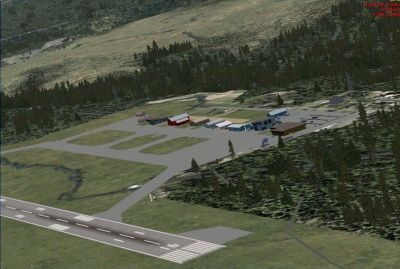
Cranbrook Airport Scenery.
Free for all simmers · 624.7 KB · Scanned clean Oct 2026
Download speed: Free tier is capped at 0.5 Mbps. PRO members download at full line speed.
FSX\Addon Scenery\ containing scenery and texture sub-folders.readme.txt or README file. It tells you exactly where files go, what dependencies are needed, and any quirks specific to this add-on.Use these coordinates to fly directly to this location once the mod is installed.
49.61000000,-115.77000000
Launch FSX or Prepar3D and use Flights → Load to open the downloaded .pln file. Your aircraft will be positioned at this location.
The archive cyxc_fsx.zip has 15 files and directories contained within it.
This list displays the first 500 files in the package. If the package has more, you will need to download it to view them.
| Filename/Directory | File Date | File Size |
|---|---|---|
| add_to_sceneryfolder | 04.10.09 | 0 B |
| CVX_CRANBROOK.BGL | 04.05.09 | 414 B |
| CVX_CXYCautogen.BGL | 04.05.09 | 400 B |
| CYXC_ADE_PNG.BGL | 04.10.09 | 3.94 kB |
| CYXC1.jpg | 04.08.09 | 108.61 kB |
| CYXC2.jpg | 04.08.09 | 100.15 kB |
| CYXC3.jpg | 04.08.09 | 85.54 kB |
| cyxc_FSX.gif | 04.10.09 | 319.79 kB |
| CYXC_readme.doc | 04.10.09 | 37.00 kB |
| CYXC_readme.txt | 04.10.09 | 3.00 kB |
| File_ID.diz | 04.08.09 | 144 B |
| remove.txt | 04.08.09 | 114 B |
| cyxc_FSX | 04.10.09 | 0 B |
| flyawaysimulation.txt | 10.29.13 | 959 B |
| Go to Fly Away Simulation.url | 01.22.16 | 52 B |
Only PRO members can place votes.
More FSX & P3D add-ons hand-picked based on this download.
FSX Scenery
Cranbrook Airport (CYXC). Update to the FSX Patch (CYXC_FSX.ZIP) for Vern Opp…
 FSX Scenery
Princess Juliana International Airport (TNCM) in Saint Marteen, Netherlands A…
 FSX Scenery
Los Angeles Airport Scenery v3, California (CA). This photoreal scenery is a …
 FSX Scenery
Barbados International Airport (TBPB). Grantley Adams International Airport f…
 FSX Scenery
Paris Charles de Gaulle Airport (CDG, LFPG), France. The entire airport has b…
 FSX Scenery
John F. Kennedy Airport (KJFK), New York, NYU. This is a photoreal scenery re…
 FSX Scenery
Dubai International Airport (OMDB), Dubai. Includes a new passenger terminal …
 FSX Scenery
Soekarno-Hatta International Airport (WIII), Jakarta, Indonesia. An update to…
Be the first to leave a comment on this download.
Be the first to share your thoughts on this download.