

 FSX Historic & Vintage Aircraft
RAS2008 1947 Spitfire Mk IX Aircraft.cfg File
RAS2008 Spitfire Mk IX Aircraft.cfg File with late (larger) rudder. A Superma…
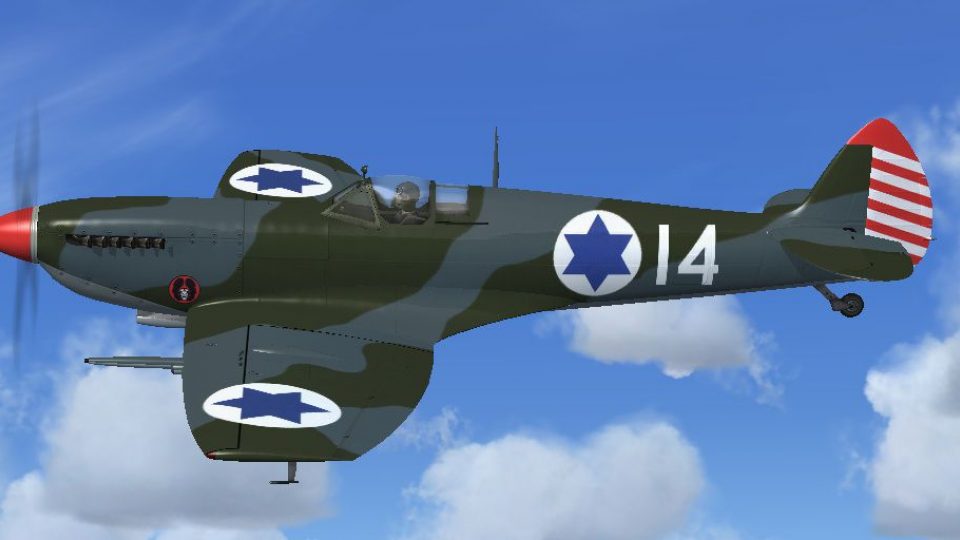
Israeli Air Force 101 Squadron “White 14” Spitfire Mk IX (1949) gets a corrected aircraft.cfg entry with the late, larger rudder for accurate identification and selection. Designed for FSX, it adds a clean [fltsim] definition, ATC ID, and texture mapping, and requires the RealAir Spitfire IX 2007 package.
 Rate
Rate
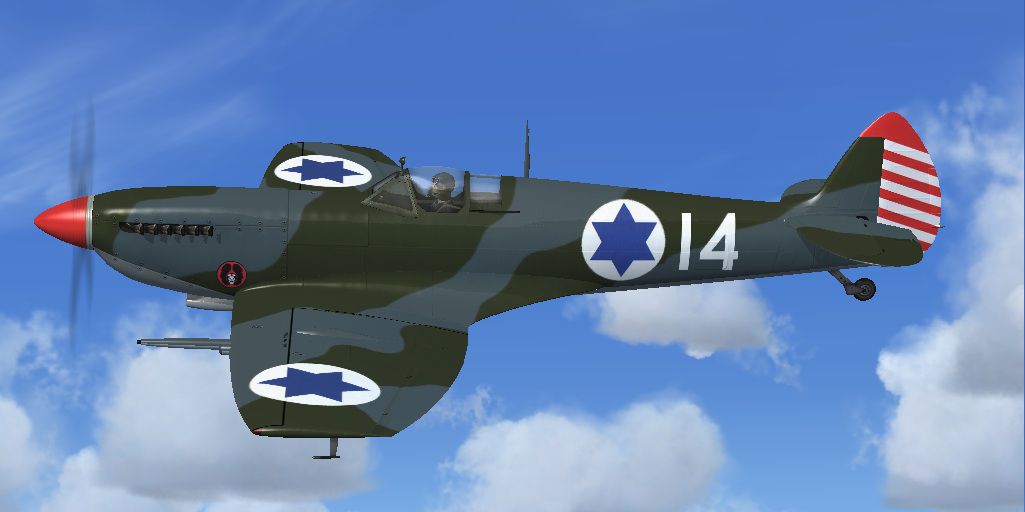
RAS2008 Spitfire Mk IX Aircraft.cfg File with late (larger) rudder. Supermarine Spitfire MkIX of the Israeli Air Force 101.squadron 1949.Fix for file IA14SPIT.ZIP. By Jindrich Barta.
Screenshot of IAF Spitfire Mk IX in flight.
Copy the text between the asterisks below into the AIRCRAFT.CFG file in your RealAir Spitfire IX 2007 folder, at the end of the previous [fltsim.X] entries, replacing the 'X' in [fltsim.X] with the next sequential number.
[fltsim.X]

	title=Supermarine Spitfire Mk IX IAF14 CW GS LR

	sim=RASSpitIX_Clipped

	model=

	panel=

	sound=

	texture=iaf14

	kb_checklists=SpitfireIX_Check

	kb_reference=SpitfireIX_ref

	atc_id=IAF14

	ui_createdby=RealAir

	ui_manufacturer=Supermarine

	ui_type=Spitfire Mk IX

	ui_variation=IAF 101.sq white 14

	description=Israeli Air Force 1949 101.squadron
Free for all simmers · 86.3 KB · Scanned clean Oct 2026
Download speed: Free tier is capped at 0.5 Mbps. PRO members download at full line speed.
This add-on may require the following files to function properly. If this is a repaint, the dependency below is likely the base aircraft package.
FSX\SimObjects\Airplanes\. The folder must contain an aircraft.cfg file. Effects go into FSX\Effects\; gauges go into FSX\Gauges\.readme.txt or README file. It tells you exactly where files go, what dependencies are needed, and any quirks specific to this add-on.The archive ia14fix.zip has 6 files and directories contained within it.
This list displays the first 500 files in the package. If the package has more, you will need to download it to view them.
| Filename/Directory | File Date | File Size |
|---|---|---|
| ia14fix | 01.29.13 | 0 B |
| FILE_ID.DIZ.txt | 01.29.13 | 158 B |
| README.txt | 01.29.13 | 826 B |
| thumbnail.jpg | 01.29.13 | 85.48 kB |
| flyawaysimulation.txt | 10.29.13 | 959 B |
| Go to Fly Away Simulation.url | 01.22.16 | 52 B |
Only PRO members can place votes.
More FSX & P3D add-ons hand-picked based on this download.
FSX Historic & Vintage Aircraft
RAS2008 Spitfire Mk IX Aircraft.cfg File with late (larger) rudder. A Superma…
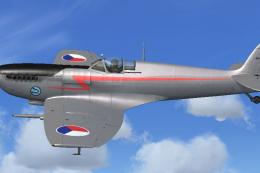 FSX Historic & Vintage Aircraft
RAS2008 Spitfire Mk IX Aircraft.cfg File with late (larger) rudder. Spitfire …
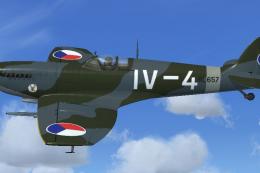 FSX Historic & Vintage Aircraft
RAS2008 Spitfire Mk IX Aircraft.cfg File with late (larger) rudder. Supermari…
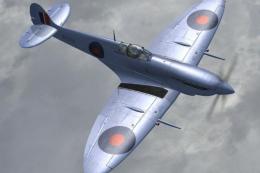 FSX Historic & Vintage Aircraft
RAS2008 Mk IX HAF BF273. Alternative, light grey-blue textures for the RealAi…
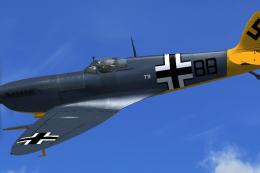 FSX Historic & Vintage Aircraft
Textures only. The captured Spitfire PR MkXI of the 2./Versuchsverband OKL - …
 FSX Historic & Vintage Aircraft
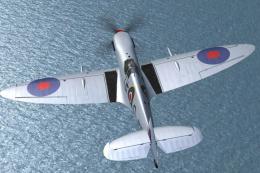
Repaint for RealAir's Spitfire Mk IX 2007 depicting the RAF's Battle of Brita…
 FSX Historic & Vintage Aircraft
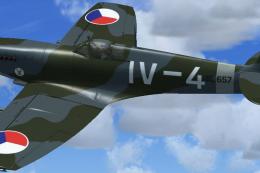
Brno Slatina Airfield, 7th fighter squadron, 3rd fighter division, 1947. Mode…
 FSX Historic & Vintage Aircraft
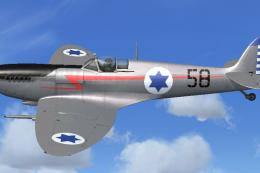
107 Squadron, 1953. Textures only for the RealAir Simulations Supermarine Spi…
Be the first to leave a comment on this download.
Be the first to share your thoughts on this download.