


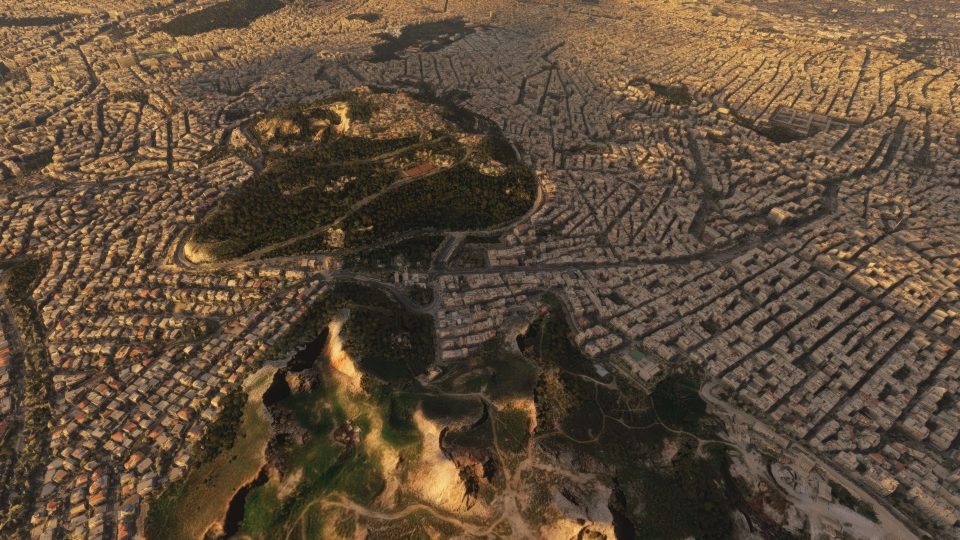

 Greece


 MSFS Scenery
Dubai, UAE City Building & Pack
A large freeware scenery add-on pack put together by the developer who goes b…
Athens scenery transforms the Greek capital into a photoreal, high-definition cityscape with detailed photogrammetry, updated 3D buildings and textures, and broad coverage that replaces the default landscape in Microsoft Flight Simulator. It also brings nearby airfields into the same cohesive package, supporting immersive sightseeing, VFR navigation, and aviation-themed exploration.
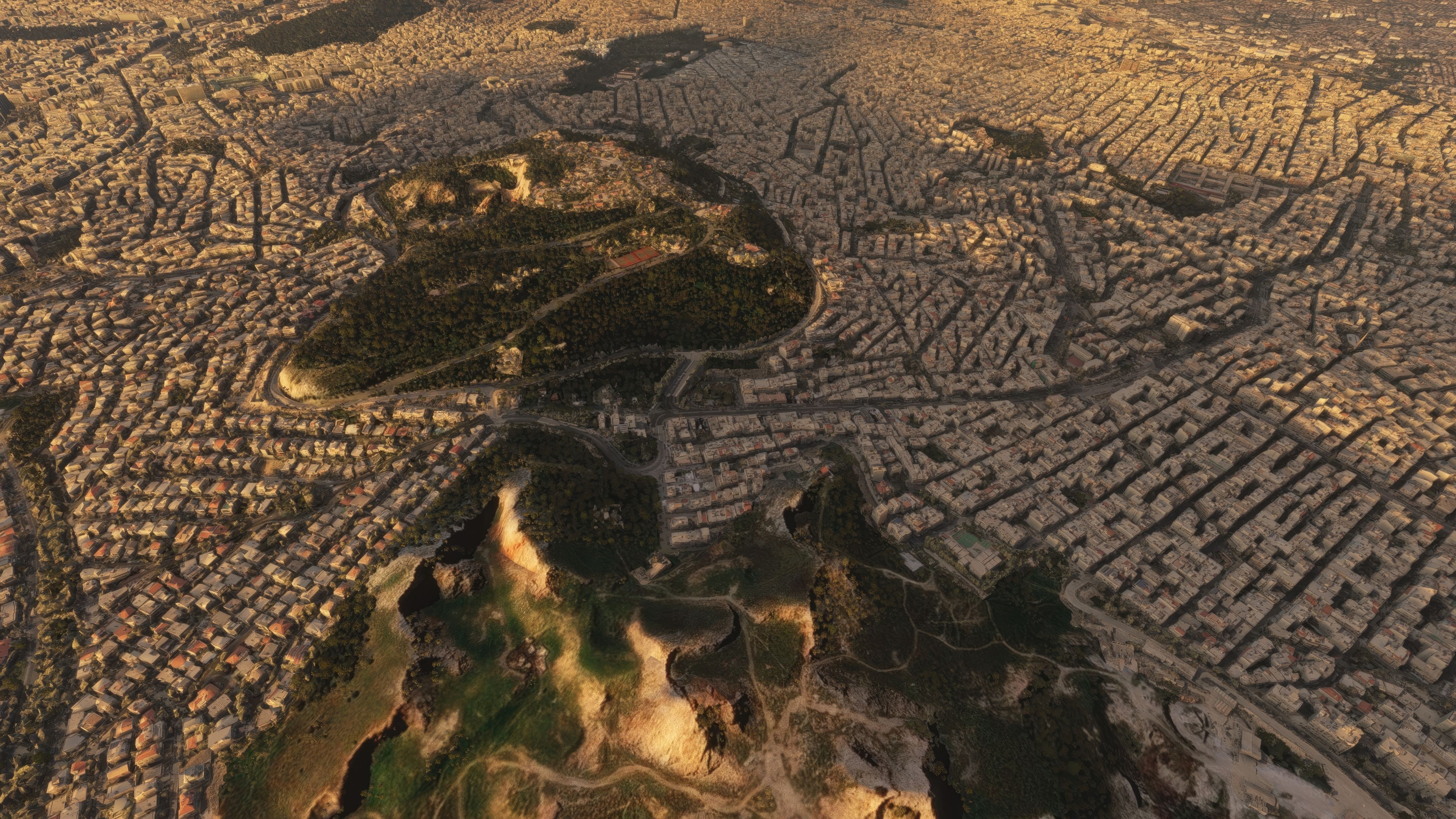
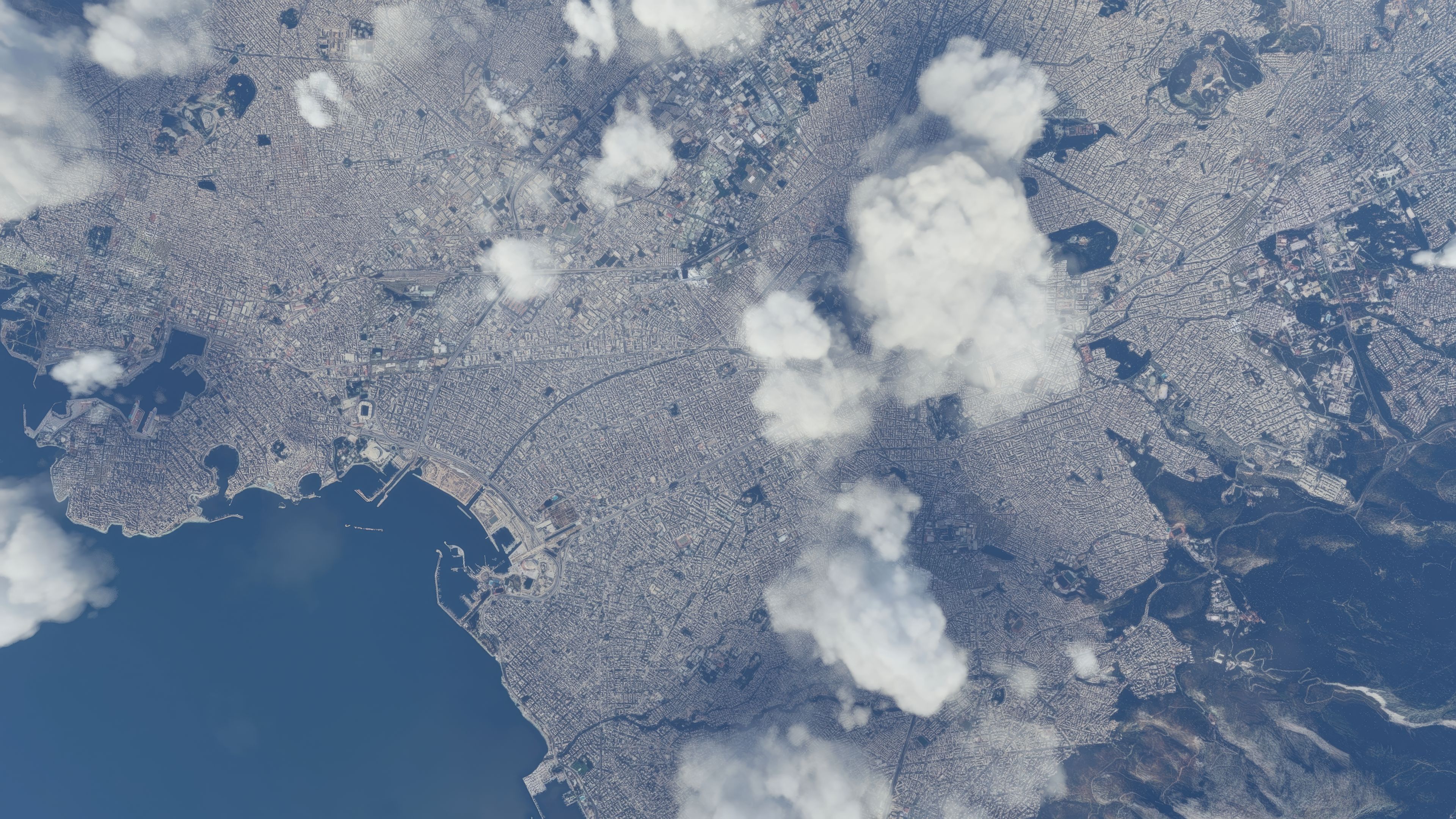
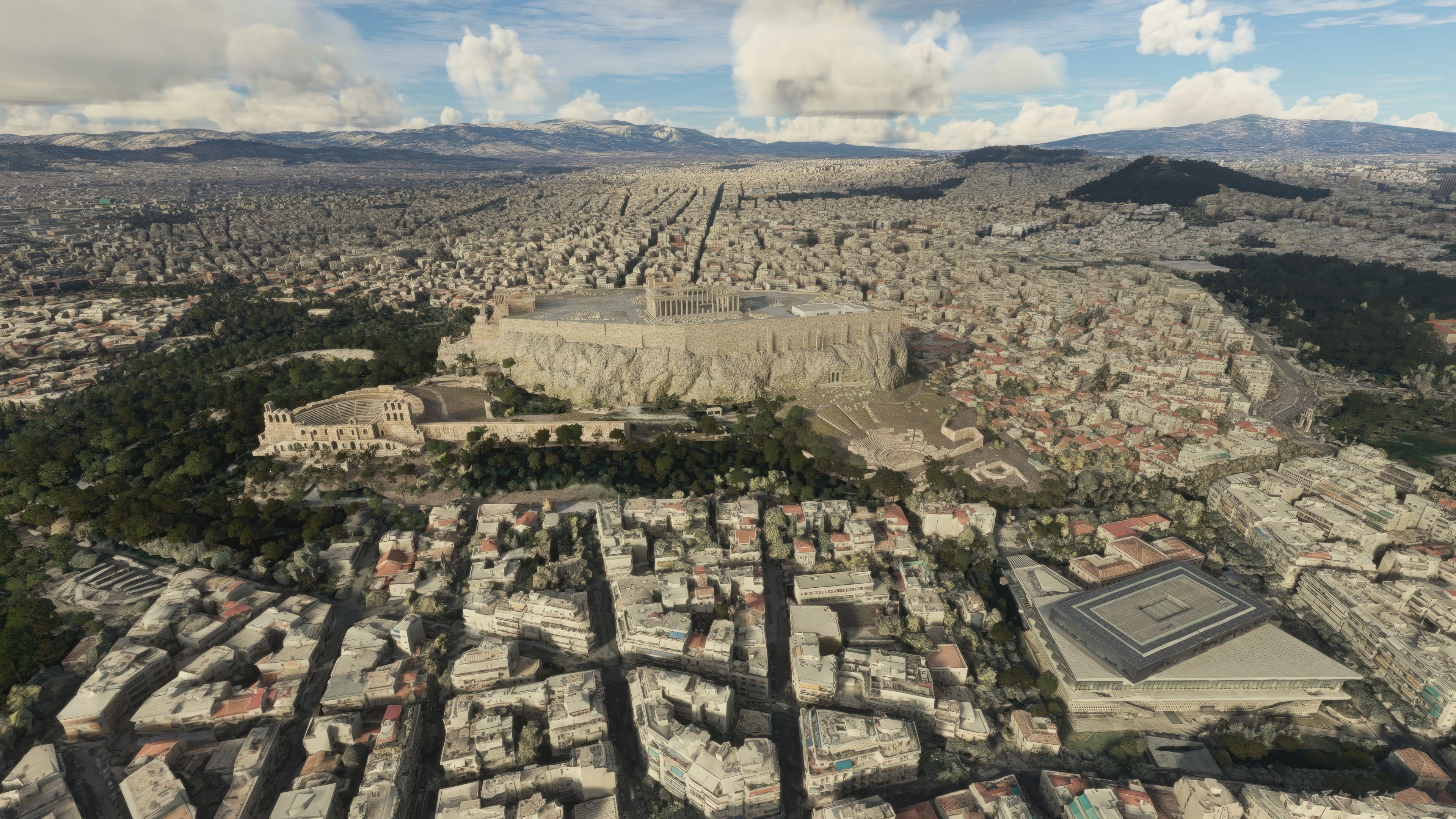
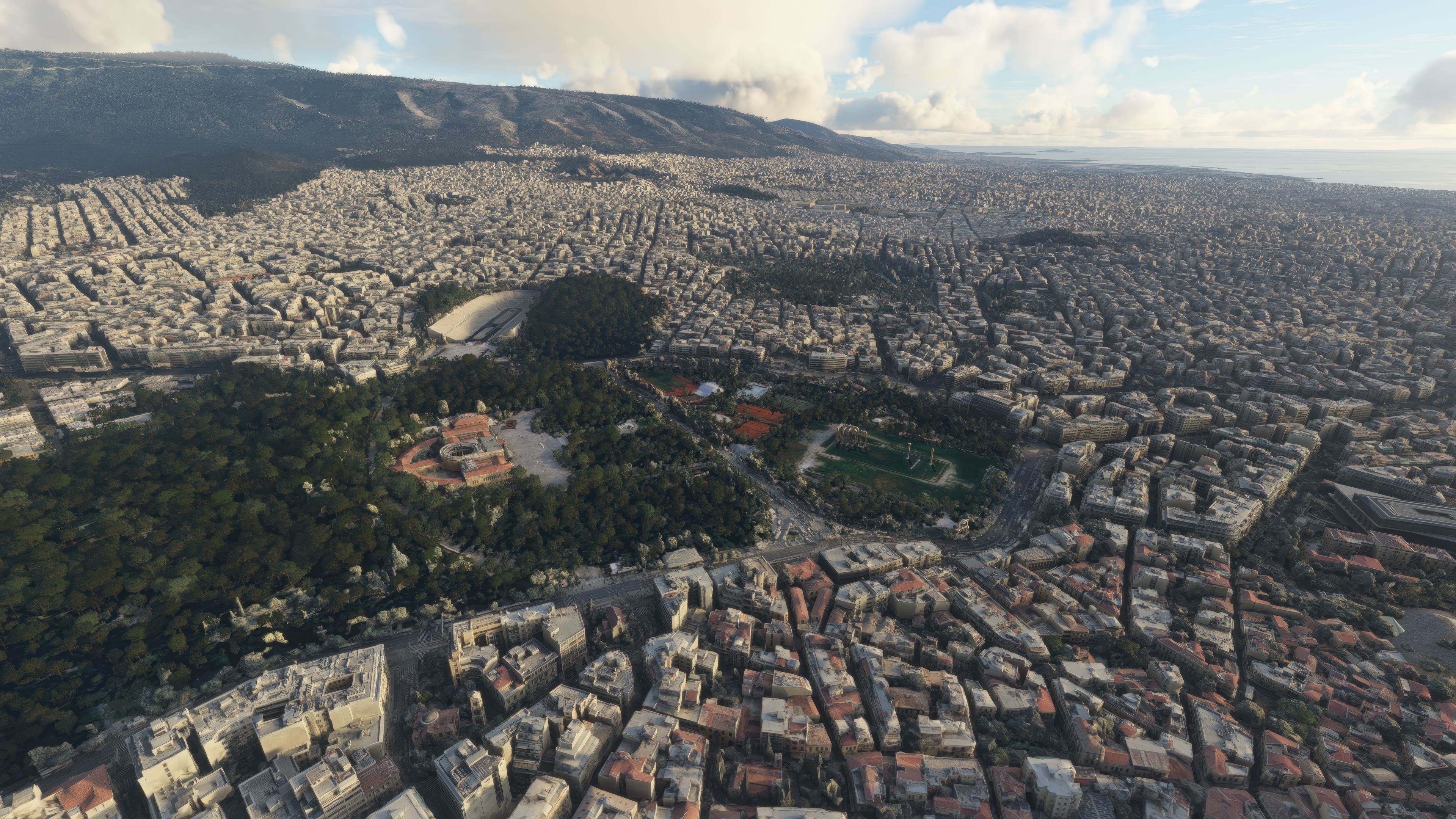
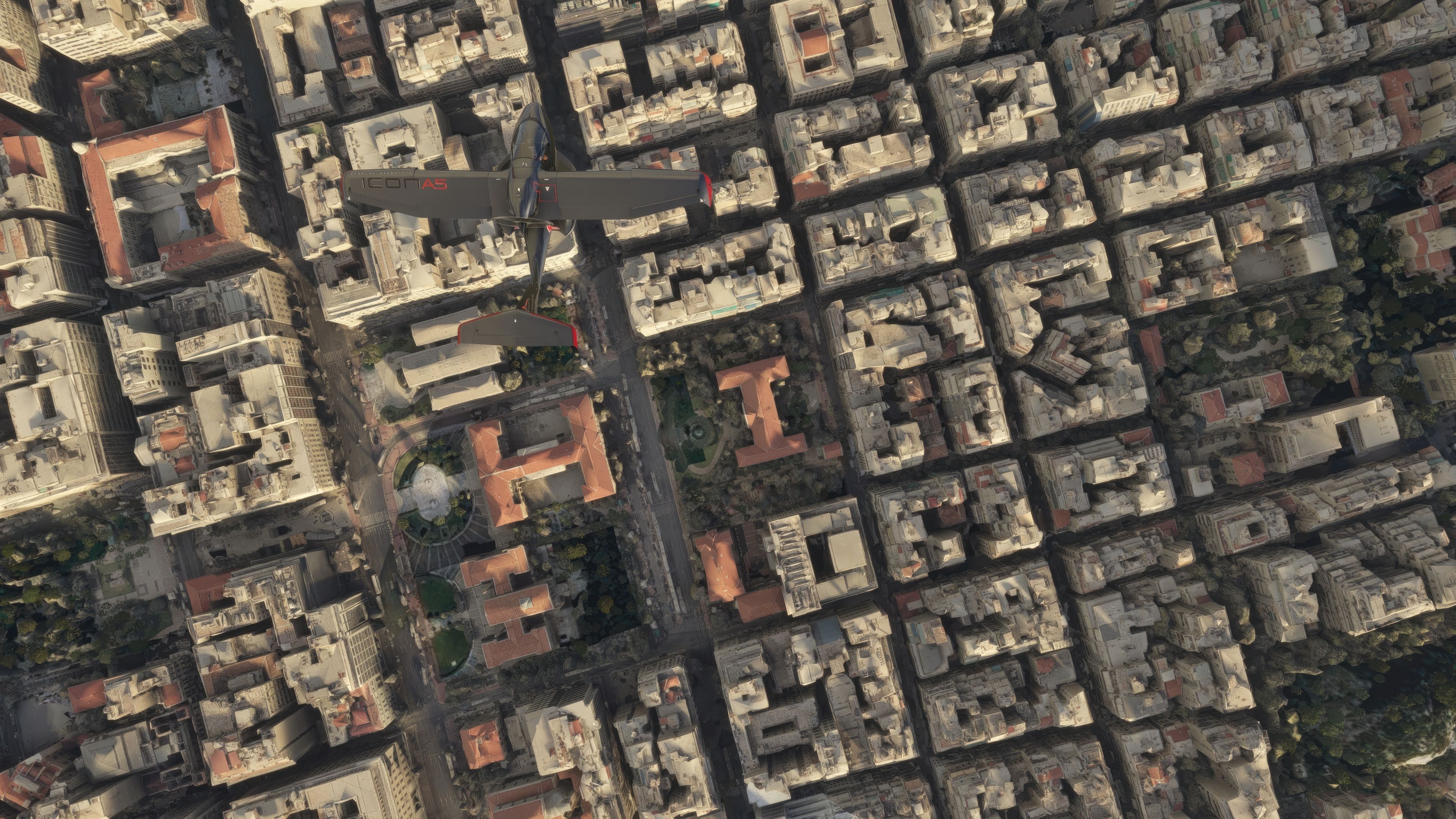
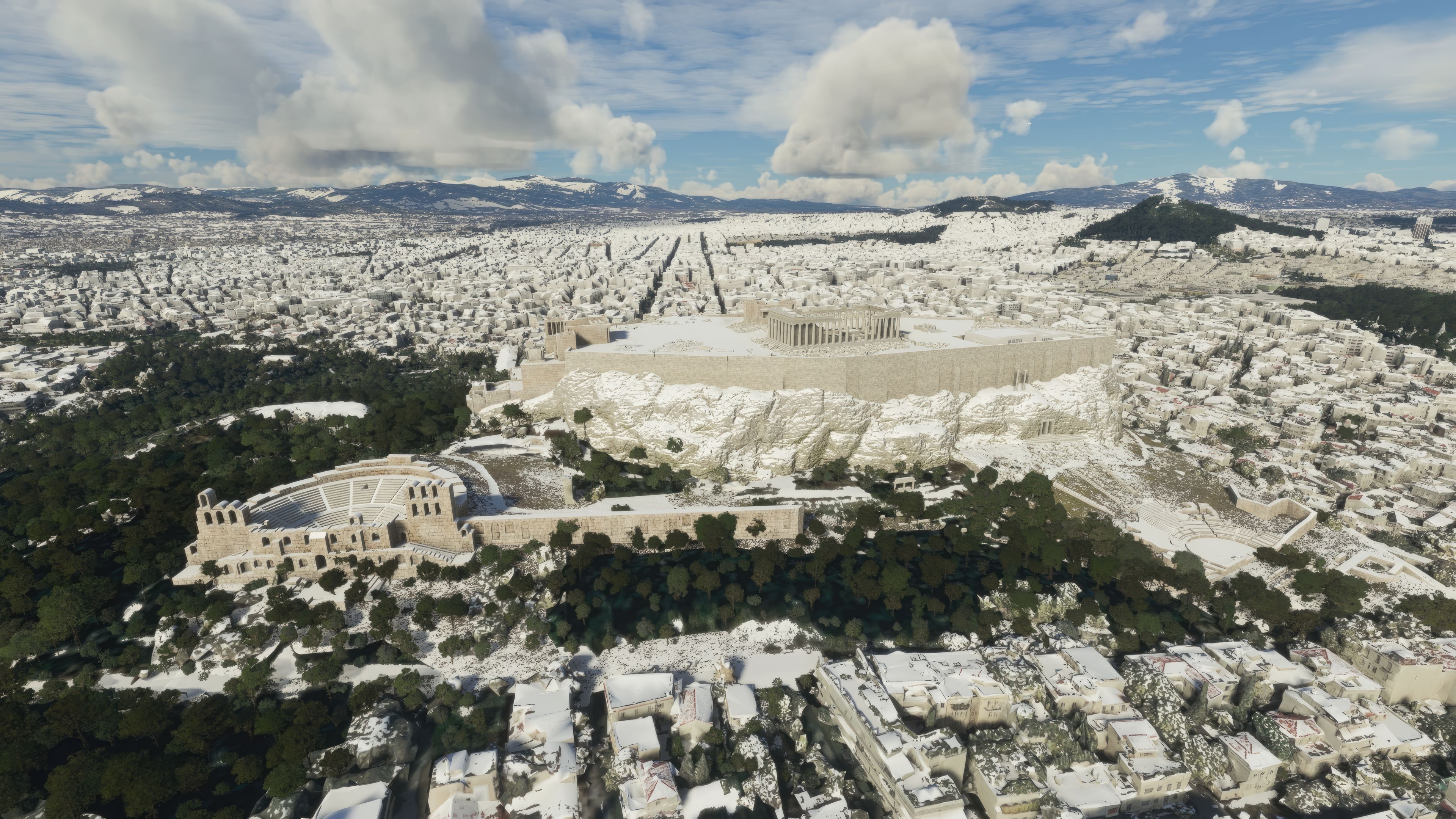
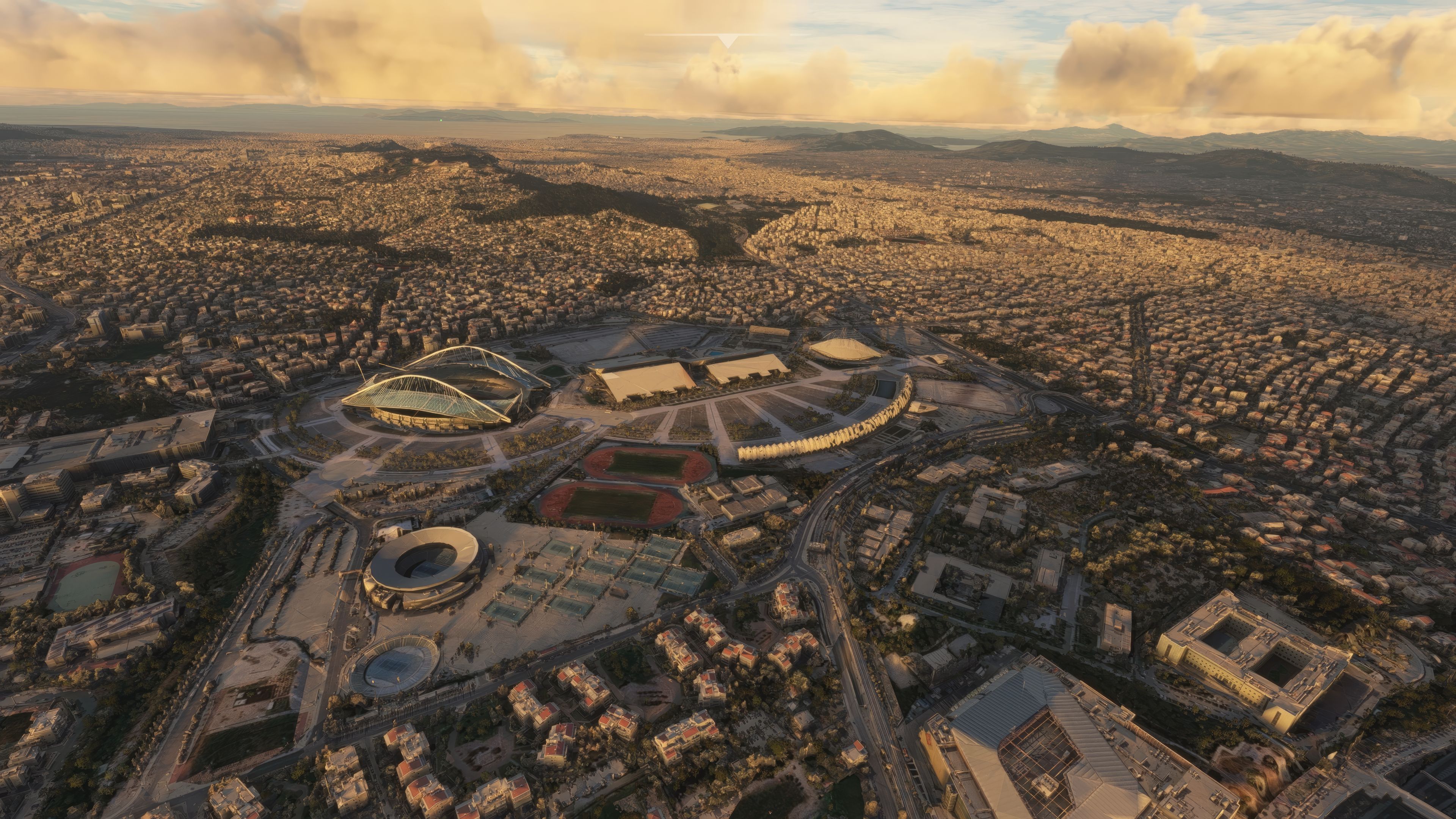
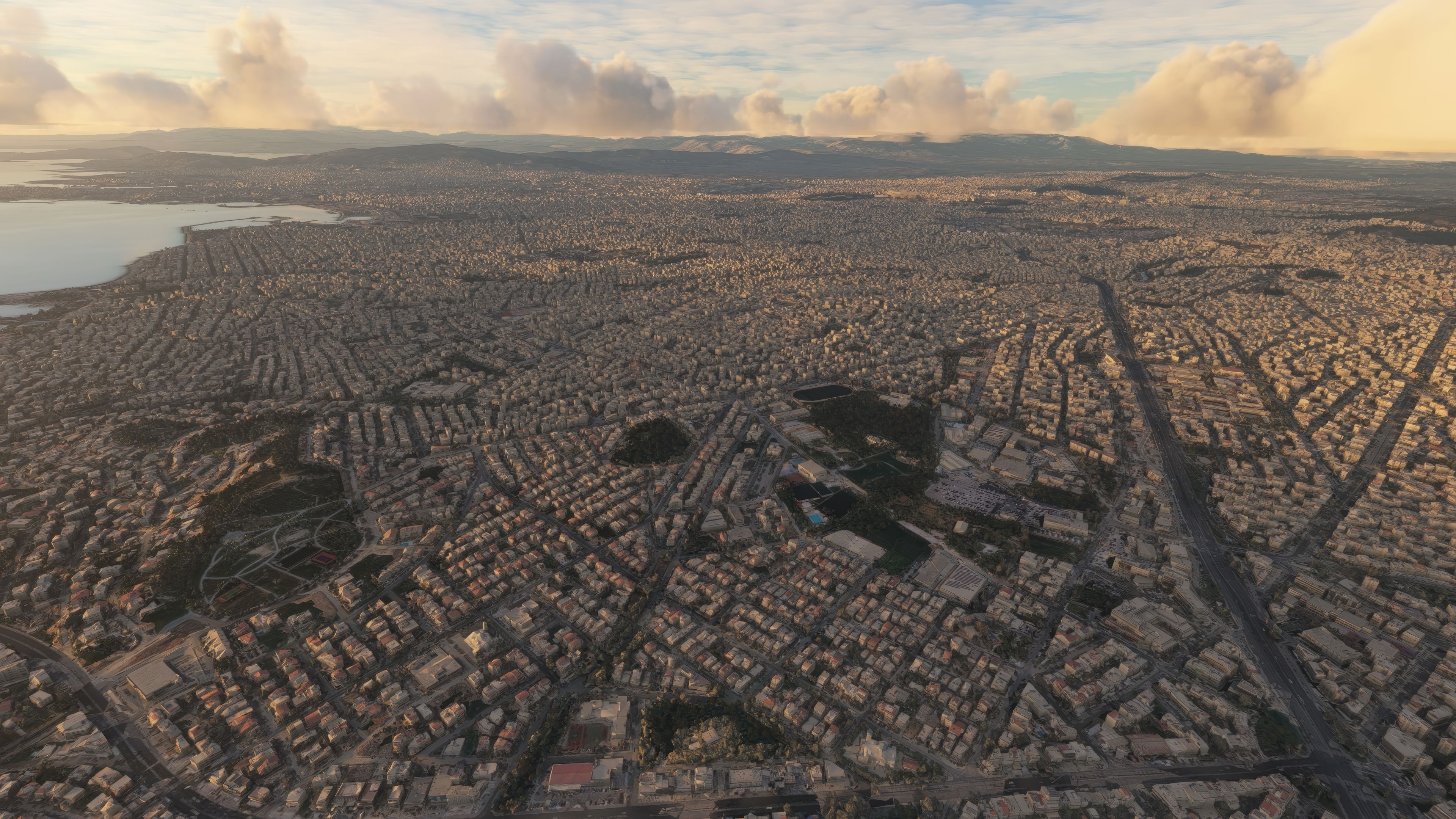
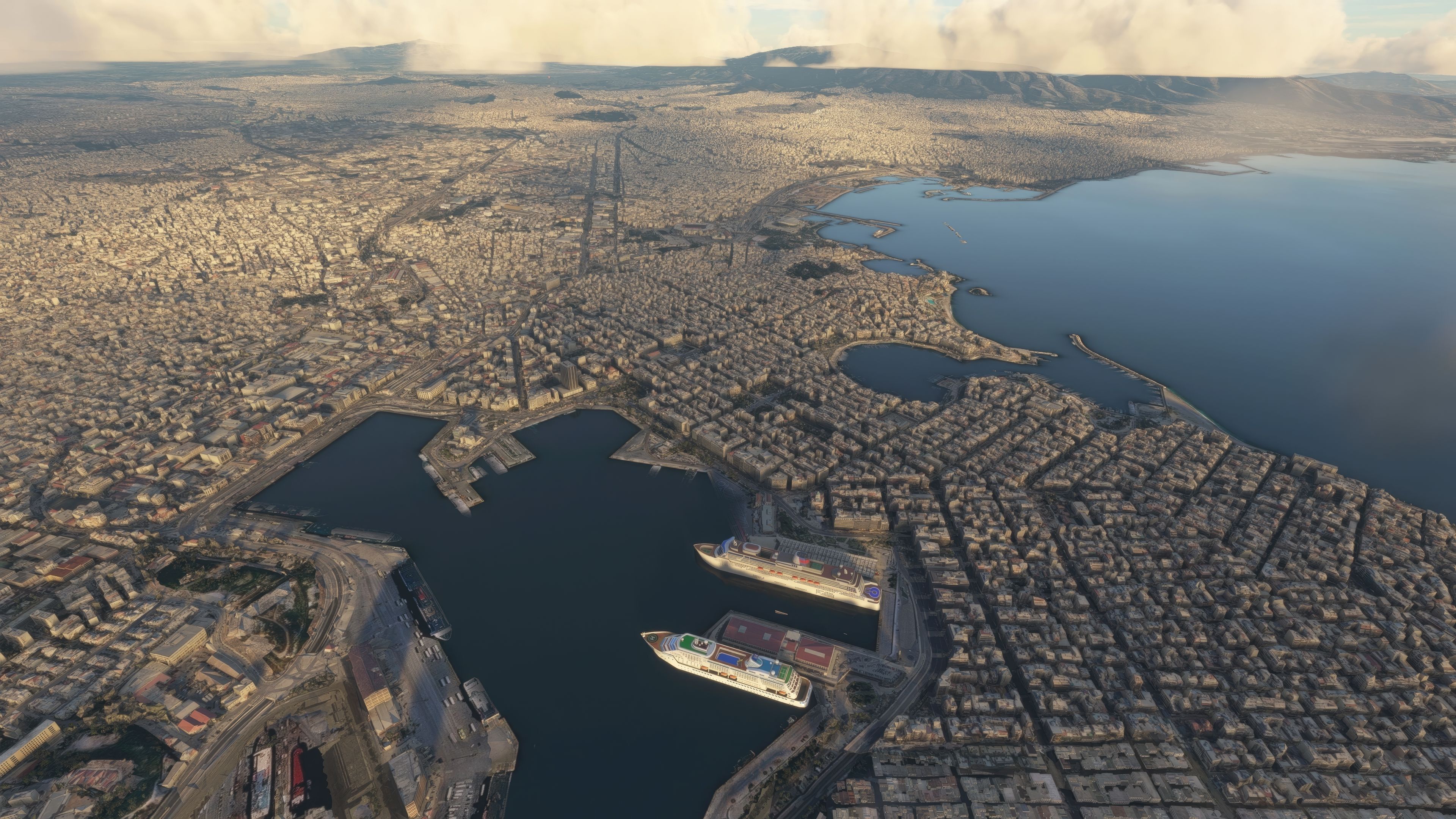
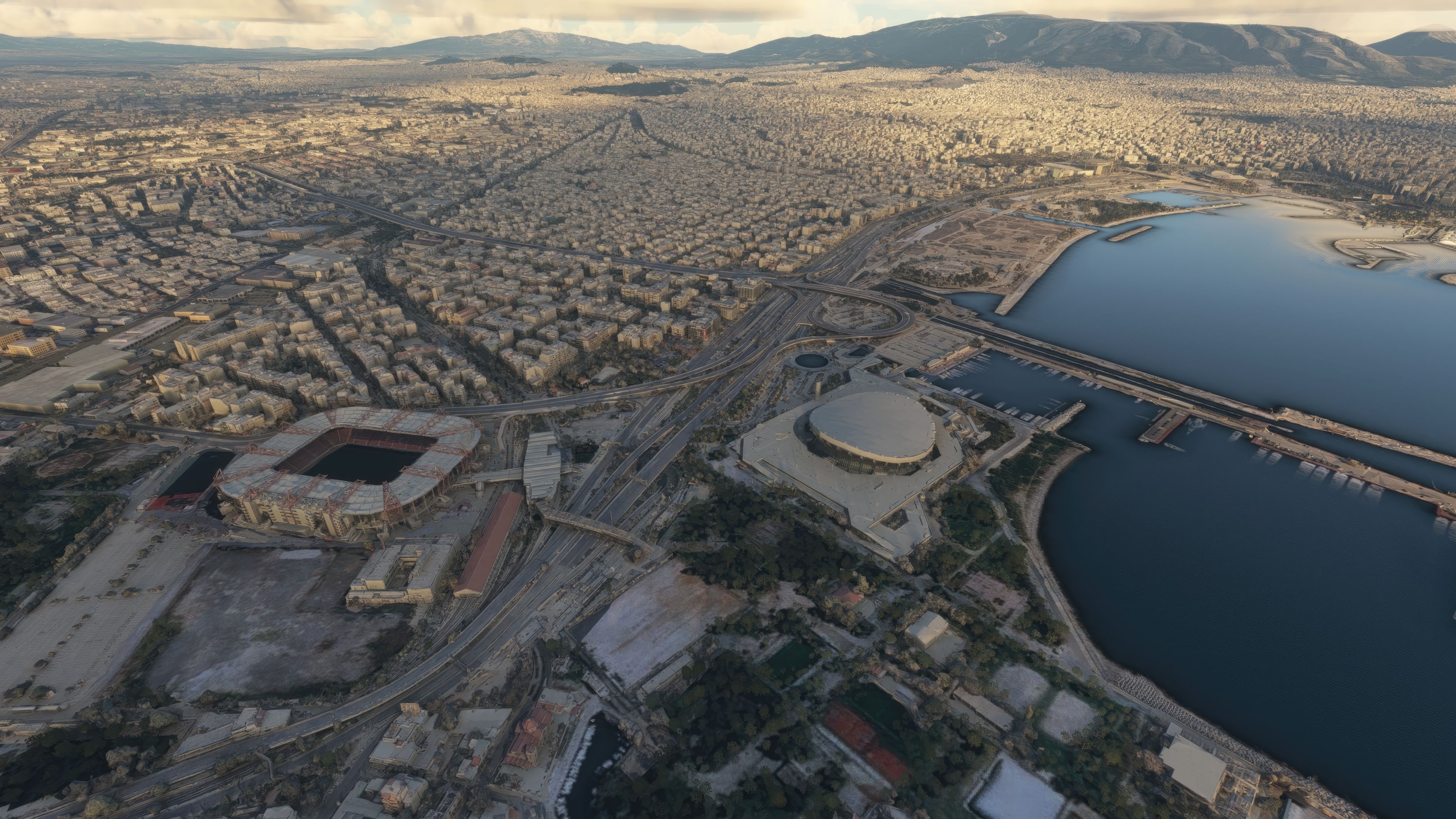
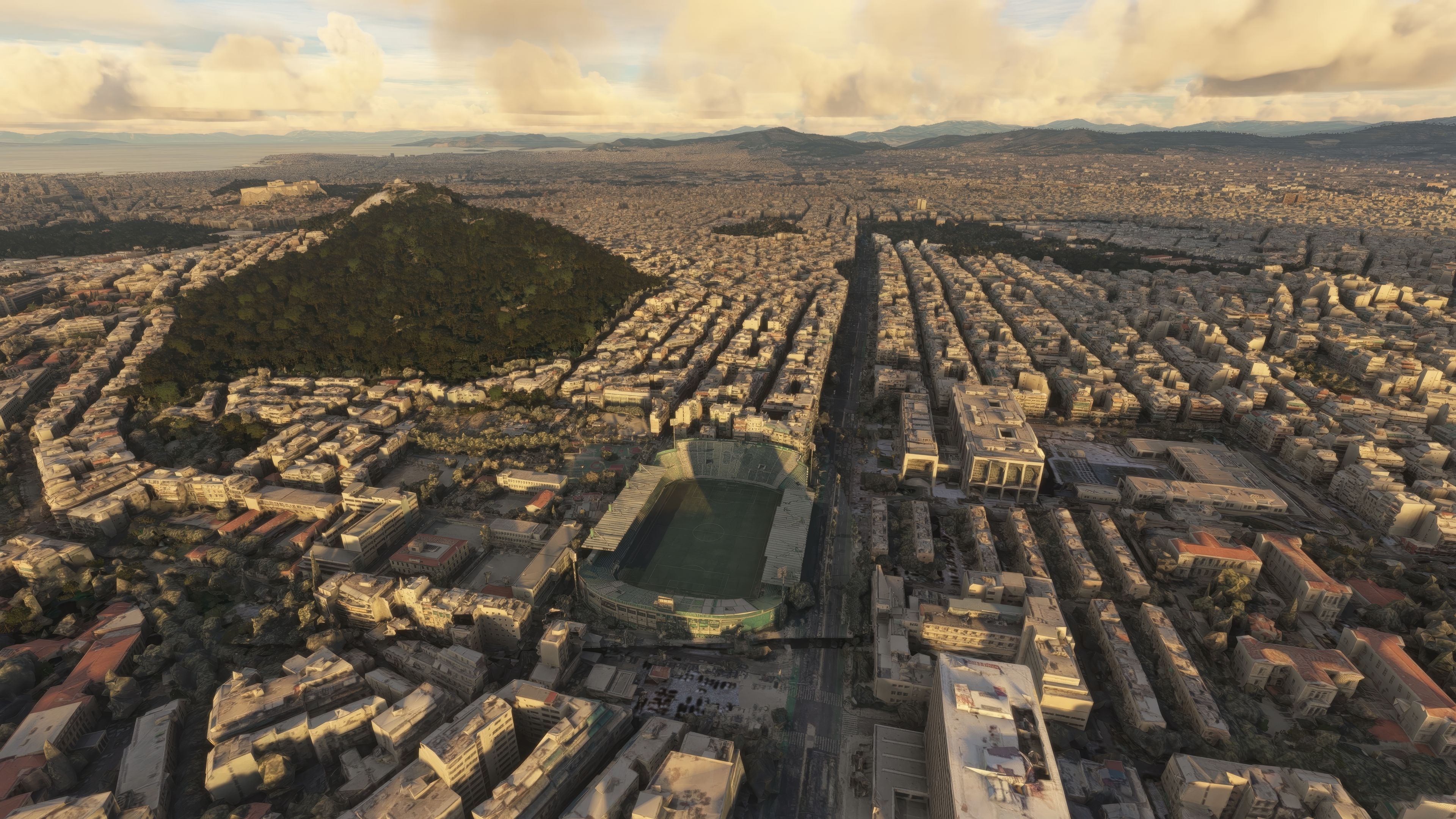
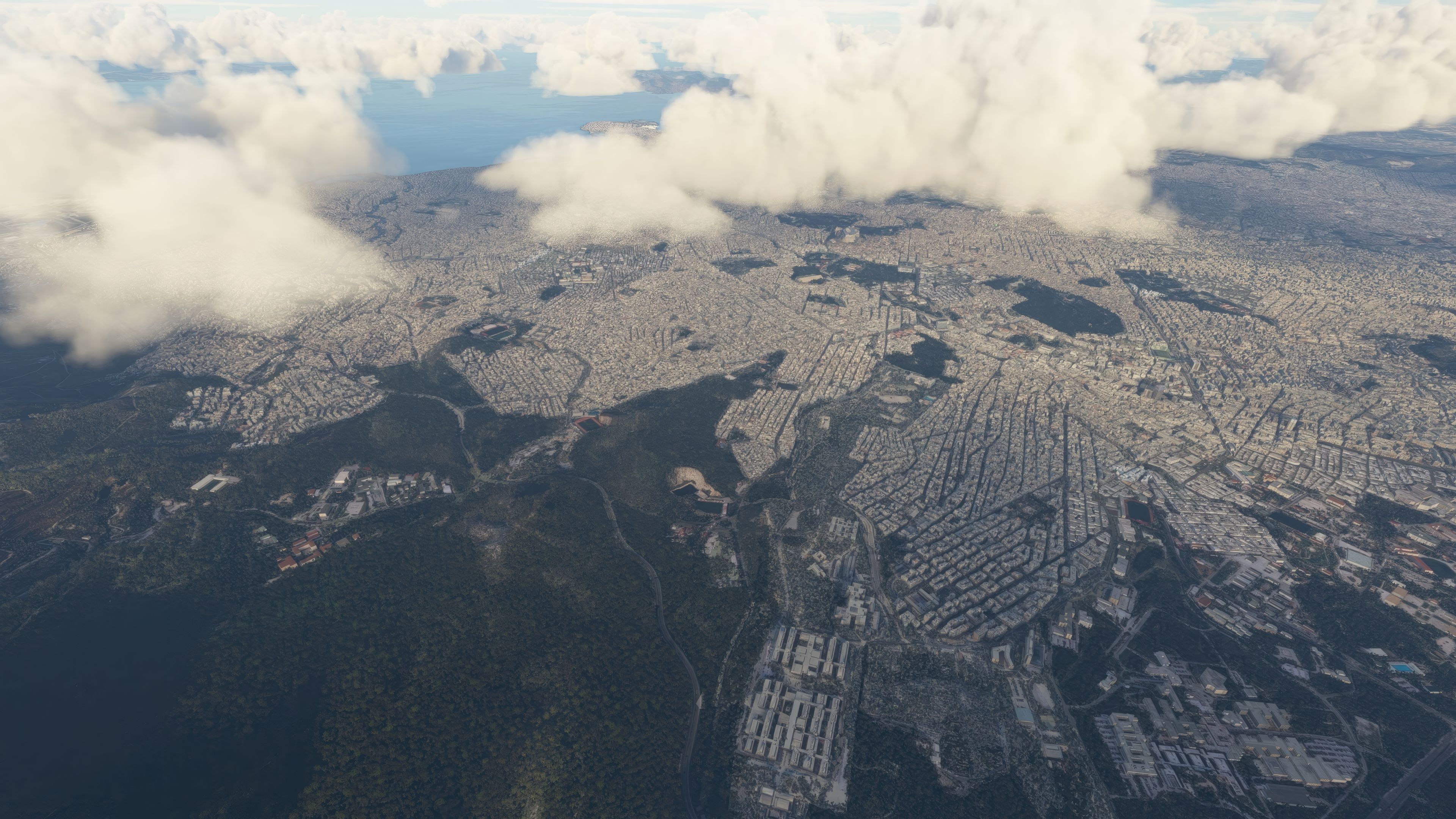
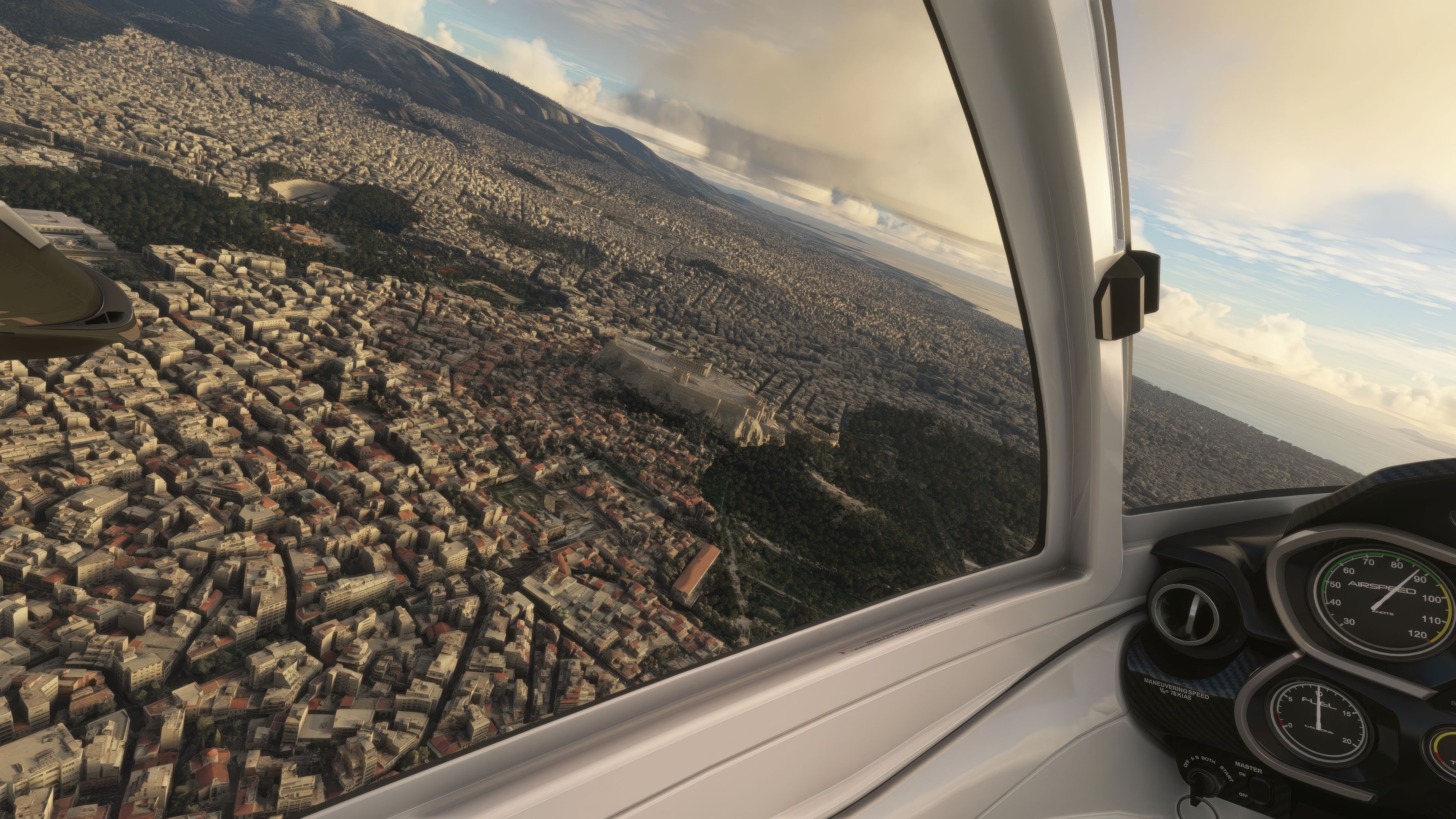
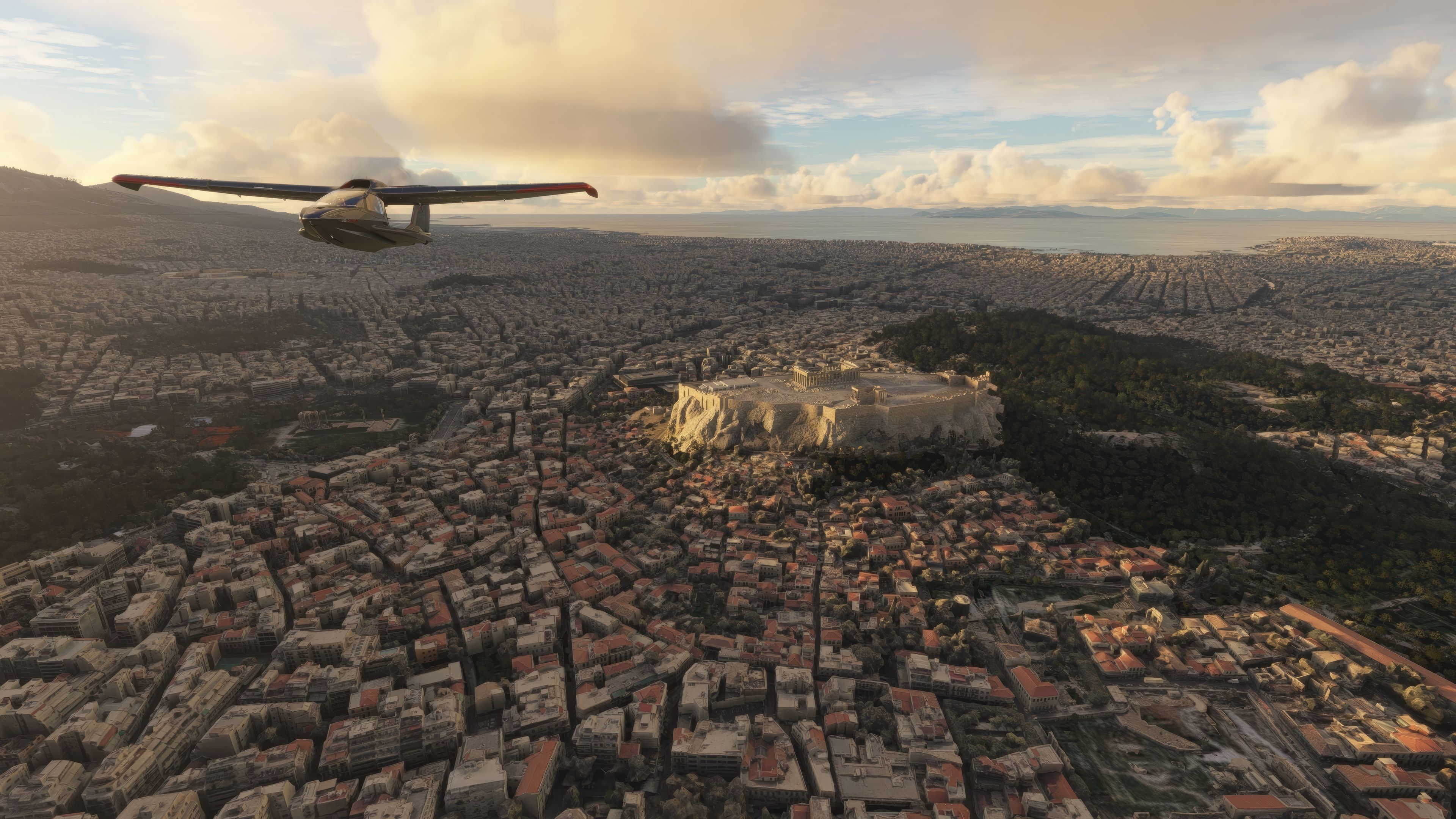
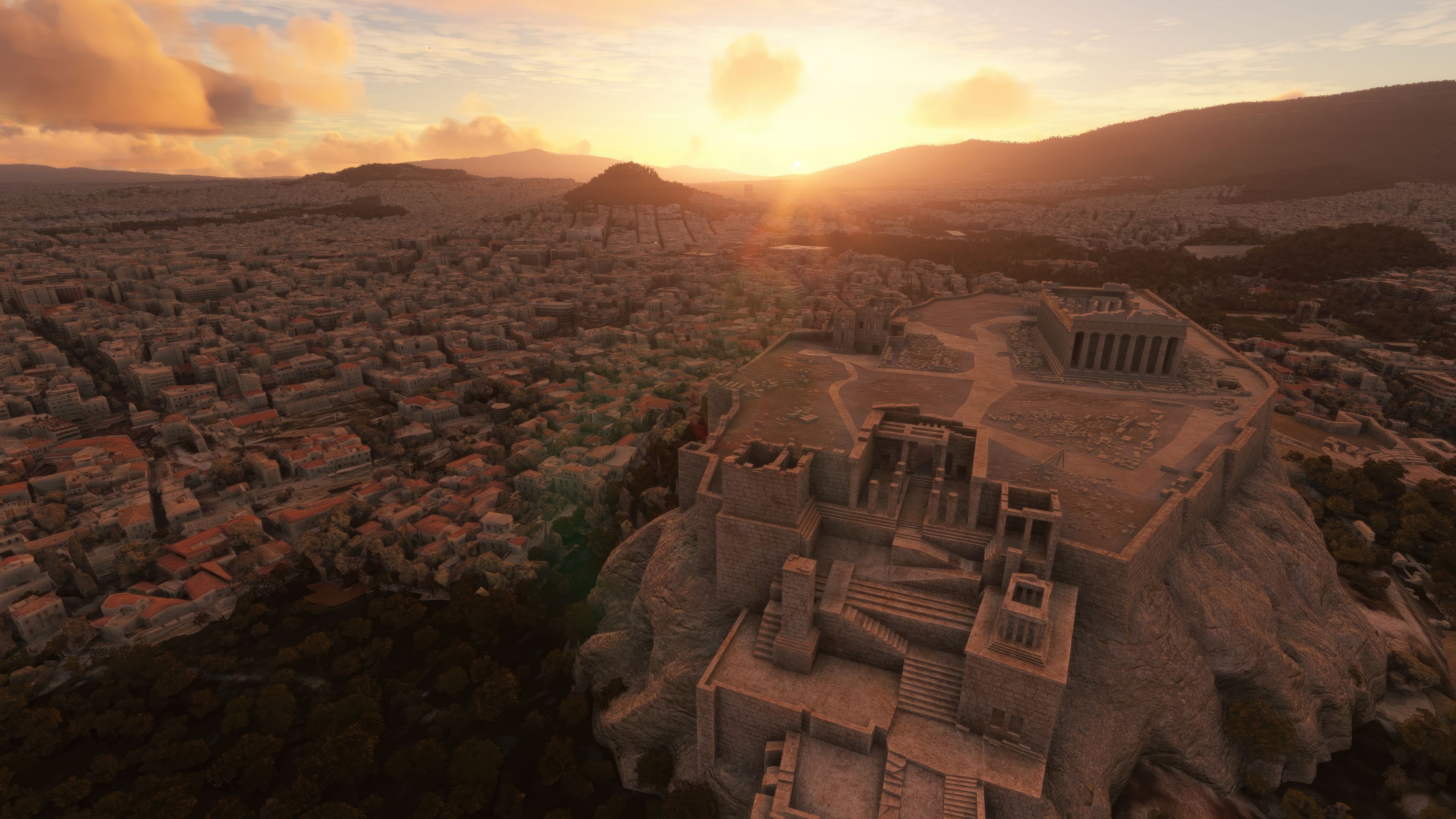
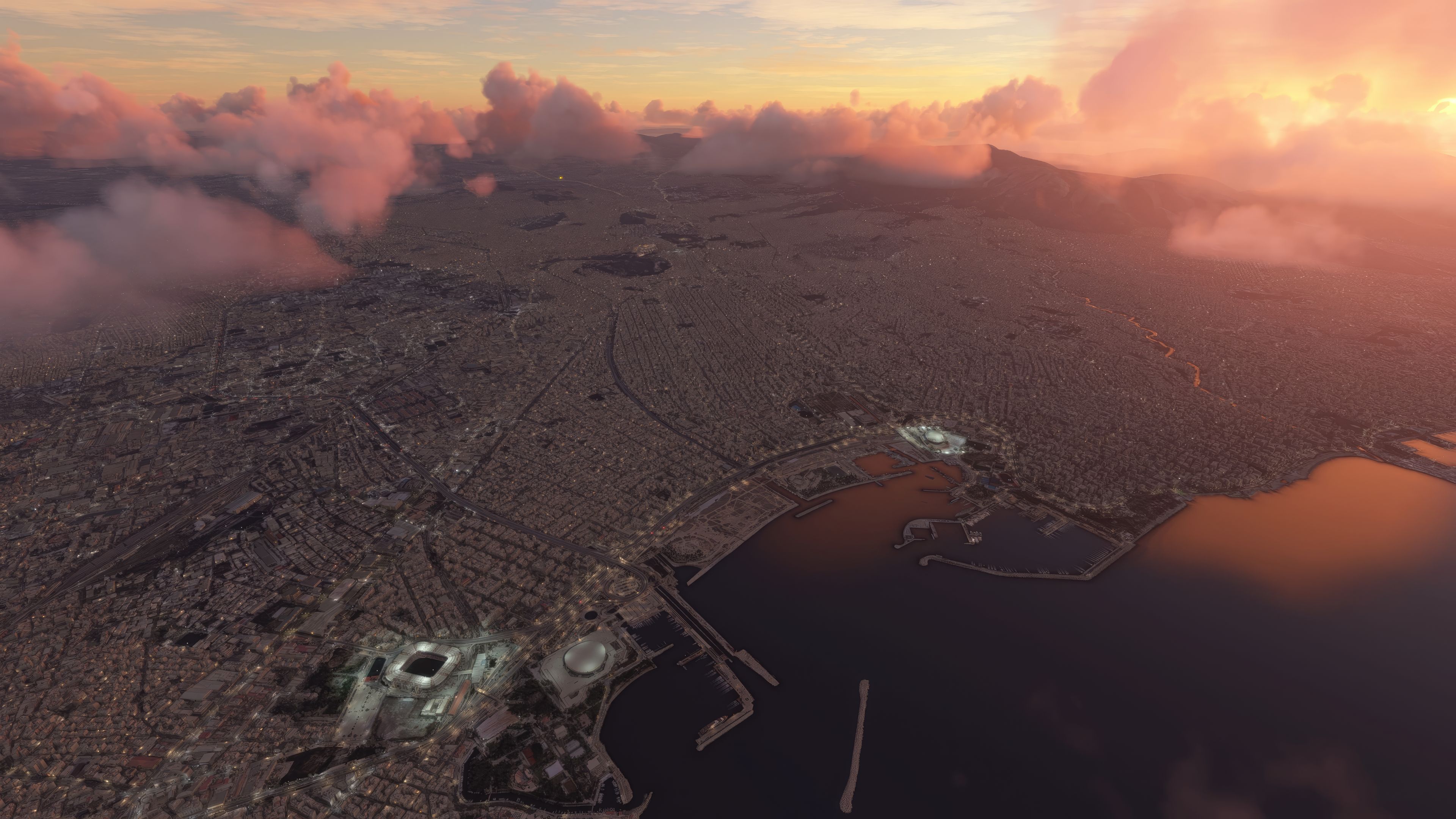
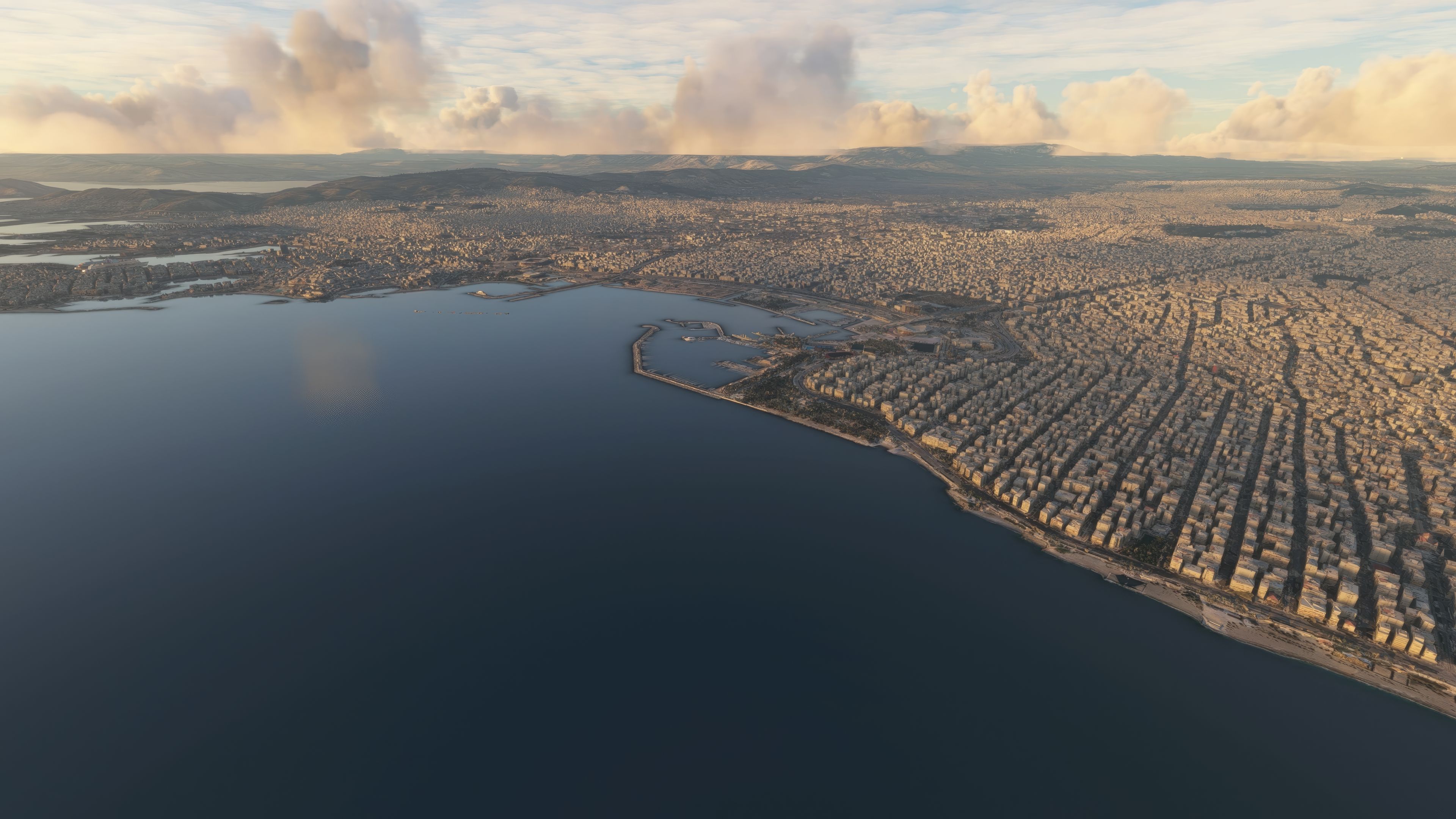
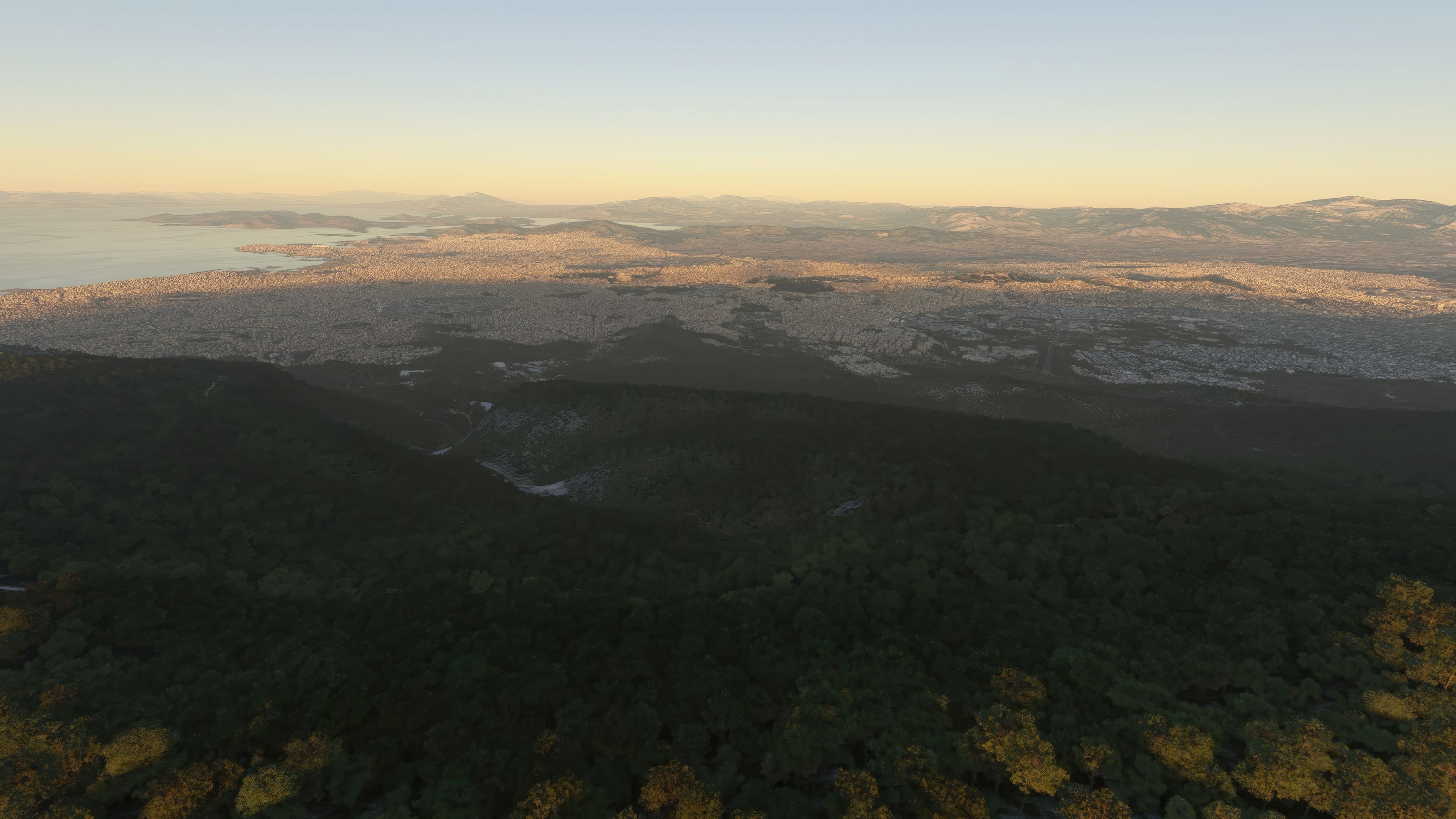
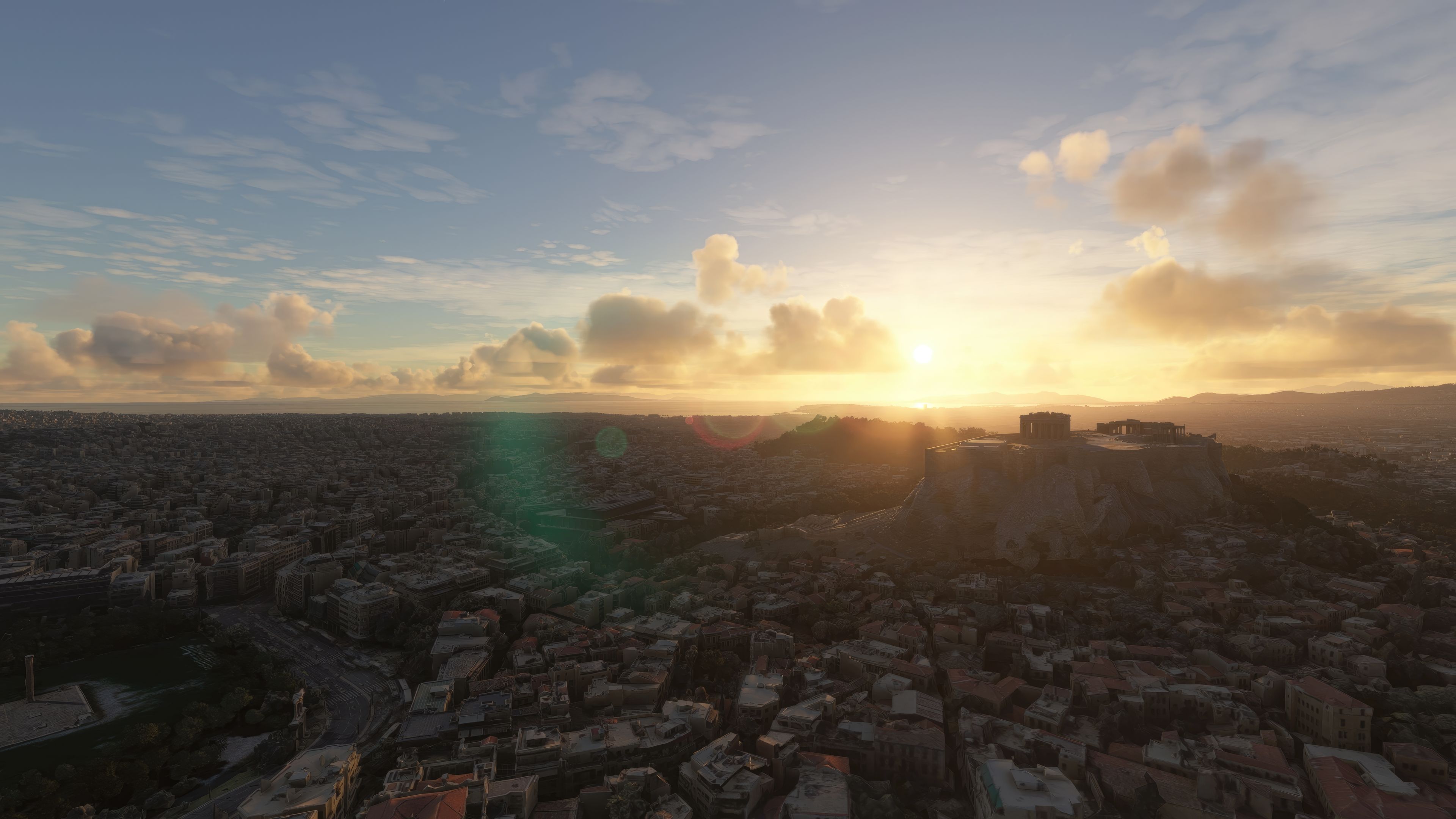


This Athens scenery mod provides an incredibly detailed representation of Greece’s iconic capital, transforming the default Microsoft Flight Simulator 2020 terrain and buildings with realistic photogrammetry. As someone who has tested this add-on firsthand, I can confirm that its high-resolution textures and precisely modeled landmarks capture the essence of Athens—particularly its intricate urban layout, historical sites, and major airports like Eleftherios Venizelos International (LGAV), Kotroni Naval Air Base (LGKN), and Tatoi Airport (LGTT). The immersive visuals effectively replace the default environment, making each flight more engaging and authentic.
All of the once-separate scenery elements are now seamlessly combined into one comprehensive mod, which delivers a vast urban landscape and a glimpse into Athens’ deep aviation legacy. The superior texturing, photogrammetry-based modeling, and faithful coverage of the city’s architecture set this scenery apart from generic MSFS defaults. In my expert opinion, it’s a must-have upgrade for sim pilots seeking greater realism and a visually captivating flight experience over Greece’s historic capital.
Immerse yourself in the vibrant city of Athens with the MSFS Athens Scenery add-on for Microsoft Flight Simulator. Photorealistic details, comprehensive coverage and superior authenticity replace the default offering, turning the Greek capital into a high-definition exploration. Experience numerous airports and delve into Athens' rich aviation history with this all-in-one package.
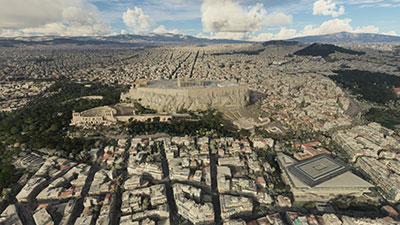 Enrich your virtual experience with the intricate rendition of Athens, Greece, using this mod. With photorealistic detail, this scenery package elevates the overall aesthetics and accuracy of the default Microsoft Flight Simulator 2020 landscape, transmuting Athens into a high-definition visual feast.
Photogrammetry is the core of this add-on, employing precise photographic measurement processes to create authentic 3D models and textures. This scenery mod completely supersedes the default textures and 3D data, employing an in-depth landscape portrayal that captures the quintessence of Athens. This includes everything from iconic landmarks to granular street-level details, making the city's intricate topology and architecture come alive.
The full scenery package brings a level of completeness to your virtual Athens exploration. Initially, the original developer Thalixte released the scenery in fragments across various platforms. However, the package available here aggregates these disparate elements into one comprehensive, easy-to-install file. Now, there's no need to chase down individual components - it's all compiled and ready for you to enjoy.
One of the main goals of the package is to enhance the overall authenticity and realism of the simulation experience. This is achieved by replacing the default Microsoft offering with a high-resolution and detailed representation of Athens.
Default sceneries in MSFS 2020, while generally satisfactory, tend to lack specific details or features that might be critical for achieving the highest level of realism. For example, the standard buildings, terrain, and vegetation might not be as accurate or as detailed as a virtual pilot might prefer. Here's where this mod steps in.
The add-on employs a method known as photogrammetry to achieve high fidelity. Photogrammetry involves using photographs taken from various angles to create detailed 3D models of real-world objects. It provides superior realism compared to generic models, capturing the unique intricacies and textures of the structures and landscape. These photorealistic models replace the default 3D data, imbuing the Athens area with a lifelike quality that the base game alone doesn't offer.
The add-on is a game-changer for any flight simulation enthusiast. It not only offers a substantial visual upgrade but also an immersive exploration of Athens, enhancing the virtual pilot's overall experience.
To immerse yourself in the scenery, set your GPS coordinates to 37° 58' 00" N, 23° 43' 00" E. The breathtaking detail of the Greek capital and its surroundings will materialize in front of your eyes, ready for your aviation exploration.
Not only does this package cover the cityscape, but it also comprises a wide array of airports within and around Athens. Here's a selection:
The city of Athens, with its rich historical heritage, also boasts an extensive aviation history. It's the birthplace of aviation in Greece, with its first civilian airport - the now-defunct Ellinikon International - having opened its runways in 1938. The Athens Scenery add-on encapsulates this vibrant history, bringing to life an era that witnessed the growth of aviation from its infancy to the bustling industry it is today.
To support the developer's hard work in compiling this immersive scenery package, consider donating. You can find the necessary links in the bio section below.
Firstly, if the simulator is running, close it down.
Then, simply extract the downloaded archive and copy all four folders inside the Scenery Files folder into your MSFS community folder.
Those four folders are;
thalixte-athens1thalixte-athens2thalixte-athens3thalixte-athens4Once copied in, load the simulator - the scenery will be present.
Free for all simmers · 8.34 GB · Scanned clean Oct 2026
Download speed: Free tier is capped at 2 Mbps (this file takes approximately 9h 57m at the cap). PRO members download at full line speed.
%LOCALAPPDATA%\Packages\Microsoft.FlightSimulator_8wekyb3d8bbwe\LocalCache\Packages\Community\. Steam version: %APPDATA%\Microsoft Flight Simulator\Packages\Community\. Tip: enable Developer Mode in MSFS to see your exact Community folder path.readme.txt or README file. It tells you exactly where files go, what dependencies are needed, and any quirks specific to this add-on.Thalixte is a developer that has focused on creating photogrammetry and scenery packs for the latest Microsoft Flight Simulator (MSFS) 2020 release. All of this developer's releases have received fantastic feedback from many users on various flight sim websites including Fly Away Simulation.
Based in France, the developer tends to focus on creation of European packs however some "further afield" packs have also been created.
Are you Thalixte? Sign in to Fly Away Creators for download stats, comment replies and updates. Make add-ons? Publish them here.
Only PRO members can place votes.
More MSFS add-ons hand-picked based on this download.
MSFS Scenery
A large freeware scenery add-on pack put together by the developer who goes b…
 MSFS Scenery
A quick rework of several Swiss cities and landmarks such as the Matterhorn u…
 MSFS Scenery
This pack by the developer who simply goes by the name of Chris brings the me…
 MSFS Scenery
Enhance your Microsoft Flight Simulator experience with the Downtown Los Ange…
 MSFS Scenery
A massive freeware pack created by the developer Srinivasman containing over …
 MSFS Scenery
A new, easy-to-install, and accurate replacement of the default Paris photore…
 MSFS Scenery
This is a complete replacement scenery pack covering the entire city of Honol…
 MSFS Scenery
A complete overhaul of Zion Canyon National Park in Utah, the USA for Microso…
Read what other simmers think, or add your own.

I will try it and then let you know, although I am sure it will be a nice experience.....

Please add the following airports:
LGAT — Athens Hellinikon International AirportFor the following simulators:
Microsoft Flight Simulator 2020FSXFSX:FSX:SEMicrosoft Flight Simulator 2024FS2002FS2004God bless you and thanks.