


 Canada
  FSX Scenery
Quebec Airports - St-Hyacinthe Aerodrome
St-Hyacinthe Aerodrome, Canada. Located about 11 nm NE of St-Mathias. All new…
St-Mathias Aerodrome and its Richelieu River water landing area bring low-level Quebec flying to life with refreshed layouts, dense object placement, and an updated AFCAD for smooth AI and parking behavior in FSX. The scenery uses default assets plus bundled freeware objects and requires those libraries for the intended look.
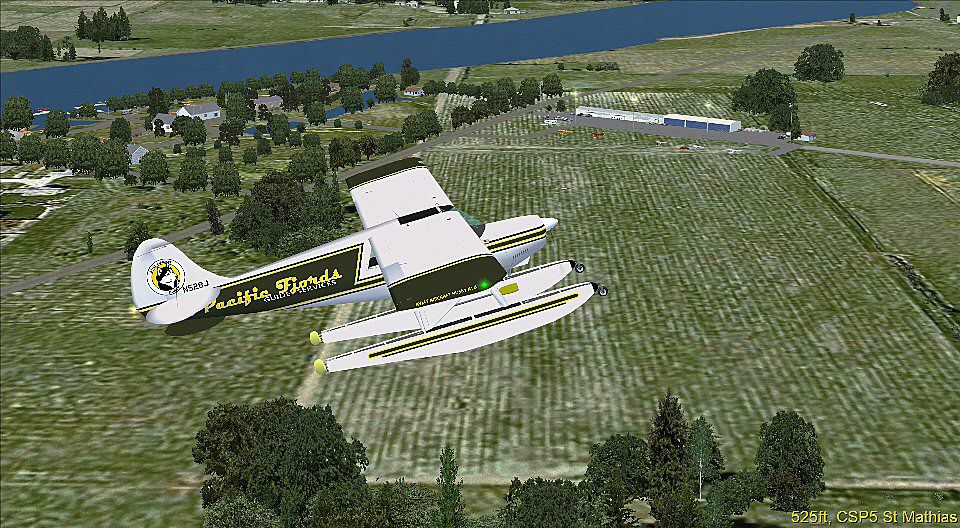
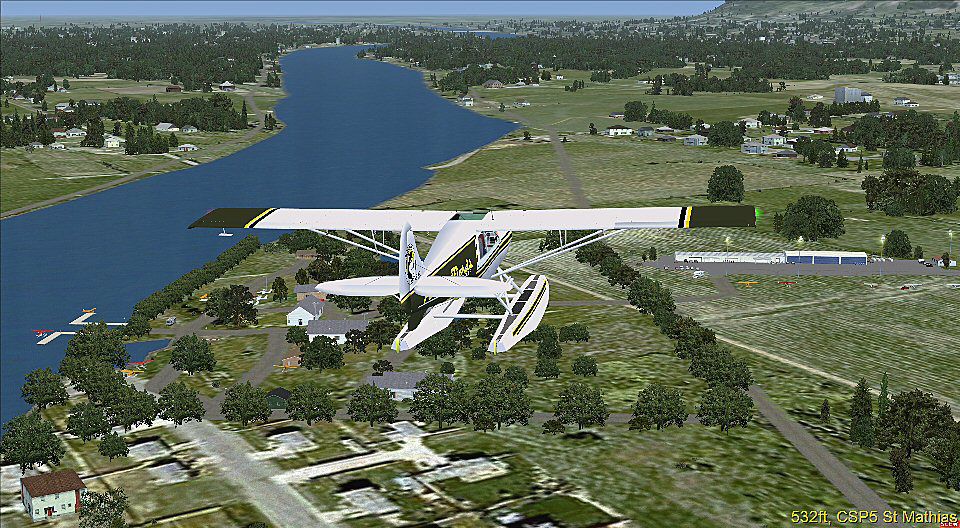
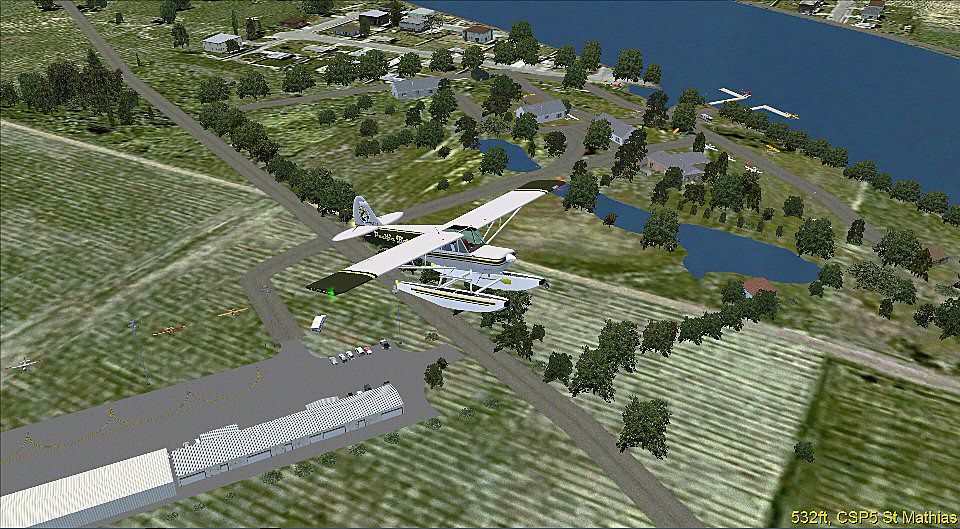
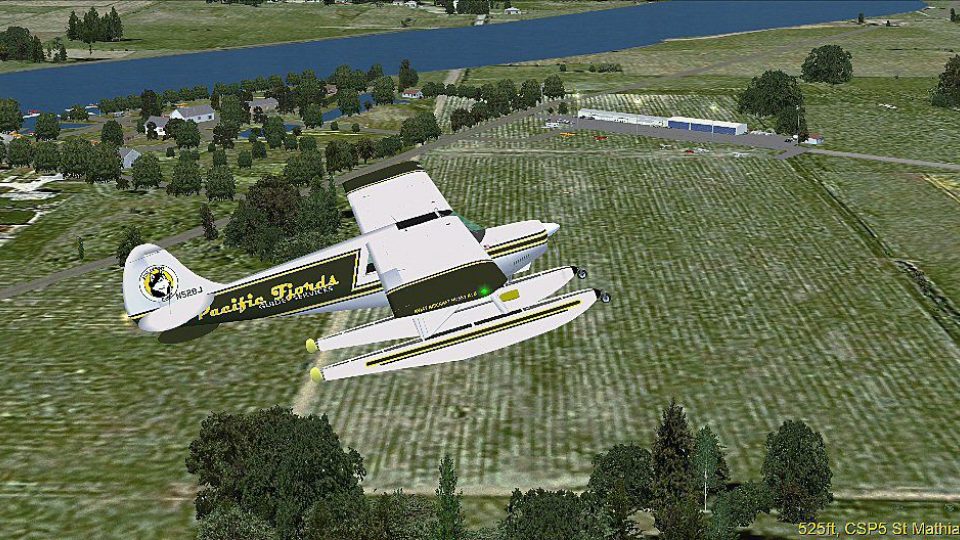
Quebec Airports, Canada. Two Airports along the Richelieu River. St-Mathias Aerodrome and water landing area. All new scenery objects and AFCAD. By Ed Wells.
Aerial view of Quebec Airports scenery.
This scenery depicts the Airport and water landing area for St Mathias Airfield in Quebec. There are a few things that it is important to understand right off. There are no custom buildings, all objects are either default FSX or Accel or freeware objects, all of which are included, so there are a lot of objects that must be installed and installed correctly for the scenery to look the way it was designed to look. Also, all of the additional trees I added are scenery objects, not autogen and because of that they will not change with the seasons. Therefore, if you only fly to St Mathias in the Fall or Winter, the trees are going to remain a beautiful green irregardless of the surroundings.
Free for all simmers · 27.67 MB · Scanned clean Sep 2026
Download speed: Free tier is capped at 0.5 Mbps (this file takes approximately 8 mins at the cap). PRO members download at full line speed.
FSX\Addon Scenery\ containing scenery and texture sub-folders.readme.txt or README file. It tells you exactly where files go, what dependencies are needed, and any quirks specific to this add-on.Use these coordinates to fly directly to this location once the mod is installed.
45.44870000,-73.25990000
Launch FSX or Prepar3D and use Flights → Load to open the downloaded .pln file. Your aircraft will be positioned at this location.
The archive st_mathias.zip has 15 files and directories contained within it.
This list displays the first 500 files in the package. If the package has more, you will need to download it to view them.
| Filename/Directory | File Date | File Size |
|---|---|---|
| AFX_CSP5.bgl | 04.12.12 | 6.79 kB |
| AFX_CSV9.bgl | 04.11.12 | 871 B |
| cvx_test_excAB.BGL | 04.04.12 | 228 B |
| cvx_test_flatten.BGL | 04.08.12 | 269 B |
| cvx_test_ponds.BGL | 04.09.12 | 440 B |
| cvx_test_rds.BGL | 04.11.12 | 678 B |
| St_Mathias.bgl | 04.12.12 | 22.12 kB |
| Scenery_Objects.zip | 04.12.12 | 27.55 MB |
| readme.txt | 04.12.12 | 3.35 kB |
| scenery_01.jpg | 04.12.12 | 196.32 kB |
| scenery_02.jpg | 04.12.12 | 192.08 kB |
| scenery_03.jpg | 04.12.12 | 197.37 kB |
| FILE_ID.DIZ | 04.15.12 | 191 B |
| flyawaysimulation.txt | 10.29.13 | 959 B |
| Go to Fly Away Simulation.url | 01.22.16 | 52 B |
Only PRO members can place votes.
More FSX & P3D add-ons hand-picked based on this download.
FSX Scenery
St-Hyacinthe Aerodrome, Canada. Located about 11 nm NE of St-Mathias. All new…
 FSX Scenery
St-Dominique Airfield, Canada. Located about 8.5 nm east of St-Hyacinthe. All…
 FSX Scenery
Quebec Jean Lesage International Airport (CYQB), Canada, v3.0. Includes termi…
 FSX Scenery
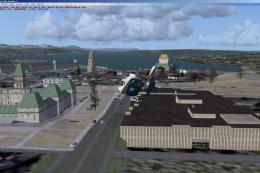
Quebec City 2.0, Canada. Quebec City (Ville de Quebec in French) is the capit…
 FSX Scenery
Lakes, shorelines and rivers of the province of Quebec, Canada (for FSX only)…
 FSX Scenery
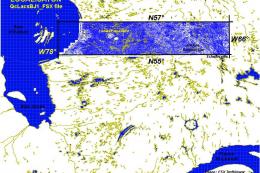
Province Of Quebec Lakes, Shorelines And Rivers, Canada. Includes territory b…
 FSX Scenery
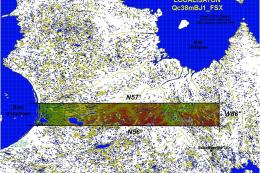
Province Of Quebec, Canada, 38m (LOD10) terrain mesh between N56-N57 and W66-…
 FSX Scenery
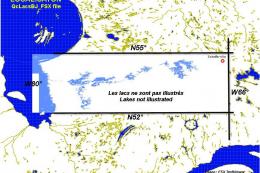
Quebec Shorelines. Lakes, shorelines and rivers for the Province of Quebec, C…
Be the first to leave a comment on this download.
Be the first to share your thoughts on this download.