
 FSX Historic & Vintage Aircraft
Beechcraft D18S/SNB
This is a full FSX Acceleration SDK compliant version of the Beechcraft D18S …
“Flying Safaris” livery transforms the Beechcraft D18S/SNB into a Springbok-themed bush charter classic, adding safari emblems and rugged vintage styling that suits low-level touring across African scenery in Microsoft Flight Simulator X. The repaint requires the Milton Shupe base D18SX_DC model with David Carroll modifications.
 Rate
Rate
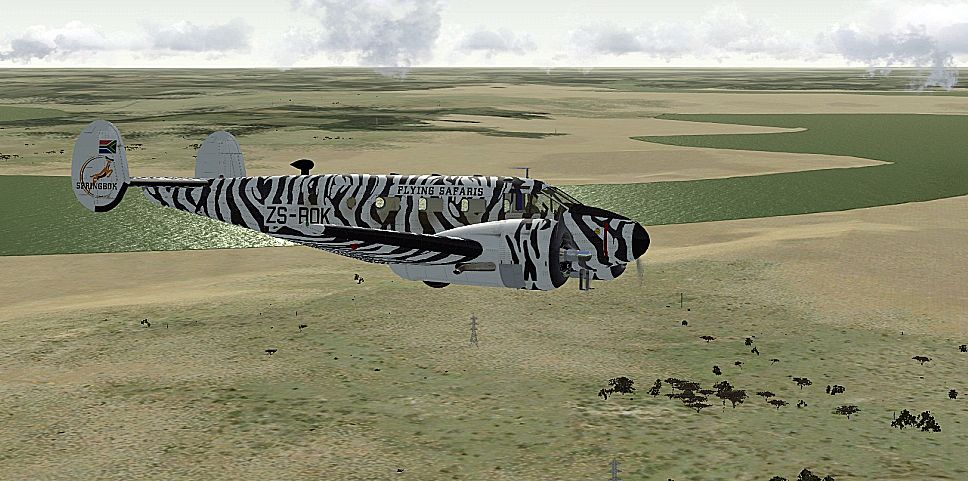
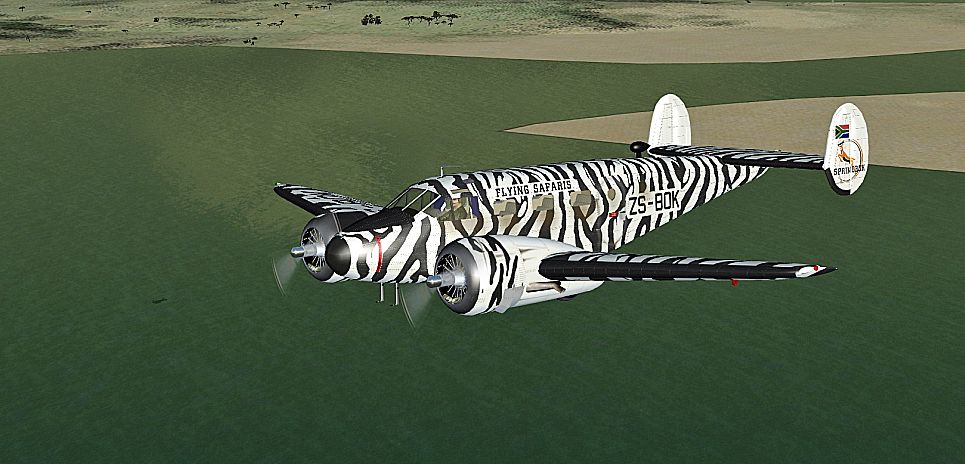

This fictional “Flying Safaris” repaint for the Beechcraft D18S/SNB brings a distinct South African Springbok-inspired theme to your twin-engined vintage aircraft in Microsoft Flight Simulator X. Created by Bernhard Lechner, this texture set showcases rugged bush-travel styling suitable for safari and charter flights. The underlying aircraft model—originally developed by Milton Shupe (with modifications by David Carroll)—is not bundled here and must be downloaded from the Fly Away Simulation mod library before use. Once installed, you will be able to immerse yourself in an imaginary safari-hopping role as you tour diverse African landscapes from your cockpit.
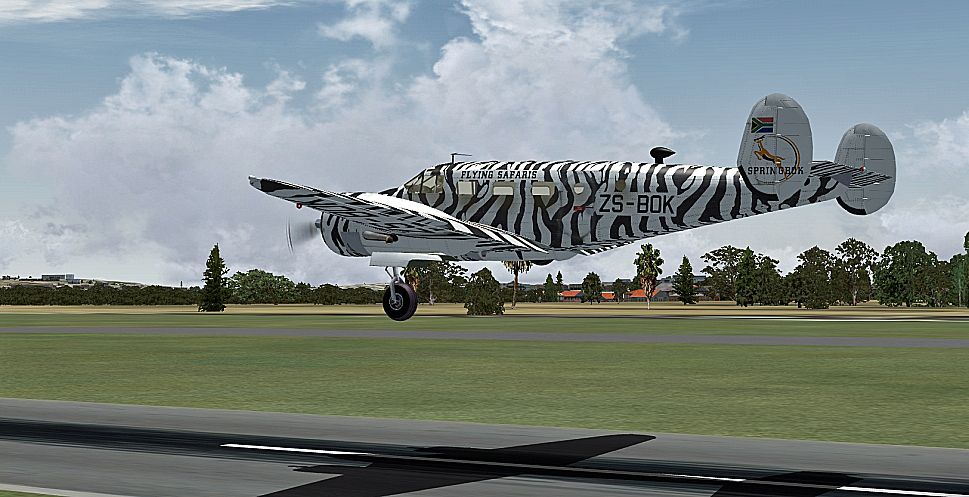
The Beechcraft D18S is known for its distinctive twin-tail design and was widely operated as a military trainer and passenger transport. In this custom rendition, the Springbok markings on this fictitious livery evoke a classic bush-travel persona. The fuselage features understated safari emblems that complement the vintage lines of the D18S/SNB series, creating a specialized aesthetic designed to stand out on virtual ramps and airstrips.
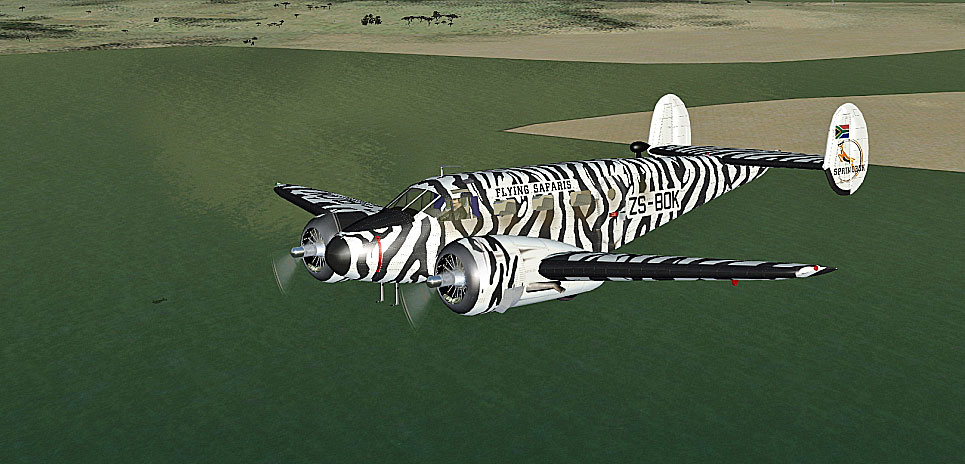
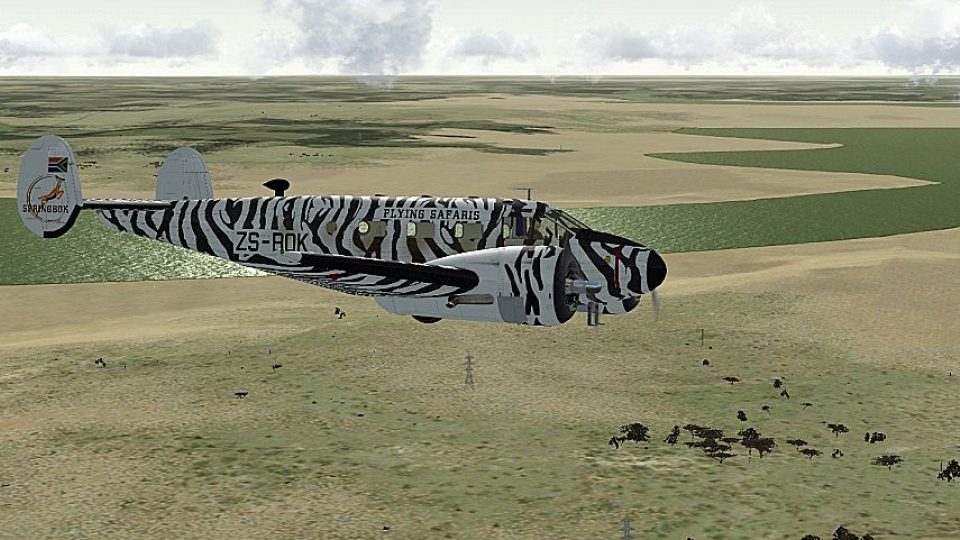
Screenshot of "Flying Safaris" Beechcraft D18S/SNB in flight.
Beechcraft’s D18S series, often referred to as the “Twin Beech,” earned a reputation for reliability and versatility throughout its production run. The SNB variant served under U.S. Navy designation, providing flight training and transportation. In civilian configurations, it saw use as a regional commuter, cargo hauler, and even an executive transport. This add-on captures that heritage while blending in a refreshing safari theme suited to low-level sightseeing over plains or wildlife reserves in southern Africa.
[FLTSIM.XX]

Title = Beech SNB-5 SPRINGBOK FLYING SAFARIS

Sim = D18S

Model = xdc

Panel = xblk

Sound =

Texture = SPRINGBOK

kb_checklists = Beech18_check

kb_reference = Beech18_ref

atc_id =

ui_manufacturer = BEECHCRAFT

ui_type = SNB

ui_variation = SPRINGBOK

ui_typerole = Twin Engine Prop

ui_createdby = Shupe-Carroll

description =

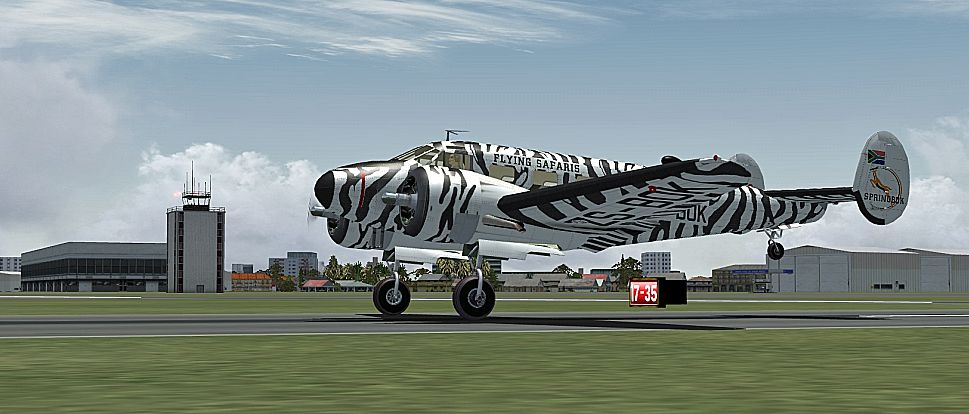
Screenshot of "Flying Safaris" Beechcraft D18S/SNB on runway.
This fictional Springbok repaint was prepared by Bernhard Lechner and is strictly a texture package. The base freeware Beech D18SX_DC model—created by Milton Shupe and further modified by David Carroll—is required. Explore the Fly Away Simulation library for the base package if you have not already installed it. Thank you for downloading, and enjoy your next African adventure!
Free for all simmers · 9.63 MB · Scanned clean Oct 2026
Download speed: Free tier is capped at 0.5 Mbps (this file takes approximately 3 mins at the cap). PRO members download at full line speed.
This file is a repaint — the package below is the base model it paints onto. Install it first, or the textures will have nothing to load onto.
texture.{airline}) inside FSX\SimObjects\Airplanes\{base-aircraft}\.aircraft.cfg in Notepad. Add a new [fltsim.X] section per the readme.readme.txt or README file. It tells you exactly where files go, what dependencies are needed, and any quirks specific to this add-on.The archive beech_d18s_springbok.zip has 19 files and directories contained within it.
This list displays the first 500 files in the package. If the package has more, you will need to download it to view them.
| Filename/Directory | File Date | File Size |
|---|---|---|
| readme_beech_18_springbok.txt | 06.11.10 | 5.71 kB |
| SCREENS | 06.11.10 | 0 B |
| B18_01.jpg | 06.11.10 | 374.58 kB |
| B18_02.jpg | 06.11.10 | 479.41 kB |
| B18_03.jpg | 06.11.10 | 545.87 kB |
| B18_04.jpg | 06.11.10 | 459.16 kB |
| texture.SPRINGBOK | 06.11.10 | 0 B |
| FUSEMAIN_X_T.dds | 06.11.10 | 4.00 MB |
| fusemain_x_t_spec.dds | 03.29.10 | 4.00 MB |
| LWING_X_T.dds | 06.11.10 | 1.00 MB |
| lwing_x_t_spec.dds | 04.05.10 | 4.00 MB |
| NACELLES_X_T.dds | 06.11.10 | 1.00 MB |
| nacelles_x_t_spec.dds | 04.01.10 | 4.00 MB |
| RWING_X_T.dds | 06.11.10 | 4.00 MB |
| rwing_x_t_spec.dds | 03.30.10 | 4.00 MB |
| texture.cfg | 08.14.06 | 137 B |
| THUMBNAIL.jpg | 06.11.10 | 52.76 kB |
| flyawaysimulation.txt | 10.29.13 | 959 B |
| Go to Fly Away Simulation.url | 01.22.16 | 52 B |
Only PRO members can place votes.
More FSX & P3D add-ons hand-picked based on this download.
FSX Historic & Vintage Aircraft
This is a full FSX Acceleration SDK compliant version of the Beechcraft D18S …
 FSX Historic & Vintage Aircraft
This is a full FSX/P3Dv4 compliant updated and replacement version of the Bee…
 FSX Historic & Vintage Aircraft
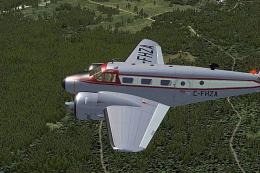
Immerse yourself in a refined Canadian paint scheme developed for the iconic …
 FSX Historic & Vintage Aircraft
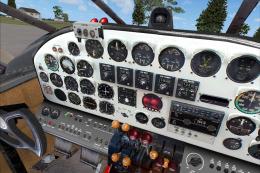
Beechcraft D18S "Touch O' Texas", registration N412K. This is an FSX adoptati…
 FSX Historic & Vintage Aircraft
Beechcraft D18S Passenger In The Cabin. Two complete aircraft, wheeled and am…
 FSX Historic & Vintage Aircraft
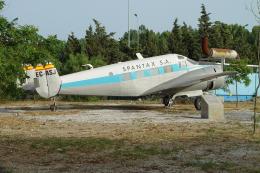
These textures are created for the David Carroll FSX Beechcraft D18S/SNB nati…
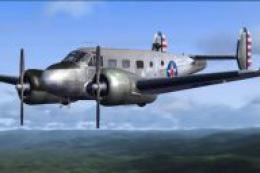 FSX Historic & Vintage Aircraft
These two files are for the Beechcraft D18S for FS2004 by Milton Shupe, Scott…
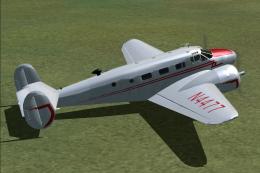 FSX Historic & Vintage Aircraft
Private Beech D18S. Repaint of Milton Shupe Beechcraft D18 model, using Beech…
Be the first to leave a comment on this download.
Be the first to share your thoughts on this download.