
 FSX Historic & Vintage Aircraft
Beechcraft D18S/SNB
This is a full FSX Acceleration SDK compliant version of the Beechcraft D18S …
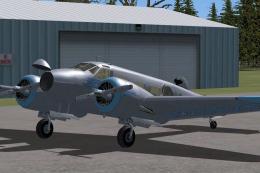
Canadian C-FHZA livery for the Beechcraft D18S/SNB brings period-correct markings and regional decals to the classic Twin Beech in Microsoft Flight Simulator X, complementing the aircraft’s distinctive lines and window layout. Requires the freeware Milton Shupe Beech D18SX_DC model adapted for FSX by David Carroll.
 Rate
Rate

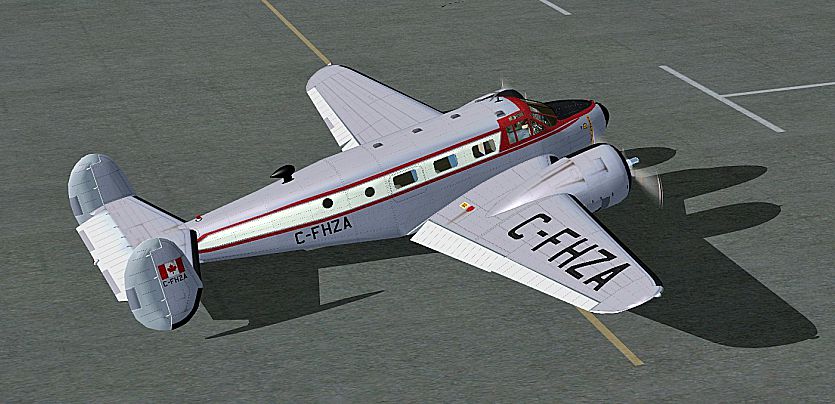
Immerse yourself in a refined Canadian paint scheme developed for the iconic Beechcraft D18S/SNB in Microsoft Flight Simulator X. Crafted by Bernhard Lechner, these textures accentuate the classic twin-engined design with regional touches. The repaint applies to the freeware Beech D18SX_DC model by Milton Shupe, which was further adapted by David Carroll for FSX (SP2/Acceleration). The base package is required to enable proper functionality and can be acquired from the Fly Away Simulation mod library.
This livery replicates a Canadian variant of the venerable Beech SNB, showcasing a unique registration and distinctive markings. The Beechcraft Model 18 (often referred to as the “Twin Beech”) was originally produced in the late 1930s and, over time, served in varied roles across civil and military operations, including Canadian services. This repaint highlights that authentic heritage by integrating region-specific decals and a historically influenced appearance. Enthusiasts and purists of vintage aircraft simulation will value the meticulous attention to the airframe’s distinctive lines, window arrangement, and aerodynamic profile.
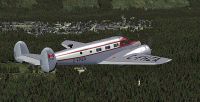
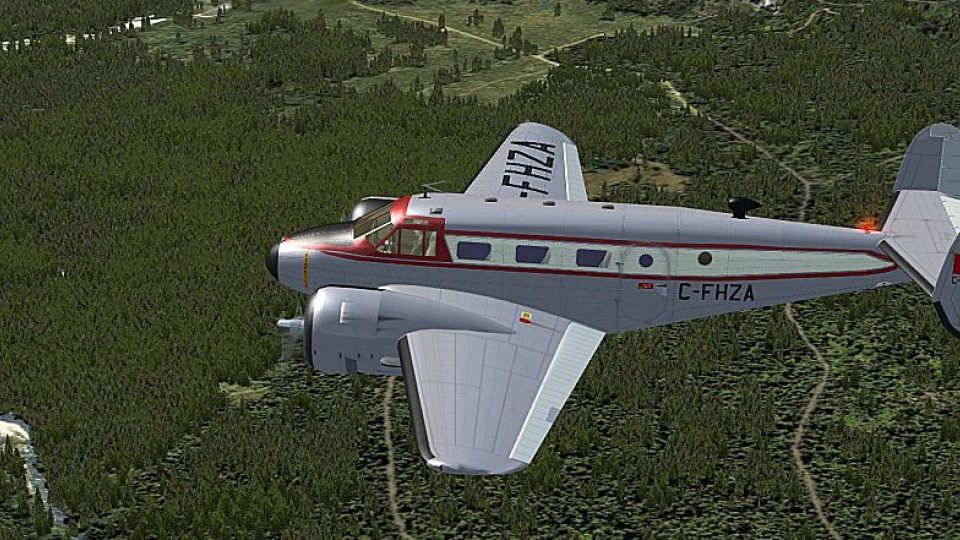
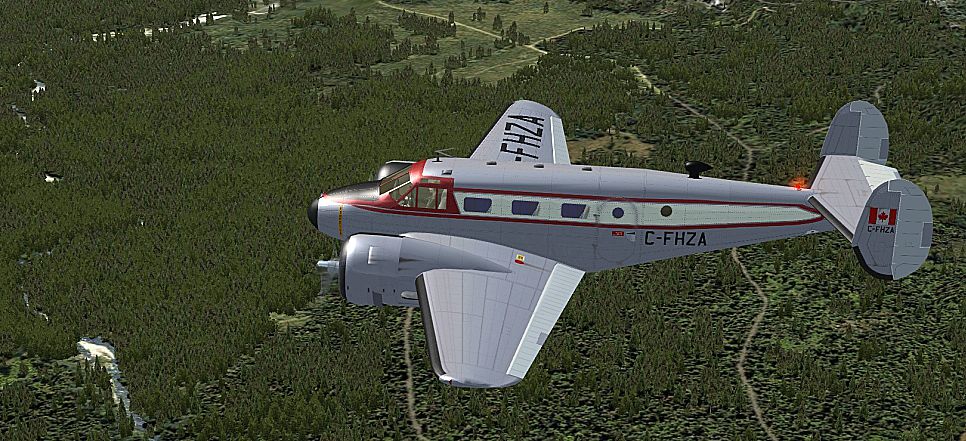
Screenshot of Canadian Beechcraft D18S/SNB in the air.
[FLTSIM.X] entry, ensuring the XX corresponds to the proper sequential number:[FLTSIM.XX]
Title = Beech SNB-5 CANADA C-FHZA
Sim = D18S
Model = xdc
Panel = xblk
Sound =
Texture = C-FHZA
kb_checklists = Beech18_check
kb_reference = Beech18_ref
atc_id =
ui_manufacturer = BEECHCRAFT
ui_type = SNB
ui_variation = C-FHZA
ui_typerole = Twin Engine Prop
ui_createdby = Shupe-Carroll
description =
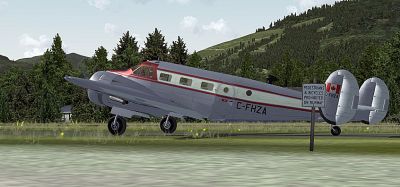
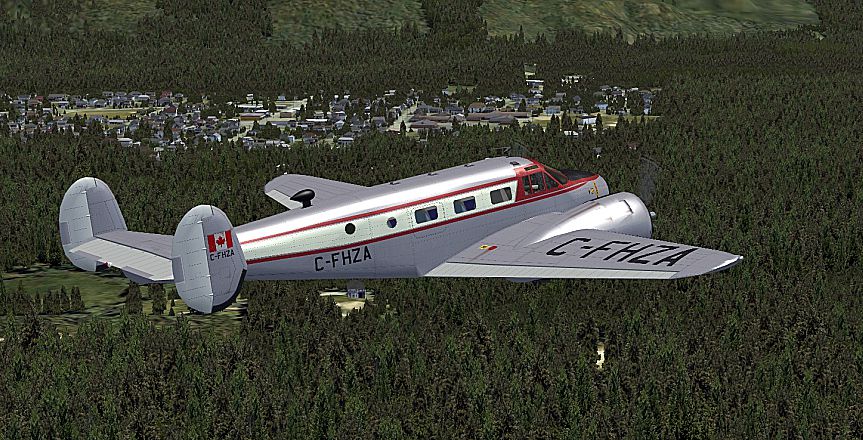
Screenshot of Canadian Beechcraft D18S/SNB on the ground.
Beechcraft’s D18 series is notable for its twin radial engines and utilitarian layout, making it a popular choice for both cargo and passenger transport. In Canadian aviation circles, several Beech 18 variants saw service in remote regions, demonstrating reliable performance for essential routes. This repaint honors that legacy by reflecting a style appropriate for an aircraft that has operated in Canada's diverse flying environments.
By Bernhard Lechner
Free for all simmers · 9.29 MB · Scanned clean Oct 2026
Download speed: Free tier is capped at 0.5 Mbps (this file takes approximately 3 mins at the cap). PRO members download at full line speed.
This file is a repaint — the package below is the base model it paints onto. Install it first, or the textures will have nothing to load onto.
texture.{airline}) inside FSX\SimObjects\Airplanes\{base-aircraft}\.aircraft.cfg in Notepad. Add a new [fltsim.X] section per the readme.readme.txt or README file. It tells you exactly where files go, what dependencies are needed, and any quirks specific to this add-on.The archive beech_d18s_c-fhza.zip has 19 files and directories contained within it.
This list displays the first 500 files in the package. If the package has more, you will need to download it to view them.
| Filename/Directory | File Date | File Size |
|---|---|---|
| readme_beech_18_c-fhza.txt | 06.11.10 | 5.66 kB |
| SCREENS | 06.11.10 | 0 B |
| B18_01.jpg | 06.11.10 | 403.83 kB |
| B18_02.jpg | 06.11.10 | 418.98 kB |
| B18_03.jpg | 06.11.10 | 571.50 kB |
| B18_04.jpg | 06.11.10 | 621.64 kB |
| texture.C-FHZA | 06.11.10 | 0 B |
| FUSEMAIN_X_T.dds | 06.11.10 | 4.00 MB |
| fusemain_x_t_spec.dds | 03.29.10 | 4.00 MB |
| LWING_X_T.dds | 06.11.10 | 1.00 MB |
| lwing_x_t_spec.dds | 04.05.10 | 4.00 MB |
| NACELLES_X_T.dds | 06.10.10 | 1.00 MB |
| nacelles_x_t_spec.dds | 04.01.10 | 4.00 MB |
| RWING_X_T.dds | 06.11.10 | 4.00 MB |
| rwing_x_t_spec.dds | 03.30.10 | 4.00 MB |
| texture.cfg | 08.14.06 | 137 B |
| THUMBNAIL.jpg | 06.11.10 | 34.85 kB |
| flyawaysimulation.txt | 10.29.13 | 959 B |
| Go to Fly Away Simulation.url | 01.22.16 | 52 B |
Only PRO members can place votes.
More FSX & P3D add-ons hand-picked based on this download.
FSX Historic & Vintage Aircraft
This is a full FSX Acceleration SDK compliant version of the Beechcraft D18S …
 FSX Historic & Vintage Aircraft
This is a full FSX/P3Dv4 compliant updated and replacement version of the Bee…
 FSX Historic & Vintage Aircraft
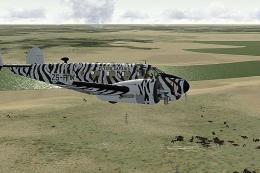
This fictional “Flying Safaris” repaint for the Beechcraft D18S/SNB brings a …
 FSX Historic & Vintage Aircraft
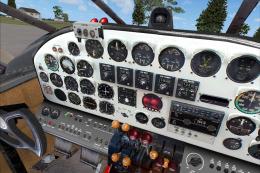
Beechcraft D18S "Touch O' Texas", registration N412K. This is an FSX adoptati…
 FSX Historic & Vintage Aircraft
Beechcraft D18S Passenger In The Cabin. Two complete aircraft, wheeled and am…
 FSX Historic & Vintage Aircraft
These textures are created for the David Carroll FSX Beechcraft D18S/SNB nati…
 FSX Historic & Vintage Aircraft
These two files are for the Beechcraft D18S for FS2004 by Milton Shupe, Scott…
 FSX Historic & Vintage Aircraft
Private Beech D18S. Repaint of Milton Shupe Beechcraft D18 model, using Beech…
Be the first to leave a comment on this download.
Be the first to share your thoughts on this download.