



#1
FSX
Welcome to the Fly Away Simulation downloads section — our complete library of freeware add-ons and mods for every major flight simulator. No registration required, with thousands of aircraft, scenery packs, liveries, and utilities ready to download.




The Fly Away Simulation library is quite possibly the only complete all-in-one library online for MSFS which includes both 2020 and 2024 releases, FSX, FS2004, P3D & X-Plane. Files are added daily, and the library is continually growing. With the release of Lockheed Martin's Prepar3D package, you will also find that pretty much all of the FSX downloads work with it too.
The community classic. Thousands of free add-ons across aircraft, scenery, and utilities for FSX and the Steam Edition.
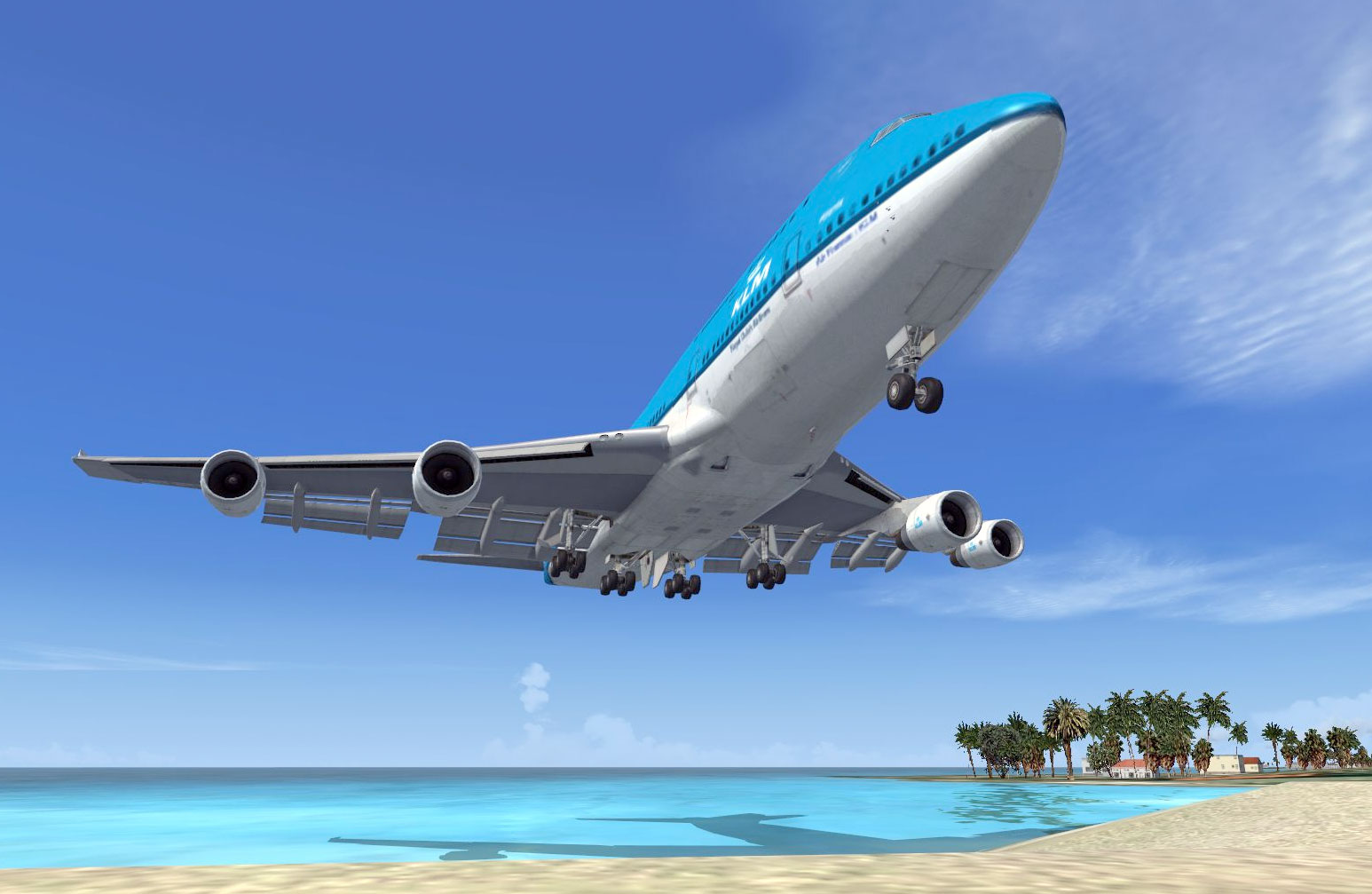
A Boeing 747 landing at the famous St Maarten airport. Screenshot from Microsoft Flight Simulator X.
Microsoft Flight Simulator X, or as it's known within the community as FSX, is the latest released version of their flight simulator package for Windows computers. This has become the standard in PC simulation, with an estimated 75% of the market using this package. The package is designed for a whole range of PC simulation uses, including fun flights for complete novices to IFR and navigation practice for trainee real-life pilots.
The add-ons we cover for FSX include aircraft, scenery and many utility files that enhance your simulation experience and enable you to play for longer with a wider range of scenarios. FSX downloads are our main attraction here at Fly Away Simulation.


The latest from Microsoft & Asobo. Free aircraft, liveries, scenery, and utilities for both the 2020 and 2024 releases.
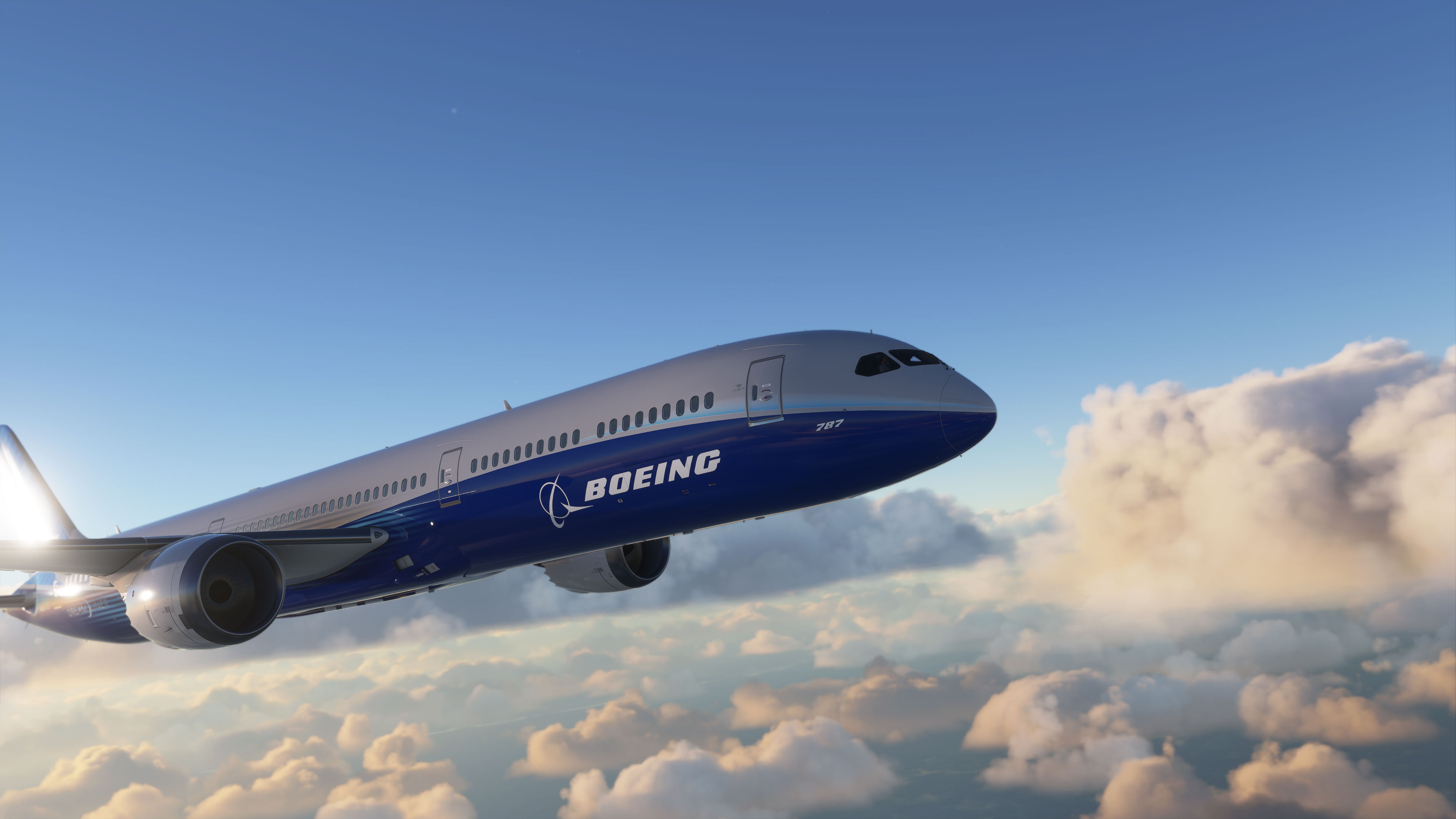
A Boeing 787 in flight over clouds. Screenshot from the new Microsoft Flight Simulator (MSFS) 2020 release.
Microsoft Flight Simulator, abbreviated as MSFS but also known as FS2020 and FS2024 by many veteran flight-simmers is the latest flight sim package released by Microsoft on August 18th, 2020. This new sim is set to become the most popular and widely adopted sim. Our mod section here covers both the FS2020 version and the brand-new FS2024 version. It's a complete rewrite and is not based on any legacy engines like FSX or FS2004 - it has been rewritten from the ground-up with a new engine and core code.
As it's a new release, freeware mods and add-ons are being released slowly. None of the previous files compatible with previous versions work in the 2020/2024 release so it's much harder to port them over - they have to be rewritten. Having said that, developers are hard at work on creating mods for this new version.
Like all previous versions, we will continue to offer freeware files as they become available. These will (like previous versions) include aircraft repaints and new base models, scenery expansions such as new airports and reworked airports, utilities and tools. This new section is likely (over time) to become the most popular on the site.



Laminar Research’s blade-element simulator. Free aircraft, scenery and plugins for X-Plane 12 and 11.
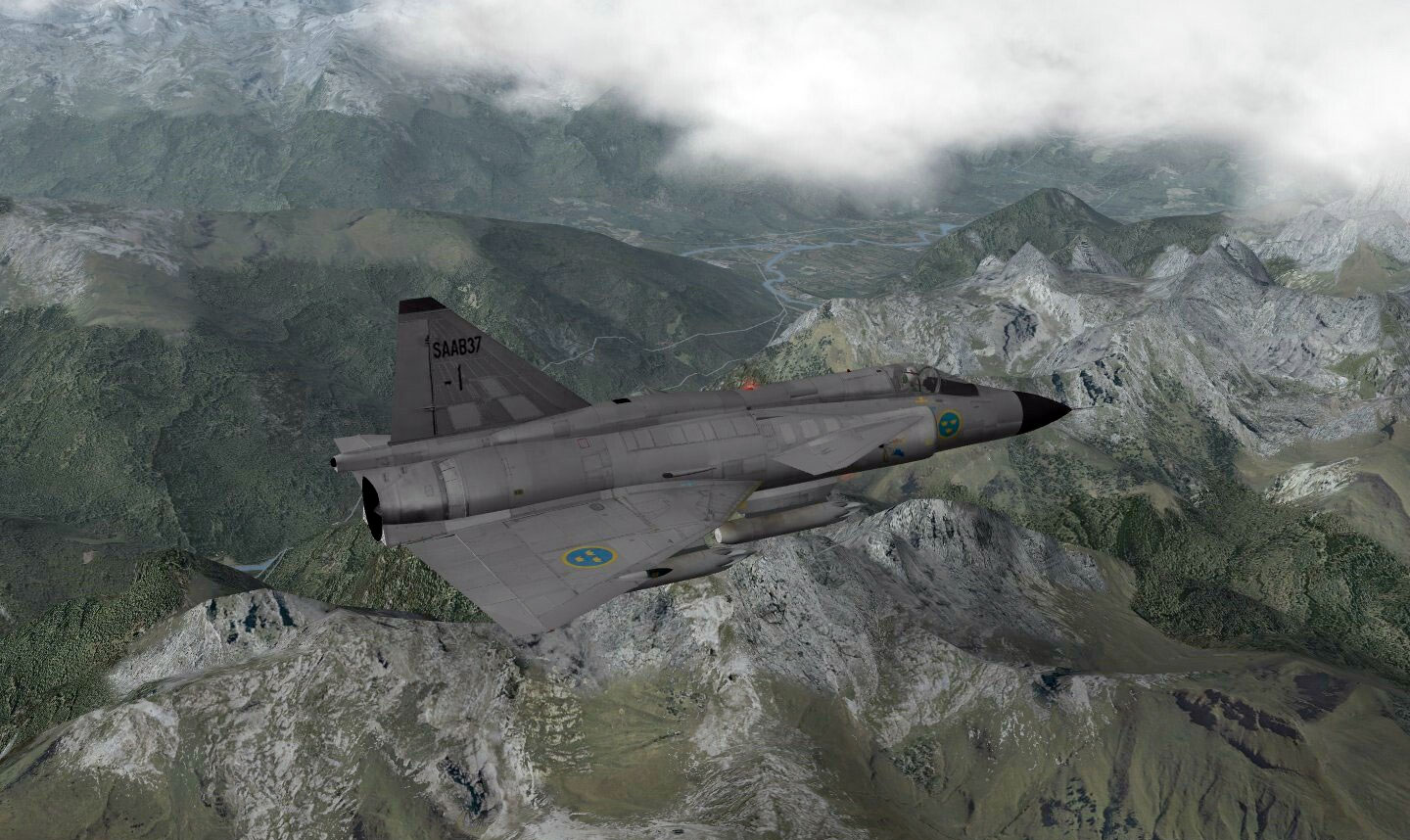
The image shows a Saab 37 military aircraft flying over the French Alps. The screenshot was captured from X-Plane.
X-Plane Flight Simulator, developed by Laminar Research, has always been the simulator of choice for aviation professionals and professional simulator developers. This was usually the simulator used in commercial simulators and to train pilots for real-world scenarios because it was more customizable in these situations. When Microsoft announced the closure of the ACES studio (the team that developed Microsoft's Flight Simulator), the community was more open to change and adopted the use of other simulation packages on the market. X-Plane has always been there, but only at the back of the minds of MSFS users.
When Microsoft announced the closure, users of MSFS started looking elsewhere for a more advanced or "next-generation" simulator package. X-Plane 9 was the first choice and many users gave it a try. Fortunately for Microsoft users, Microsoft announced the development of "Microsoft Flight", the flight simulator package they would be releasing after Microsoft Flight Simulator X.
With the recent release of X-Plane 12, we have begun focusing our efforts on providing add-ons for this platform. X-Plane 12 is the future of flight simulators and many ex-FSX users are adopting this platform as their next-generation flight simulator. This category is growing daily so stay tuned.
While we cover a lot of X-Plane 11 mods here, it's worth nothing that pretty much all of them will work with the brand-new (September 2022 release) of X-Plane 12.
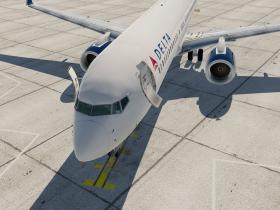
The legacy classic still flown by thousands. Free add-ons for FS2004 (A Century of Flight).
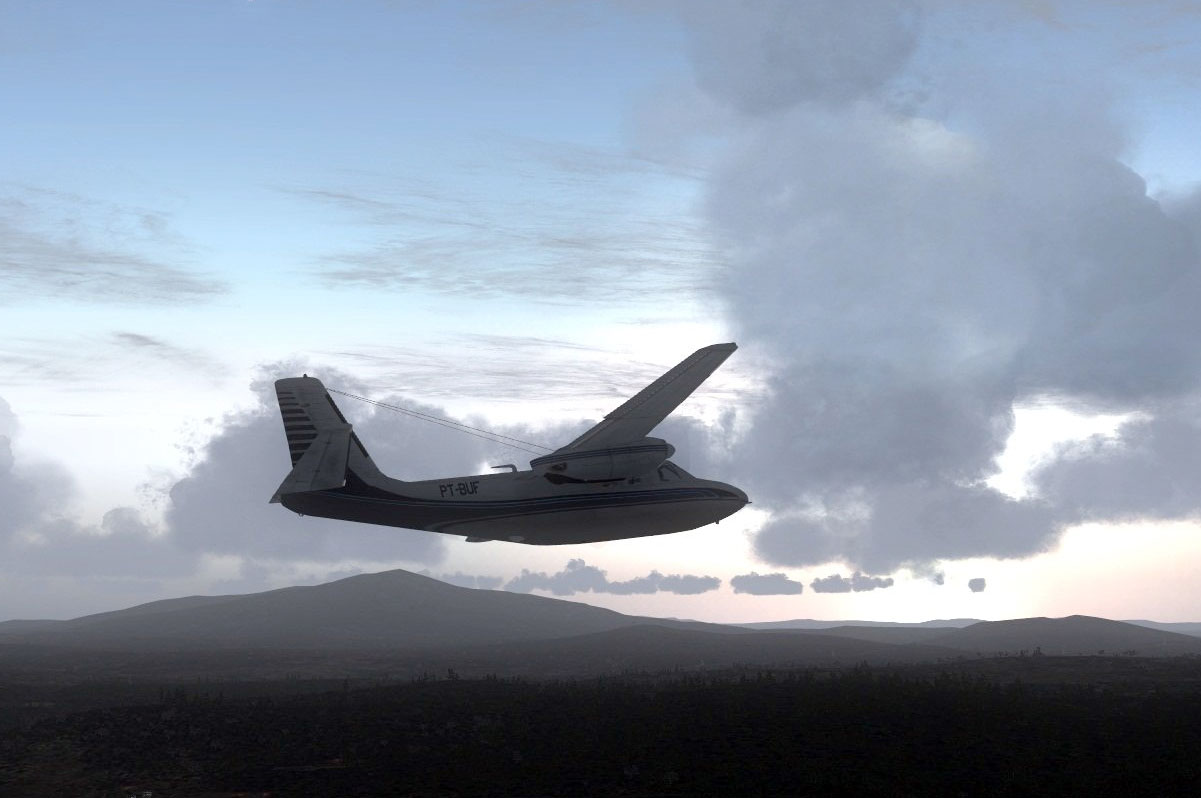
Screenshot from Microsoft Flight Simulator 2004, showing AC500 flying over New Hampshire
Microsoft Flight Simulator 2004 or as it's know, FS2004 was released in 2003 and was the next generation of PC flight sim packages after the release of FS2002. Flight Simulator 2004 set the benchmark for PC flight simulators, and the environment engine was overhauled after the previous release. Many aspects of the simulator were changed; from weather settings and generation to the new included auto-gen scenery features (computer generated trees and other objects).
The world environment was a serious upgrade from FS2002 and FS2004 shortly became the most popular flight simulator of all time. Even after the release of FSX, many avid flight simmers and users still think of FS2004 as the "ultimate" simulator and prefer it over later versions, claiming that the package is more stable and tried and tested.

Free routes, rolling stock, and content for Microsoft Train Simulator.
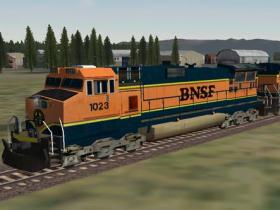
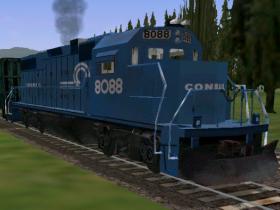
Eagle Dynamics’ combat flight simulator. Free mods, missions and content for DCS World.
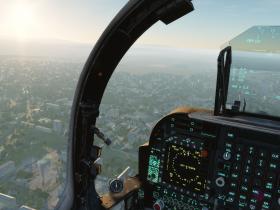
By popular user demand, we have launched our P3Dv4/P3Dv5 page which only displays add-ons and mods that are compatible with these versions.
All other simulator packages including older and legacy sims not featured in the sections above but still made available on Fly Away Simulation for users using these older packages.
Aircraft addons for Microsoft Combat Flight Simulator 3
Miscellaneous files for Microsoft Combat Flight Simulator 3
Utilities for Microsoft Combat Flight Simulator 3
Listed in this category are a selection of flight simulator packages and games that are free-to-download. Most of them...
All the files from Flight Sim 2002 now in one category.
Flight Simulator pre 2000, including FS98 and FS2000.
Other downloads including movies, demos and presentations, benchmark software and more.
We've been serving the flight simulation community since 2002. Every file in our library is hand-curated, virus-scanned, and freely available without registration.
Every upload is virus-scanned before going live. No malware, no bundled toolbars, no installer wrappers — just the file you came for.
Download instantly — no account, no email signup, no paywall. Members get faster download speeds, but every file is free to everyone.
New mods, aircraft, scenery, and liveries are added to the library every day. The community submits, we curate, you fly.
Two decades of community knowledge. If you need help installing an add-on or troubleshooting a sim, the Q&A forum and Flight School are open to all.
Yes, every mod and add-on in our library is completely freeware. There are no hidden costs, no premium tiers, and no payment required. Membership is optional and only unlocks faster download speeds — the files themselves are always free.
No registration is required. You can download every file as a guest. Registered members get full-speed downloads with no wait time, plus access to the community forum and request features.
We cover Microsoft Flight Simulator 2024 and 2020 (MSFS), Microsoft Flight Simulator X (FSX) including the Steam Edition, Microsoft Flight Simulator 2004 (FS2004), Lockheed Martin Prepar3D (P3D v4 and v5), Laminar Research X-Plane 12 and 11, Eagle Dynamics DCS World, and Microsoft Train Simulator.
Each simulator has different installation methods. We maintain step-by-step guides for every major sim in our Flight School, covering aircraft installation, scenery placement, livery setup, and common troubleshooting.
Yes. Every file uploaded to our library is virus-scanned before being made public. We've curated this library since 2002 and take security seriously — no malware, no bundled adware, no installer wrappers.
In most cases, yes. Lockheed Martin's Prepar3D is built on the same ESP engine as FSX, so the vast majority of FSX aircraft, scenery, and utility add-ons work in P3D v4 and v5 with minimal or no changes. Our dedicated Prepar3D page highlights mods specifically tested for P3D.
MSFS 2024 is Microsoft's latest release, building on the 2020 platform with new aircraft, improved graphics, career mode, and updated terrain. Most MSFS 2020 add-ons are compatible with 2024, though some require updates. Our MSFS section covers add-ons for both releases.
Absolutely. We welcome submissions from freeware developers, creators, and designers. Use our upload form to share your work with our community. Every submission is reviewed before going live.
The biggest story in flight simulation right now is that Microsoft Flight Simulator 2024 and MSFS 2020 are both still actively flown. MSFS 2024 ships with deeper systems modeling, a proper career mode, and updated terrain meshes pulled from Microsoft's Azure data.
But MSFS 2020 isn't going anywhere — the marketplace of payware and freeware add-ons built up over five years means many simmers stay on 2020 specifically because their favorite aircraft and scenery aren't yet ported. Most add-ons developed for MSFS 2020 work in 2024 with minor or no changes, but compatibility varies aircraft-to-aircraft. When you're browsing our MSFS section, check the description for explicit 2024 compatibility notes — freeware authors are getting better about flagging this.
Microsoft Flight Simulator X turned 18 in 2024, and somehow it's still one of the most-downloaded platforms on this site. Three reasons. First, the library effect: nearly two decades of freeware accumulation means there are mods for almost any aircraft you can name, often available in higher quality than newer sims offer. Second, hardware accessibility: FSX runs comfortably on hardware that struggles with MSFS 2024 — meaningful for users in regions where high-spec gaming PCs aren't trivially affordable. Third, Prepar3D compatibility: Lockheed Martin's P3D shares enough DNA with FSX that the vast majority of FSX add-ons work in P3D v4 and v5 with no modification.
If you're starting from scratch in 2026 and FSX appeals, the FSX Steam Edition is still on sale regularly and is functionally identical to the original.
Flight simulation has a 25-year tradition of community-made content, often produced by working pilots, engineers, and 3D artists who release their work because they love the hobby.
X-Plane 12 has quietly become the favored platform for serious VFR pilots and study-level enthusiasts. Laminar Research's blade-element flight model handles edge cases (icing, deep stalls, asymmetric thrust) more honestly than the table-lookup approaches in the Microsoft lineage. But the real story for X-Plane in 2026 is scenery: tools like Ortho4XP let anyone generate photoreal terrain for any region of the world, and the X-Plane scenery community publishes new airport-detail packs almost daily. If you fly X-Plane, our X-Plane scenery section is the most active part of the library.
Lockheed Martin's Prepar3D doesn't get the consumer attention of MSFS, but it's the chosen platform for serious airliner study-level work — particularly for users running PMDG, FSLabs, and QualityWings products. P3D v5 fixed long-standing visual limitations and introduced True Atmospheric Scattering. The freeware ecosystem is smaller than MSFS or FSX but the average mod quality tends to be higher because the audience is more technical.
For combat simulation, Eagle Dynamics' DCS World remains uncontested. The free base game (Su-25T and TF-51D) is enough to get a taste, and the third-party module market is rich. Our DCS section covers free missions, liveries, sound mods, and community content that complements the paid modules.
Every mod on this page is freeware: free to download, free to use, and free to redistribute under each author's terms. This isn't piracy — flight simulation has a 25-year tradition of community-made content, often produced by working pilots, engineers, and 3D artists who release their work because they love the hobby. When you see a screenshot of a beautifully detailed Cessna or a hand-modeled regional airport in our library, there's almost always a person behind it who built it on their own time and gave it away.
The Fly Away Simulation library has been curating this work since 2002 — over two decades of community knowledge condensed into a searchable archive. We virus-scan every upload, organize by simulator, and keep the entire library free without account requirements.
If you're new to flight sim mods, here's the order I'd suggest:
Our Flight School has step-by-step installation guides for every major sim.
Are you a developer, creator, or designer of freeware add-ons for any of the flight simulator packages we cover here? Share your work with our community by uploading it.
Below are the statistics for the entire mod file library on Fly Away Simulation covering all of the simulator add-ons we feature. This data is updated several times per day.
The number of files that include mods and add-ons currently available to download from the Fly Away Simulation file library.
The number of individual categories available separating the files. This separates different simulator platforms, types of add-ons, and more.
The total number of file downloads attempted by users and processed by the Fly Away Simulation file library system.
The total size of the data transferred from Fly Away Simulation servers to users requesting the file. That’s over 37,609,257 GB!
Statistics last updated on Saturday 23rd of May 2026 11:33:23 AM (BST)